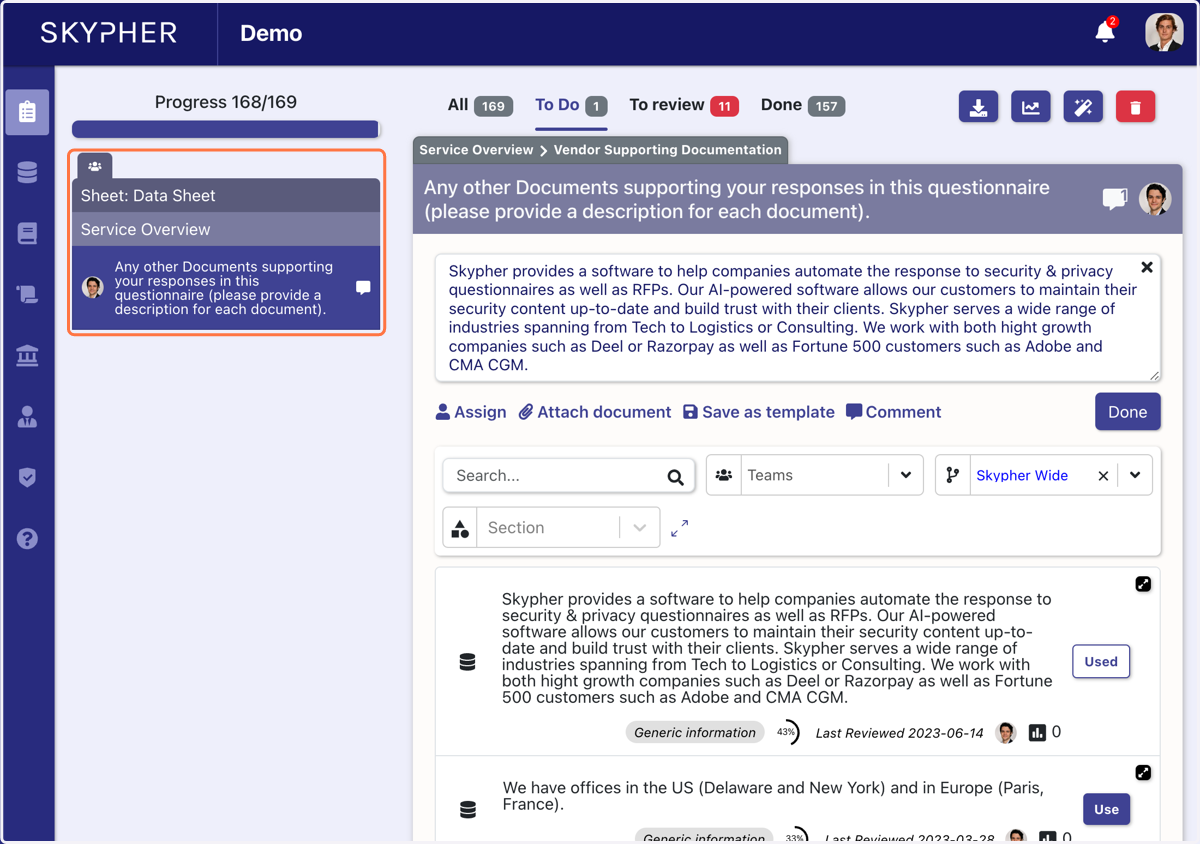
Assign a question to a co-worker
You have 2 options: Either Assign to a coworker, or add a comment with a tag
Assign to a coworker
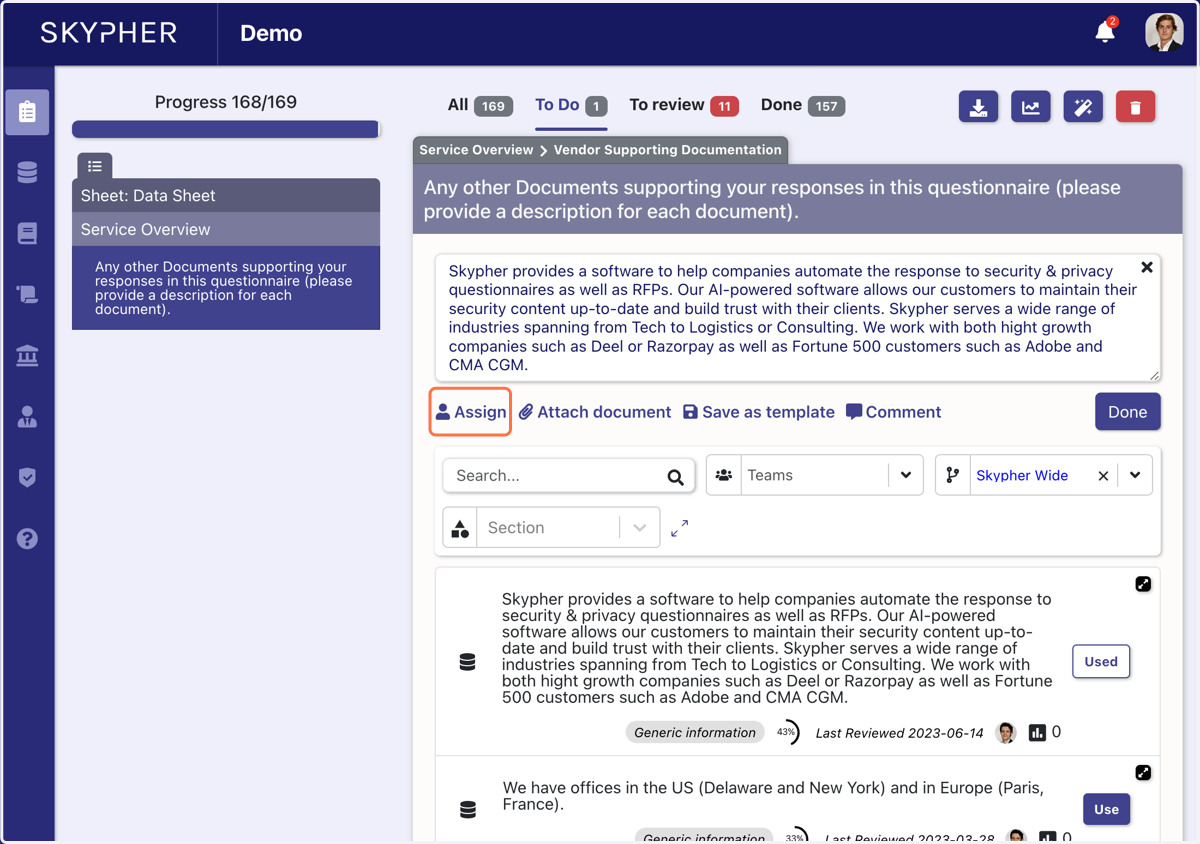
1. The first method consists in clicking on Assign
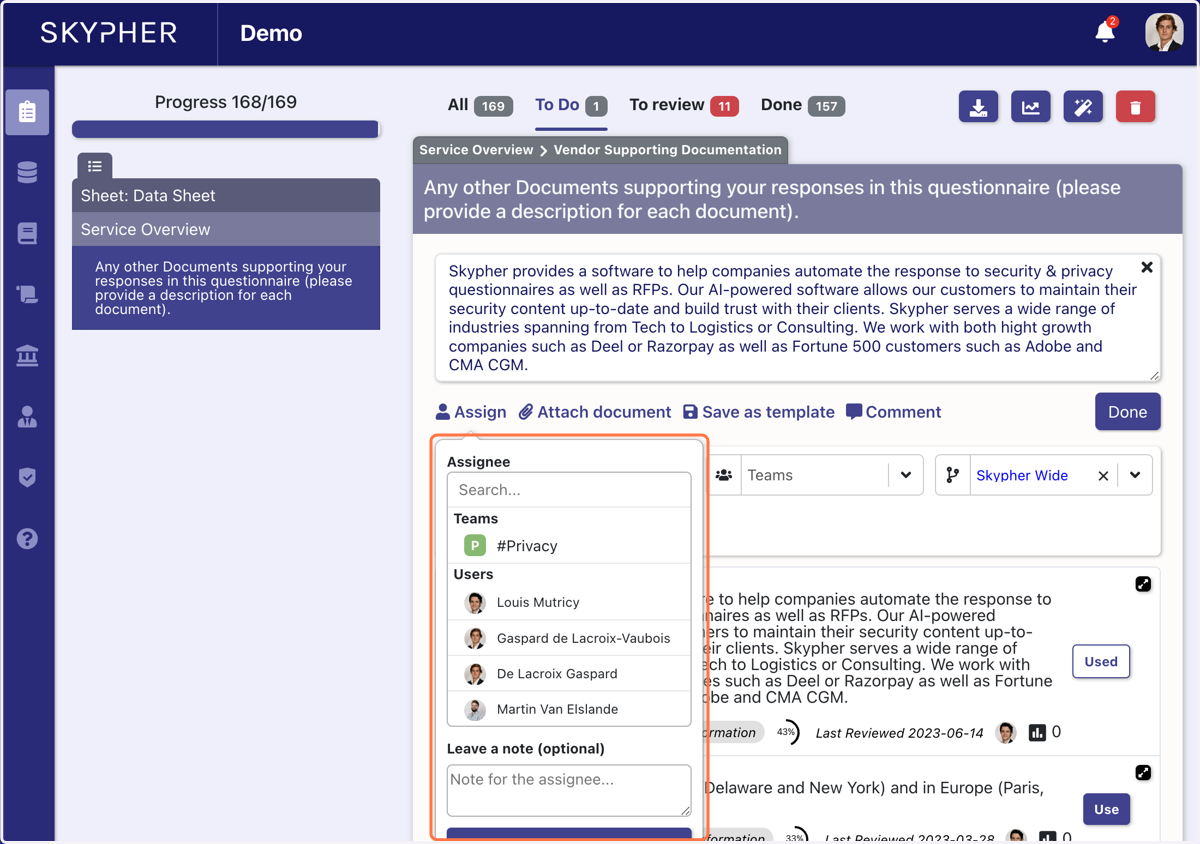
2. Choose a team (ex:Privacy) or a colleague
You can also add a note to give context to your question
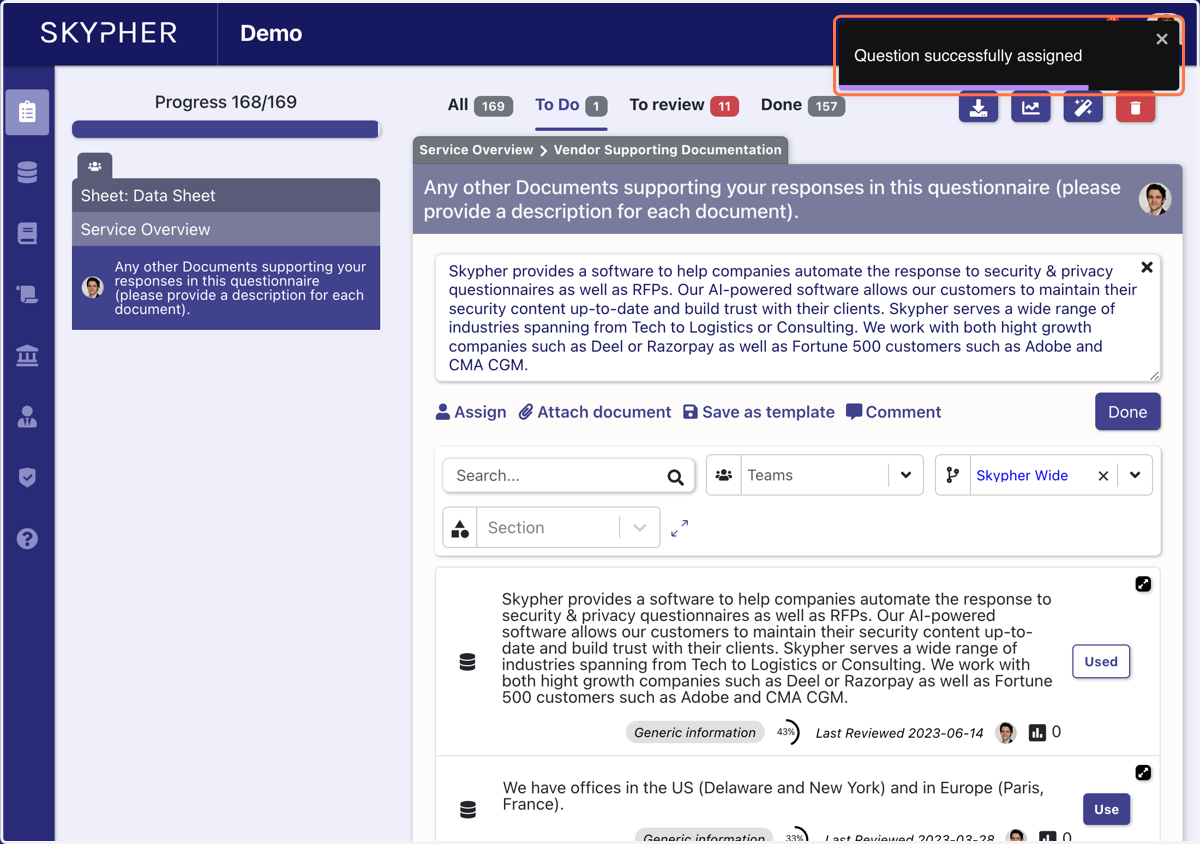
3. Once you have assigned the question to a colleague, a pop-up will appear with 'question successfully assigned'
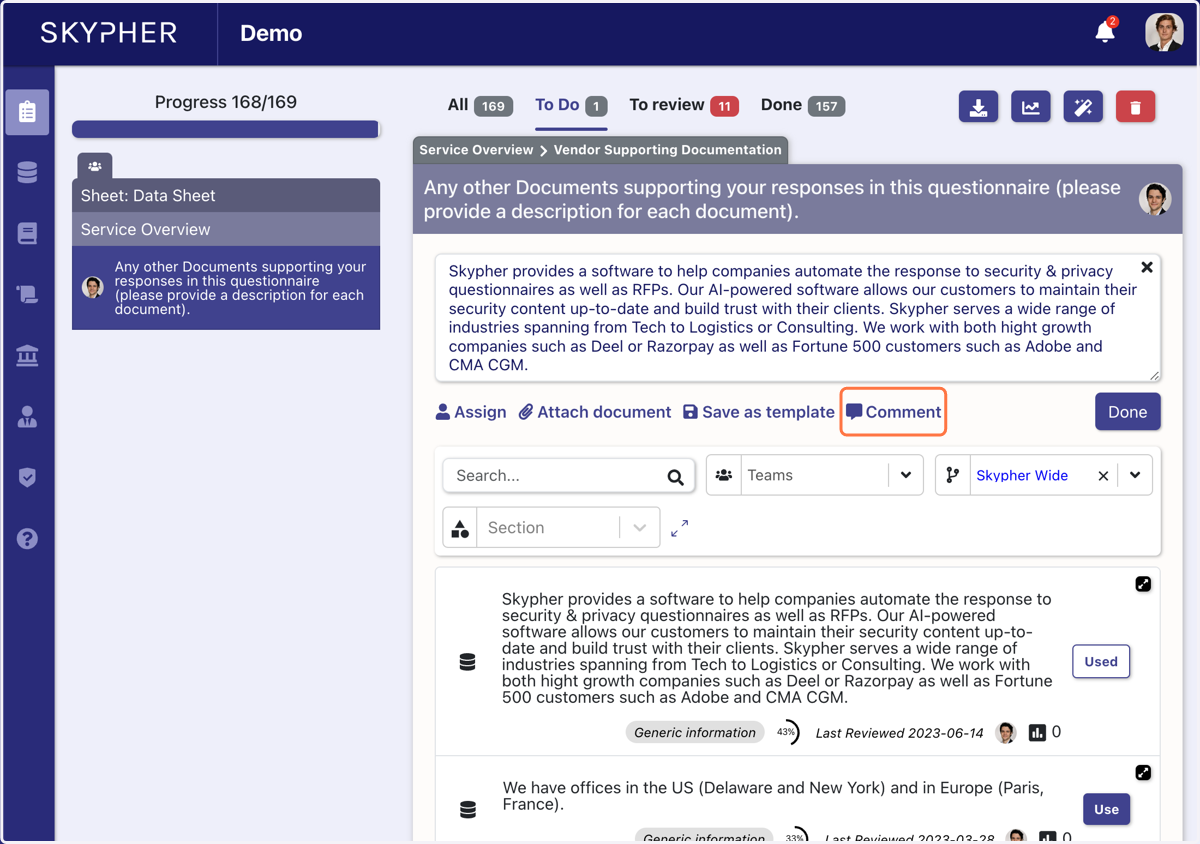
4. The other method consists in clicking on comment
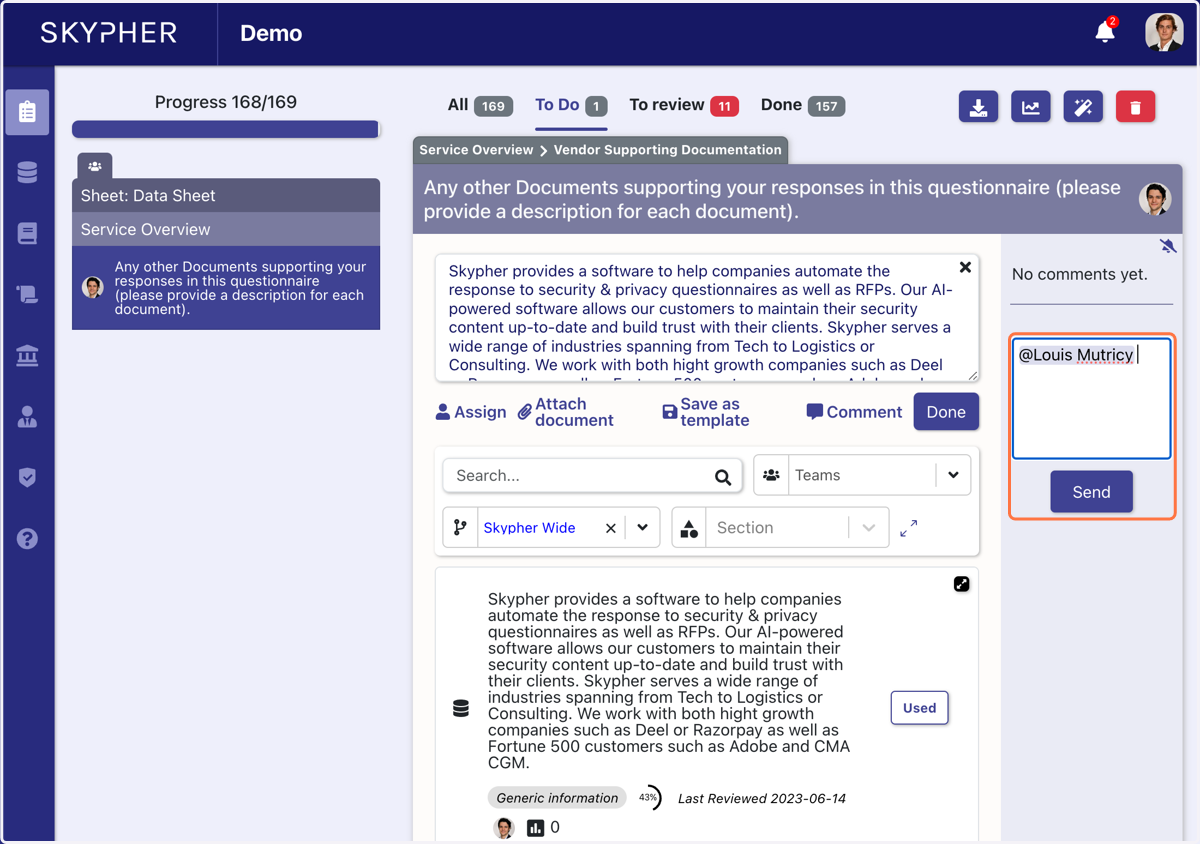
5. Type the name of the person you want to address and click on send
6. You will be able to see the comments assigned to coworkers below the progress bar