Product Cross-Selling | GT_PR_013
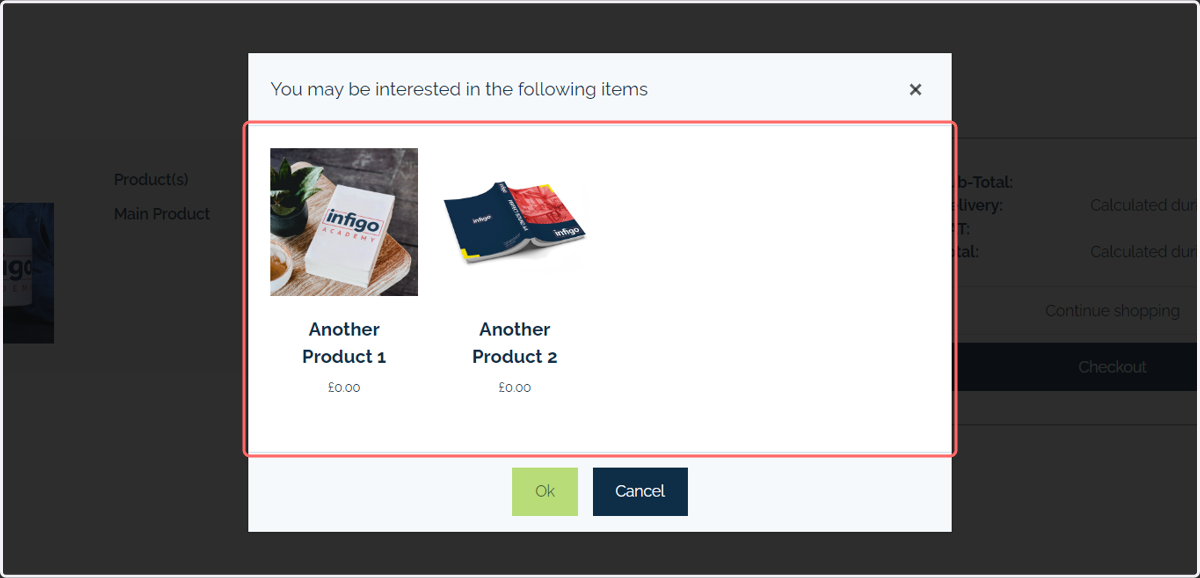
This tutorial discusses the ability to assign products as cross-sell products to another products. This means when your main product is added to basket and the user is taken to the basket page, additional items are shown as possible products they would be interested in.
1. Create your products
Navigate to Product Management and ensure you have the relevant products created.
You should identify a "main" product (on which you will apply products to cross-sell) and the products that will be cross-sold.
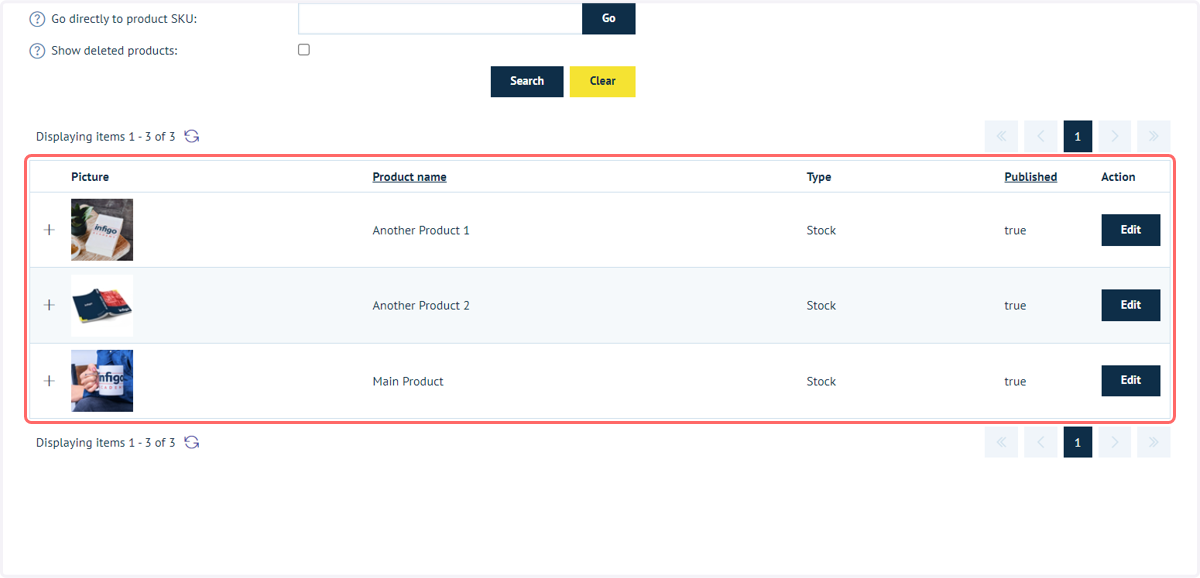
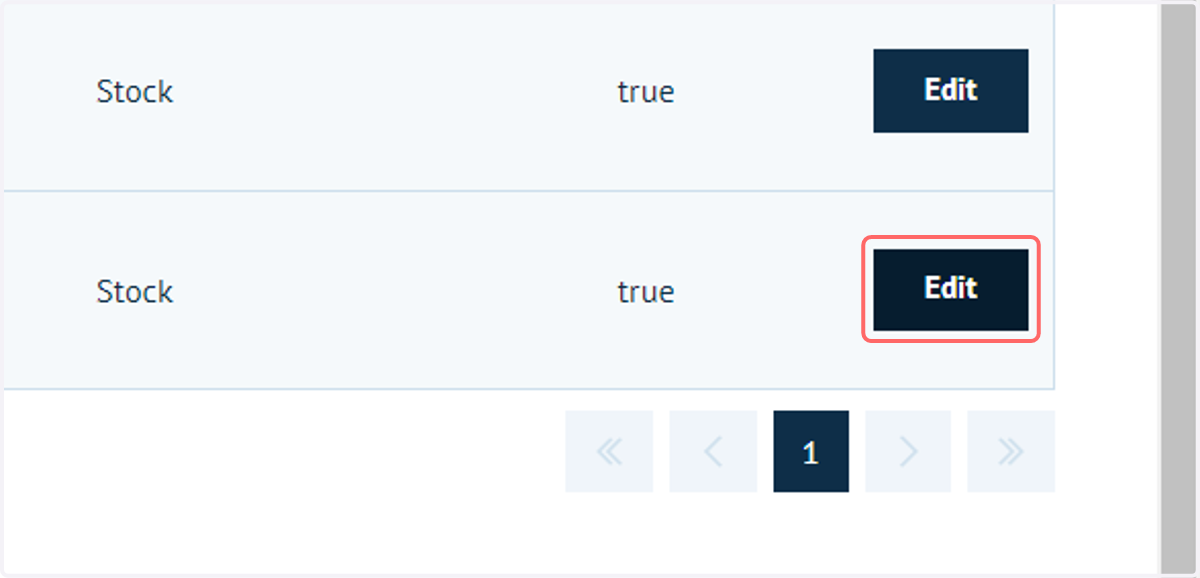
2. Click Edit on the product you wish to assign cross-sell products to
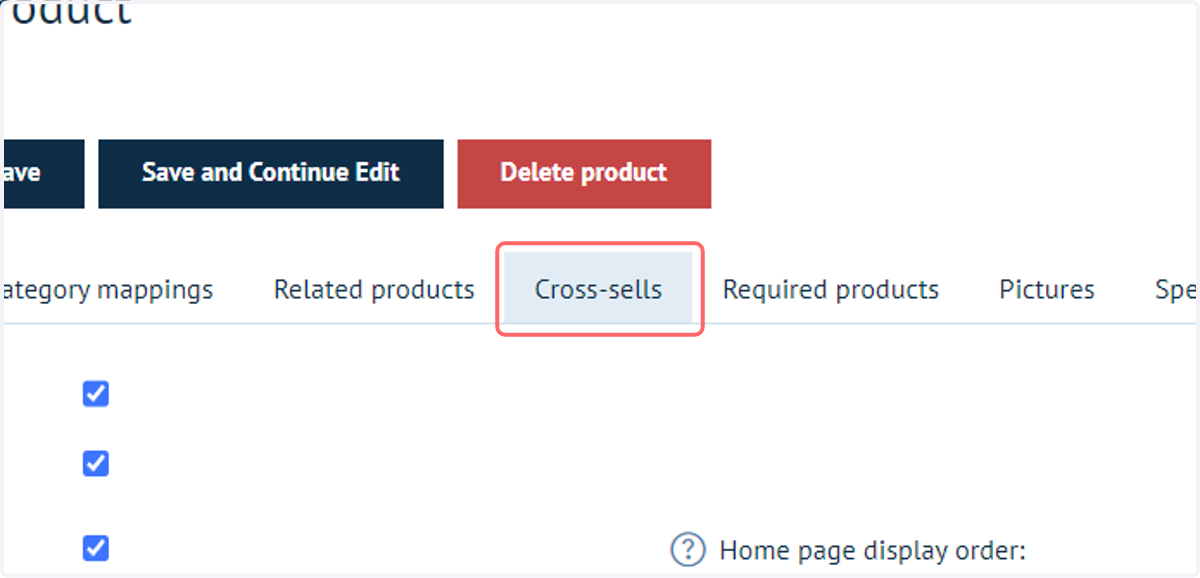
3. Click on Cross-sells
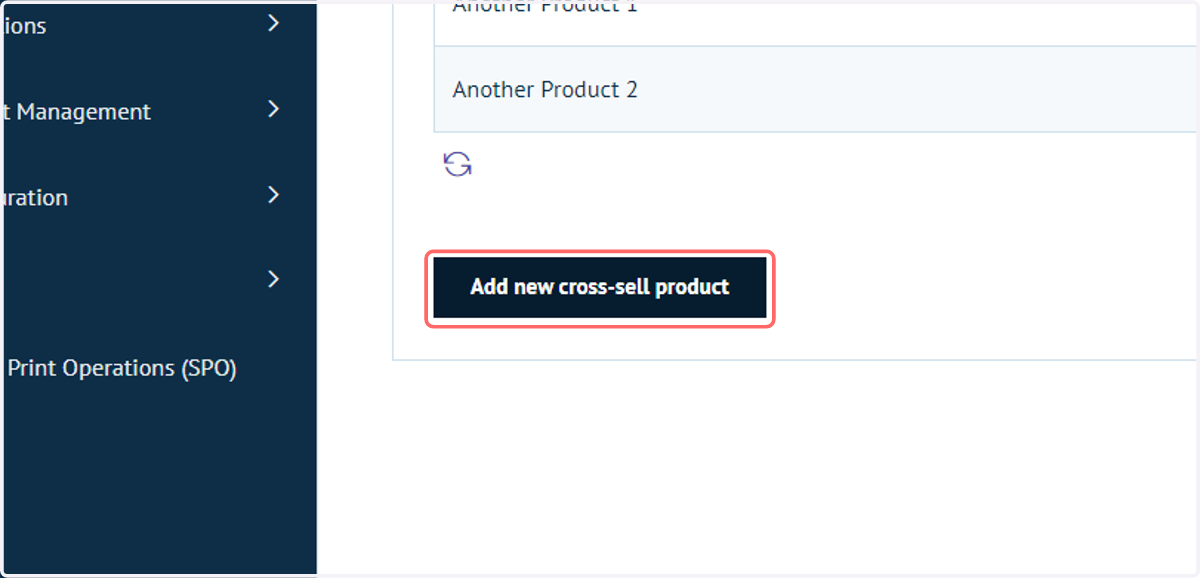
4. Click Add new cross-sell product
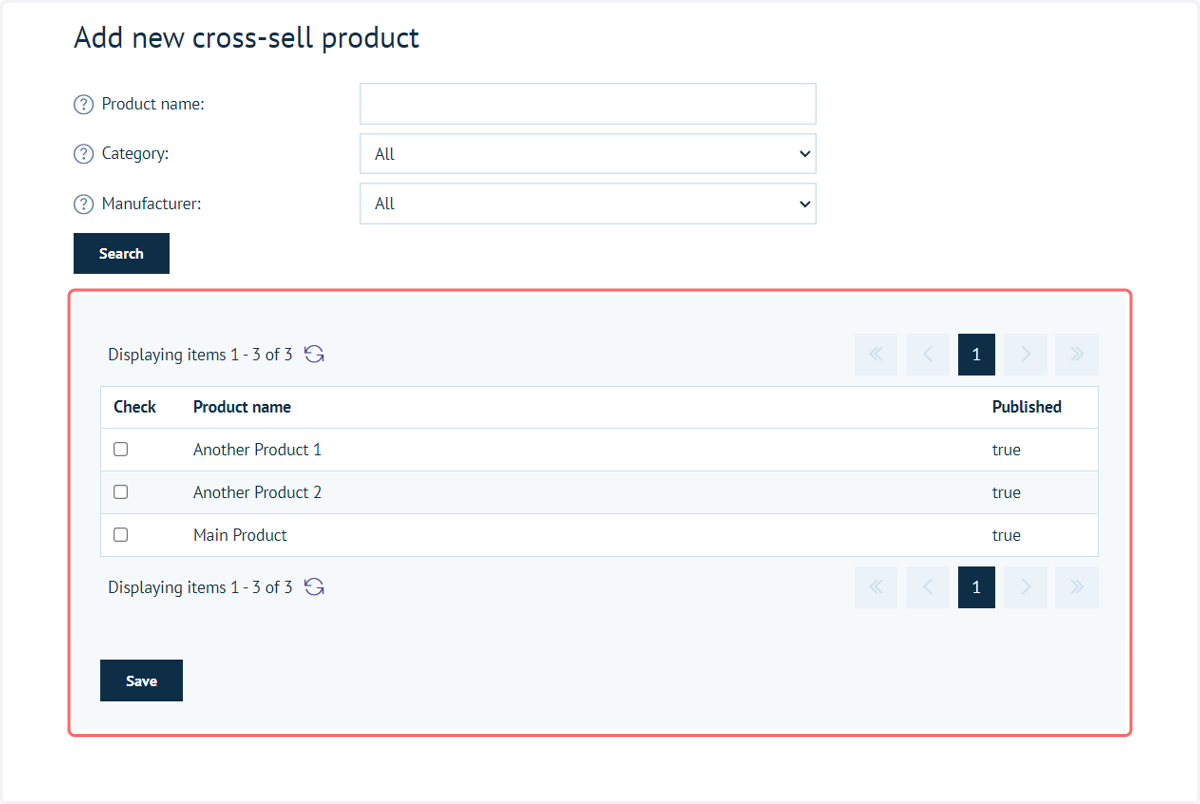
5. You will be shown a list of available products available to assign as cross-sell prodcts
Select one or more products you wish to assign as cross sell products.
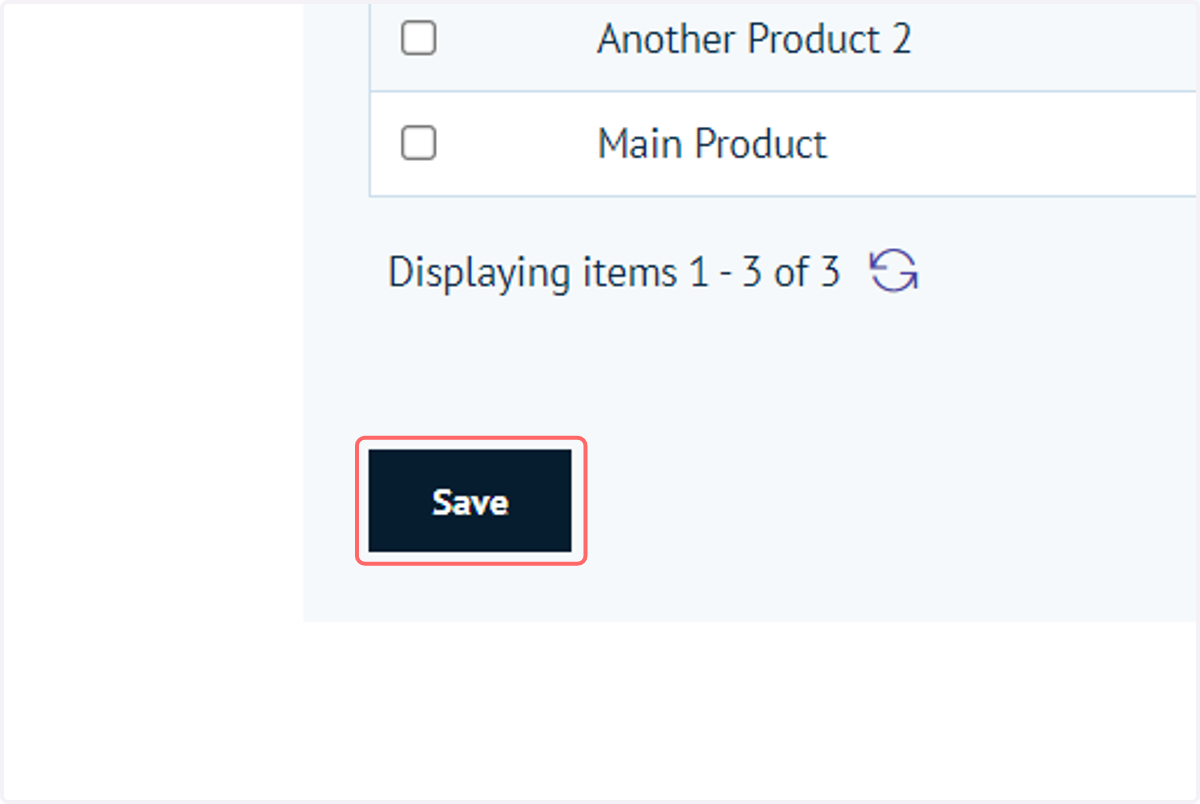
6. Click on Save
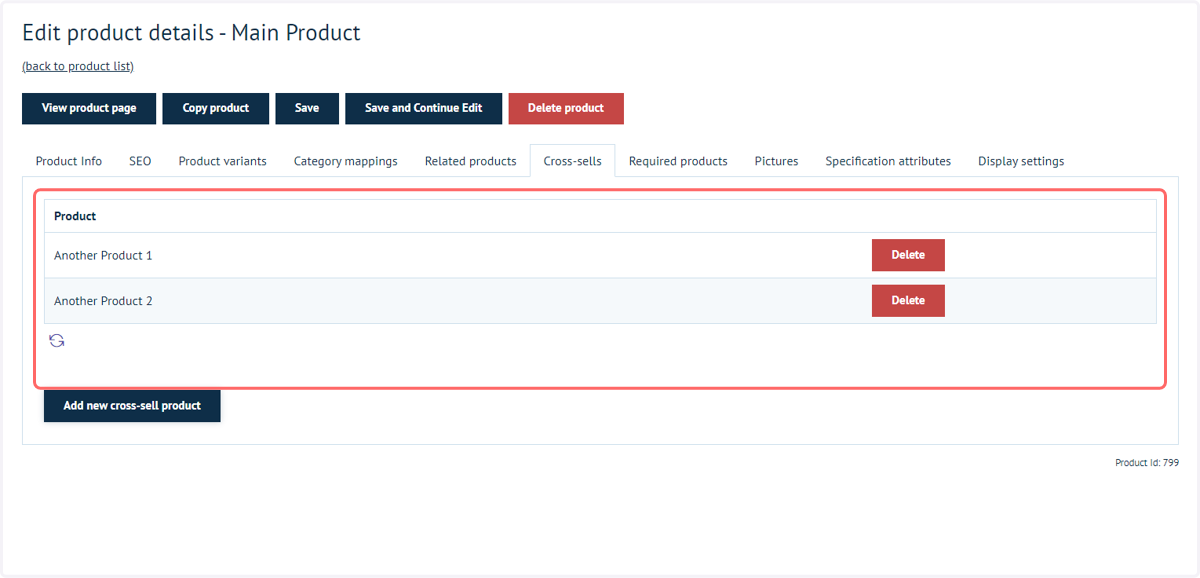
7. These products will now be displayed in the cross-sell list
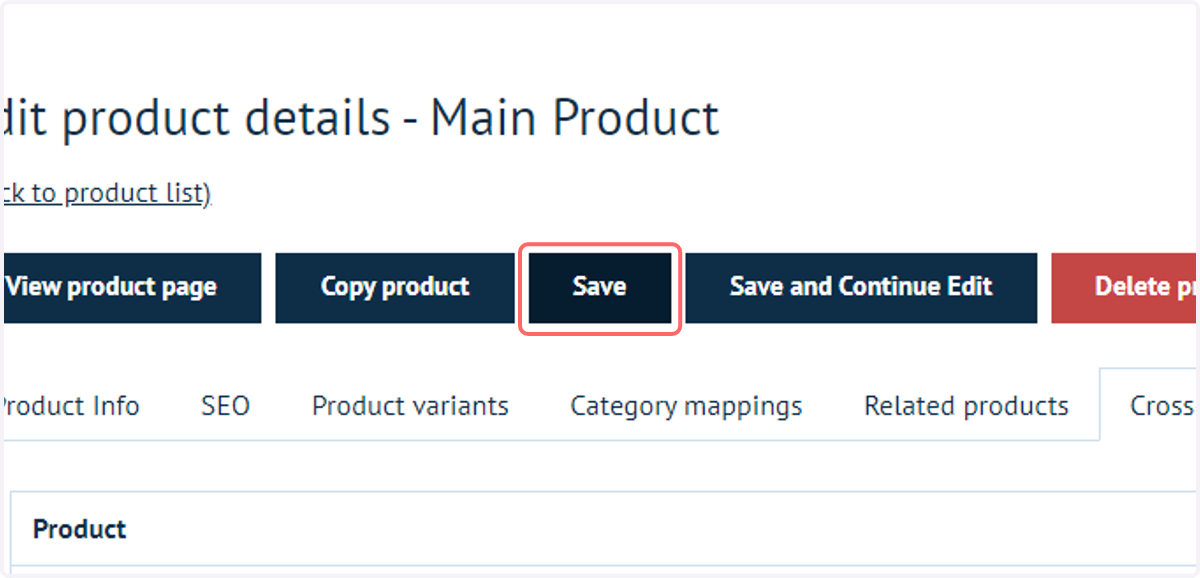
8. Click on Save
9. Navigate to Basket Settings
Next, we need to define within the settings how we wish cross-selling to be displayed.
This only needs to be configured once for all products.
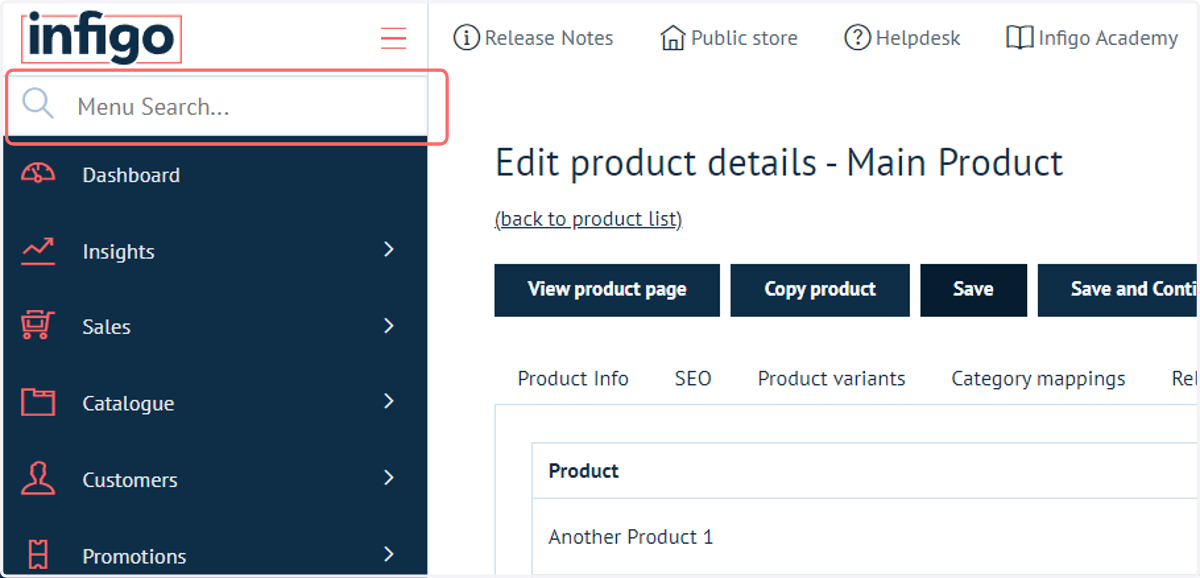
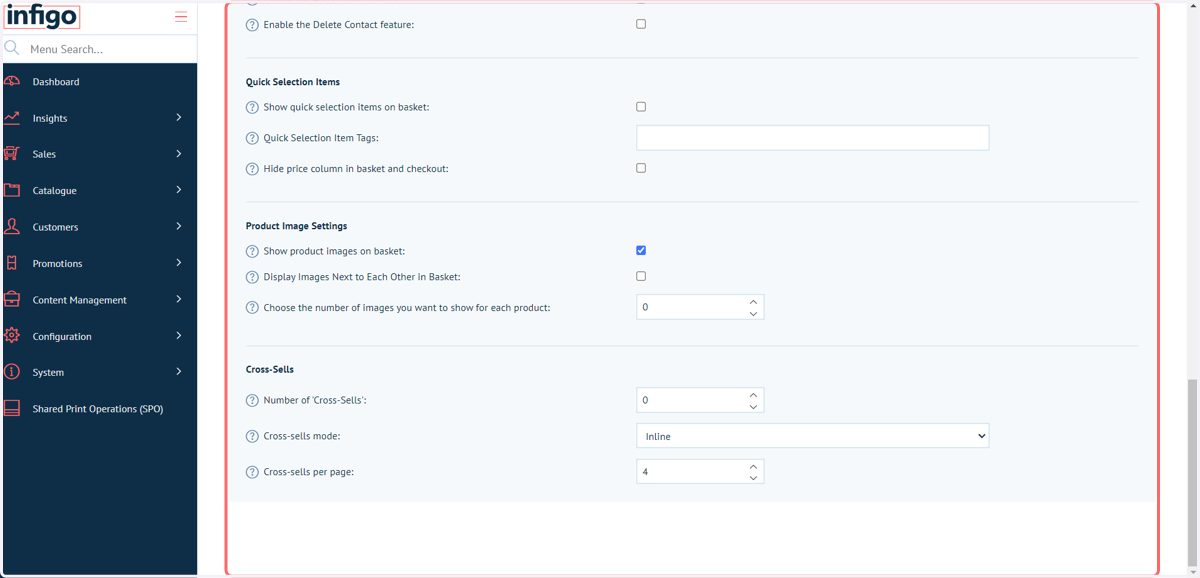
10. Navigate to the Cross-Sells section of options
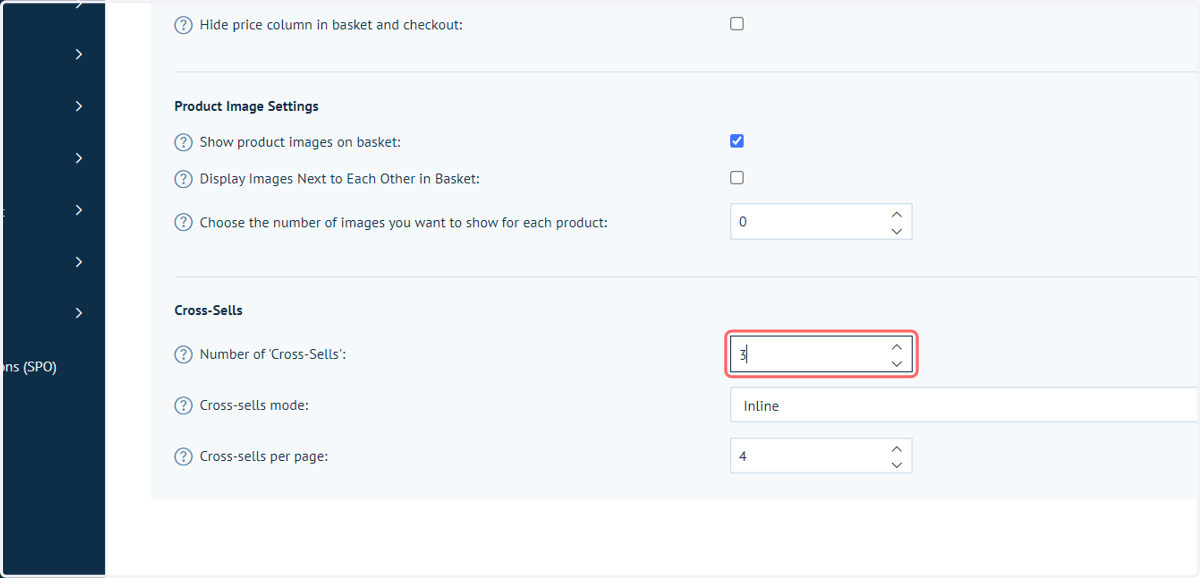
11. Define Number of Cross-Sells and mode
Number of Cross-Sells defines how many Cross-Sell products to show as a maximum.
This comes into play if you have a large number of cross-sell products. For example, multiple items in your basket each with one or more cross-sell products.
Cross-Sells mode controls how cross-sell products are displayed within the basket. We will begin with the Inline mode selected.
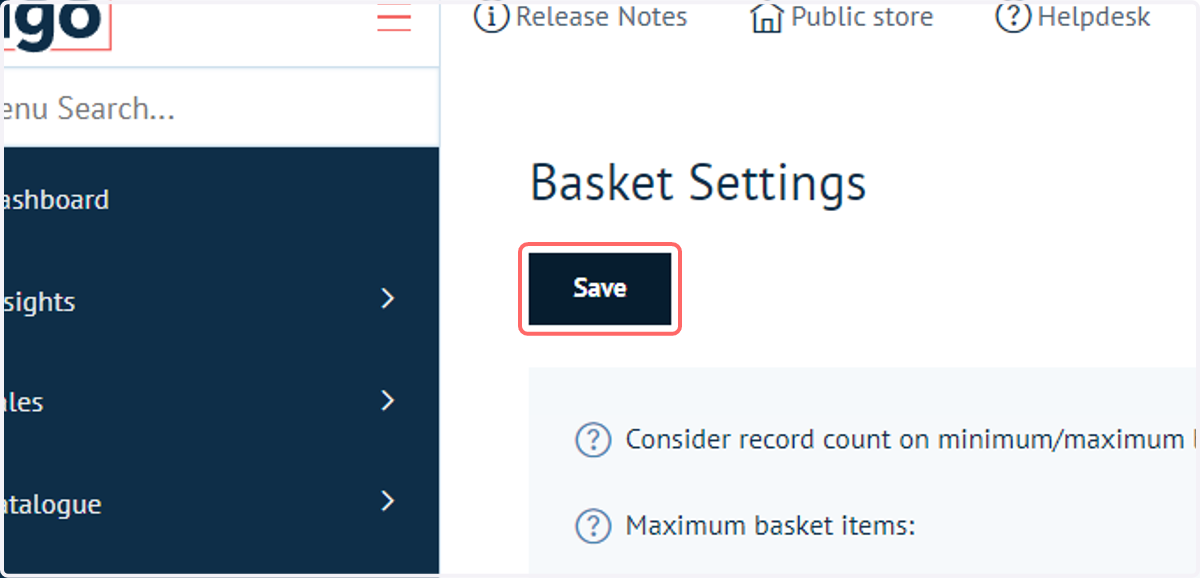
12. Click on Save
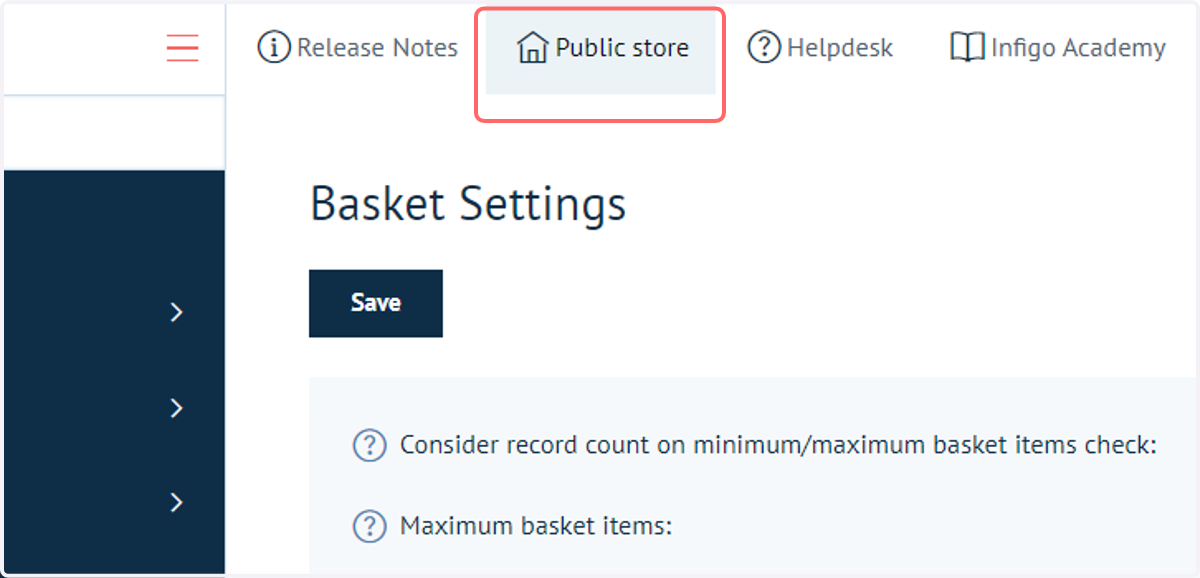
13. Click on Public store
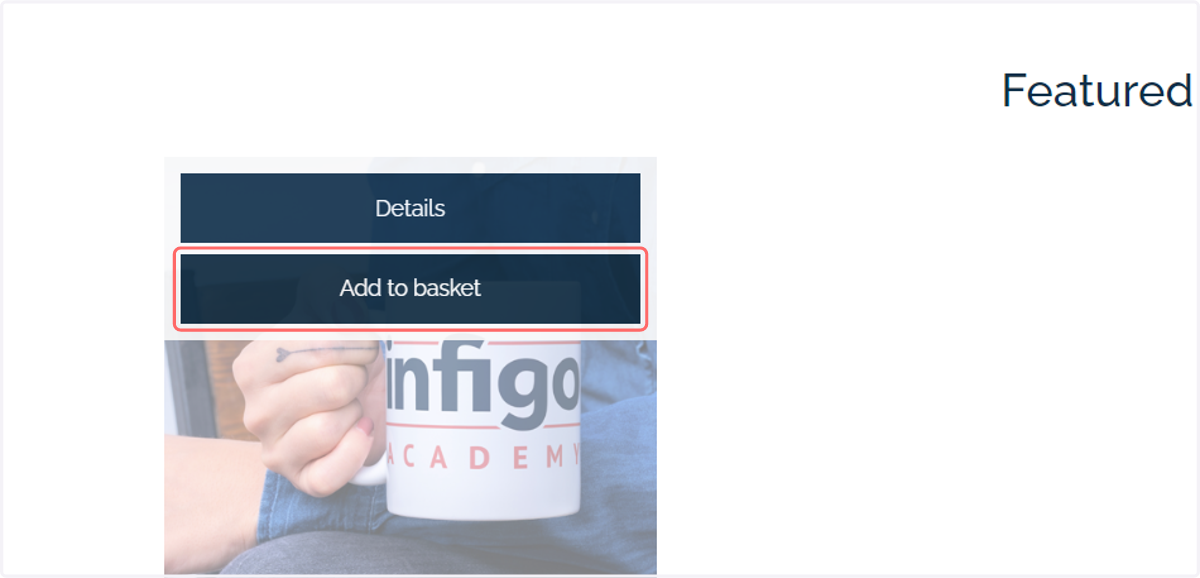
14. Add your main product to the basket
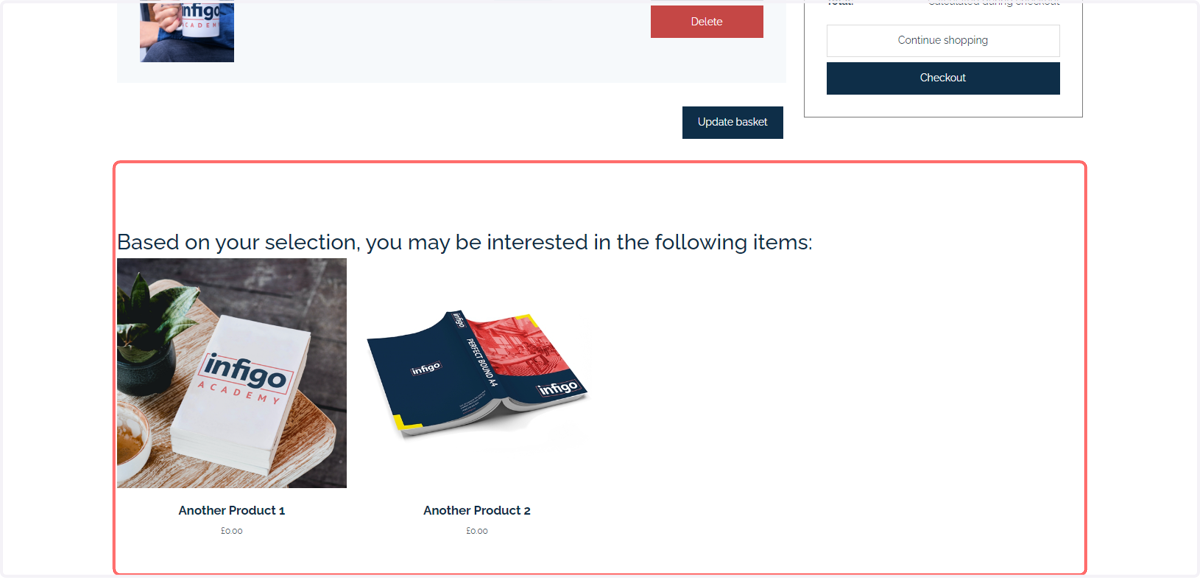
15. Inline cross-sells mode will show the cross-sell items as part of the basket page
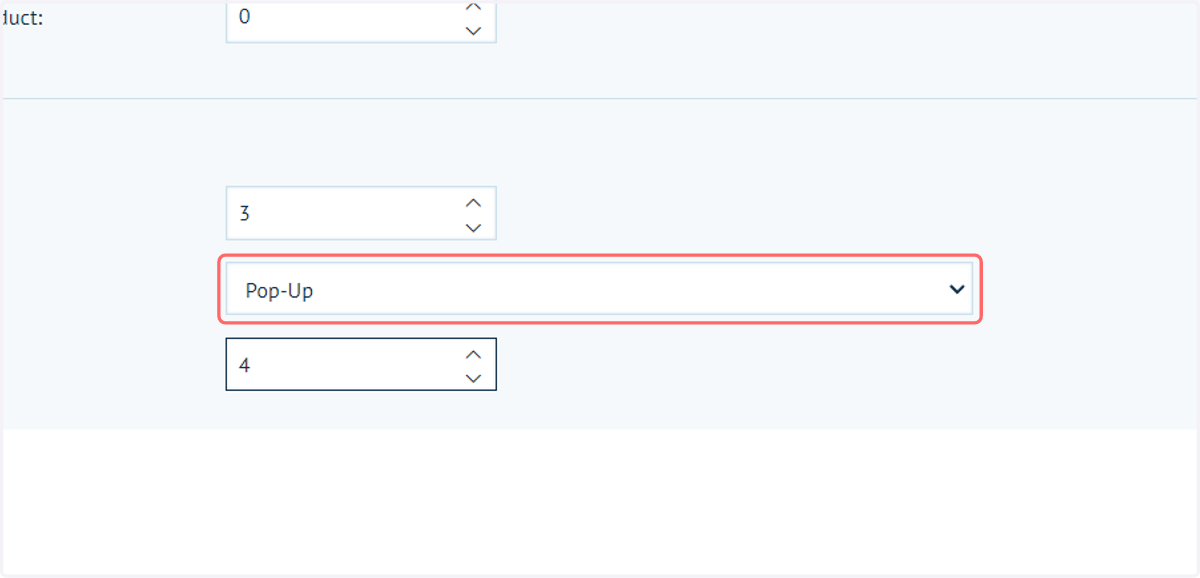
16. Return to the Basket settings and select Pop-Up from Cross-sells mode
This option will display a separate pop-up box of cross-sell products instead of including them in the main content of the basket page.
17. Click on Save
18. Returning to the basket, we can see how the pop-up cross-sells mode looks