How to change your billing method for Tango Pro
Tango
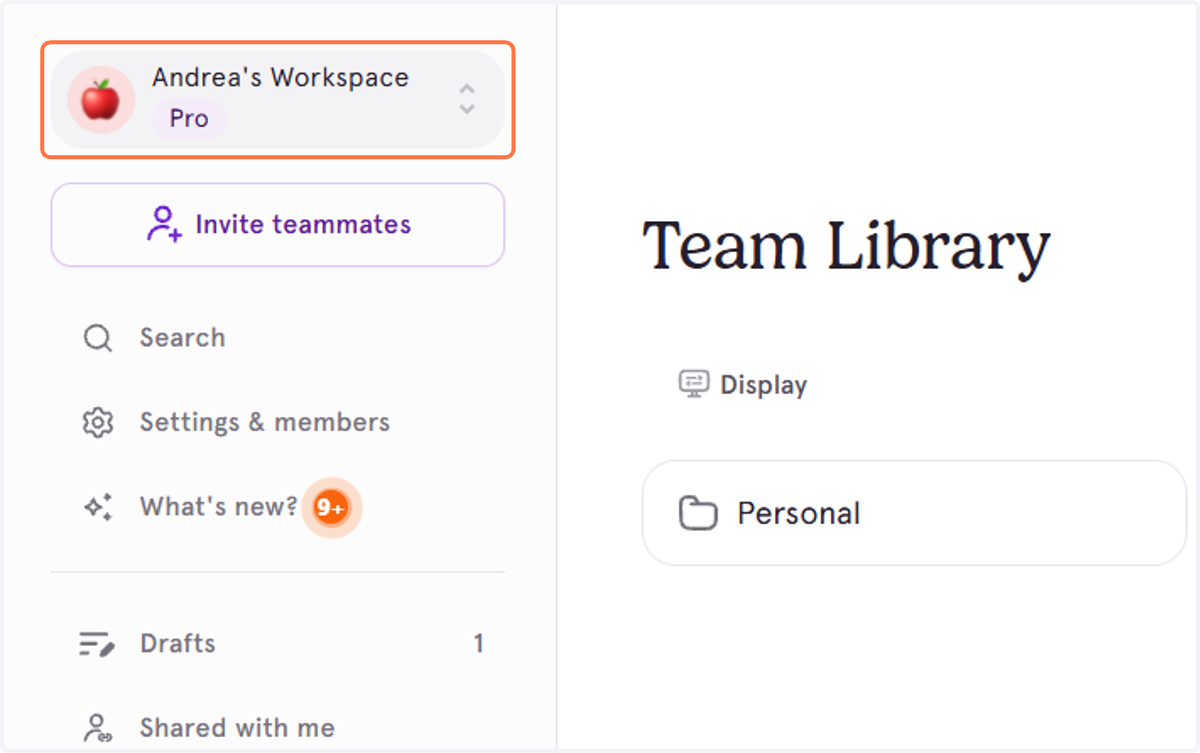
1. From your Tango Homepage, click the Workspace selector dropdown.
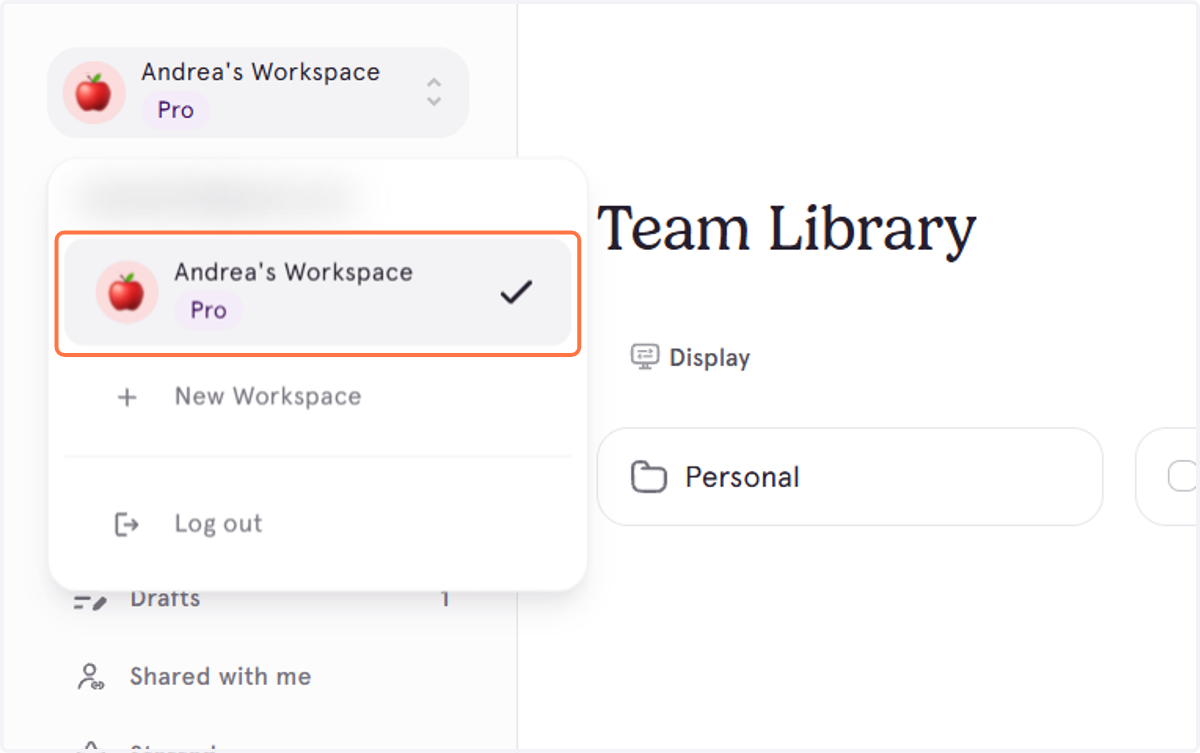
2. Confirm you're in the right Workspace.
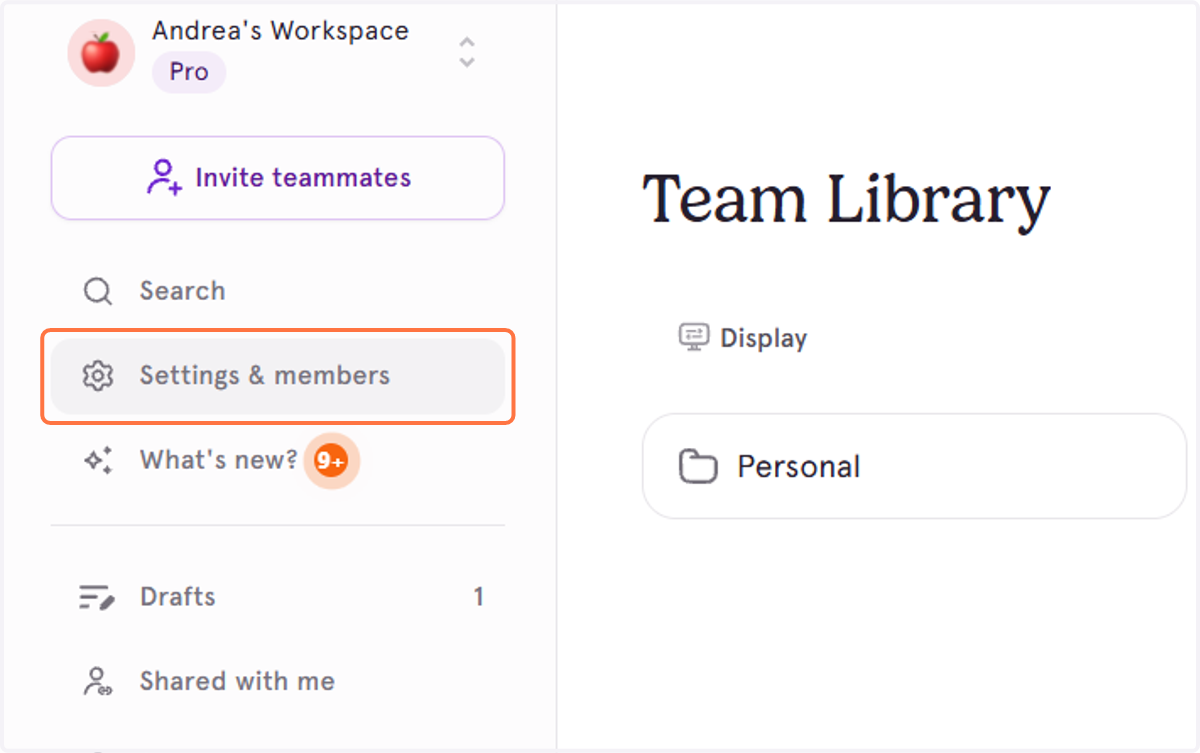
3. Click on Settings & members
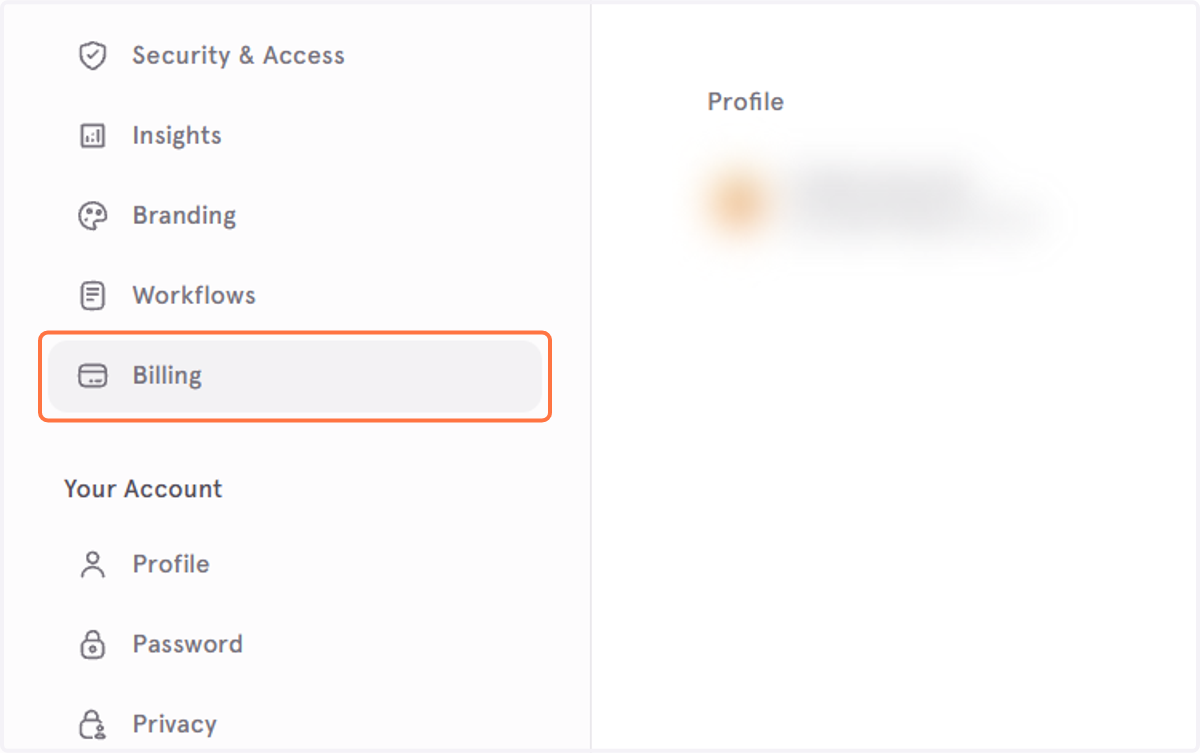
4. Click on Billing
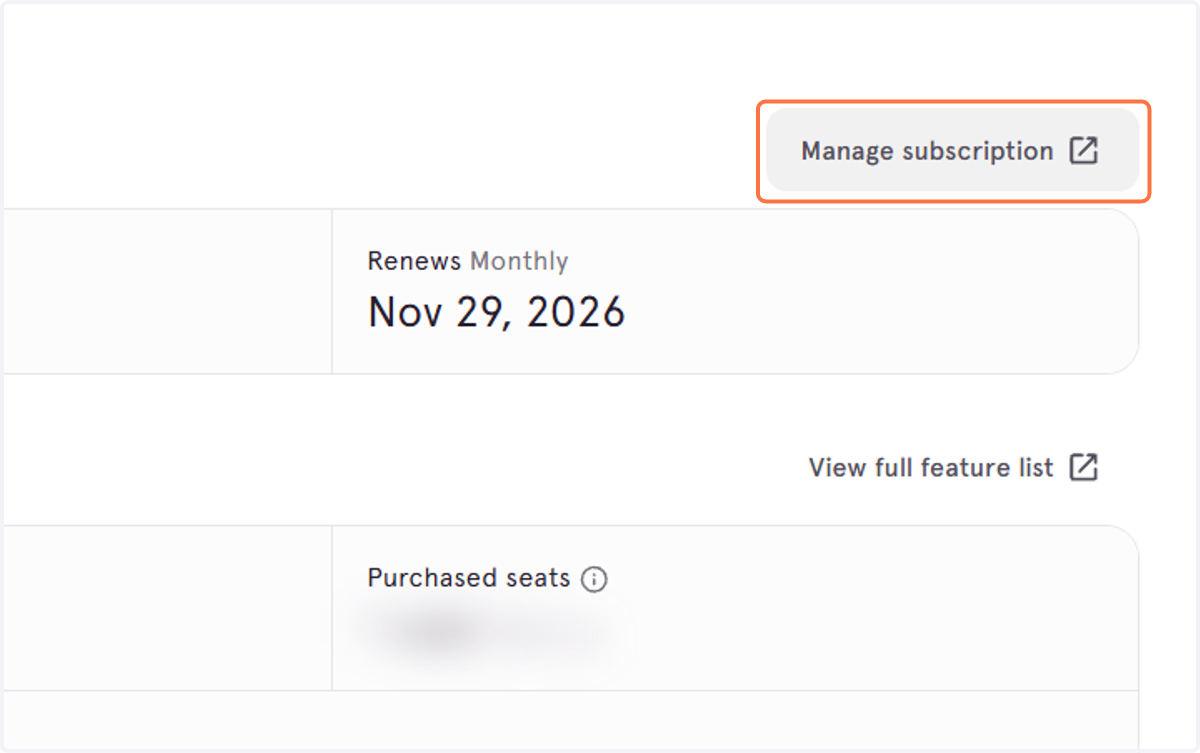
5. Click on Manage subscription
Updating your payment method
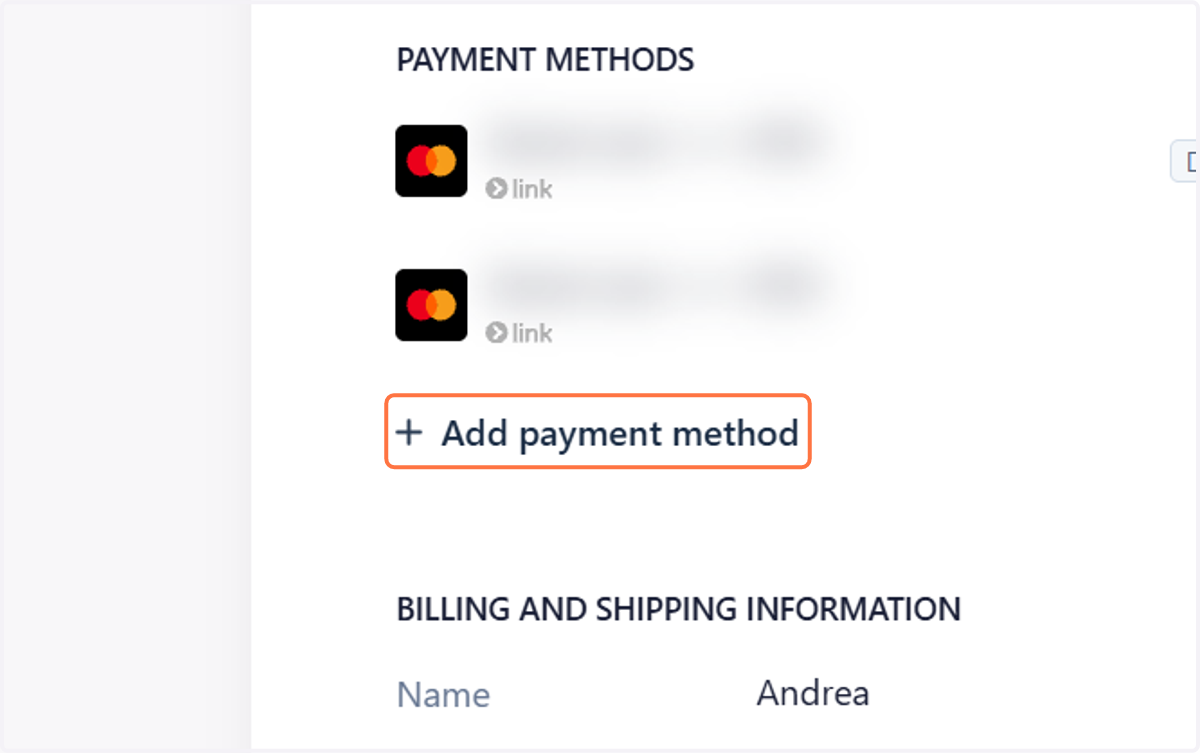
6. Click on Add payment method
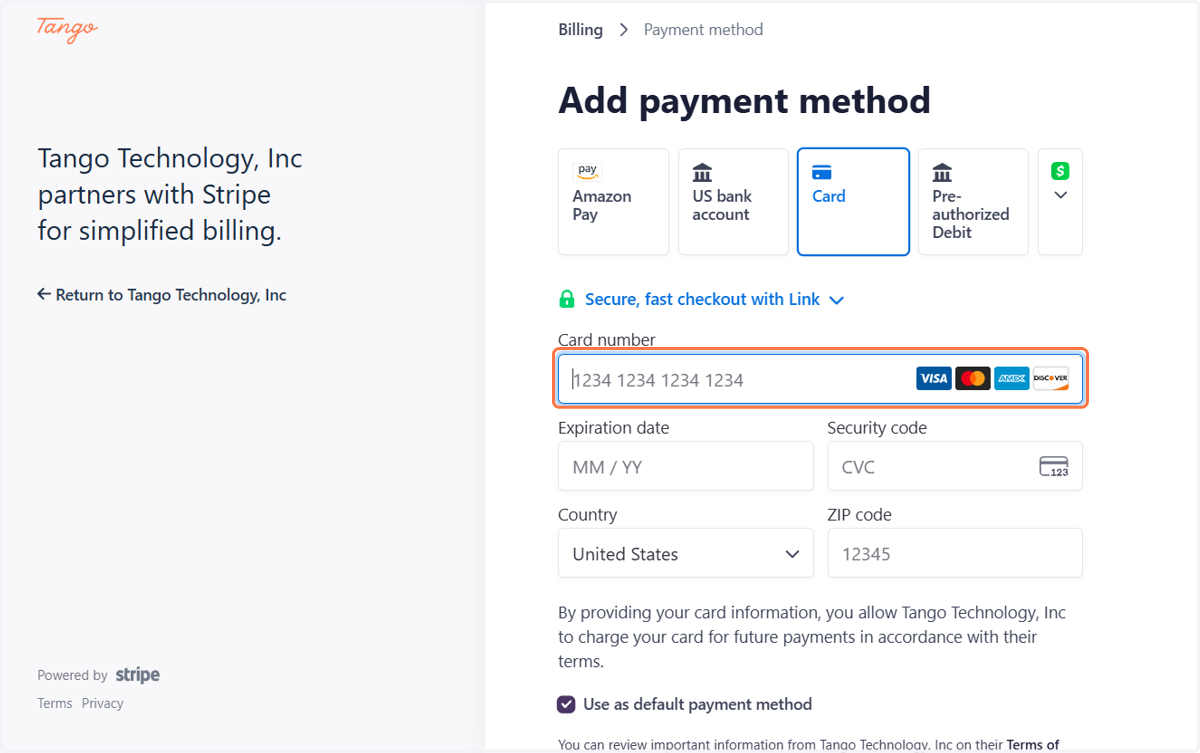
7. Click on Card
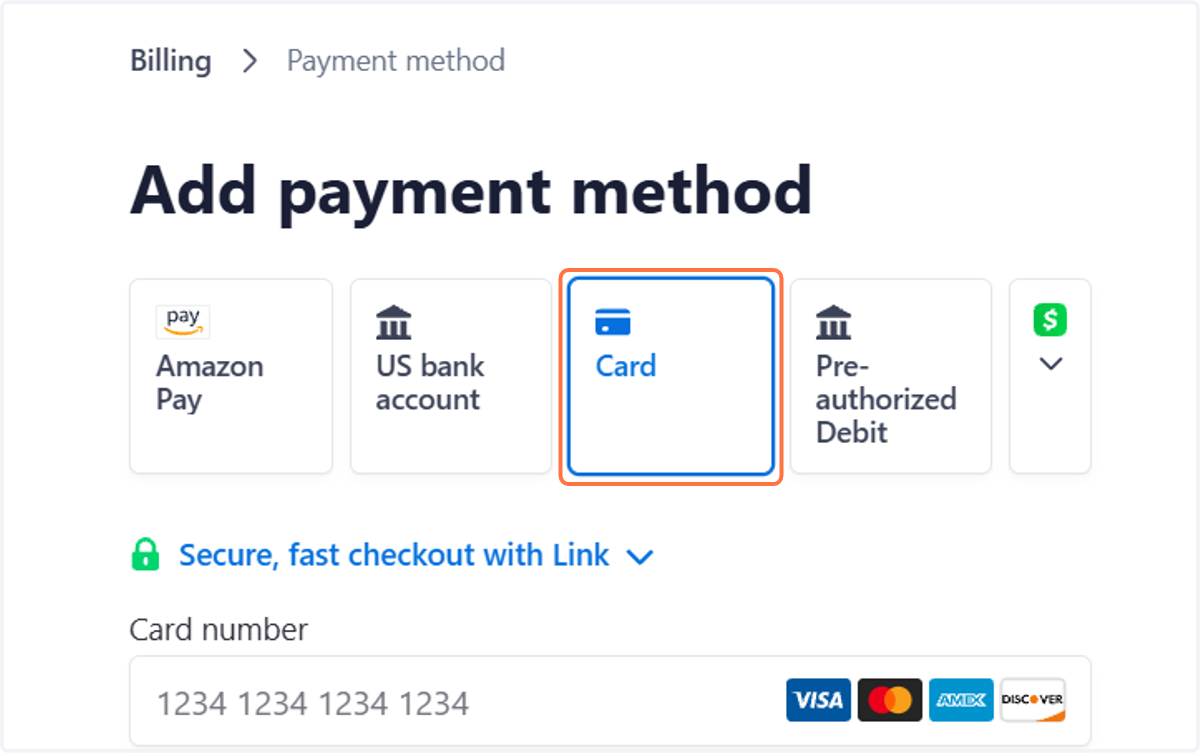
8. You need to type in your card details before hitting Add
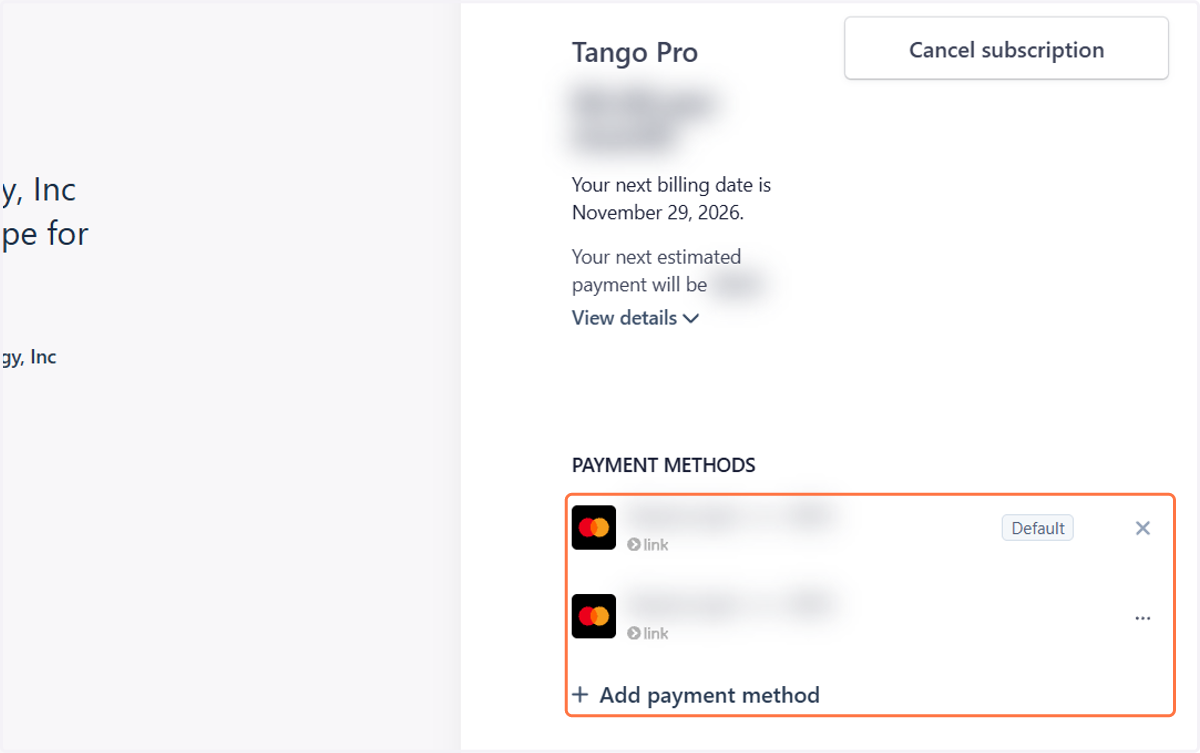
9. You should be able to see all the cards on file. Click the the three dots to change your default card or delete a card.
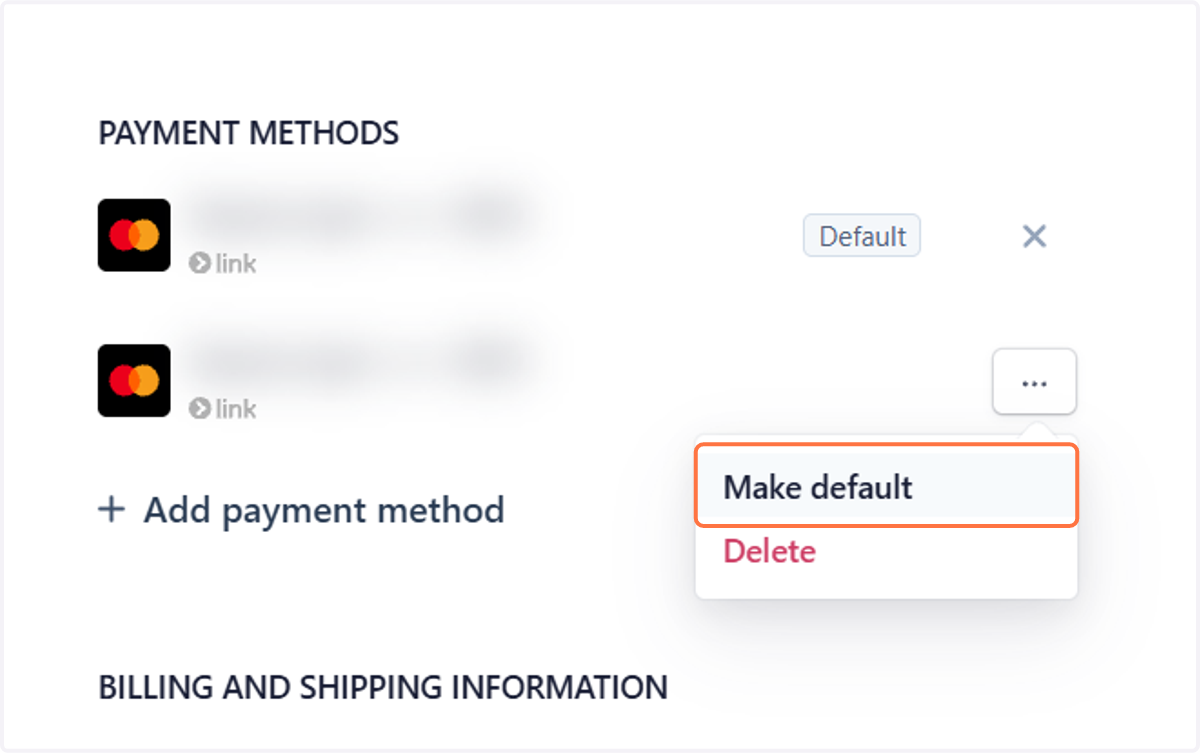
10. Click on Make default to change your default card on file
11. You can also choose to pay by bank transfer (ACH)
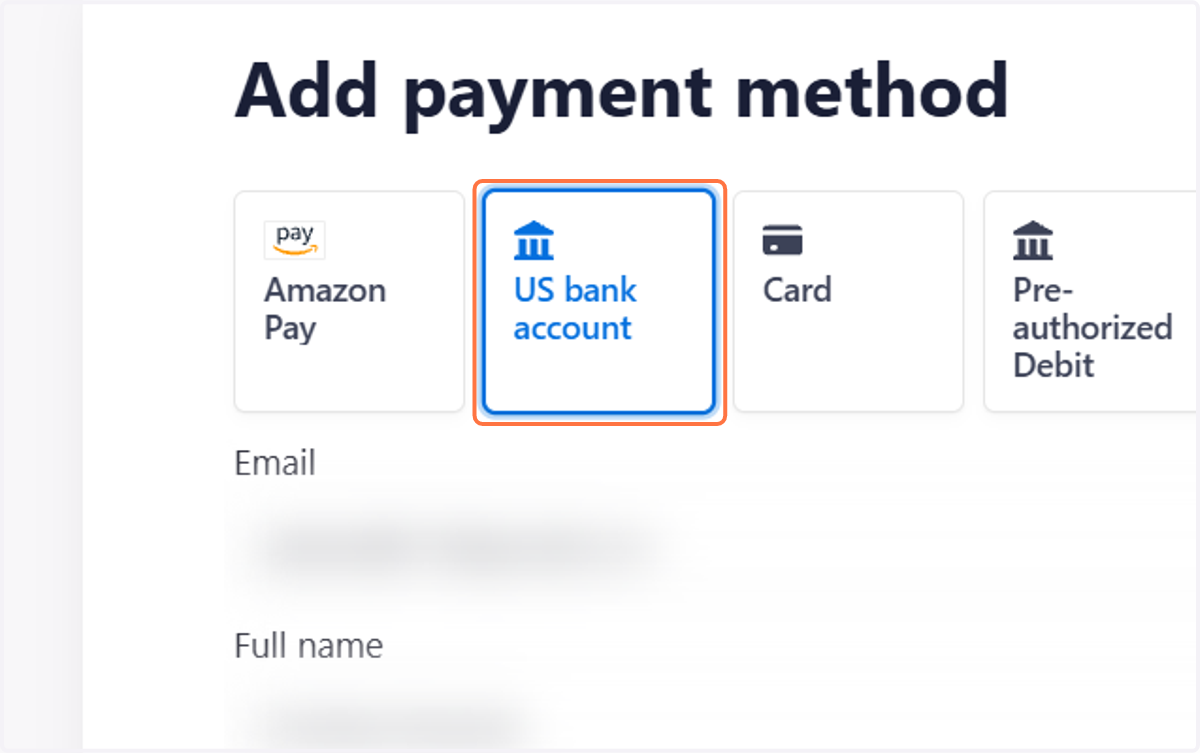
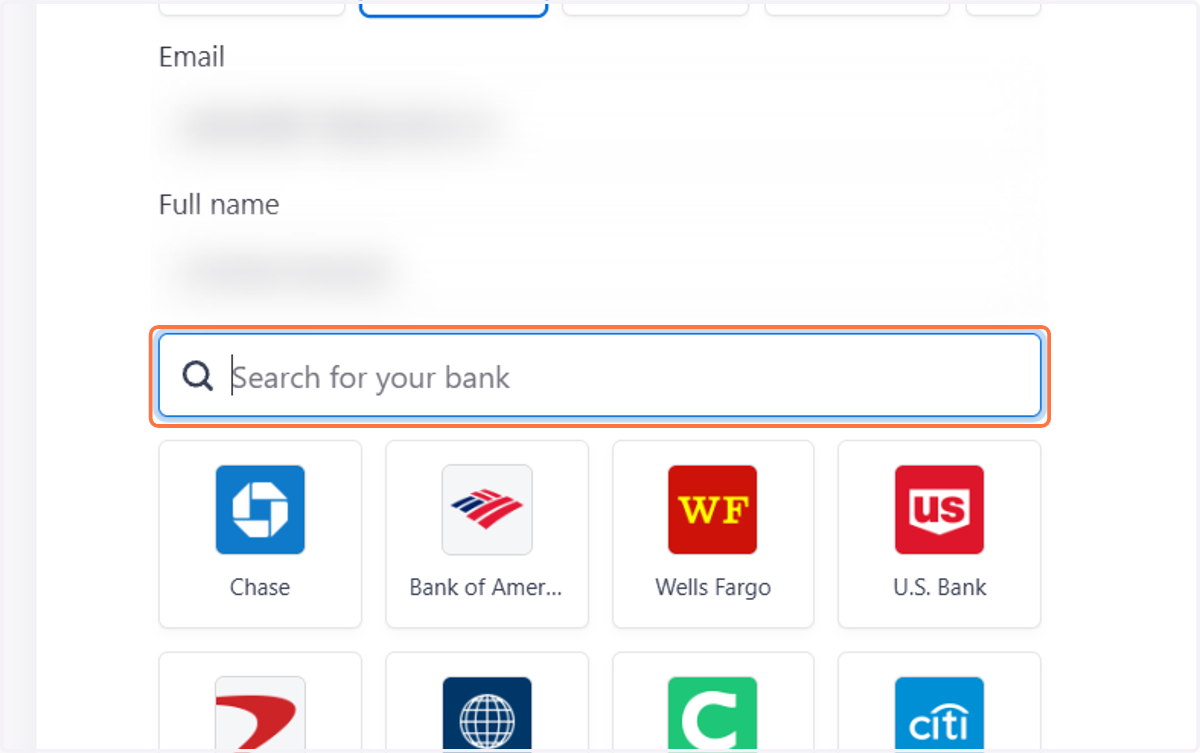
12. Search for your bank, then follow the prompts to set up ACH payments.
Changing your address and Tax ID
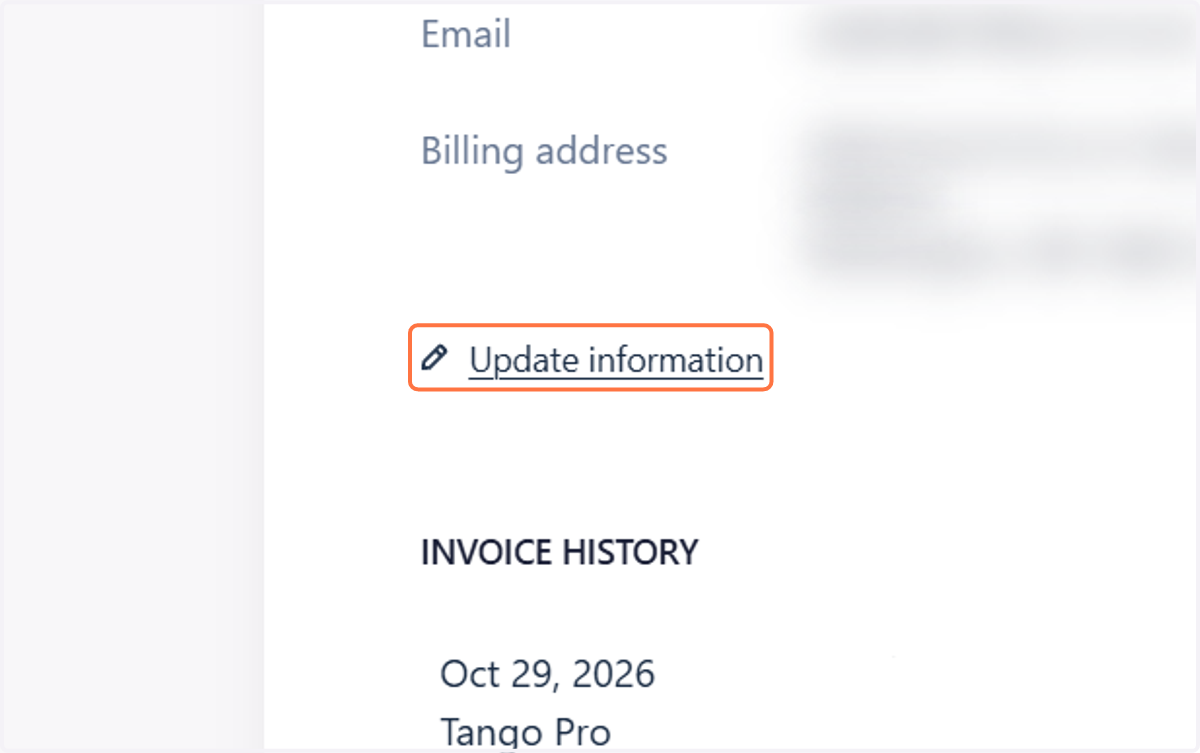
13. To update your billing details, click on Update information
14. From there, you can update your billing email or mailing address
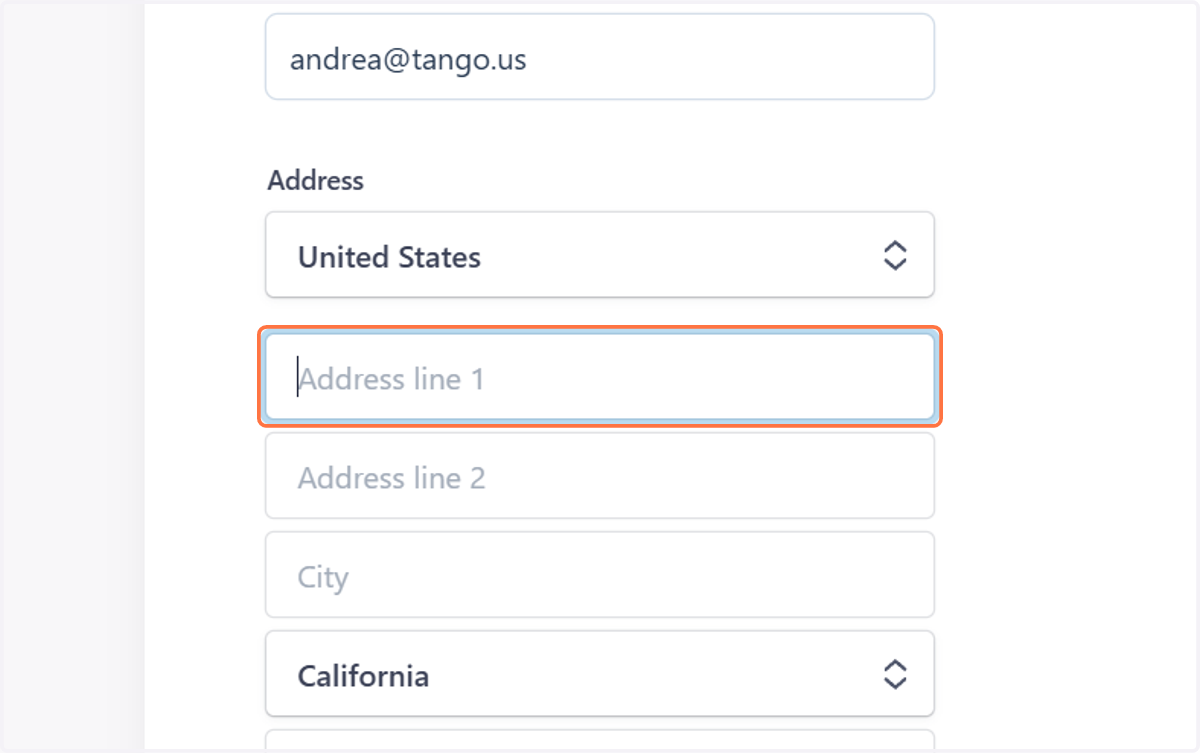
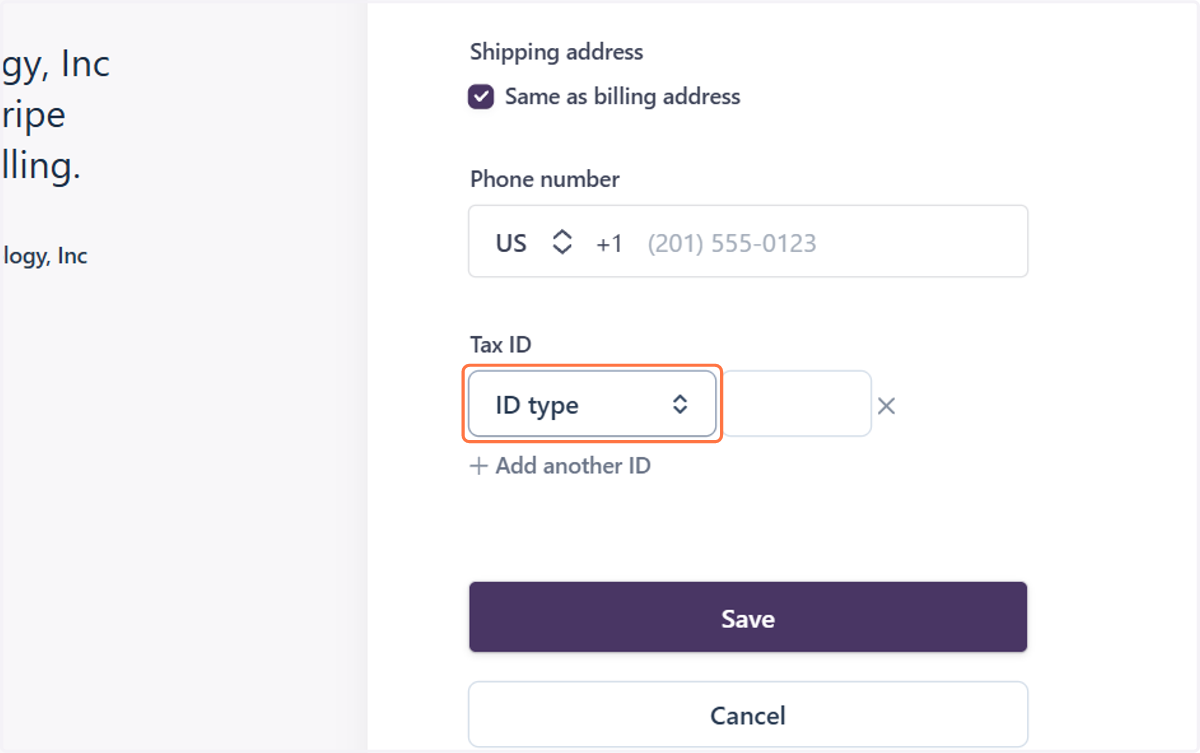
15. You can also enter your Tax ID number for tax exempt organization globally
To be eligible for tax exemption status on your next invoice, please provide the tax exemption status letter for your organization.
Once we have those details in our system for our auditors, we can adjust the tax exemption status for your account.