Download your Tango Workspace audit log
Tango
1. Go to Security Settings and navigate to Tango Audit log.
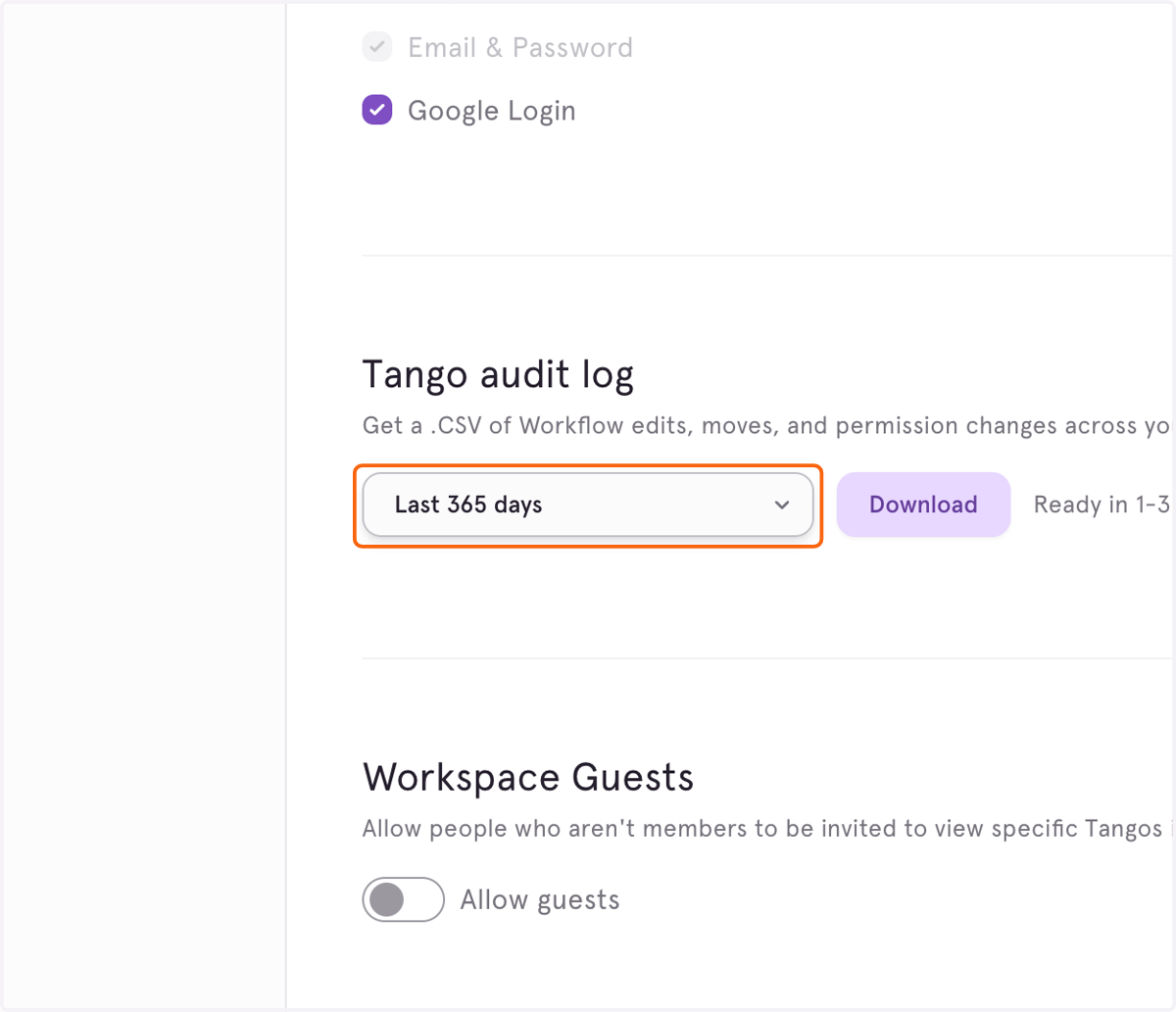
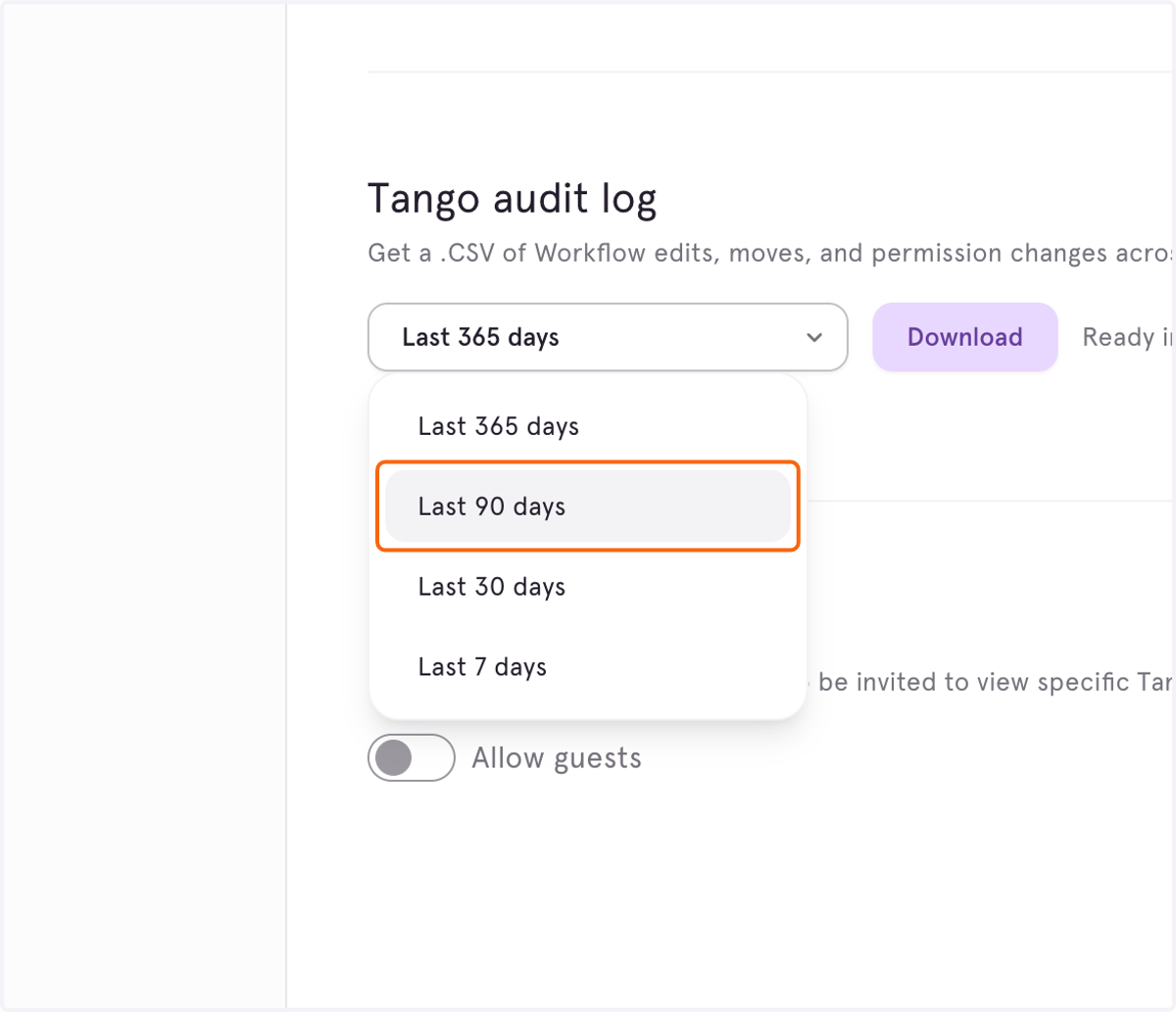
2. You can download logs for the past year, last 90 days, last 30 days, or last 7 days.
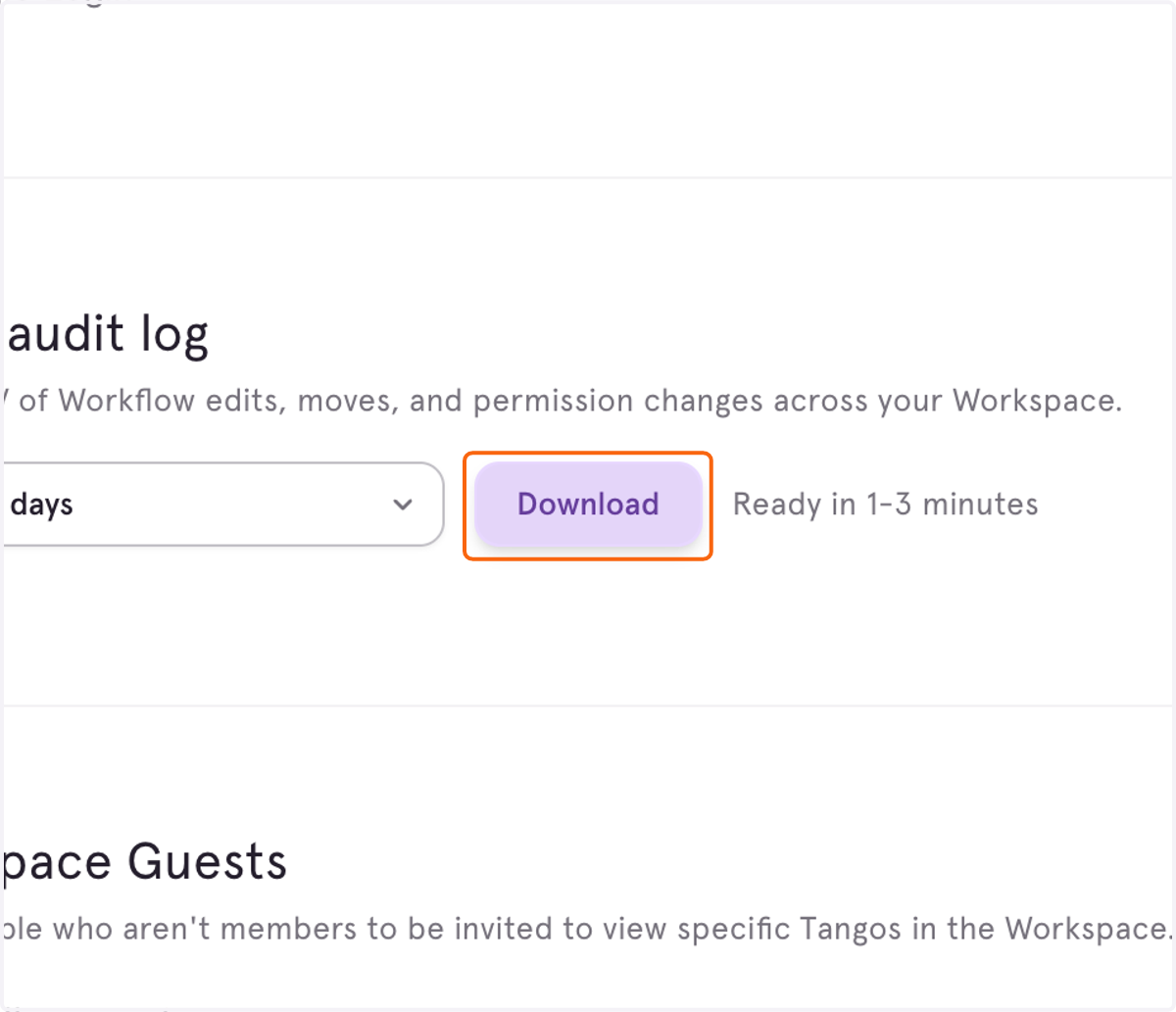
3. Click on Download. The CSV will take 1-3 minutes to be generated.