API link to Navigator change.
There is a change to the way the WMS sends jobs to Navigator.
In the WMS
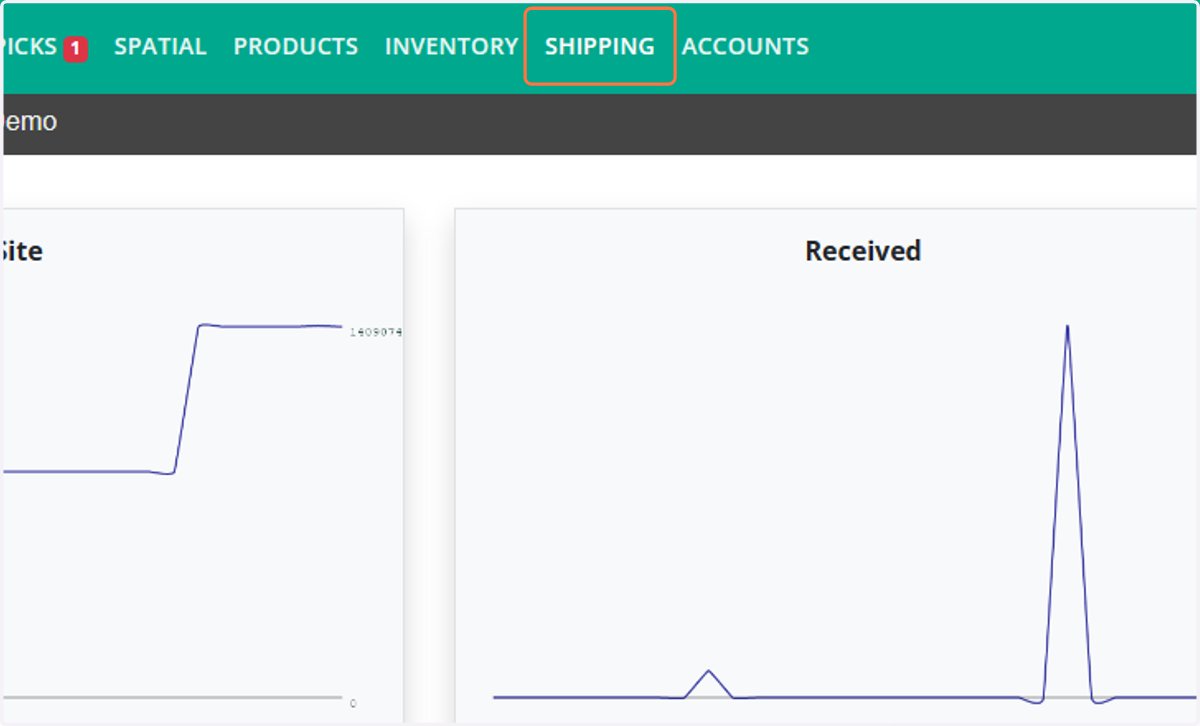
1. Click on SHIPPING.
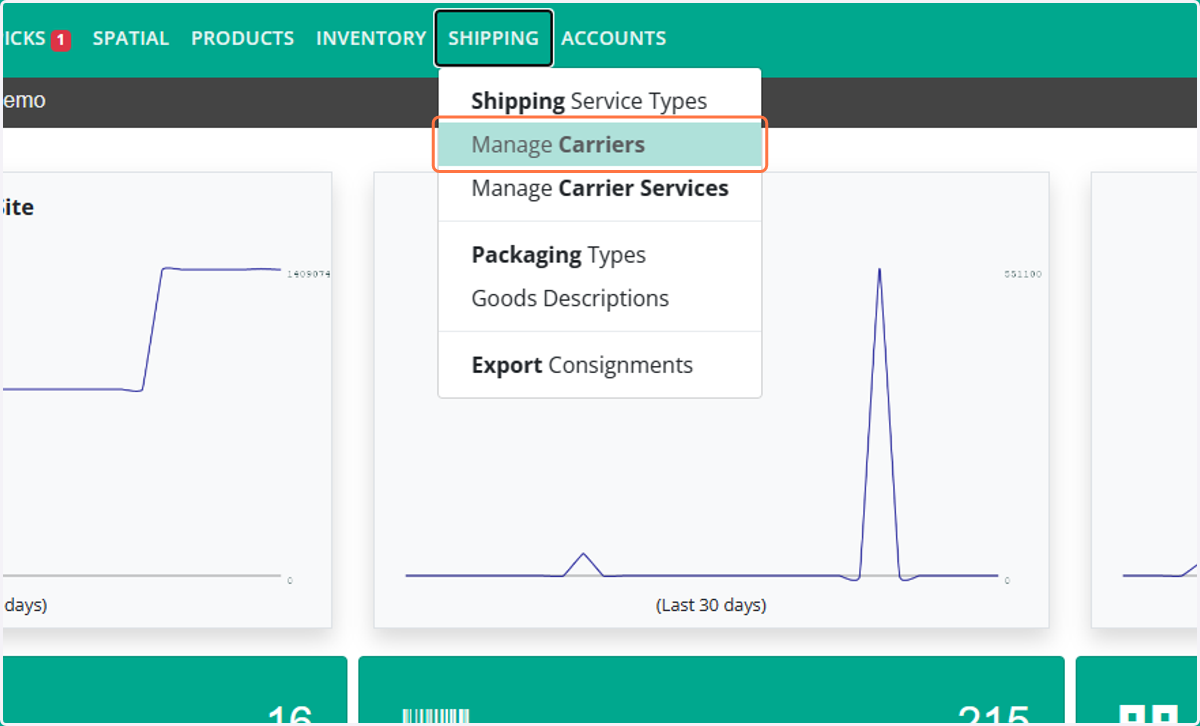
2. Click on Manage Carriers.
3. Select the Navigator Carrier.
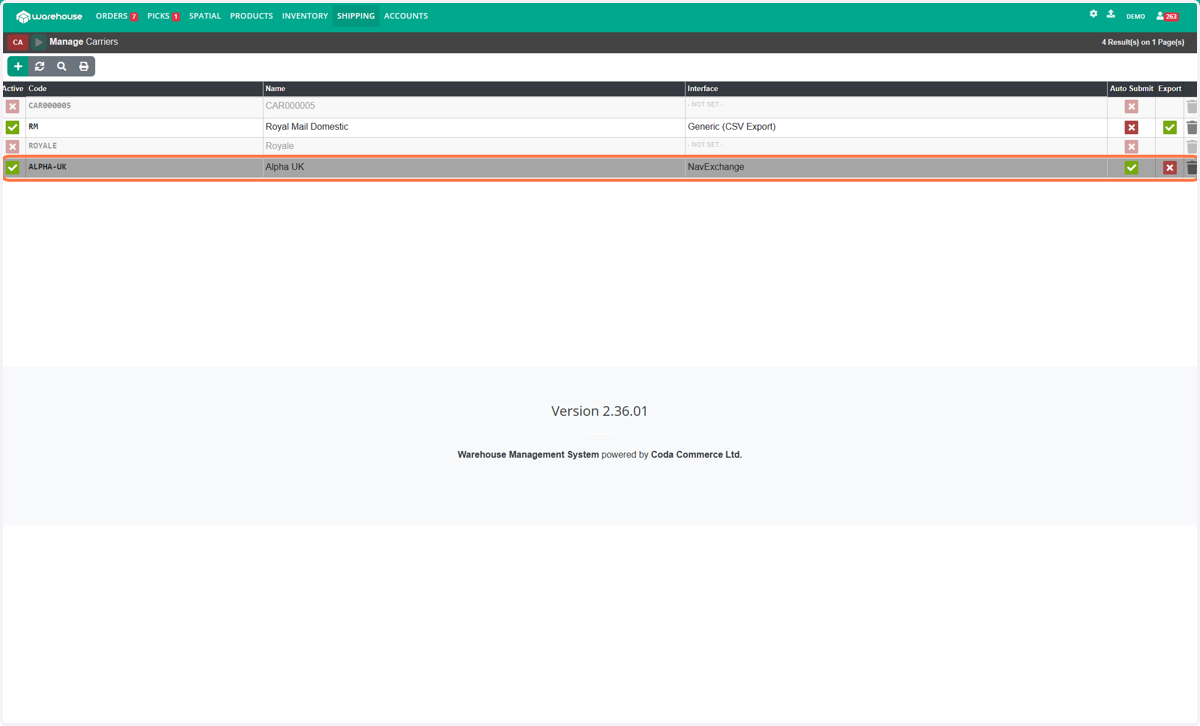
4. Change the Interface from NavExchange to Navigator API(New).
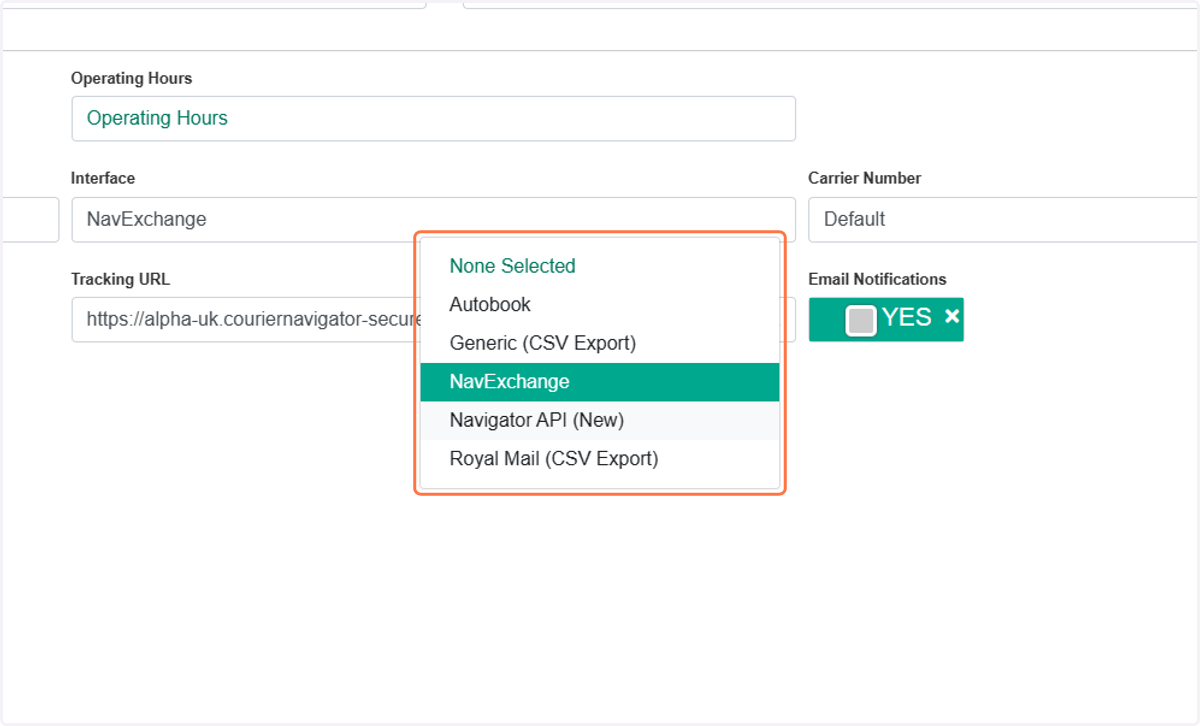
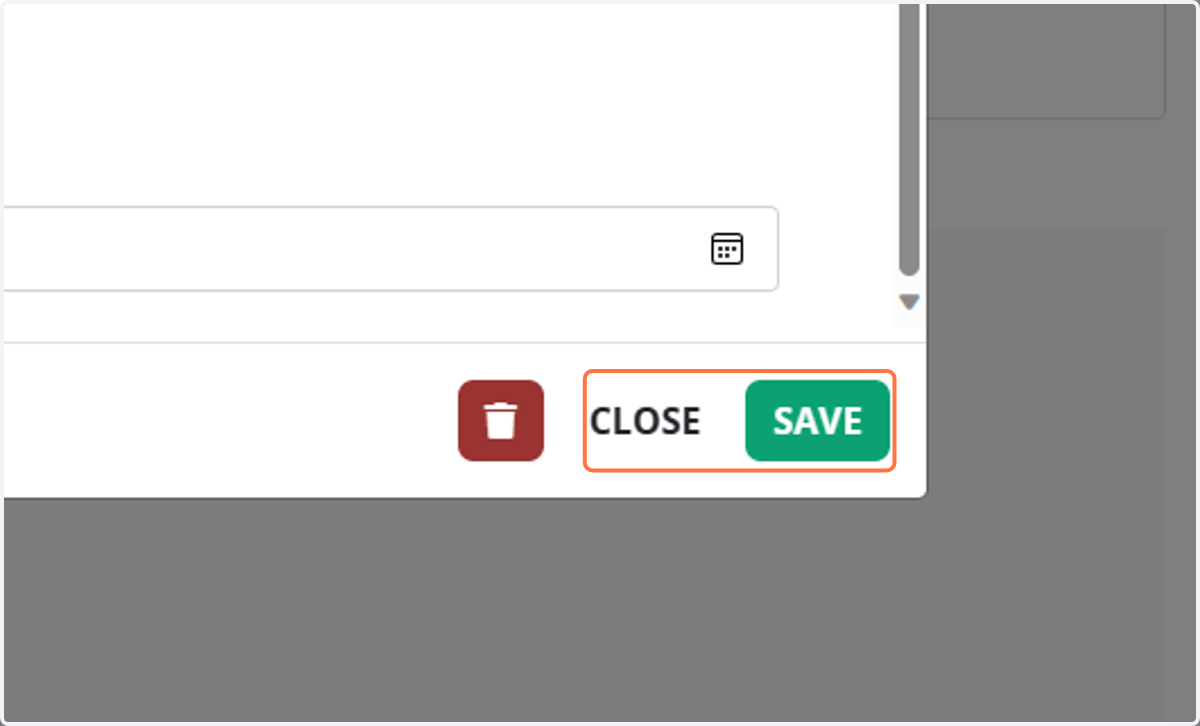
5. Click on SAVE and CLOSE.

6. Click on ACCOUNTS.
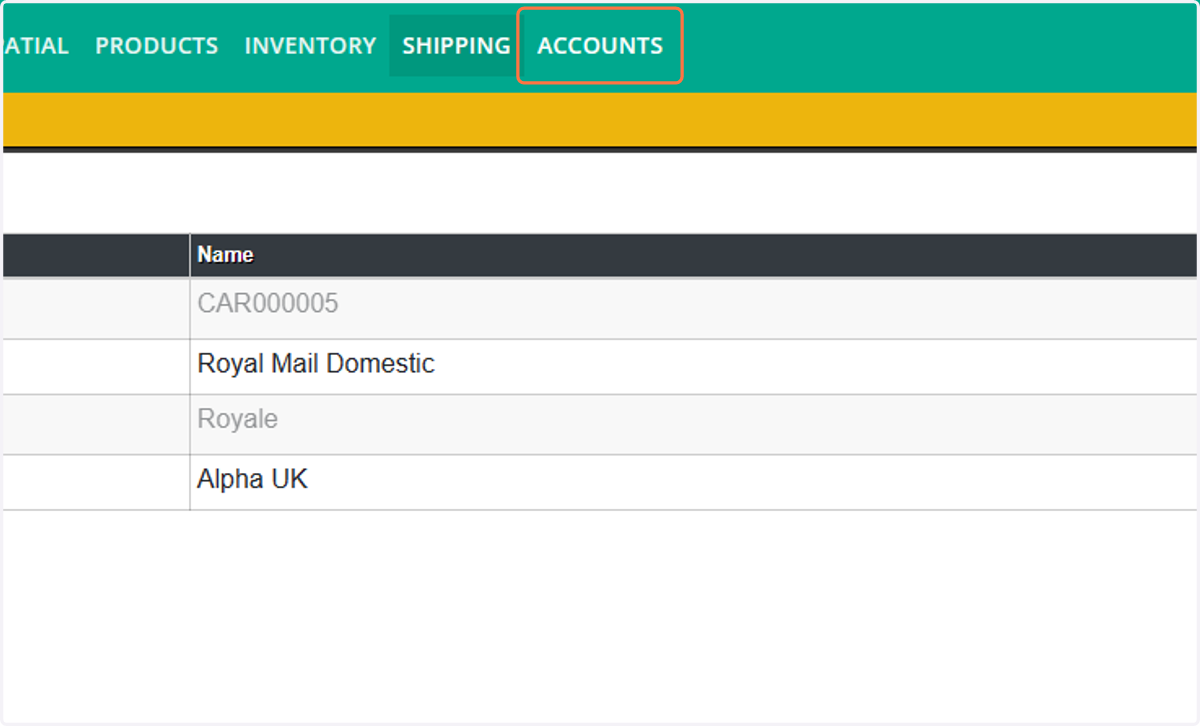
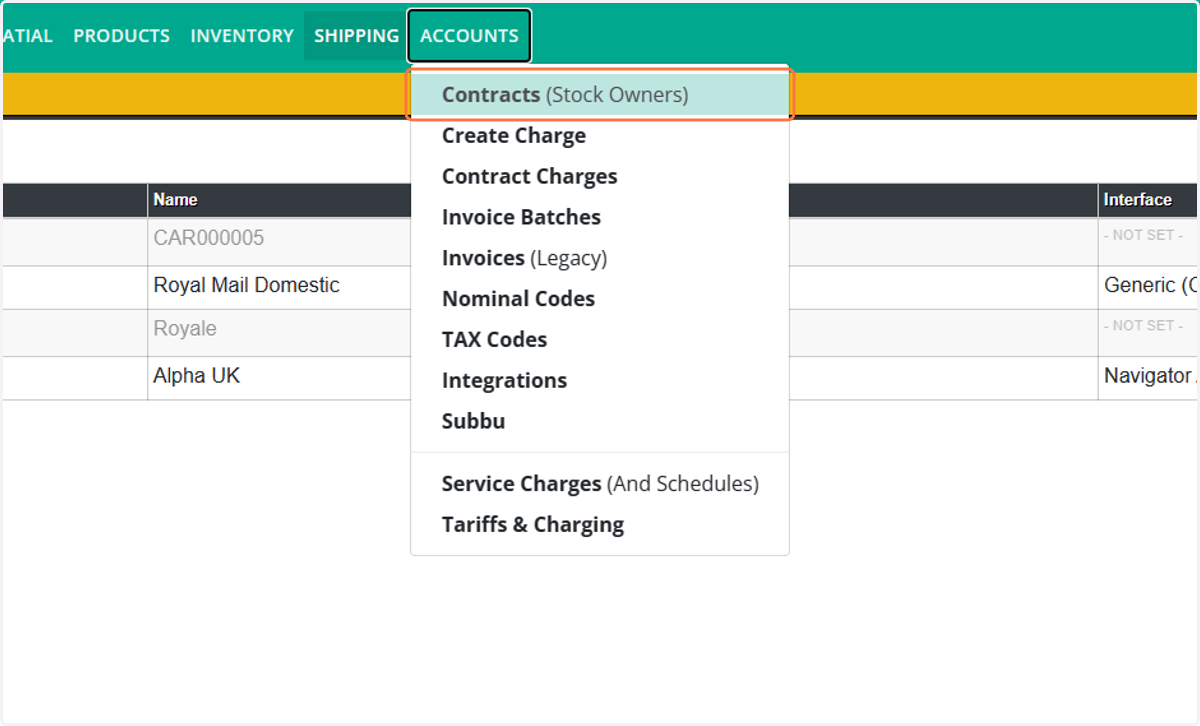
7. Click on Contracts (Stock Owners).
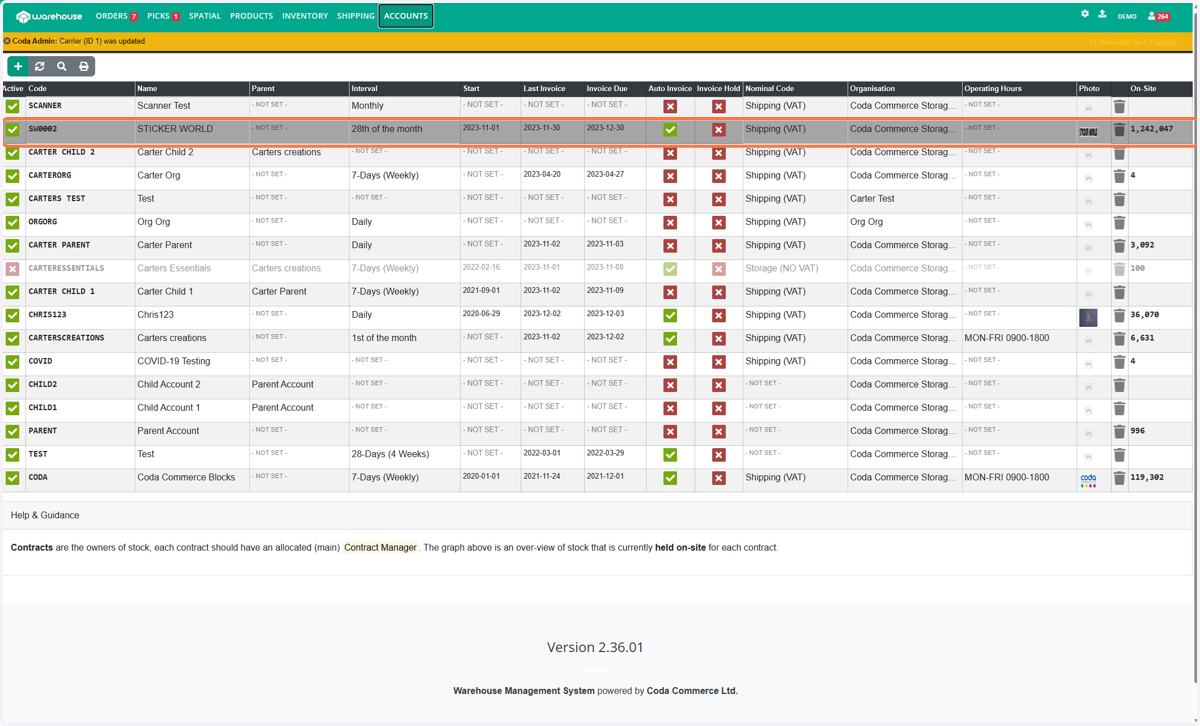
8. Select the account you are setting up or Changing.
Then In Navigator.
9. Click on VIEW ACCOUNTS
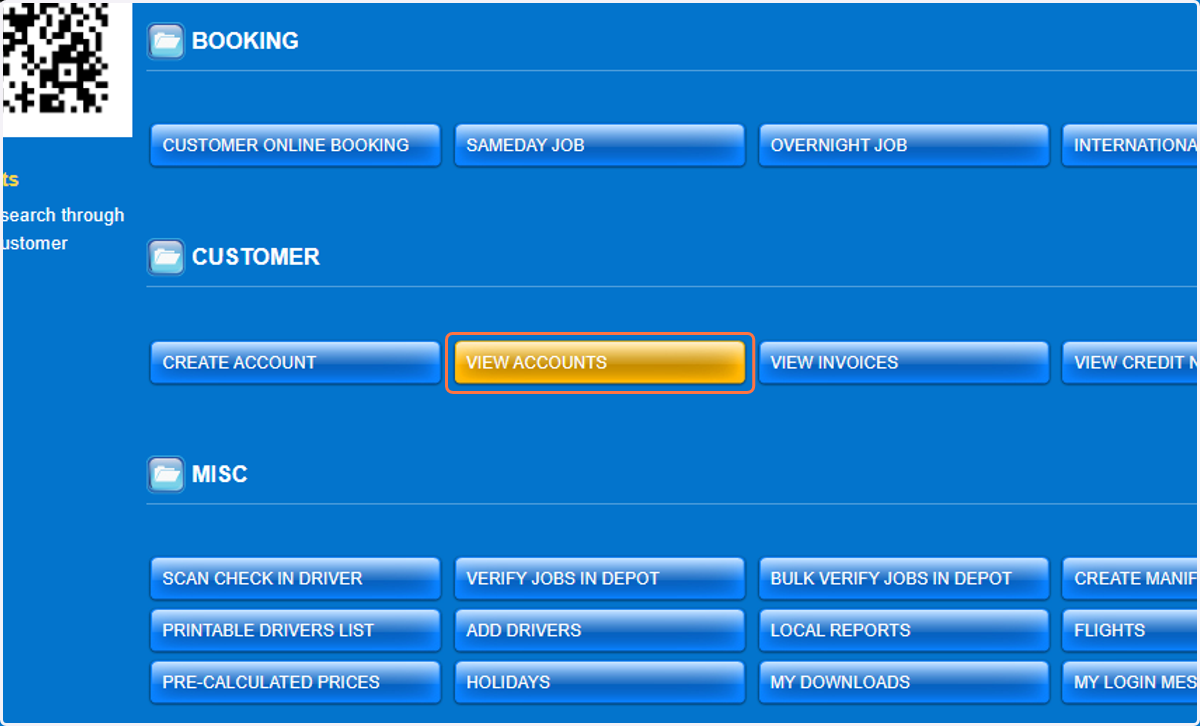
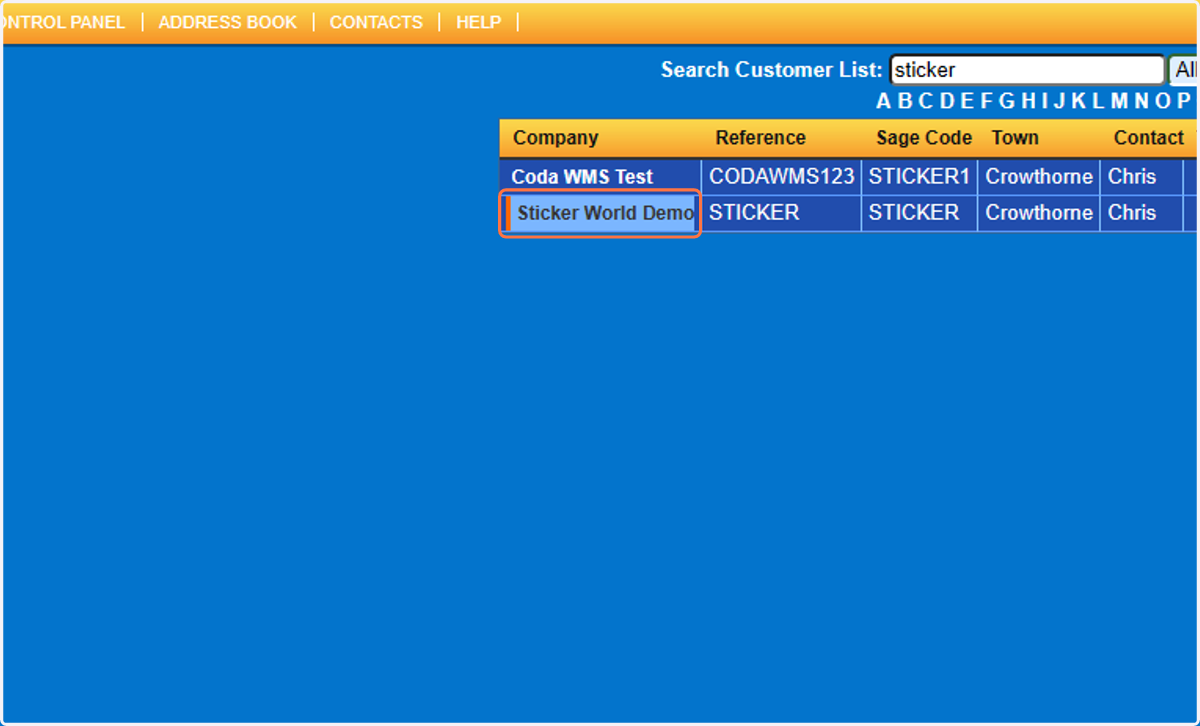
10. Find and select the Account for the API.
11. Click on API Settings.
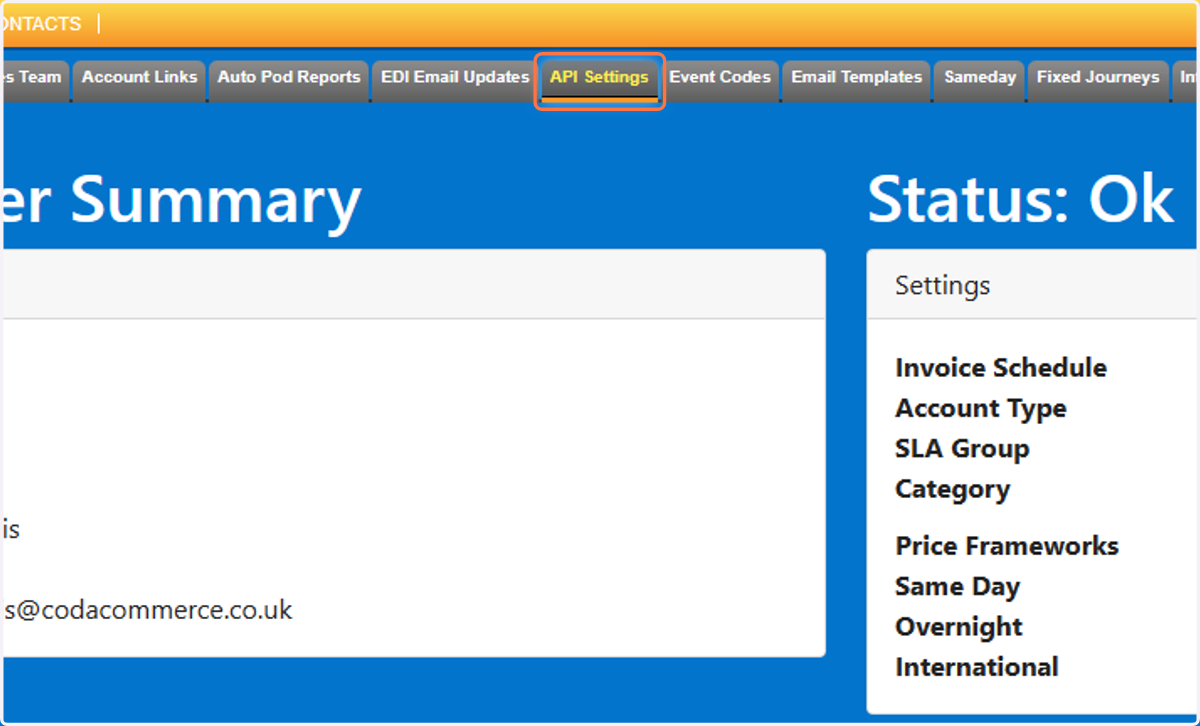
12. If the API Tab is not available you will need to change the setting in the account under shipping updates to yes.
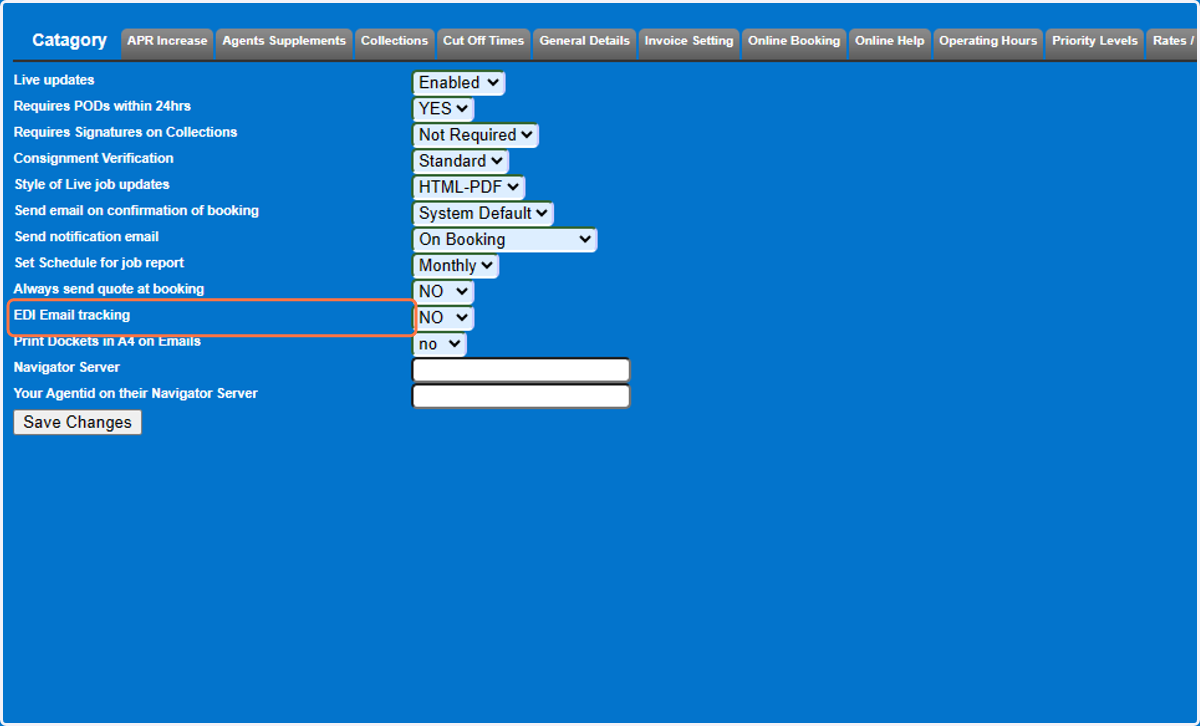
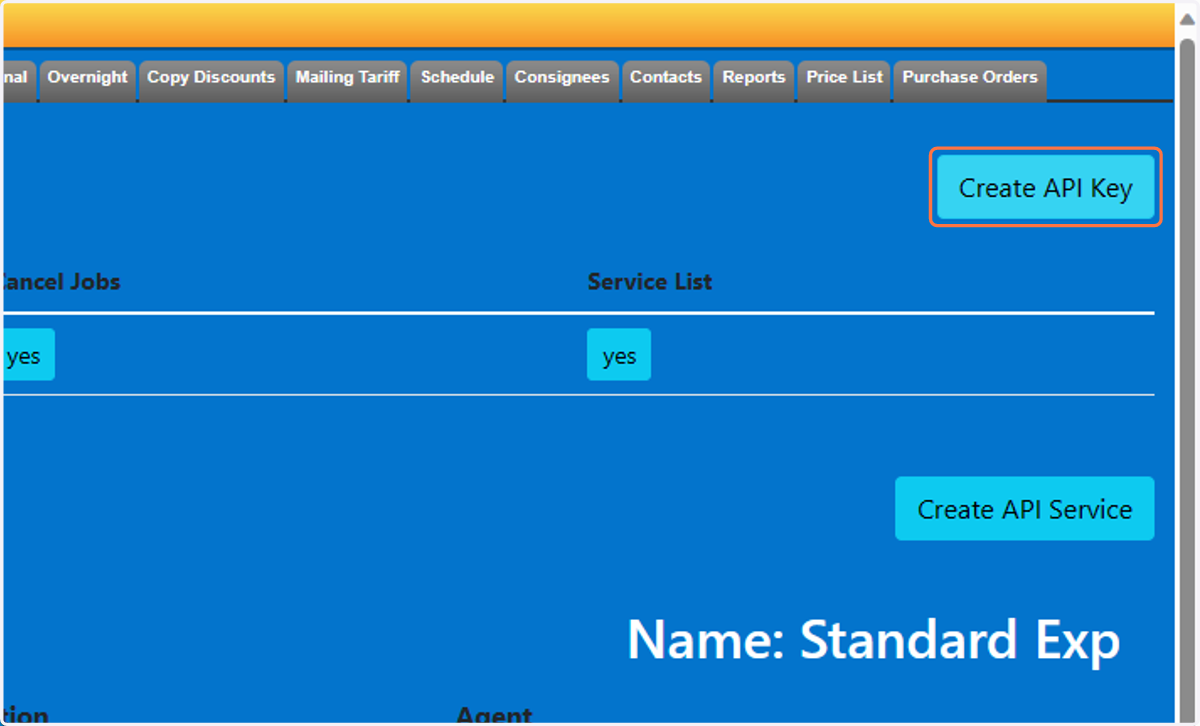
13. Click on Create API Key
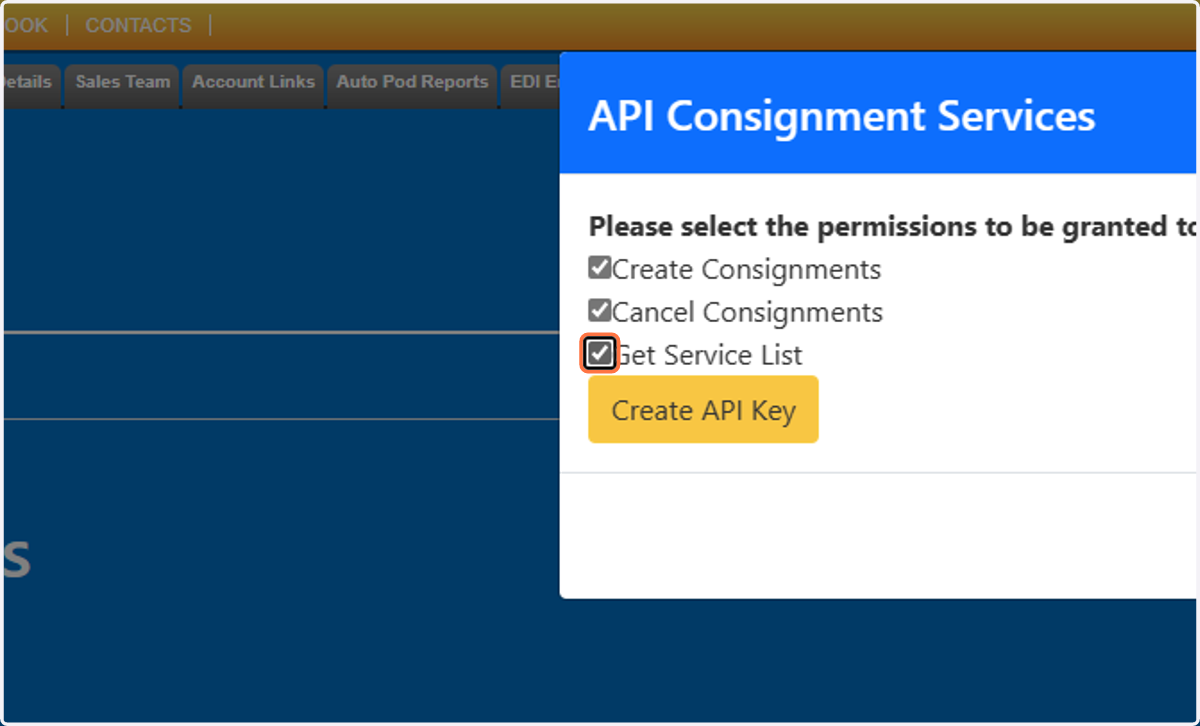
14. Select the permissions
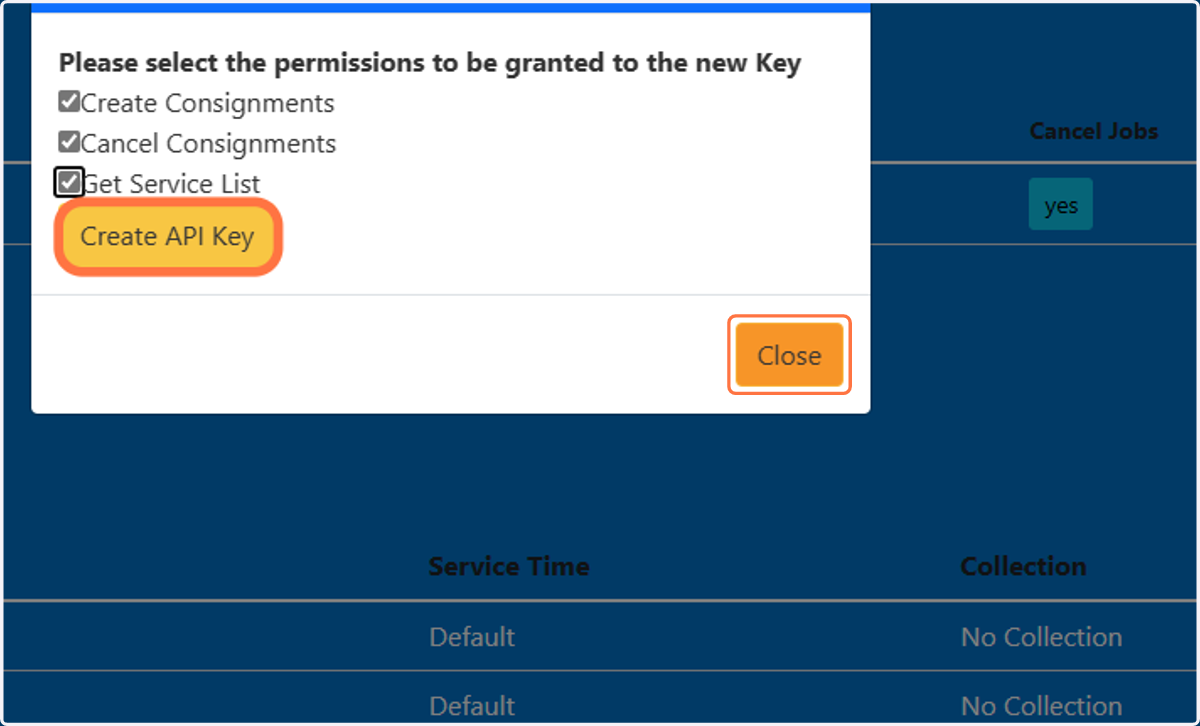
15. Click on Create API Key and Close
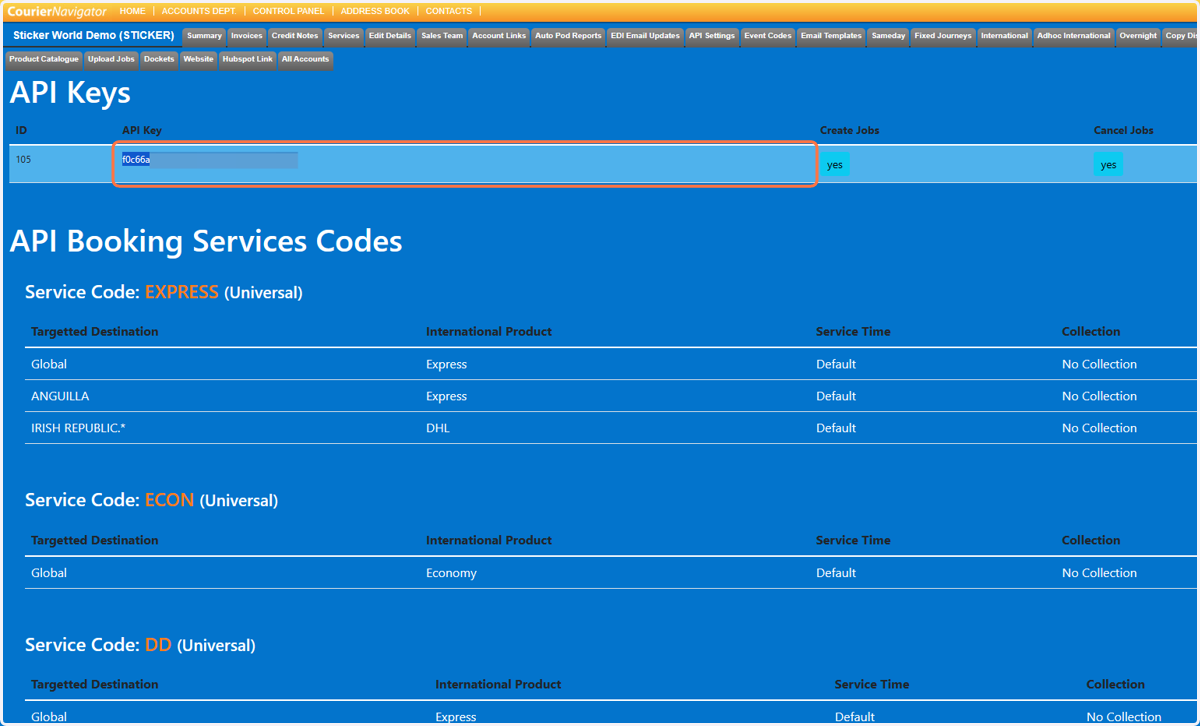
16. You will see a new line, Copy the API Key.
Back in the WMS.
17. Paste the API Key in the Password field on the WMS Contract.
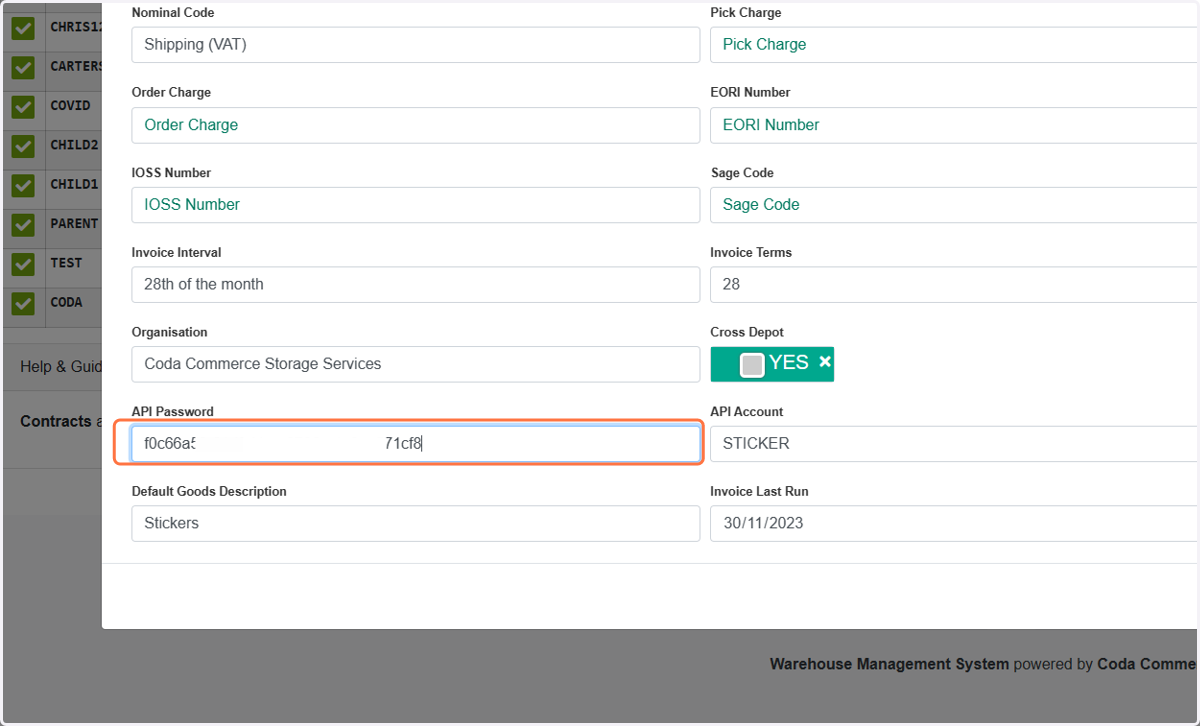
18. Make sure the API account matcher the account reference in Navigator.
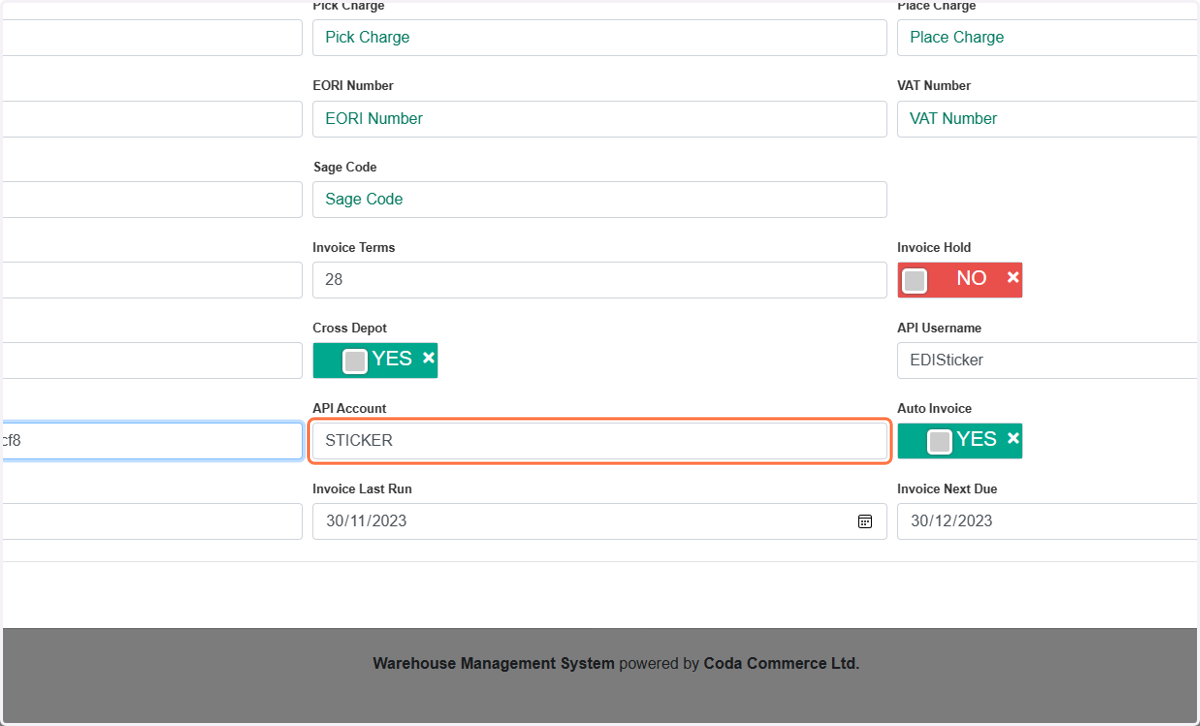
19. Click on SAVE and cloes
This will now push the jobs into Navigator.