Install Skypher Extension from the Chrome store
Download the Skypher extension from google chrome to answer online questionnaires
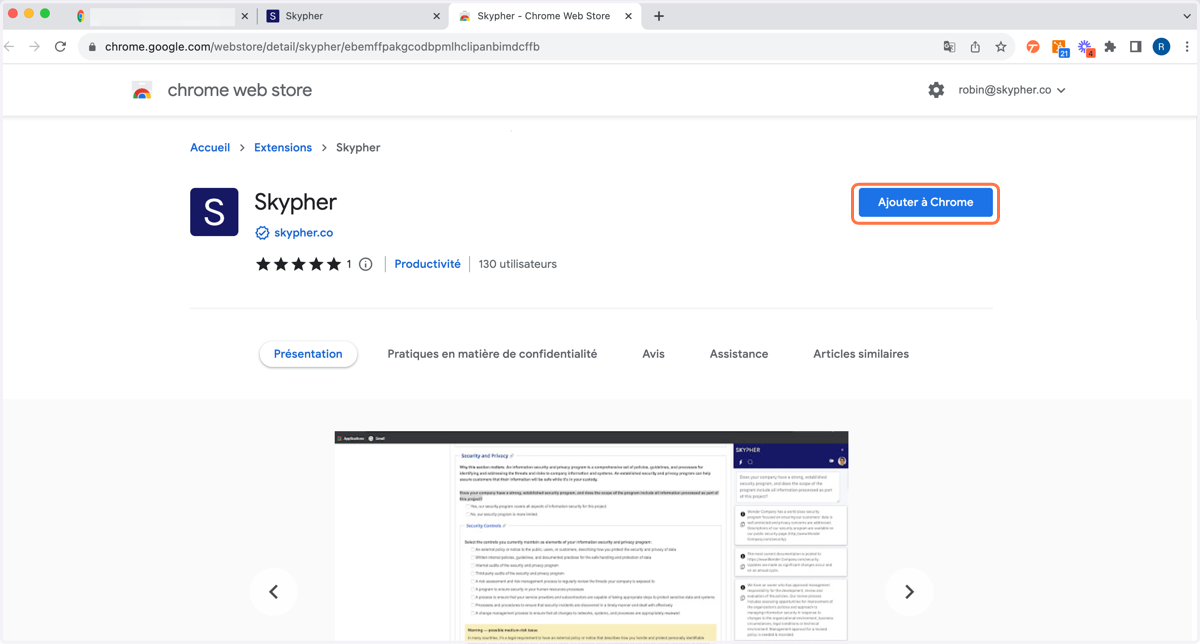
1. Click on the following link - https://chrome.google.com/webstore/detail/skypher/ebemffpakgcodbpmlhclipanbimdcffb - then click on 'Add to Chrome
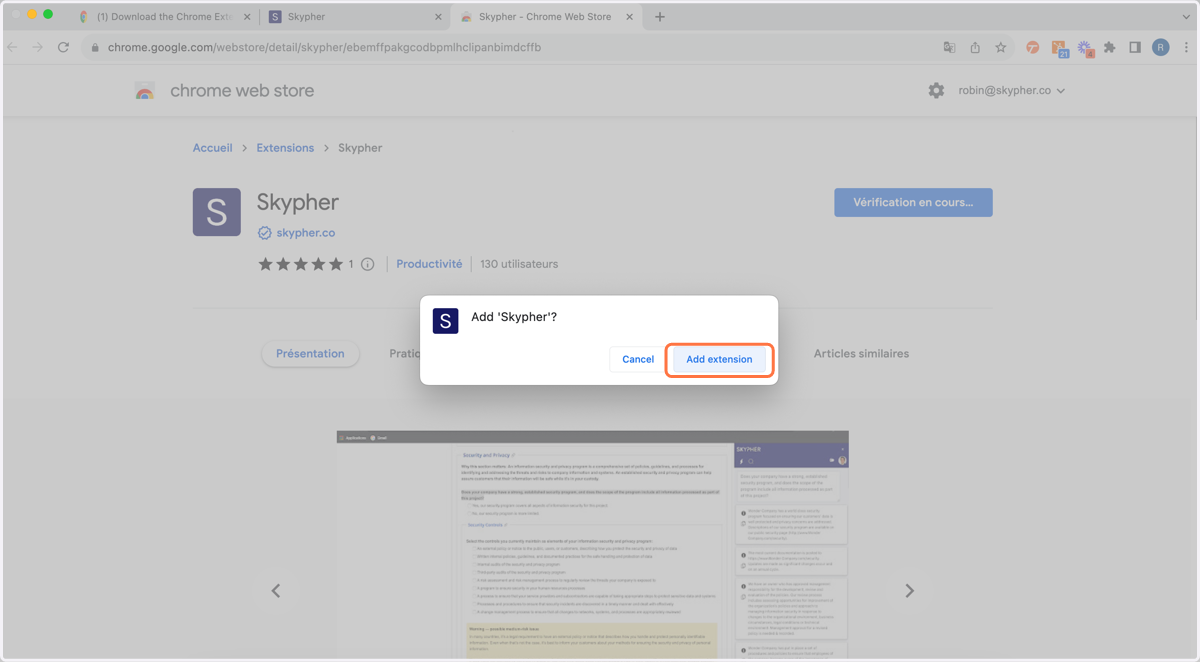
2. Click on 'Add Extension'
3. Open the Extension Management of your Chrome and then pin the Skypher Extension by clicking on the pin icon (as on 2. below)

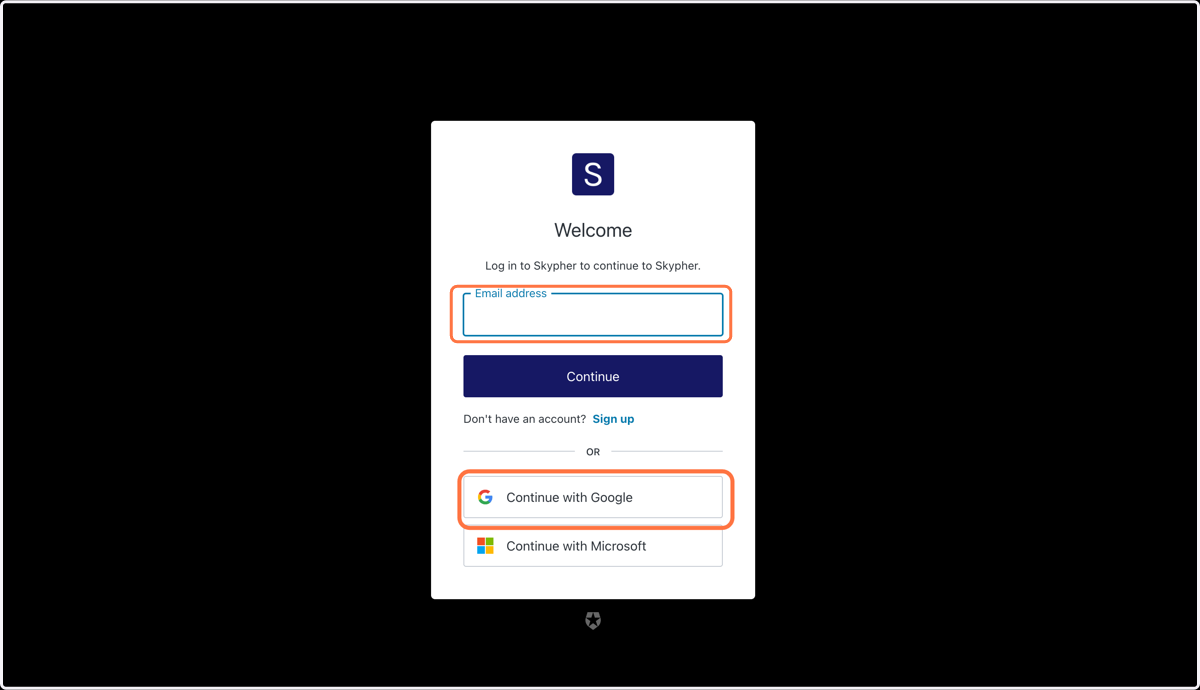
4. Untitled Simply sign in with your e-mail address or continue with Google