Managing Page Level SEO Settings
Here you will be able to edit Page Settings such as Page Title, Description, Keywords and creating a friendly URL.
Edit Page Settings in Advantage CSP
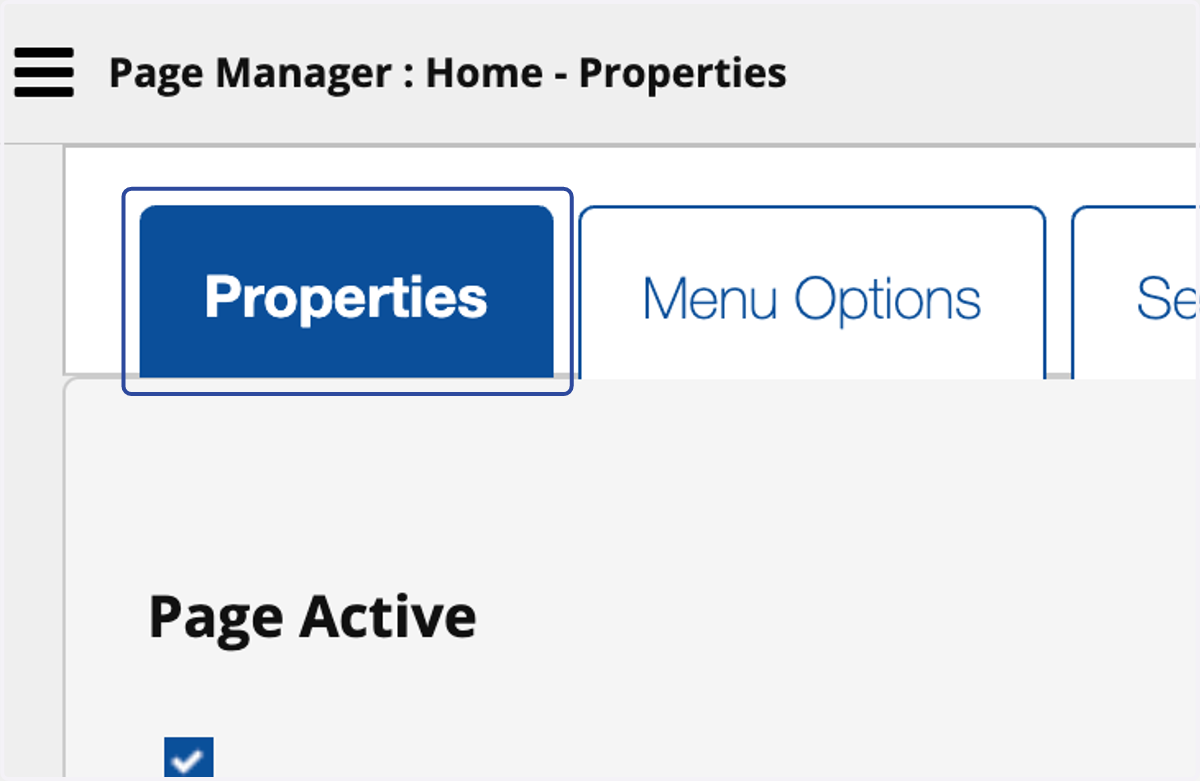
1. Click on Properties
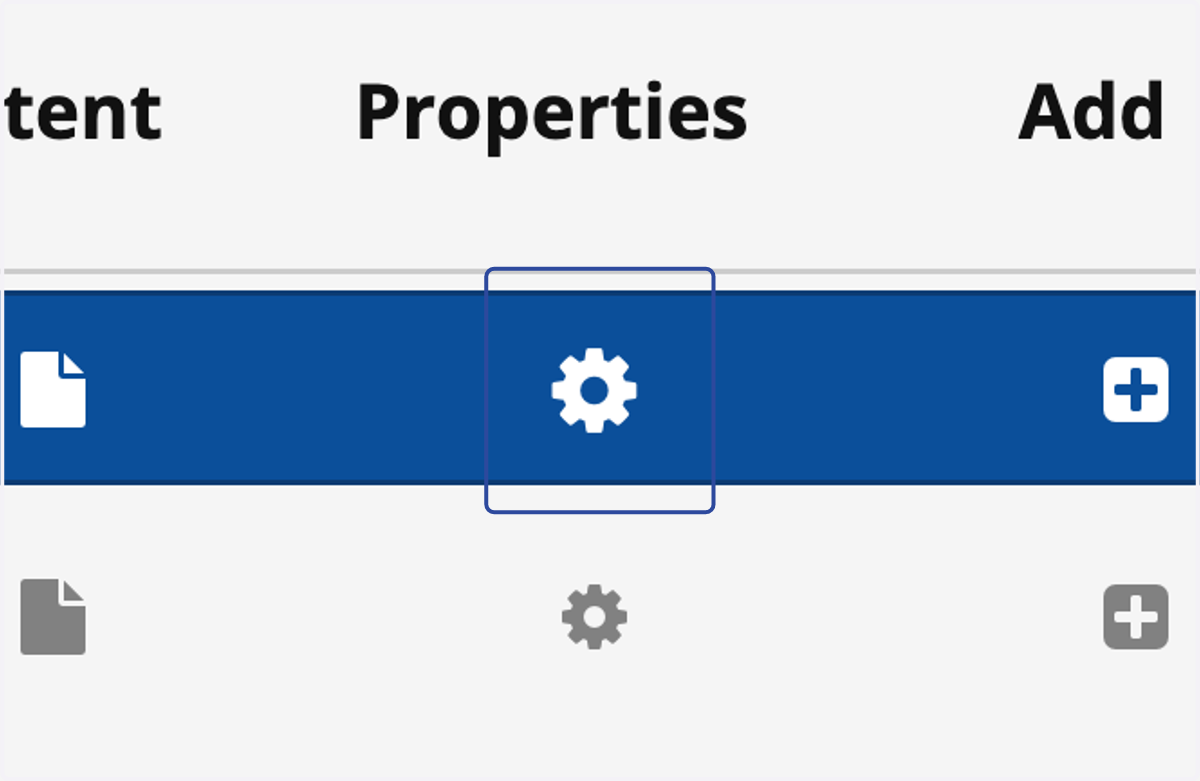
2. Click on Properties
Here you can edit Page Name, SEO Meta data such as Title, Description and Keywords.
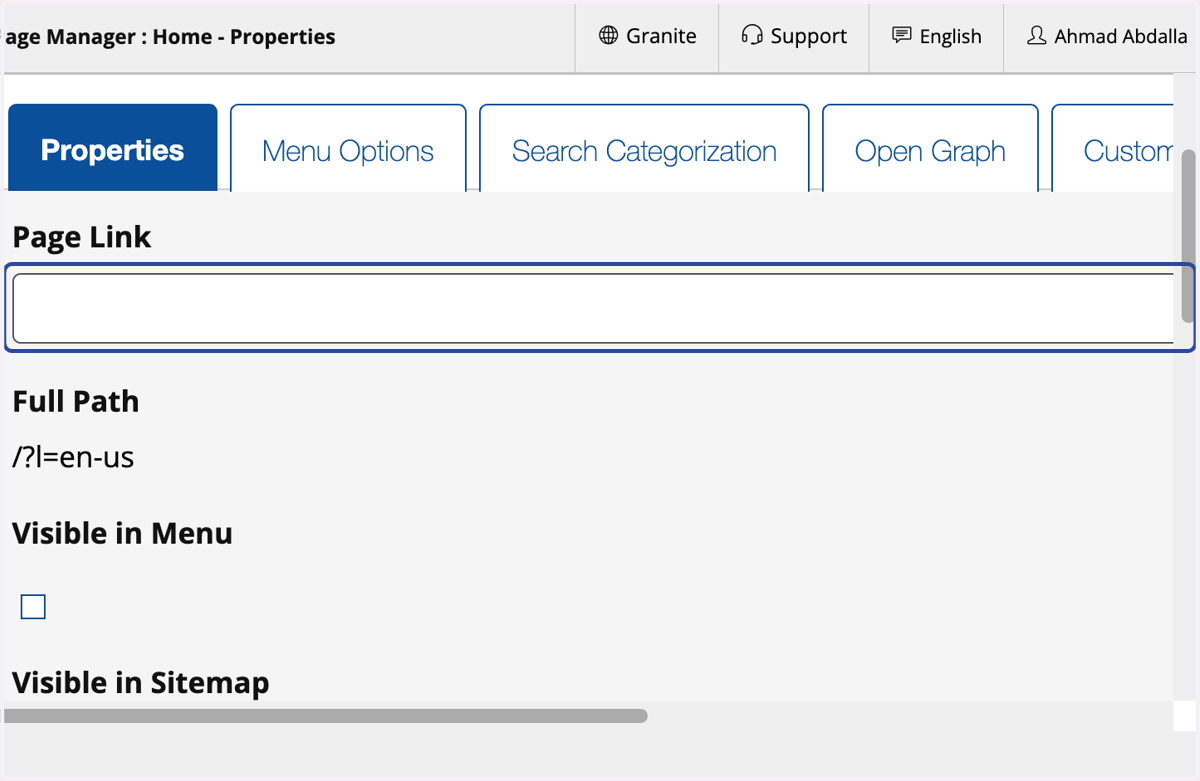
3. Click on Page Link
Here you can create 'Friendly URLs' - separate words with dashes (-) instead of spaces or symbols. Make sure to remove apostrophes and any special characters.
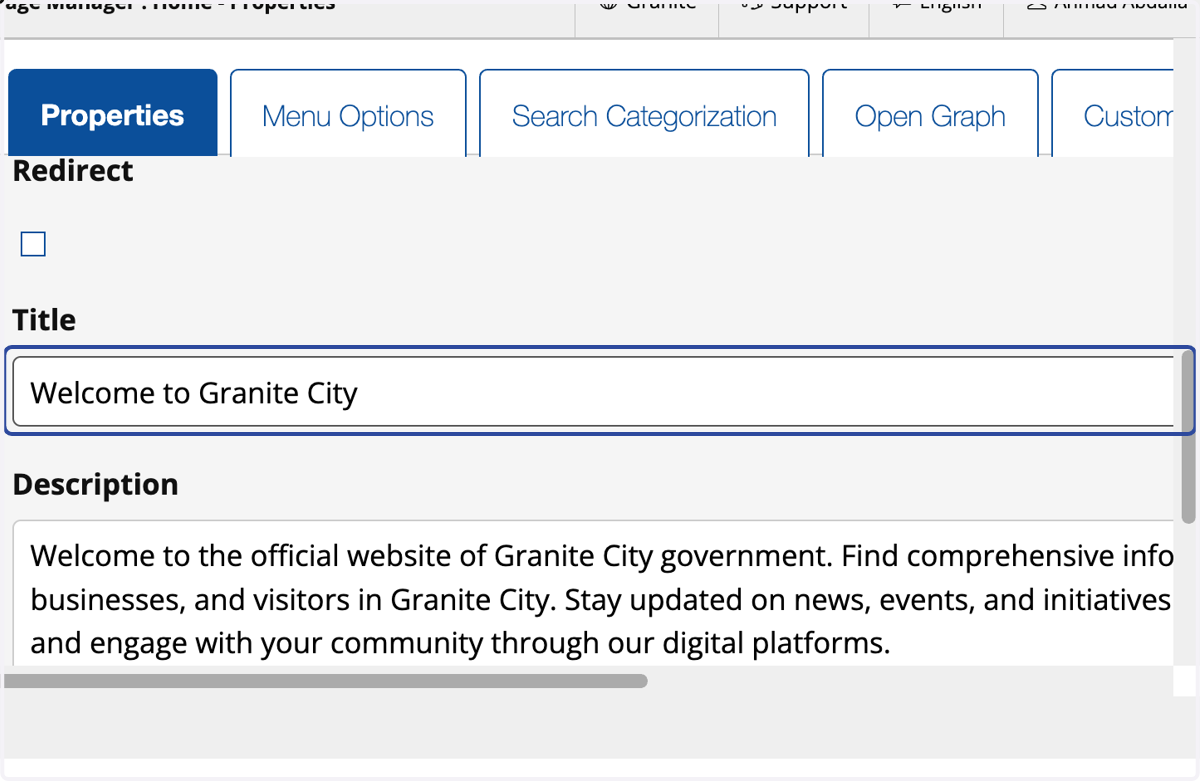
4. Click on Title
Edit the SEO Page Title
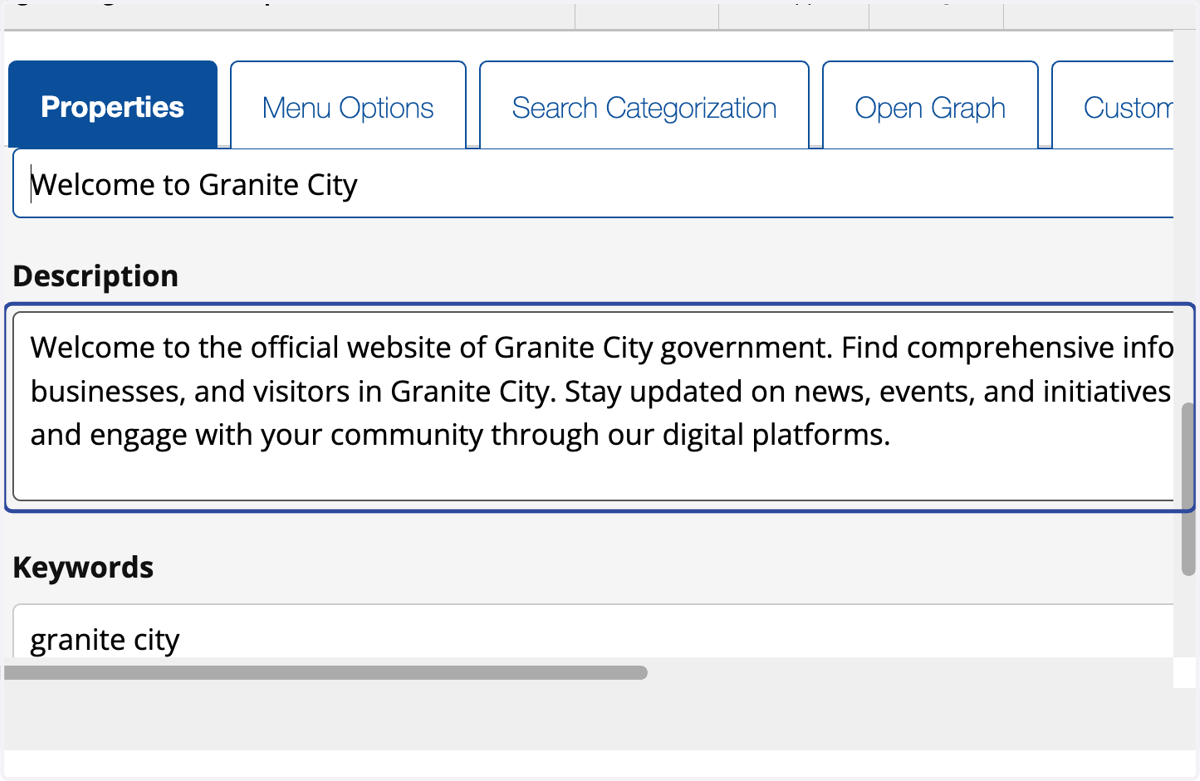
5. Click on Description
Edit the SEO Page Description
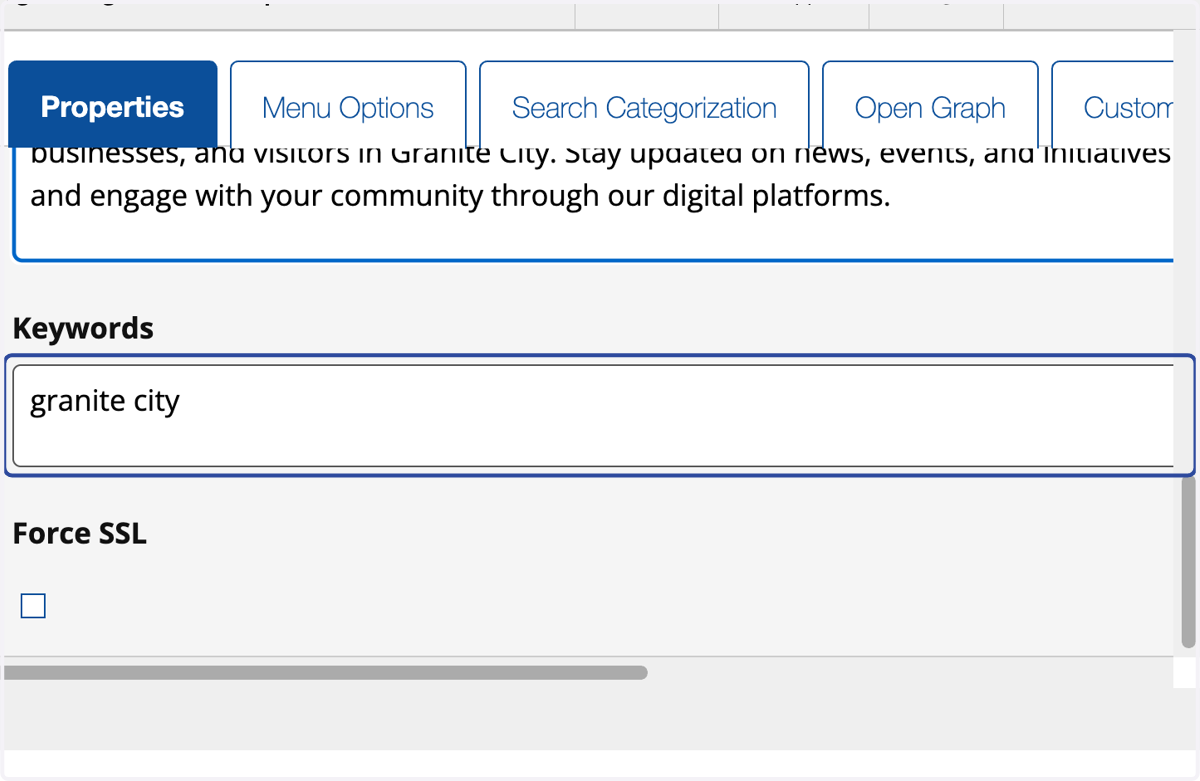
6. Click on Keywords
Edit the SEO Page Keywords
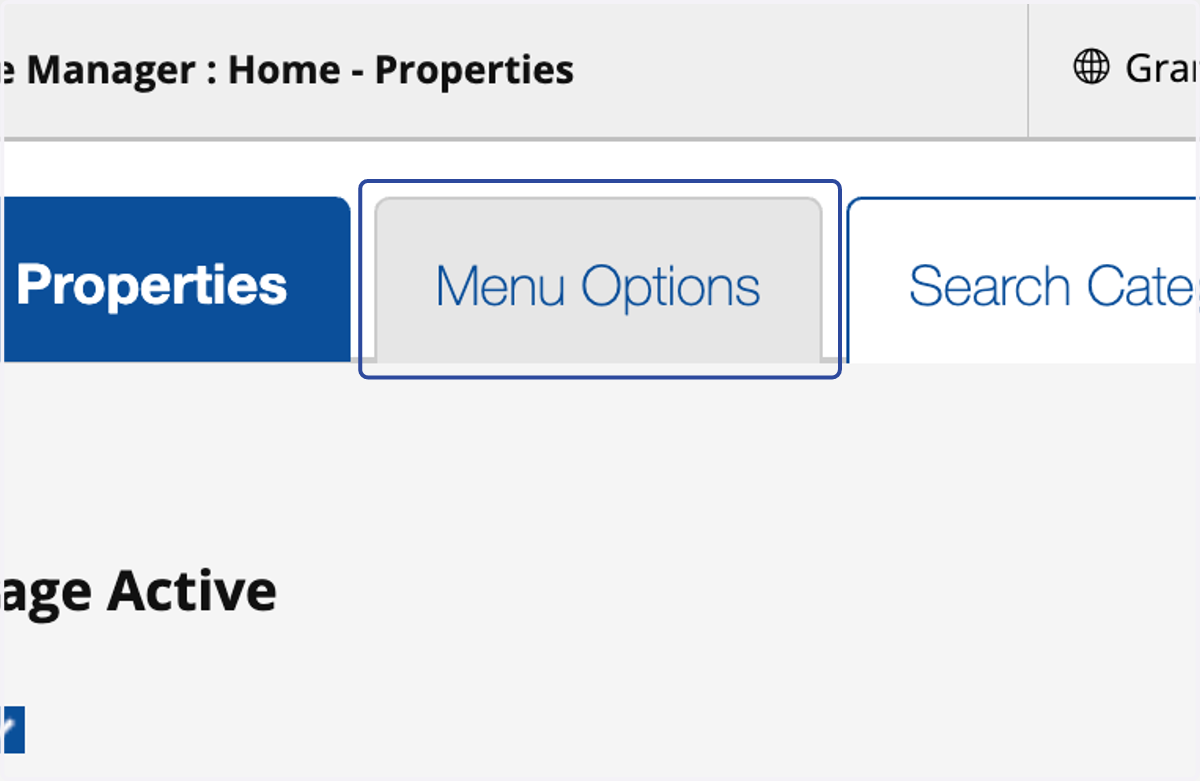
7. Click on Menu Options
Here you'll be able to control advance menu items such being able to hide the menu item on small screens and mega menu functions.
8. Click on Search Categorization
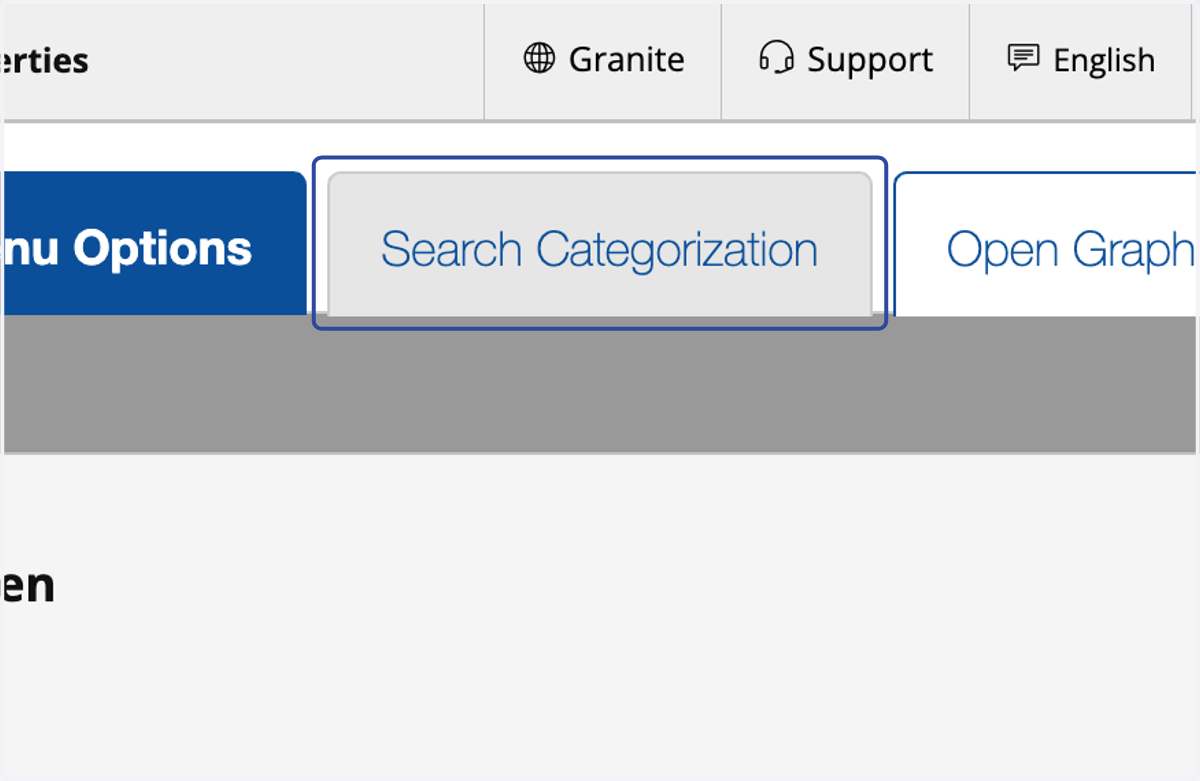
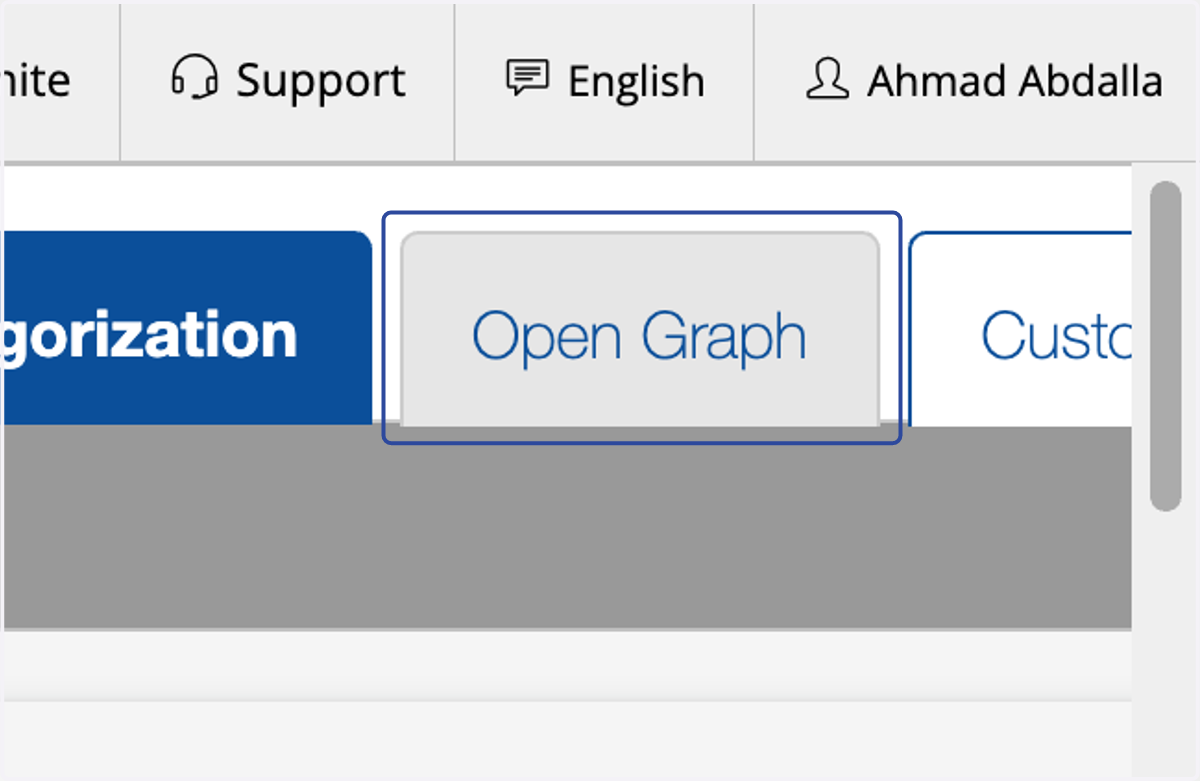
9. Click on Open Graph
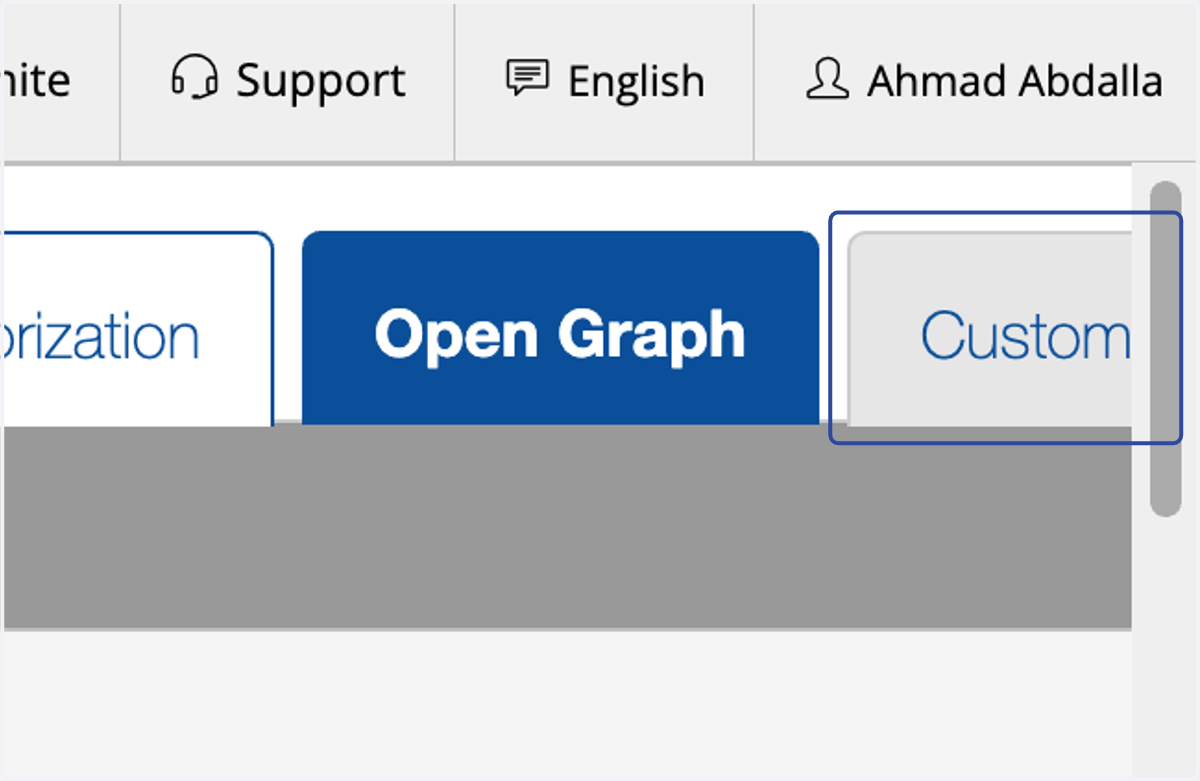
Open Graph is where you customize how this page is shown on social media when shared. You can control the Title, Image and Description - Giving full control over your brand and how it is seen on social media when your link is shared.
10. Click on Custom
Any custom features built for your website will be located here.