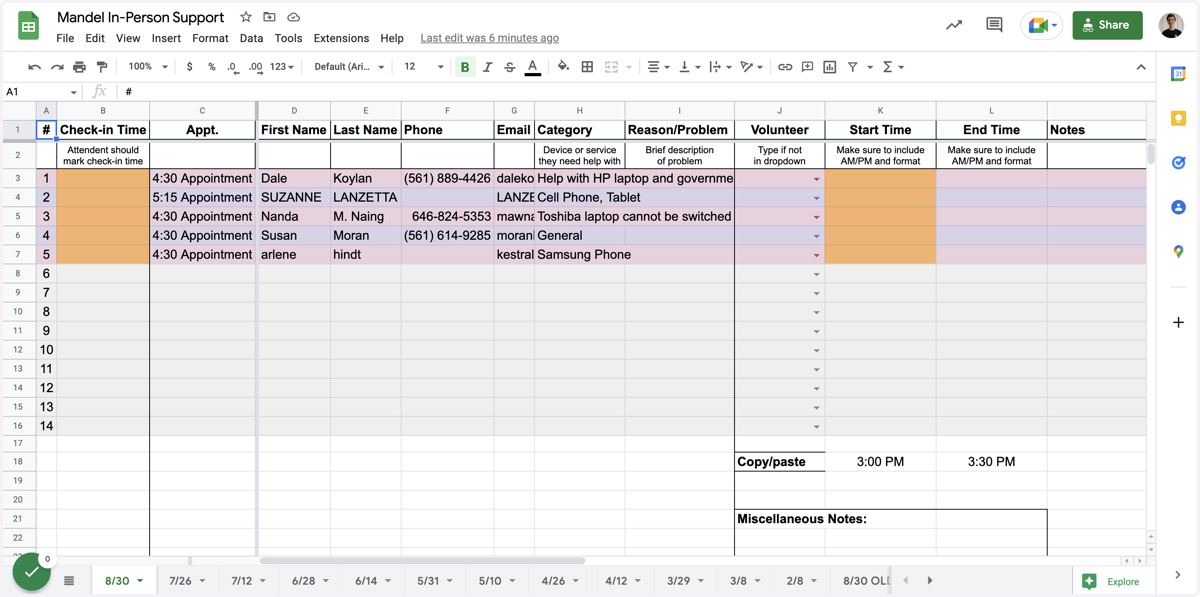
How to Copy Information to Support Spreadsheet
1. Go to Mandel In-Person Support - Google Sheets
2. Click the up arrow on the most recent date
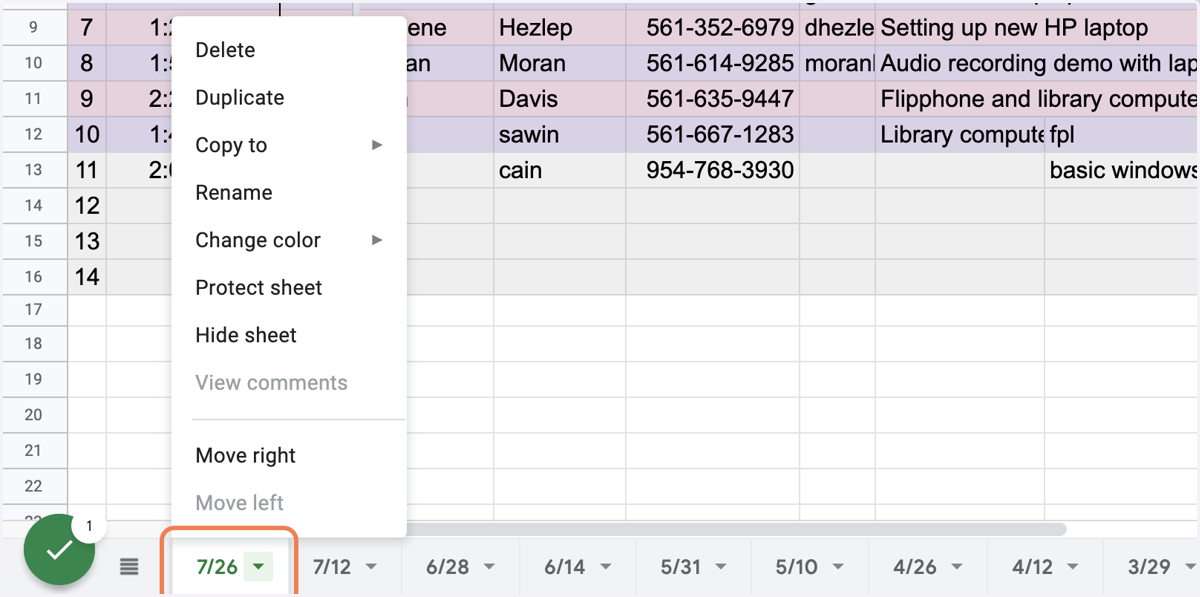
3. Click on Duplicate
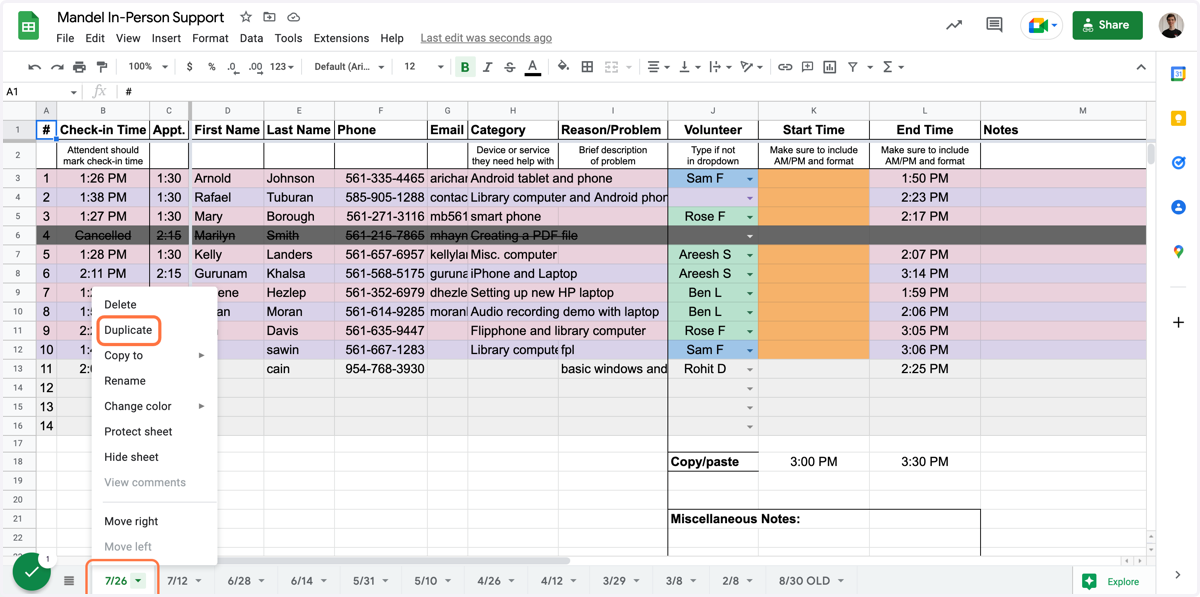
4. Drag it to the left
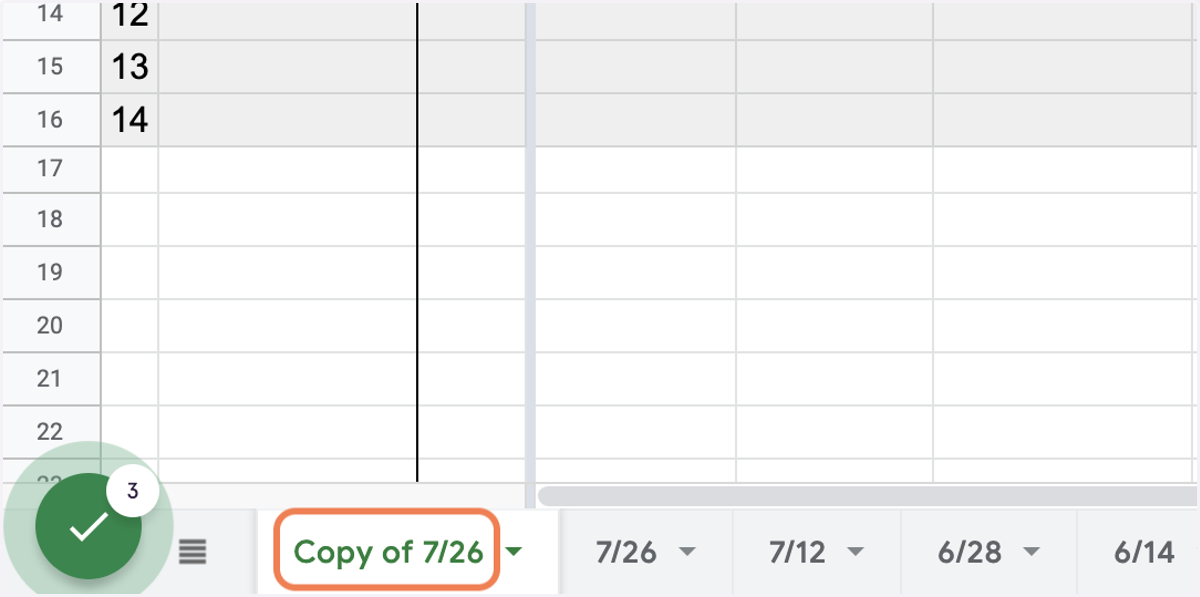
5. Click on Copy of 7/26
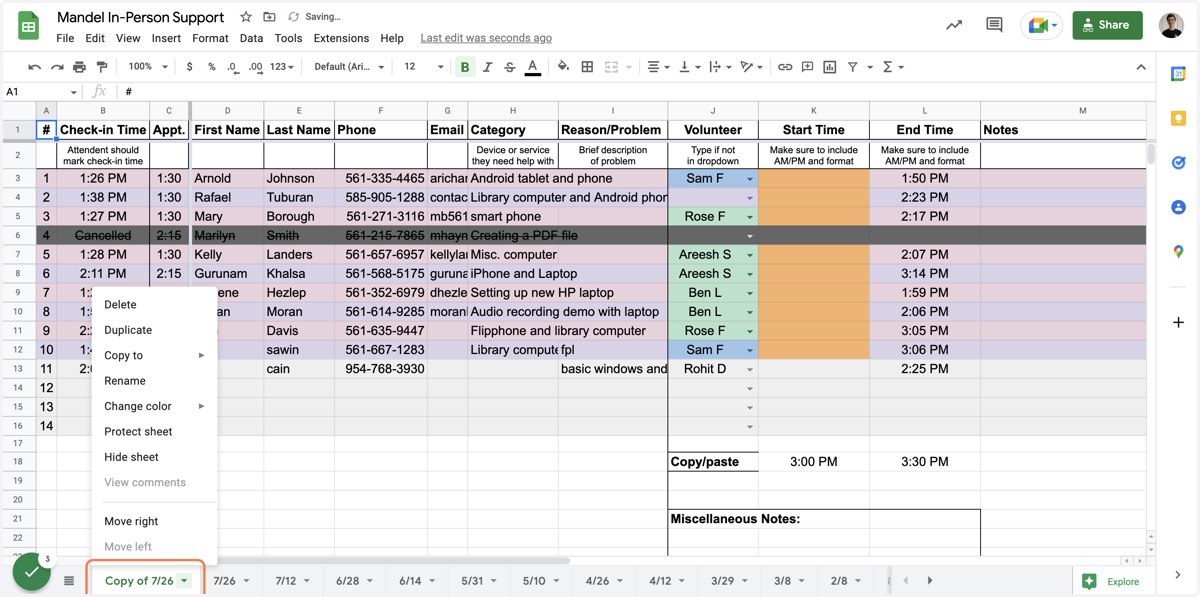
6. Click on Rename
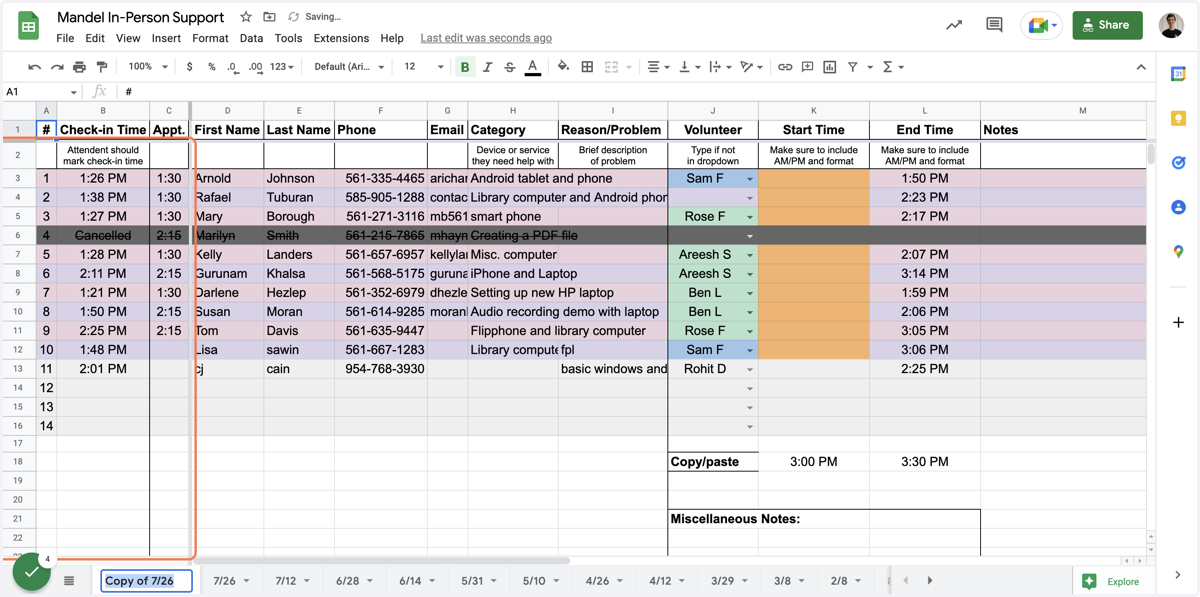
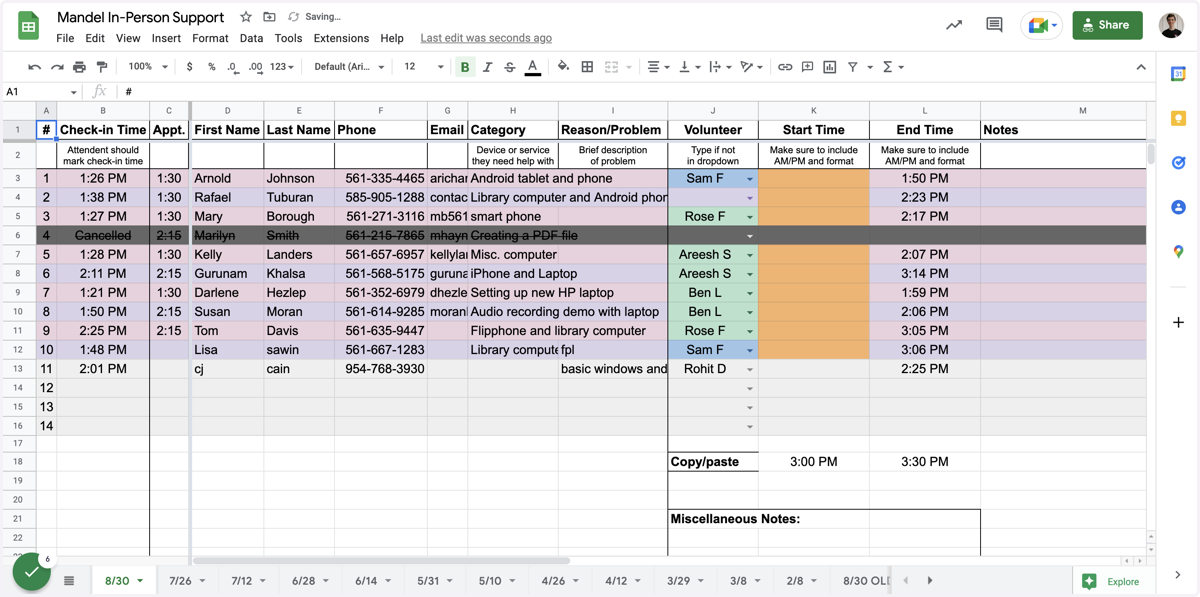
7. Type the new date and hit enter
8. Drag to select the existing entries from B3 to M
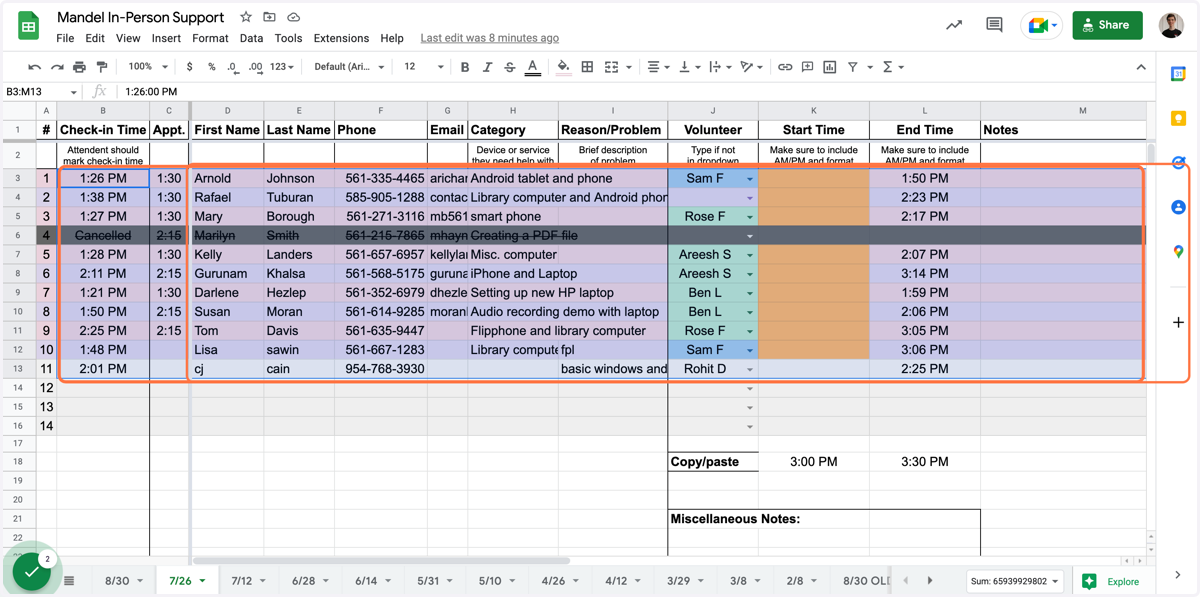
9. Hit delete to clear the old data
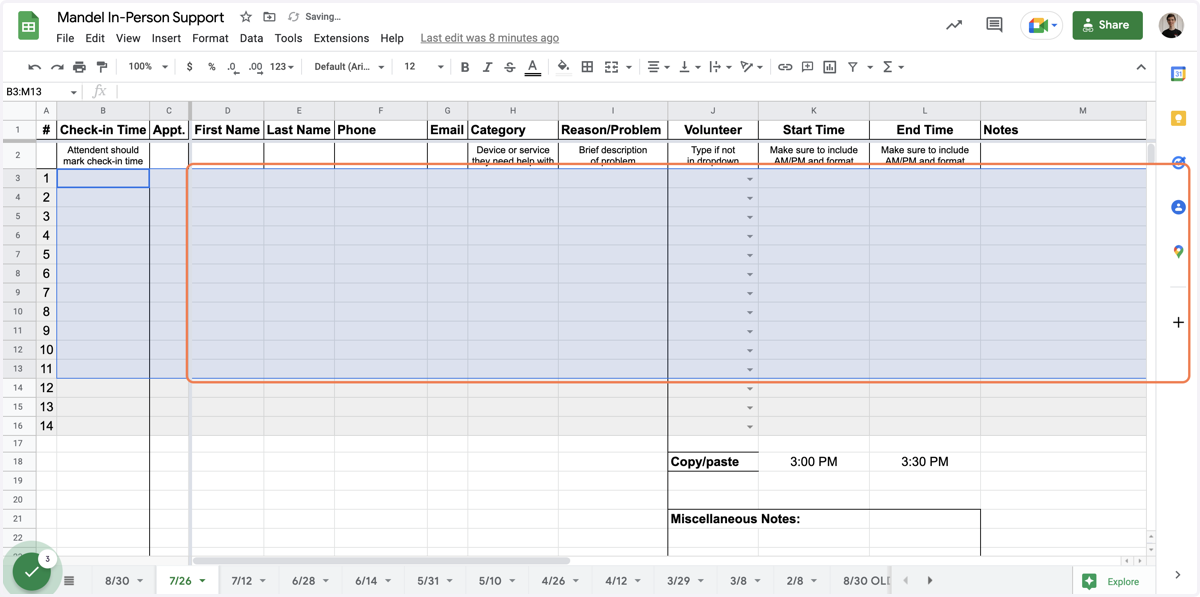
10. Type in highlight
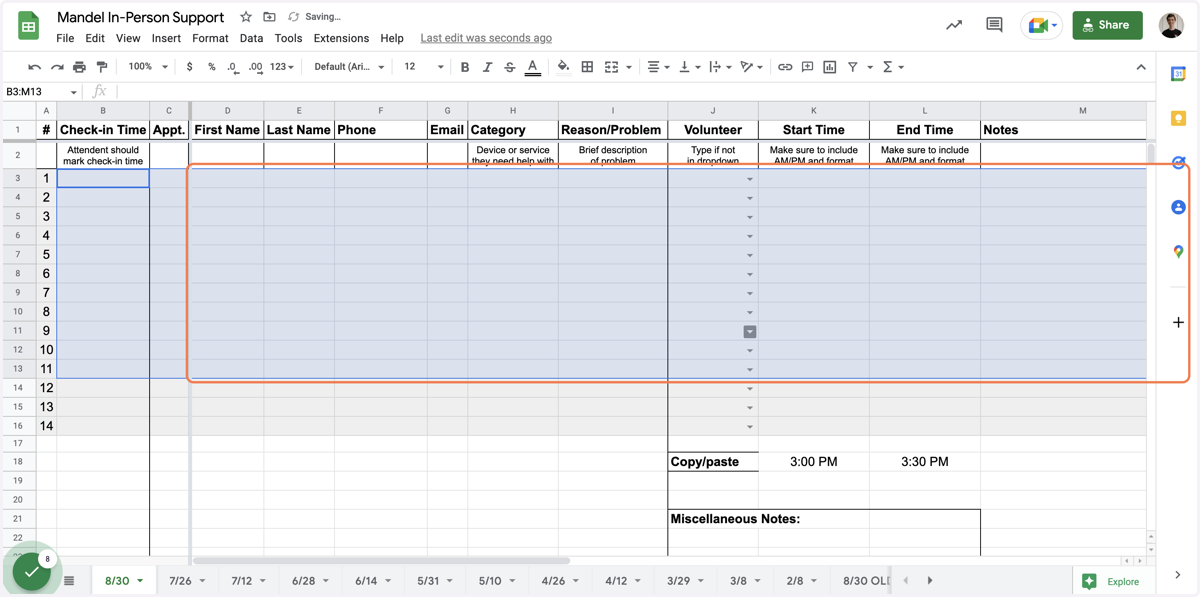
11. Drag highlighted element
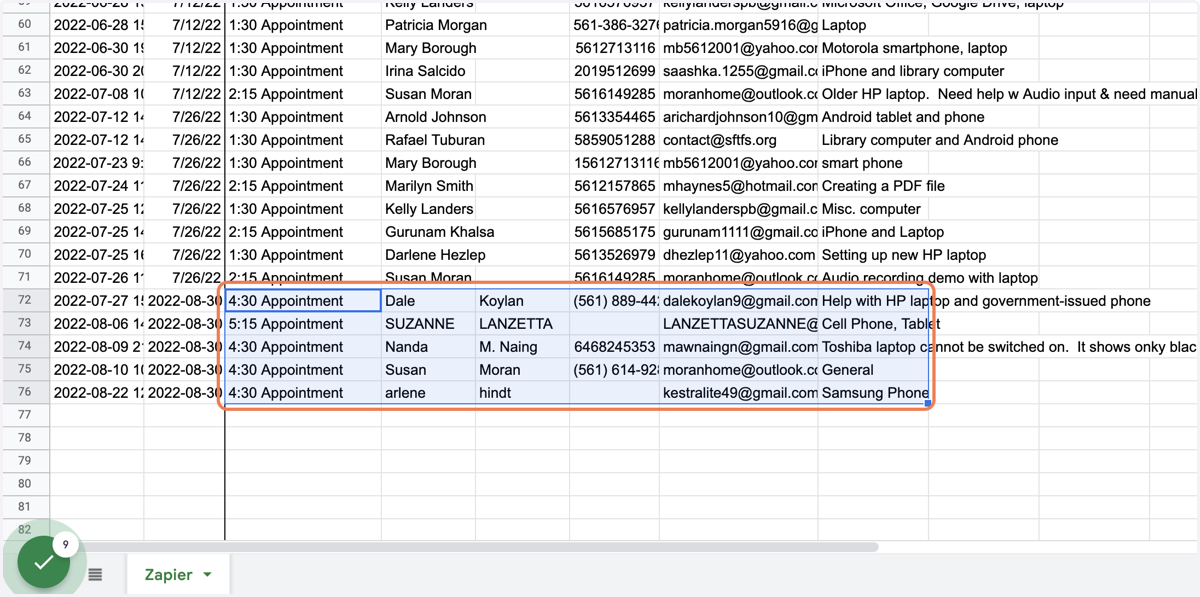
12. Copy (Ctrl/Cmd+C)
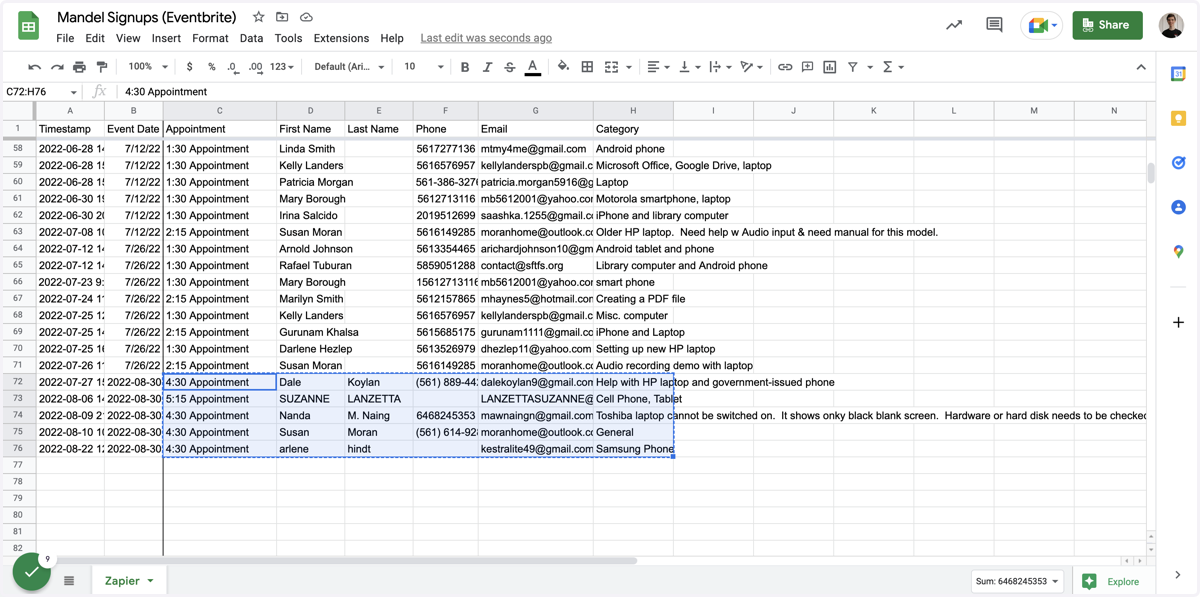
13. Click on the first appointment spot (C3)
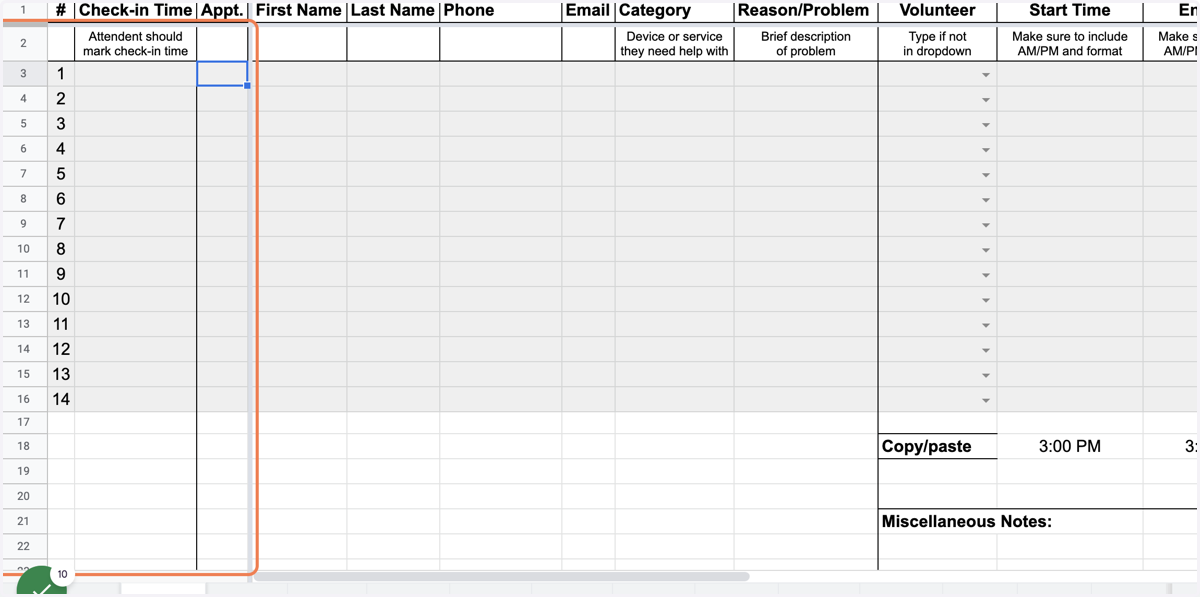
14. Paste with Ctrl/Cmd+SHIFT+V
Using the shift key (Values Only) will paste with proper formatting
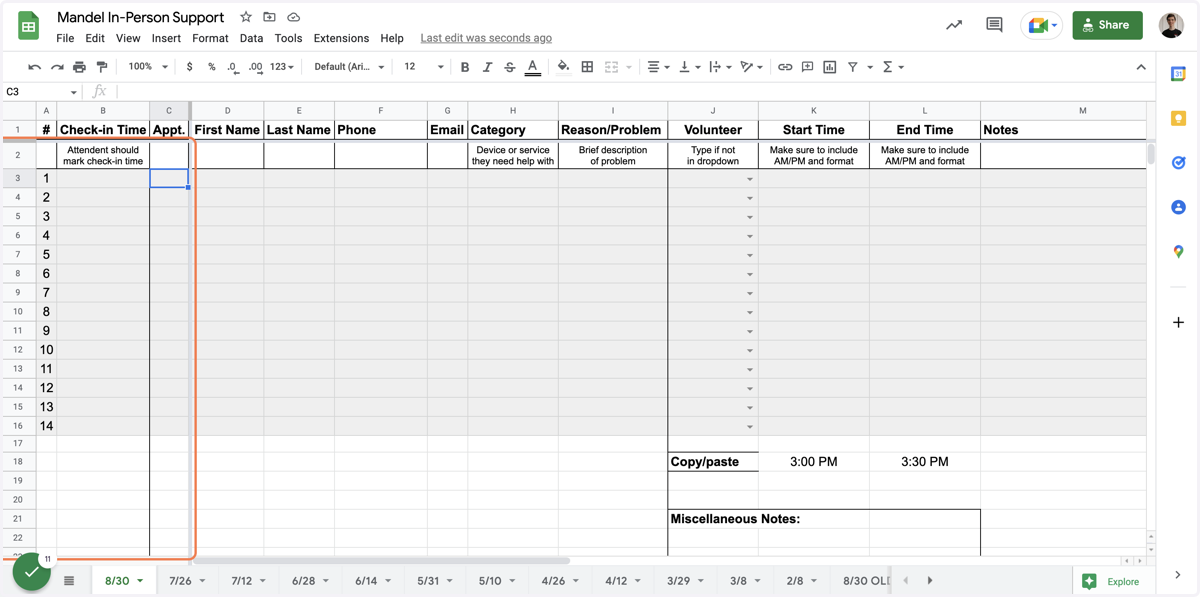
15. Paste selected text into text area
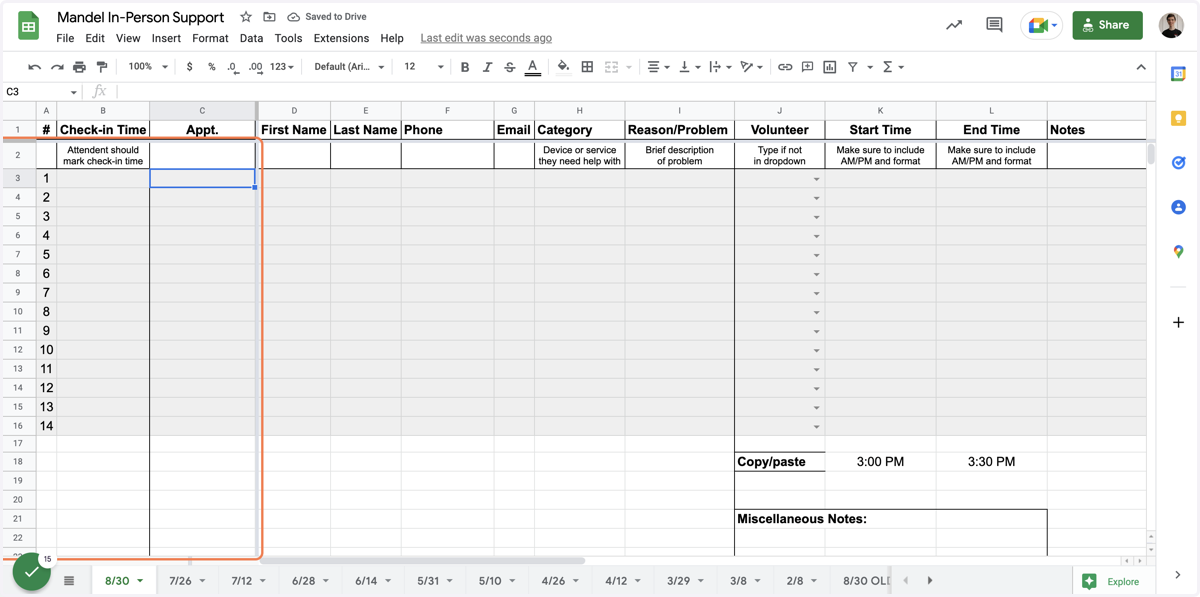
16. Click on Mandel In-Person Support