How to Change your Password
Payrent
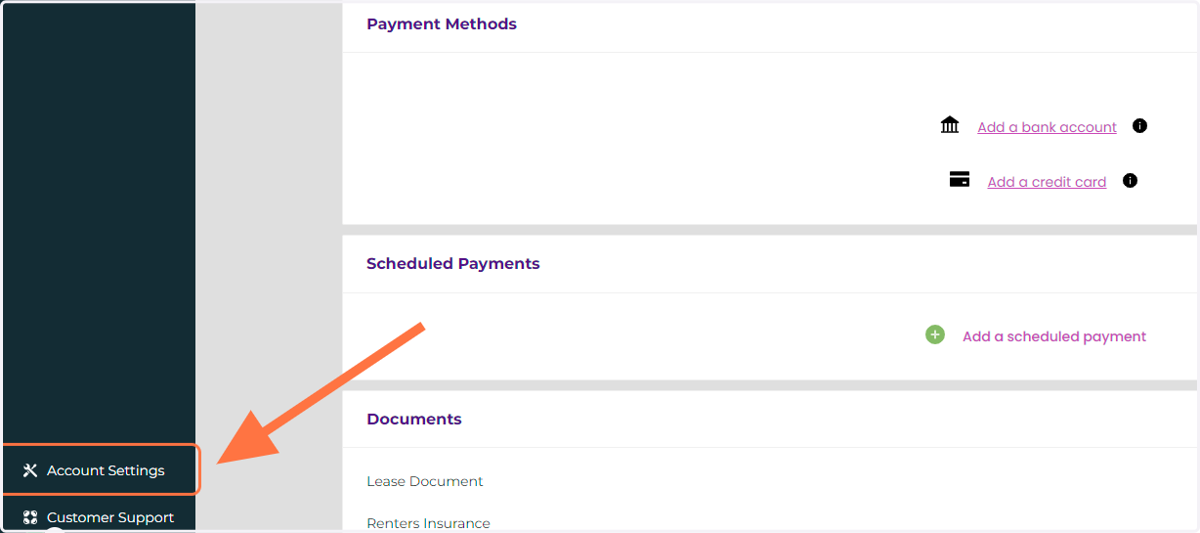
1. Click on Account Settings
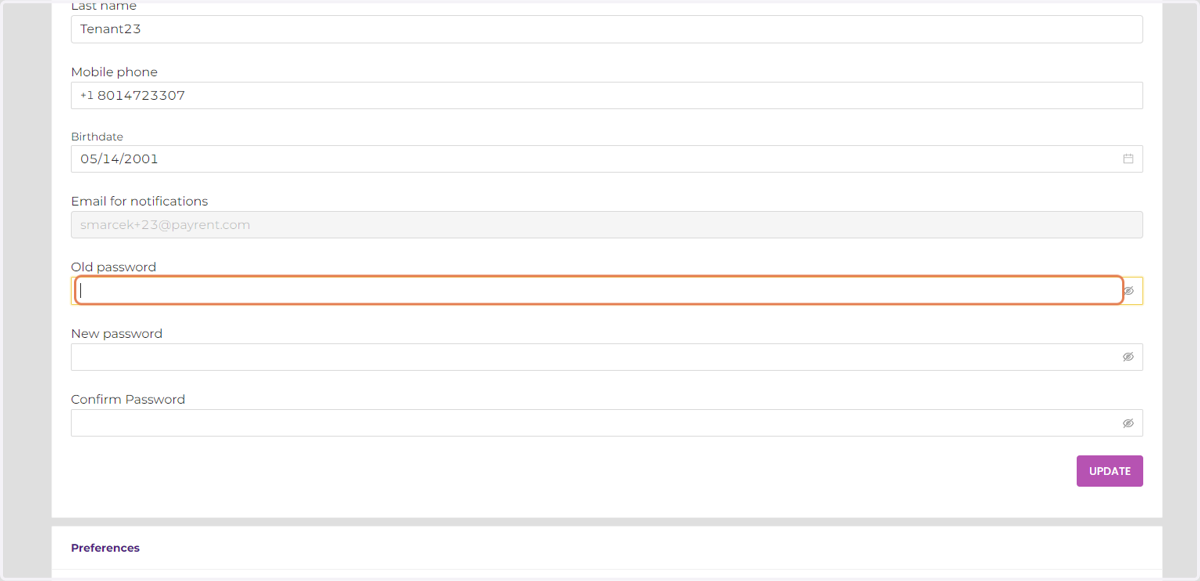
2. Enter your current password.
Payrent
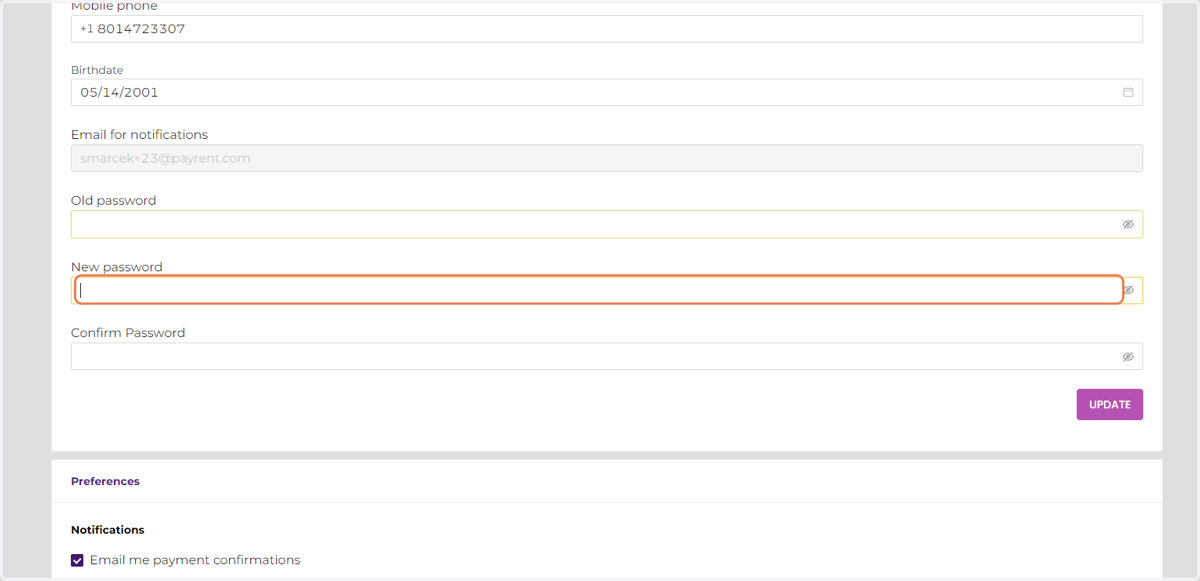
3. Enter a New Password.
Passwords must be at least 8 characters long and include both numbers, lowercase letters, uppercase letters, and a special character.
4. Enter the new password a second time.
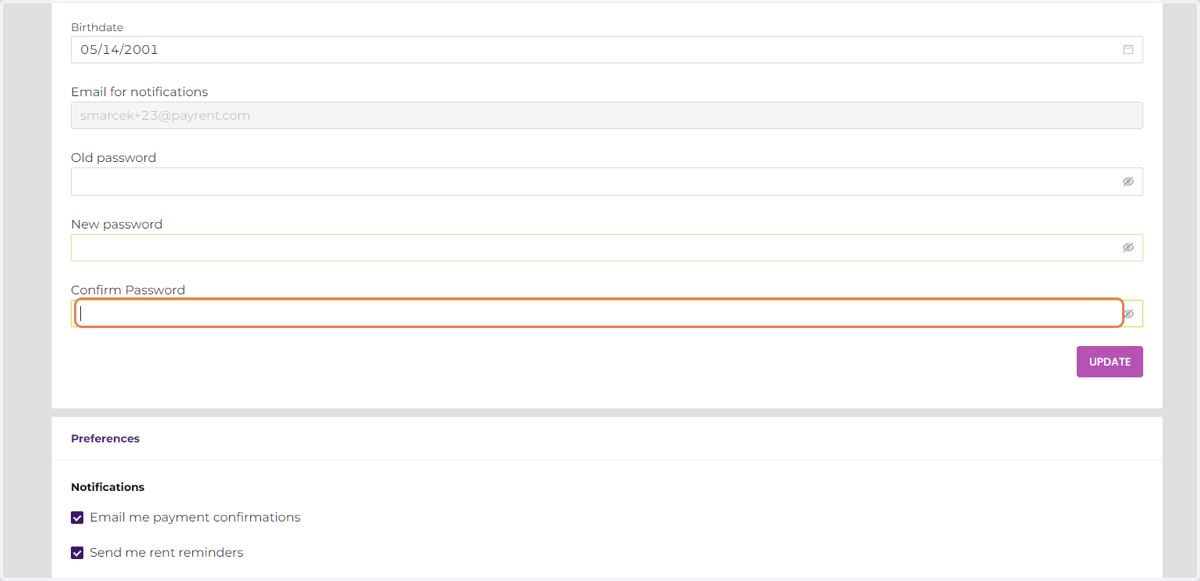
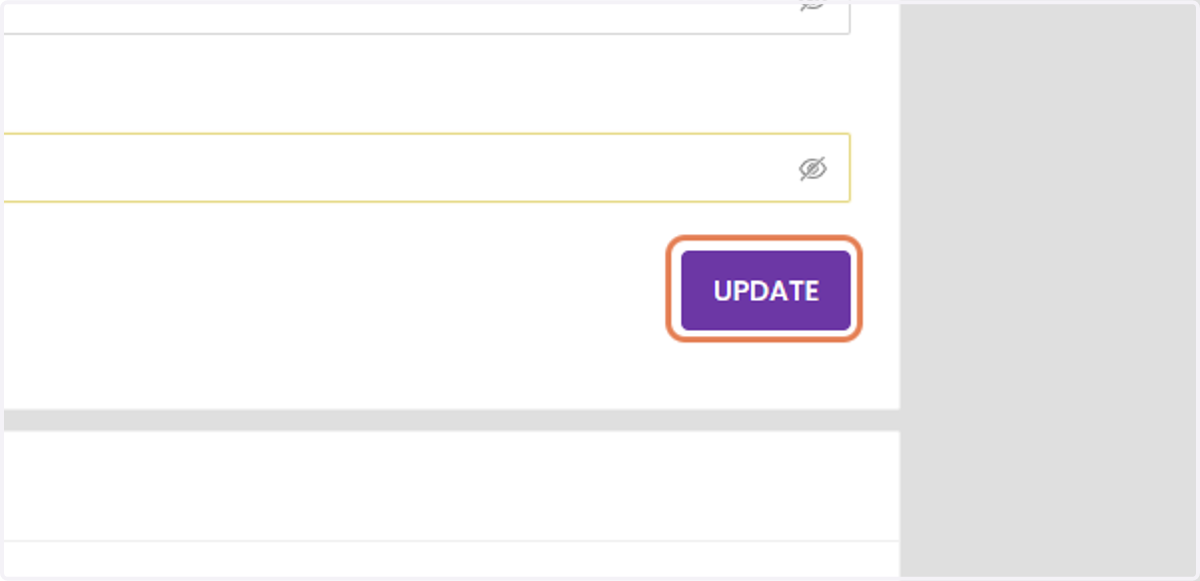
5. Click UPDATE.