9.3 ItsMiner Load Control By Time
ItsMiner——Mining Monitoring Platform
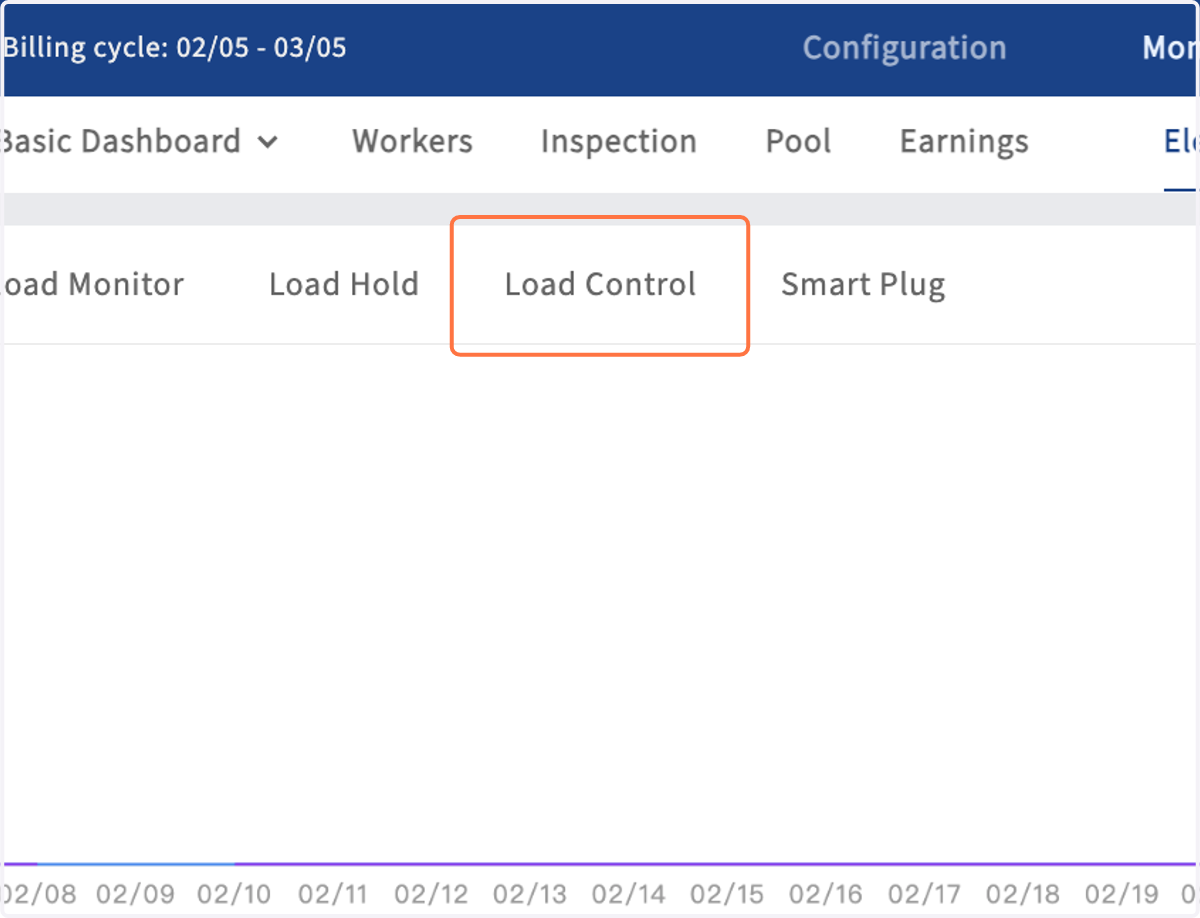
1. Click on Load Control
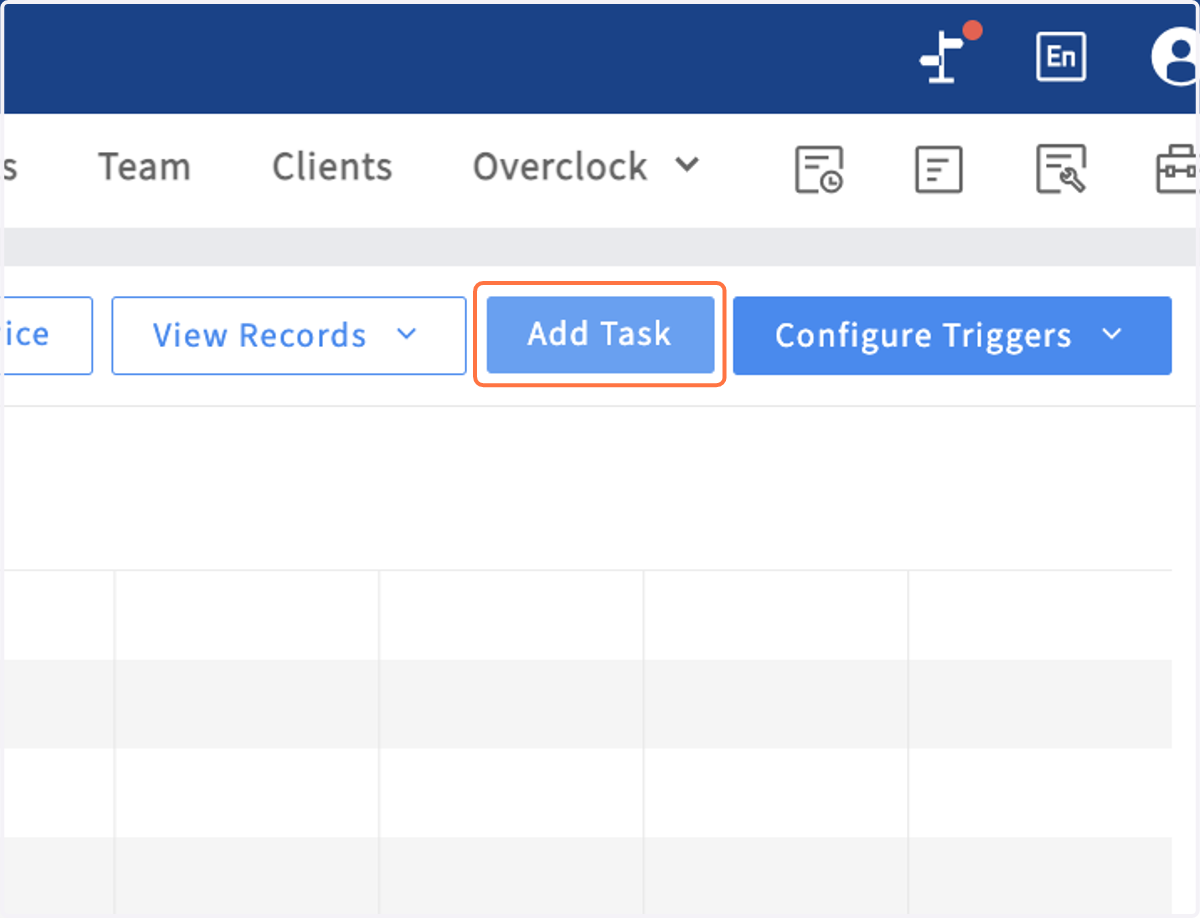
2. Click on Add Task
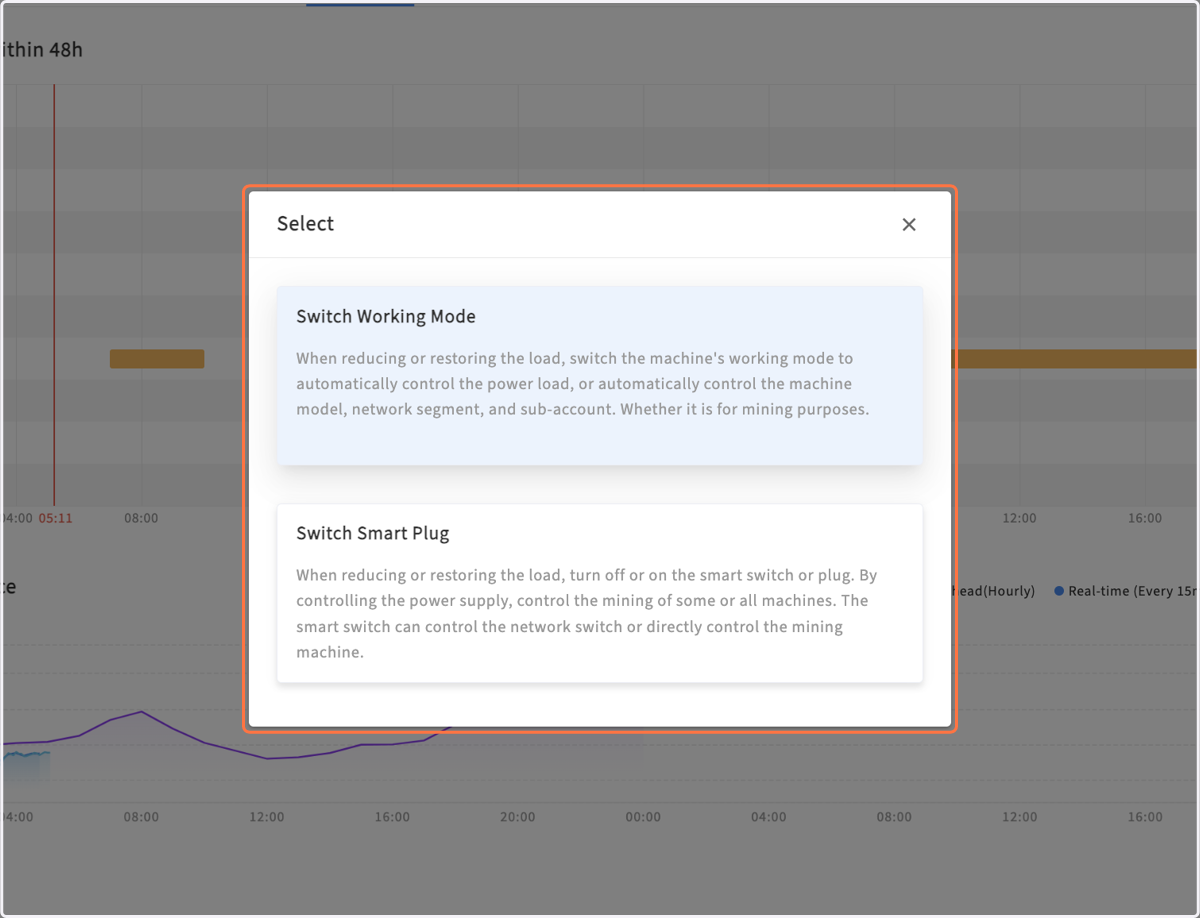
3. Select Switch Working Mode
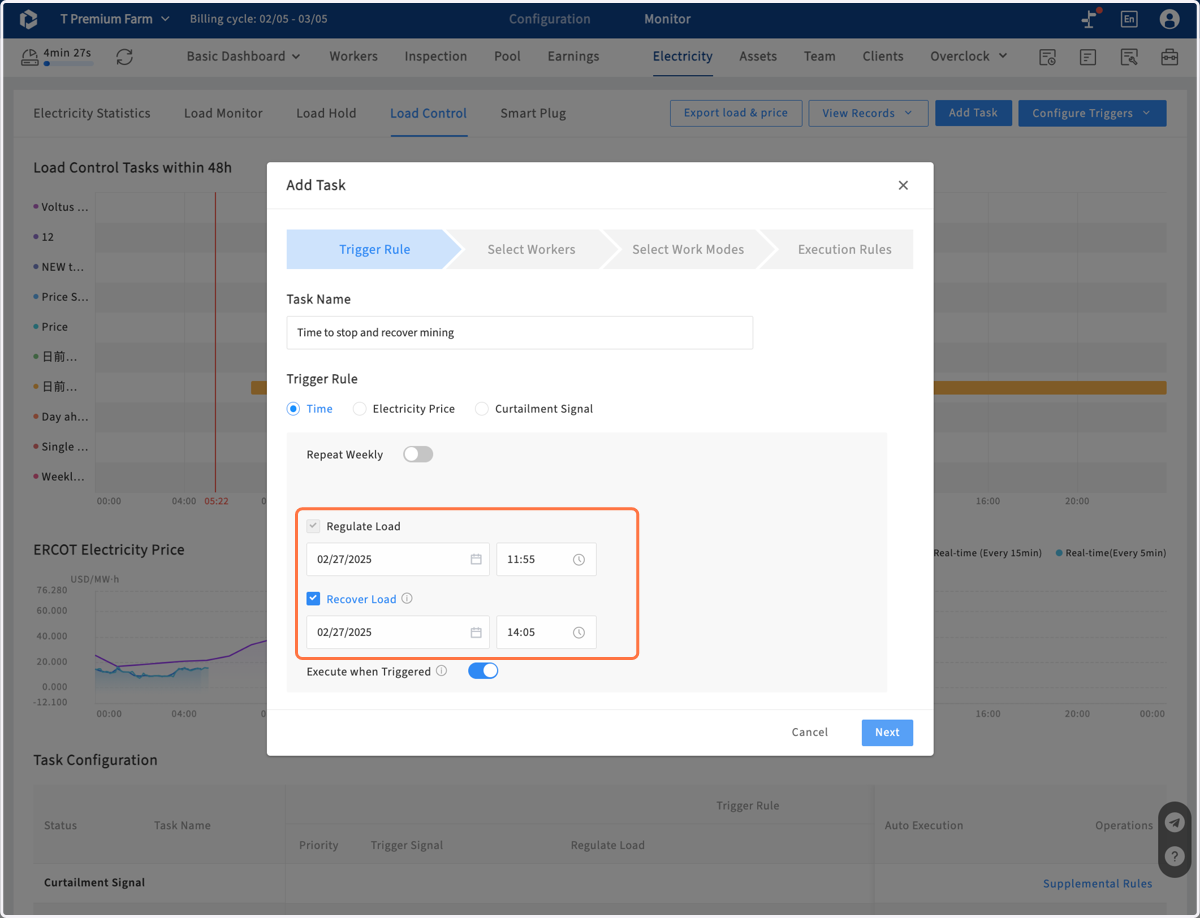
4. Type task name, and select "Time" option
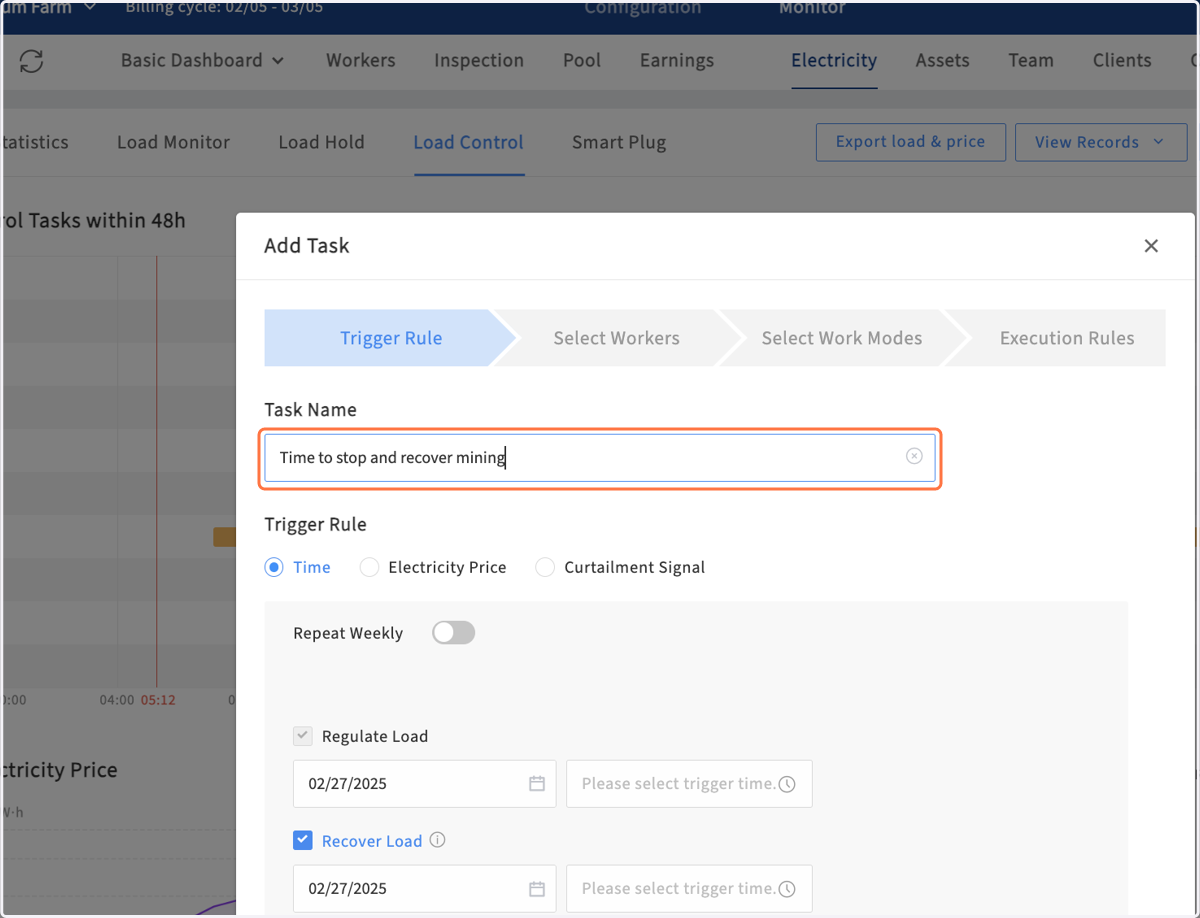
5. Set time to regulate load and recover load
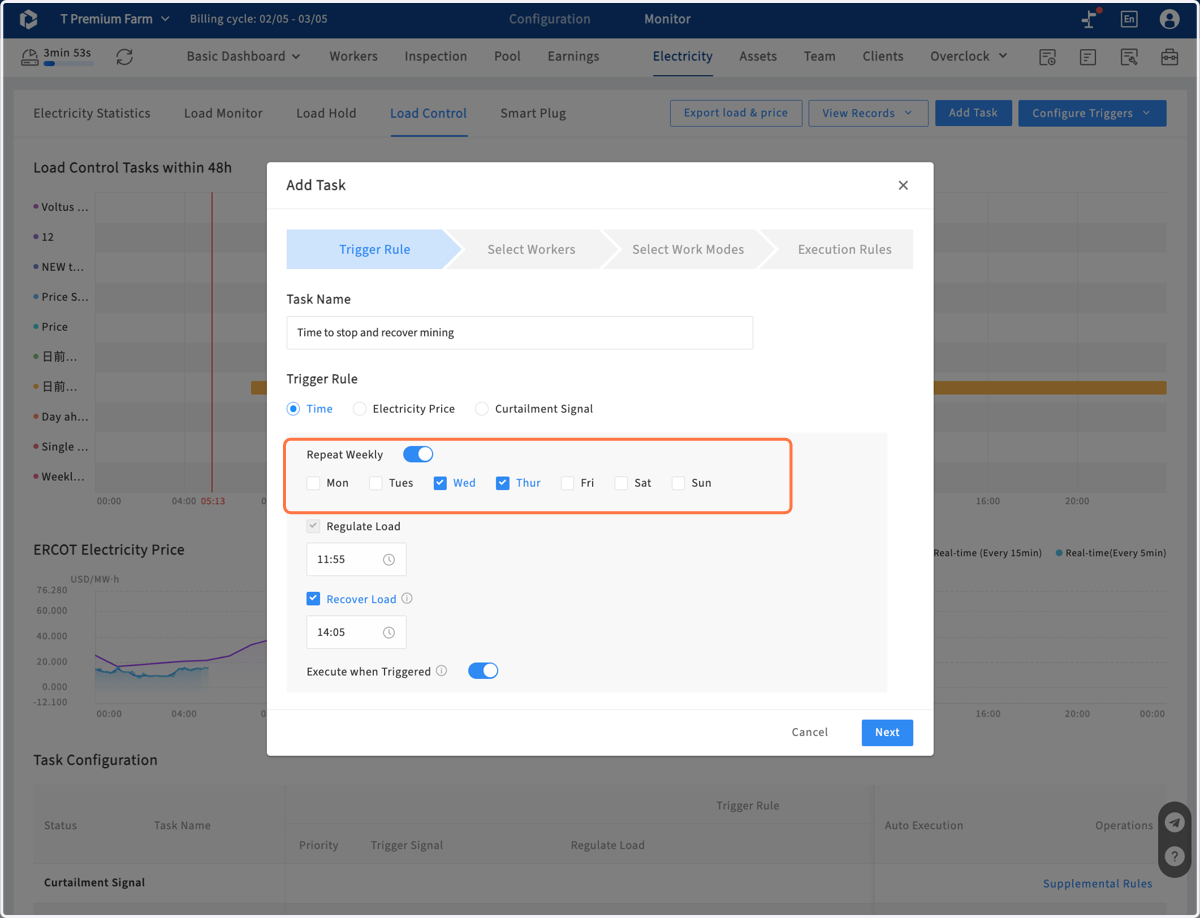
6. If you want repeat the task, enable the switch of "Repeat Weekly" and select the days you want
7. Click on Next to continute to configure your task. The following steps are identical to those in "ItsMiner Load Control By Electric Price"