How to: Add Maintainer to Feast Site in UCG
United Church of God
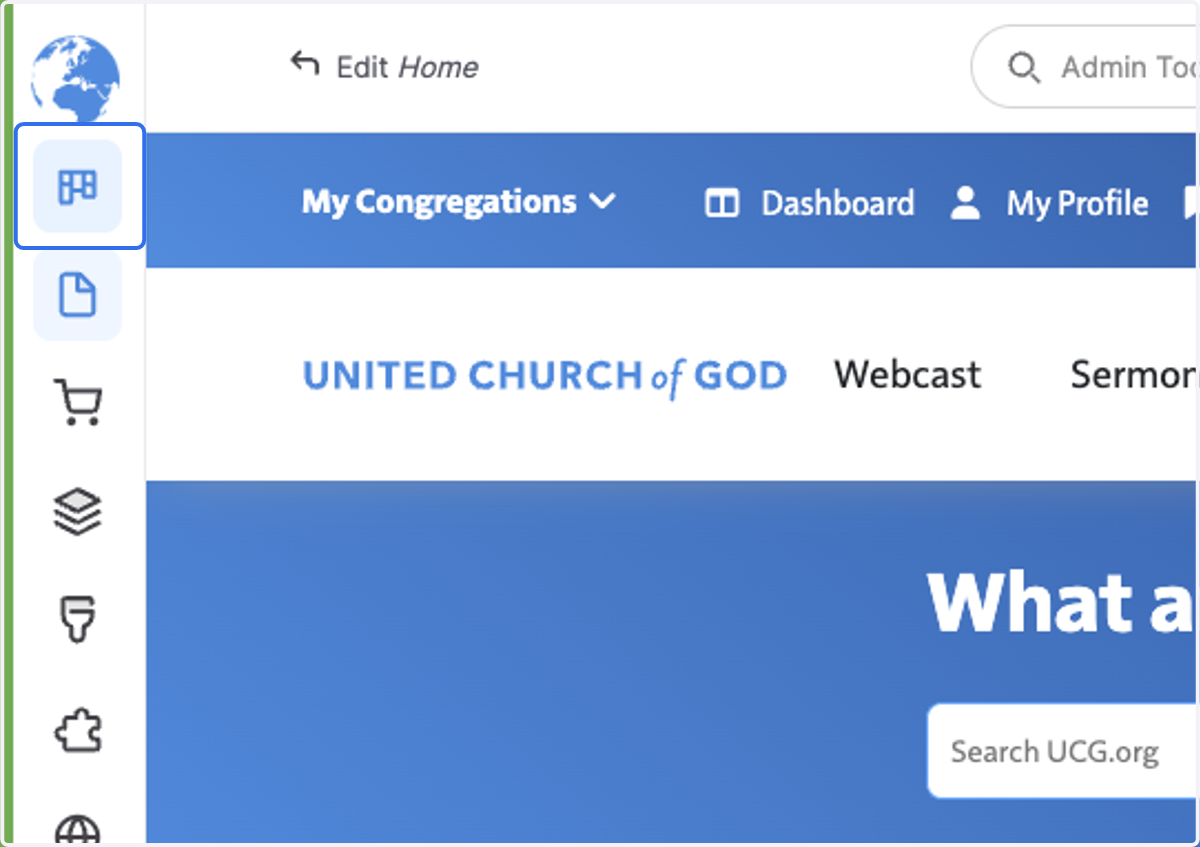
1. Click on Dashboard
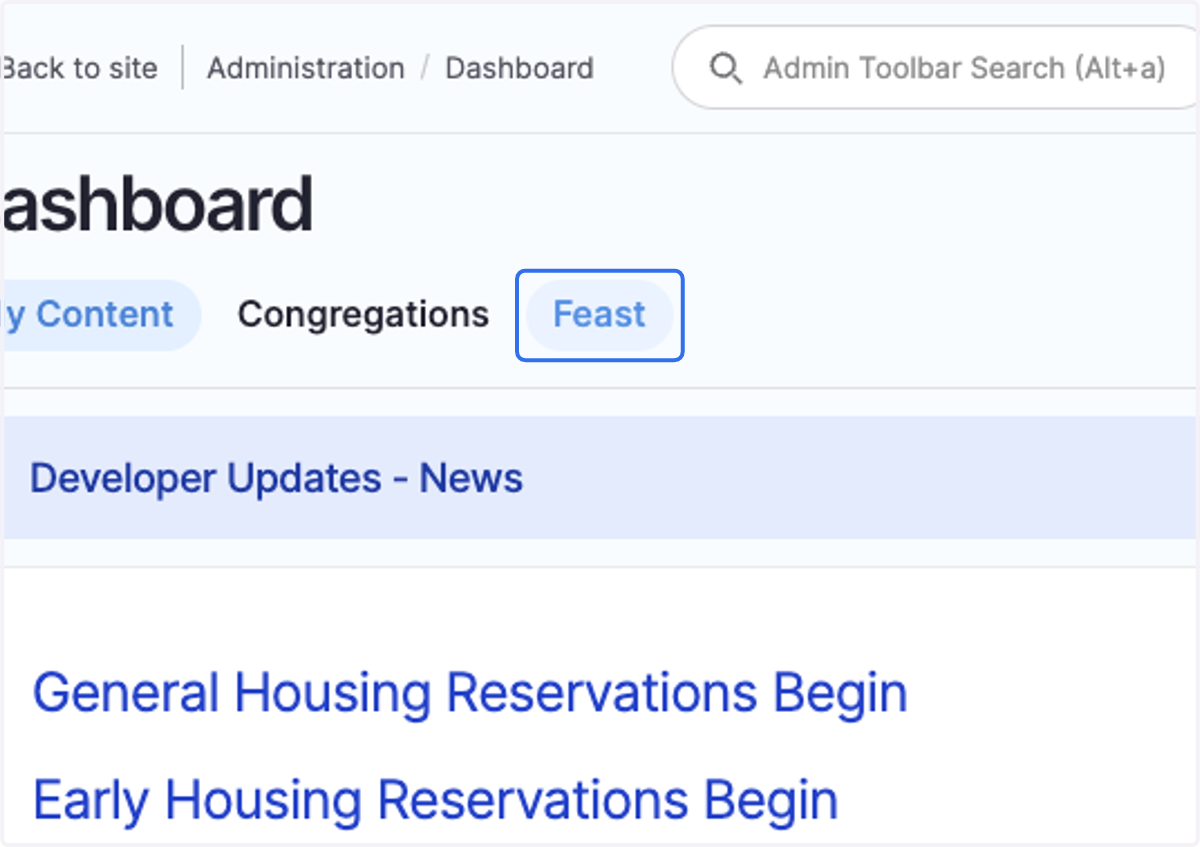
2. Click on Feast
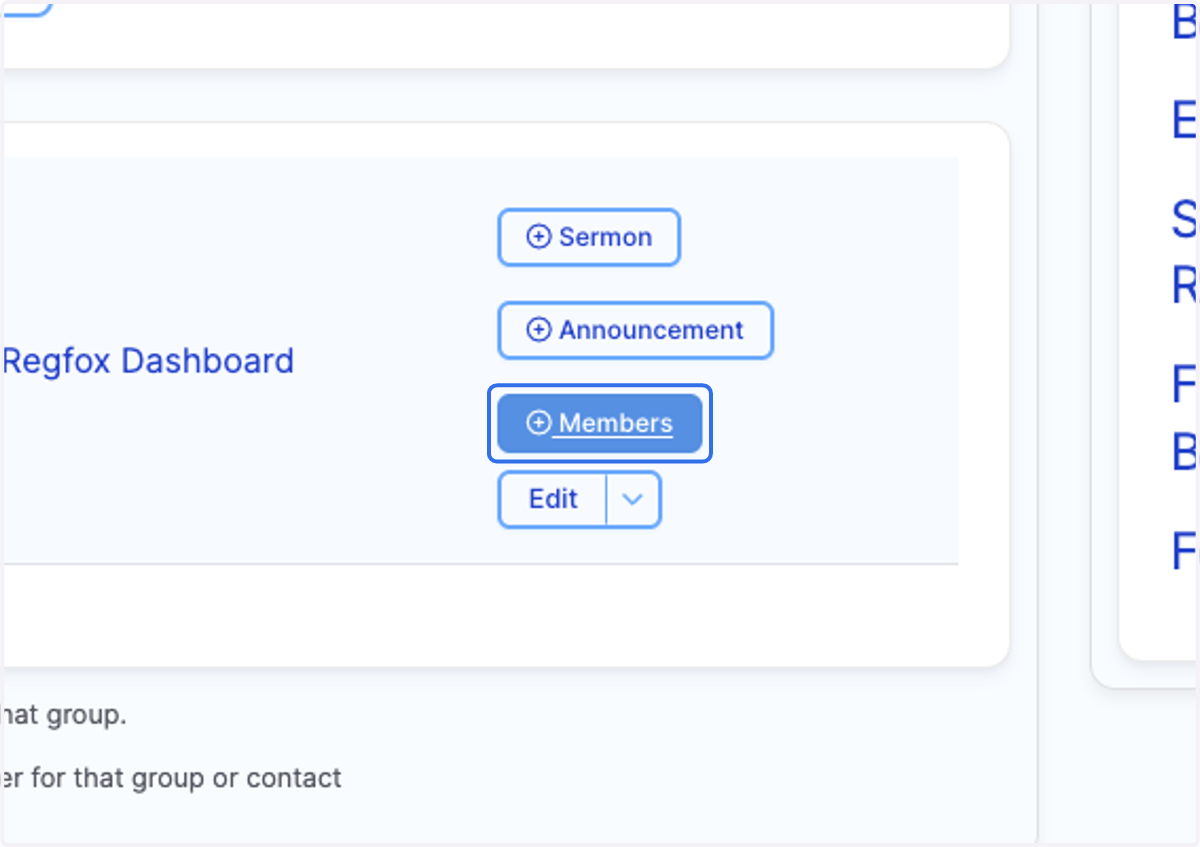
3. Click on the Members button within your Feast Site listing.
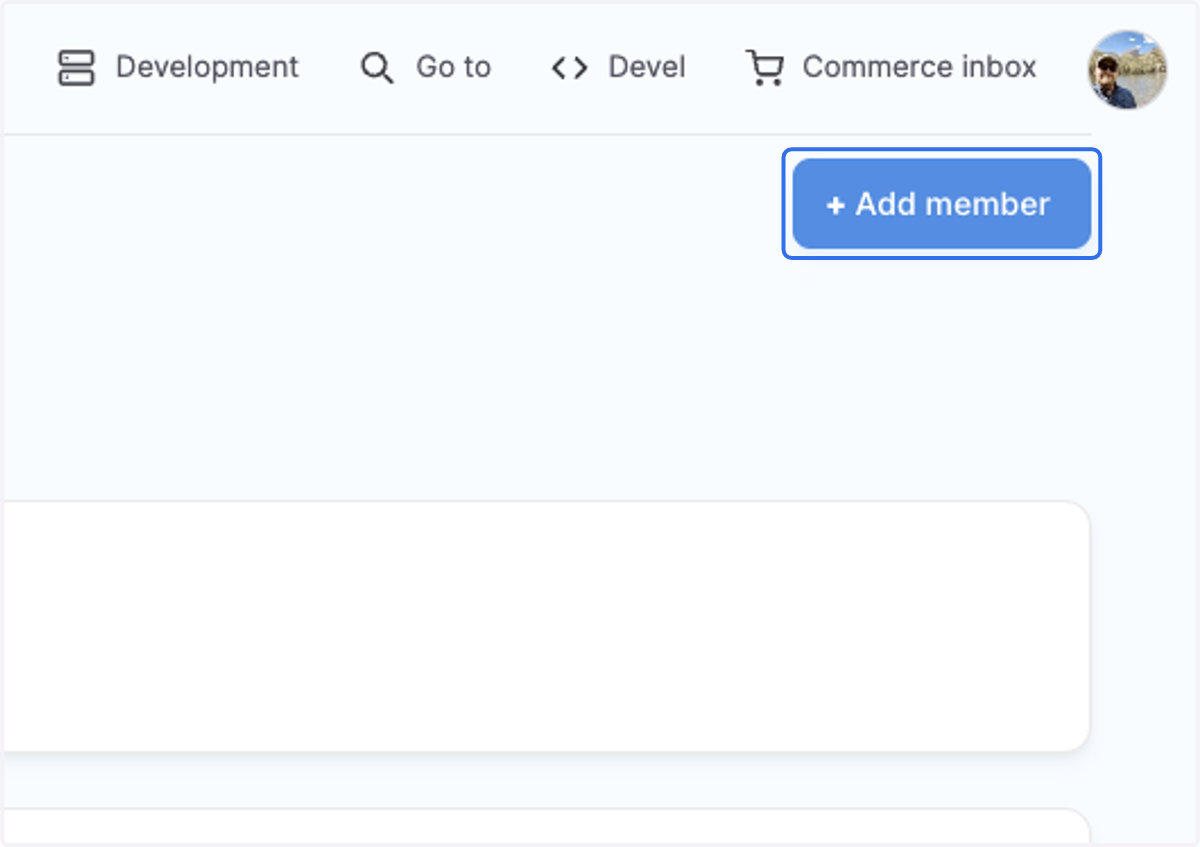
4. Click on Add member
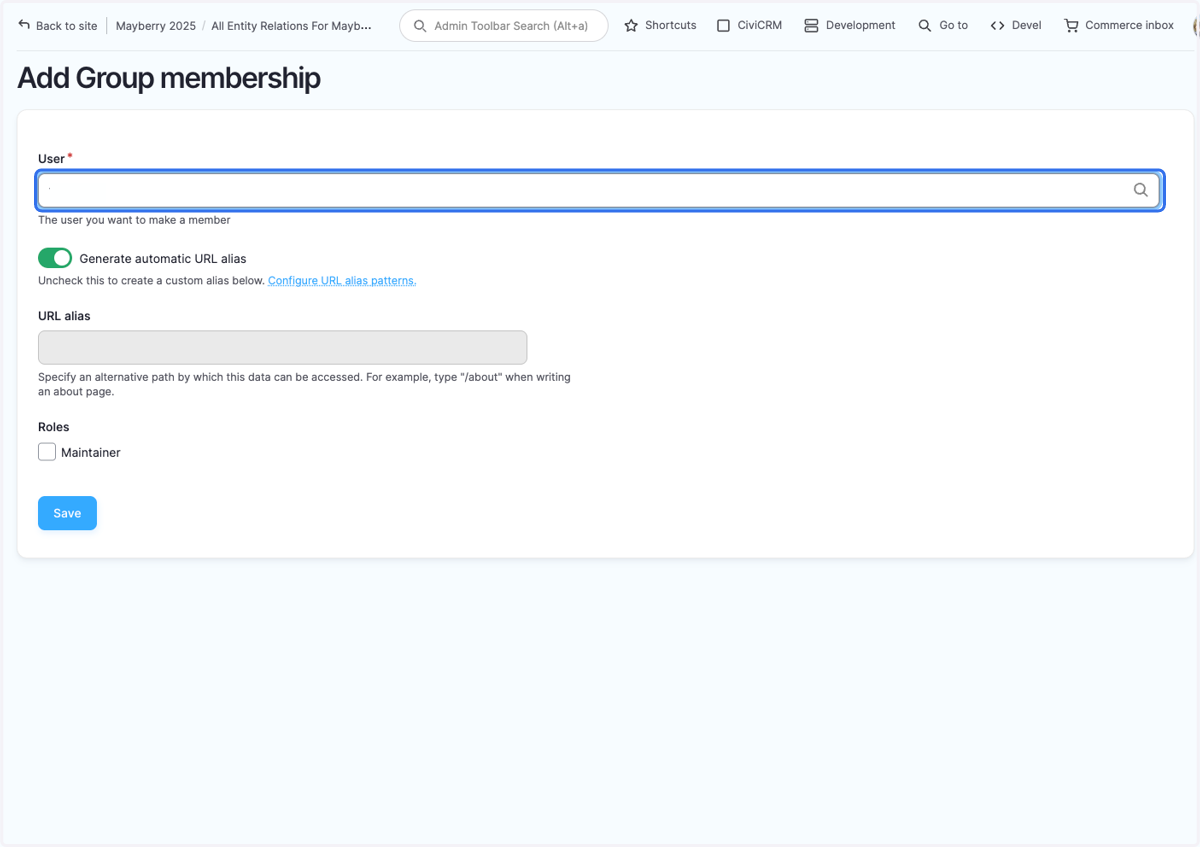
5. Type the user name of the person you are adding to the group.
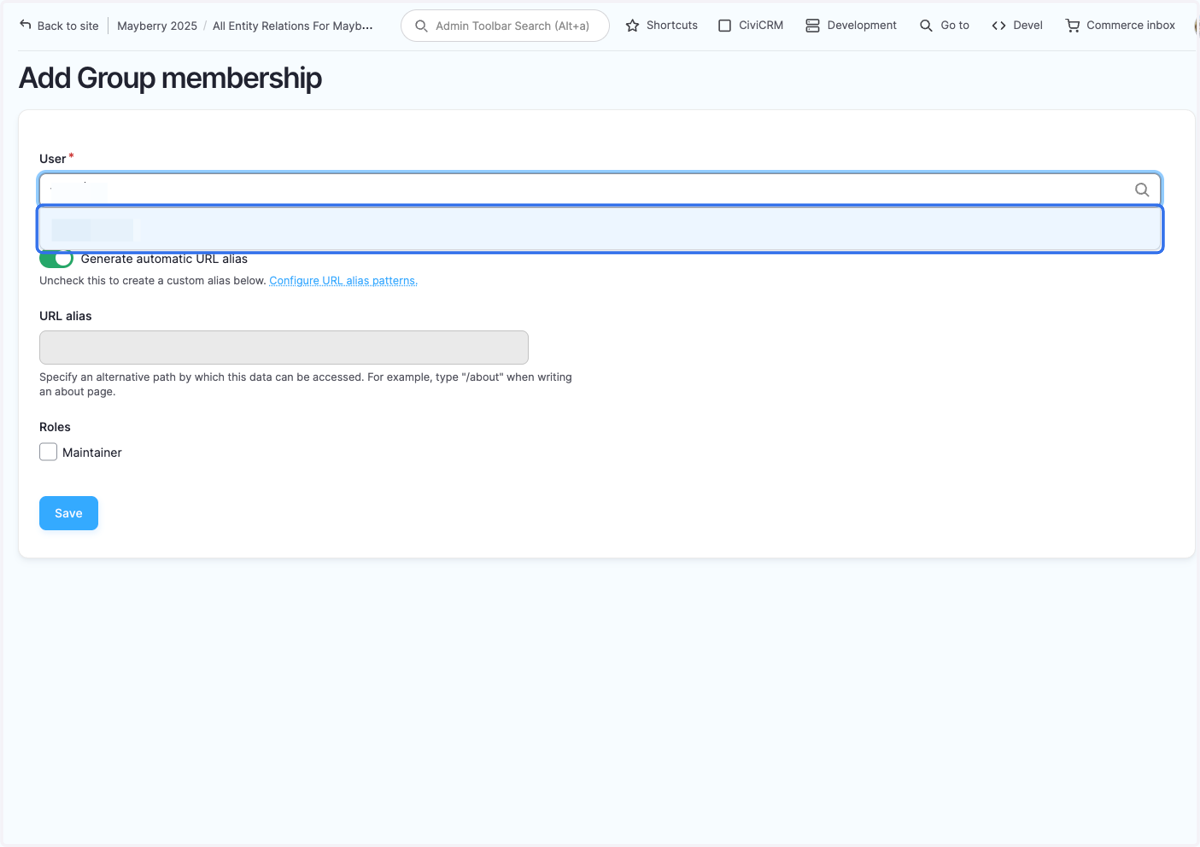
6. Click on their account name
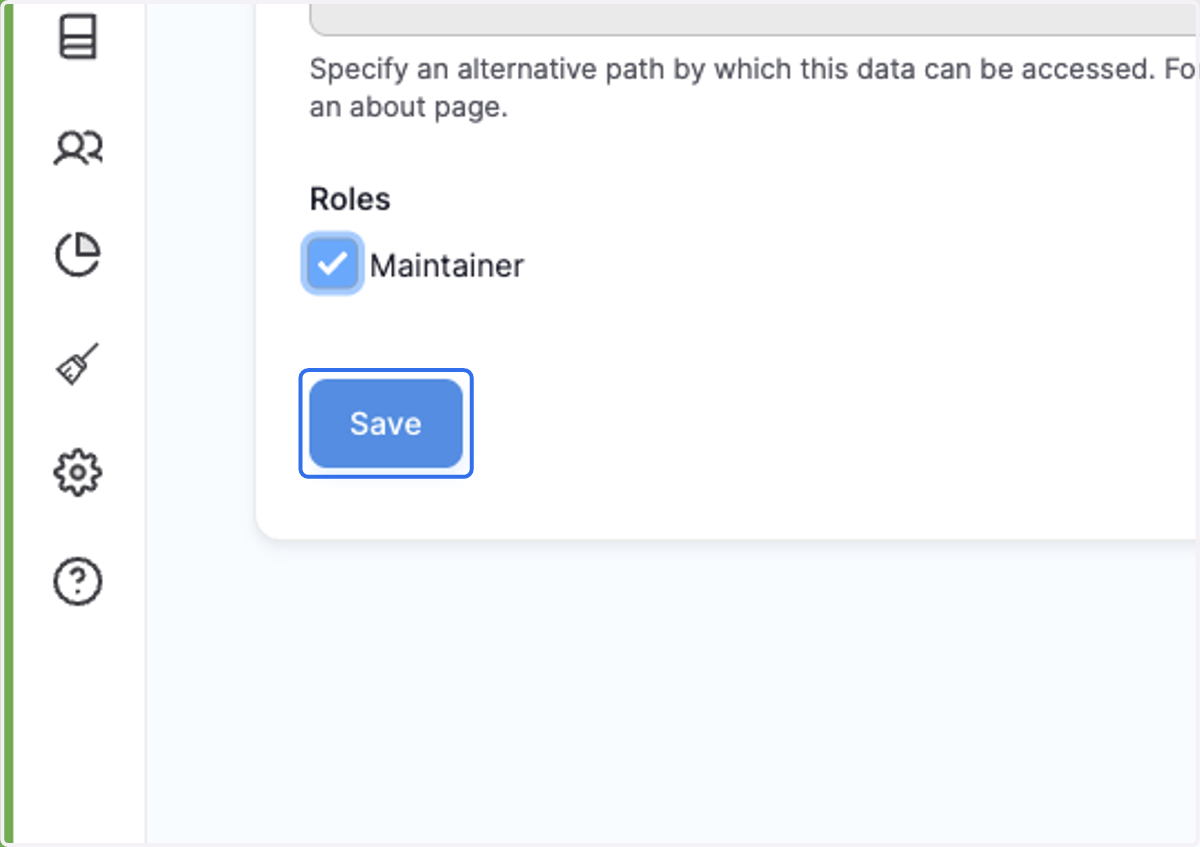
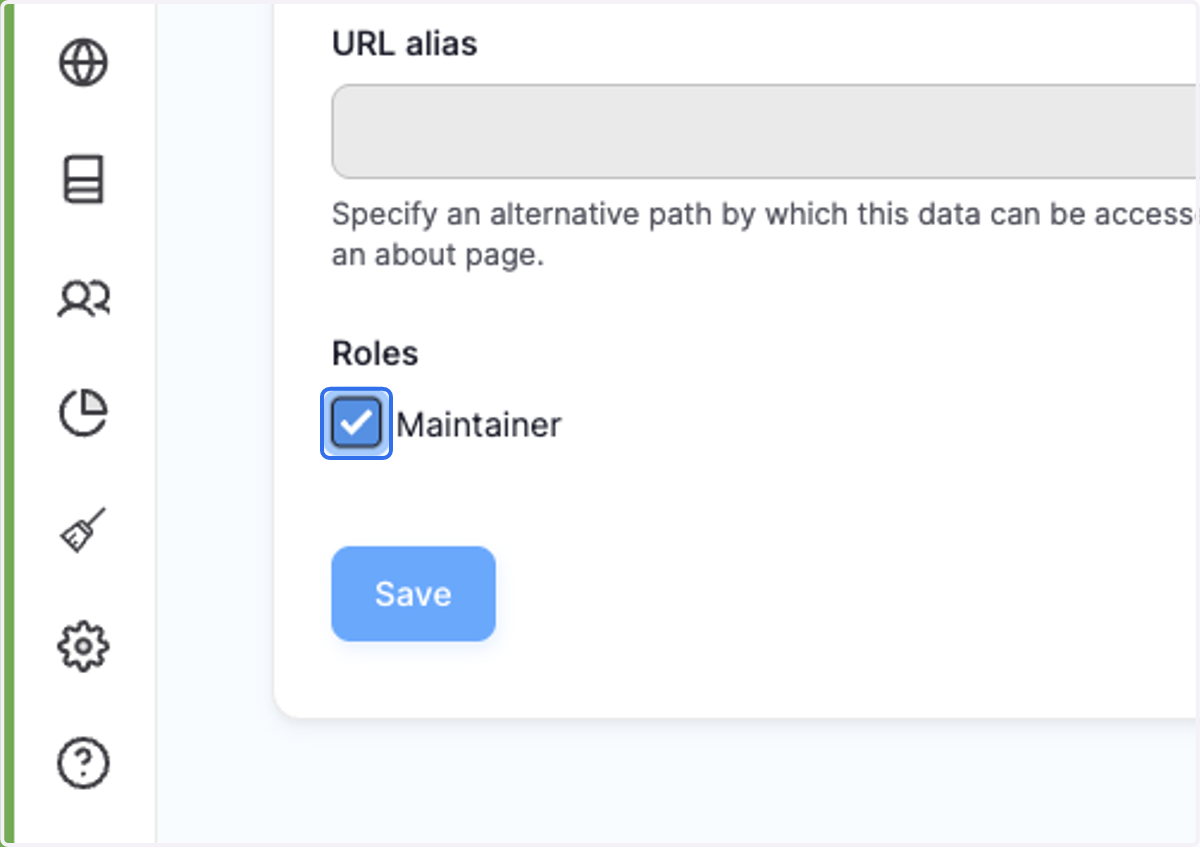
7. Check Maintainer
8. Click on Save