SwagUp x Slack: New Shipment DM
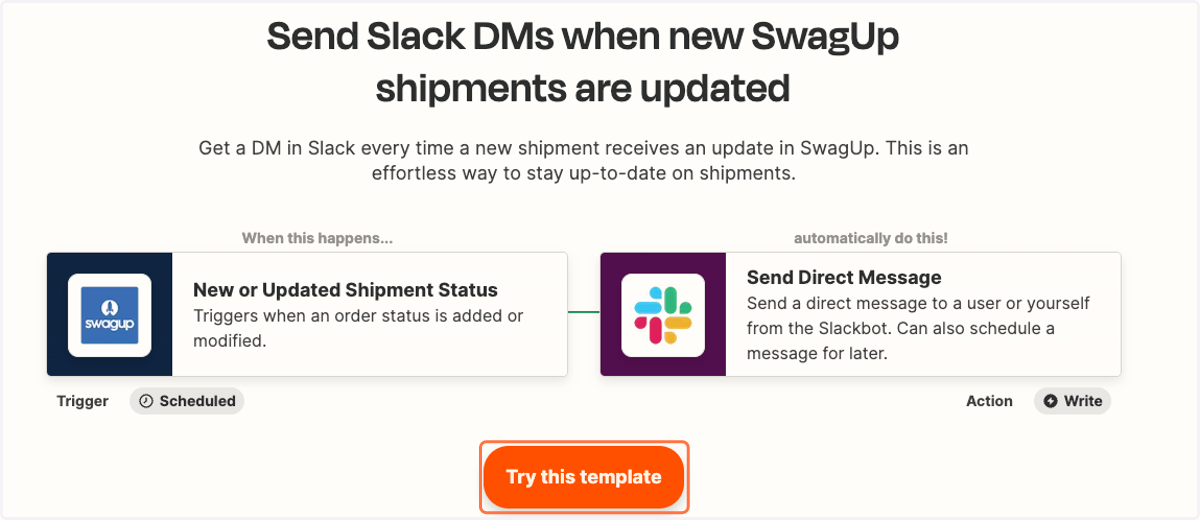
Get a DM in Slack every time a new shipment receives an update in SwagUp. This is an effortless way to stay up-to-date on shipments.
Send Slack DMs when new SwagUp shipments are updated
1. Click on Try this template
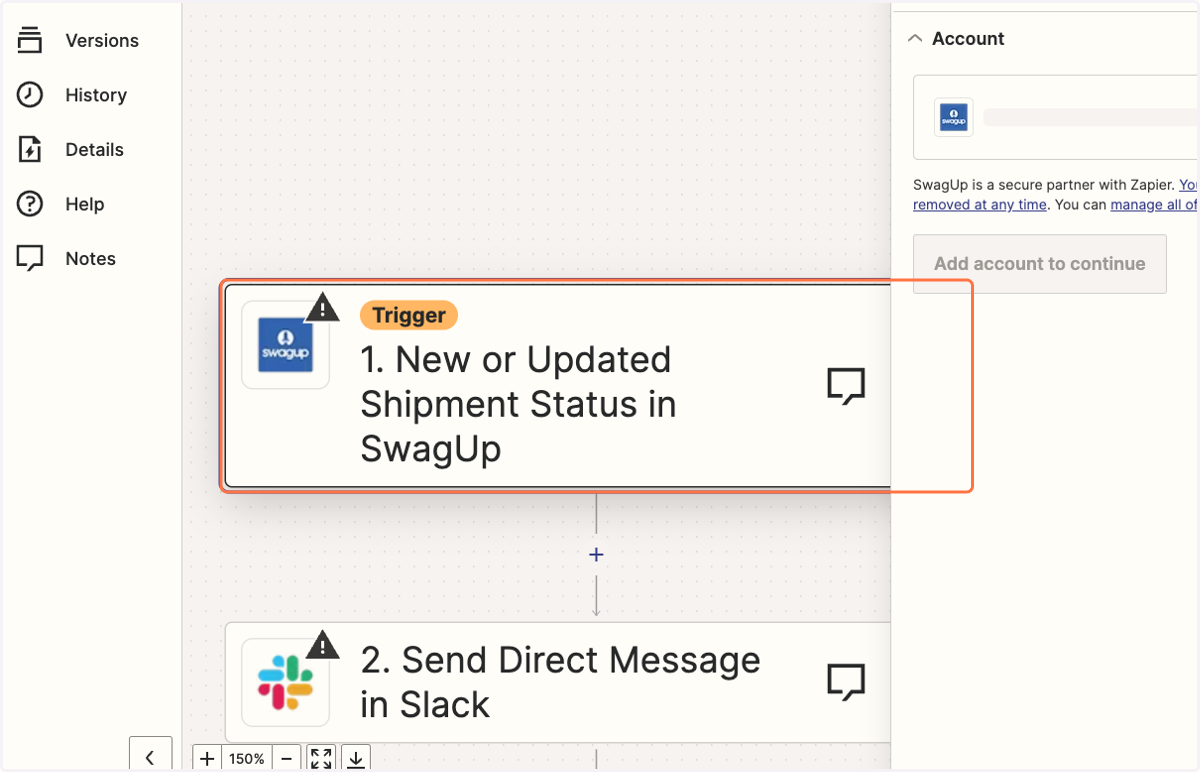
2. Click on Trigger step.
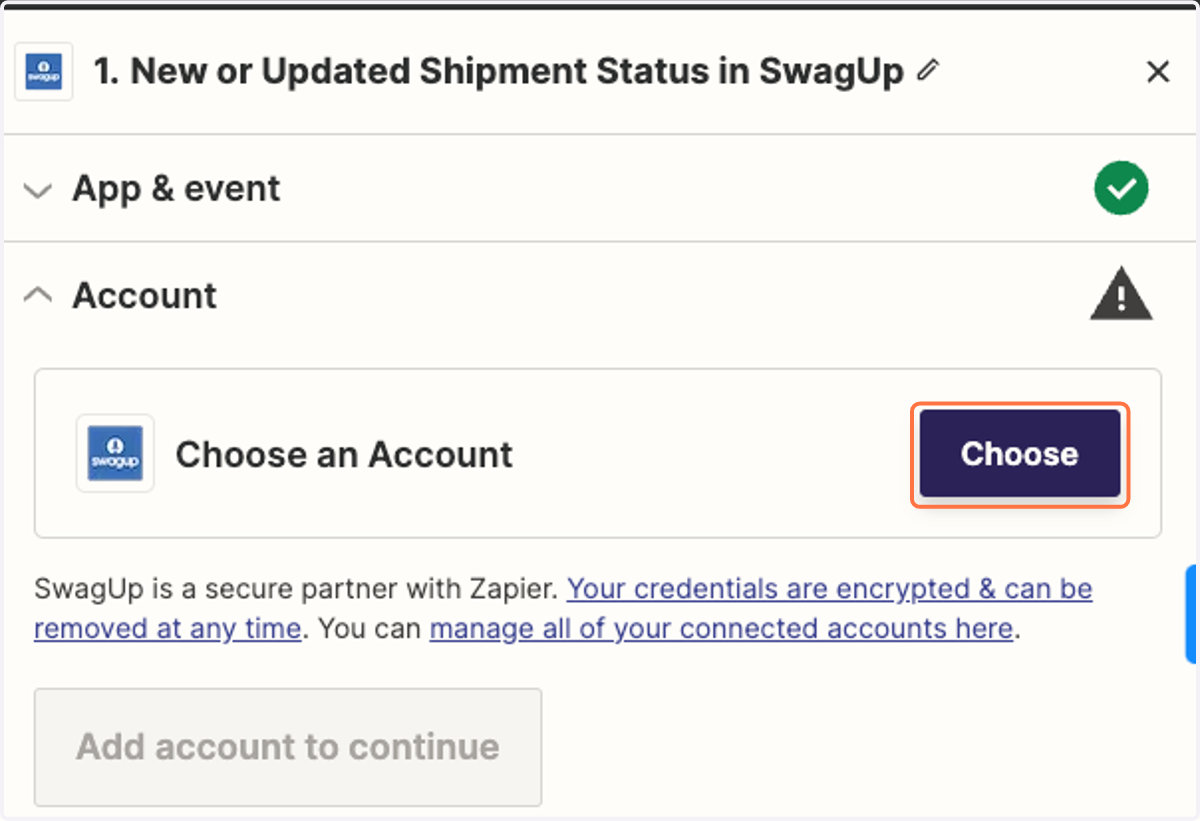
3. Choose SwagUp account you'd like to connect
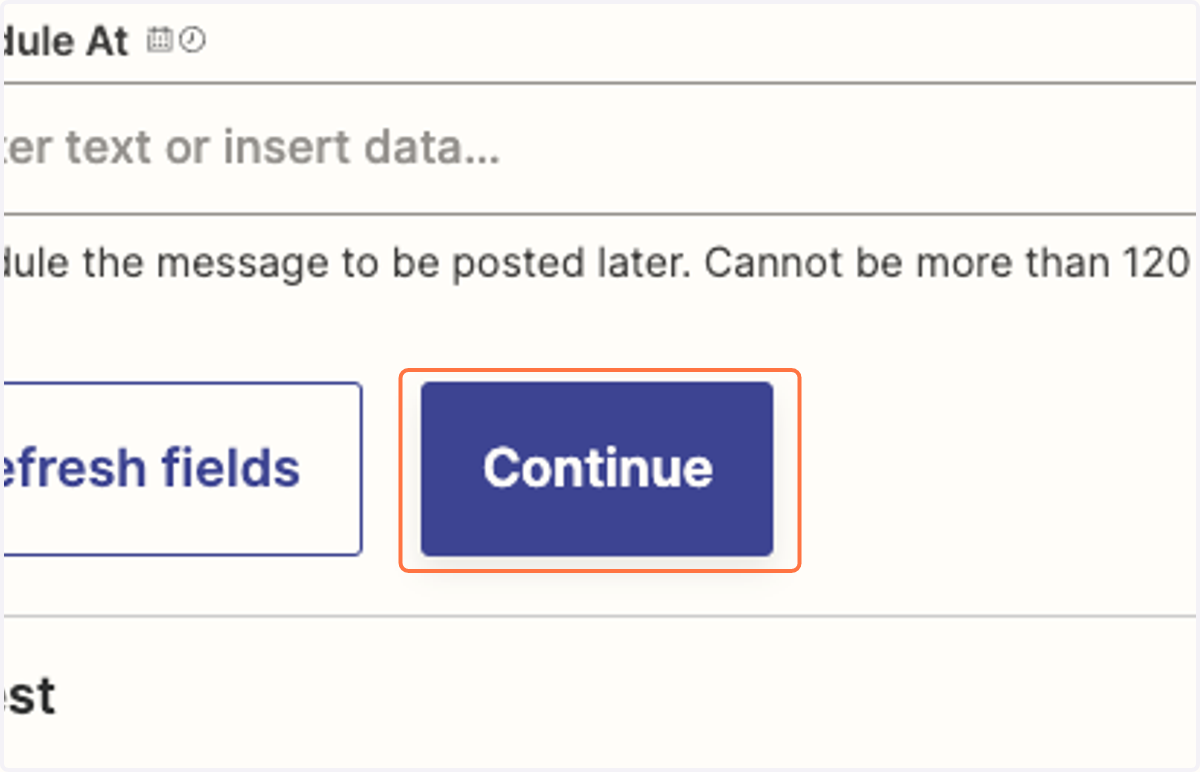
4. Click on Continue
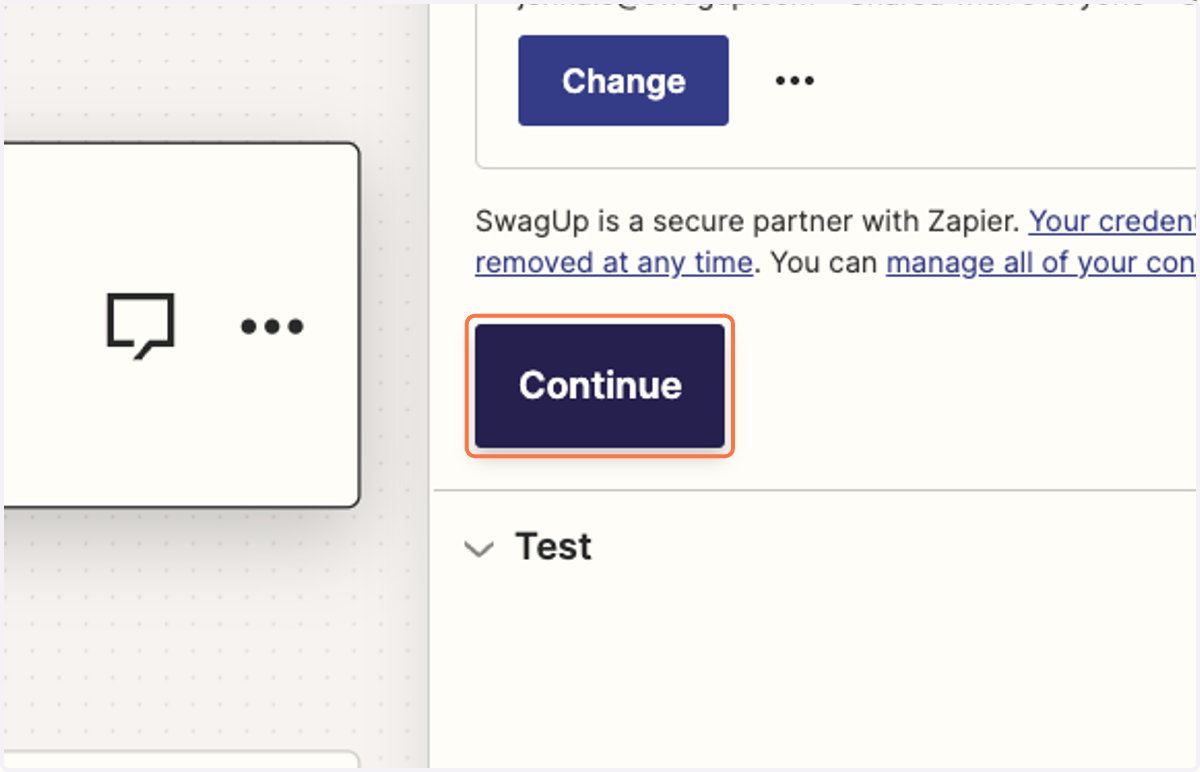
5. Click on Test trigger
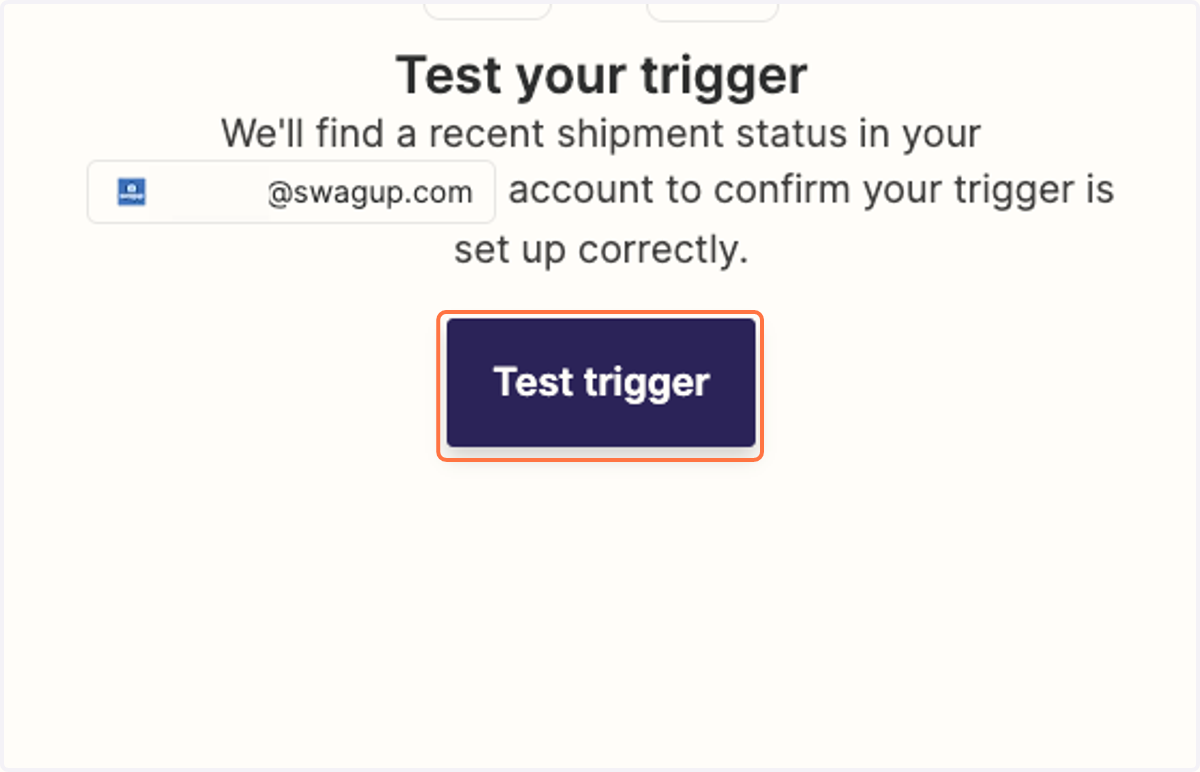
6. Click on Continue with selected record
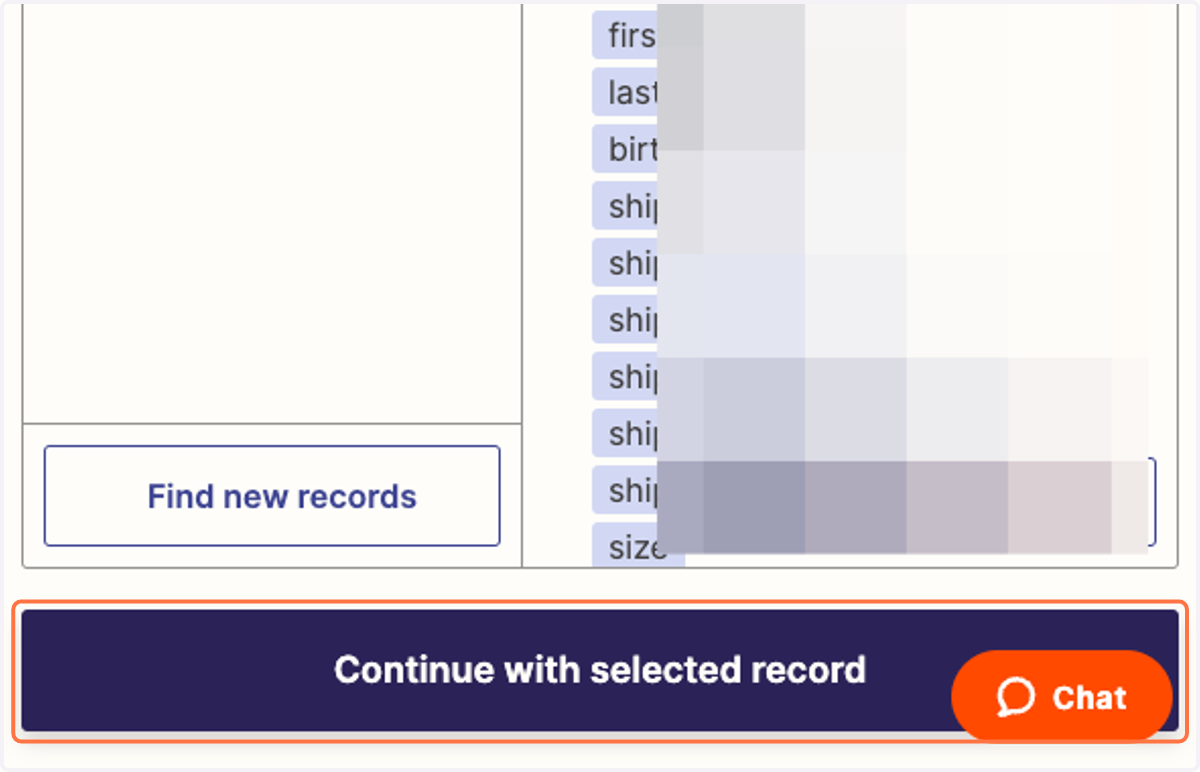
7. Choose Slack account to connect
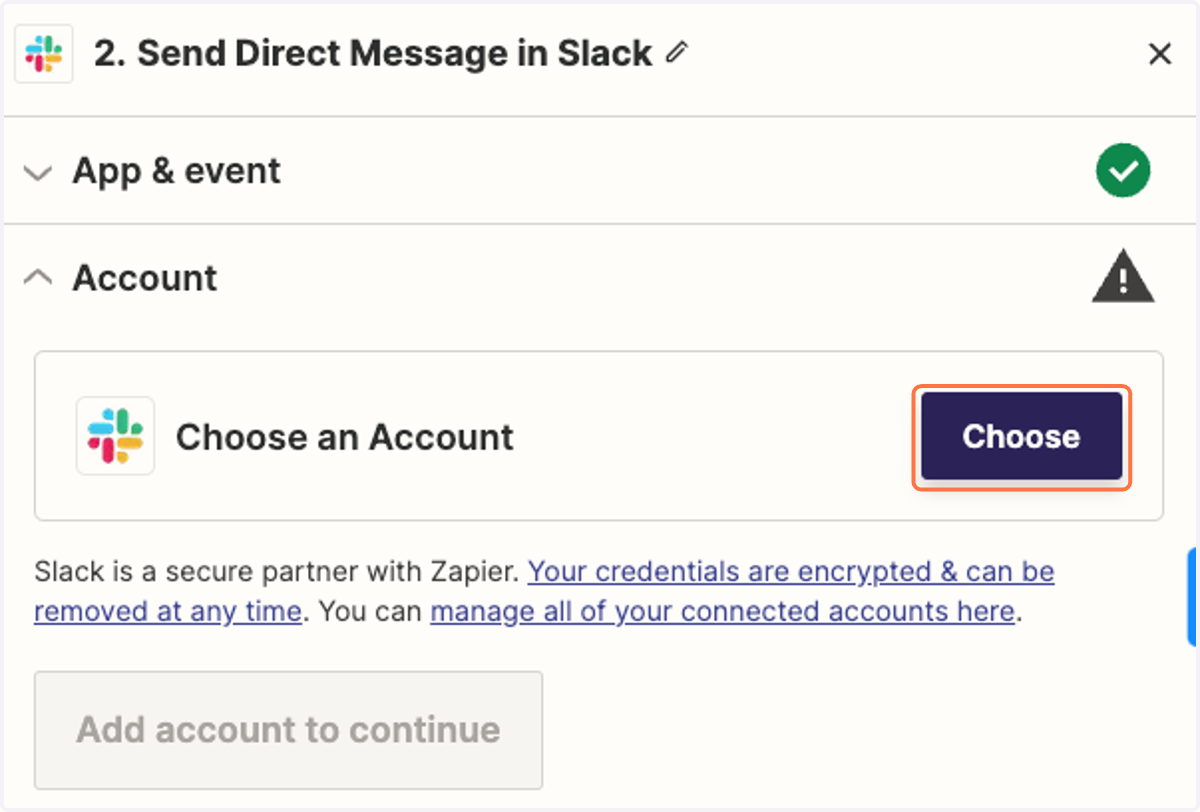
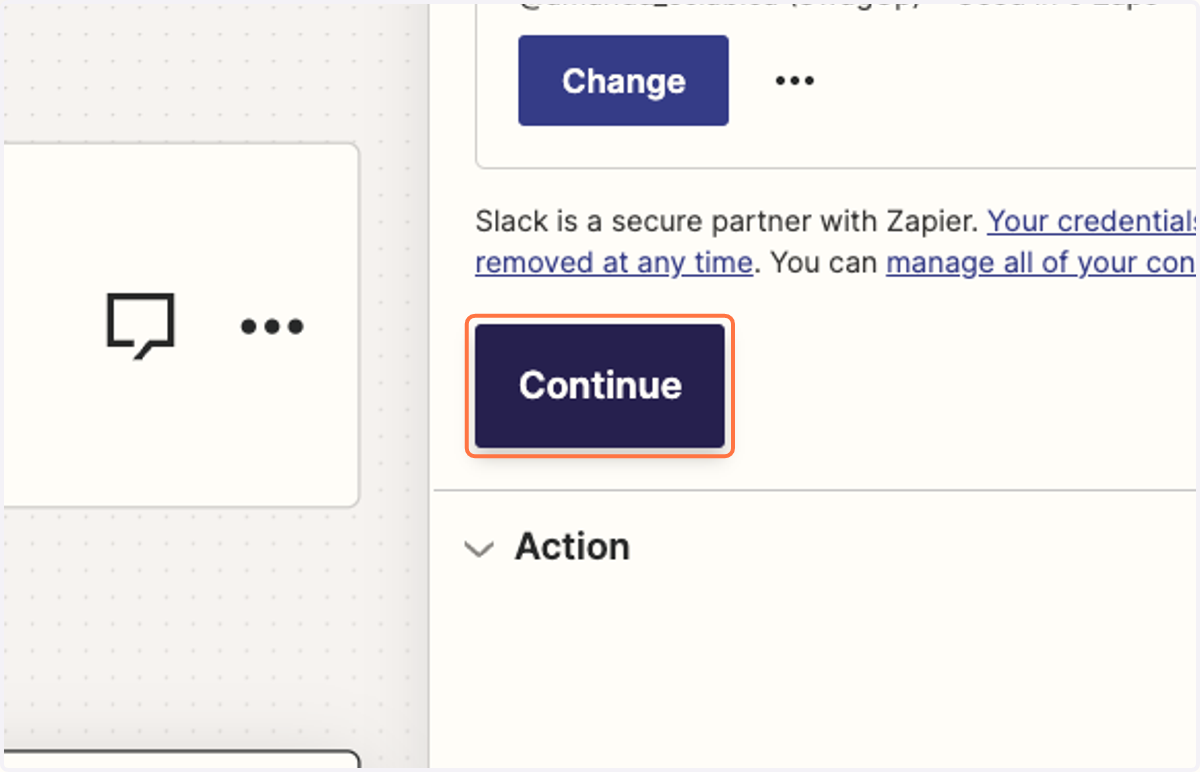
8. Click on Continue
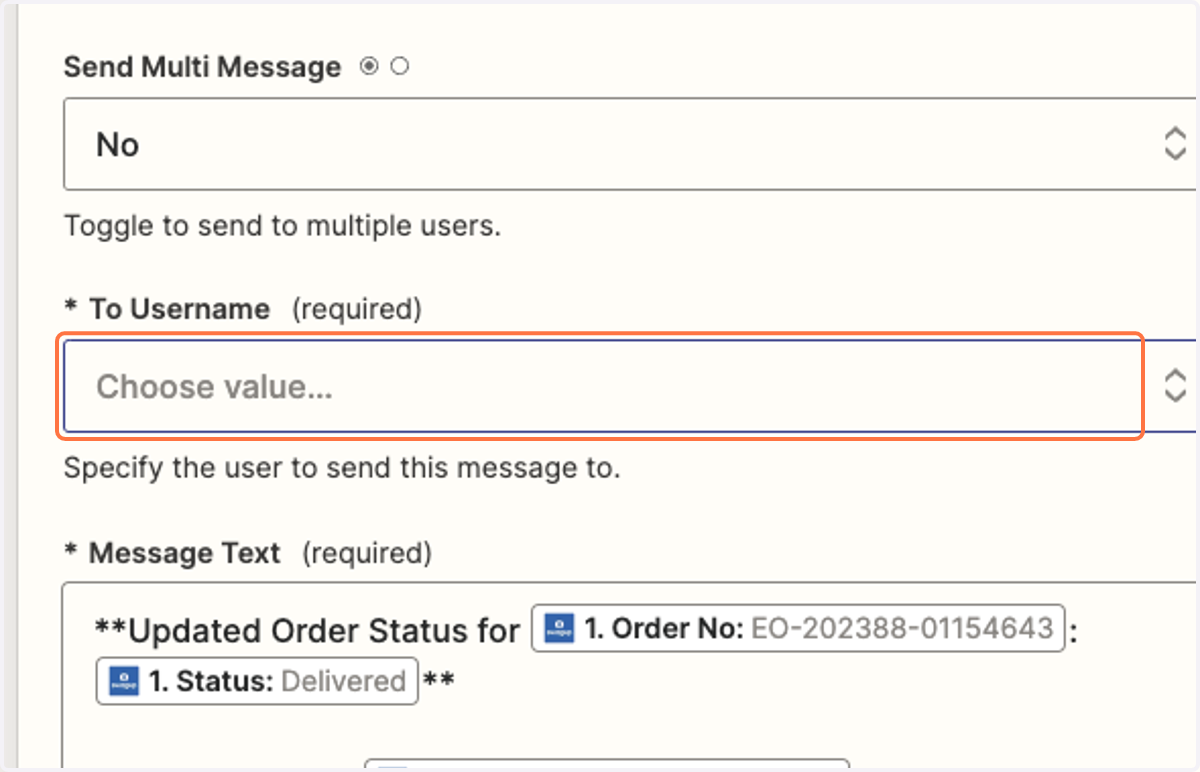
9. Choose person you'd like to send Direct Messages to
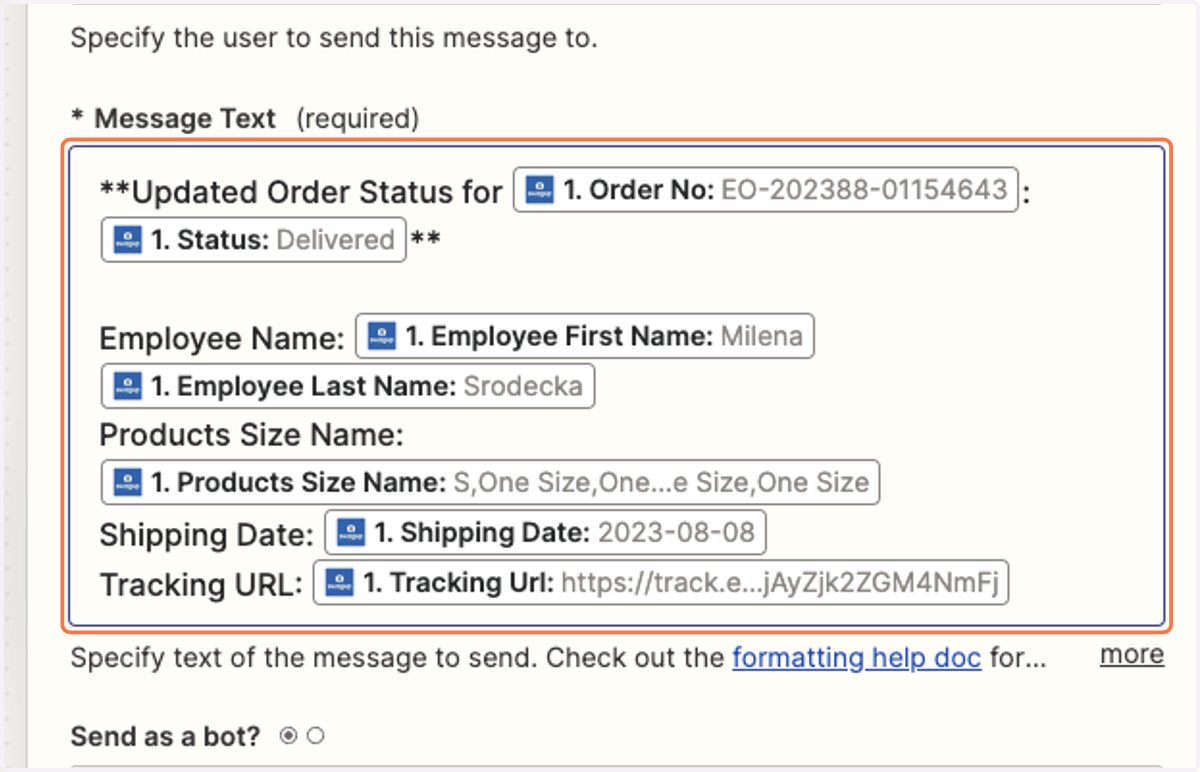
10. Customize Message Text
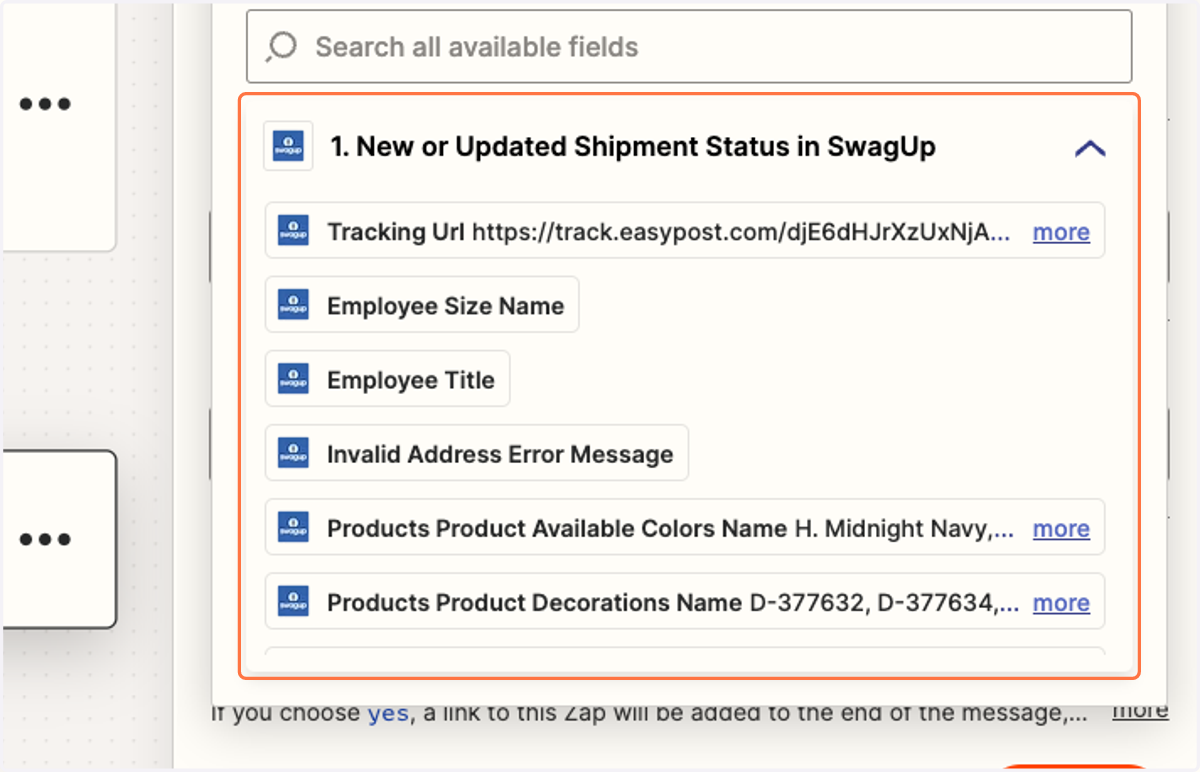
11. Add fields you'd like to populate in your message
12. Click on Continue and Publish to begin using your Zap.