Merge Duplicate Contacts Records
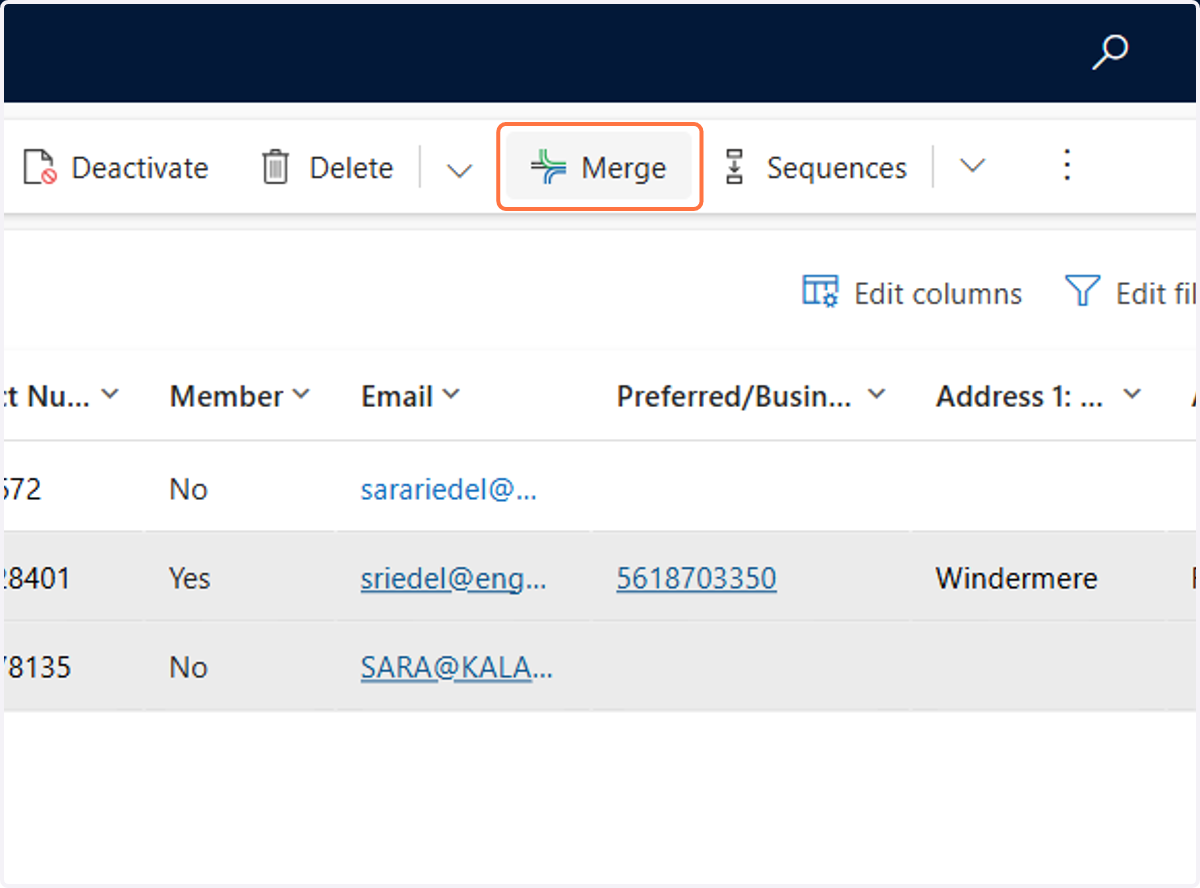
1. Click on the two accounts that you want to merge. Click on Merge
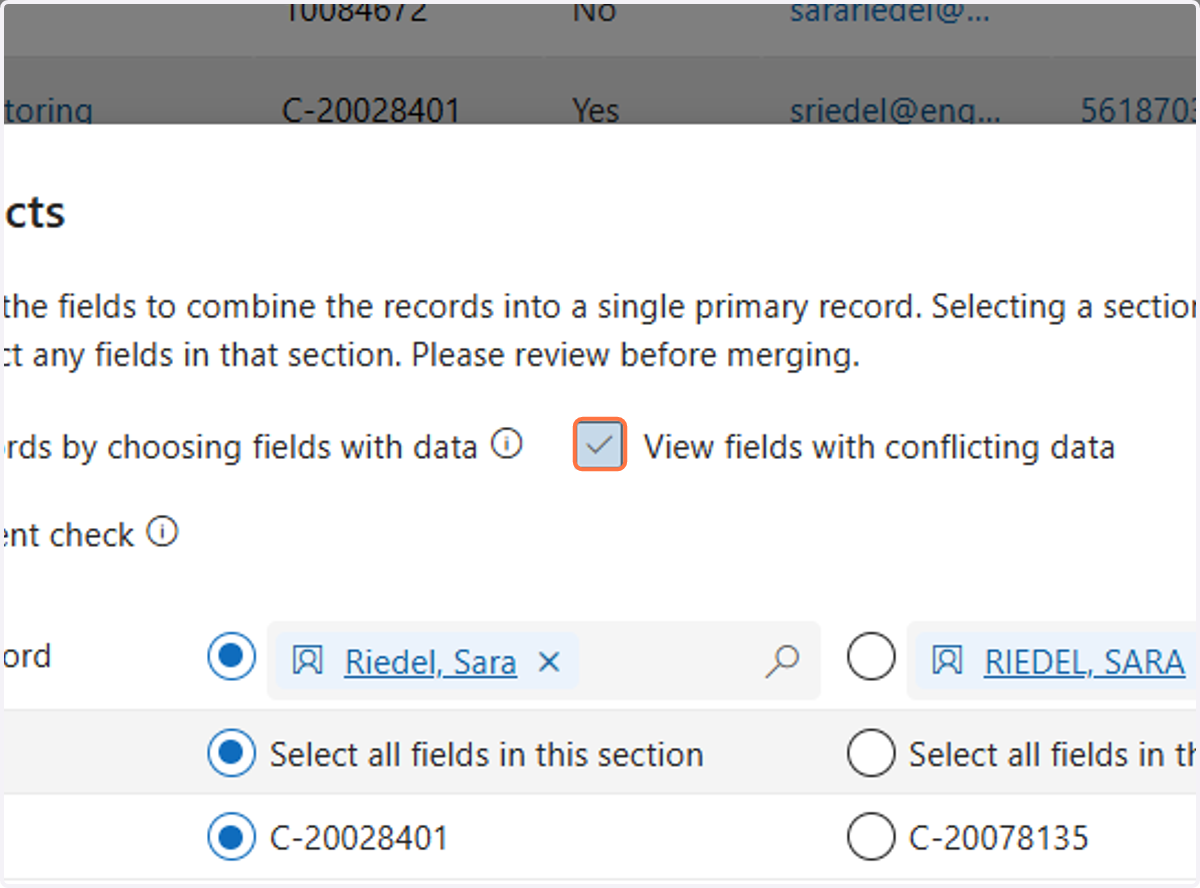
2. Uncheck View fields with conflicting data
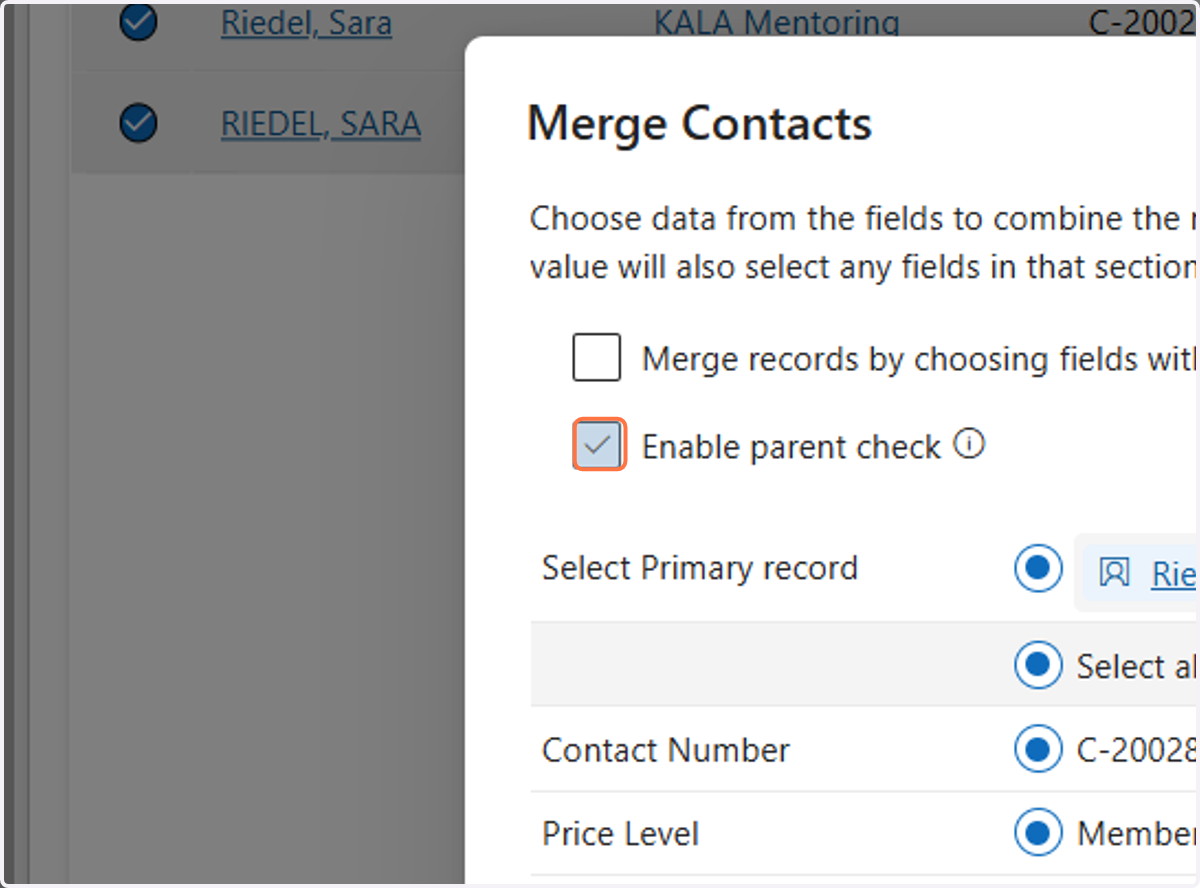
3. Uncheck Enable parent check
4. You will now need to go through each section and make sure that the most up-to-date records are selected. If one account is a member account and one account is a nonmember account make sure you are selecting the information under the member account.
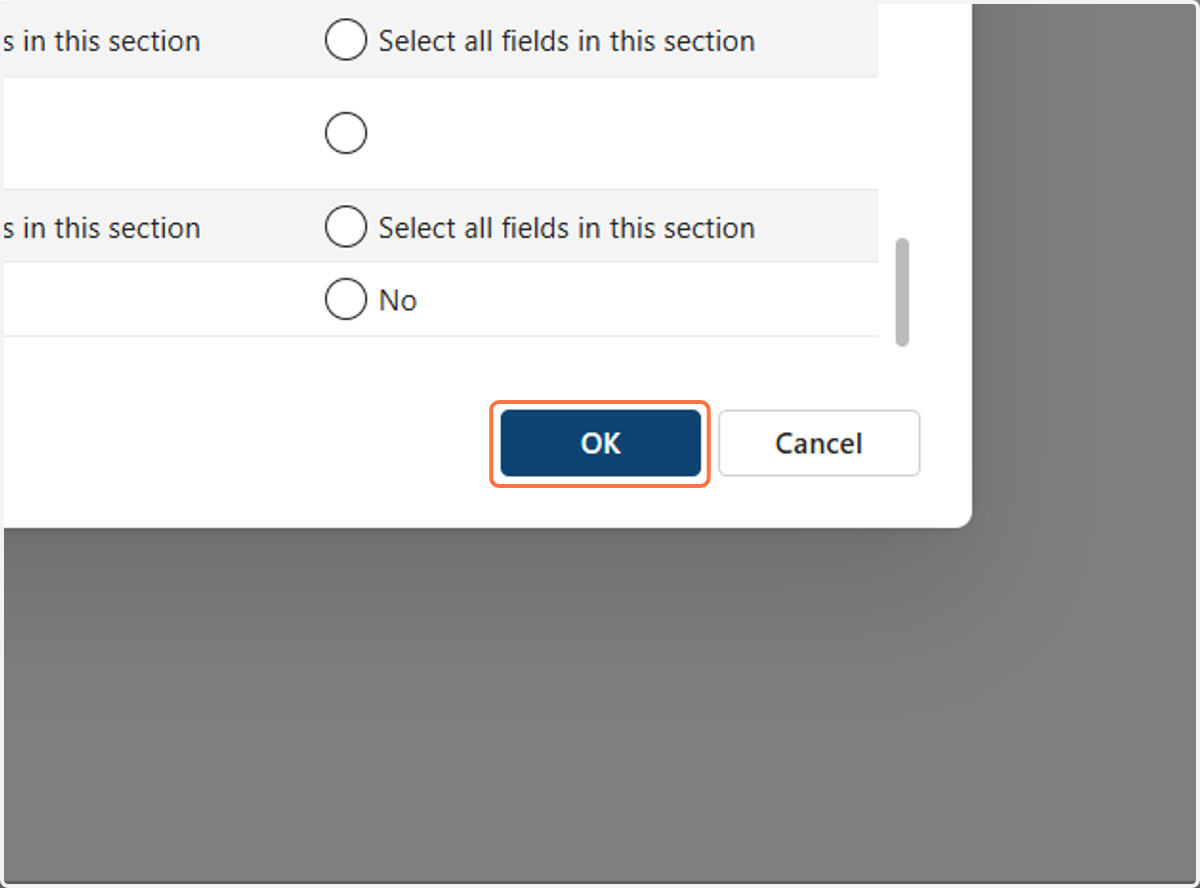
5. Click on OK