Copy of 4. How to:Initiating a New Ticket in Contacts from Contacts - Maryna
4. How to:Initiating a New Ticket in Contacts f
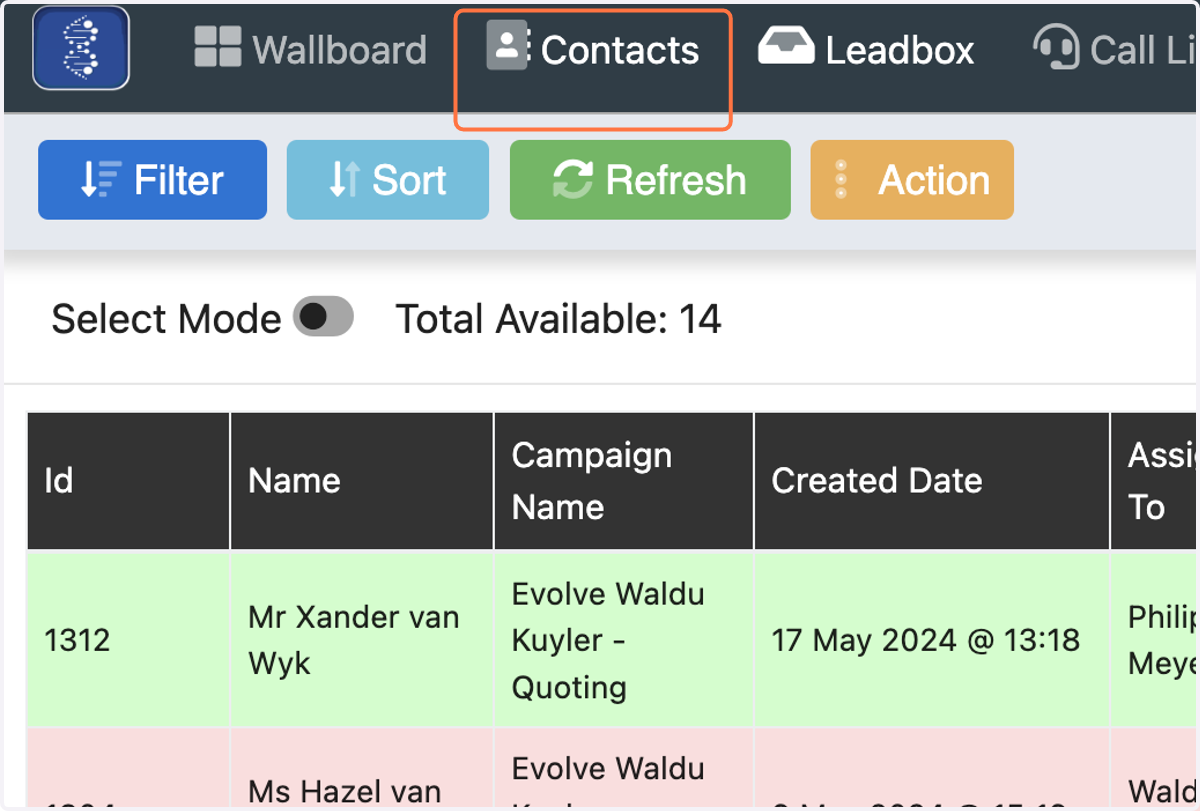
1. Click on Contacts…
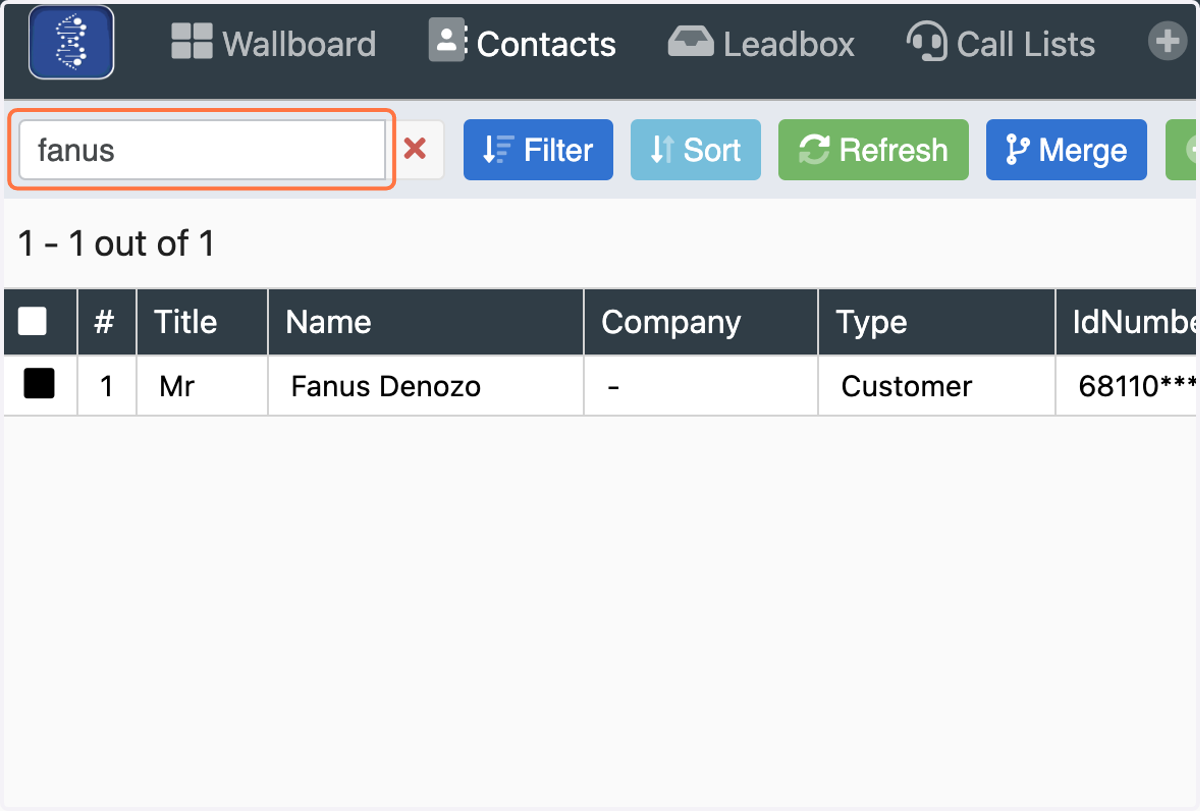
2. Click on Search, type in the clients name and press enter
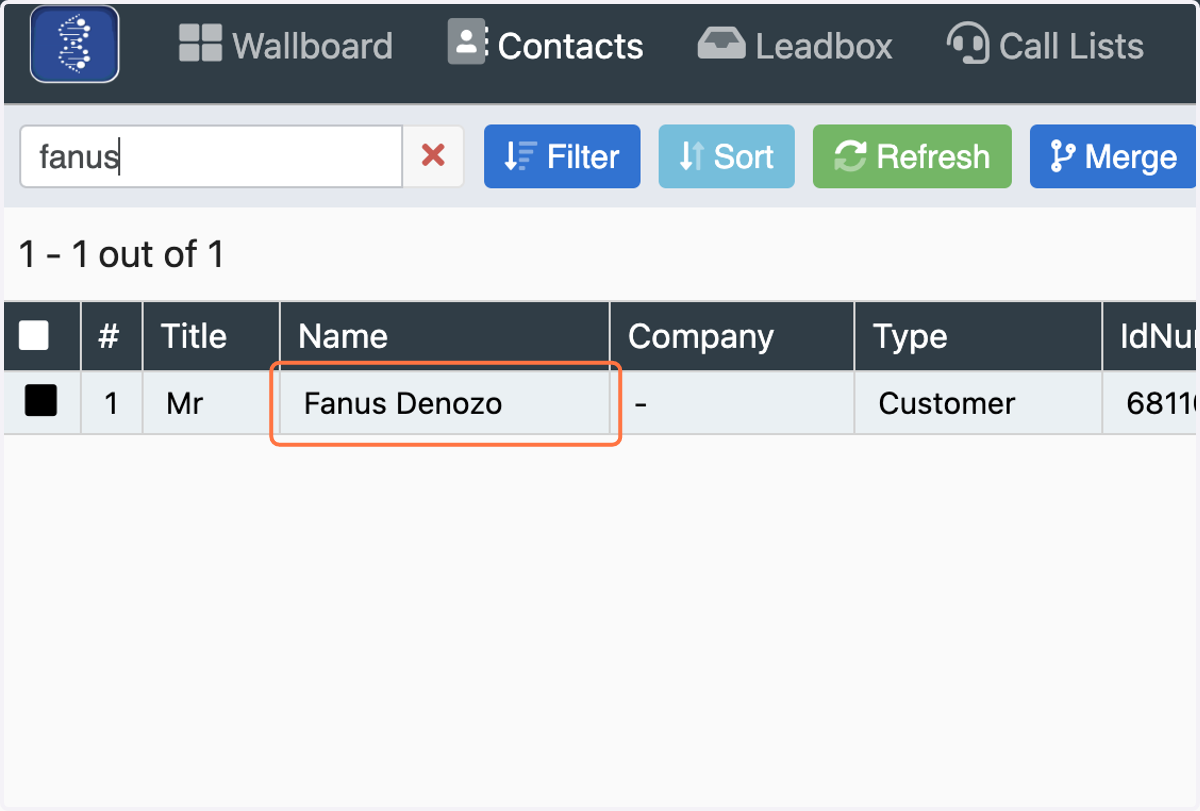
3. Click on the Client that you have searched for
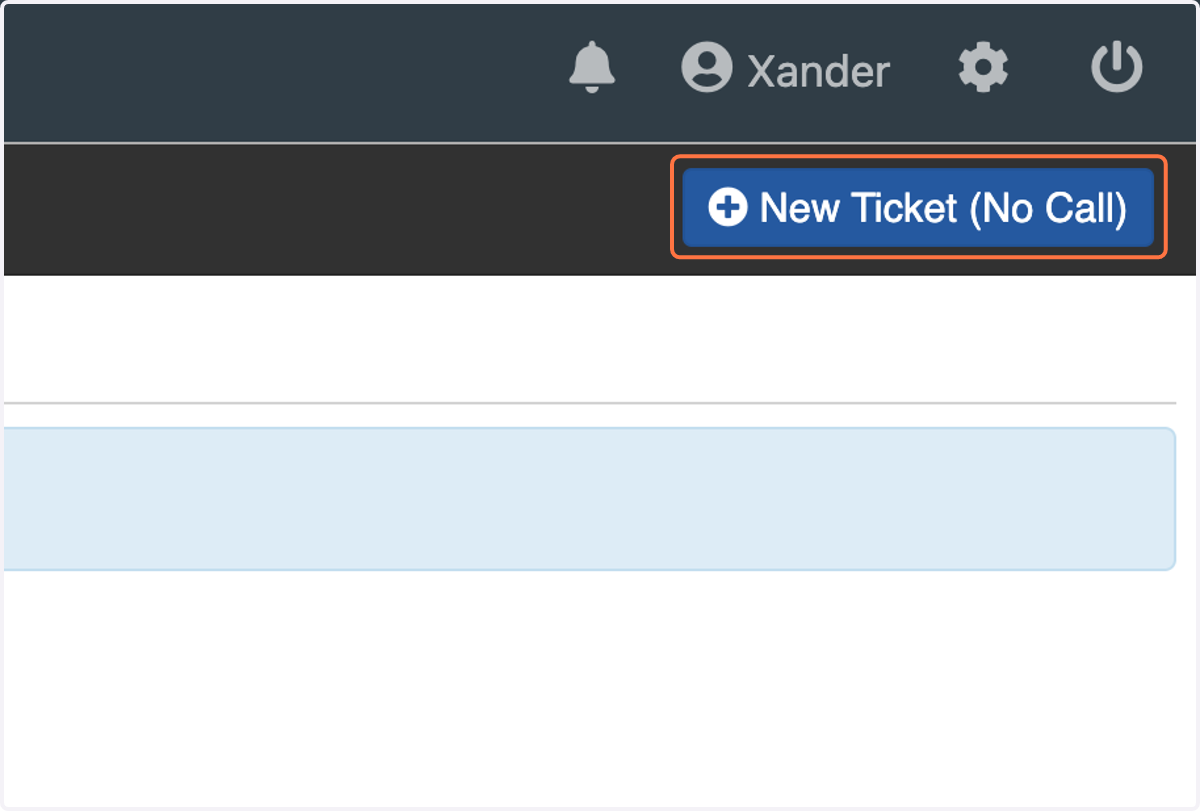
4. Click on New Ticket (No Call) - to open up the campaign/workflows
5. Select the campaign/workflow you need to kick off
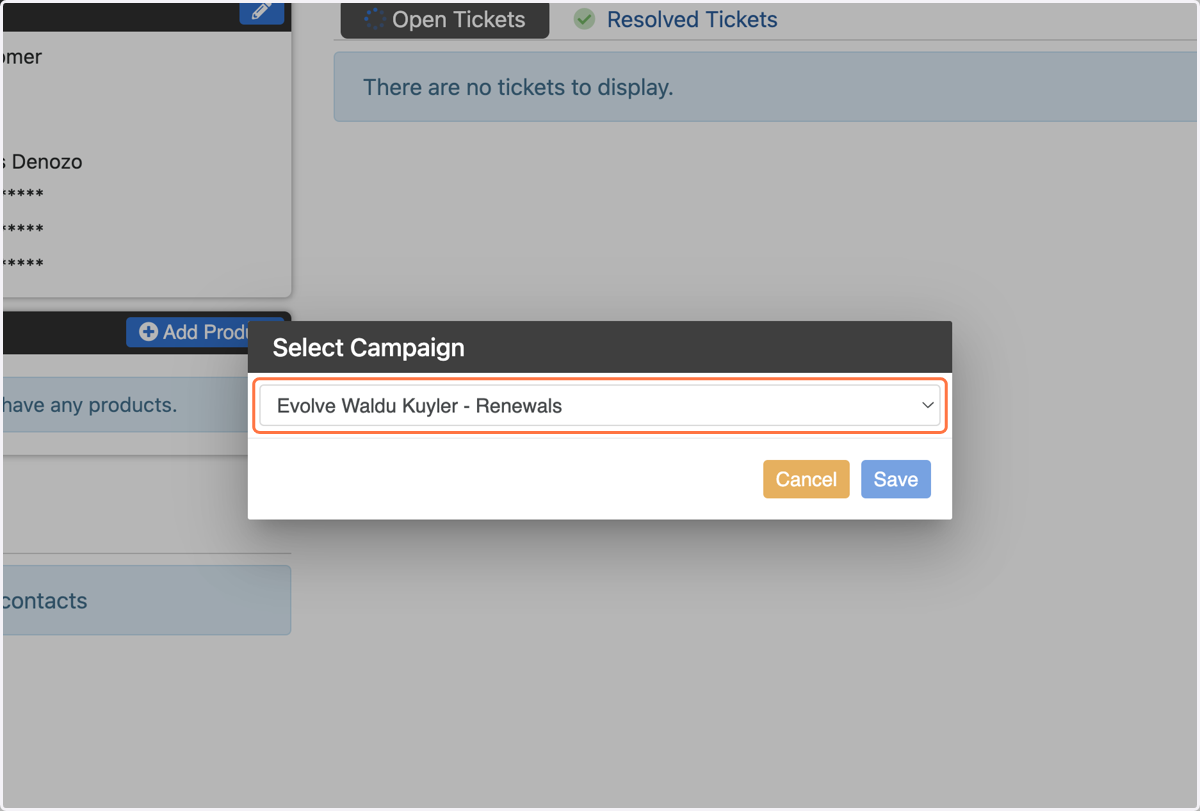
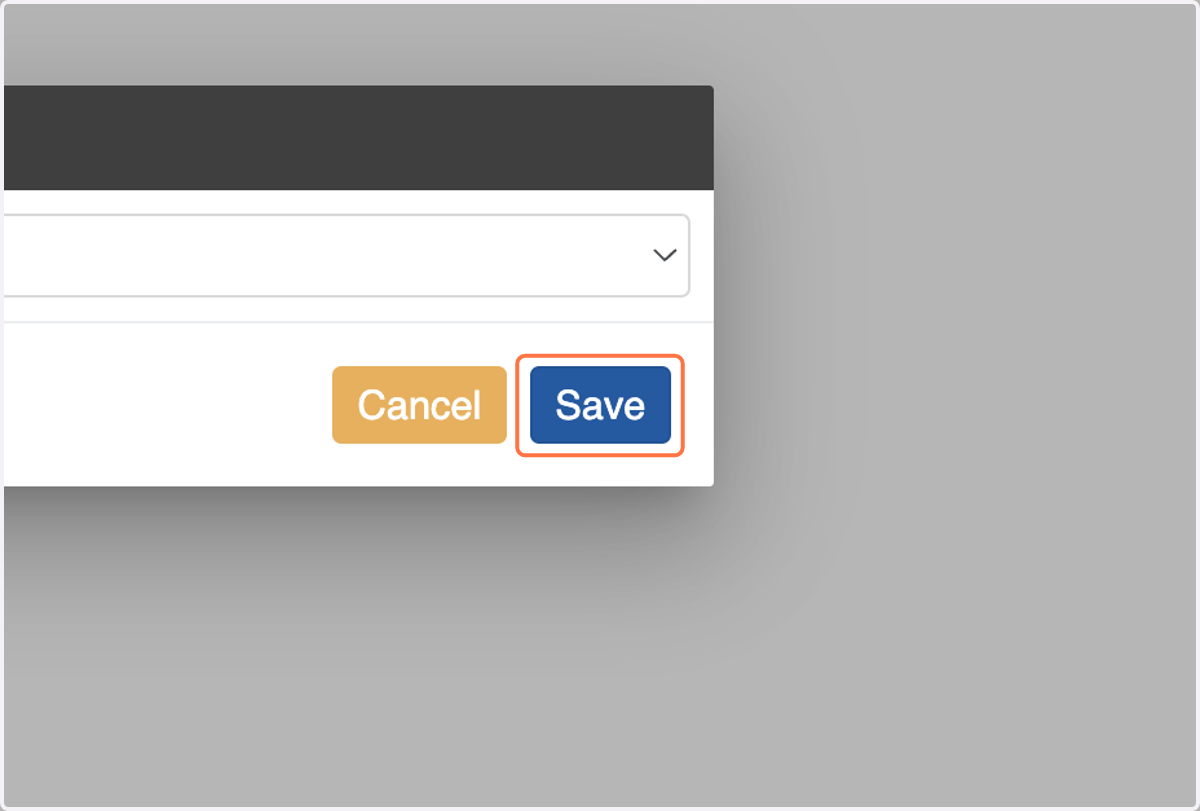
6. Click on Save and this will open up the campaign to access the workflow