CI_RFQ_002_RFQ email templates
In this tutorial, we will discuss the email templates that are made available once the Connect : RFQ plugin has been enabled.
Several default templates are available, each triggered at a different stage of the tendering process. Default content for these emails is already populated, however administrators are able to customise the content of these emails.
Infigosoftware
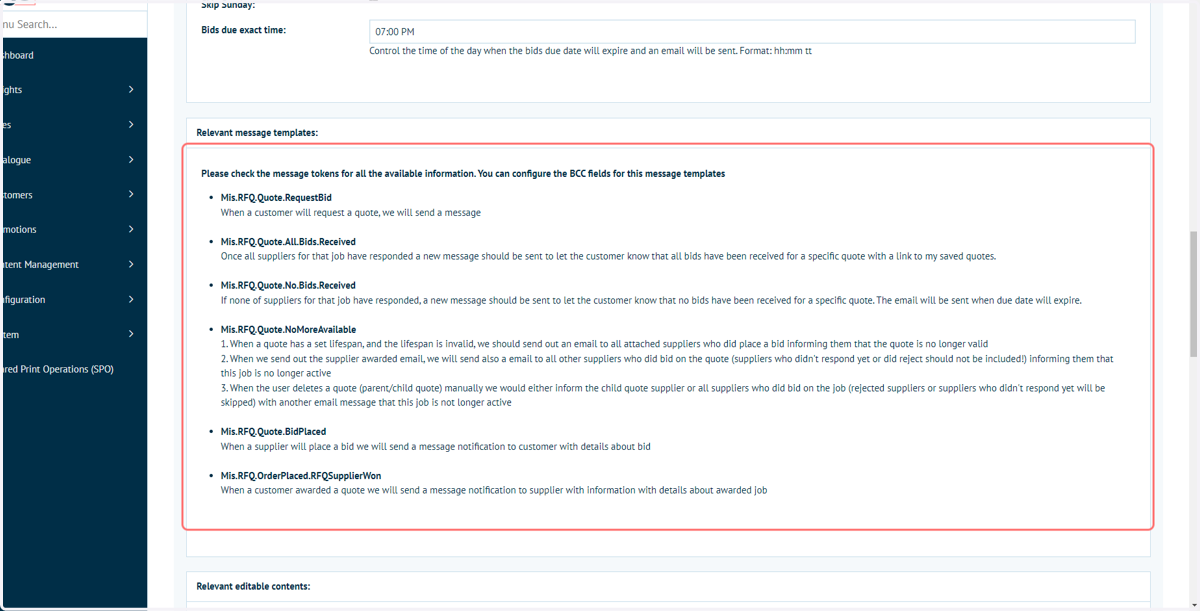
1. Details on the email templates provided as part of the Connect : RFQ module are provided in the Connect : RFQ Settings page
Navigate to Connect Settings and configure the Connect : RFQ table entry to access these details.
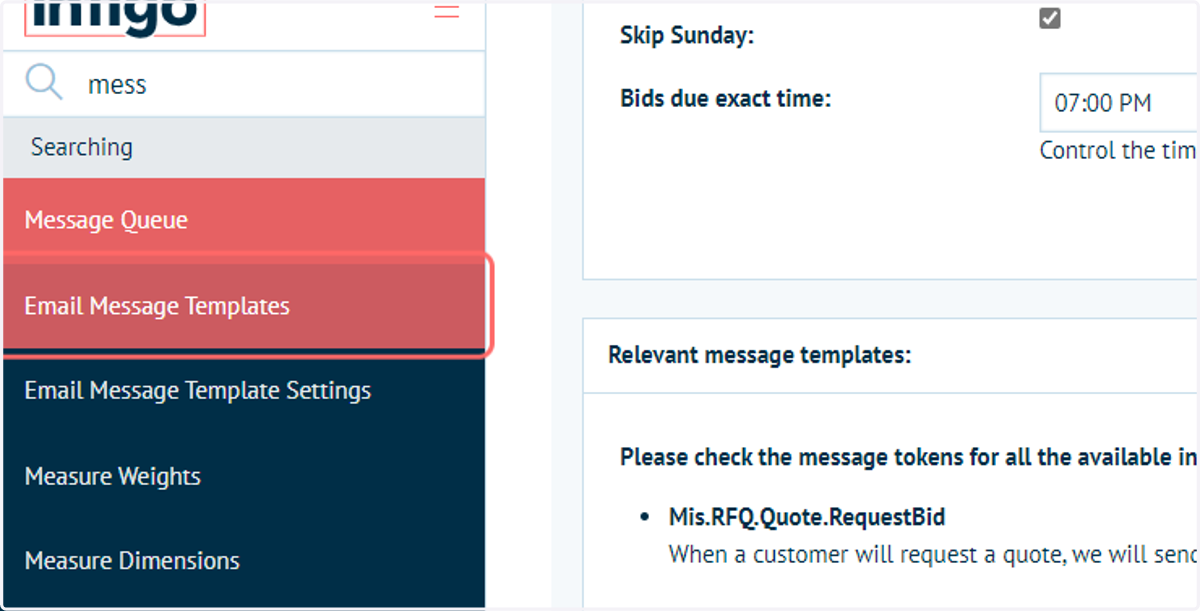
2. Navigate to the Email Message Templates page
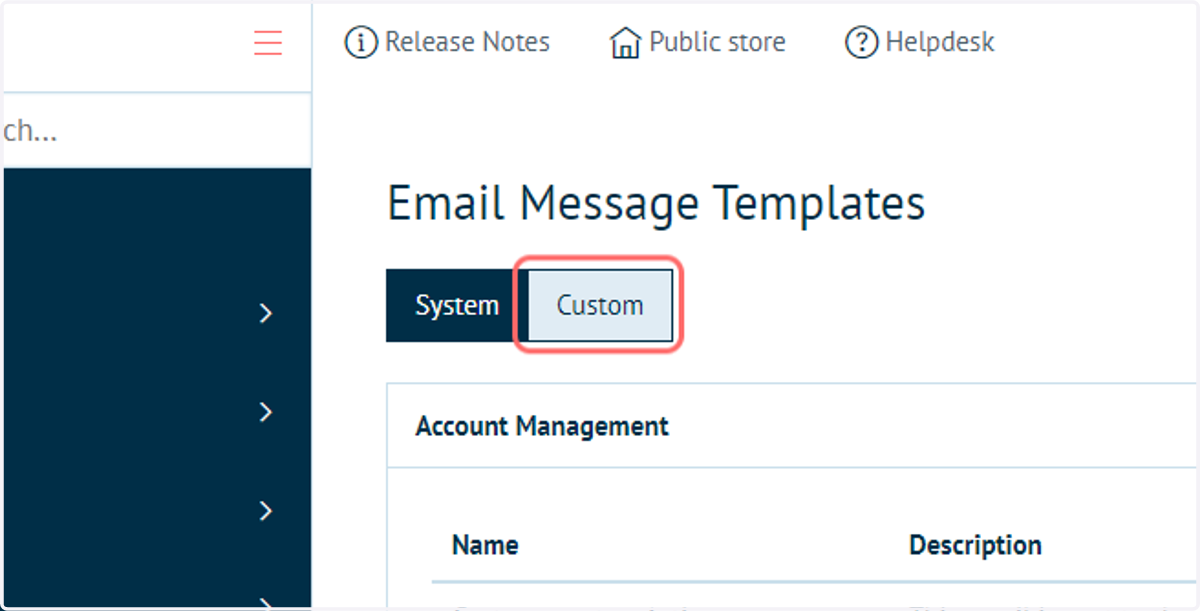
3. Click on Custom
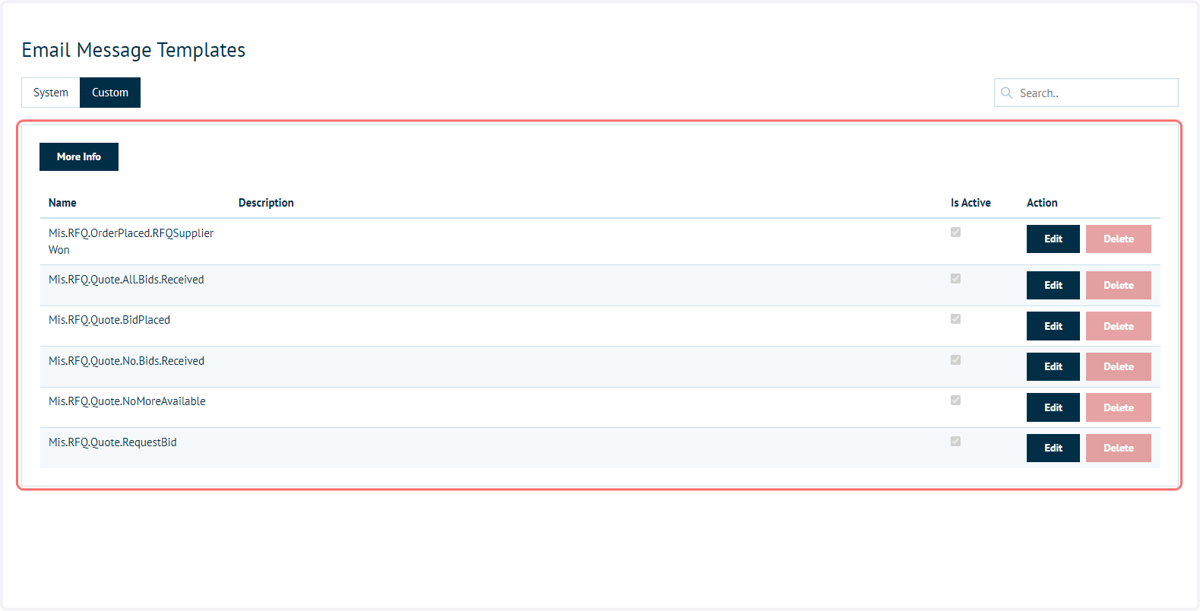
All templates provided with the Connect : RFQ module are automatically added to the Custom tab of Email Message Templates
4. Provided email message templates for the Connect : RFQ module
Each of the email templates is active by default, meaning that when their trigger is hit, an email will be sent.
Any of the templates can be made inactive by clicking Edit and unchecking the Is Active column.
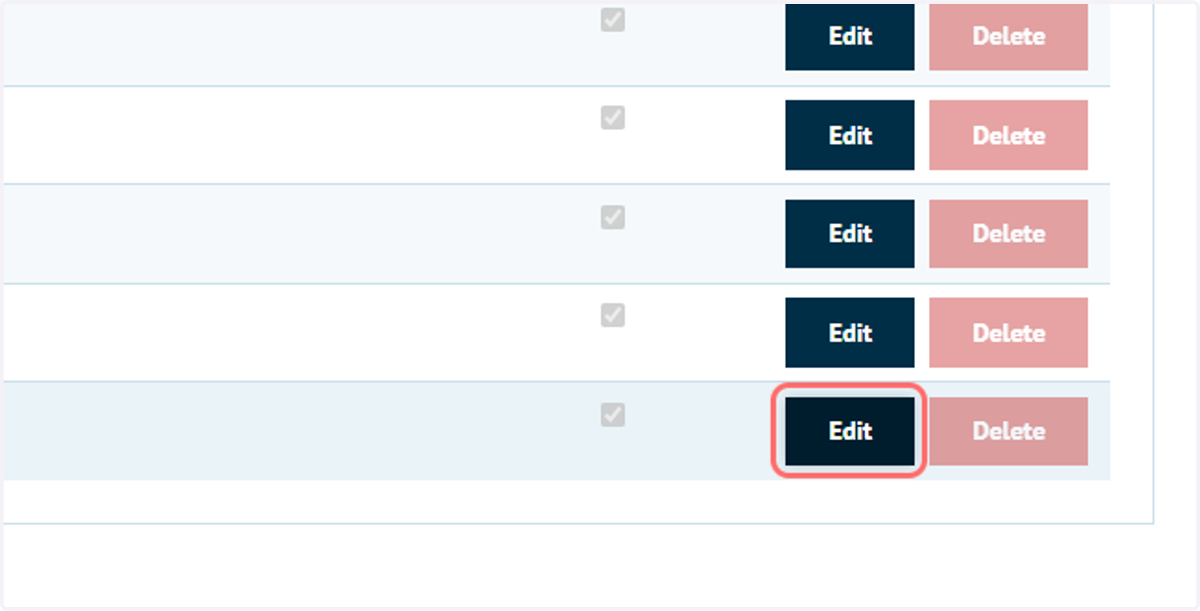
5. The content and details of each email can be customised by clicking Edit
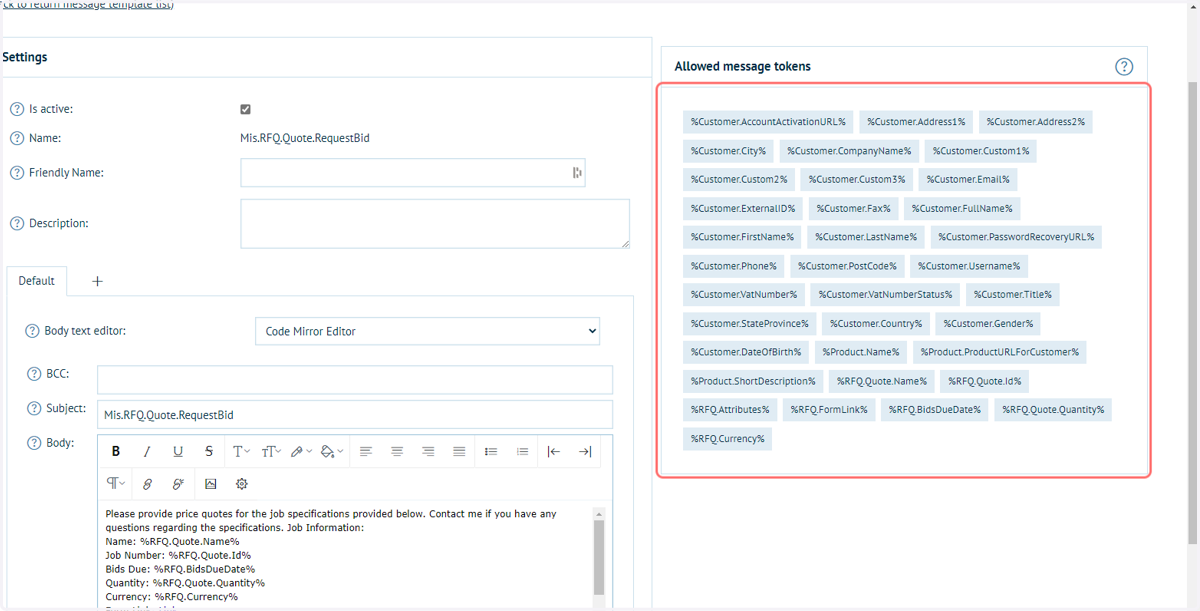
6. Email content can be found to the left of the screen
These templates can be amended using the same methodology as other email templates.
See the following tutorial for additional details:
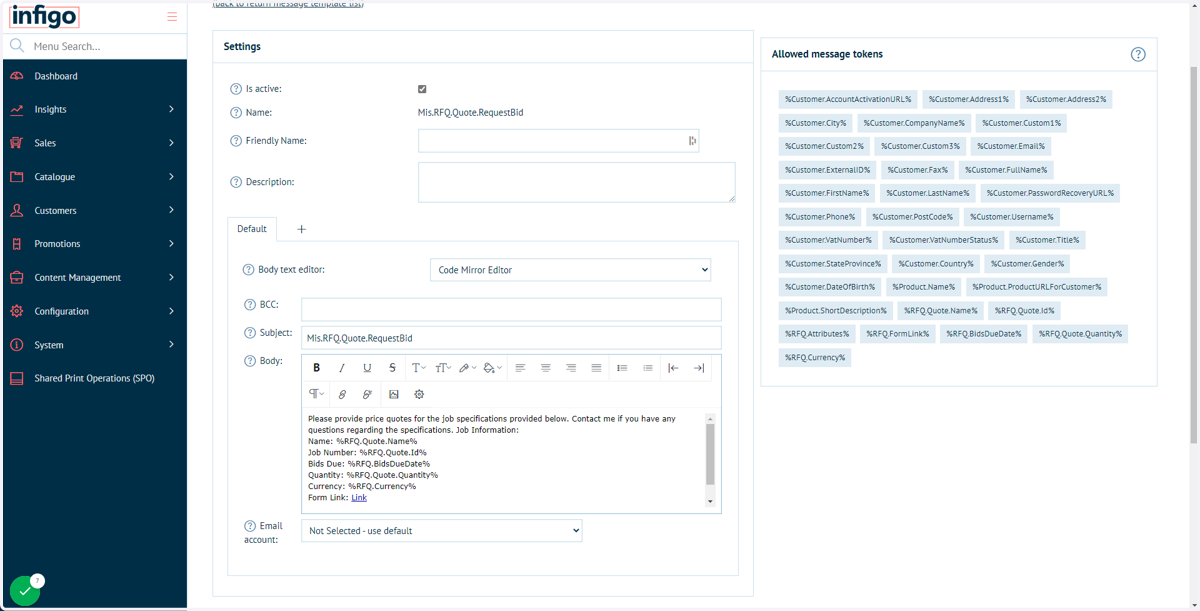
7. Tokens can be applied to message templates, including some specifically added for quote information