To View a Creditors List
This reports shows a list of all creditors in the system, client, file number and their total dues.
Elitesuiteke
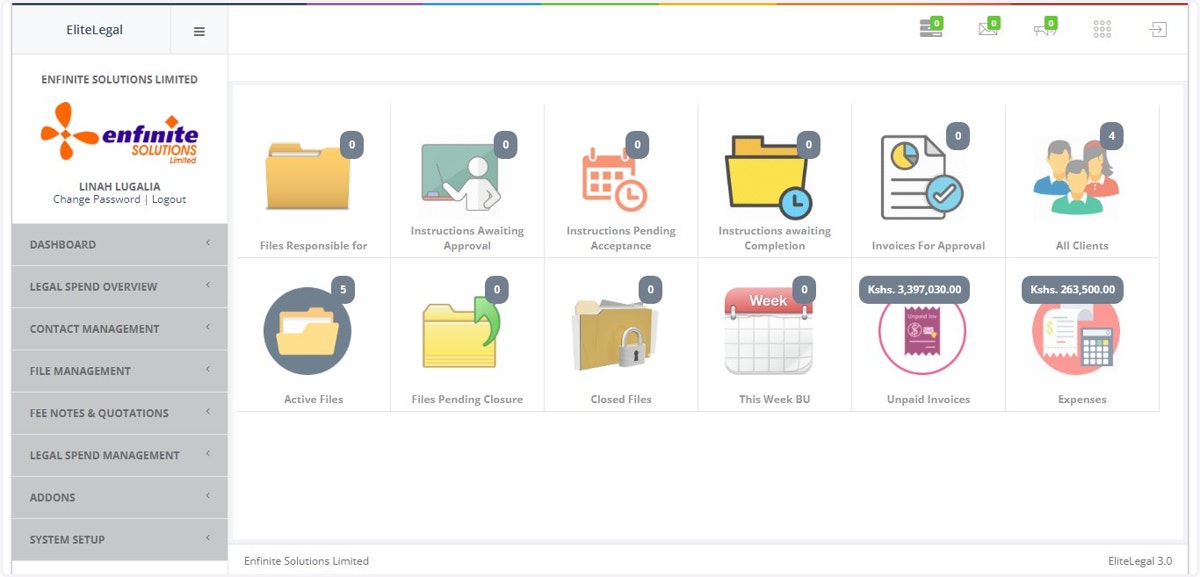
1. Log into the system
2. Go to Fee Notes & Quotations Module
3. Click on Reports link
4. Select the Creditors List option
5. Fill in the date in the pop out form as shown below
6. Once done click on the View Report button to access the report
7. This is a report of all the creditors as shown in the example below as per the selected date.
It has the Print option and Export to Excel should you need to save the report in an excel sheet.