I can pick stock and create an outbound load
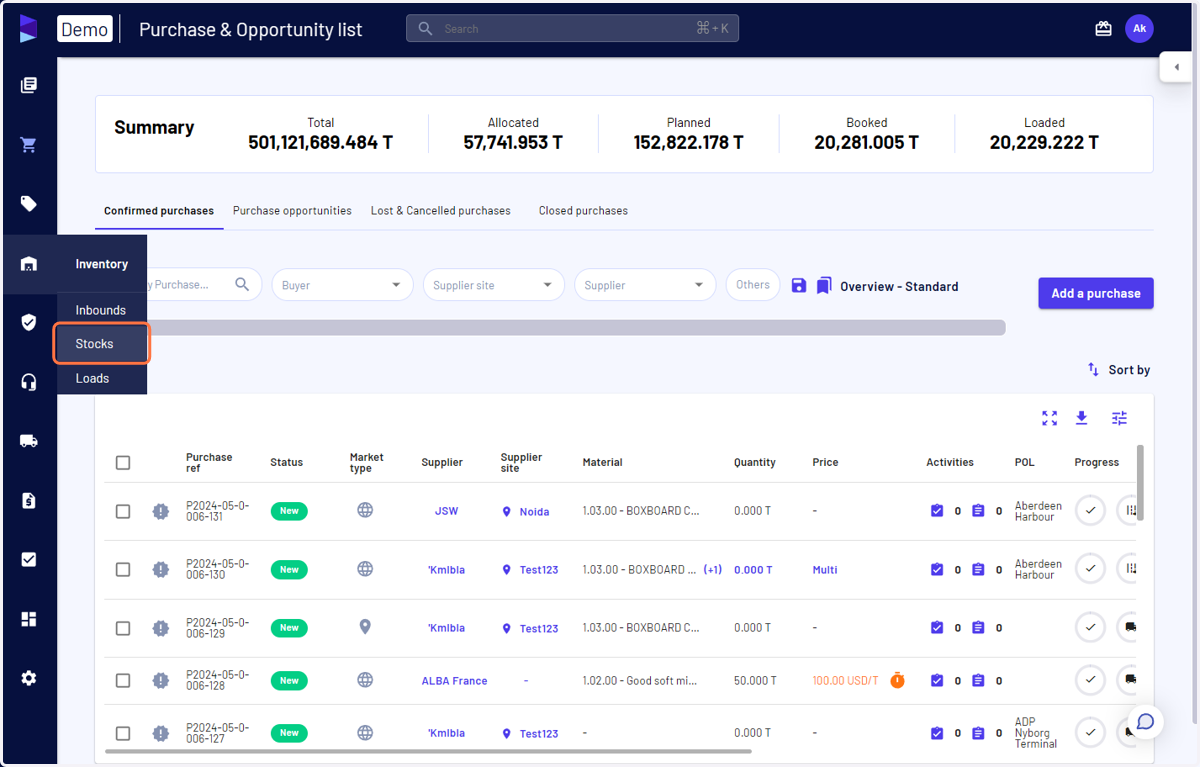
1. Access the 'Stocks' page under the 'Inventory' menu
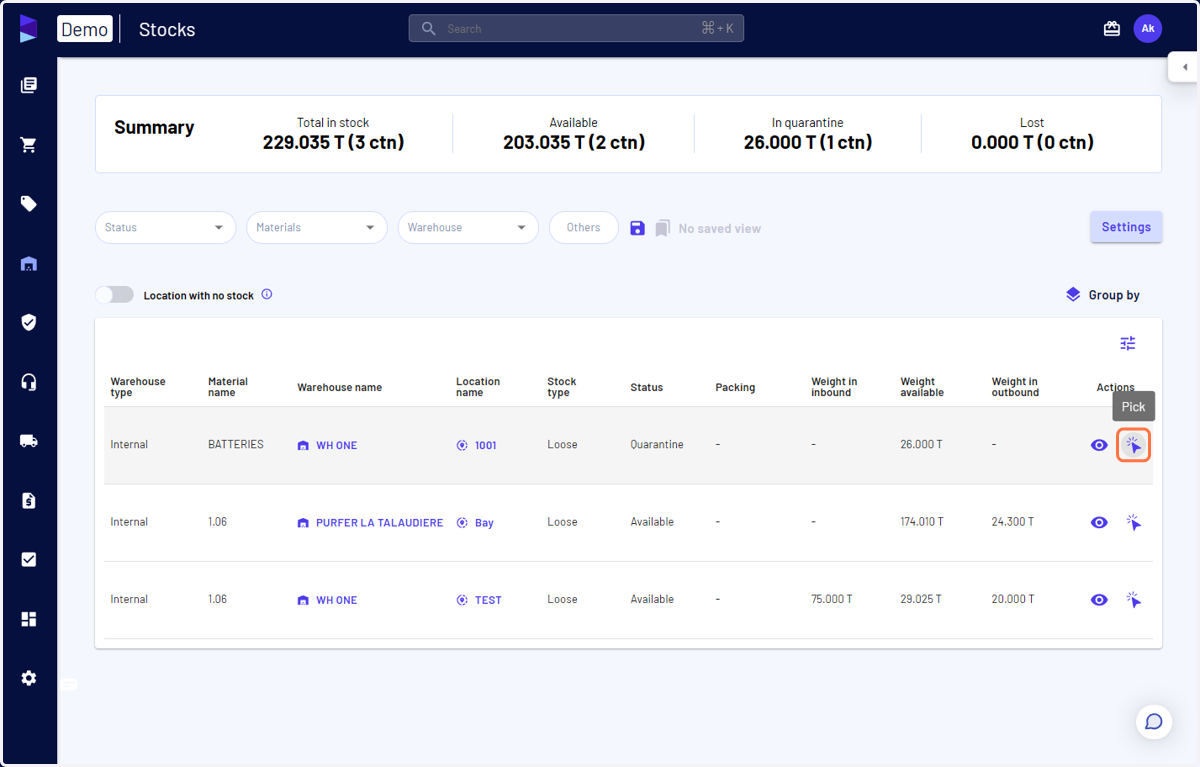
2. Click on 'Pick' for the stock you want to create outbound load(s)
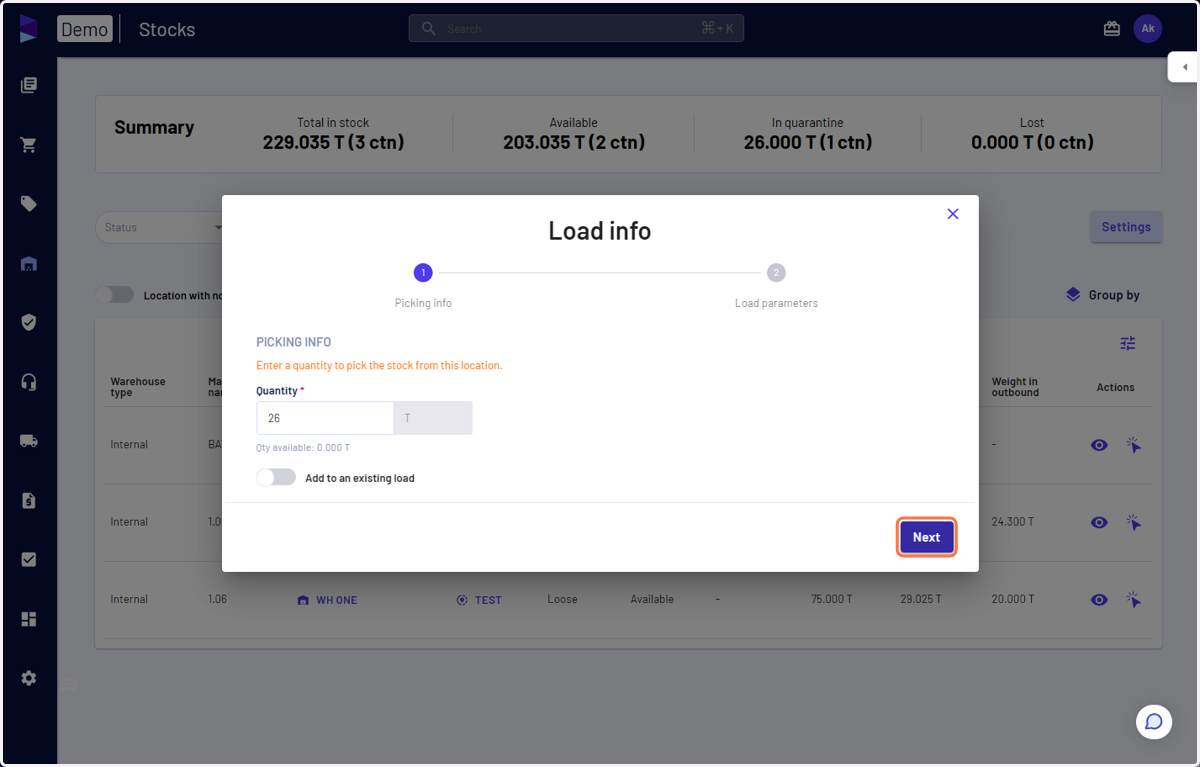
3. Specify the quantity and click on 'Next'
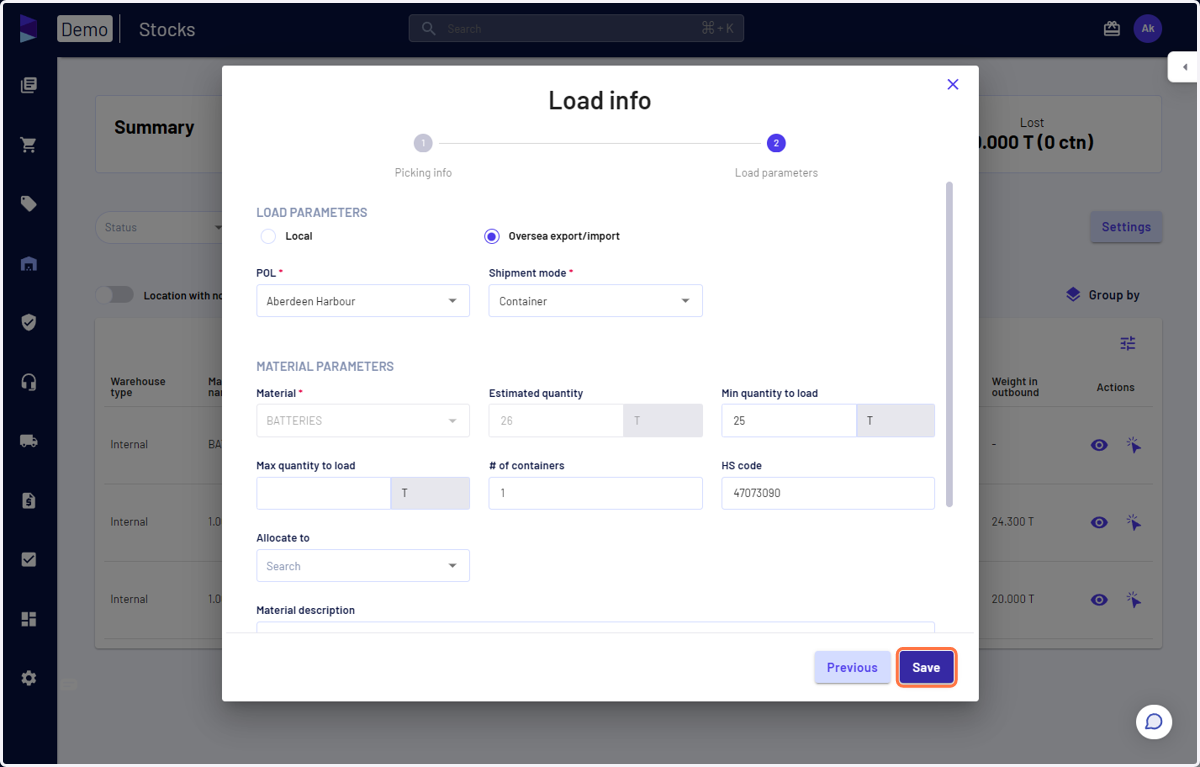
4. Fill in the required details and click on 'Save' and your outbound order will be created
You can create a local or export outbound load and allocate it to an existing sale or another warehouse
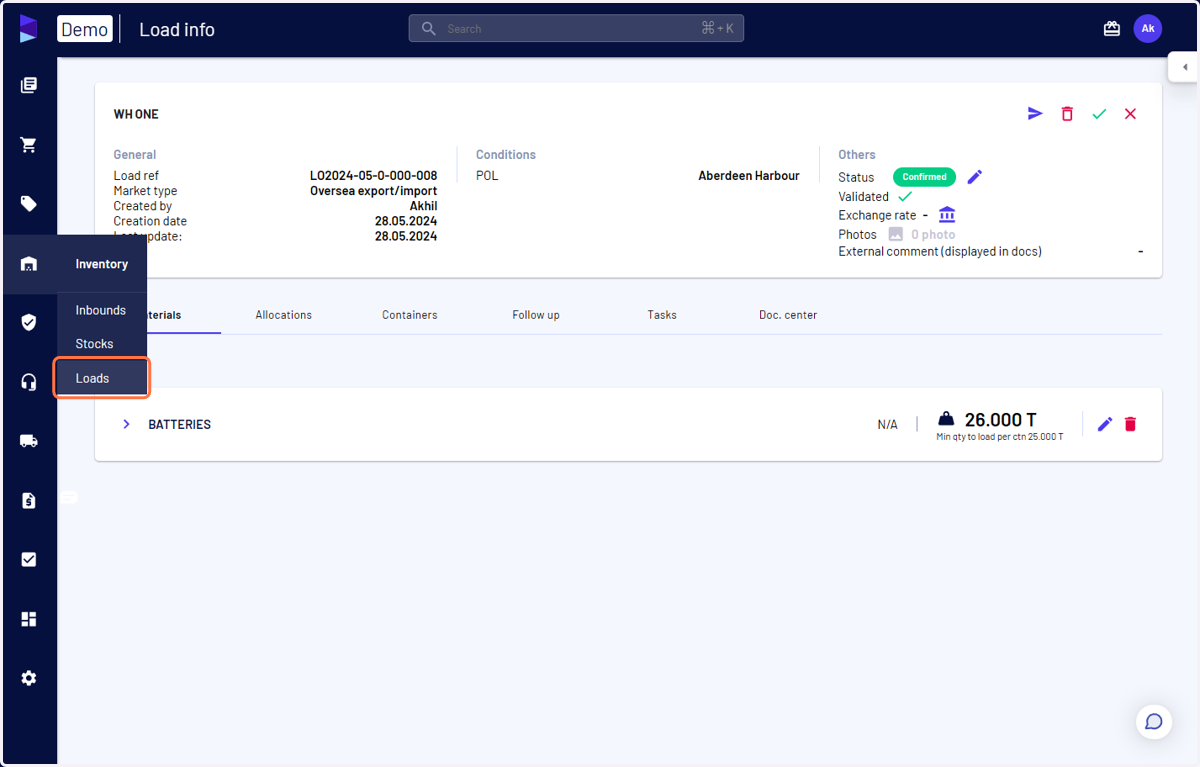
5. You can access outbound loads from the 'Load' page
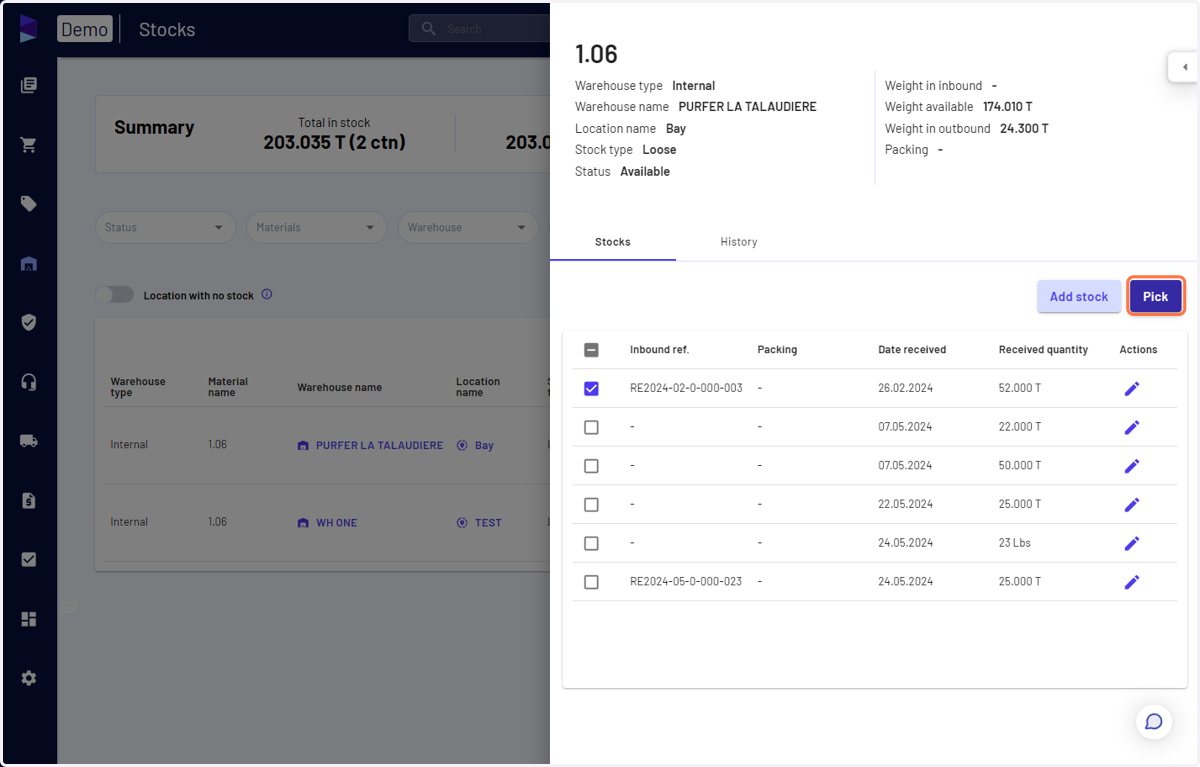
6. Alternatively, on the stocks page, you can also click on the material row to open the menu
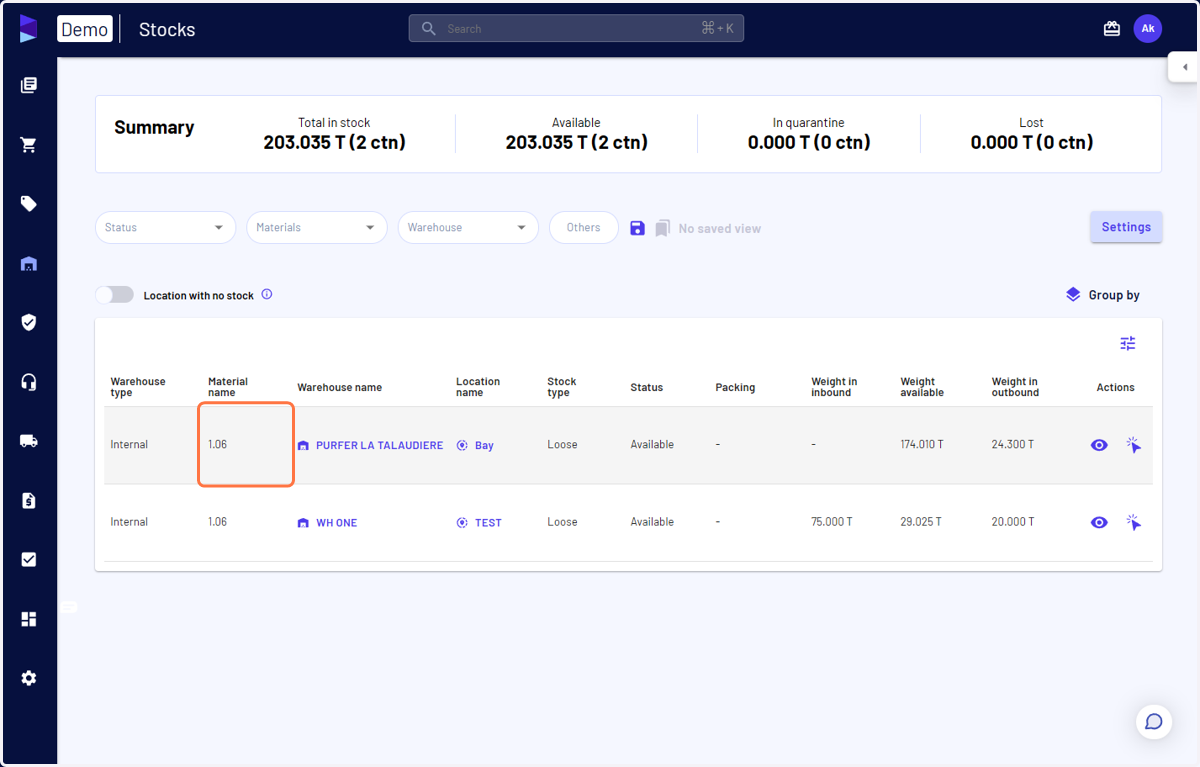
7. Select the inbound(s) and click on 'Pick'