Connect: Veracore Basic Setup
Infigosoftware
1. Who are Veracore?
Veracore offer a SaaS Order and Warehouse management system. Based out of the US, the team at Veracore specialise in Fulfillment and helping their customers automate and streamline their operations. You can find out more about the company and their software here.
2. Infigo's integration with Veracore
Our integration in its current form is quite complex. We use a number of different methods, which we will touch on in this article, to create a tight integration that includes:
Creating and syncing products - including product imagery, default pricing and stock levels.
Assign products to categories to replicate your Veracore catalog hierarchy in Infigo.
Import Veracore users into Infigo - Including their Category Access Group/Department
Pushing orders into Veracore when it is placed in Infigo
Updating the status of an order in Infigo to shipped when triggered from Veracore - along with updating the delivery method and storing the tracking number
3. Purchasing Infigo's Veracore integration module
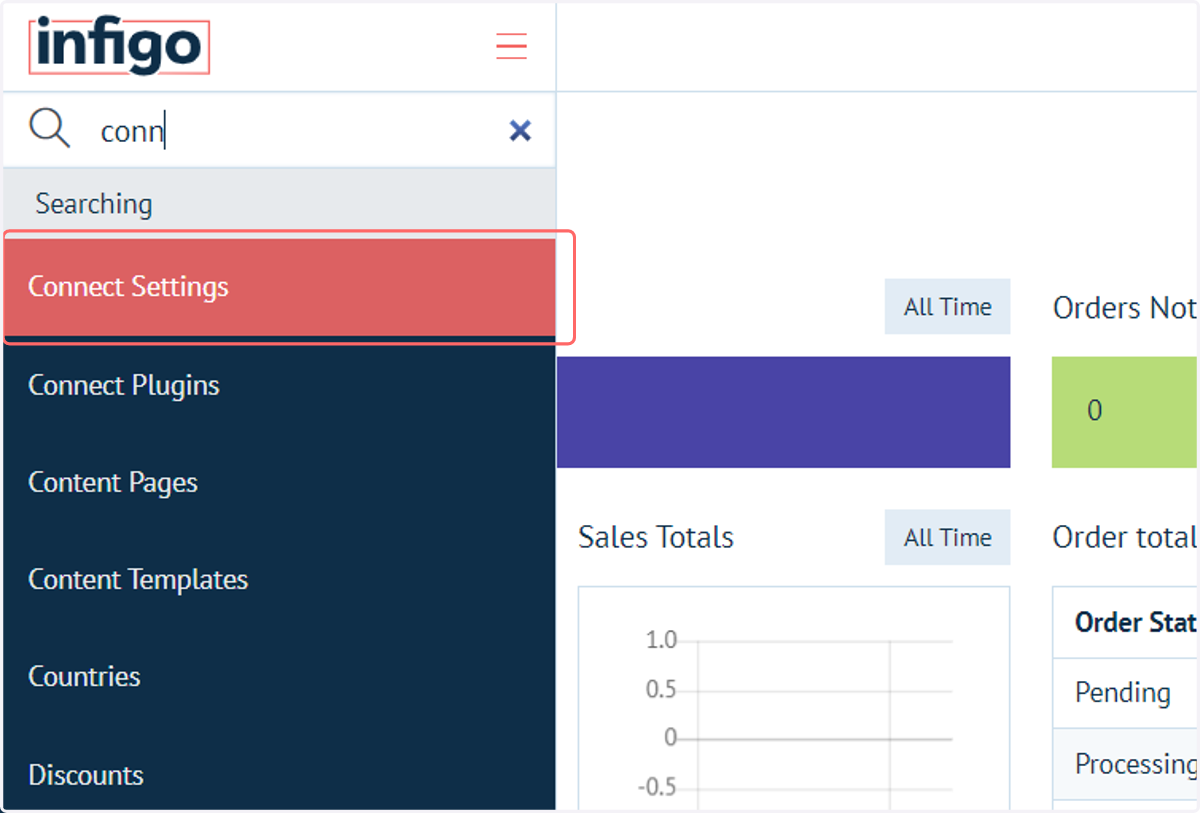
4. To enable the plugin, navigate to Connect Settings
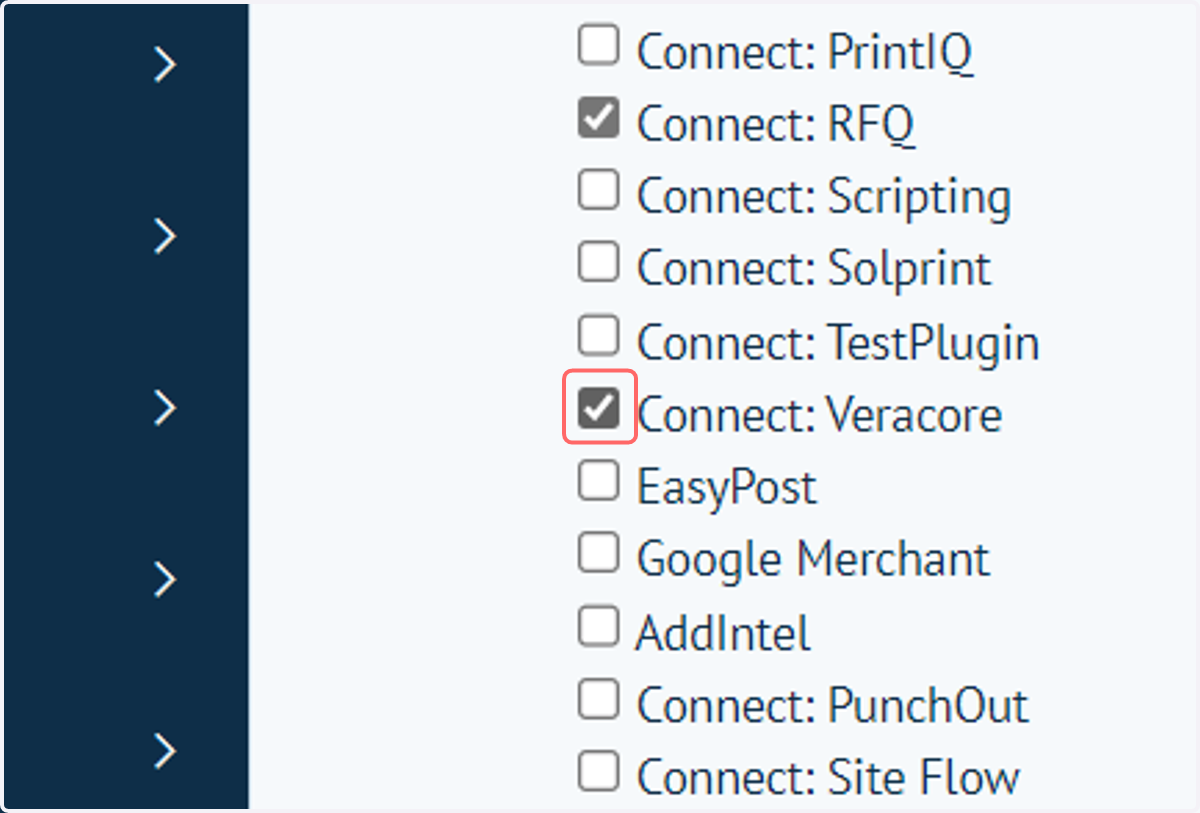
5. Check Connect: Veracore
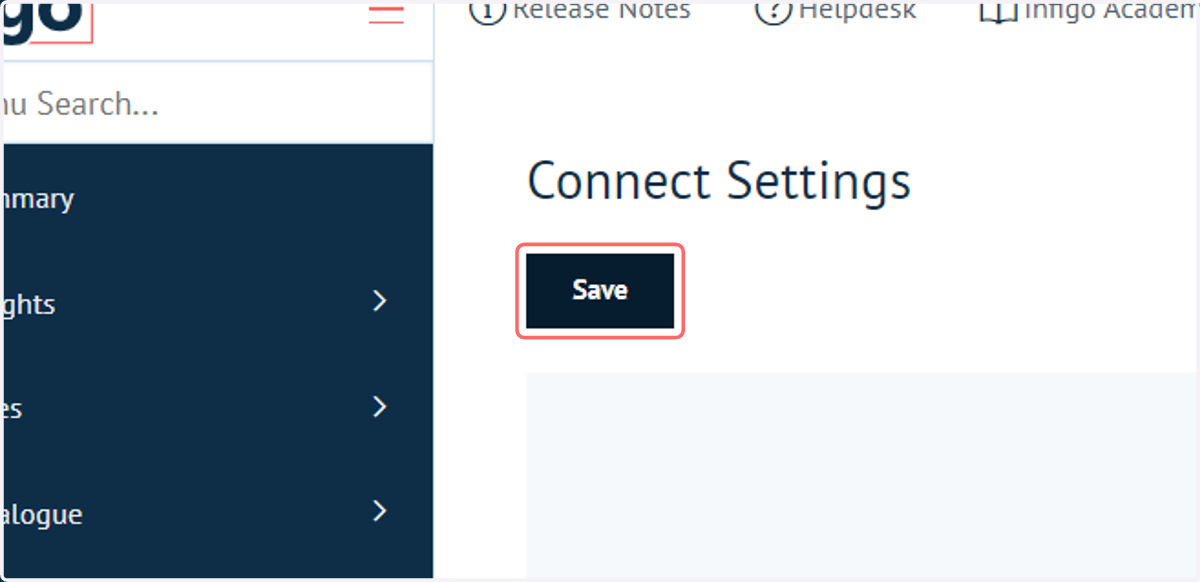
6. Click on Save
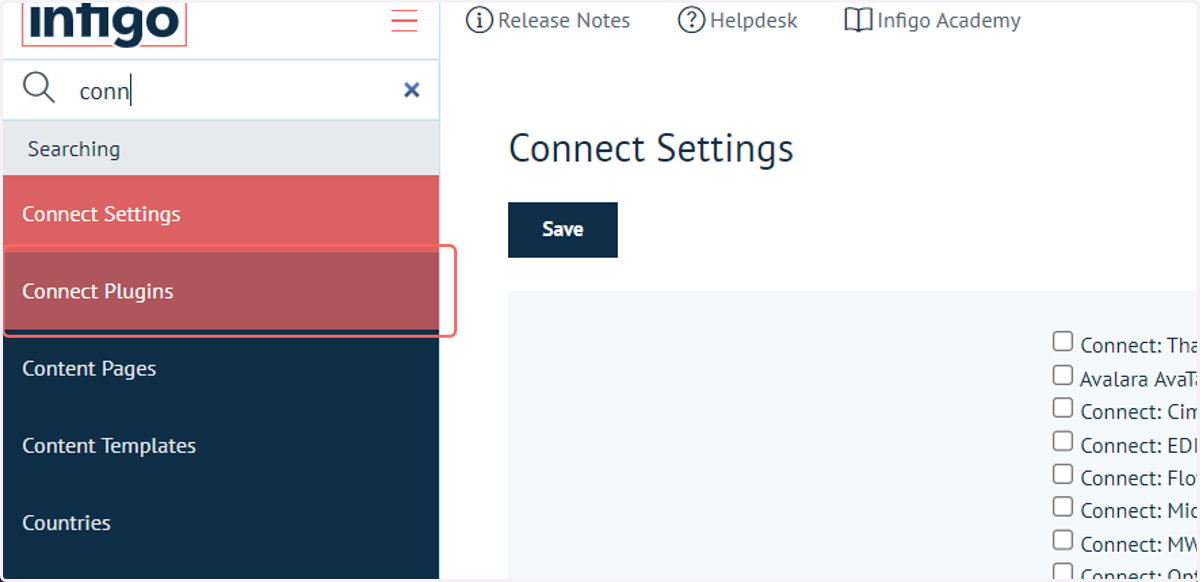
7. Navigate to Connect Plugins
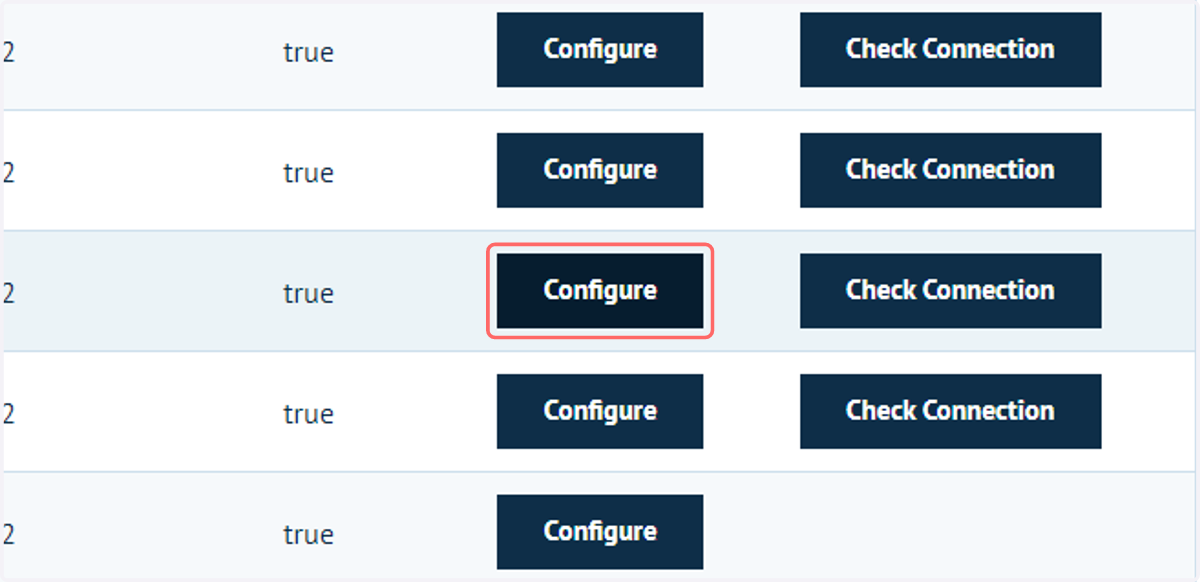
8. Click on Configure
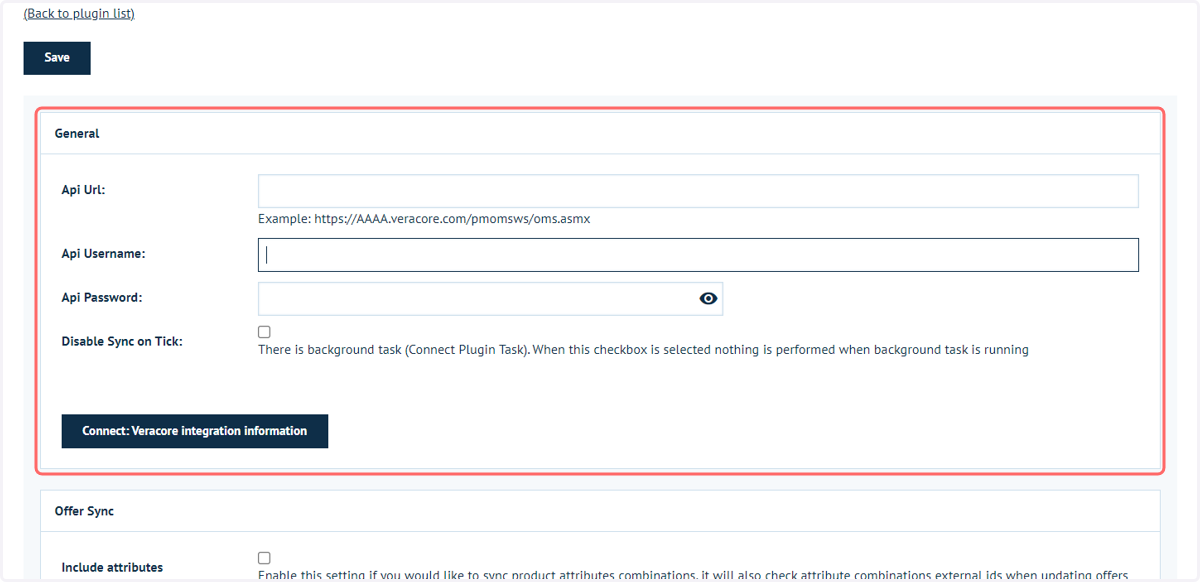
9. Enter key account information
Start off by entering in your Veracore API URL, and also your API username and password - all of which, if you aren't sure, can be provided to you by your Veracore support team.
During the setup process we also recommend Disabling the Sync until you have configured the plugin and setup your storefront appropriately.
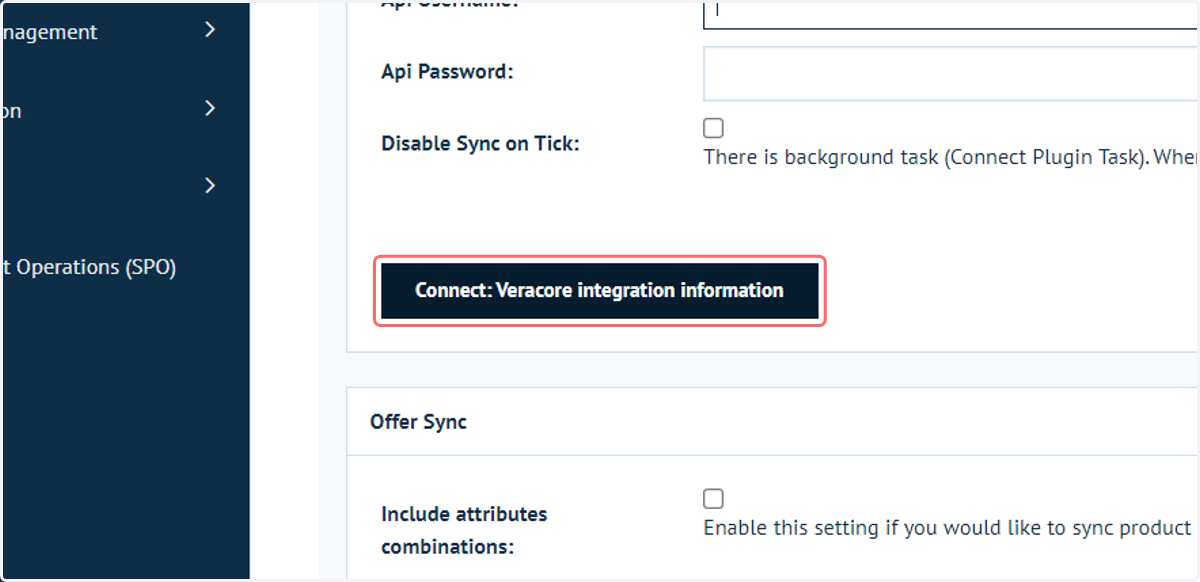
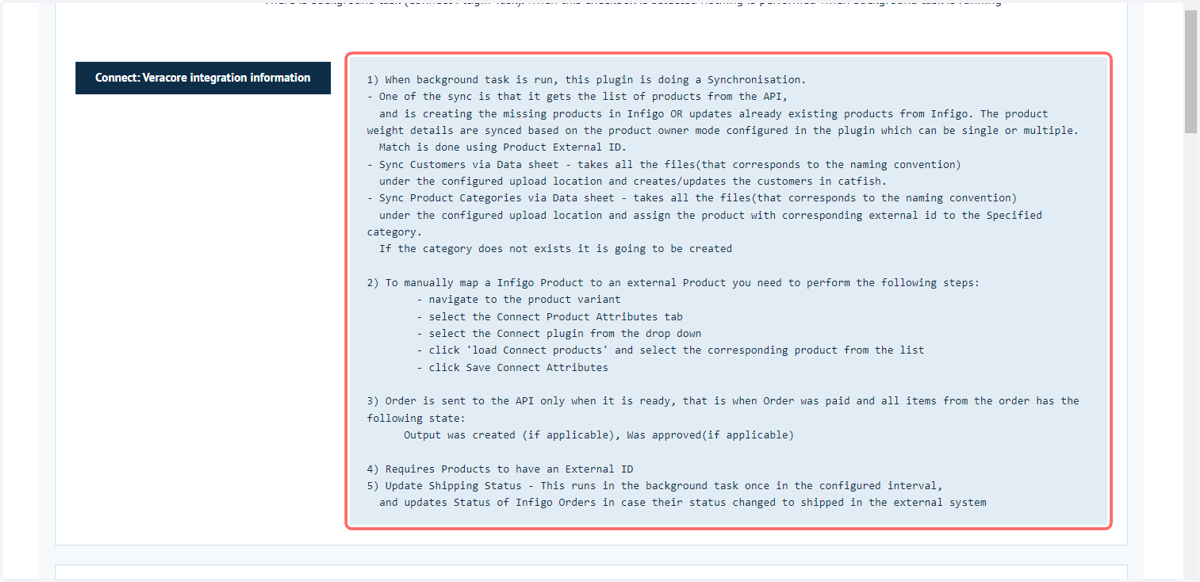
10. Click on Connect: Veracore integration information to show additional information
11. Additional information
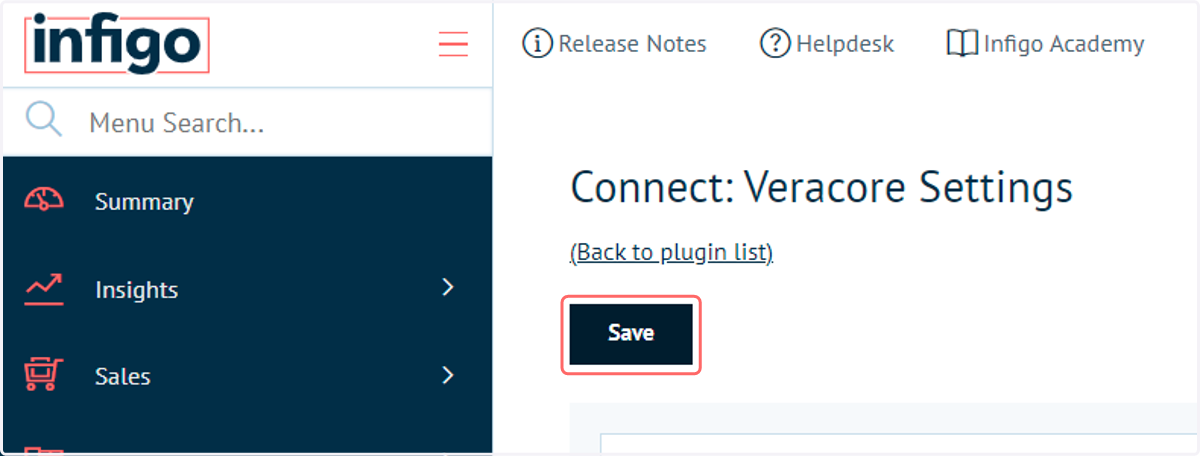
12. Click on Save to cnfirm your account details
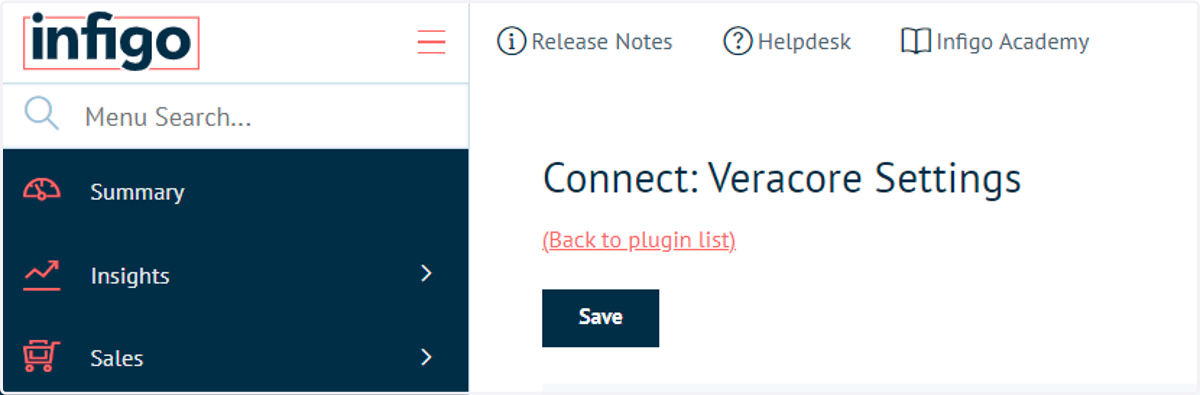
13. Click on (Back to plugin list)
14. Click on Check Connection to verify a successful link
Once you have entered this information you now have the basics in place and can start the more advanced setup.