SwagUp x Hubspot: New Form Submission
Create SwagUp contacts and send them shipments with new HubSpot form submissions
When a HubSpot form submission is filled out, this Zap will automatically create a contact in SwagUp and send them a shipment. Conduct your follow-up outreach effortlessly!
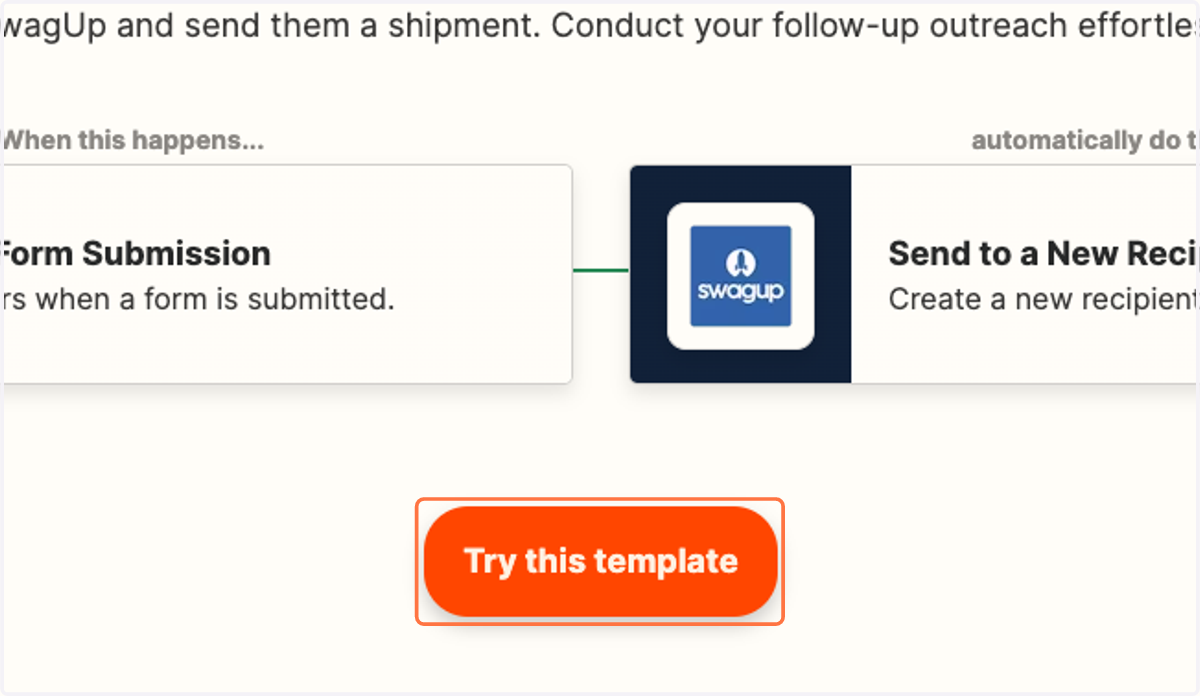
1. Click on Try this template
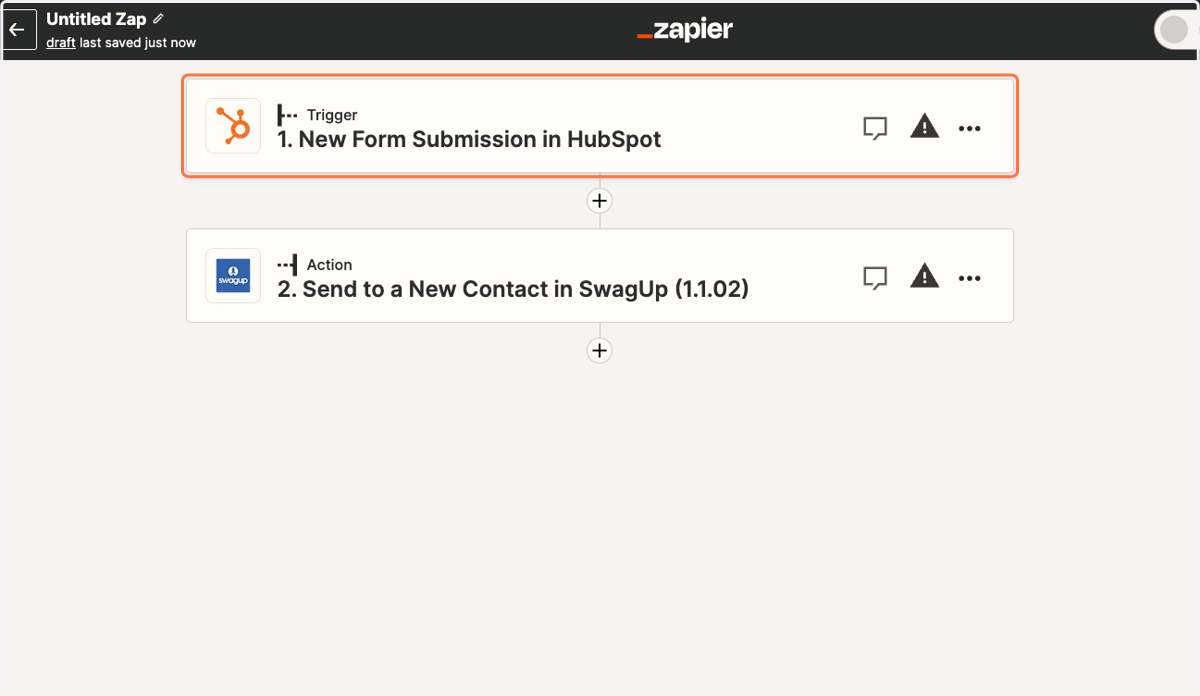
2. Click on Trigger step.
3. Click on Sign in to connect your Hubspot account.
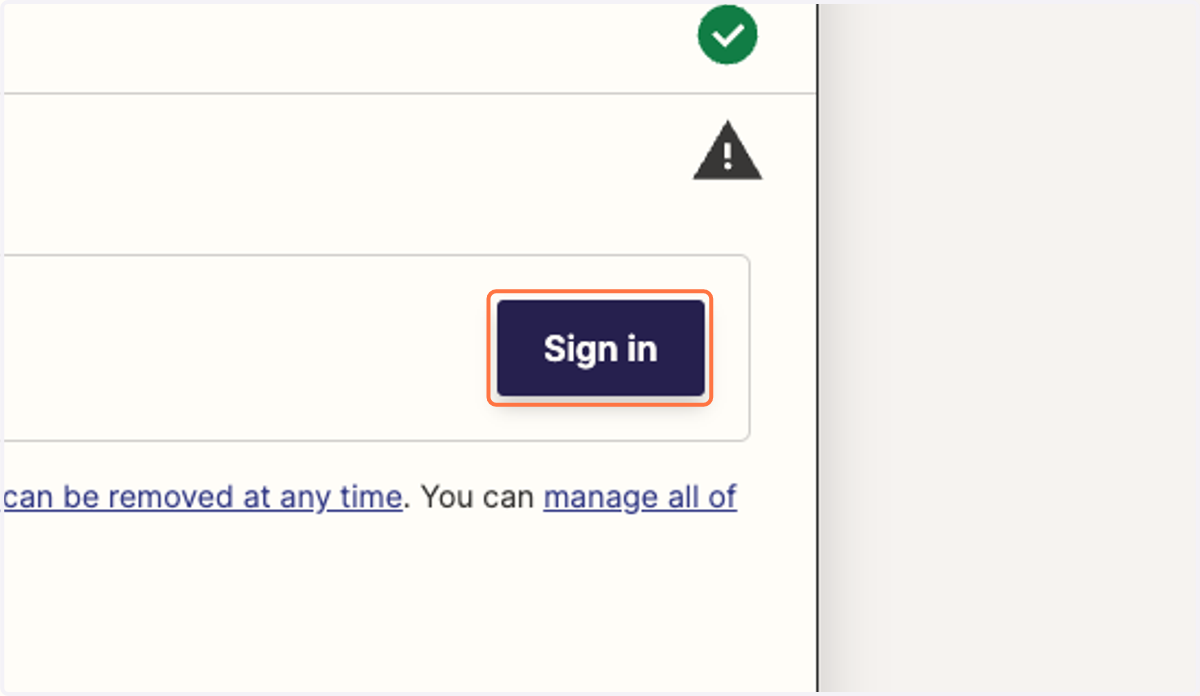
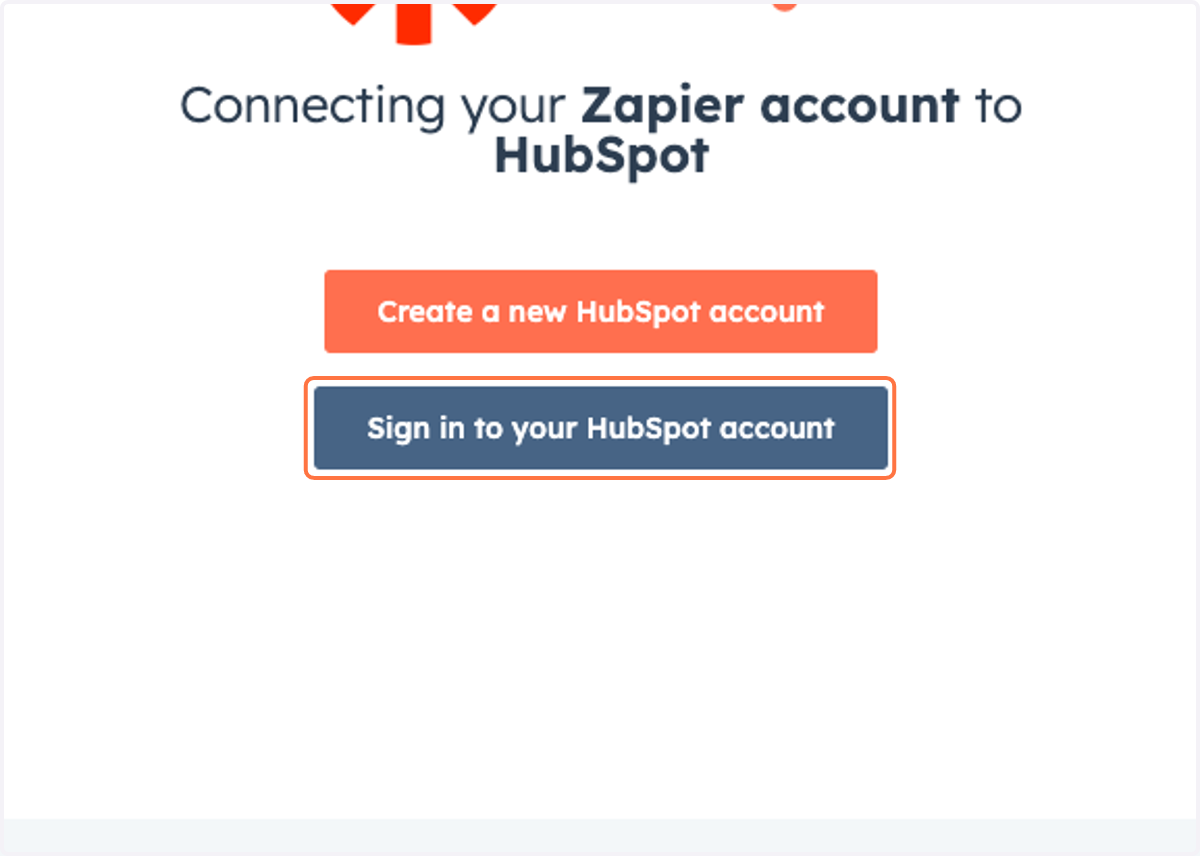
4. Sign in to your HubSpot account to connect it to Zapier.
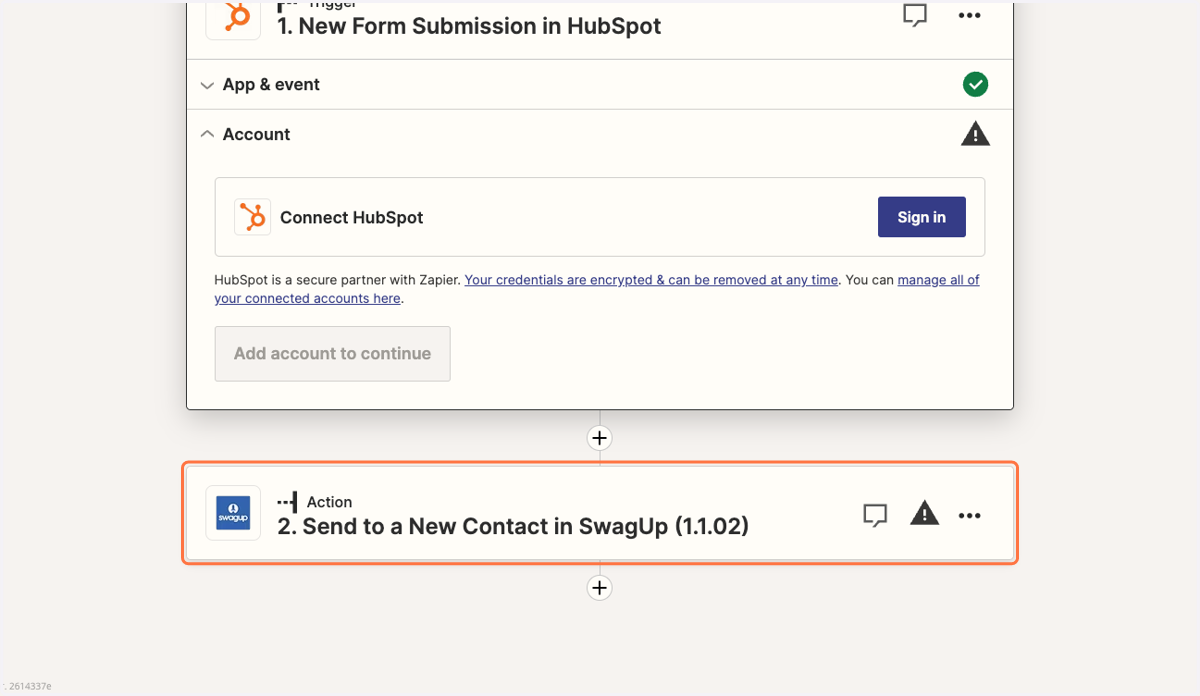
5. Click on Action step.
6. Choose the SwagUp account to connect to Zapier.
7. Click on Continue
8. Select contact feilds you'd like to populate from Hubspot.
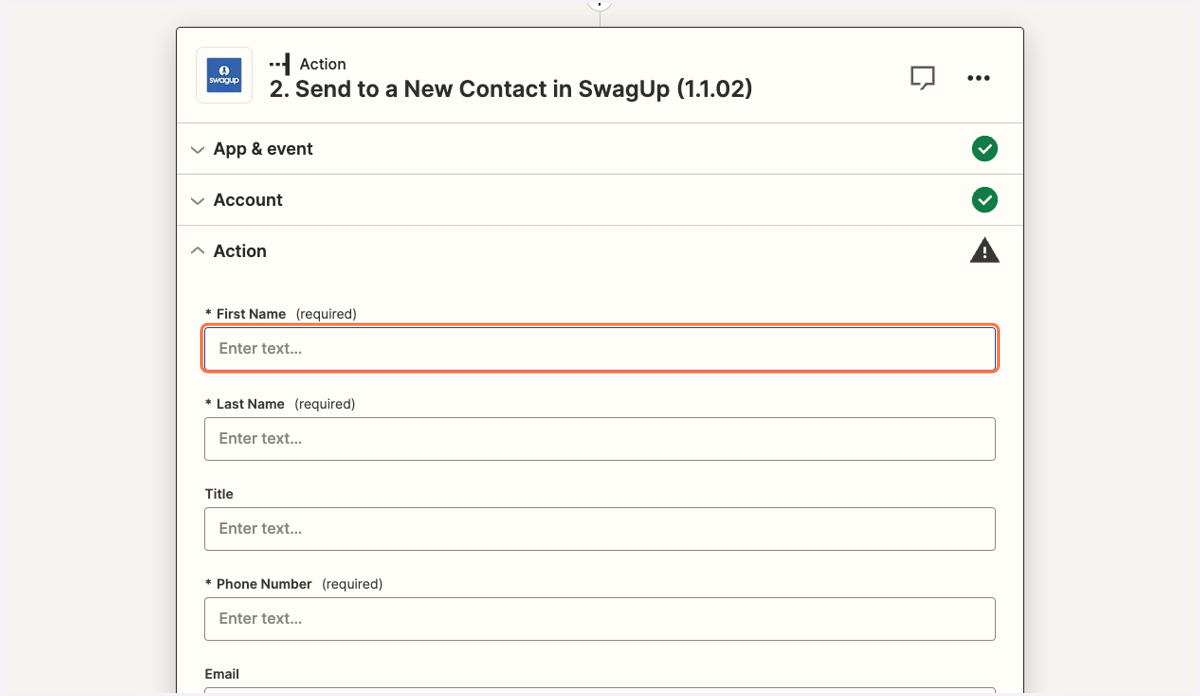
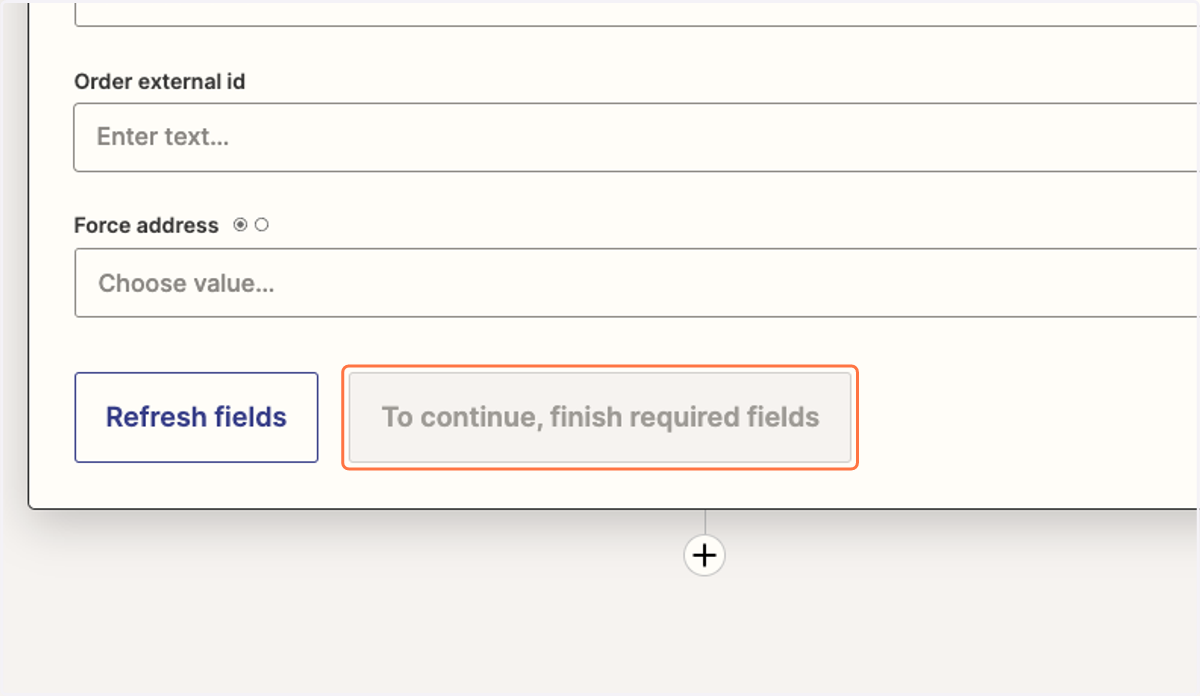
9. Finish required fields and click on Publish to begin using your Zap.