How to Invite a Renter
Inviting a renter is simple; provide us with some essential contact and lease information, and we will take it from there! We will email your renter inviting them to the platform, explaining the benefits, and disclosing any fees they may be responsible for.
Payrent
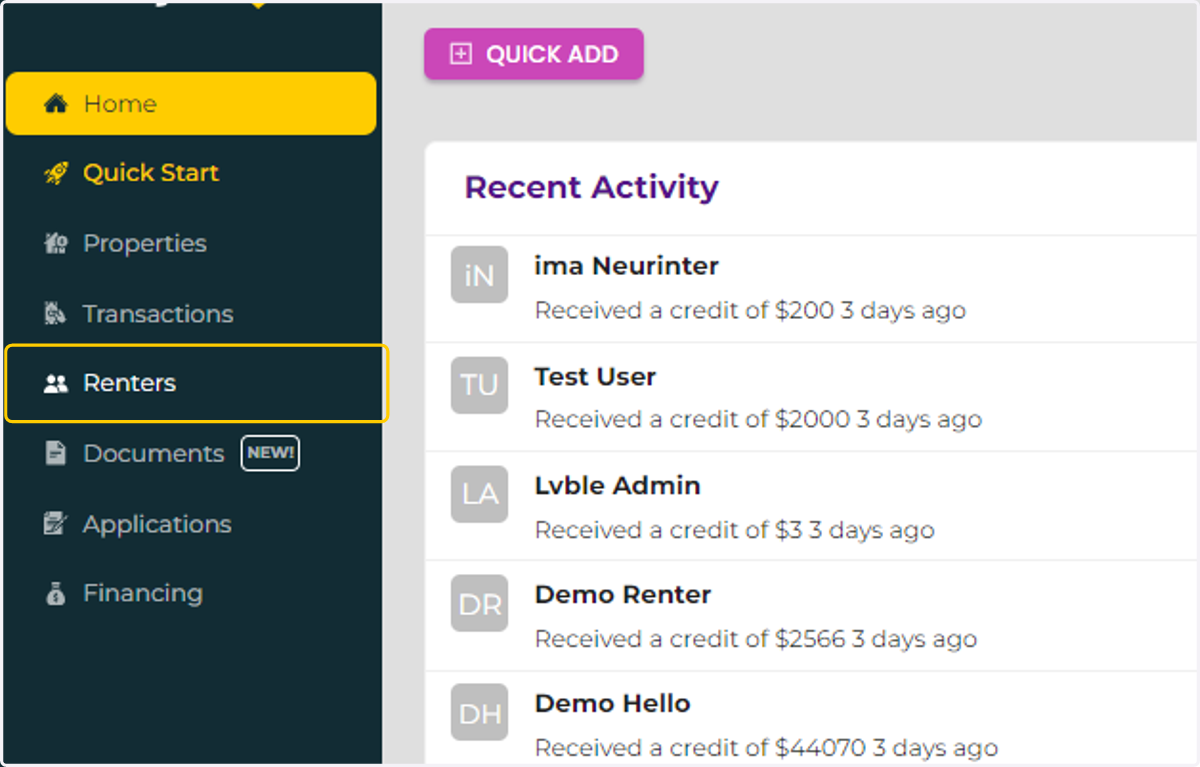
1. Click on Renters
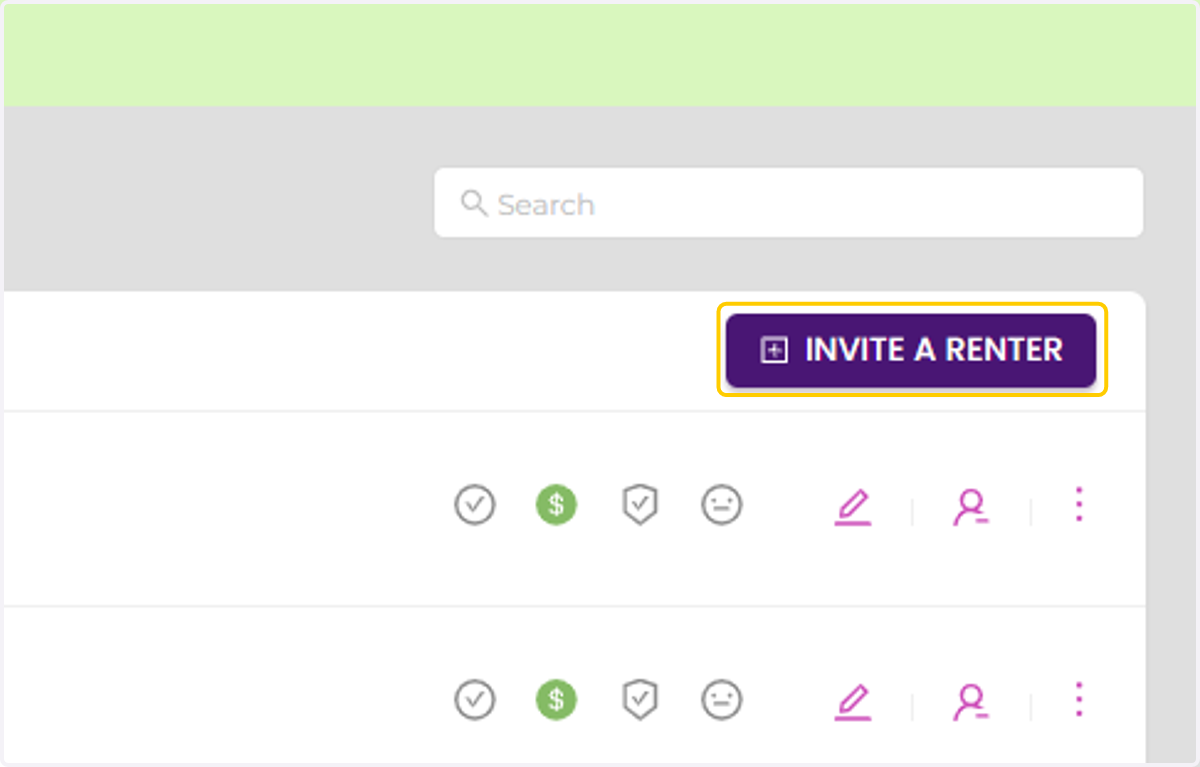
2. Click on INVITE A RENTER
3. Enter your renter's name, email address, and phone number
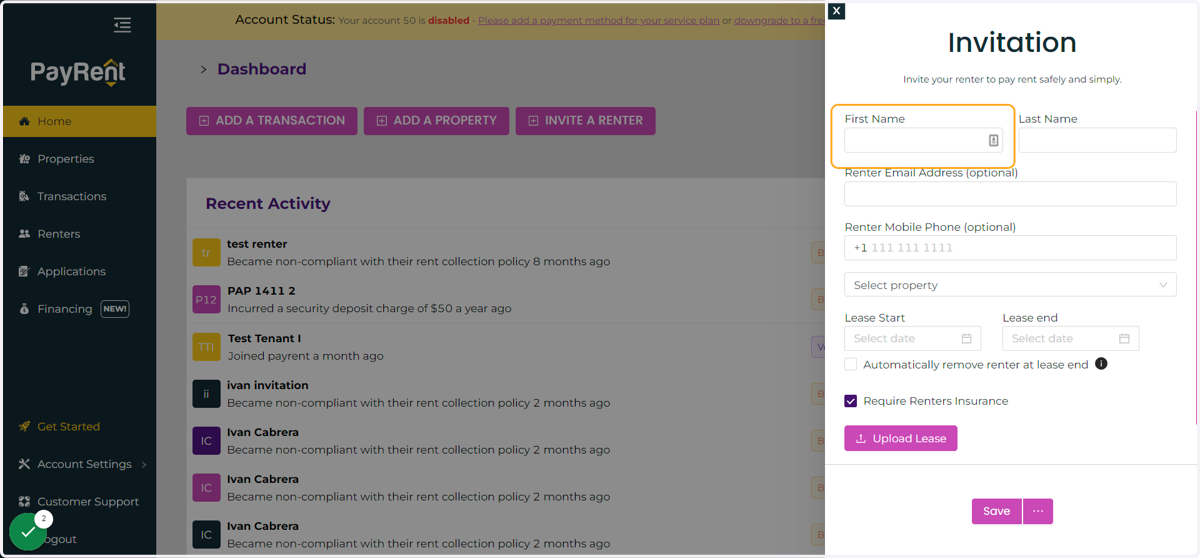
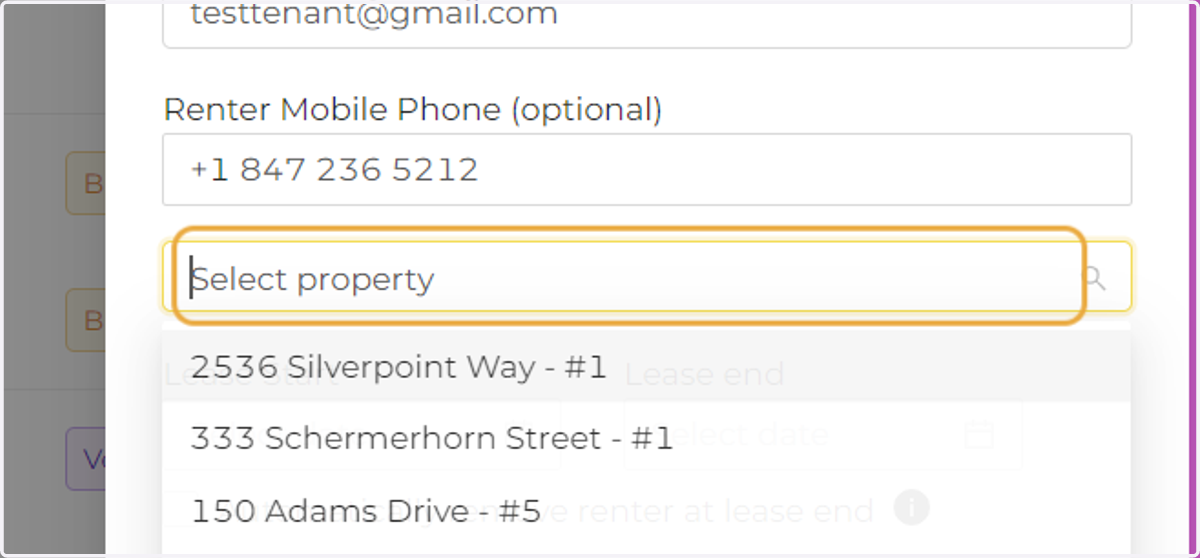
4. Select the property. Only vacant properties will be listed in the drop down menu.
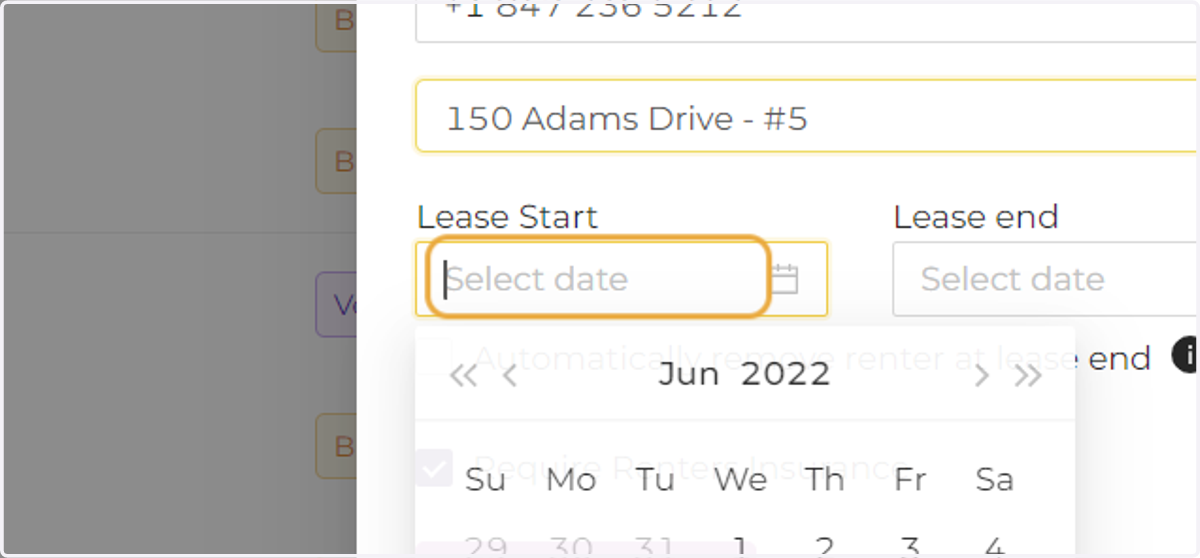
5. Enter the lease start and end date.
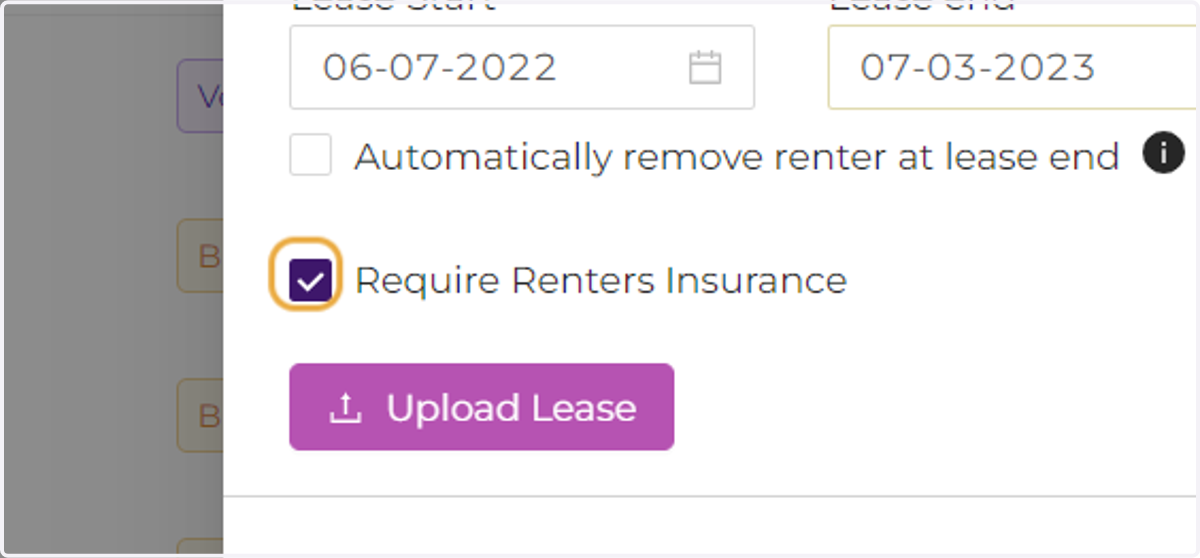
6. Choose your Tenant Settings
7. Click on Save