How the questionnaire review process works in Skypher
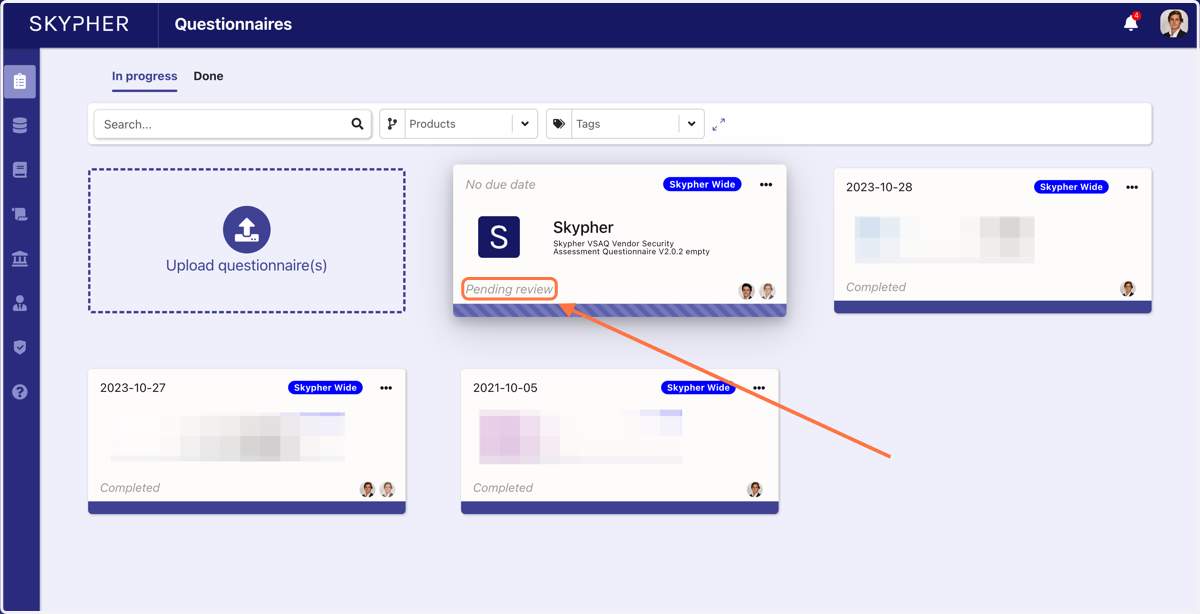
When adding a reviewer to a questionnaire. A standard user won't be allowed to download the document if it is not approved by the reviewer.
1. This is the screen of a sales than assigned Gaspard as the questionnaire reviewer.
You can see that the download is impossible
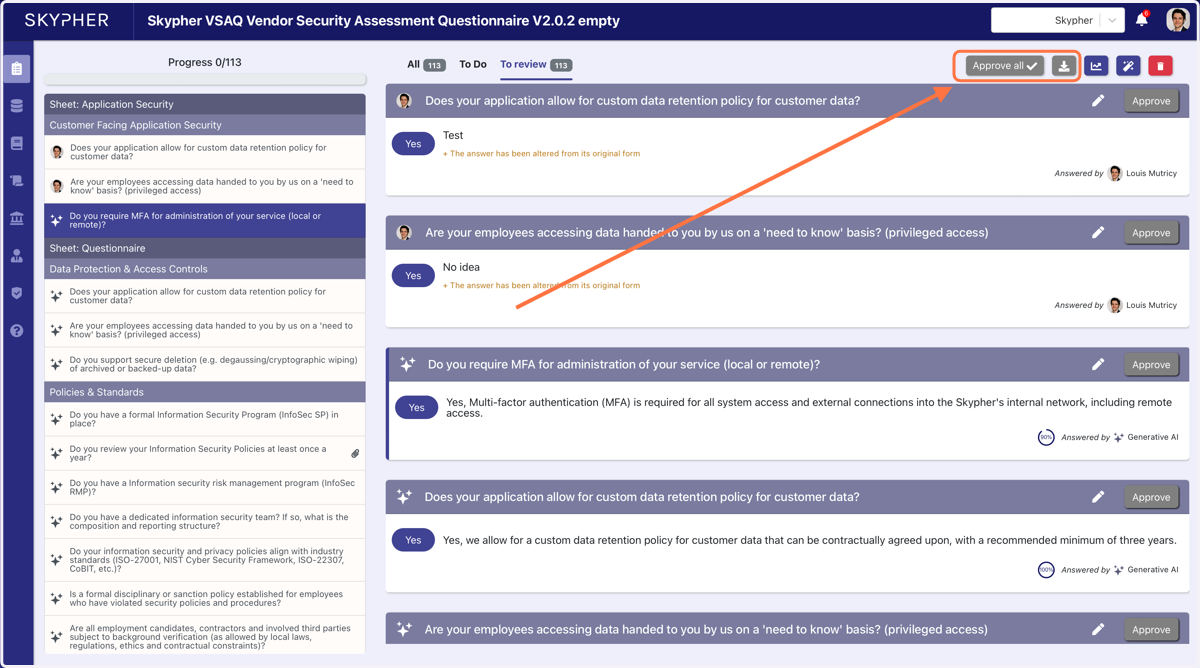
2. This is Gaspard's account.
3. You must review and approve all the questions.
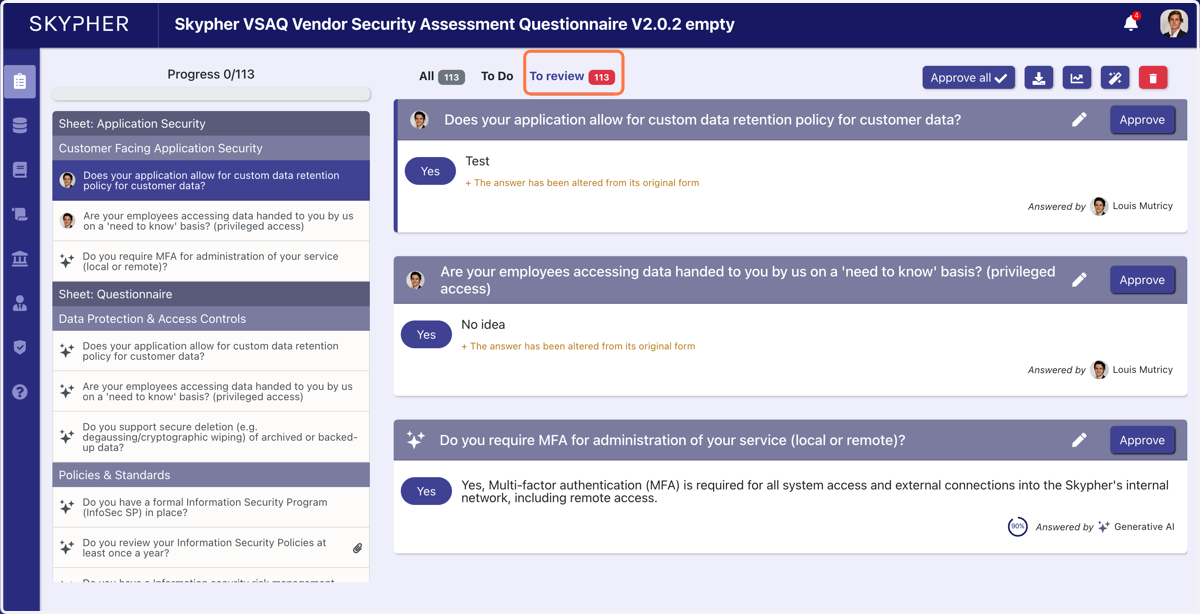
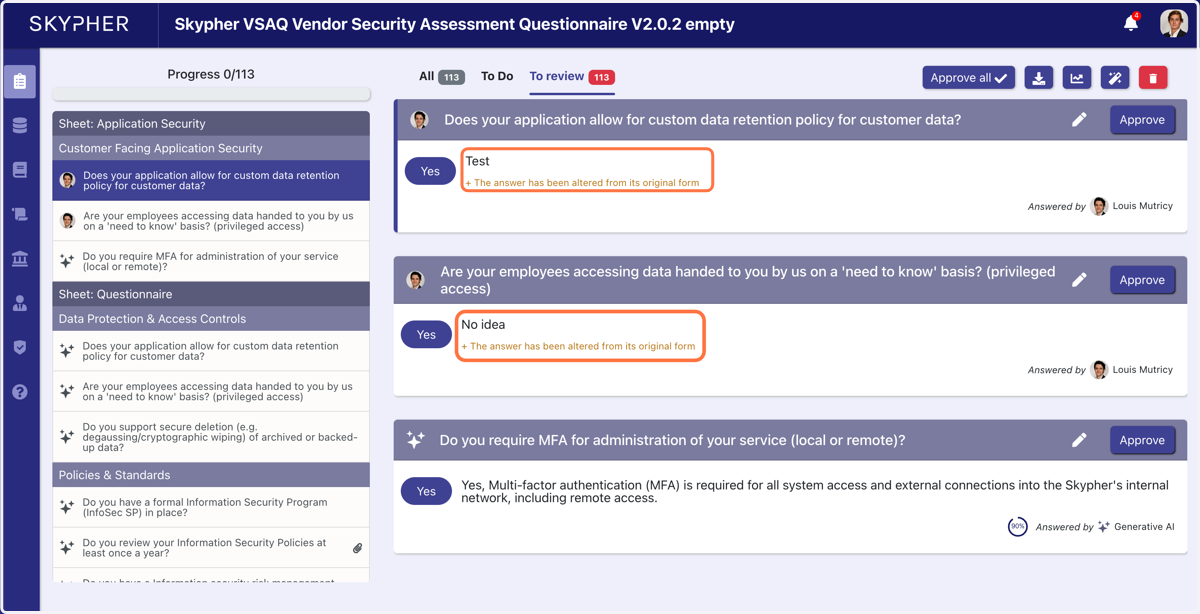
4. You can see which questions have been modified by Louis
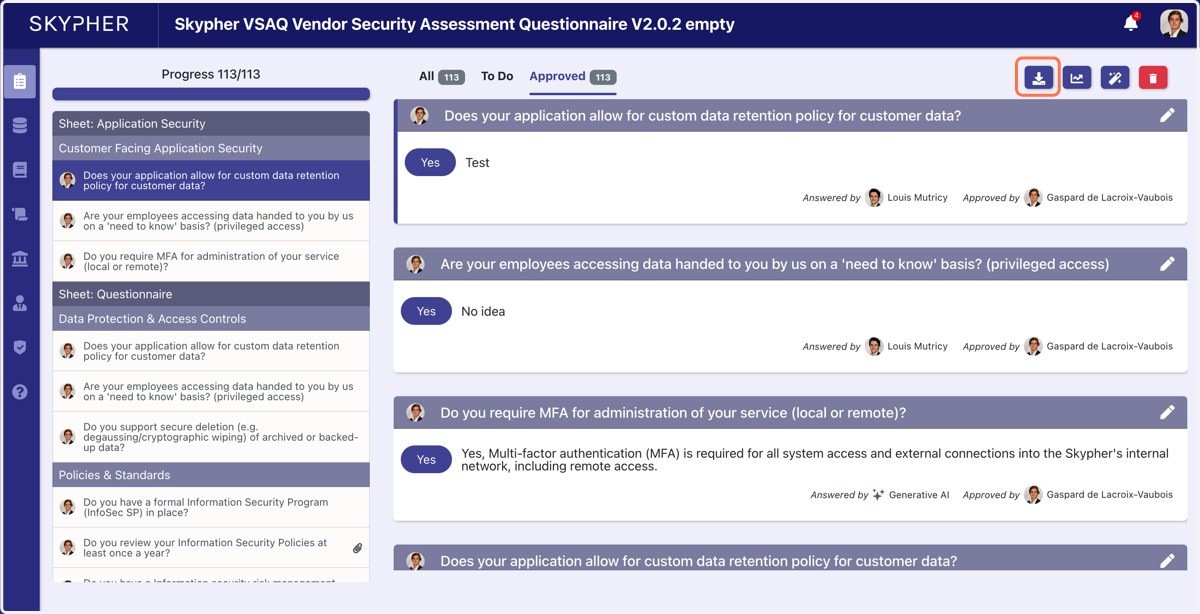
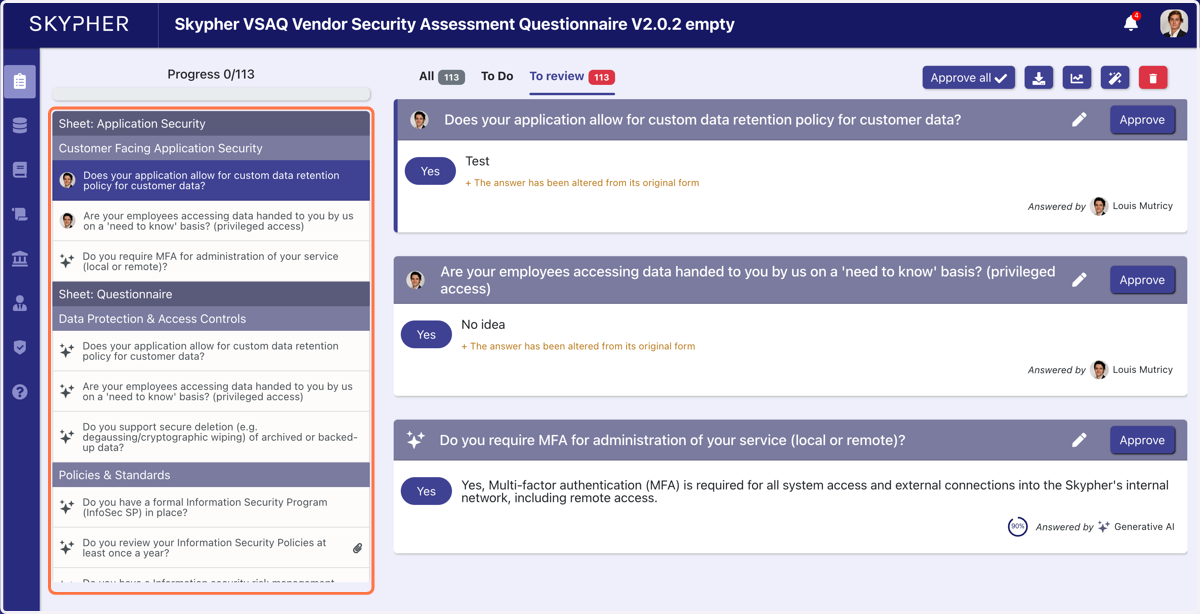
5. On the progress bar on the left, you have access to all the pending questions that have been answered by Louis, the dataset or Generative AI.
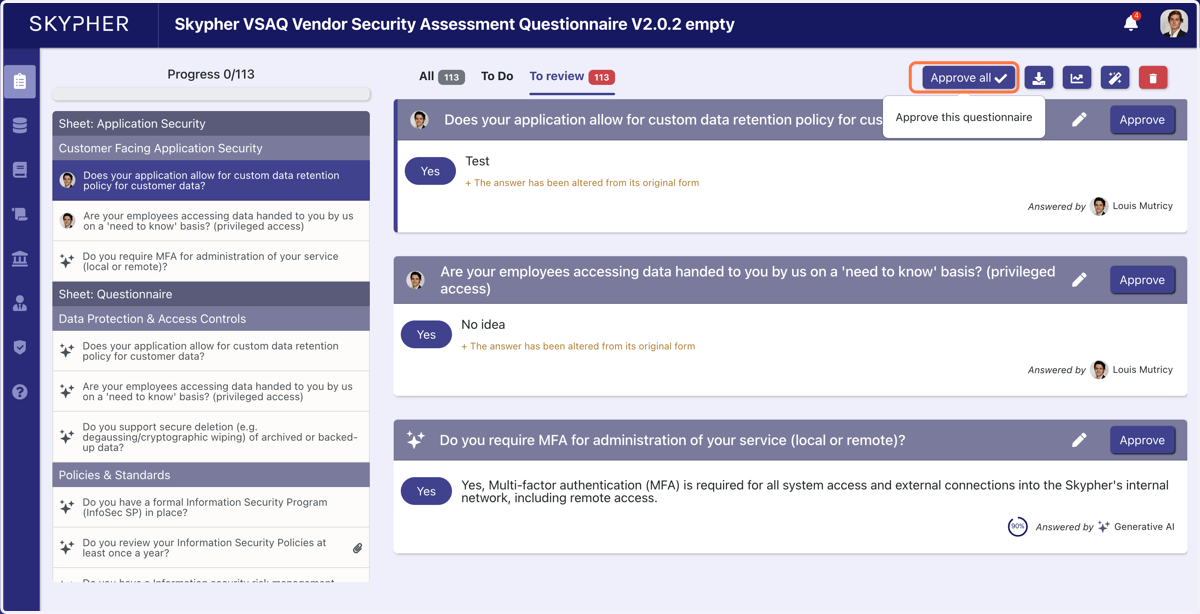
6. Once, you are happy with the answers, you can either approve individually or Approve all
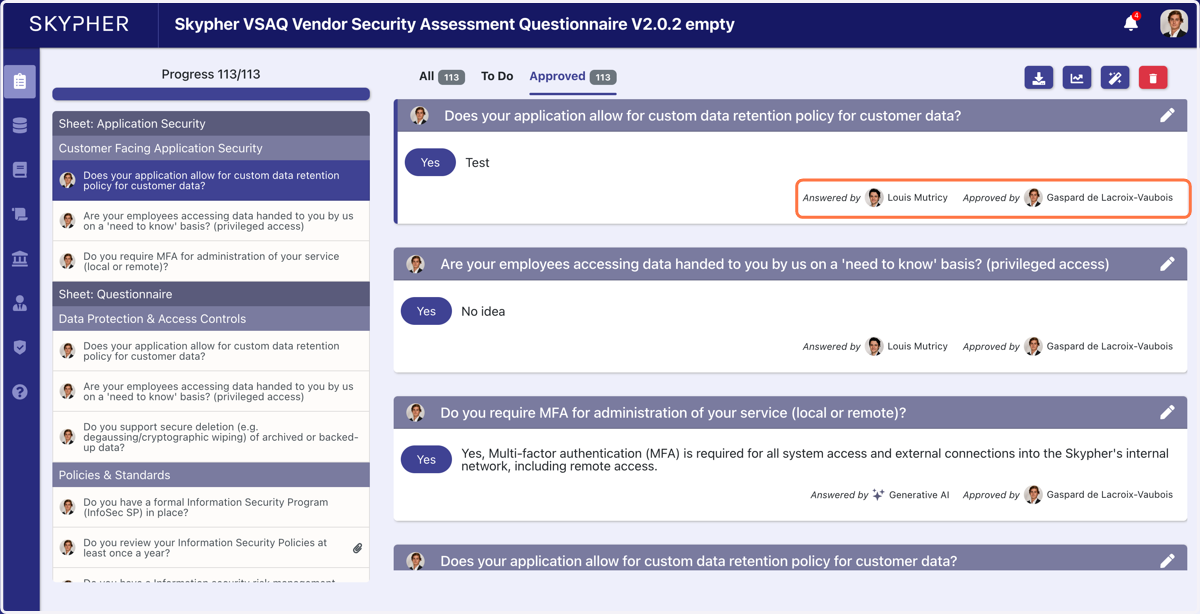
7. You can then see who answered and who reviewed each question
8. You can then choose to download the finished questionnaire