7. ItsMiner Asset Management

ItsMiner——Mining Monitoring Platform

  1. 1. ItsMiner provide asset management for miners and parts
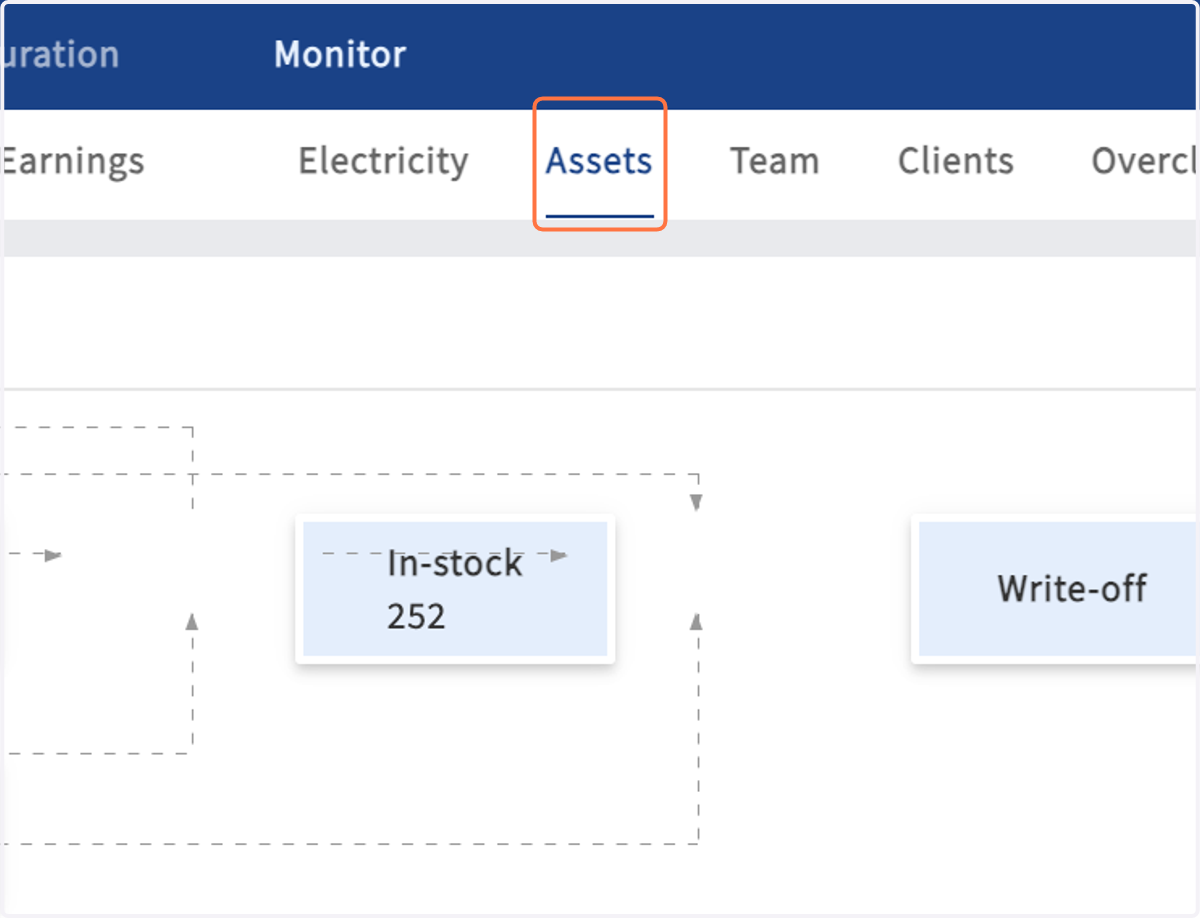
    ItsMiner provide asset management for miners and parts
  2. 2. All miner flow statuses have its own list. Click the in-stock block, you can see the list of inventory miners
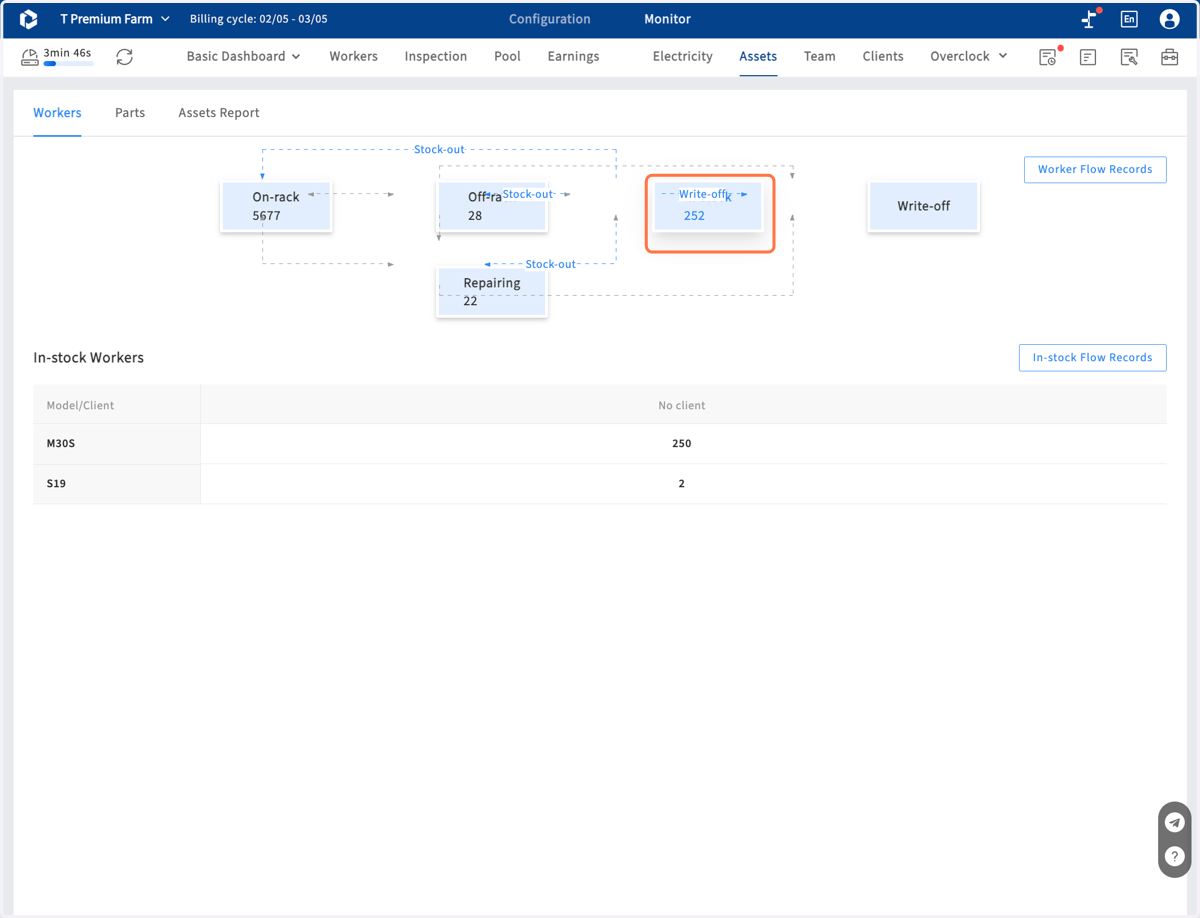
    All miner flow statuses have its own list. Click the in-stock block, you can see the list of inventory miners
  3. 3. In miners list, you can select miners to change to other flow status
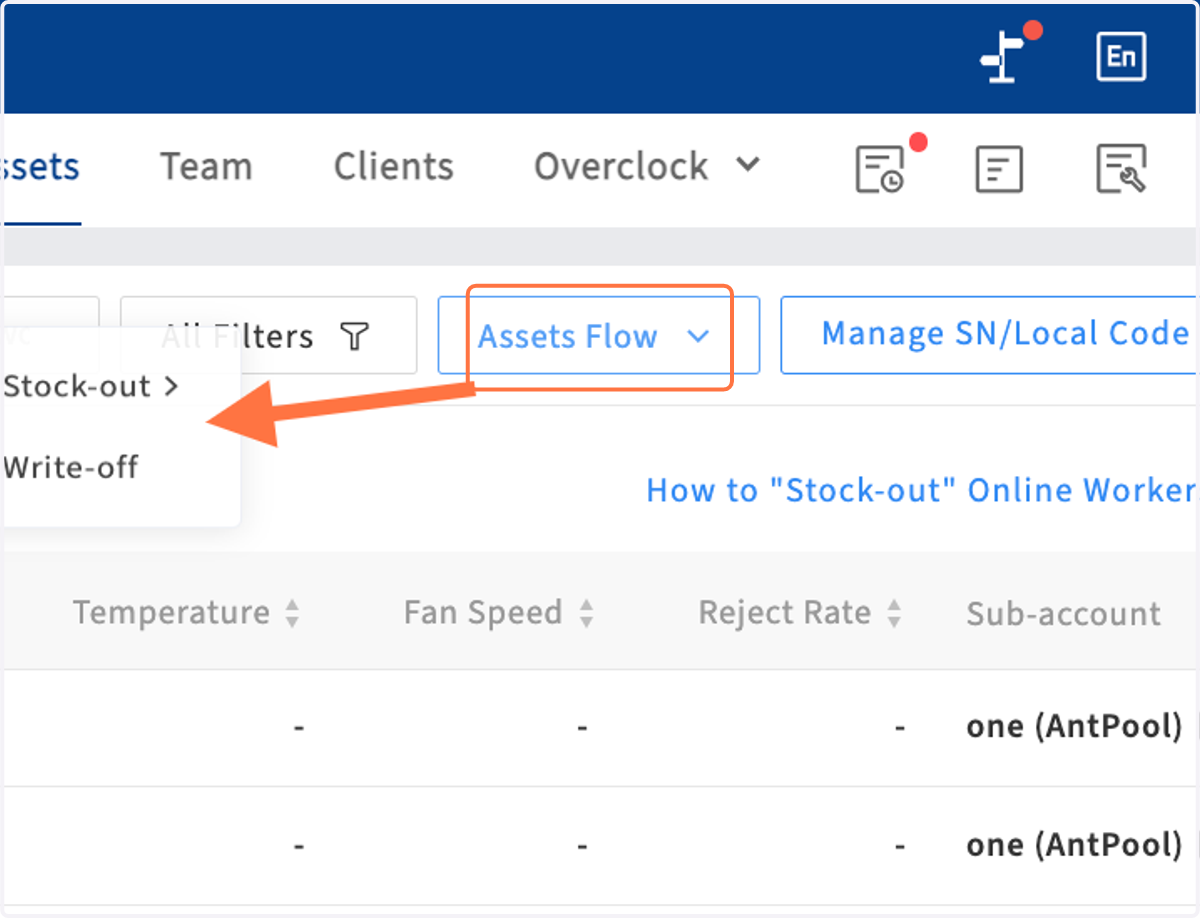
    In miners list, you can select miners to change to other flow status
  4. 4. Click on Worker Flow Records, to check all changing record
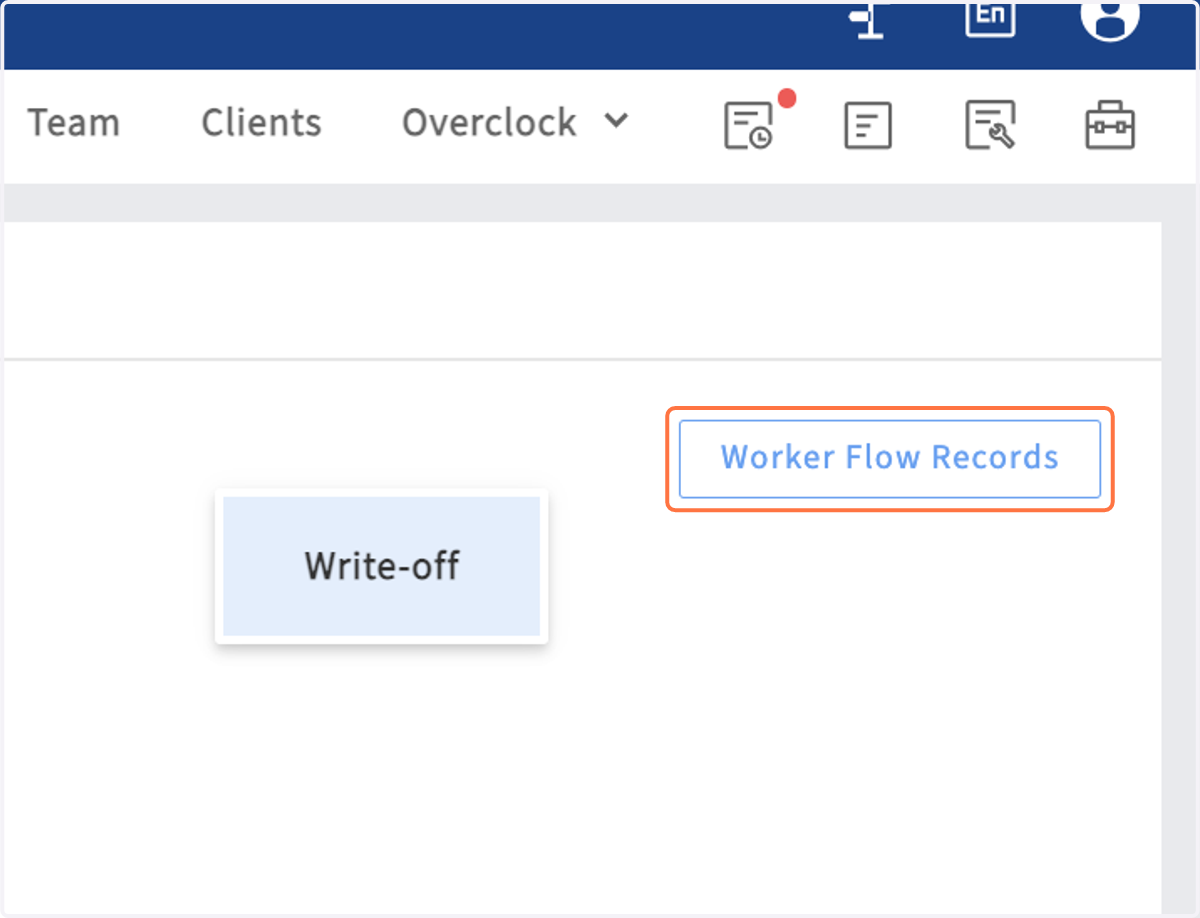
    Click on Worker Flow Records, to check all changing record
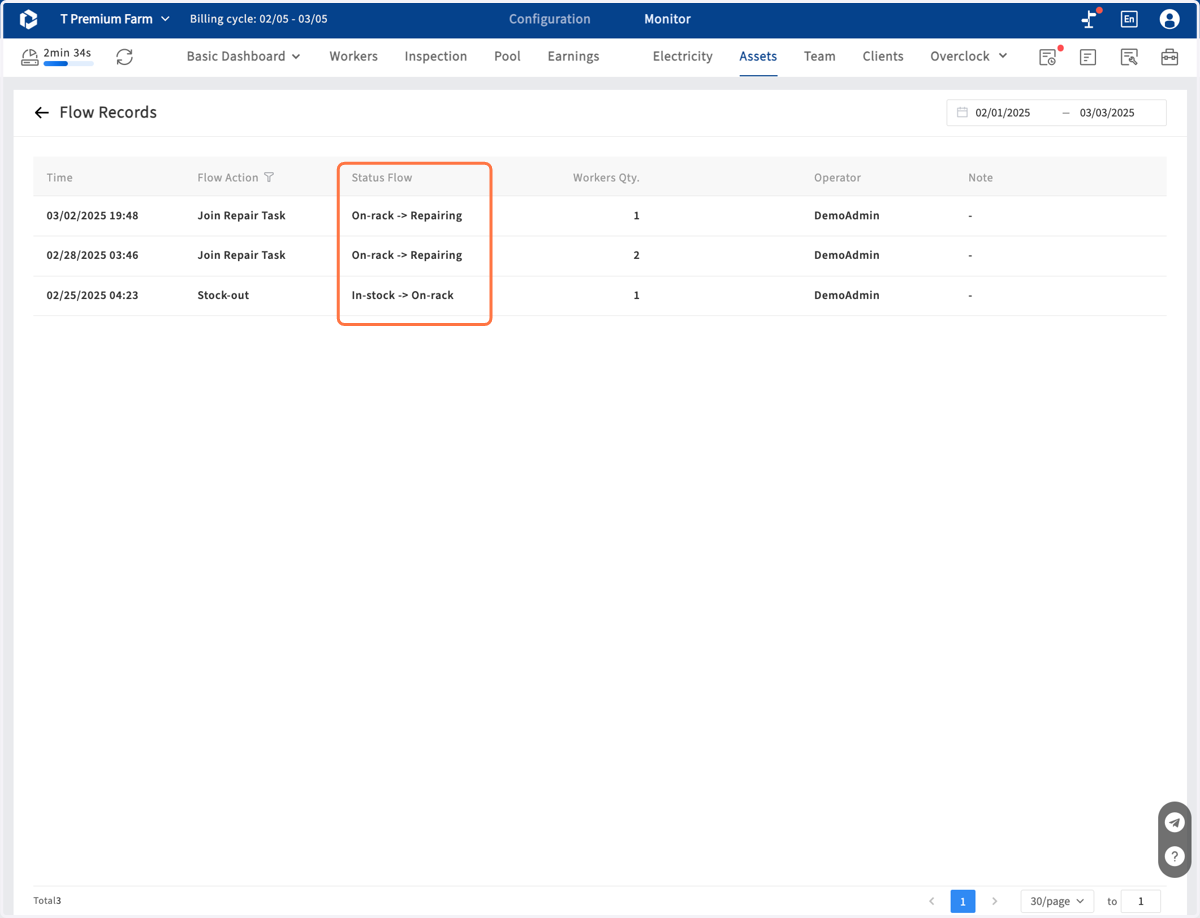
  5. 5. Here is the flow changing records

    Here is the flow changing records
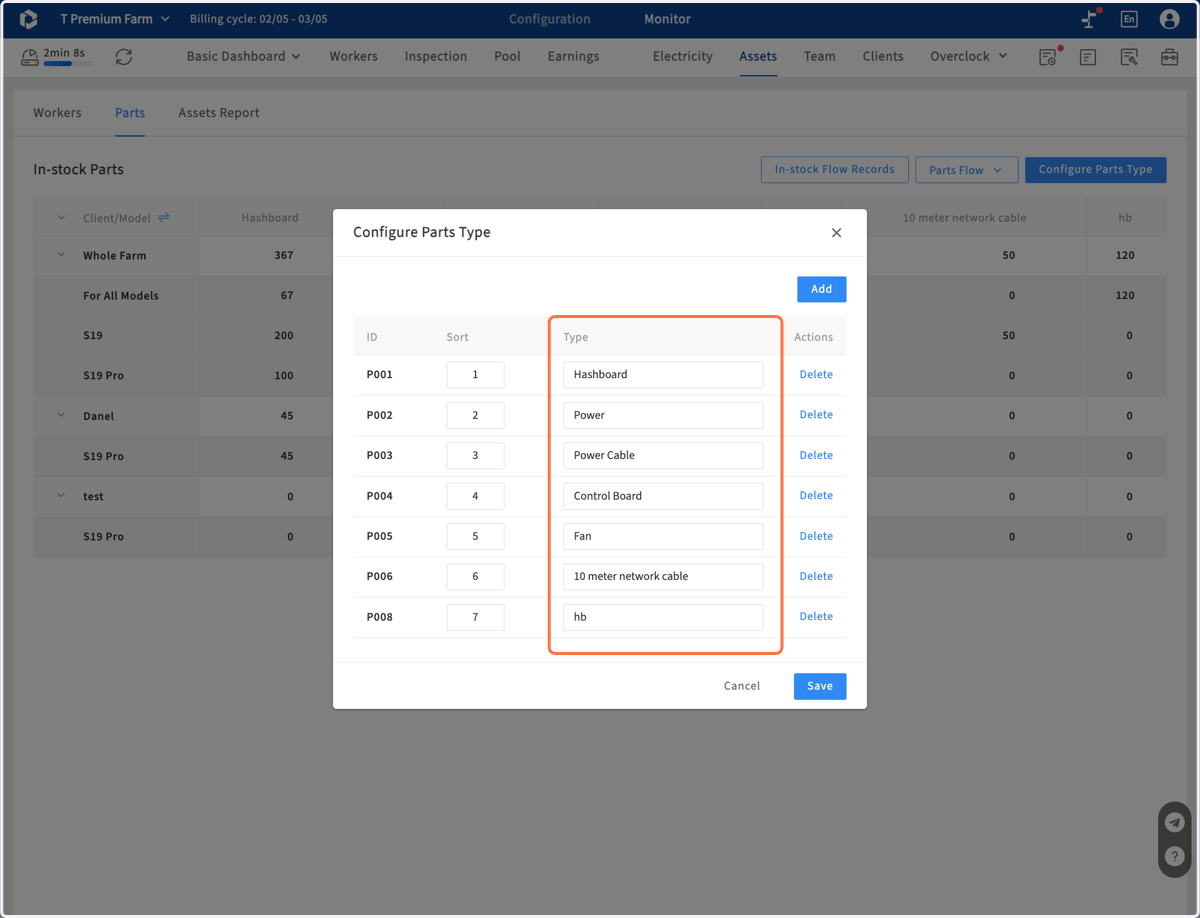
  6. 6. In parts management, customize your own parts types, and record the stock-in and stock-out number . All flow record is listed in flow records page
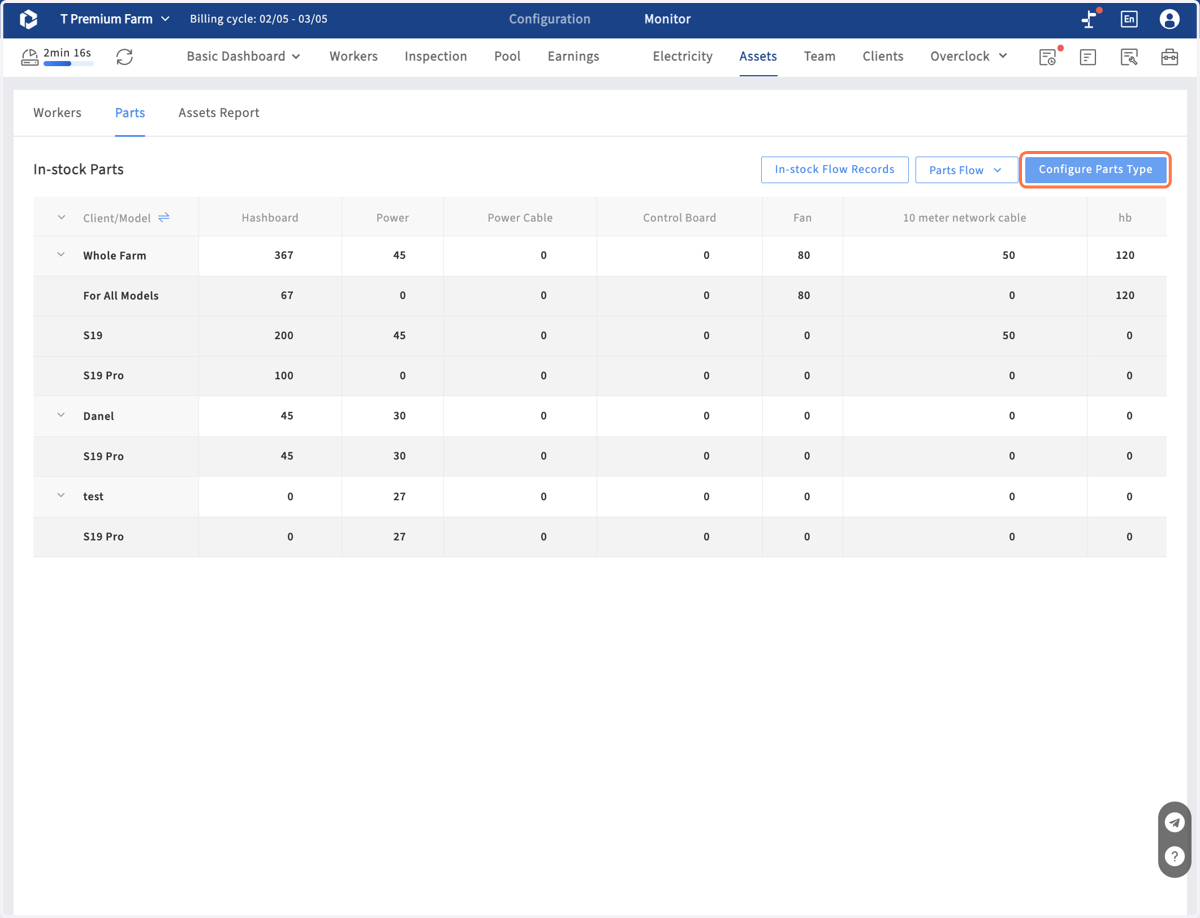
    In parts management, customize your own parts types, and record the stock-in and stock-out number . All flow record is listed in flow records page
  7. 7. Configure Parts Type

    Configure Parts Type
  8. 8. Click on Parts flow to record Stock-in or Stock-out
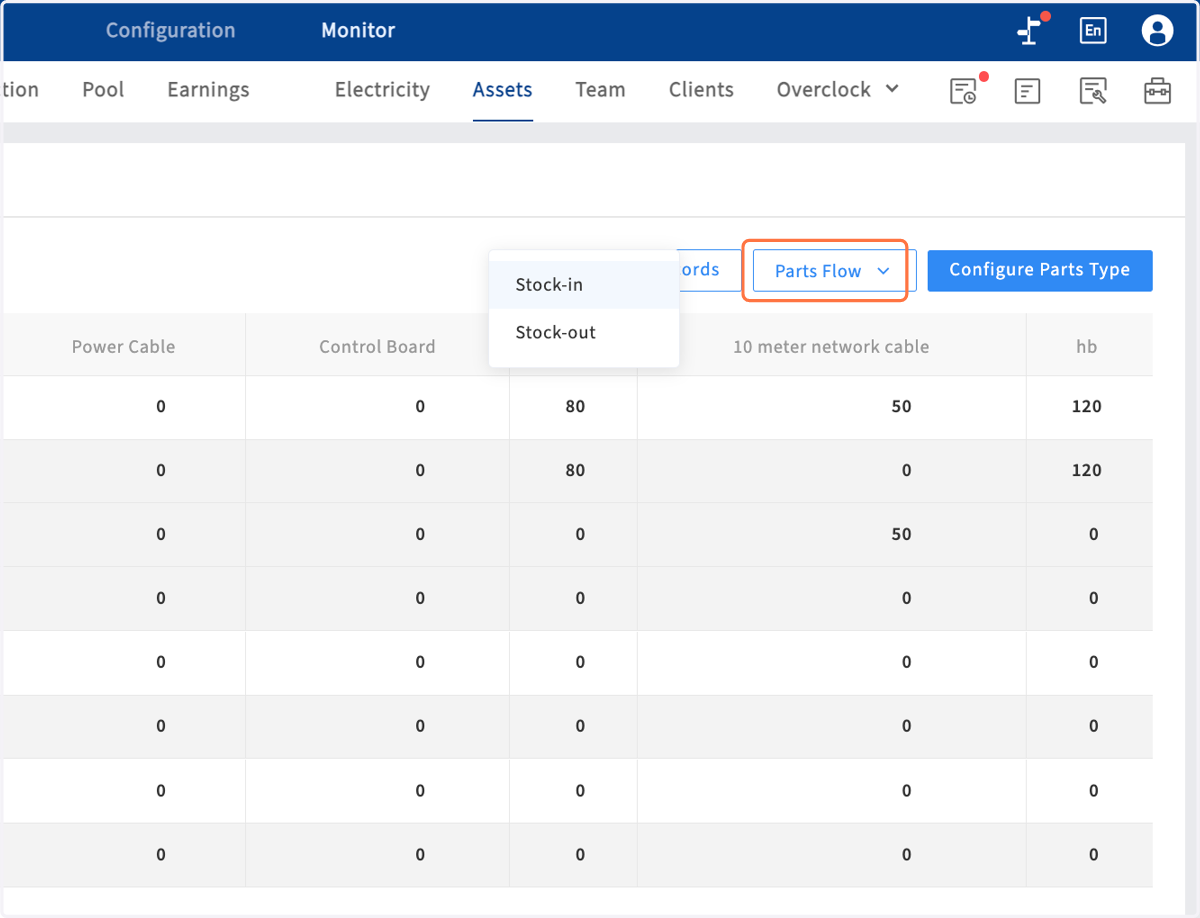
    Click on Parts flow to record Stock-in or Stock-out
  9. 9. Click on In-stock Flow Records to check all records
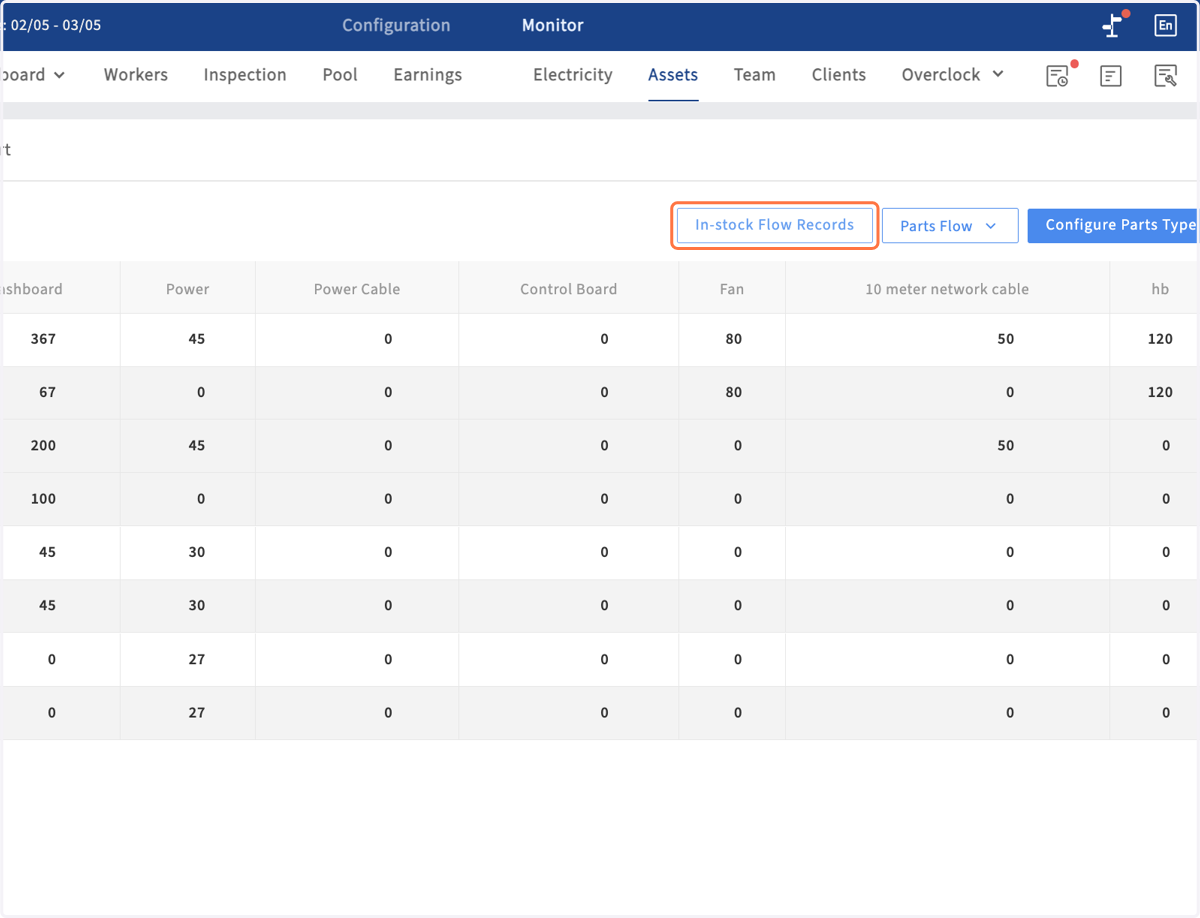
    Click on In-stock Flow Records to check all records