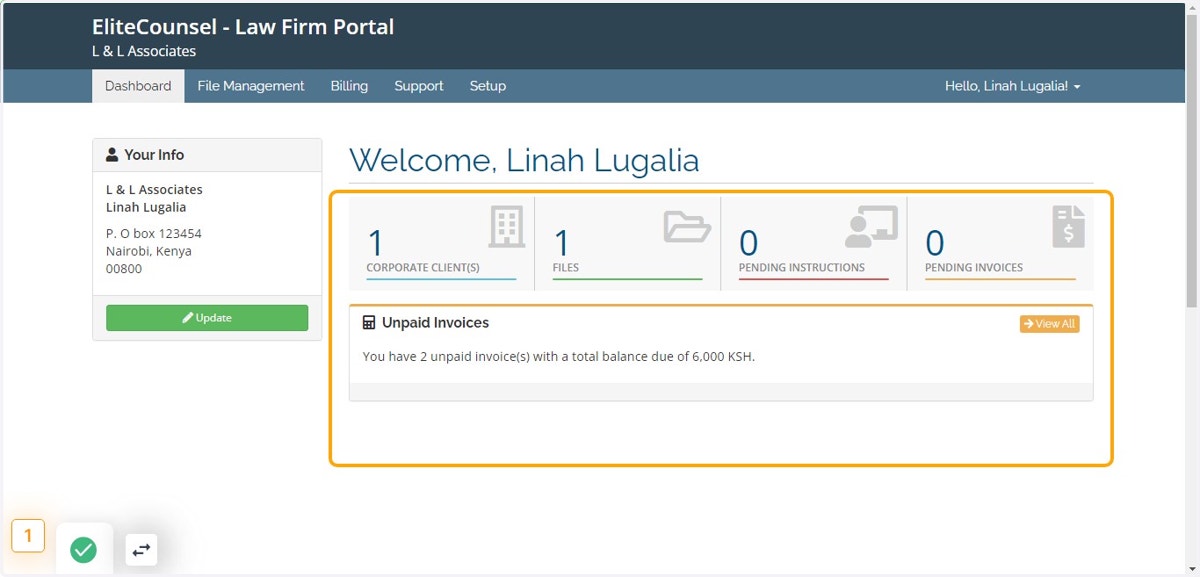
To view External Instructions
This module enables you to view all the requests sent to you regarding client matters which have to be accepted, executed then completed once done.
Elitesuiteke
1. Log into the system
2. Go to File Management module
3. Click on External Instructions sub module under Instructions section
4. To view all the instructions sent and their current status (in progress, pending acceptance or complete) as shown in the below example