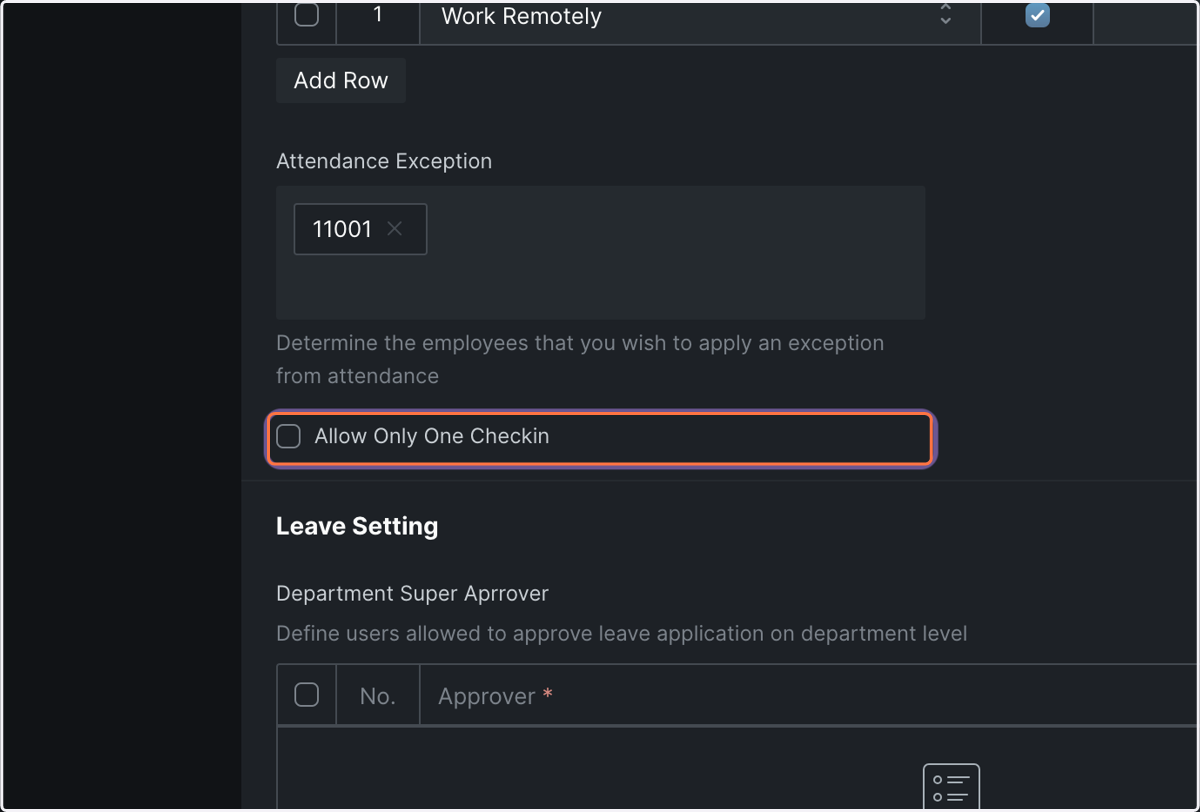
Attendance Settings in Advanced Settings
Go to Human Advanced Settings
1. Go to Human Advanced Settings
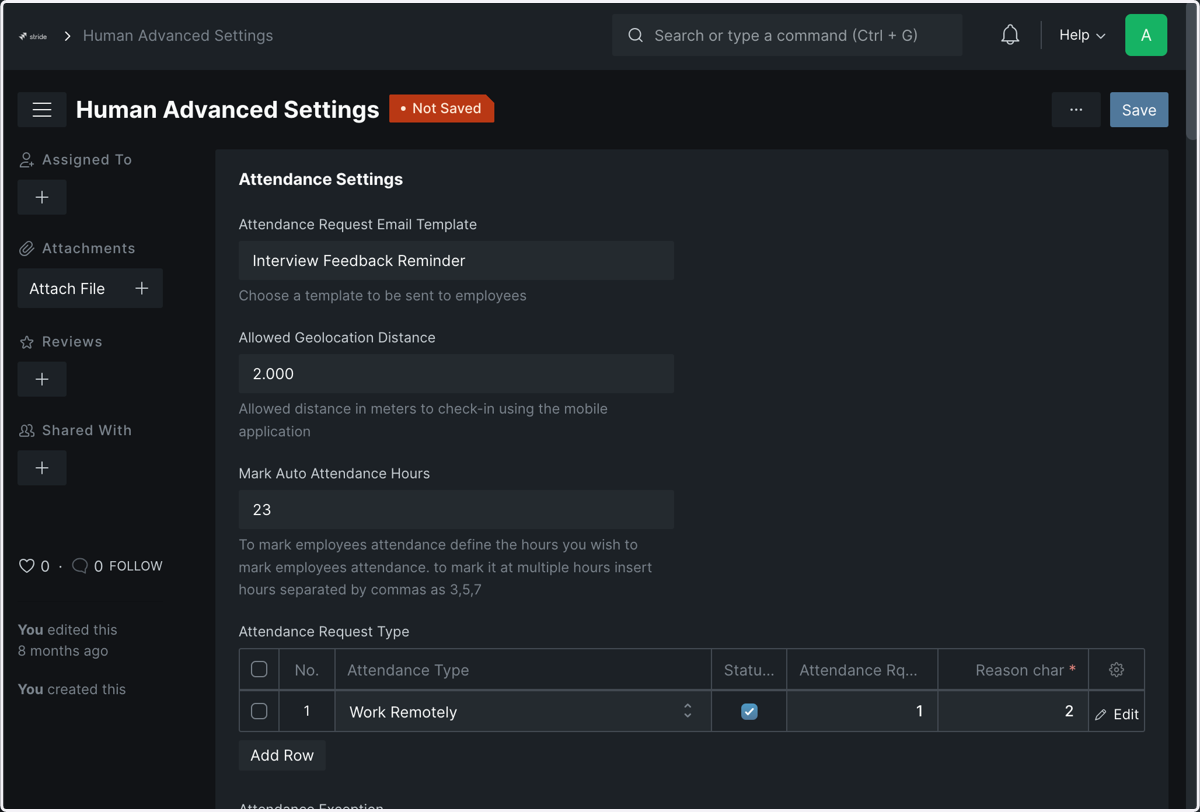
2. Select Attendance Request Email Template
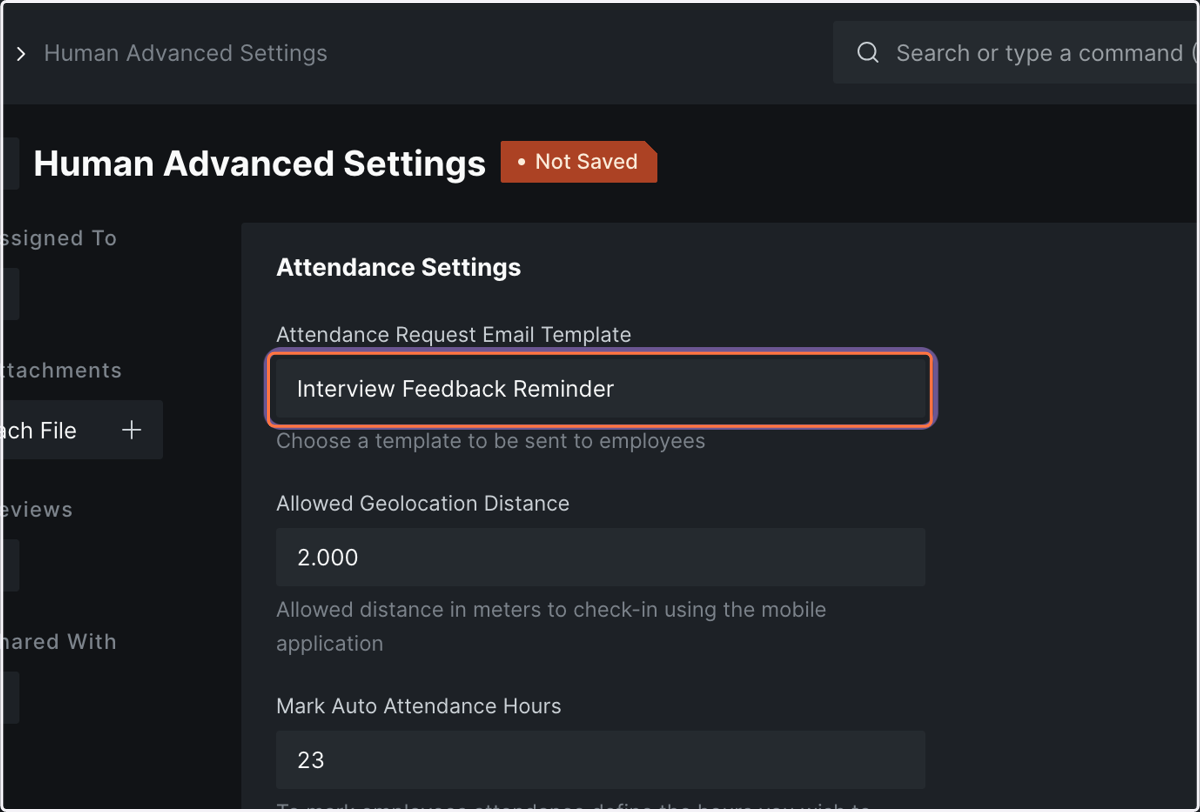
3. Enter Allowed Geolocation Distance
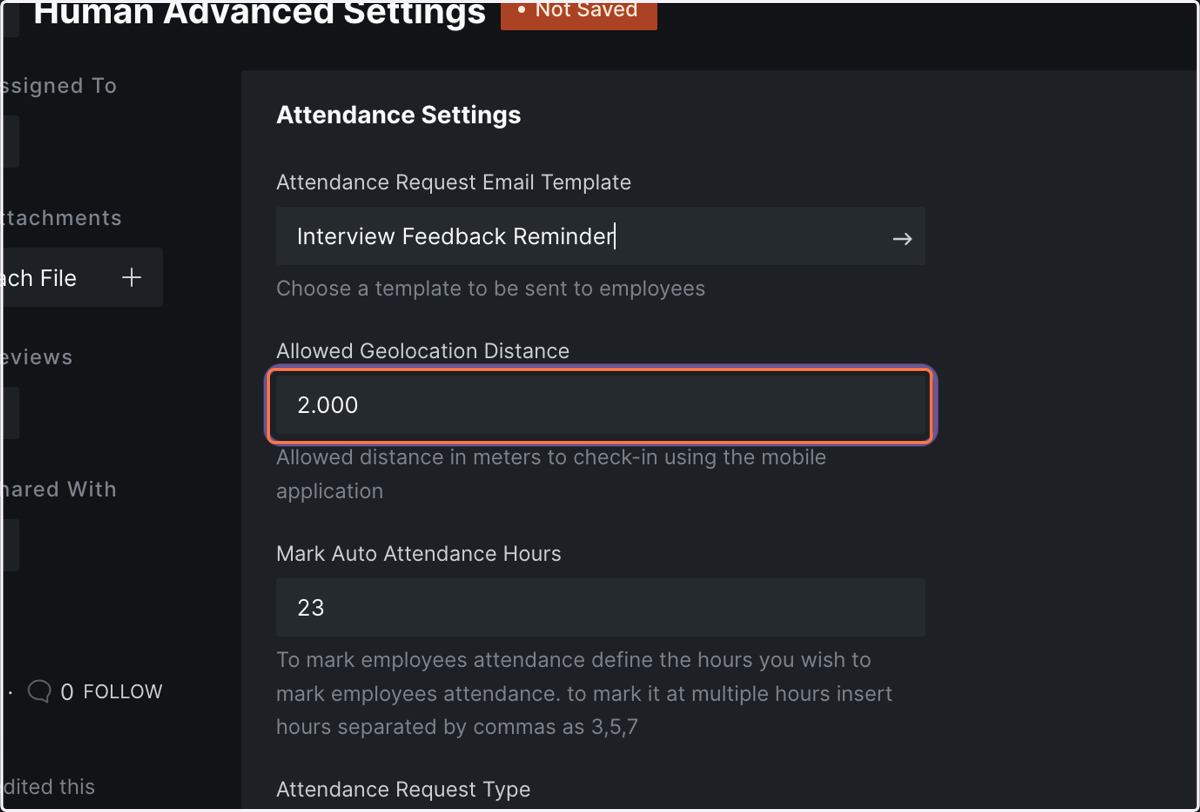
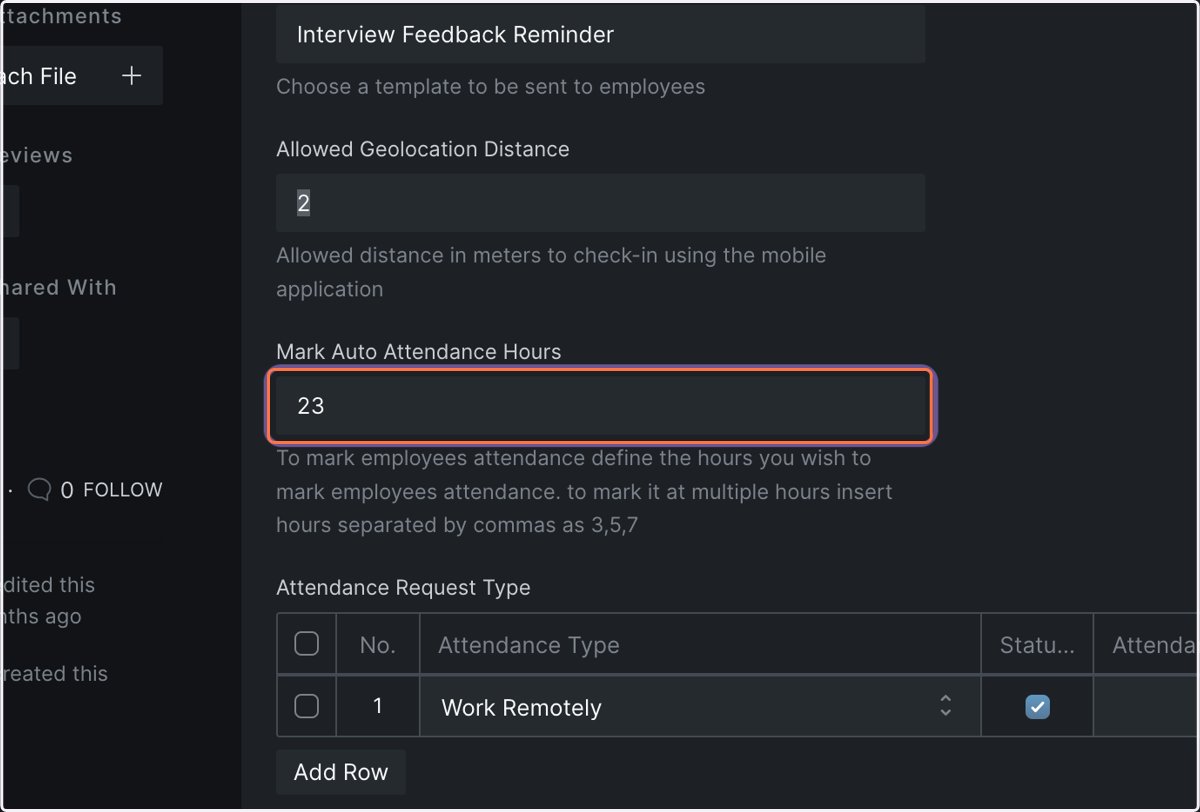
4. Enter Mark Auto Attendance Hours
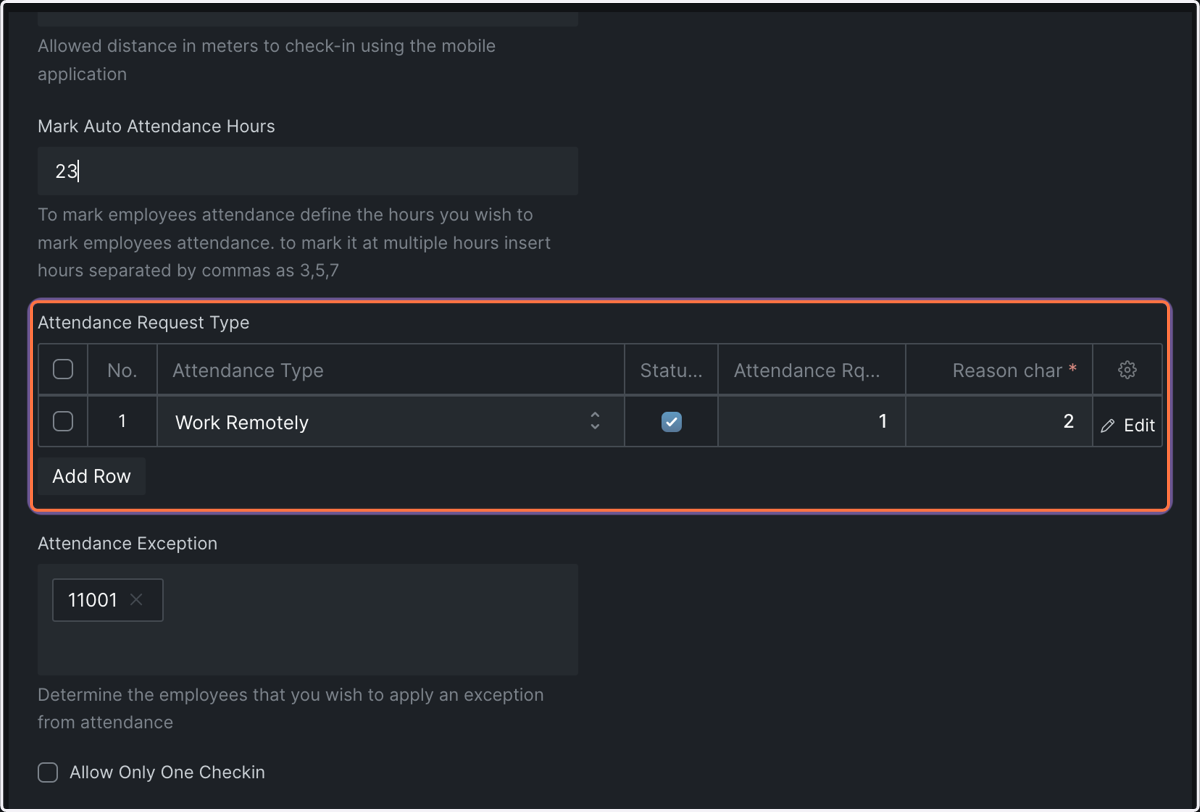
5. Go to Attendance Request Type
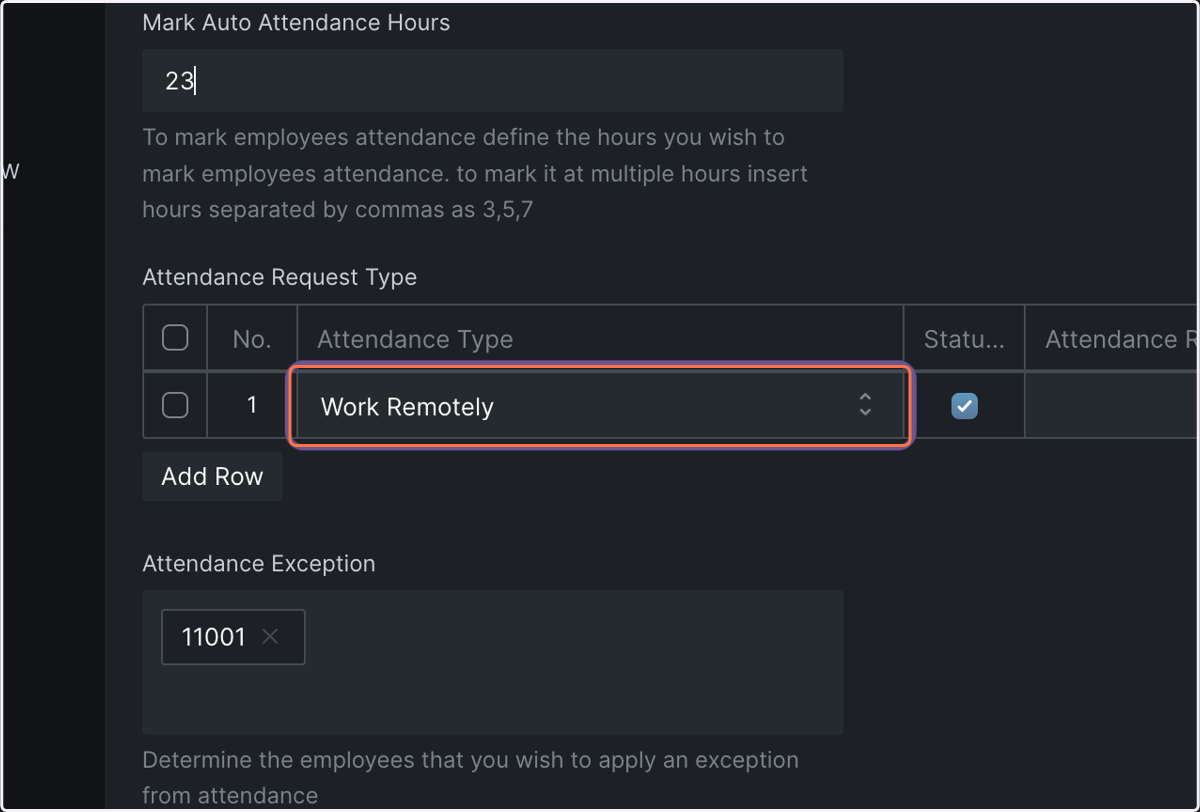
6. Select Attendance Type
7. Enter Attendance Rquest Times
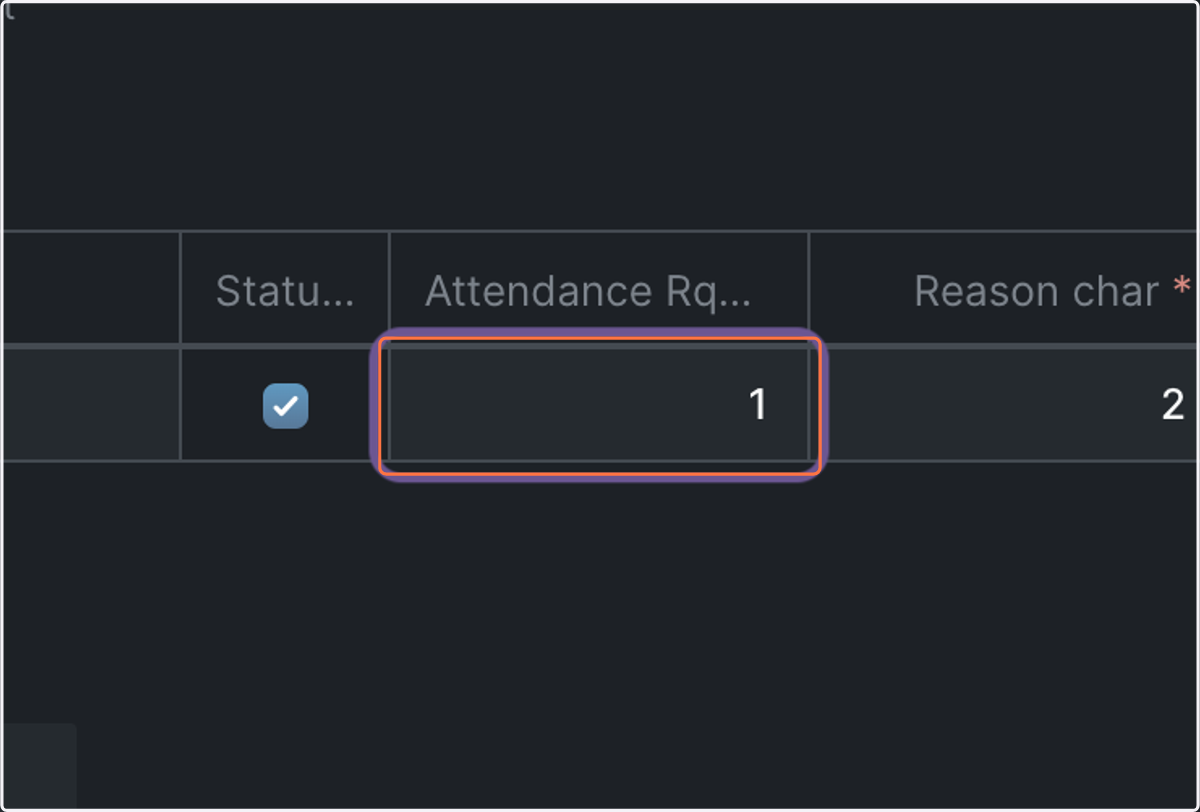
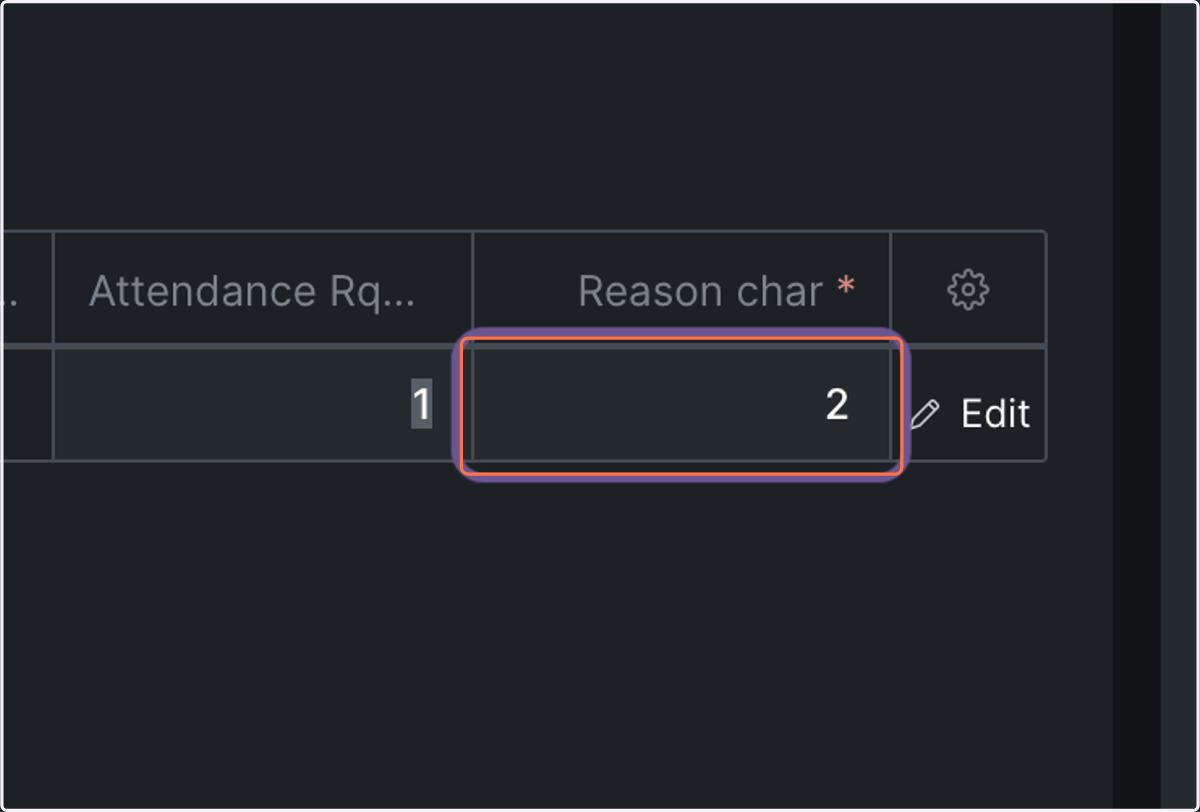
8. Enter Reason char
9. Select Attendance Exception
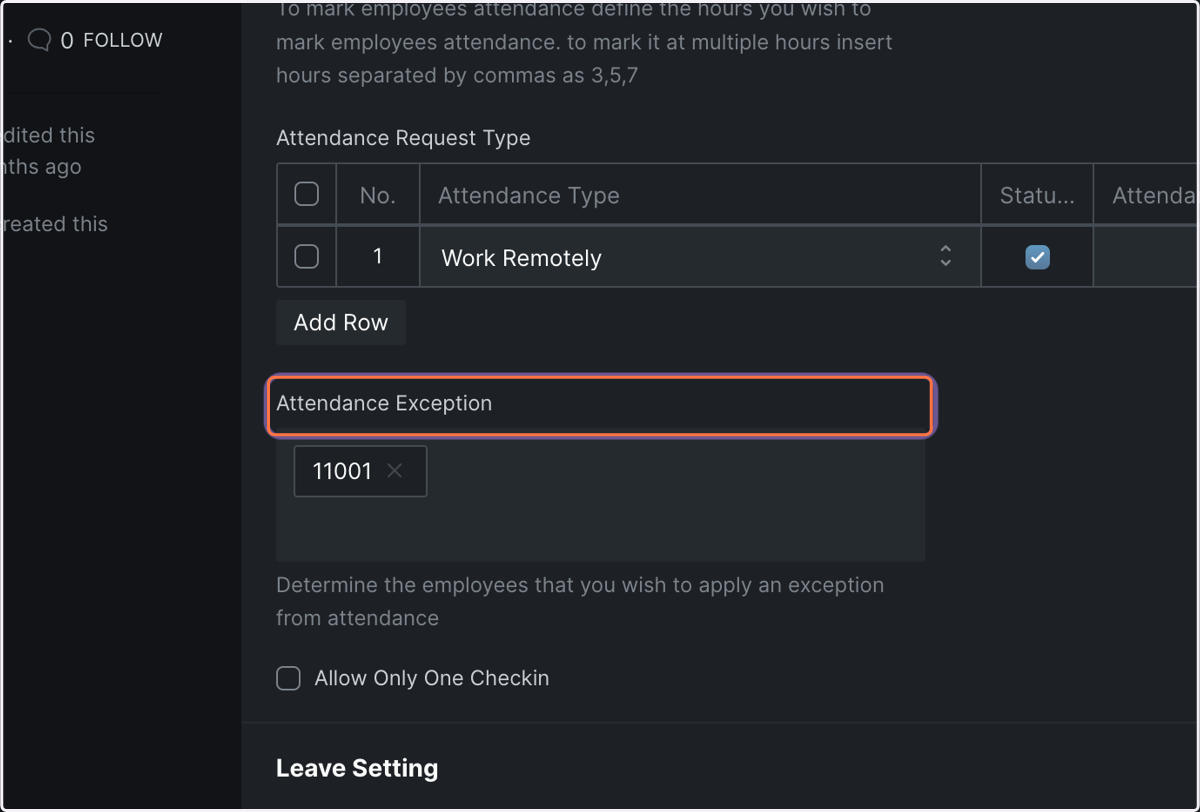
10. You can Click on Checkbox if you want to Allow Only One Checkin