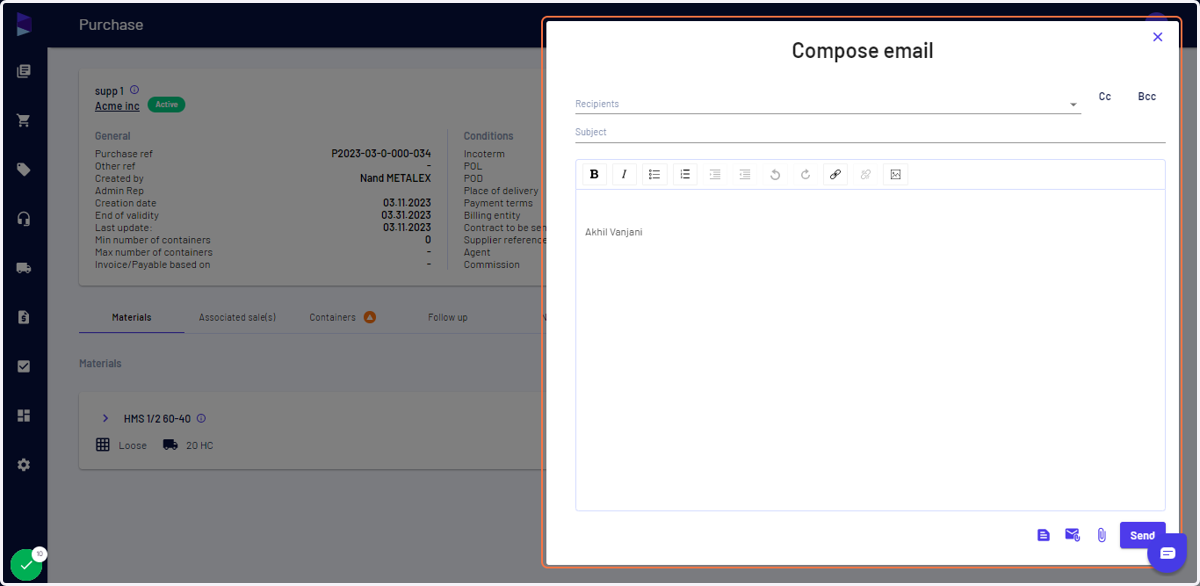
I can connect my email account with Jules to send external emails
Haroldwaste
1. Go to Jules AI
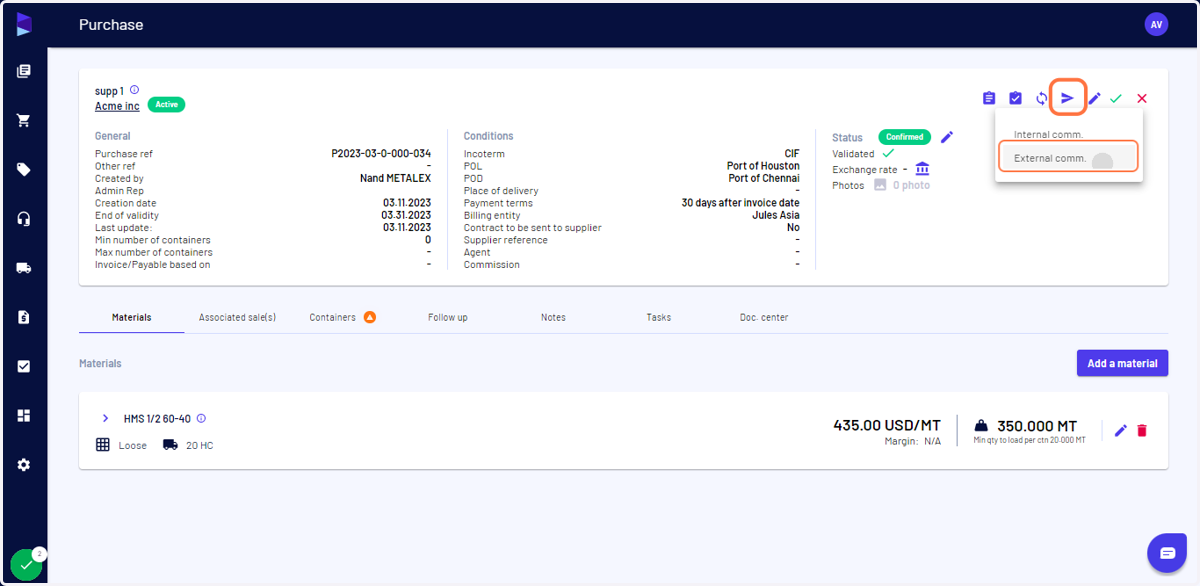
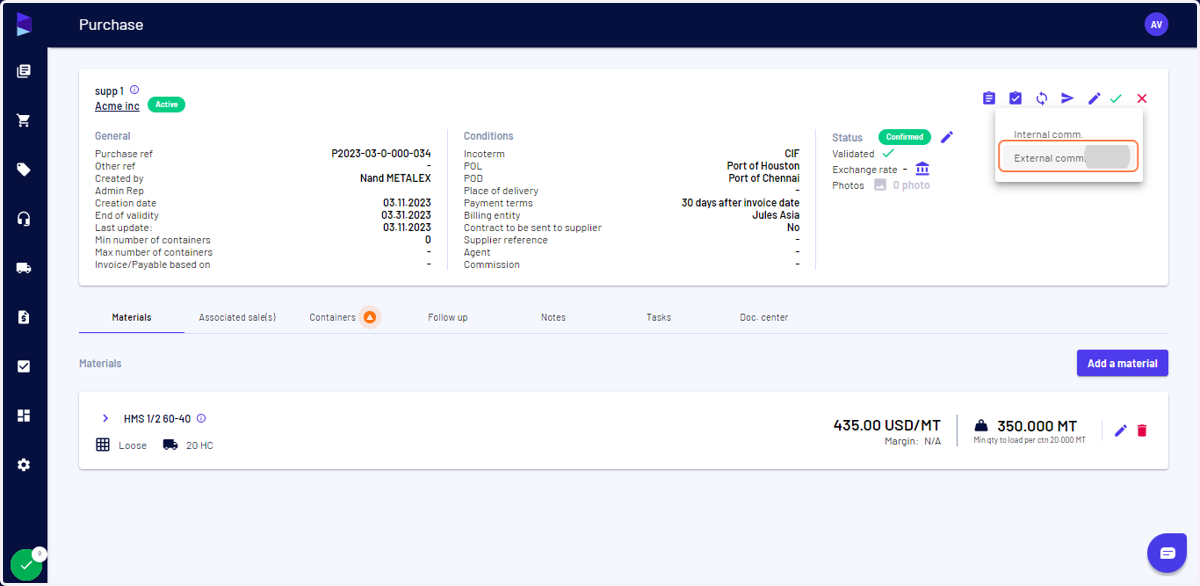
2. Click on "Notify" > "External comm."
You can do this from Purchase, Sale, Trucks/Containers, Shipments page
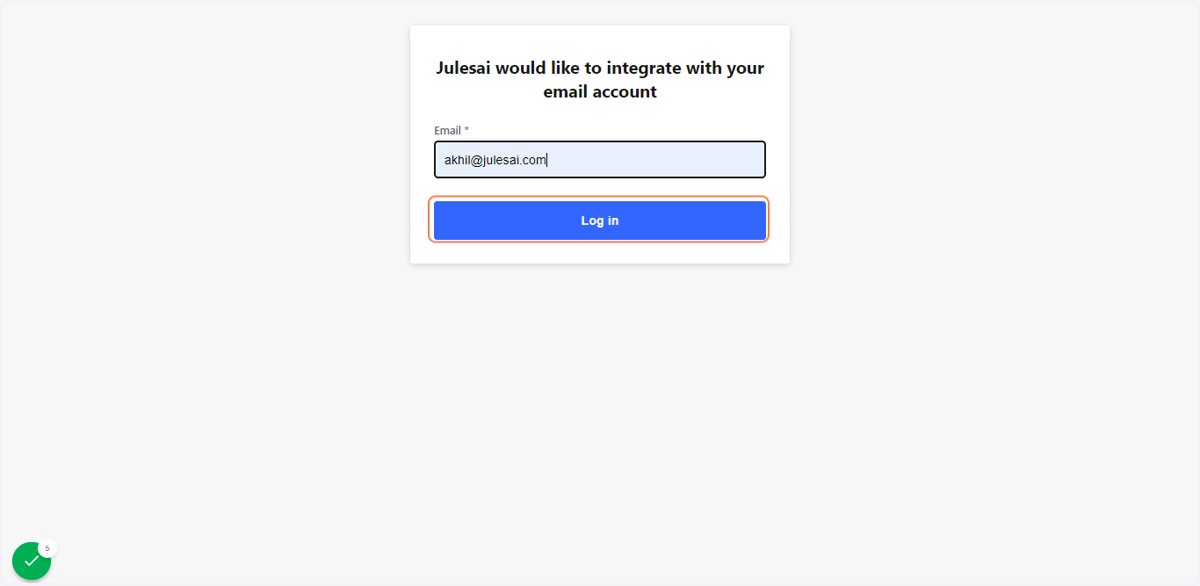
3. This will take you to "Nylas", enter your email, and click "Log in"
Nylas
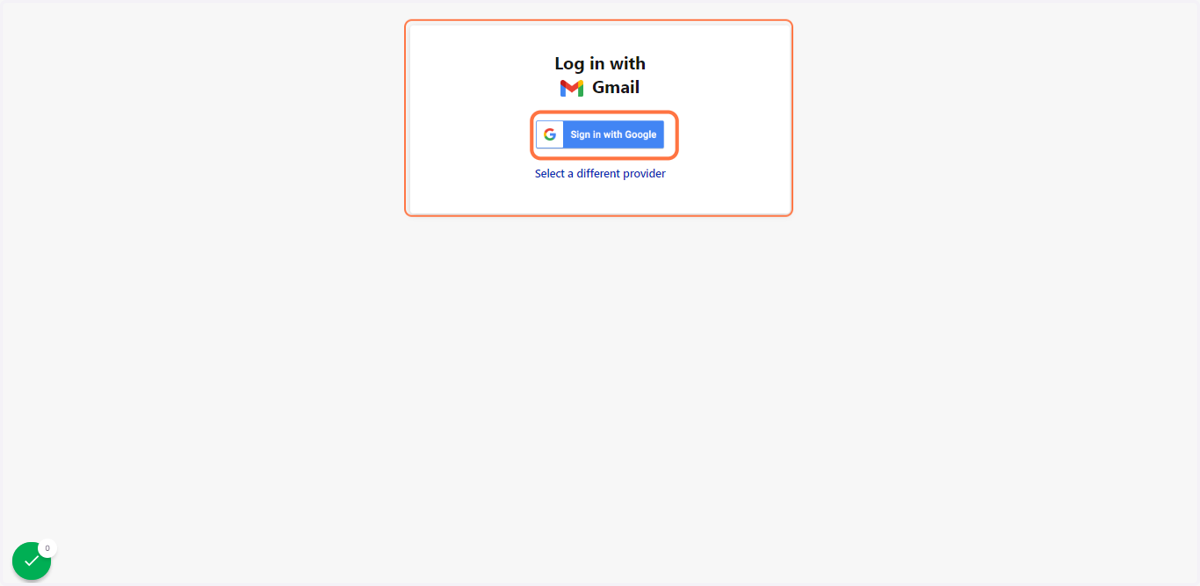
4. Enter your password, or sign in with Google
Once signed in, it will take you back to Jules AI. You can also do it with Outlook.
5. Click on "External comm."
You can do this from "Purchase", "Sale", "Trucks/Containers", "Shipments" pages
6. Your email is now connected, you can compose, select a template, attach docs, and send