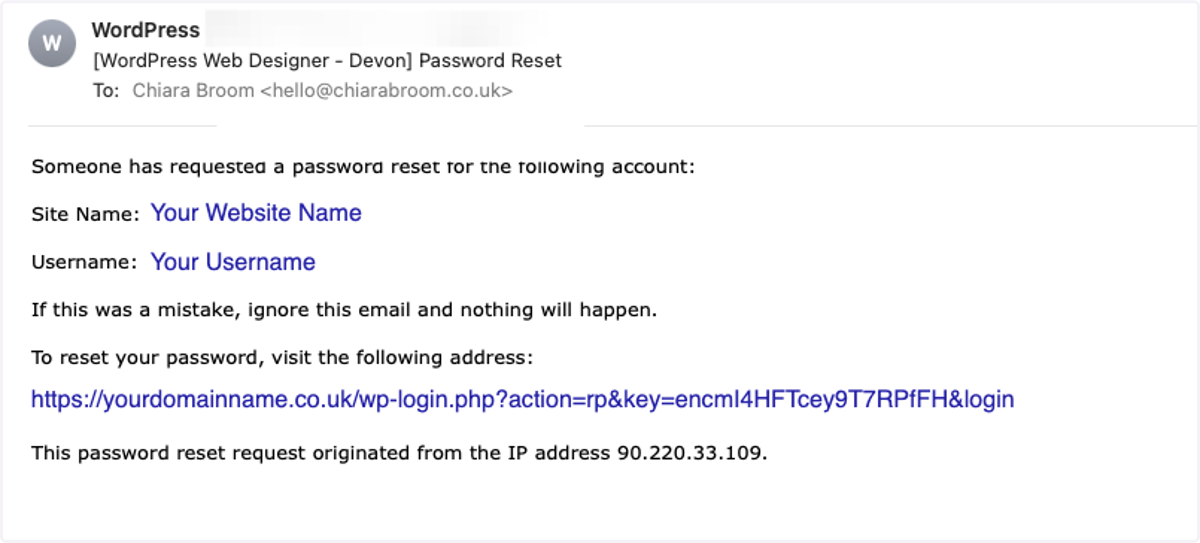
Forgotten Your Password?
Wp-webdesign
1. Go to "https://YourDomainName.com/wp-admin"
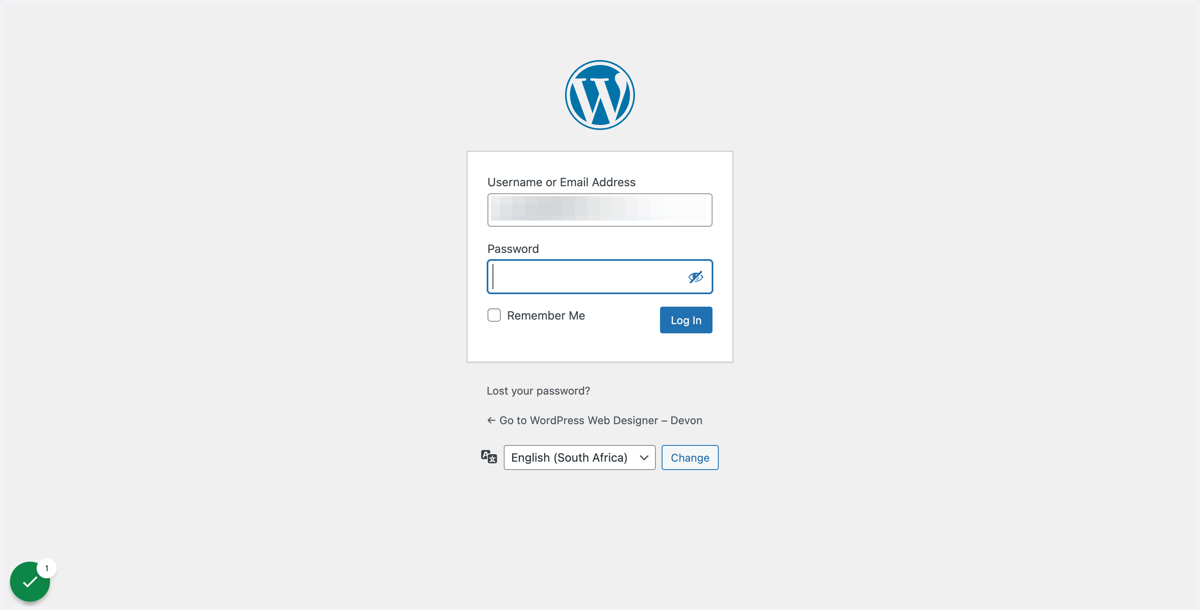
2. Oops, you've forgotten your password
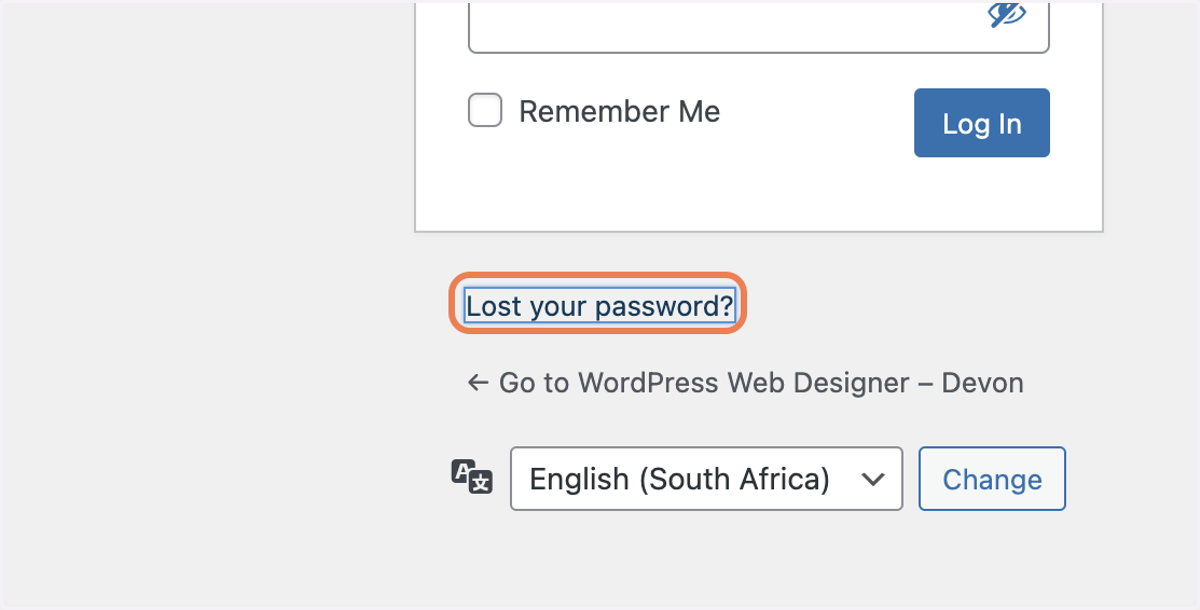
3. Click on Lost your password?
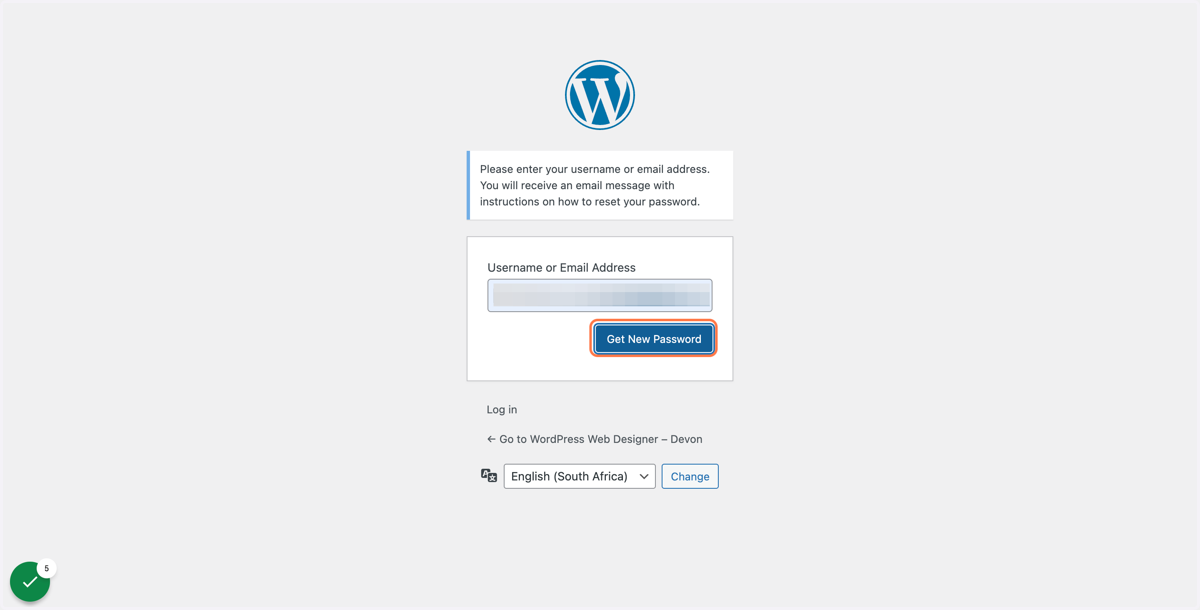
4. Type either your Username or Email Address
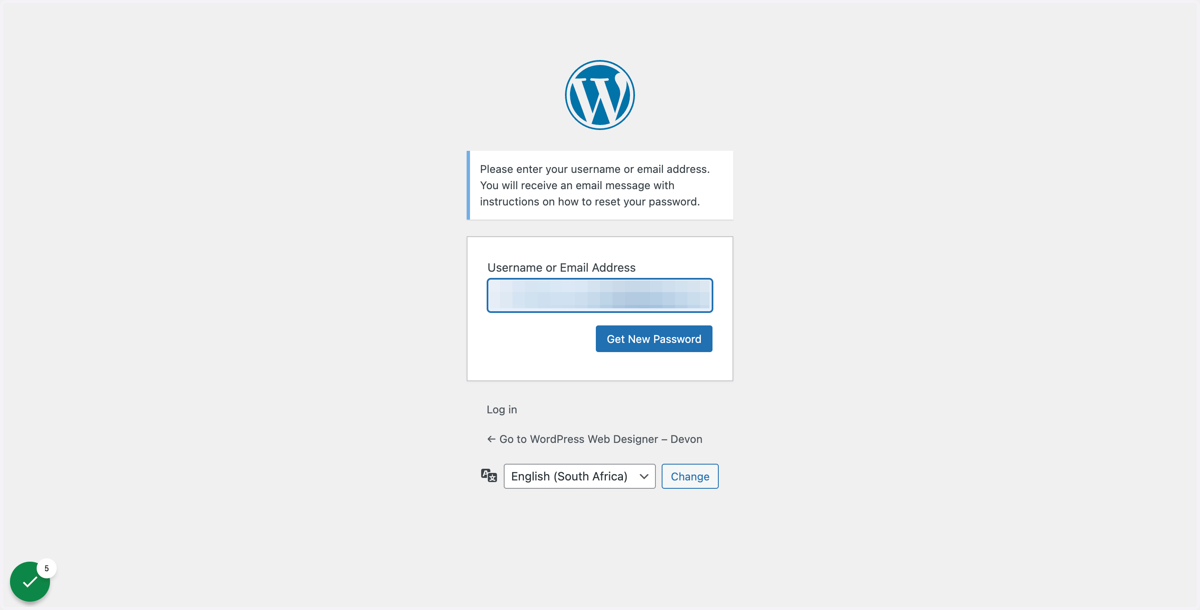
5. Click on Get New Password
6. Check your email & then click on the link