coreSTORE - Holiday Sale: Establishing Holiday Pricing
In this guide, we will cover how to set up a simple discount sale of 10% off for a specified category during Black Friday. This setup is useful if you wish to pre-establish your sales before the holiday season.
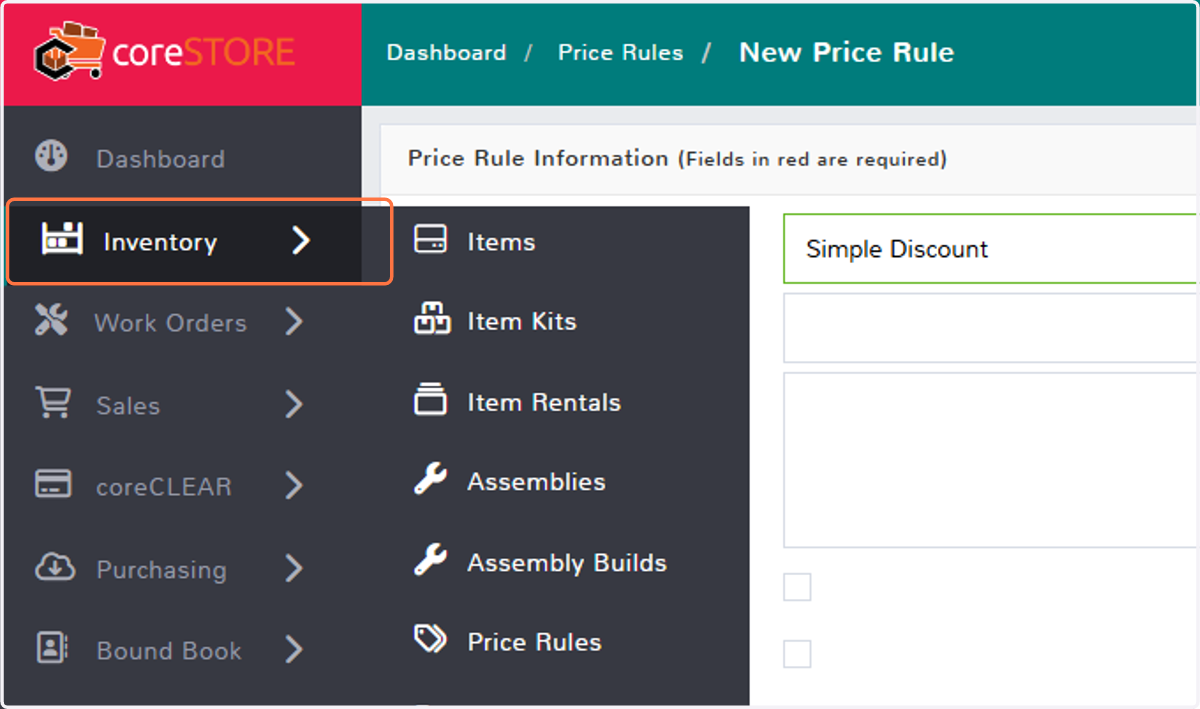
1. Click on Inventory
Navigate to the Inventory menu.
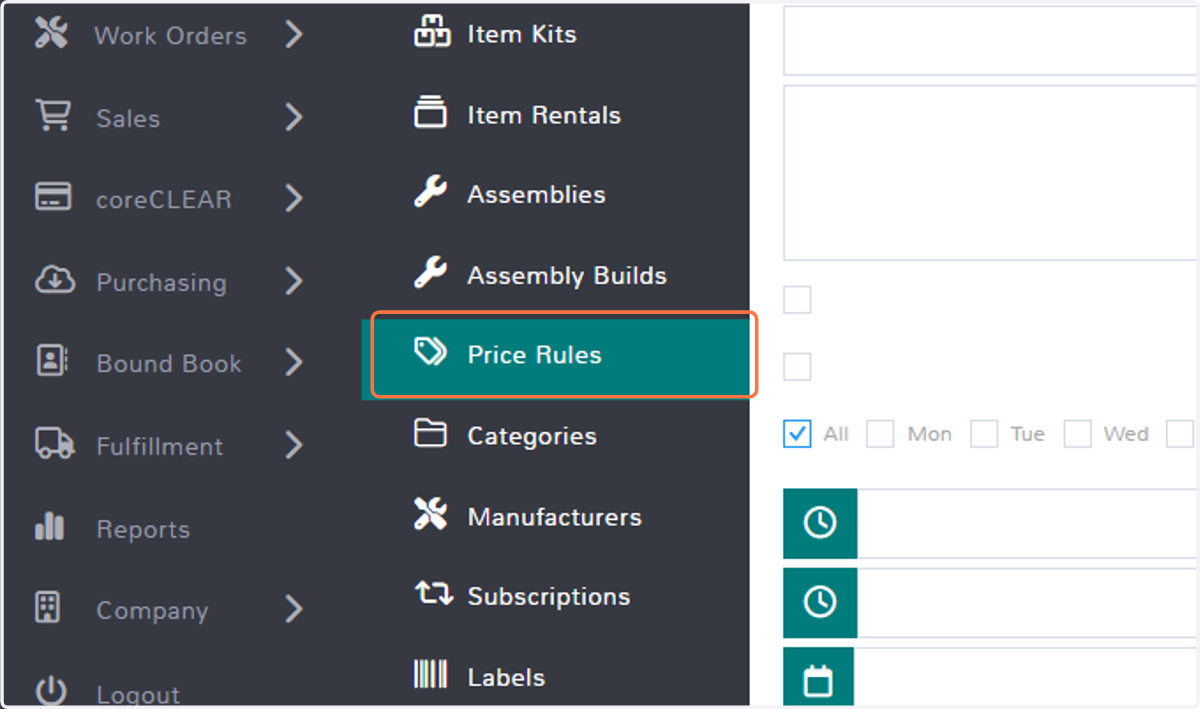
2. Click on Price Rules
Next, select the Price Rules sub-menu.
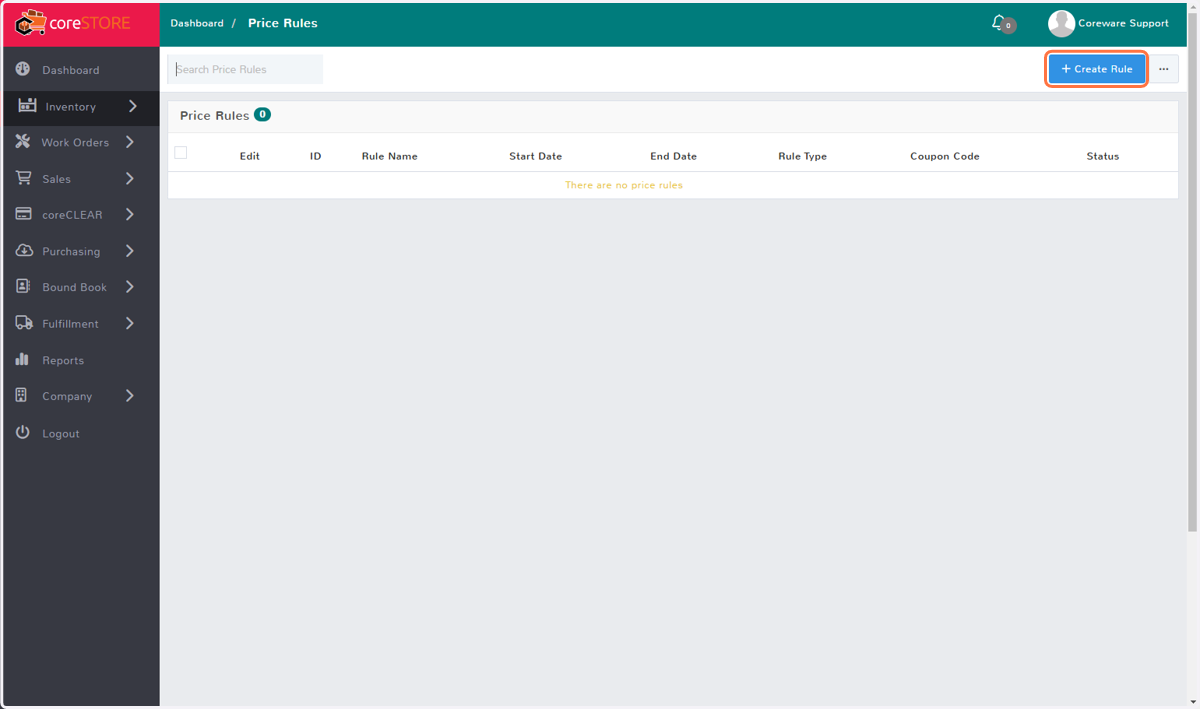
3. Click on Create Rule
Click on the Create Rule button in the top right corner.
4. Select Rule Type
In this example, we will set up a simple percentage discount. You can configure more advanced discounts as needed.
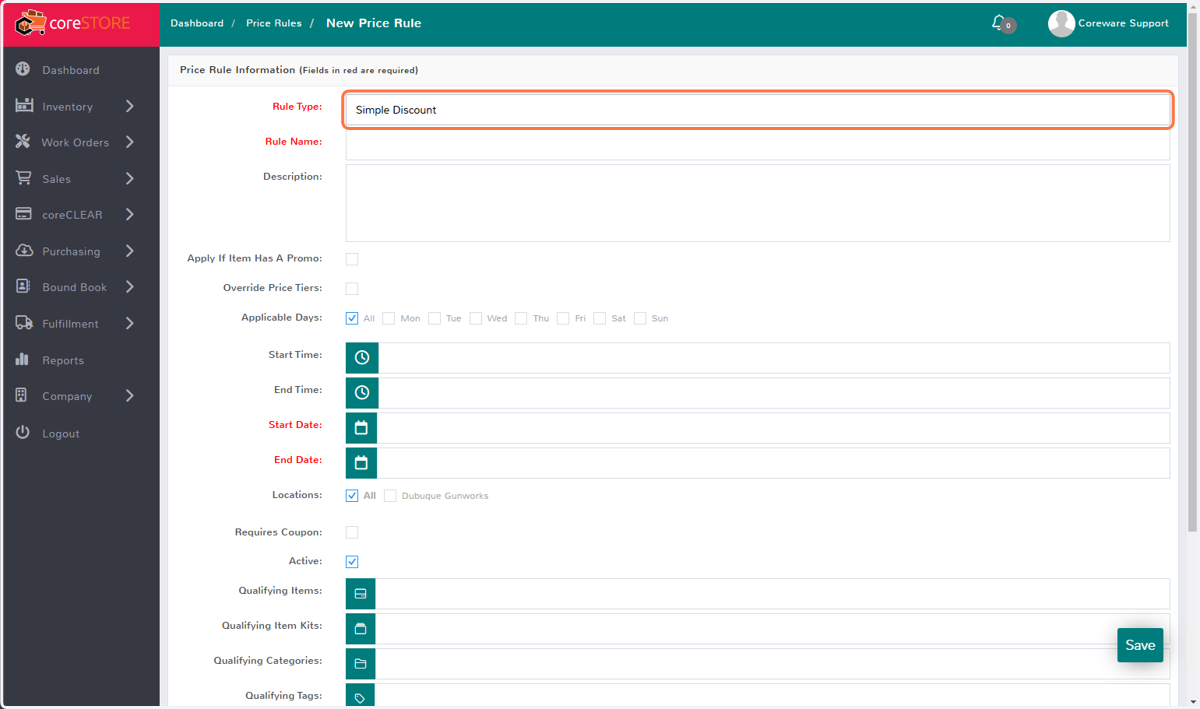
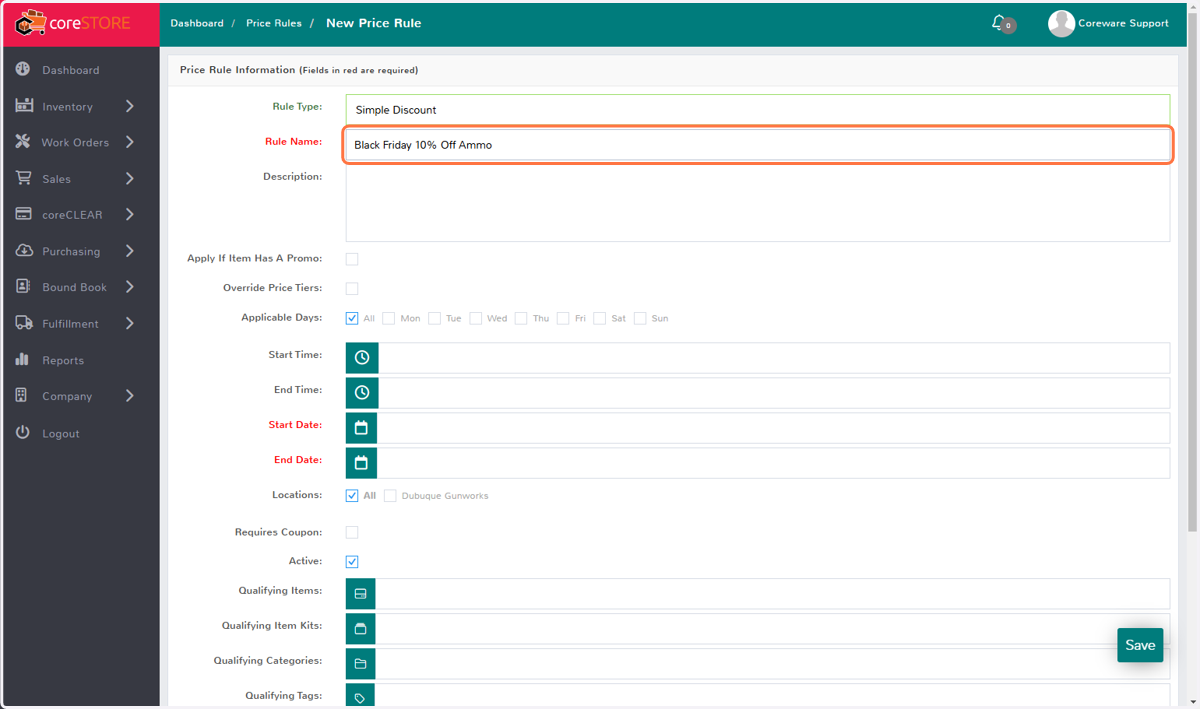
5. Rule Name
Give your rule a descriptive name so you can easily locate it after it expires. This way, if you plan to run the same sale next year, you can simply update the dates.
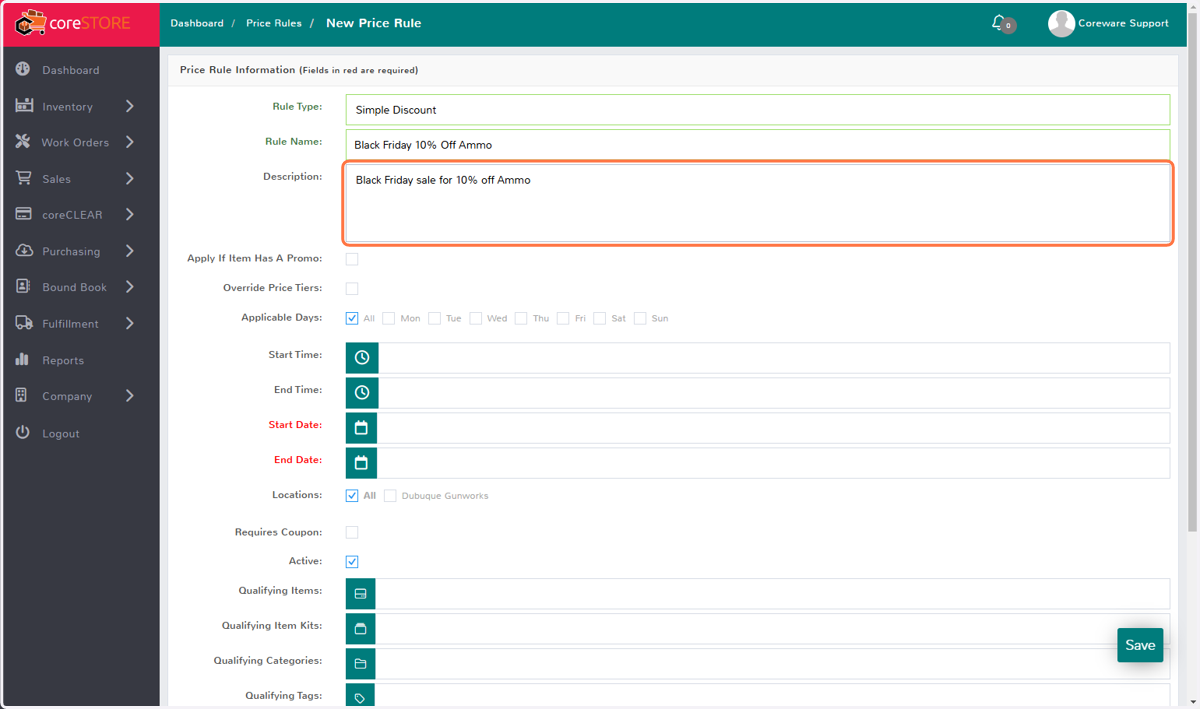
6. Description
Add any additional information you would like to descrip
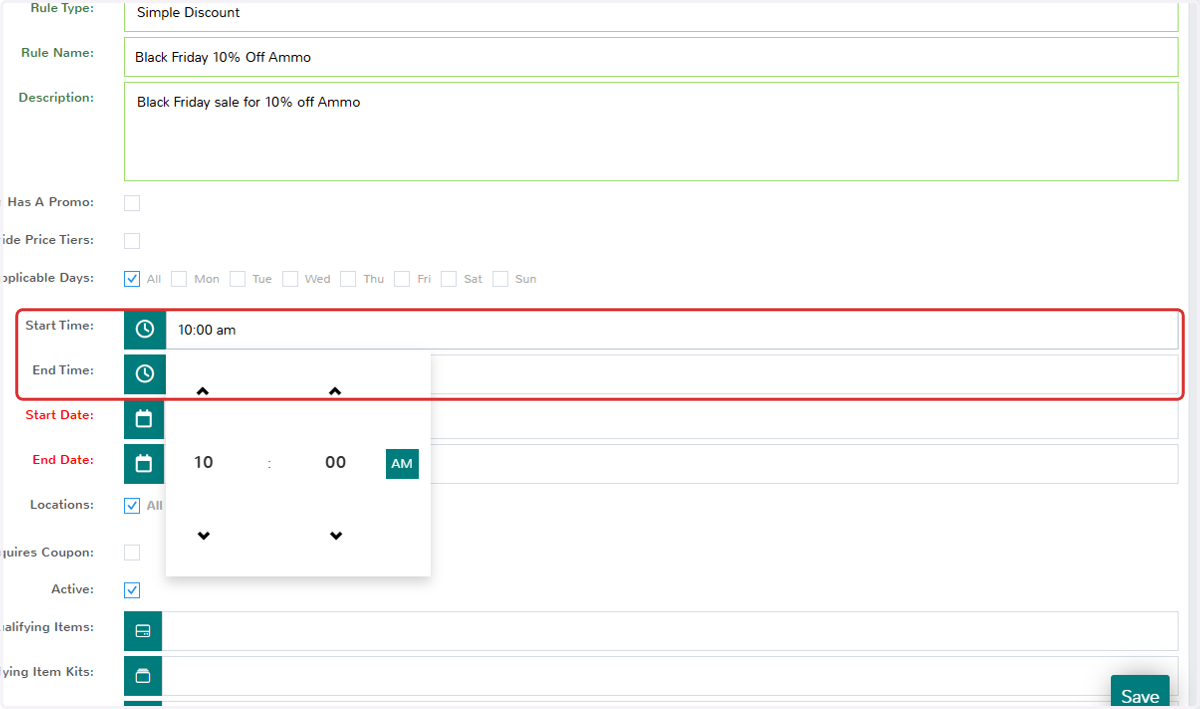
7. Start Time / End Time
If you want your sale to run during specific times of the day, you can set the Start and End times. Otherwise, the sale will run for the full duration of the established dates.
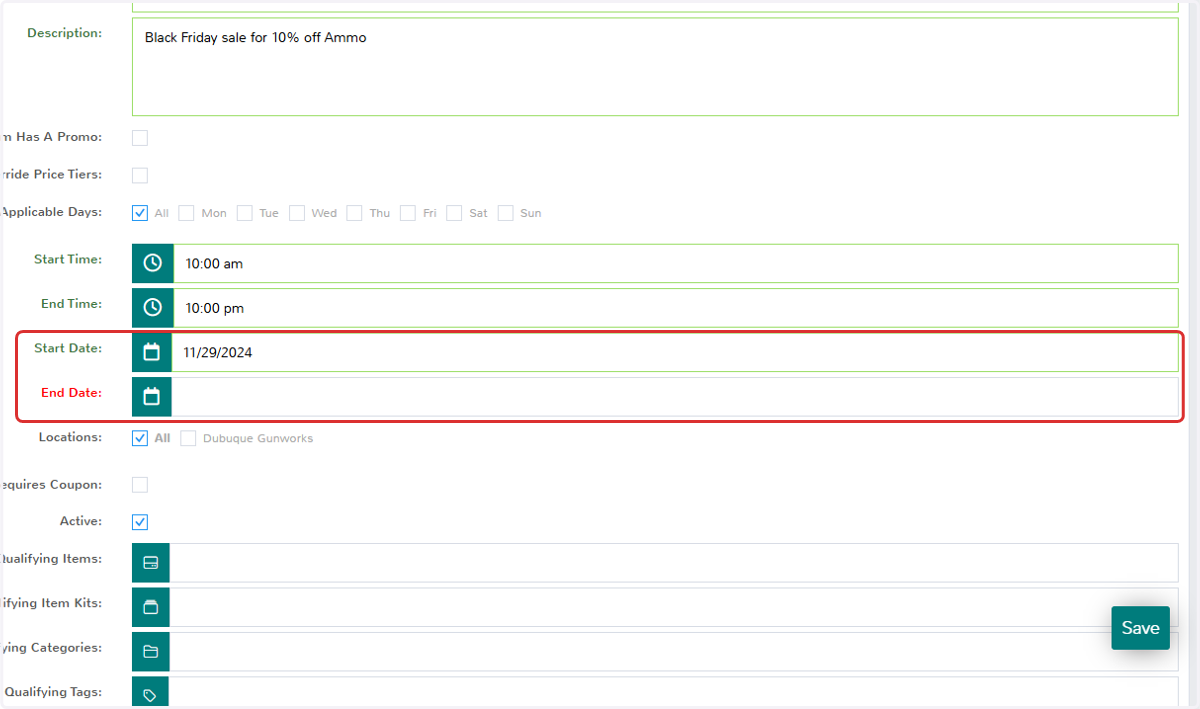
8. Start Date / End Date
Here, you can pre-establish the start and end dates of your sale, giving you the flexibility to set the parameters well before the holiday season.
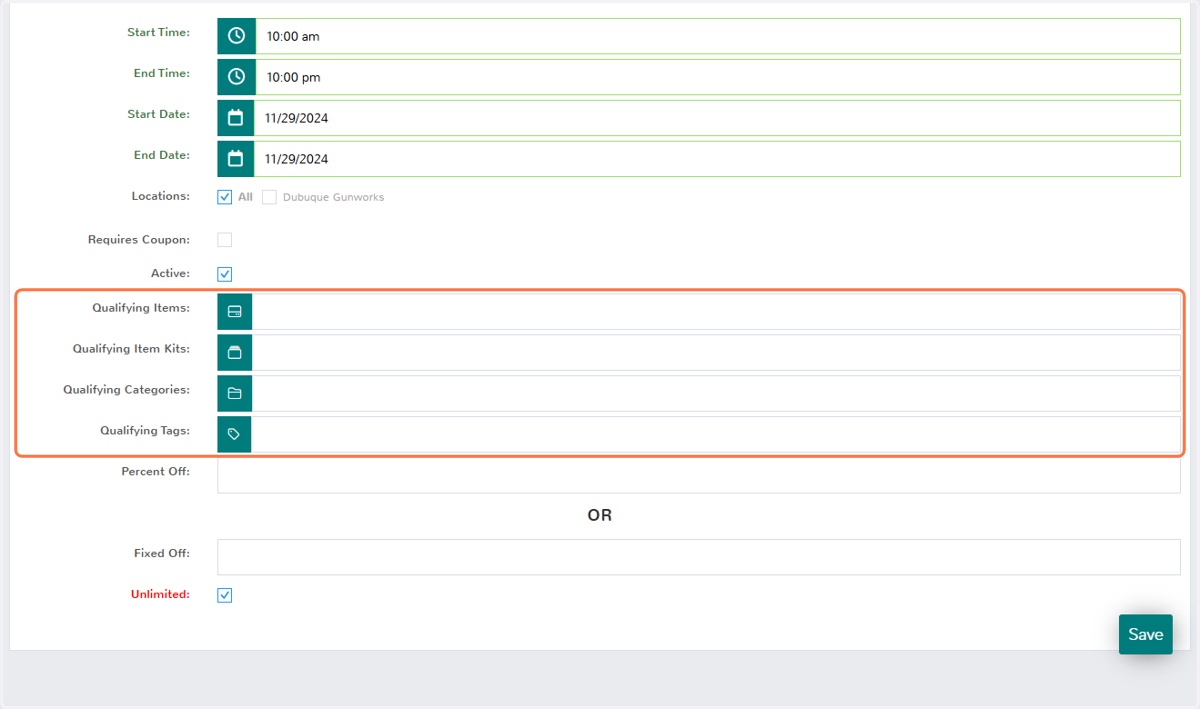
9. Qualifying Items
You can also specify different qualifying items, kits, categories, or inventory tags, such as certain brands for brand-specific sales.
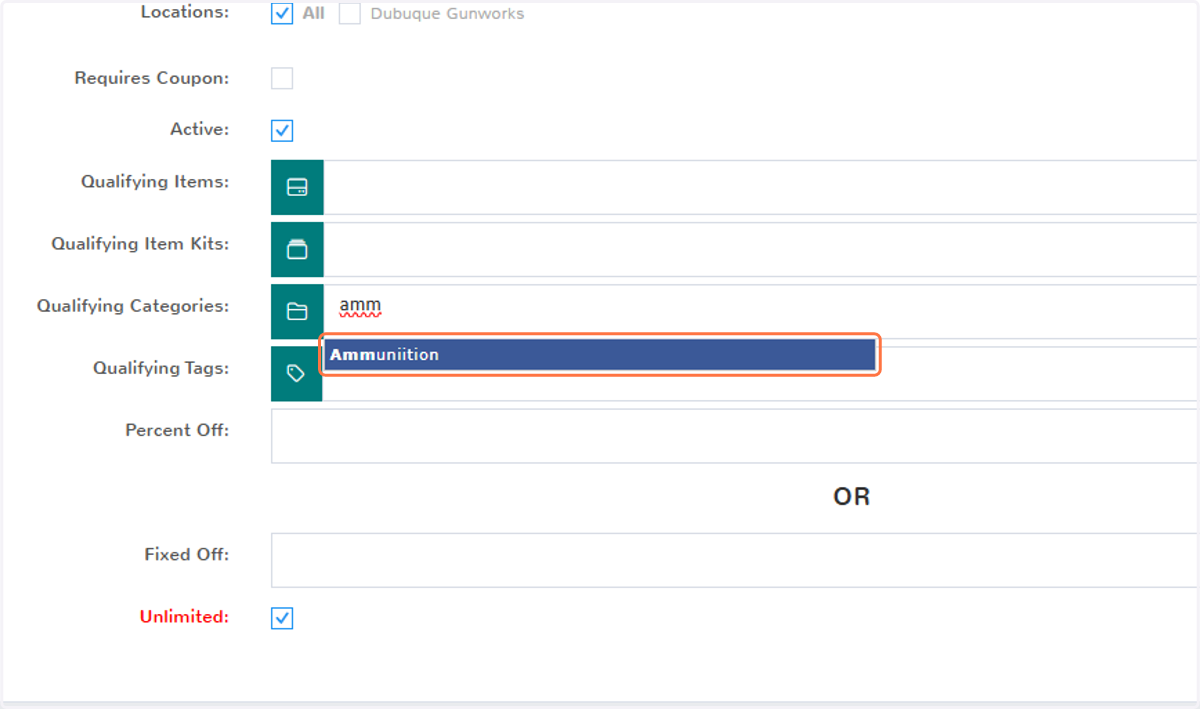
10. Sale Items
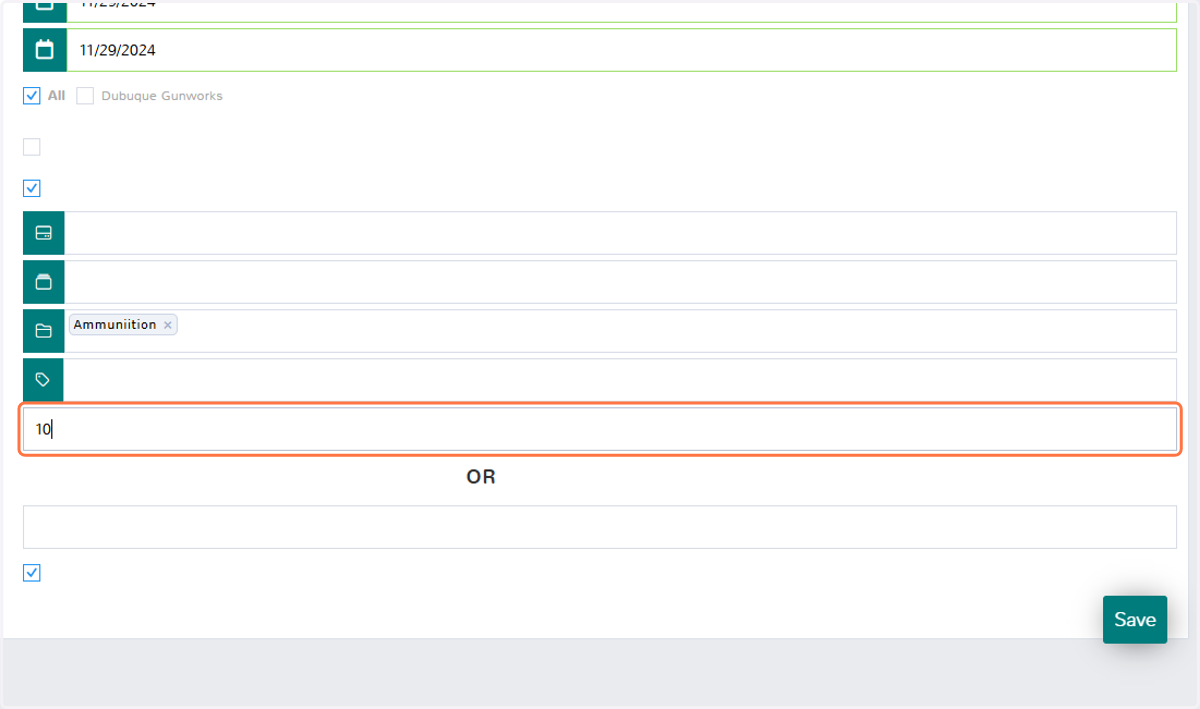
In this example, I'm going to use Qualifying Categories and select my Ammunition category, indicating that this sale will only apply to my ammo products.
11. Discount Type
Next, establish whether all items in this sale will be discounted by a percentage or a fixed dollar amount.
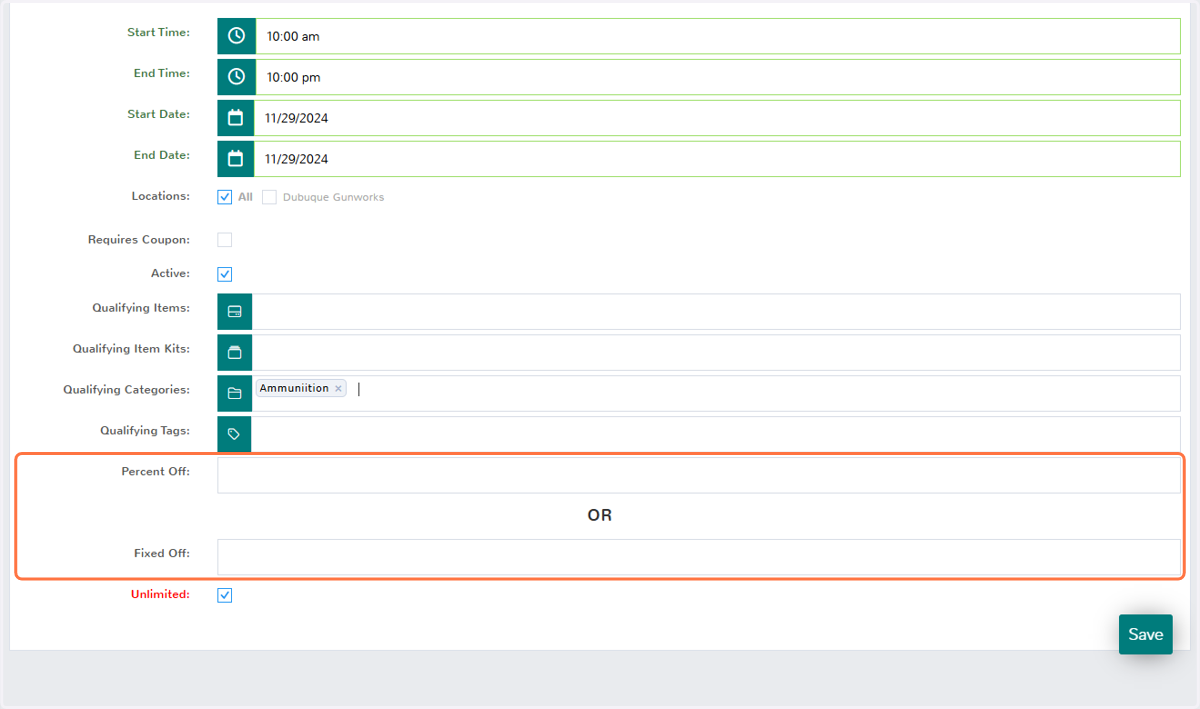
12. Percentage Off
In this example, I will apply a 10% discount to the entire Ammunition category.
13. Click on Save
Click save to finalize your price rule.