Jack Eddy Postdoctoral Fellowship Step-by-Step Application Guide
For additional resources, please see the CPAESS Jack Eddy Postdoctoral Fellowship Program website: https://heliophysics.ucar.edu/jack-eddy
UCAR Careers
On the UCAR Careers website, find the 2024 Jack Eddy Postdoctoral Fellowship job posting.
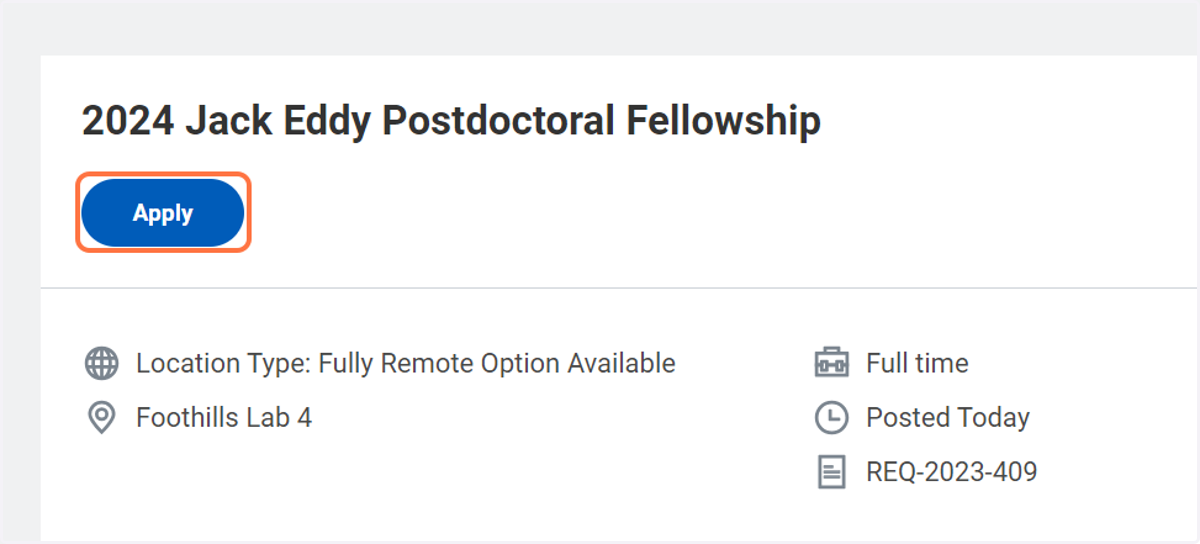
1. Click on Apply
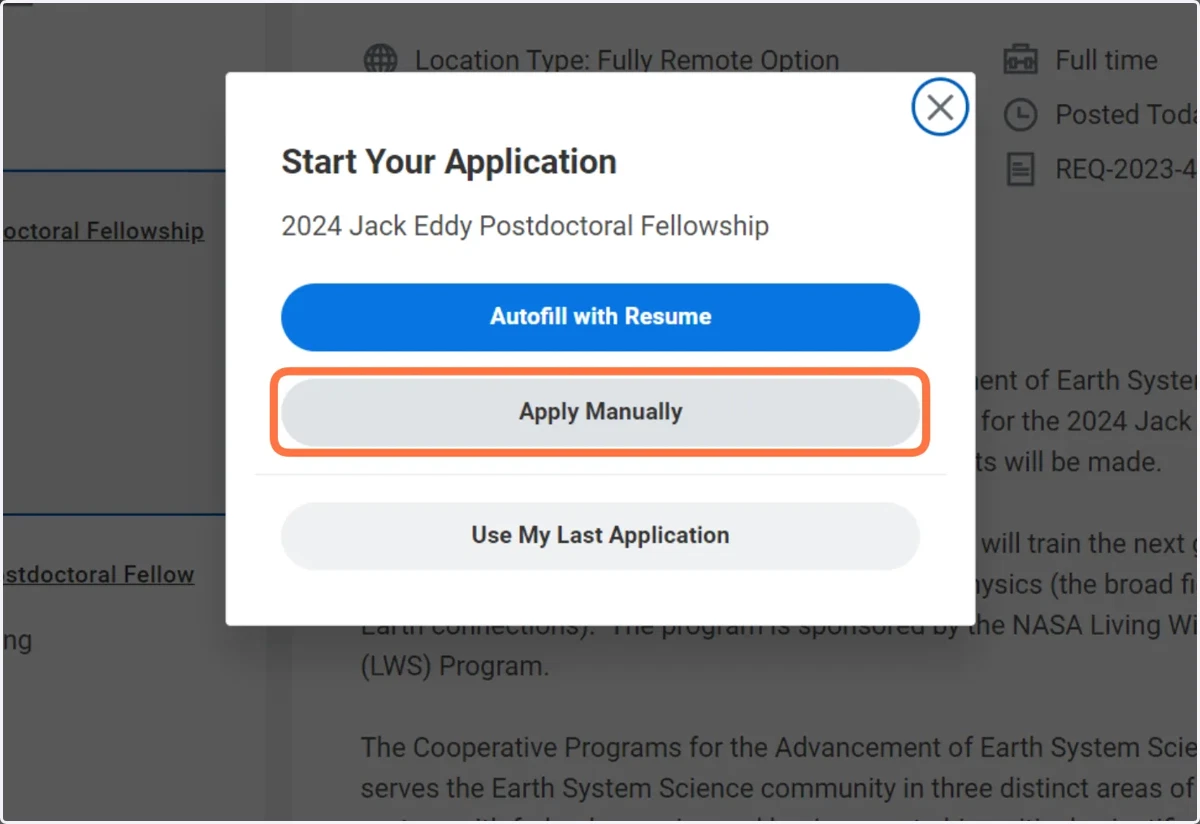
2. Click on Apply Manually
If you have applied to a position at UCAR/NCAR/UCP in the past, you can choose to Autofill with Resume or Use My Last Application.
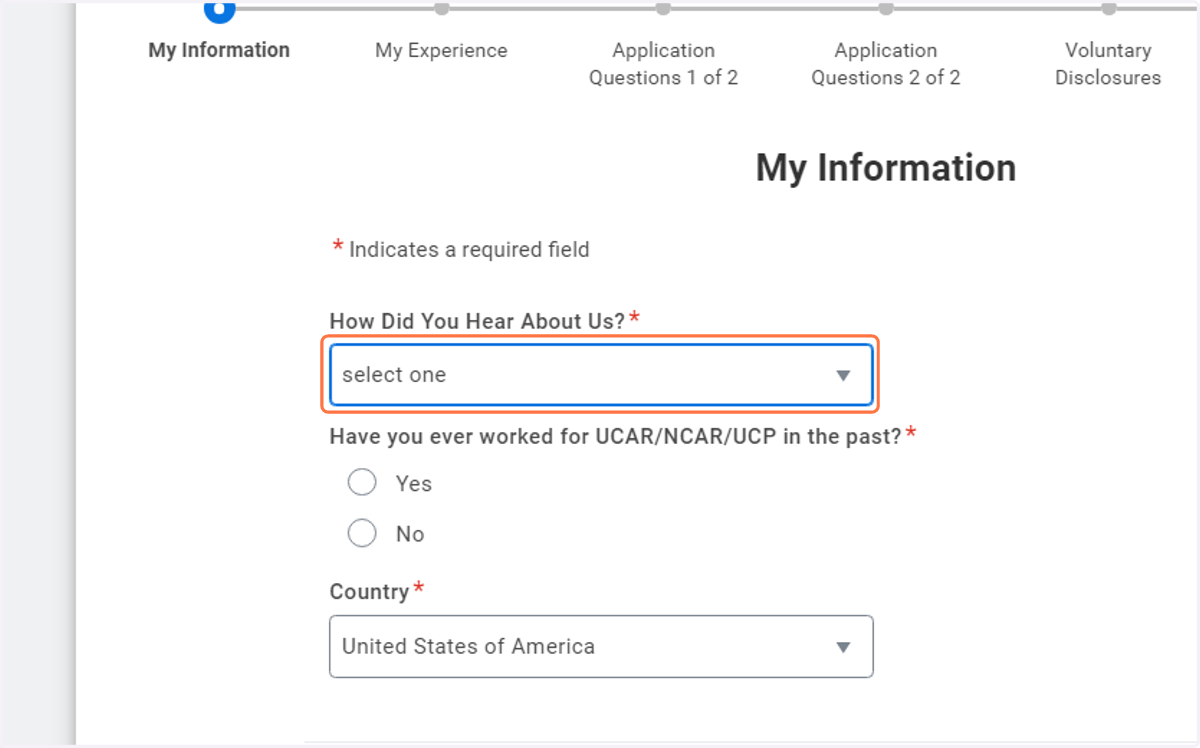
3. Answer the questions in the "My Information" section.
4. Click on Save and Continue to advance to the next step.

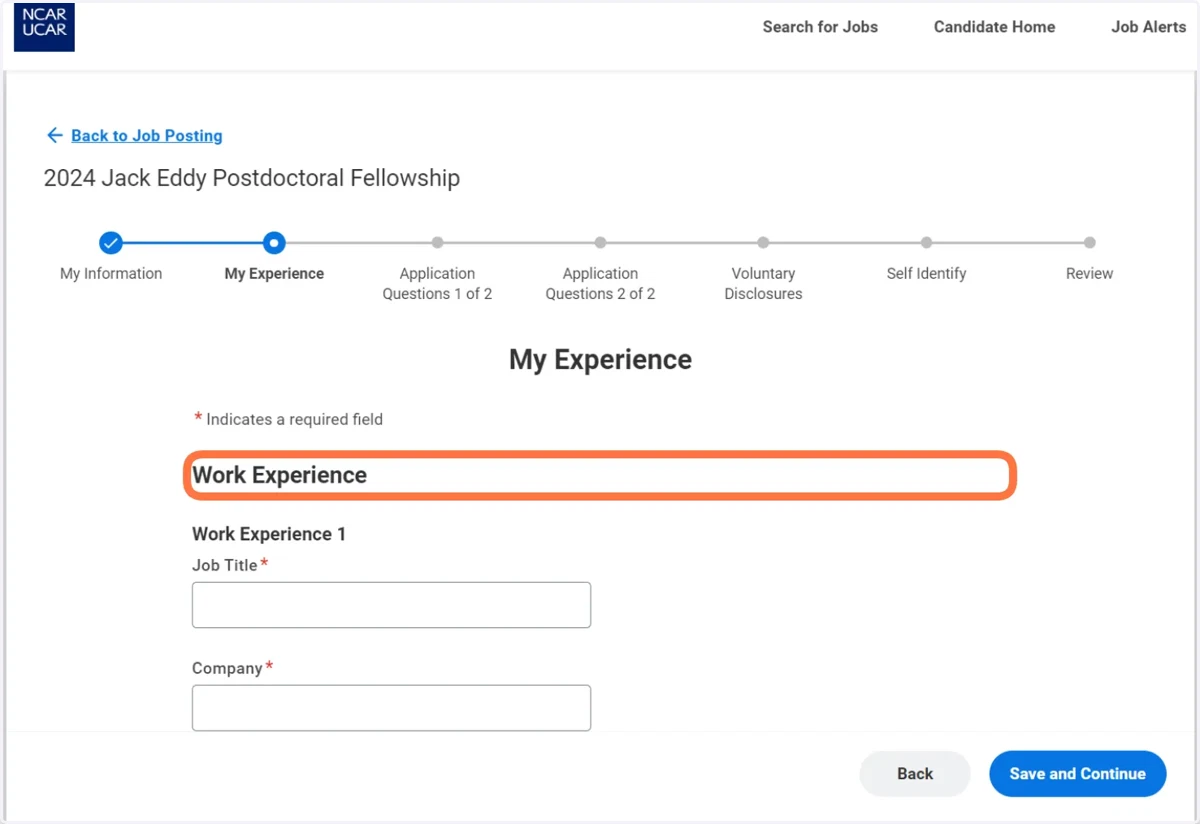
5. Fill out the "My Experience" section.
If you have applied to a position at UCAR/NCAR/UCP in the past, this section may already be filled out. Check for accuracy and make edits/changes as necessary.
If you haven't applied to a position at UCAR/NCAR/UCP in the past, please enter a current/recent Work Experience, as well as your current/recent Education.
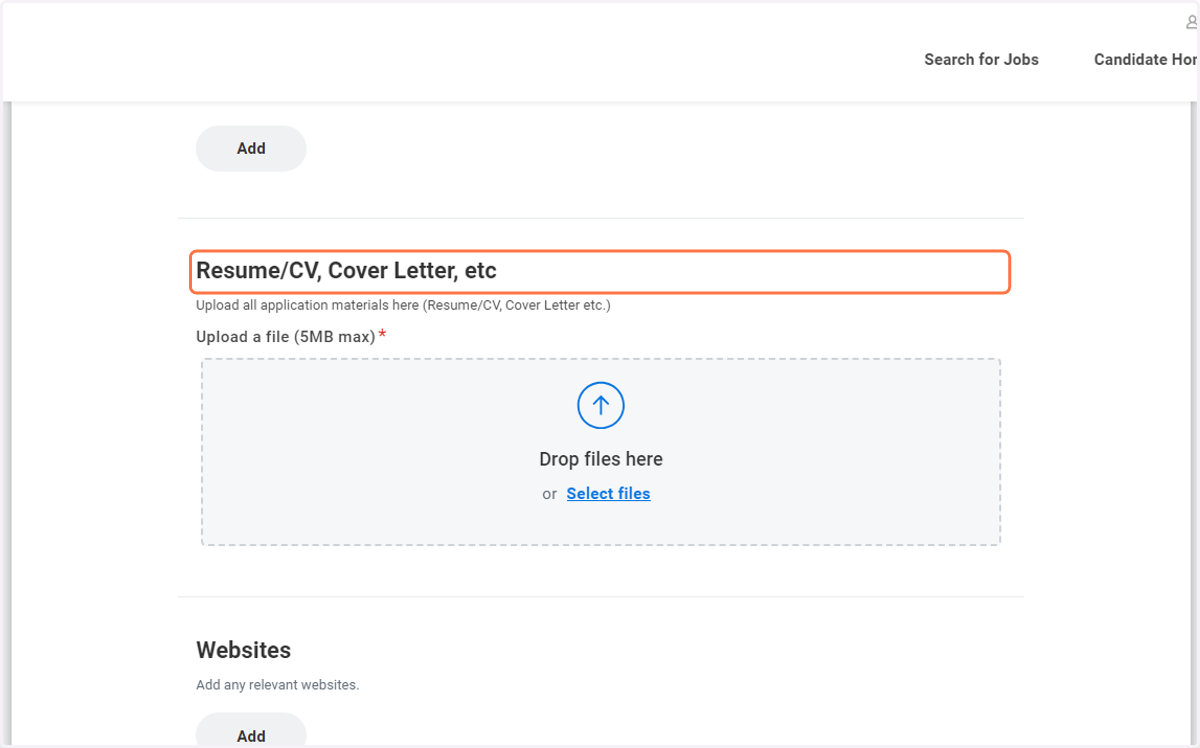
6. Upload your compiled PDF document in the "Resume/CV, Cover Letter, etc" section.
Your compiled PDF should include the following components:
Personal Statement (2-page limit)
Resume/Curriculum Vitae, including a list of publications
Research Proposal (5-page limit)
Host Institution Materials
Please see this website for further instructions: https://cpaess.ucar.edu/cgc/how-postdoctorates-apply#process
7. Click on Save and Continue

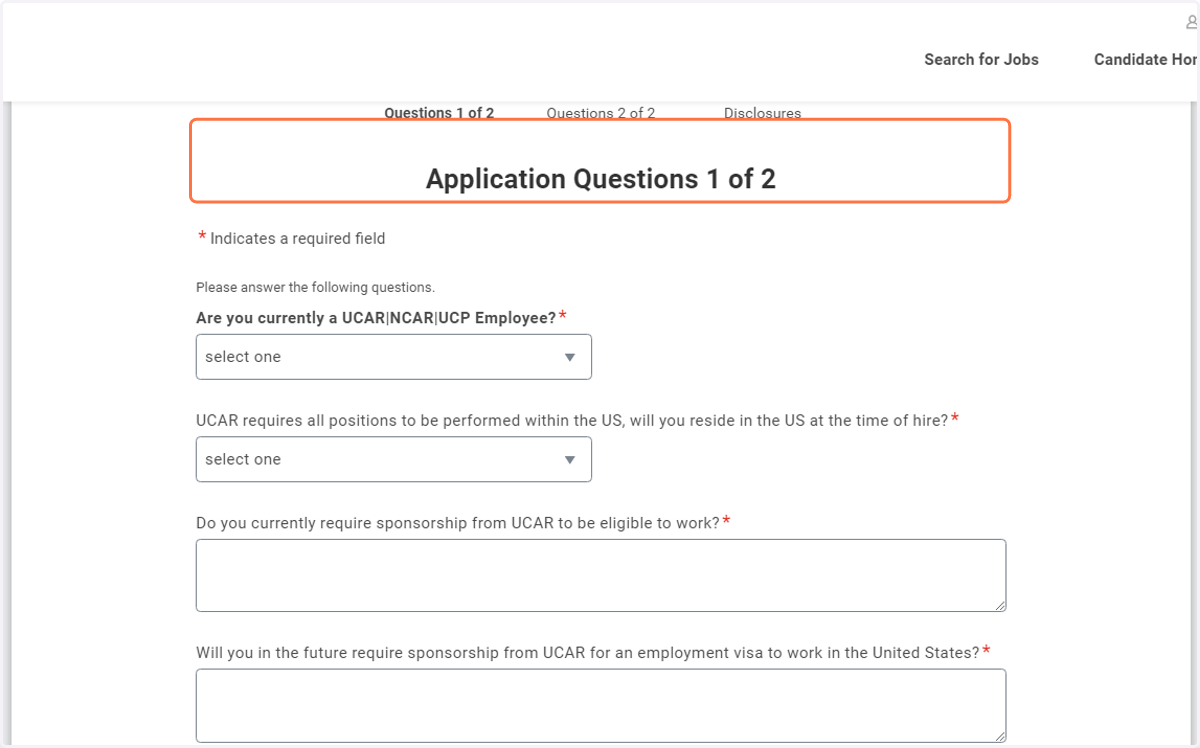
8. Answer the "Application Questions 1 of 2" section.
9. Click on Save and Continue

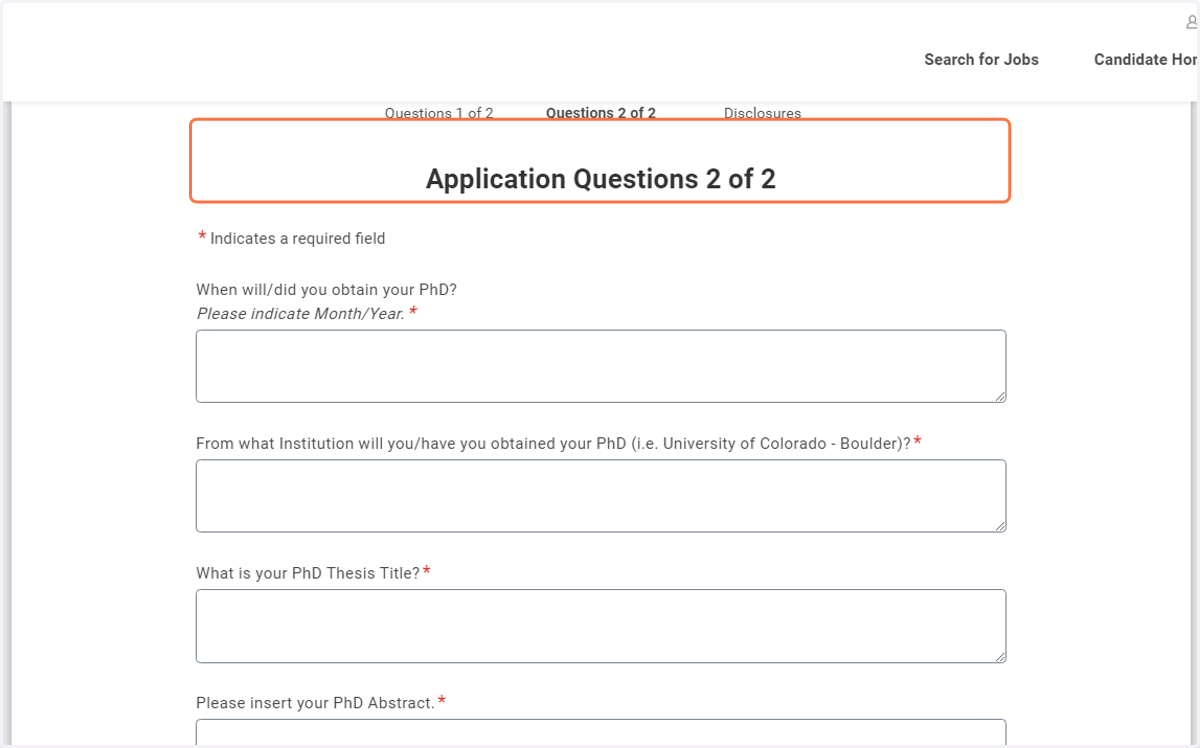
10. Answer the "Application Questions 2 of 2" section.
All questions on this page require a response. If it does not apply to you, please write "N/A" where appropriate.
11. Click on Save and Continue

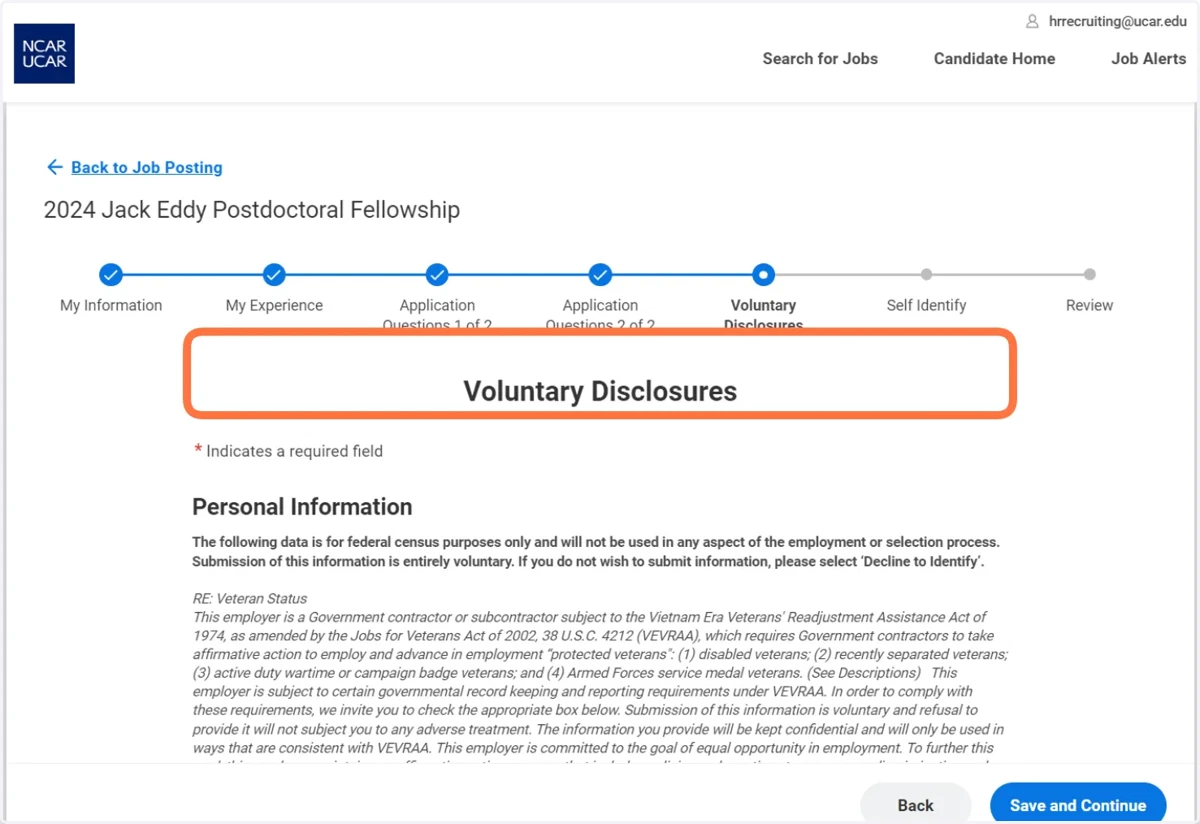
12. Fill out the "Voluntary Disclosures" section
13. Click on Save and Continue

14. Fill out the "Self Identify" section
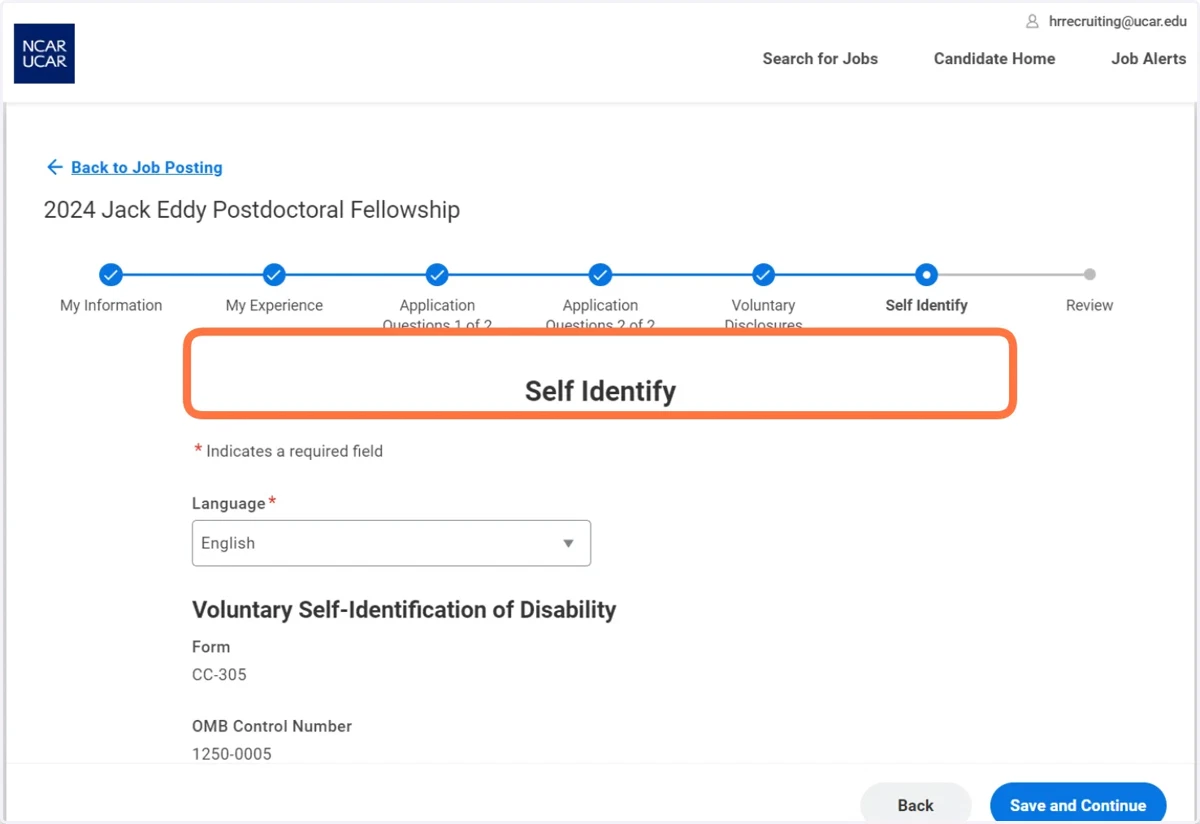
15. Click on Save and Continue

16. Review your application details and use the "Back" button on the bottom right-hand corner to make edits/changes, if necessary.
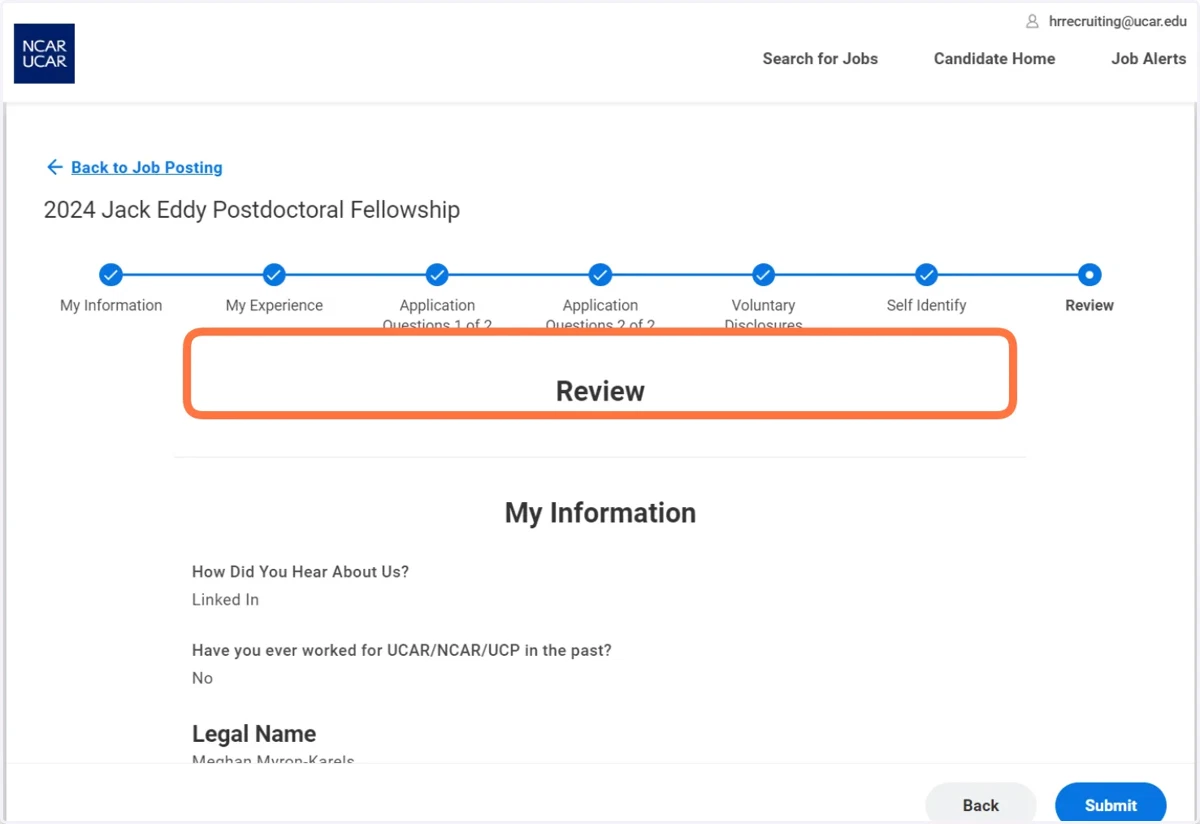
17. Click "Submit" at the bottom right-hand corner of the screen to officially submit your application.