How to send Remind messages for volunteer events
Remind
1. Go to Sign in
2. Click on Stay logged in
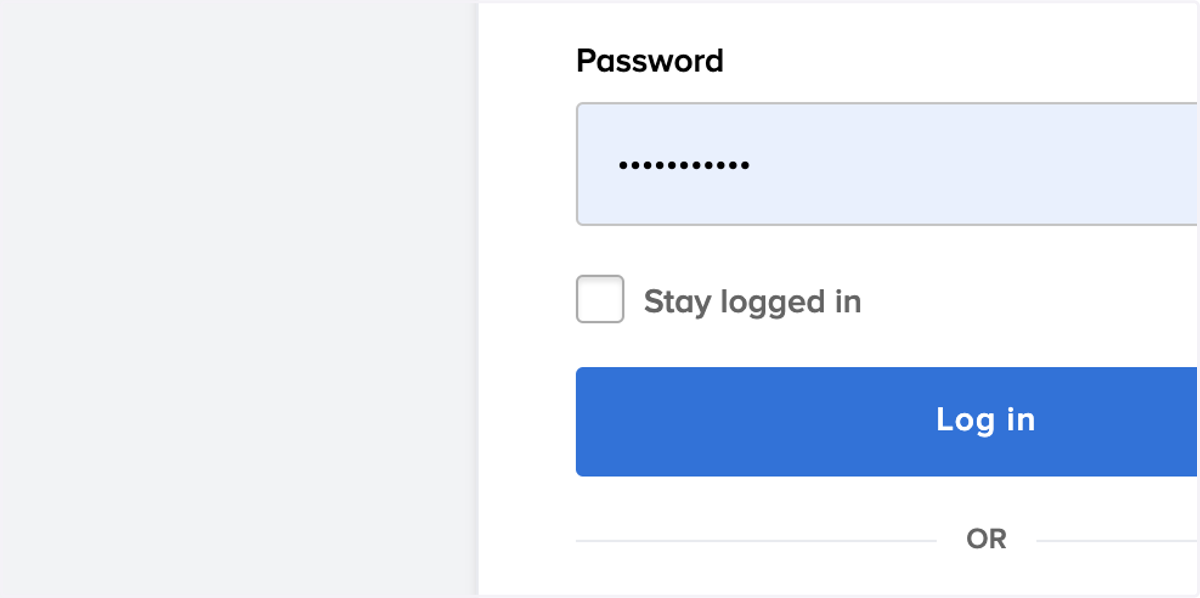
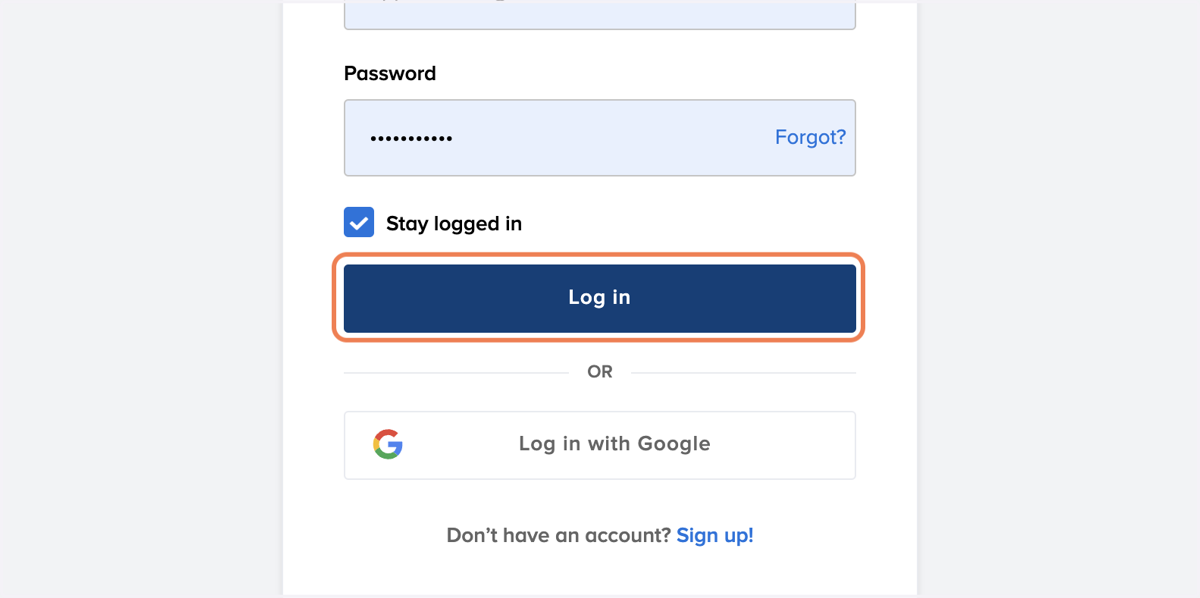
3. Click on Log in
4. Click on New message
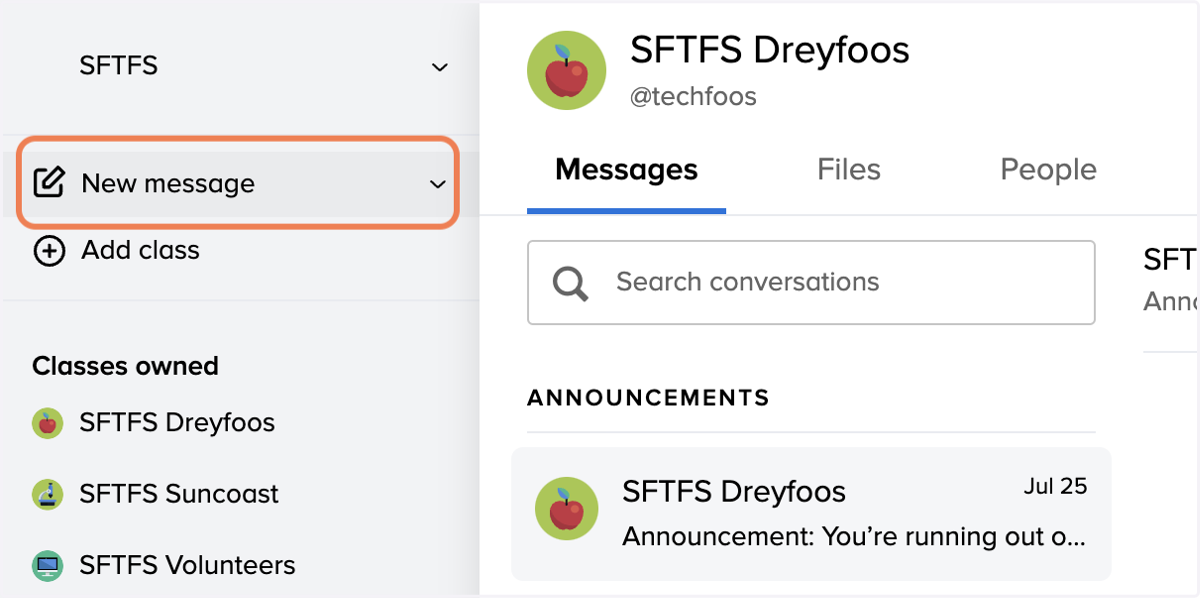
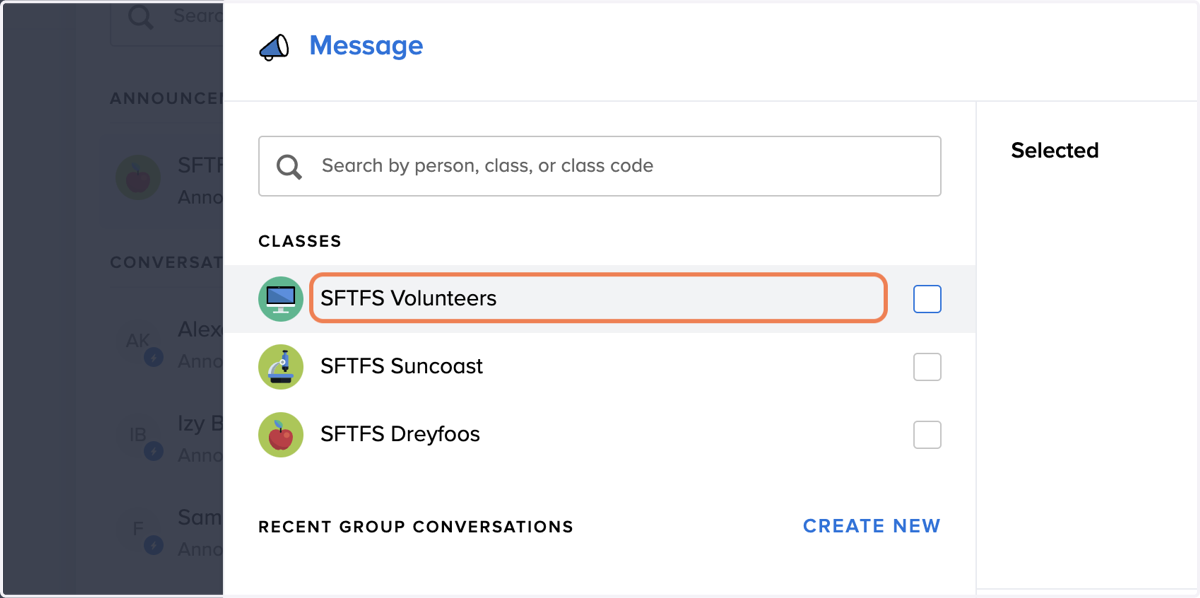
5. Click on SFTFS Volunteers
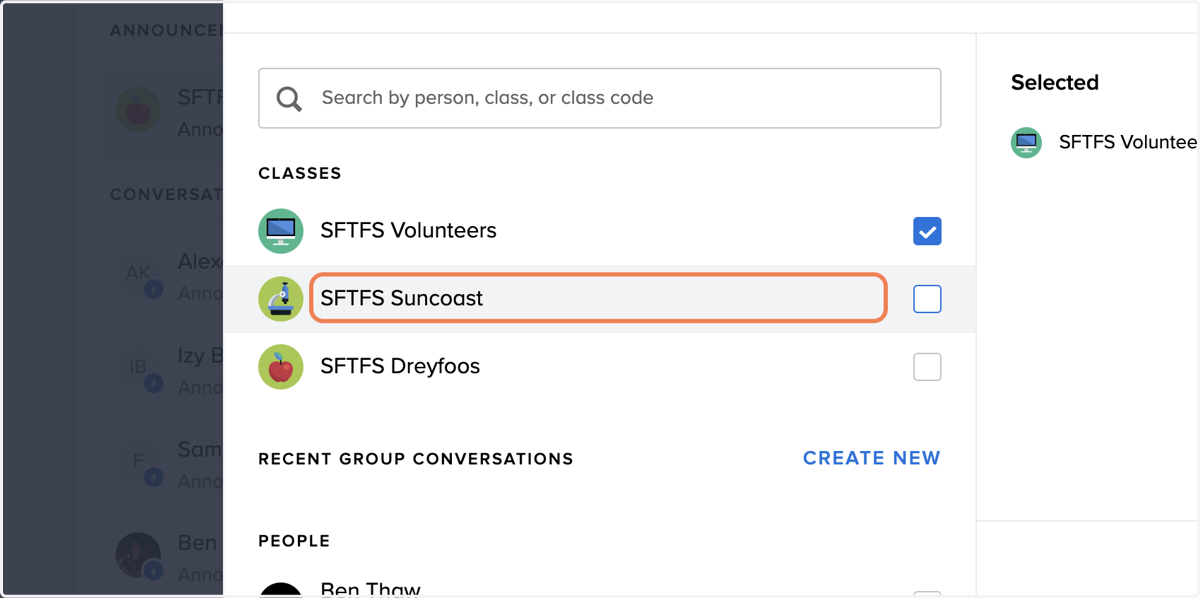
6. Click on SFTFS Suncoast
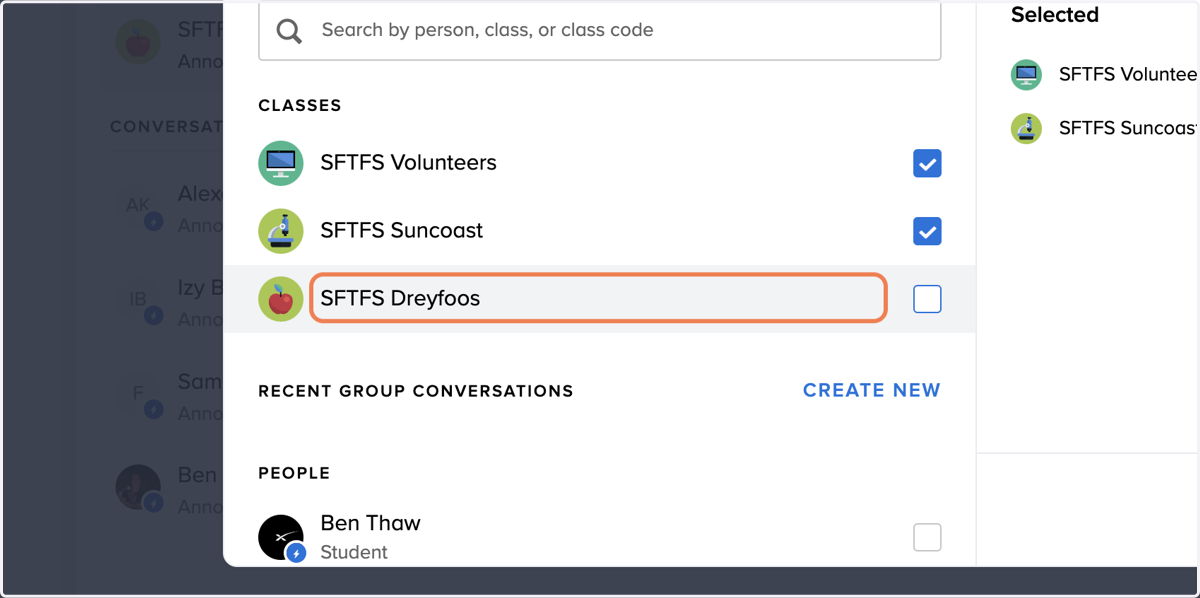
7. Click on SFTFS Dreyfoos
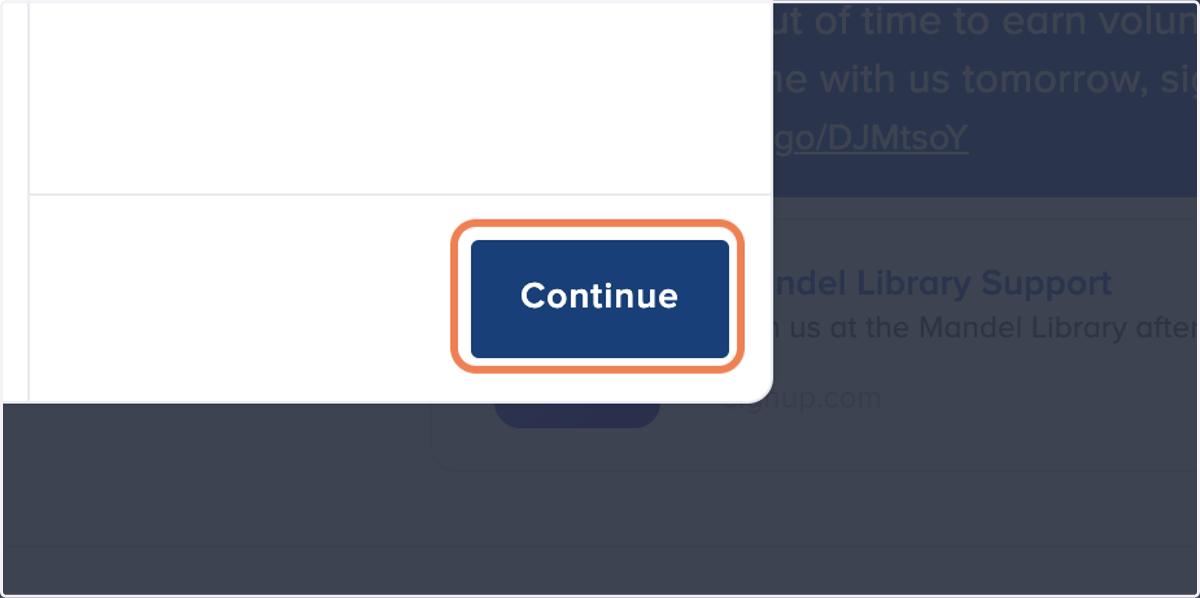
8. Click on Continue
9. Type the desired message. Keep in mind the character limit.
"This is a sample message. Write something creative, but short. Click here to sign up for our event:"
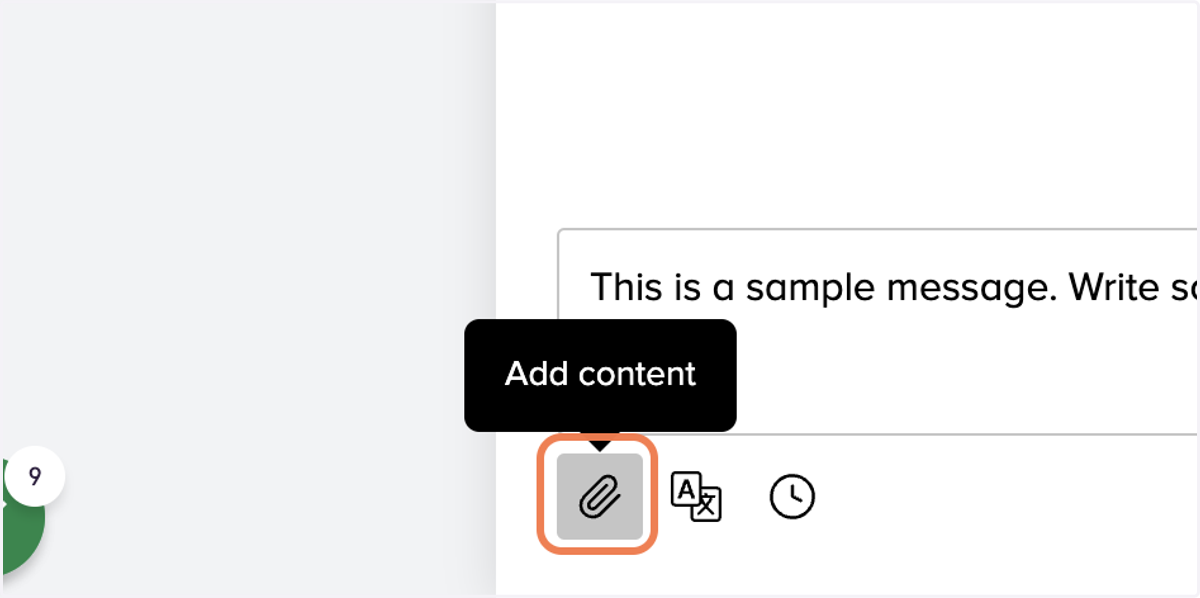
10. Click on Add content
Remind
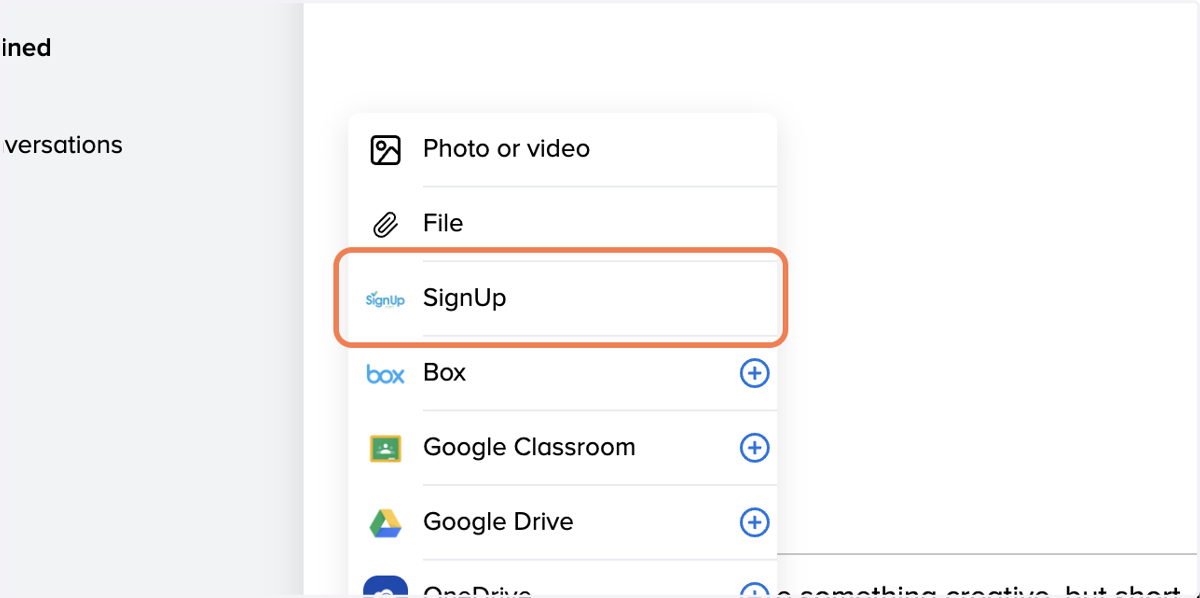
11. Click on SignUp
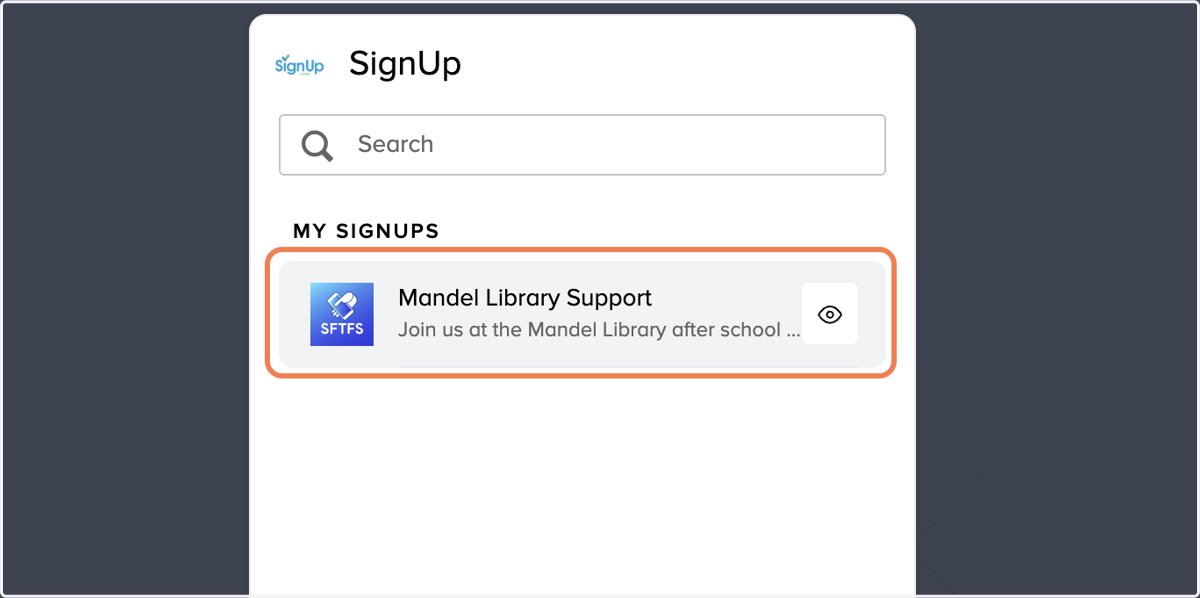
12. Click on Mandel Library Support
13. Click Send