Sign In to WorkMate with Google
1. Open WorkMate
You can access WorkMate via MyIntranet as from the Peal tab as below.
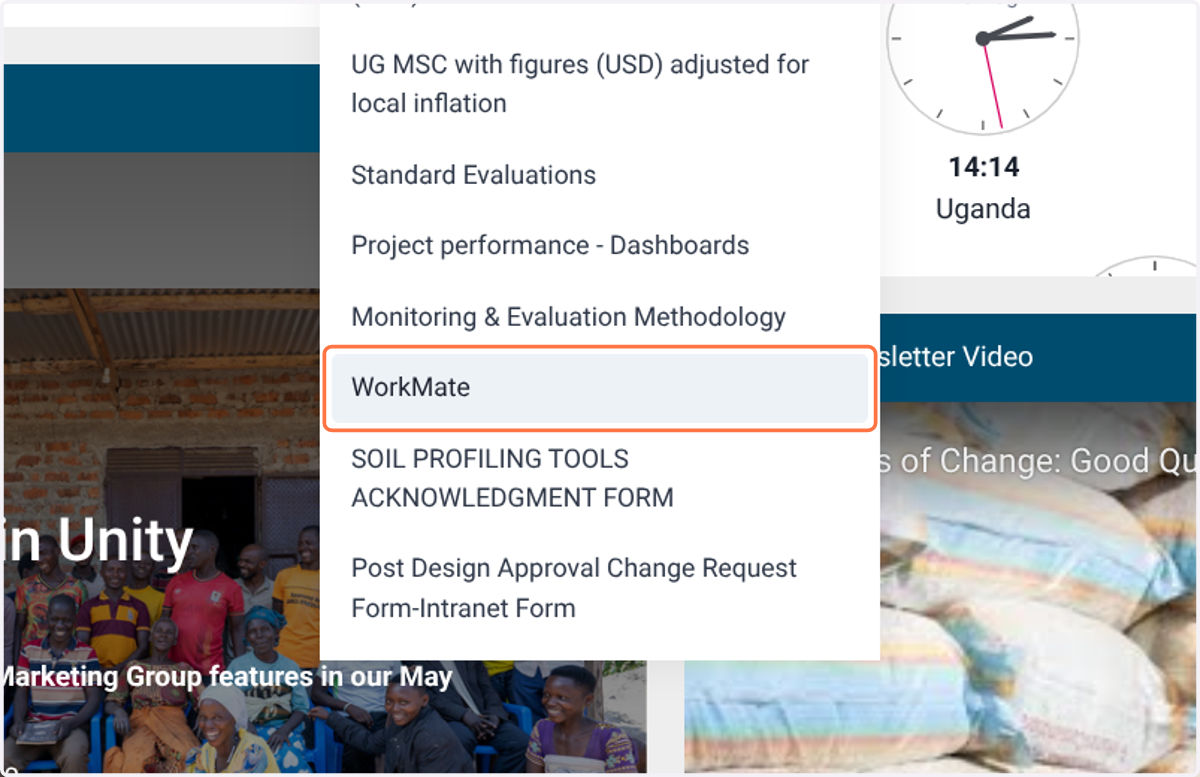
2. Or you can enter "https://www.workmate.nonproftinnovations.io/" in your browser to get started
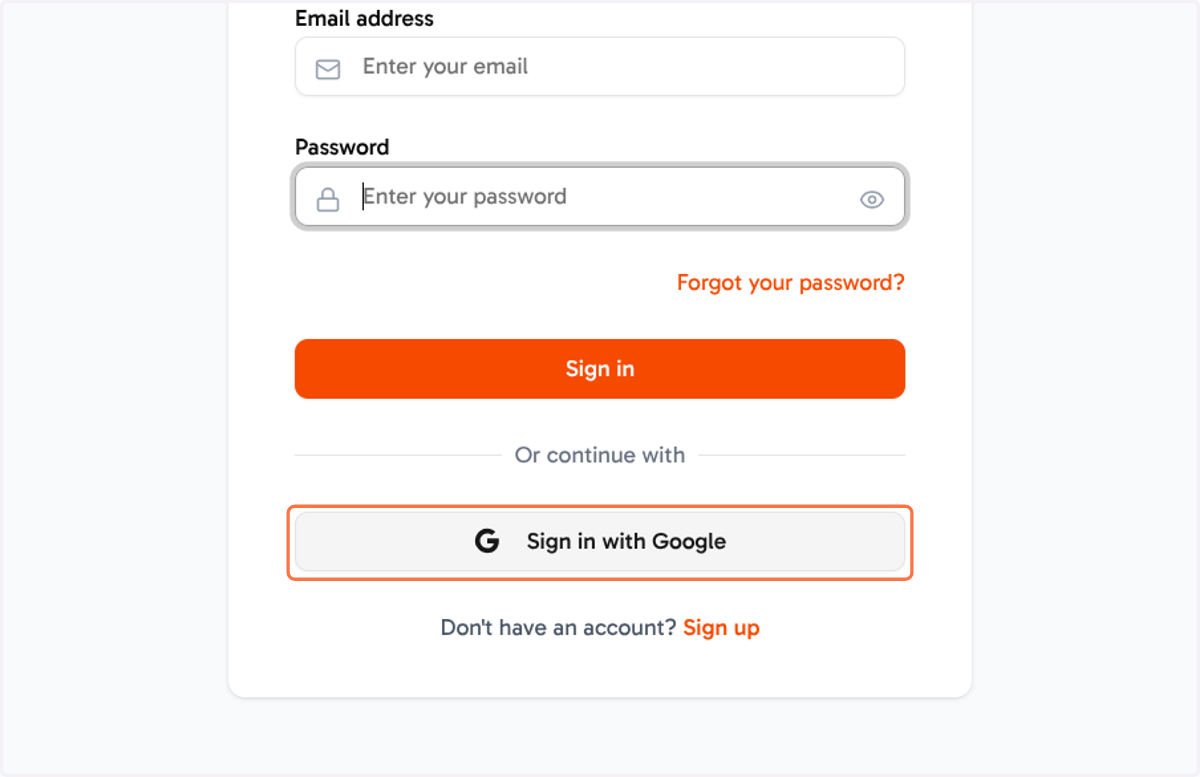
3. Click on Sign in with Google
After you're redirected to the login page, you can automatically signin by clickig "Sign in with Google", note that you do not need to enter an email and password.
4. Signout
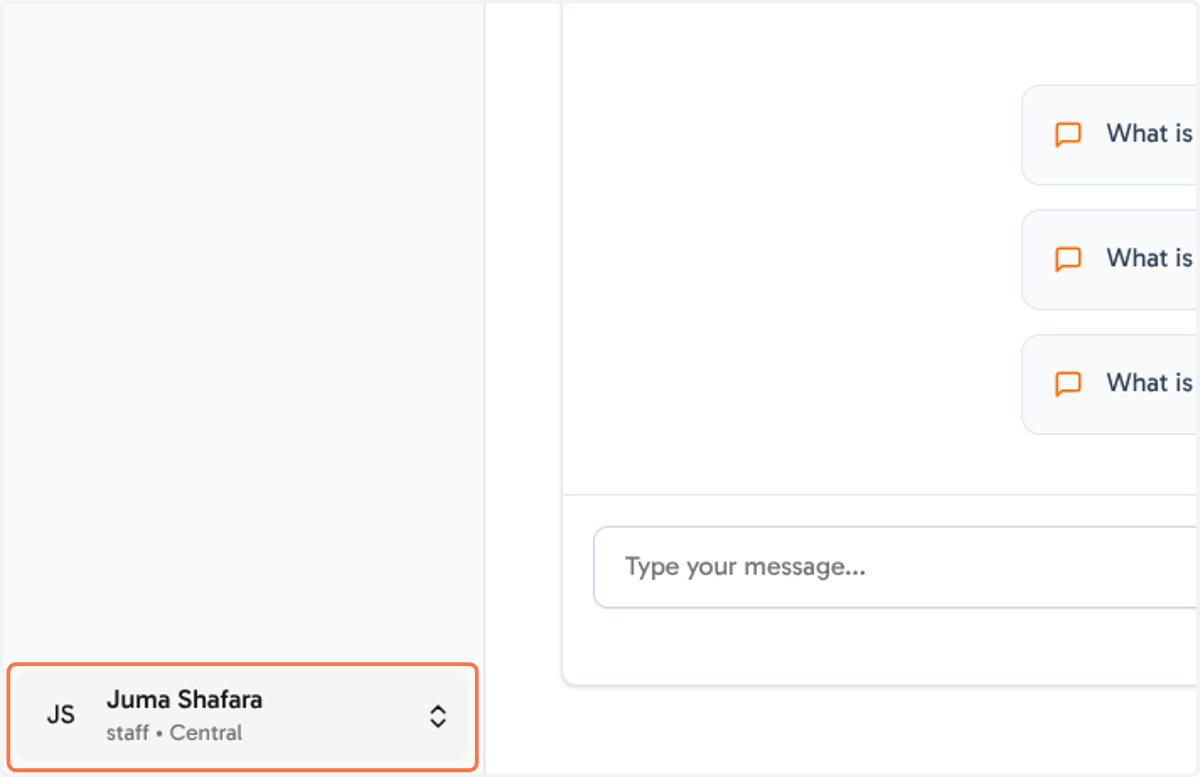
To signout, click on your name in the bottom left corner
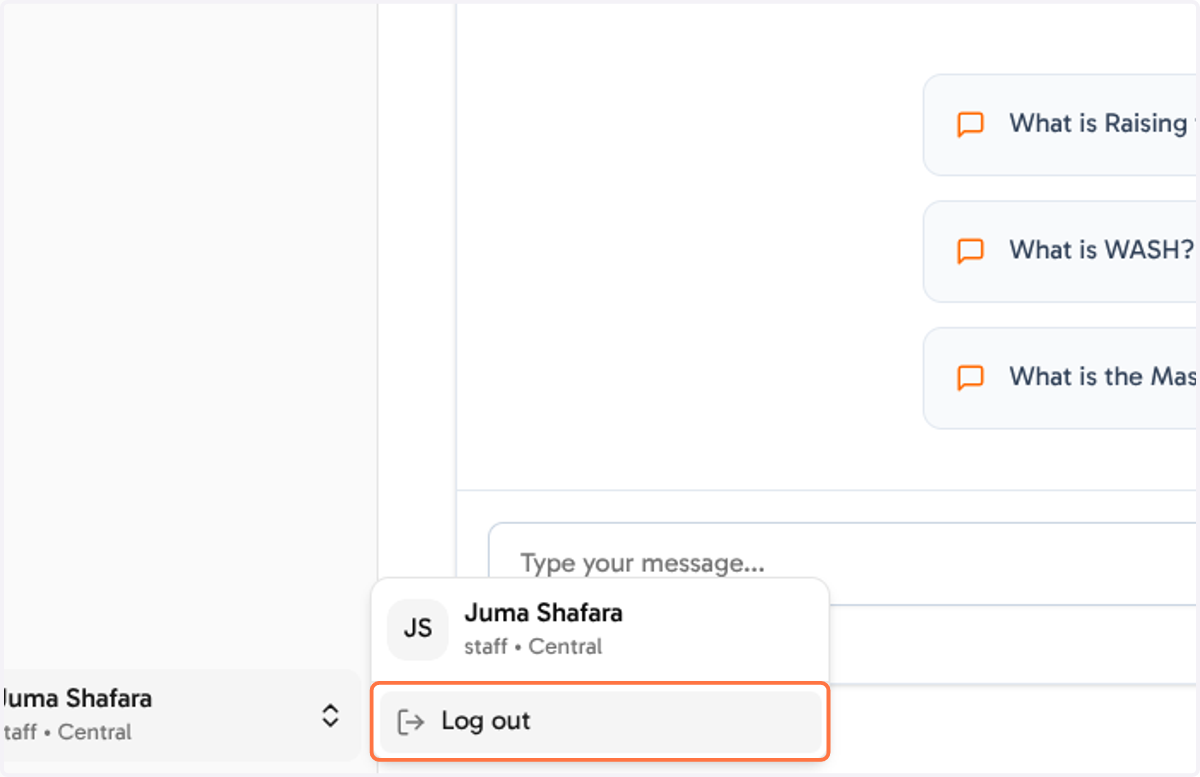
5. Click on Log out
In the context pop up, click on "Log out", your credentials will be removed from the browser and will be redirected to signin page.
6. Contact us for support
If you have any persistent login problems, you can contact us via workmate@raisingthevillage.org