How to add new dates to existing events on SignUp
Signup
1. Go to Free online SignUp sheets for volunteer scheduling | SignUp.com
2. Click on Dashboard

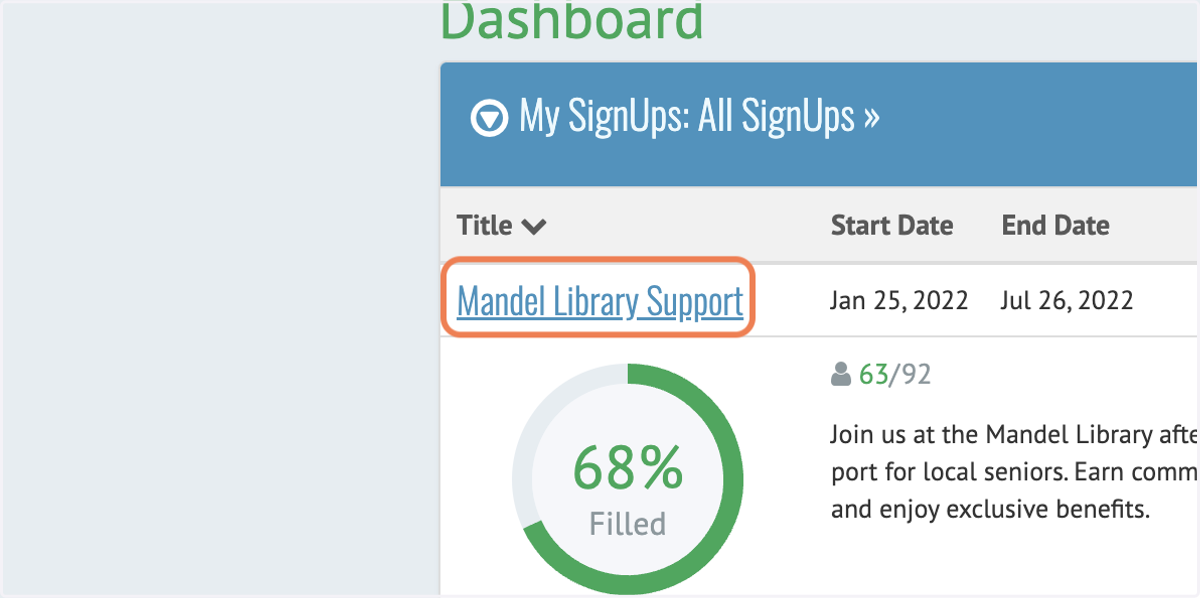
3. Click on Mandel Library Support
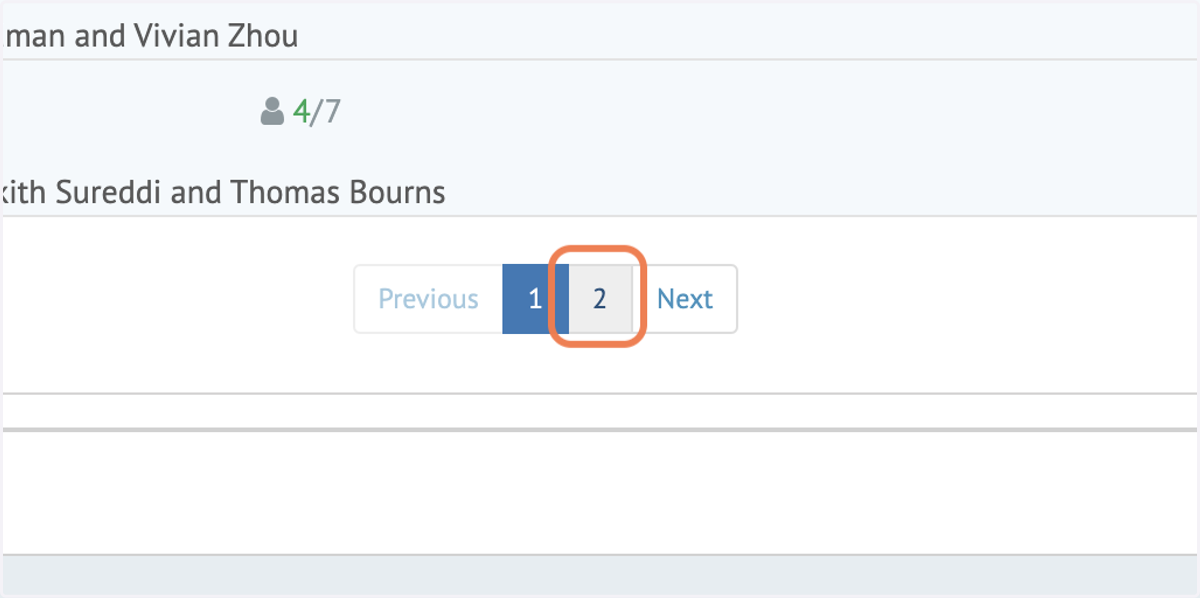
4. Click on 2
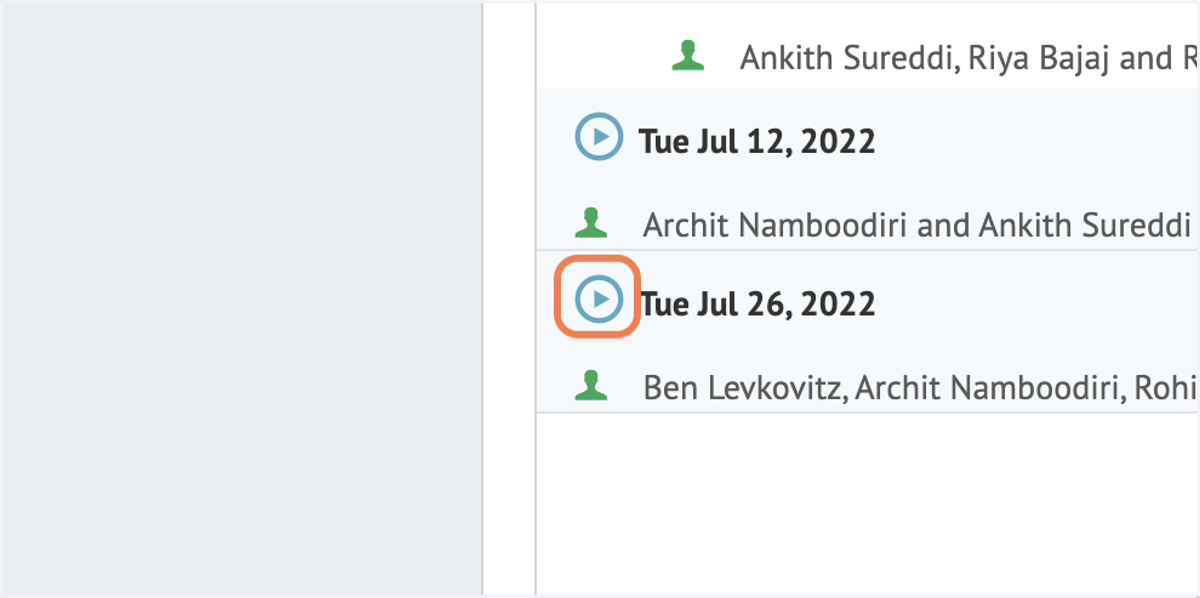
5. Click on form
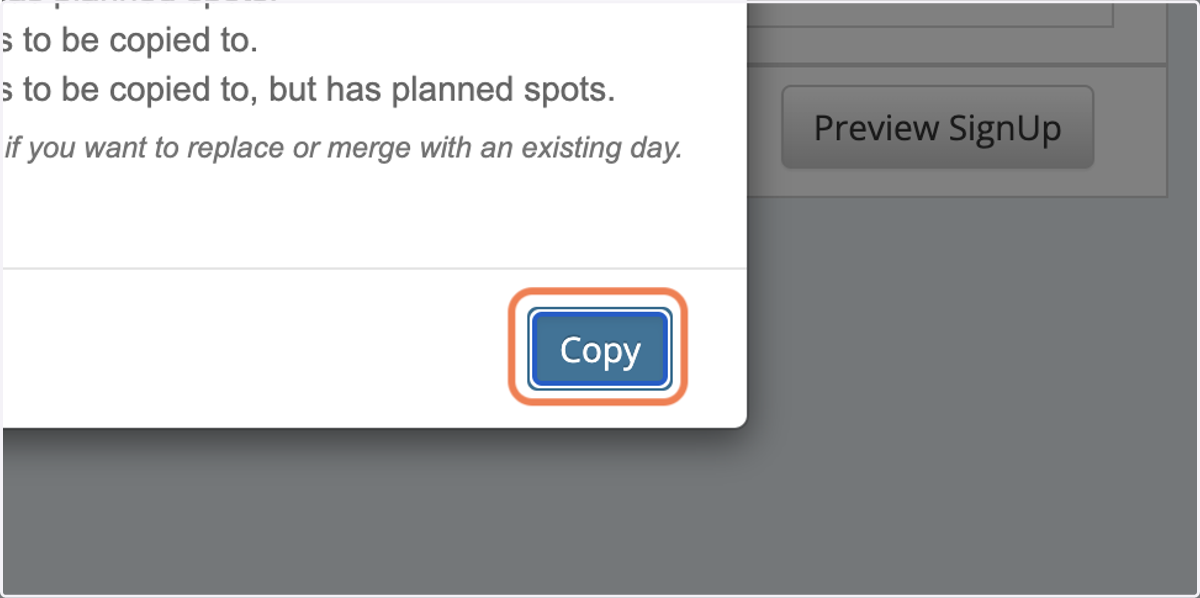
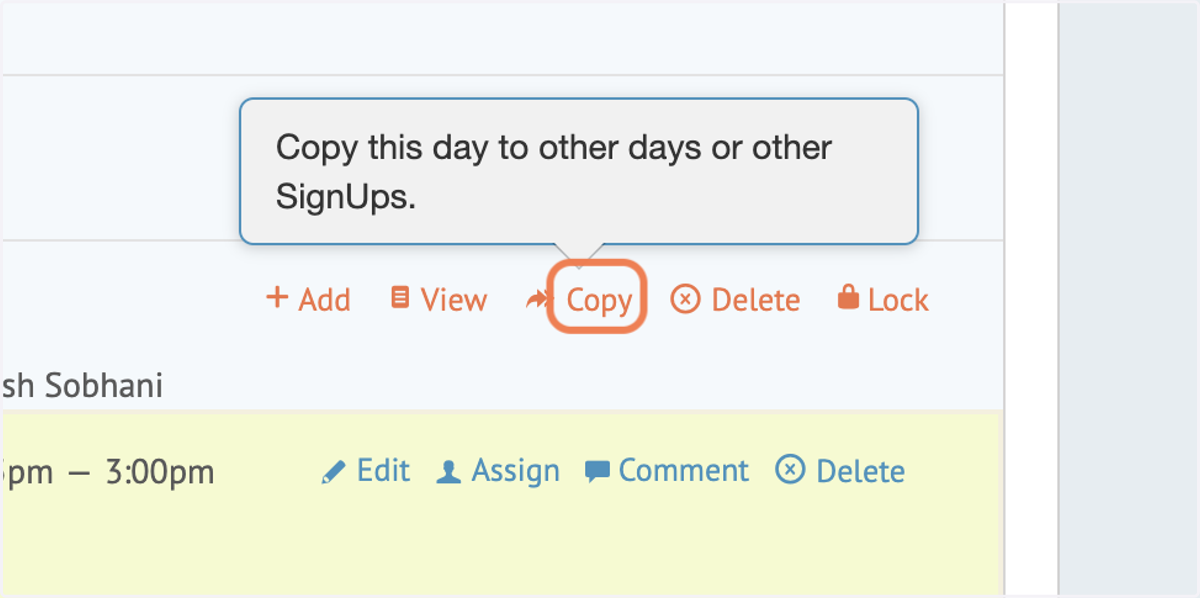
6. Click on Copy
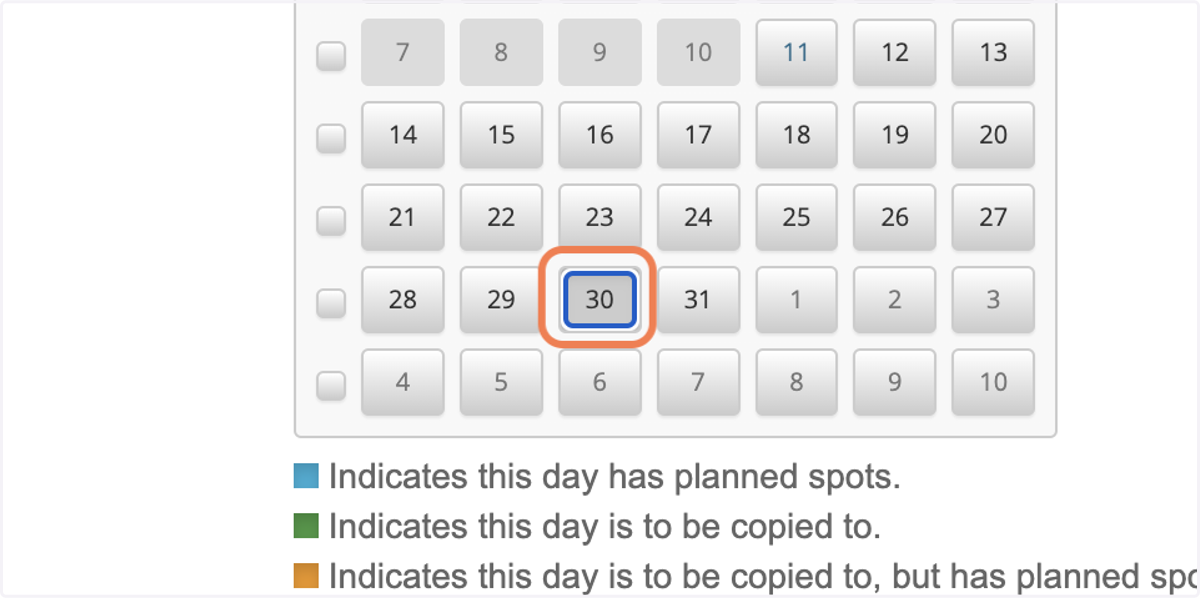
7. Click the date of the next event on the calendar
8. Click on Copy