Area and Perimeter Move by Squares for Primary School HTML5 Applet JavaScript by Theresa added with new feature of Selecting Area and draw it!
1. Click on Click to play
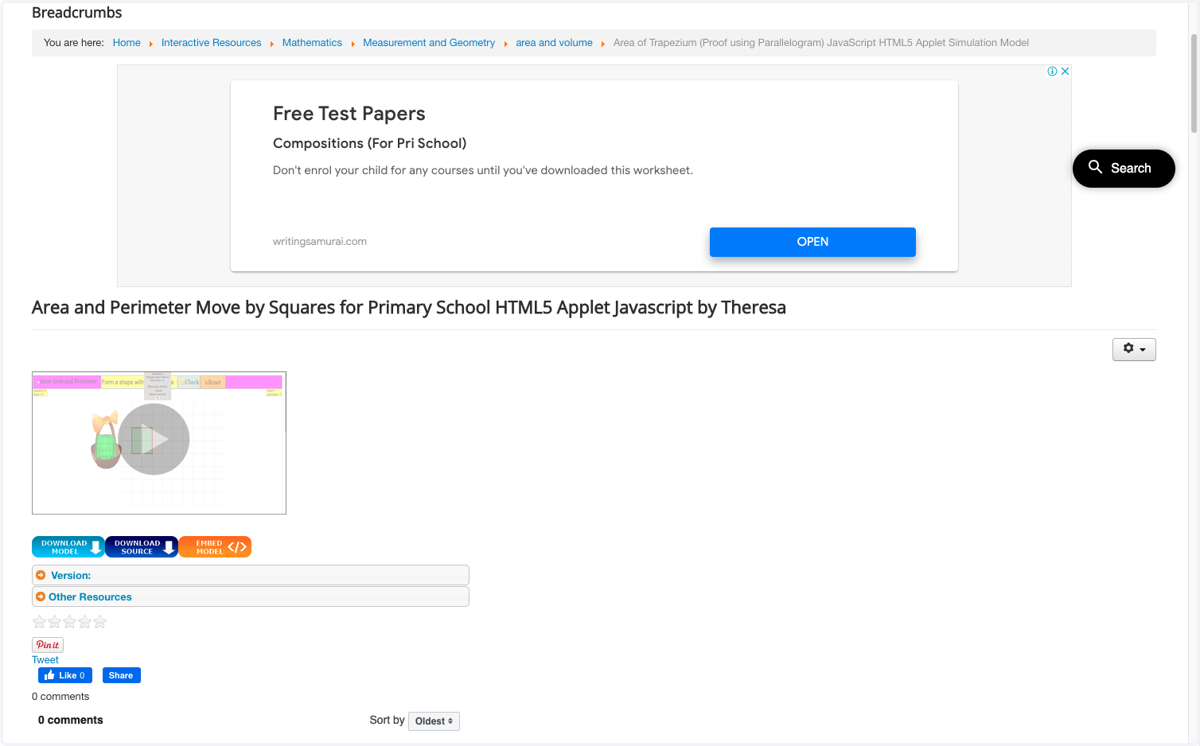
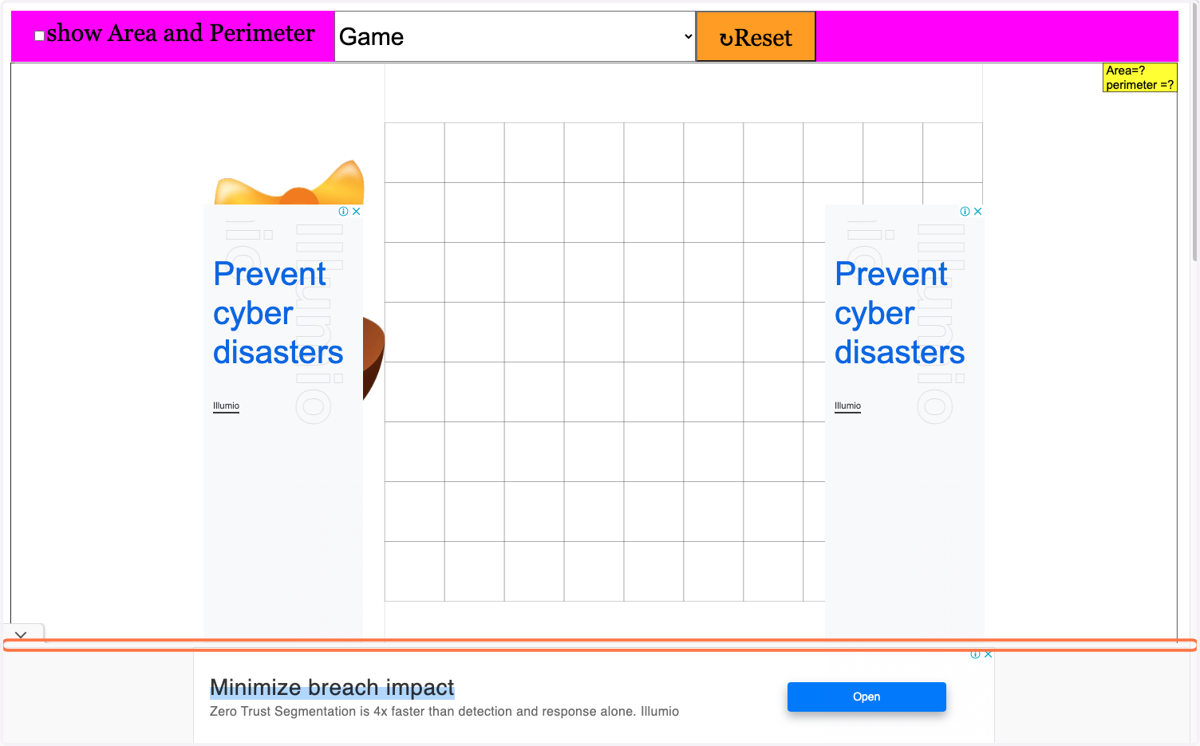
2. Click the Advertisements away if they block the view
3. Select "Select the Area and then create the shape"
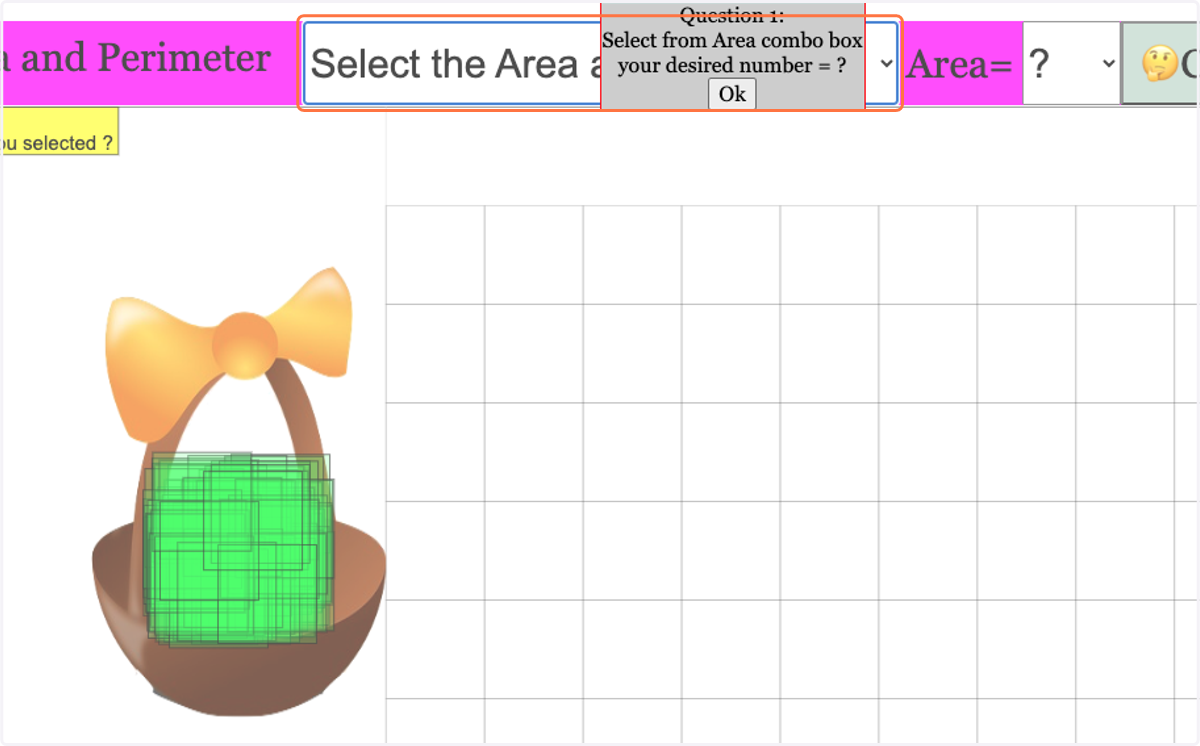
4. Click on Ok
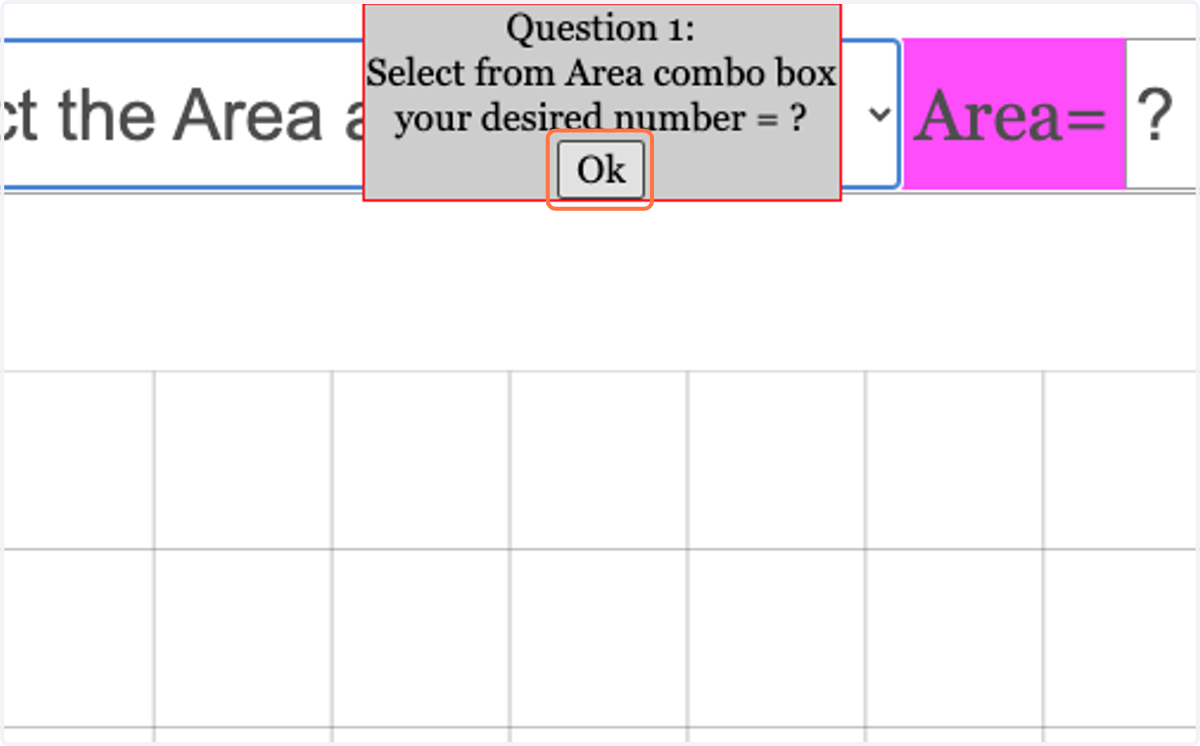
5. Select 3 or any other number as Area
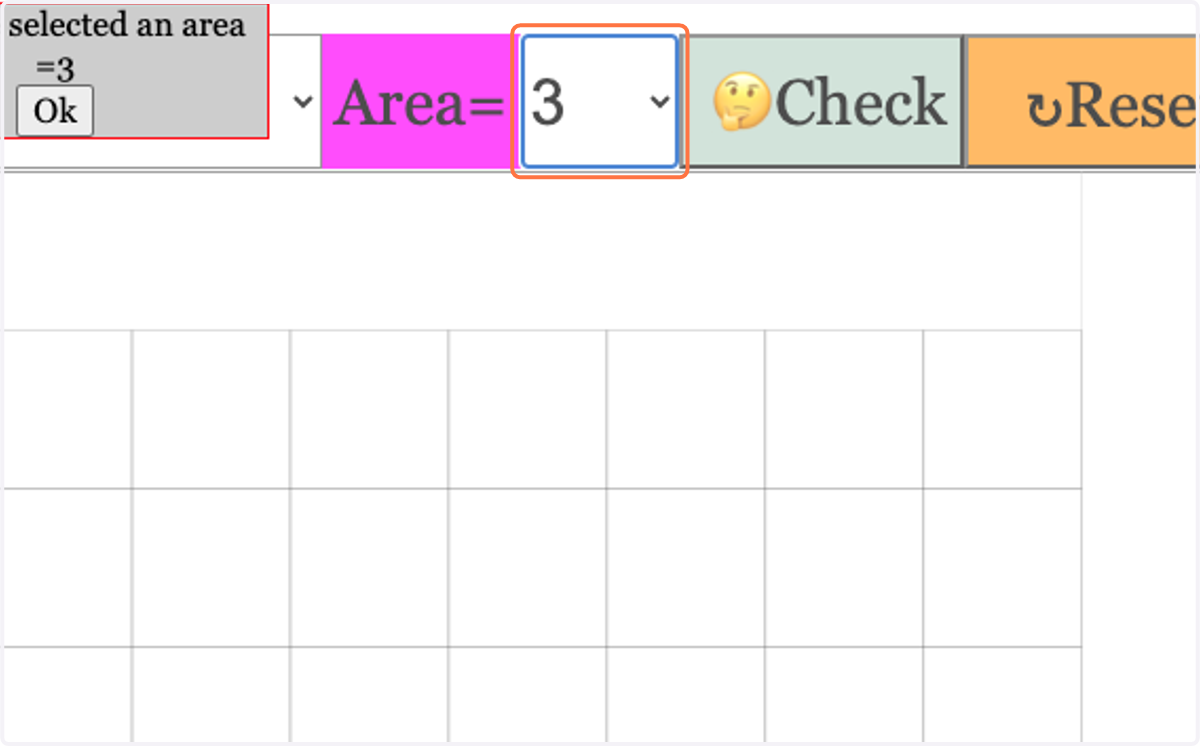
6. Click on Ok
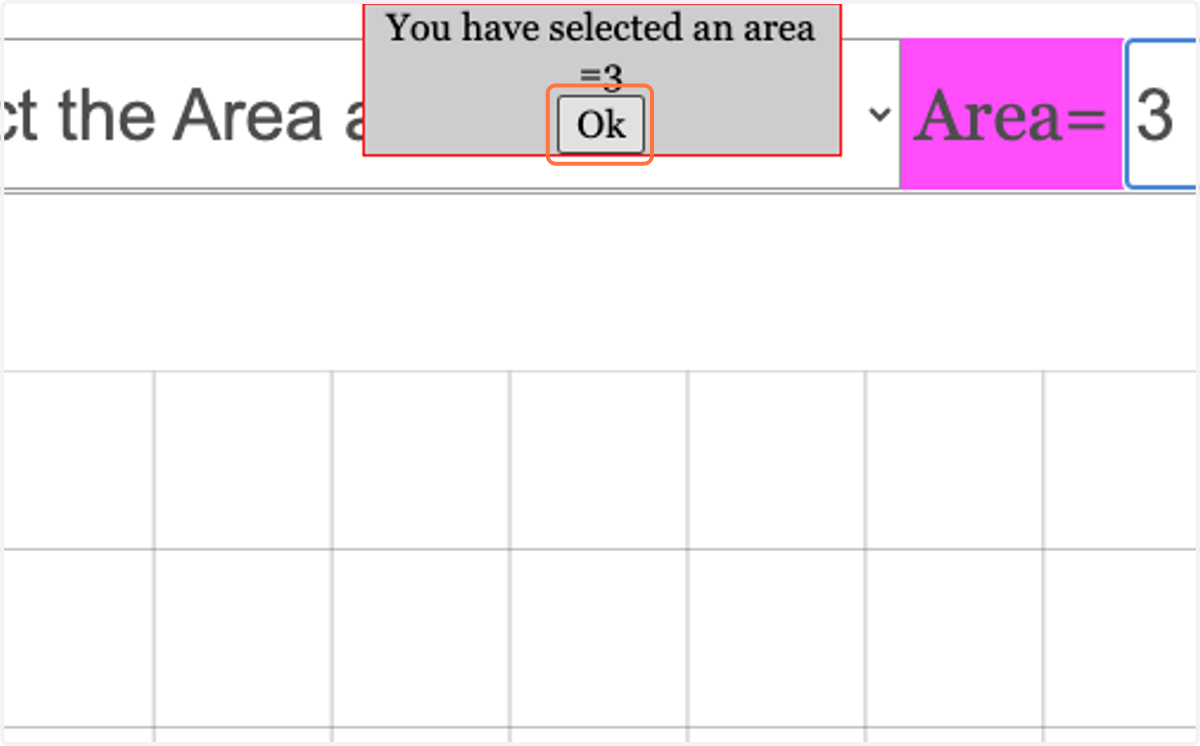
7. Click on squares and drop of the grid to add the composite figure with area formed
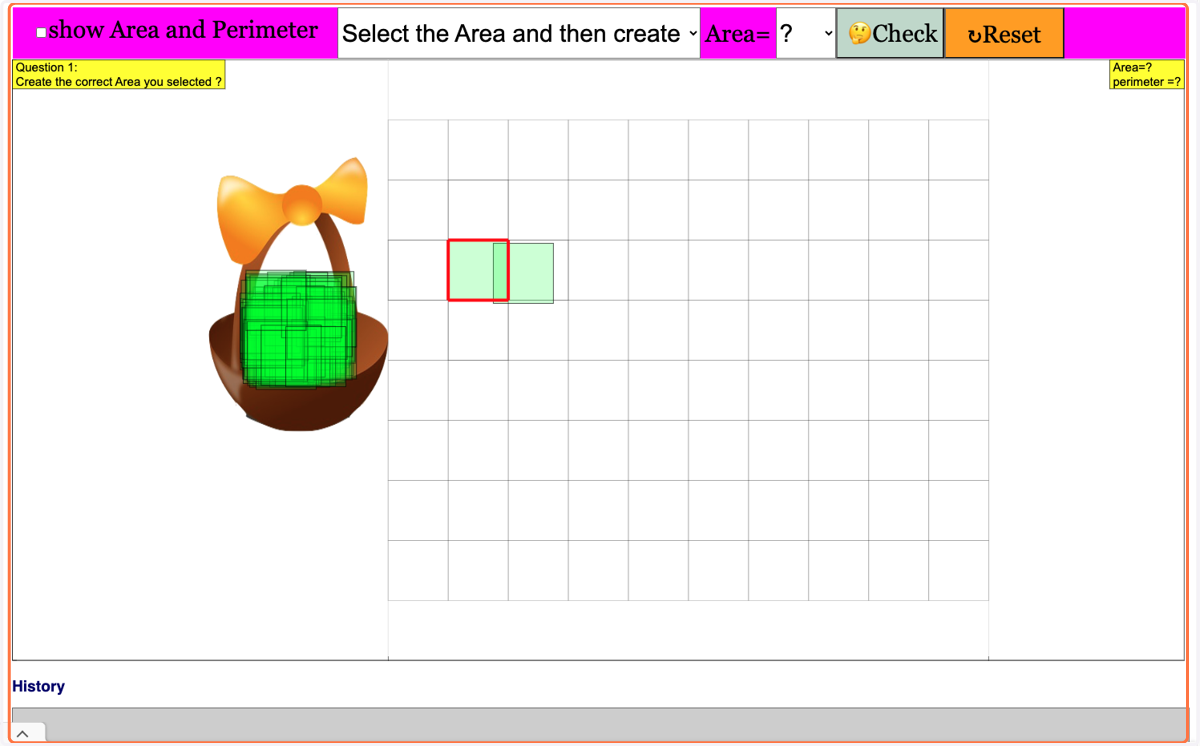
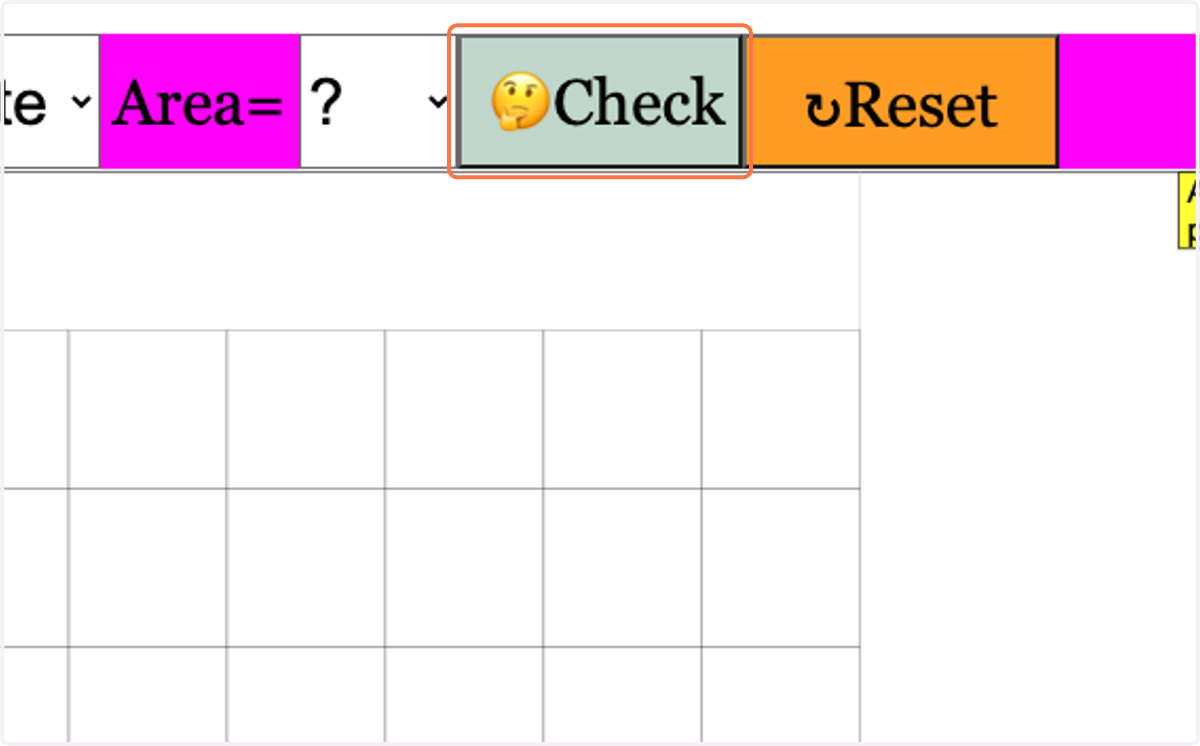
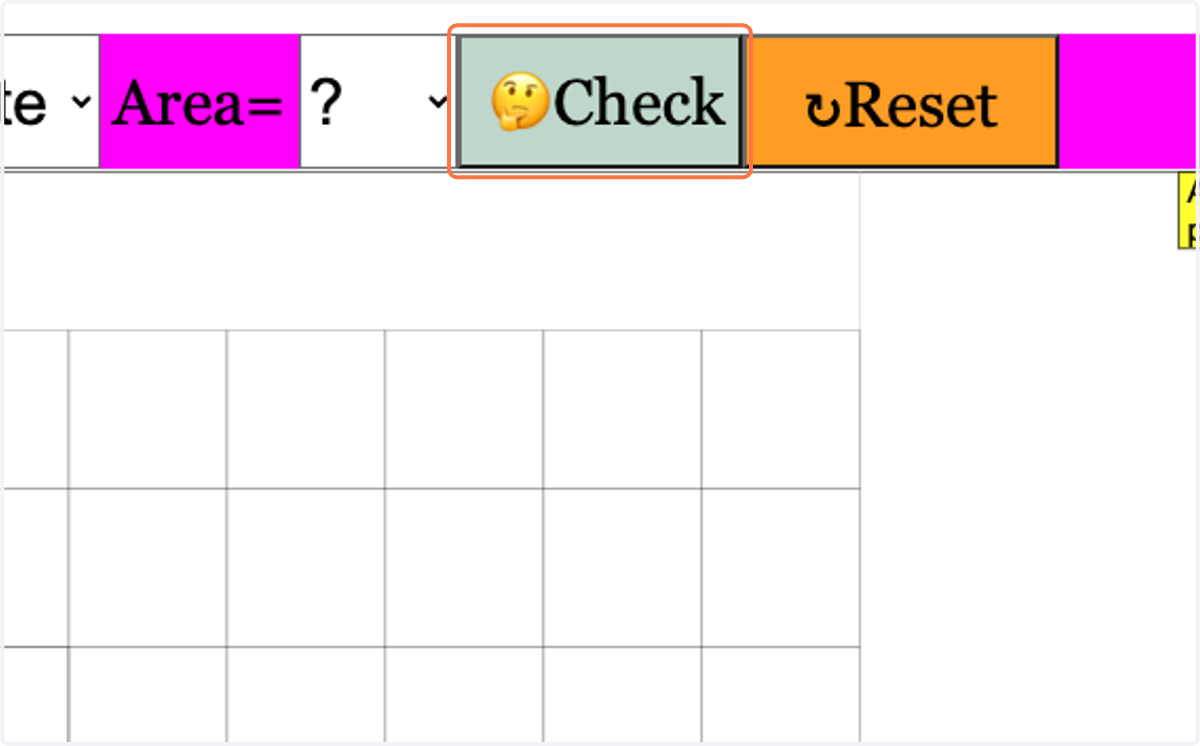
8. Click on 🤔Check
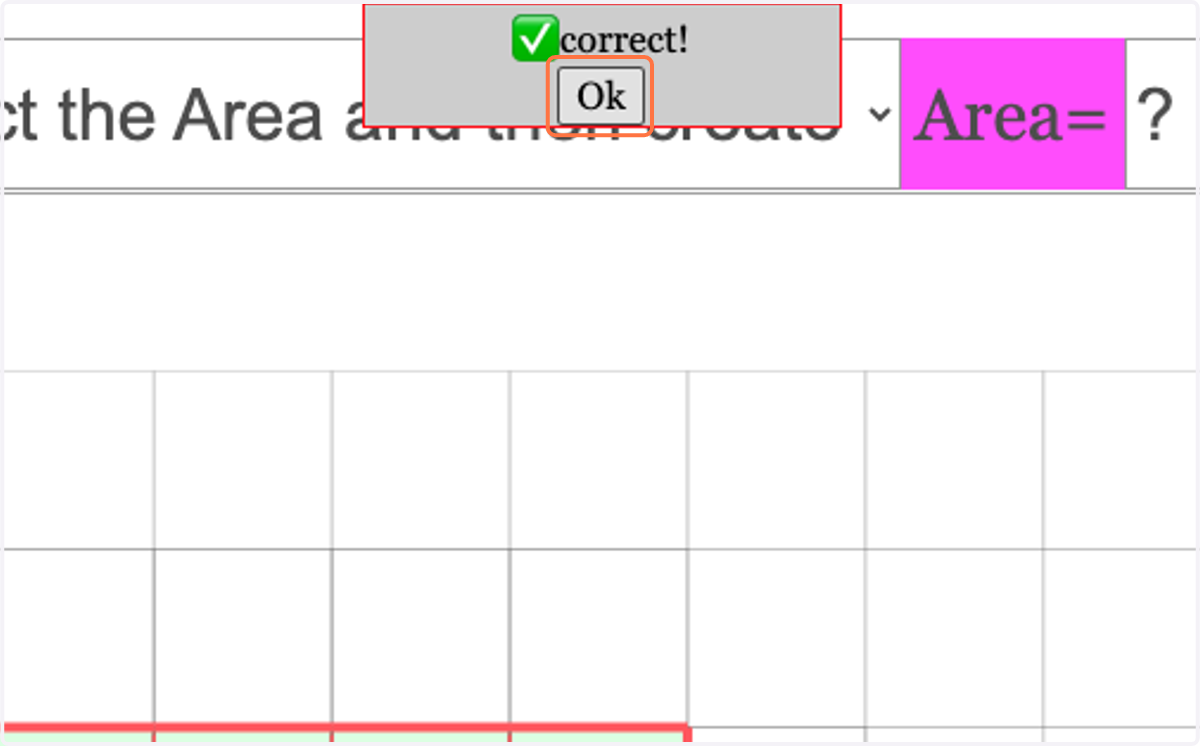
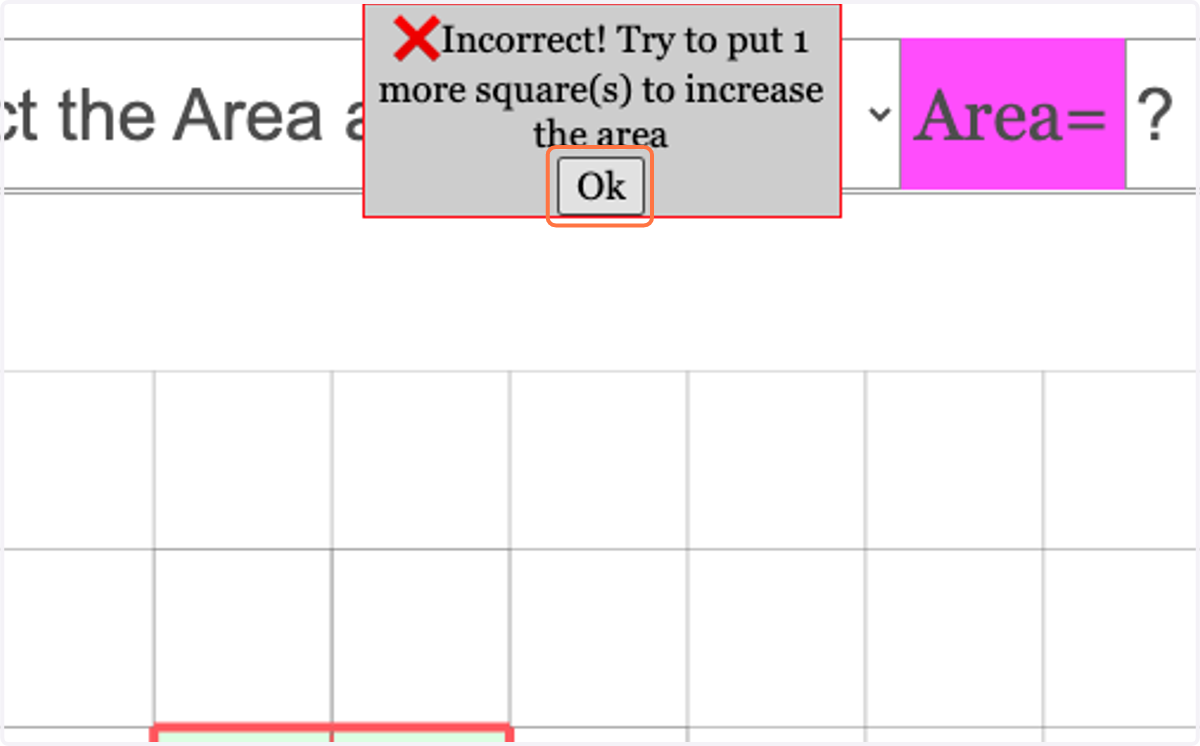
9. Click on Ok
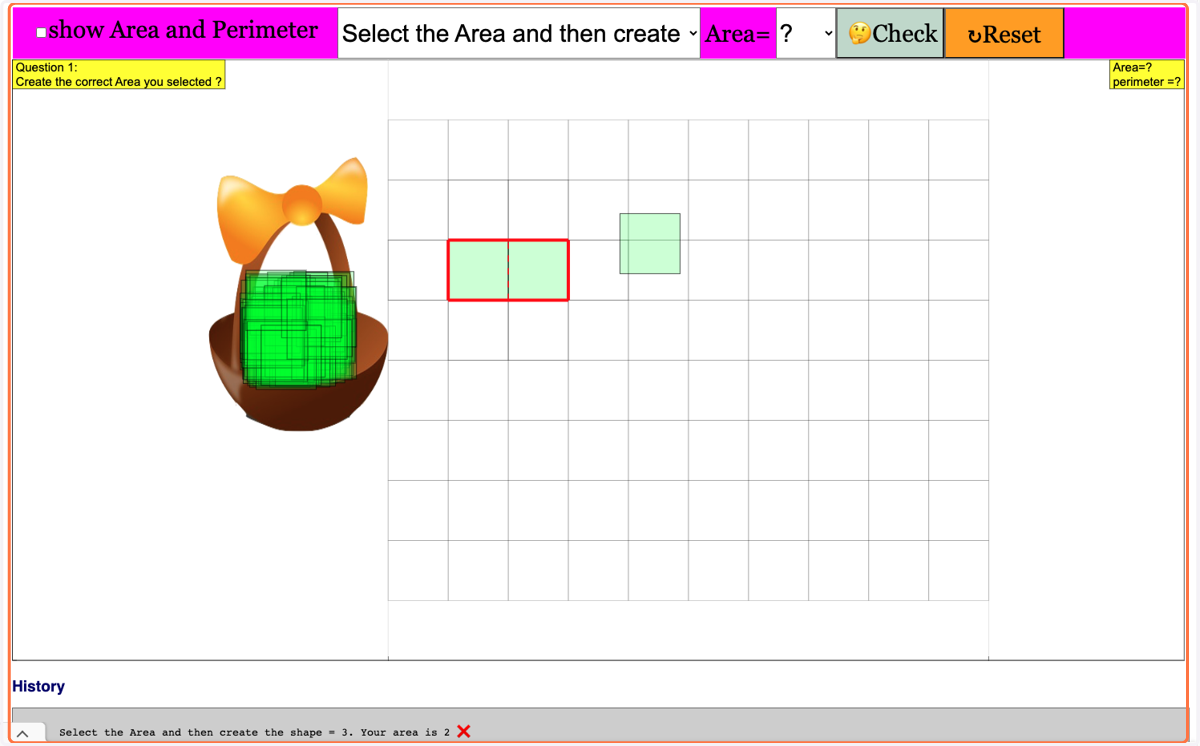
10. Click on third square …
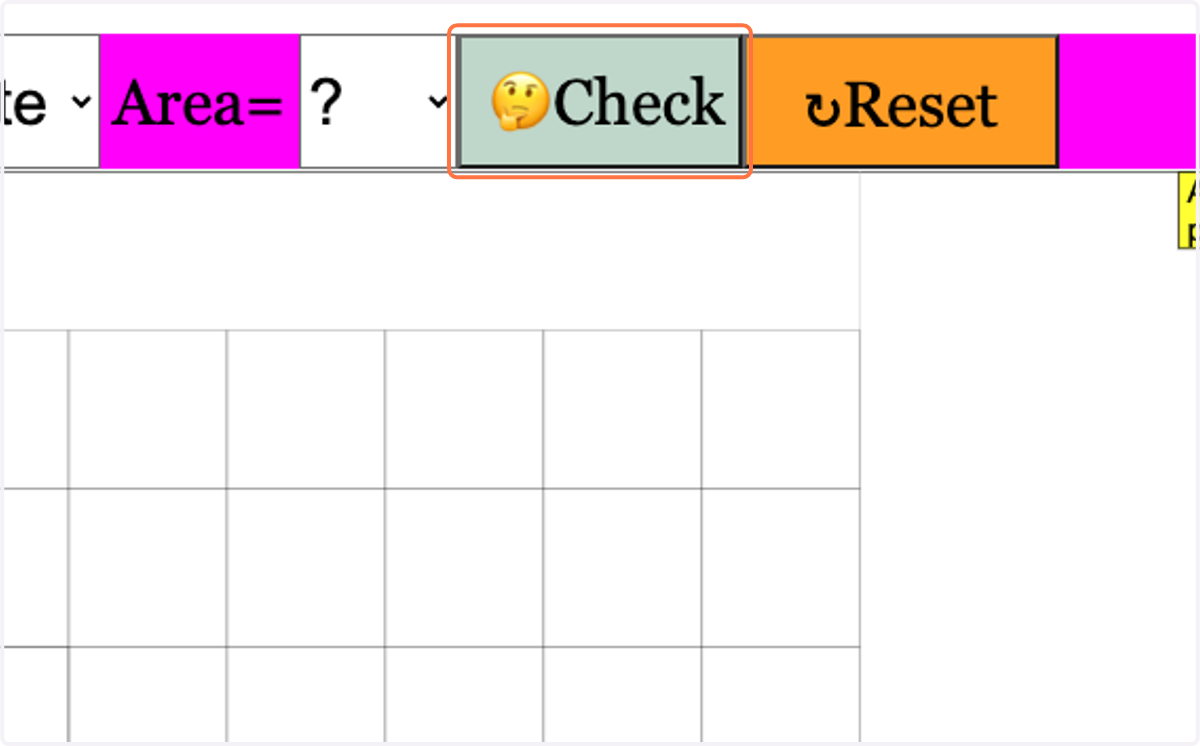
11. Click on 🤔Check
12. Click on Ok
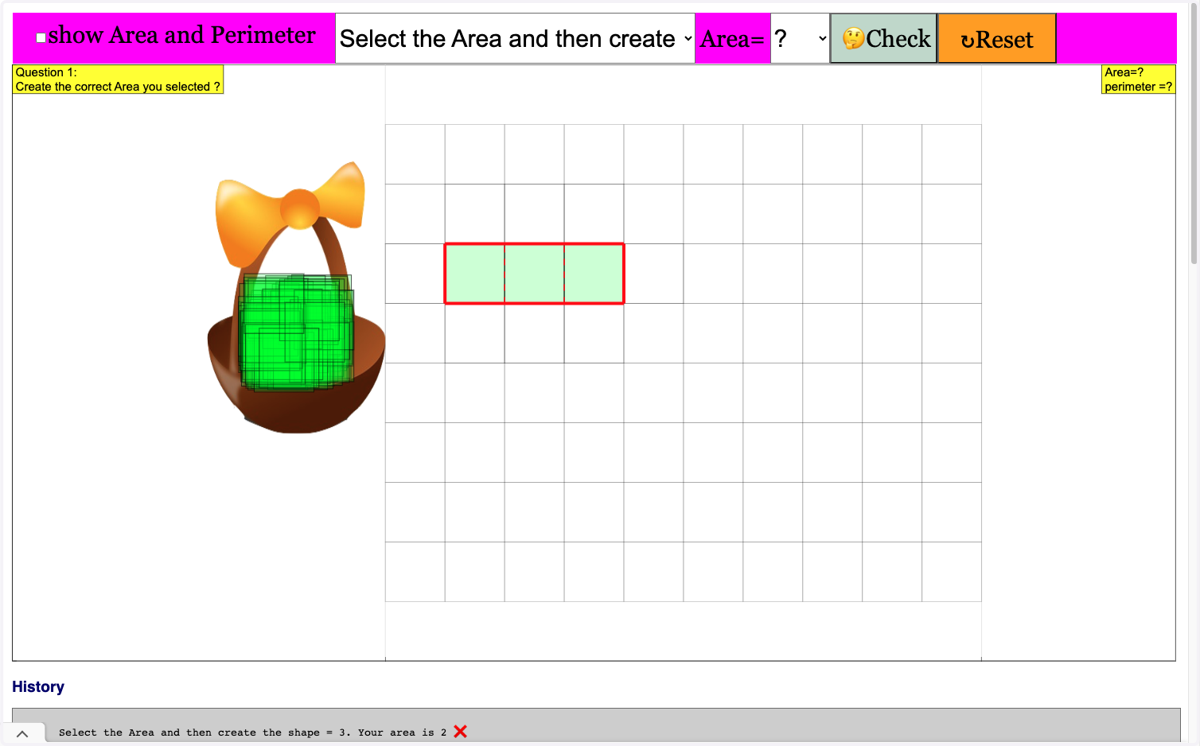
13. To test another Area , Select let say 6
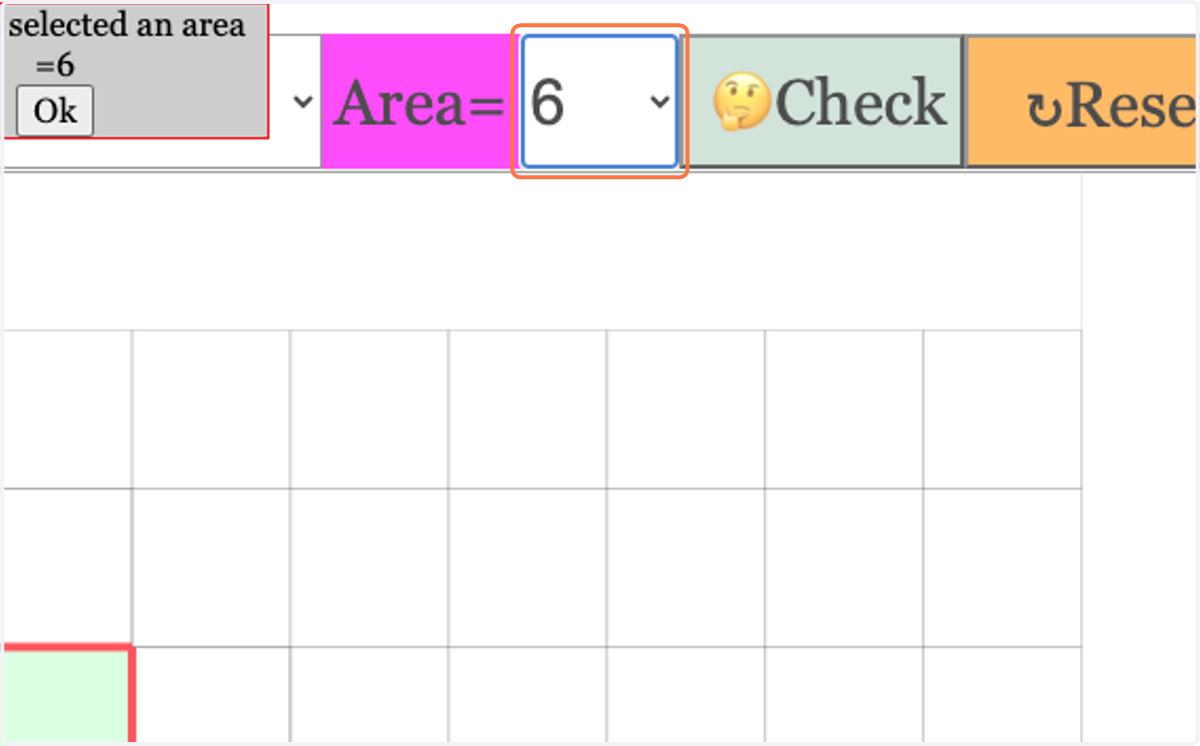
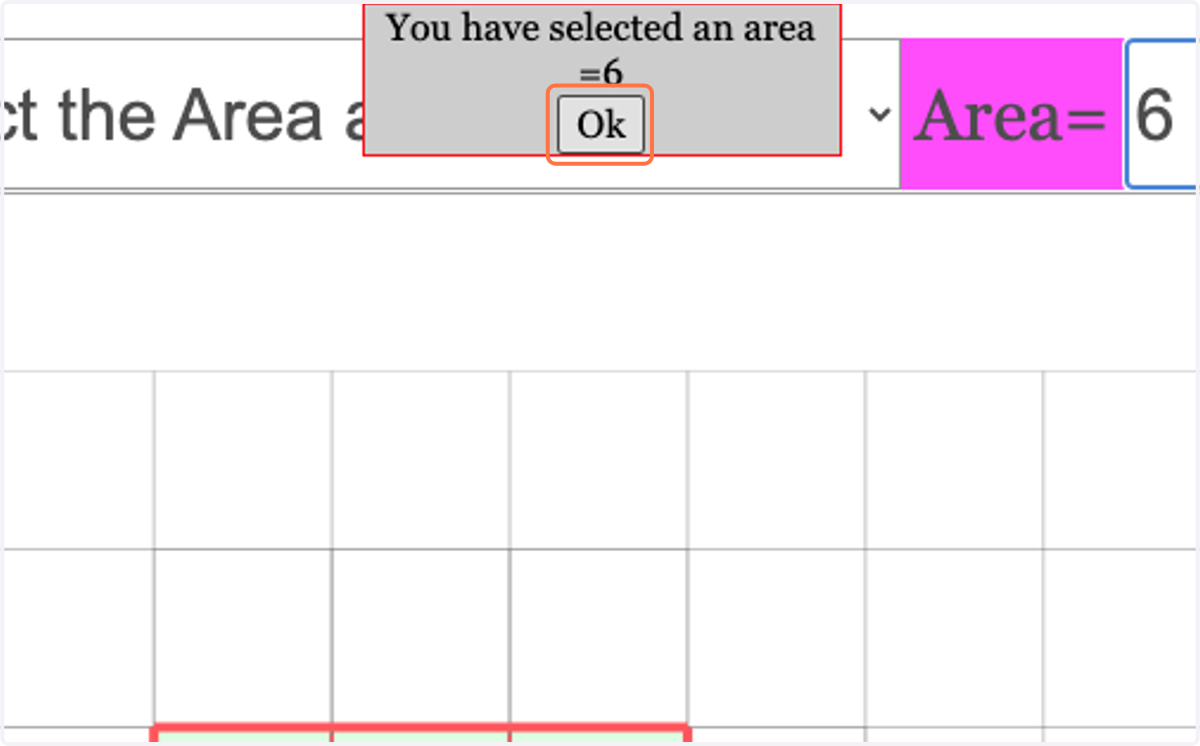
14. Click on Ok
15. Click on squares and drop on the grid…
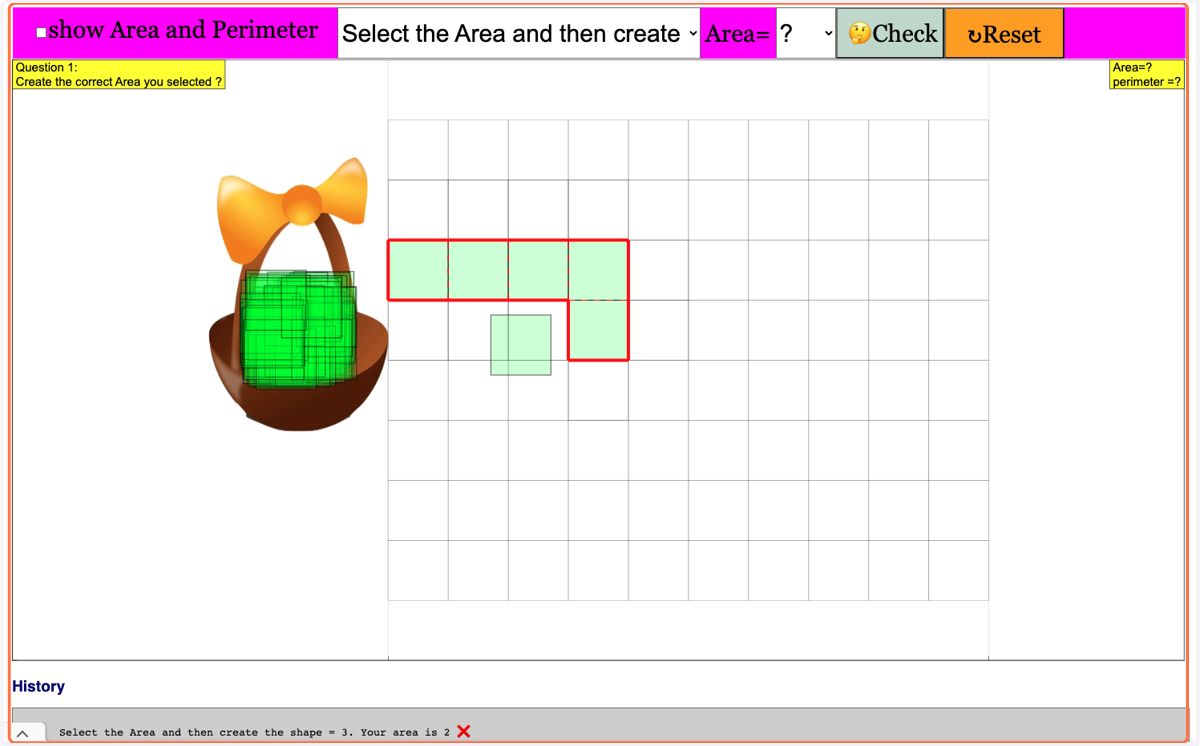
16. Click on 🤔Check
17. Click on Ok