K-2 Encore Score Entry
These directions are for K-2 ENCORE teachers to enter grades. In order for K-2 report cards to print encore course, they must be entered as a standards based grade. This applies ONLY to K-2.
Teaching Center | Infinite Campus
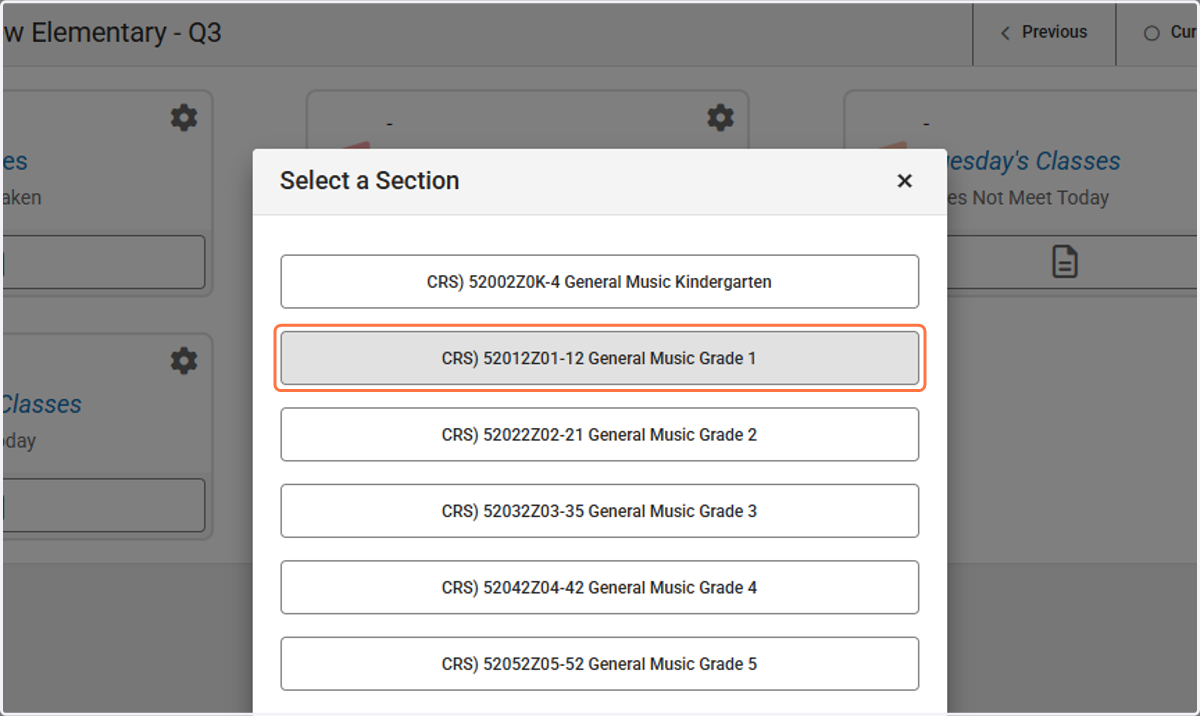
1. Select Your Class
2. Click on Grades
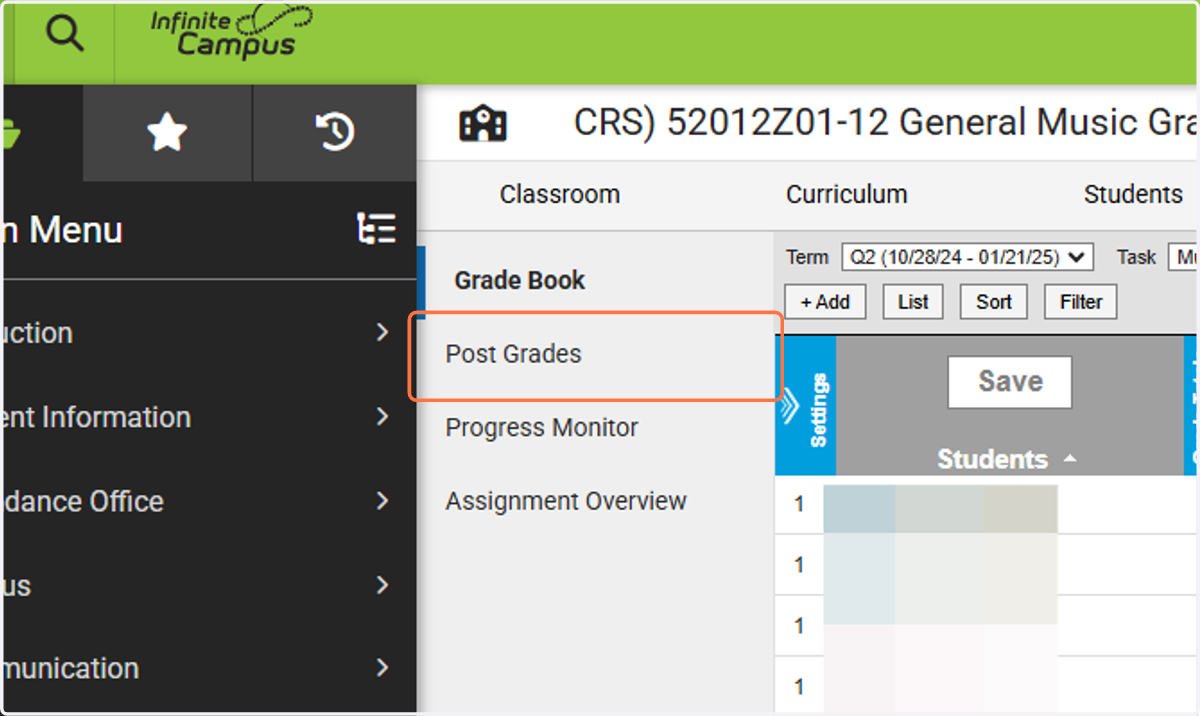
3. Click on Post Grades
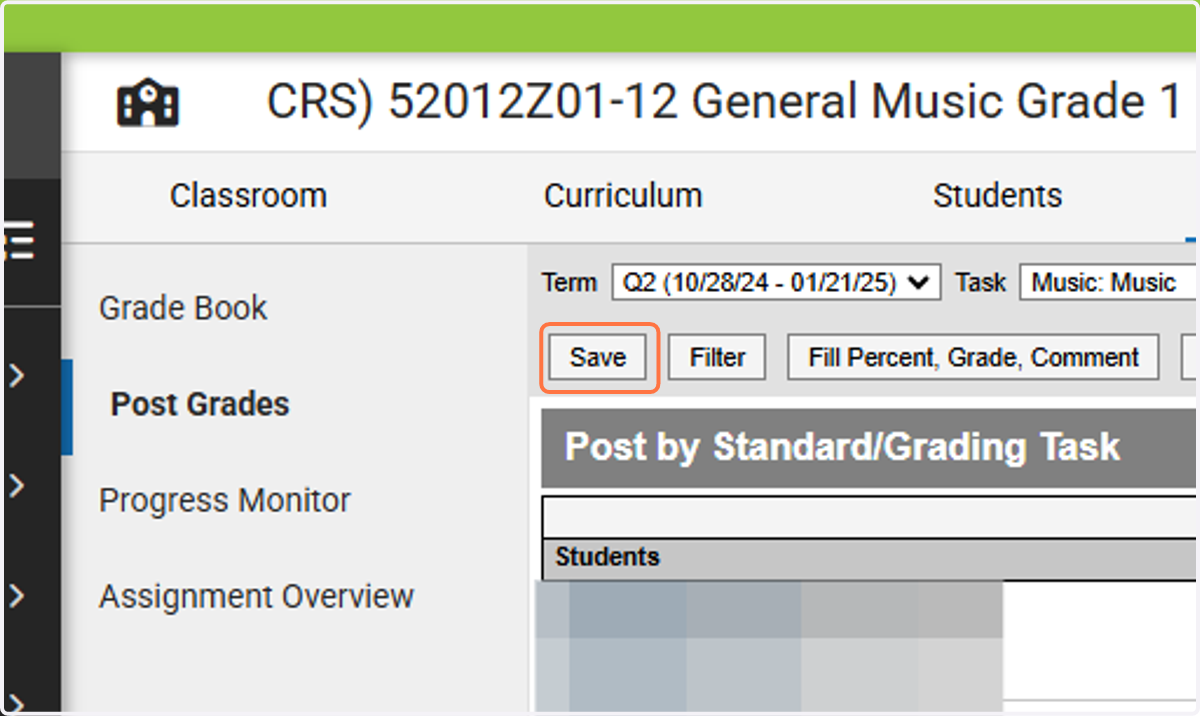
4. Make sure the Task is set to the standard course name and enter grades
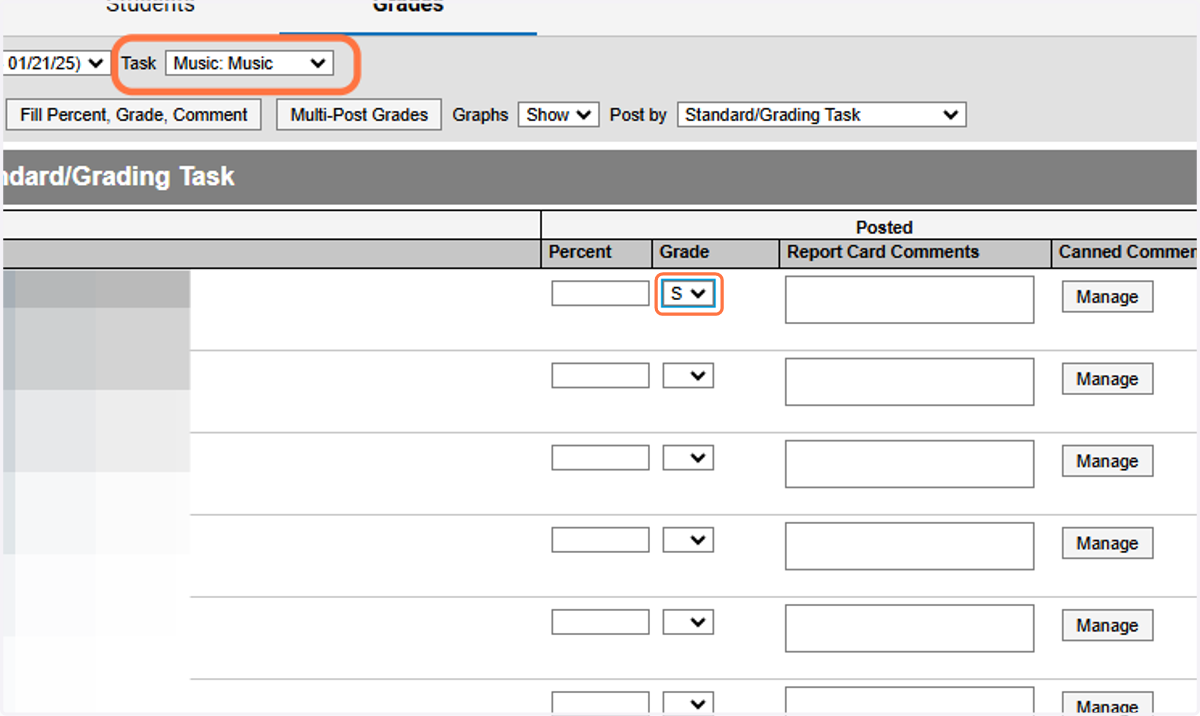
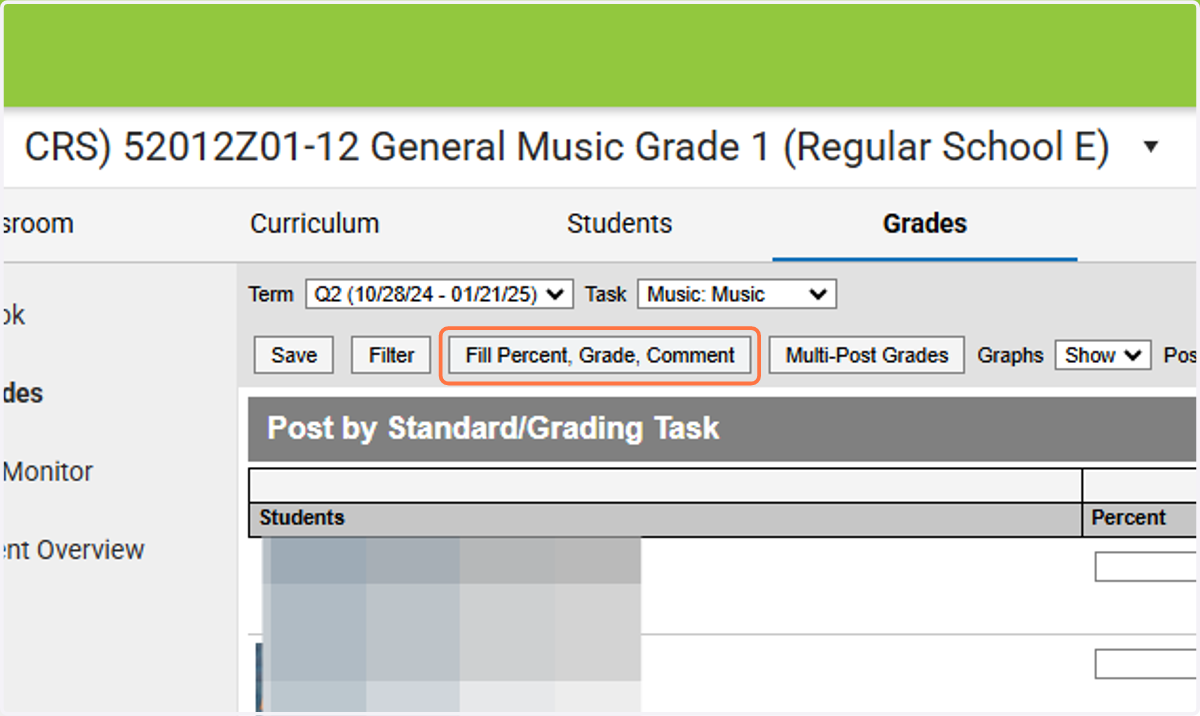
5. You can fill in the grade using Fill Percent, Grade, Comment
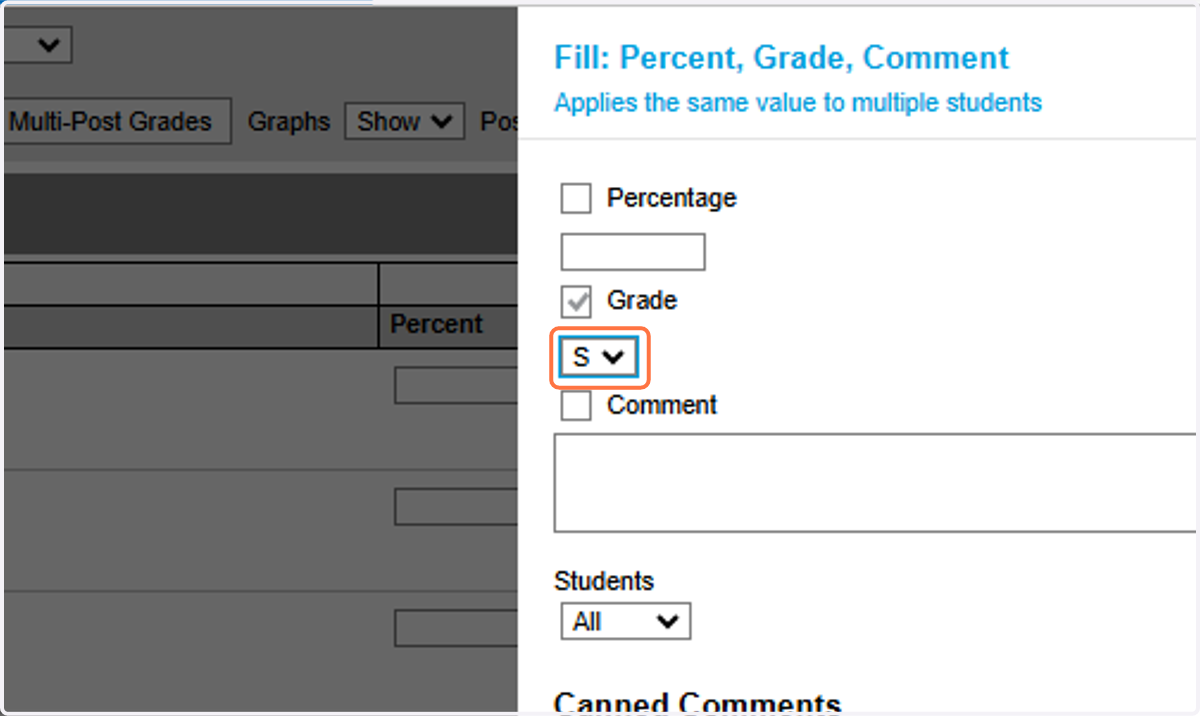
6. If using Fill, the following screen pops up and set Grade
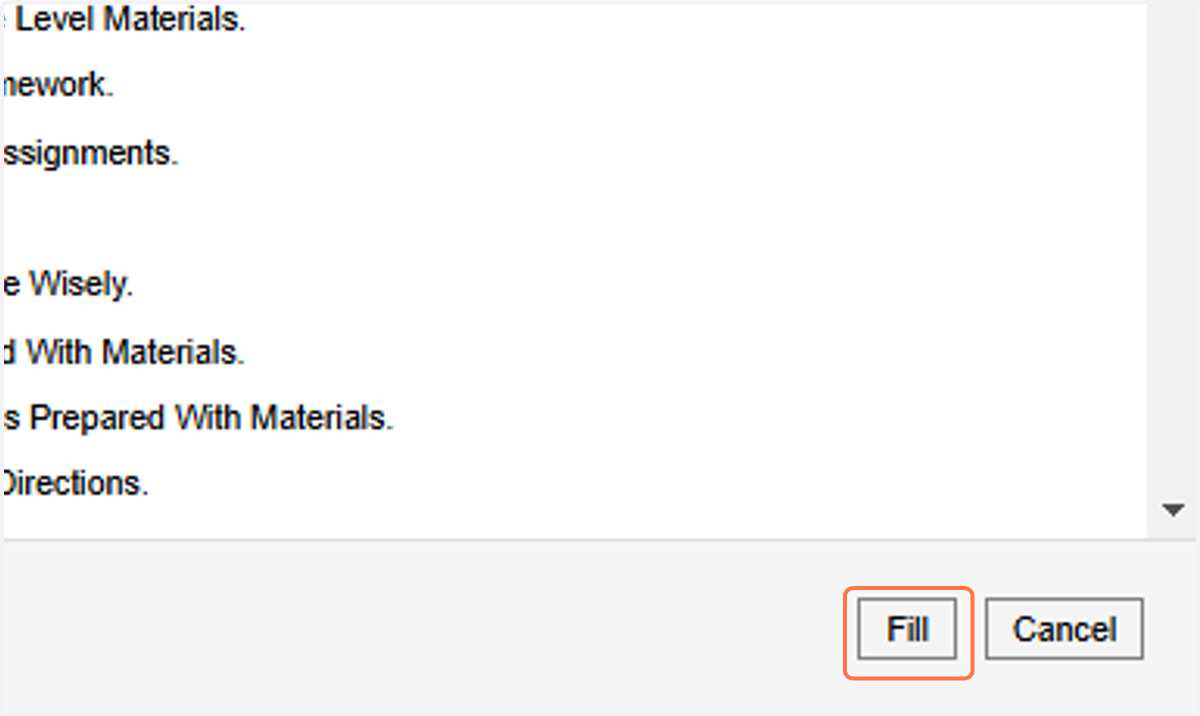
7. Click on Fill
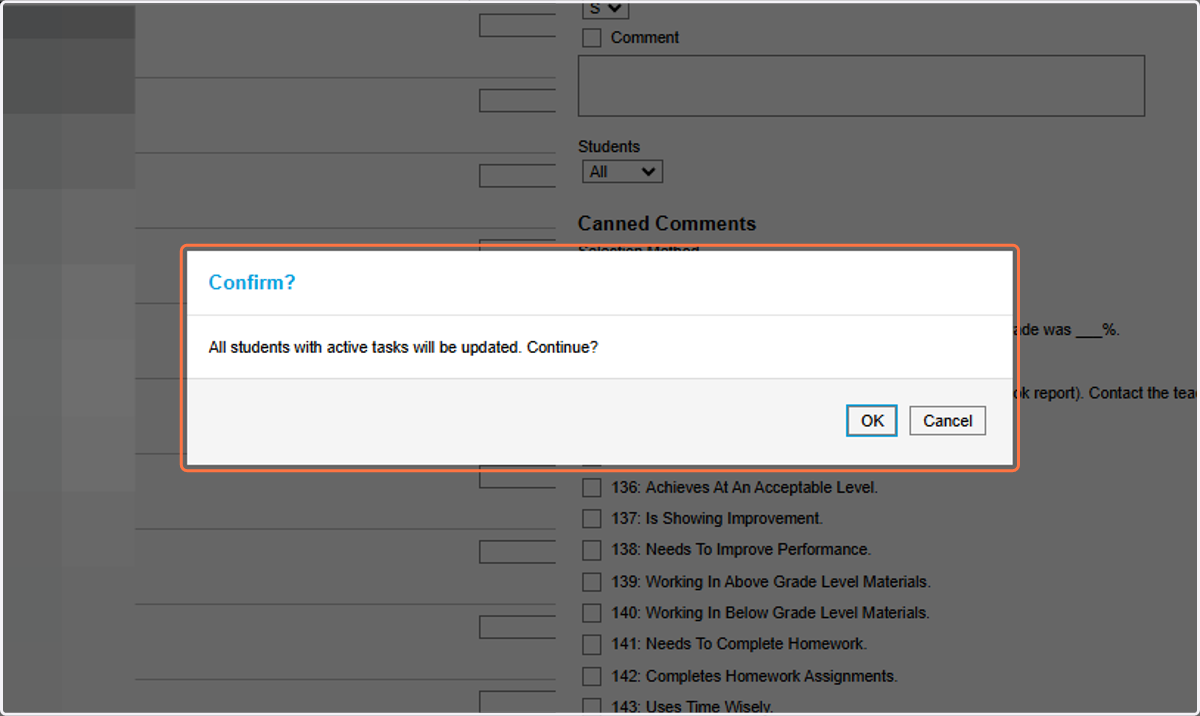
8. Click on OK on the Confirm pop-up
9. Click on Save