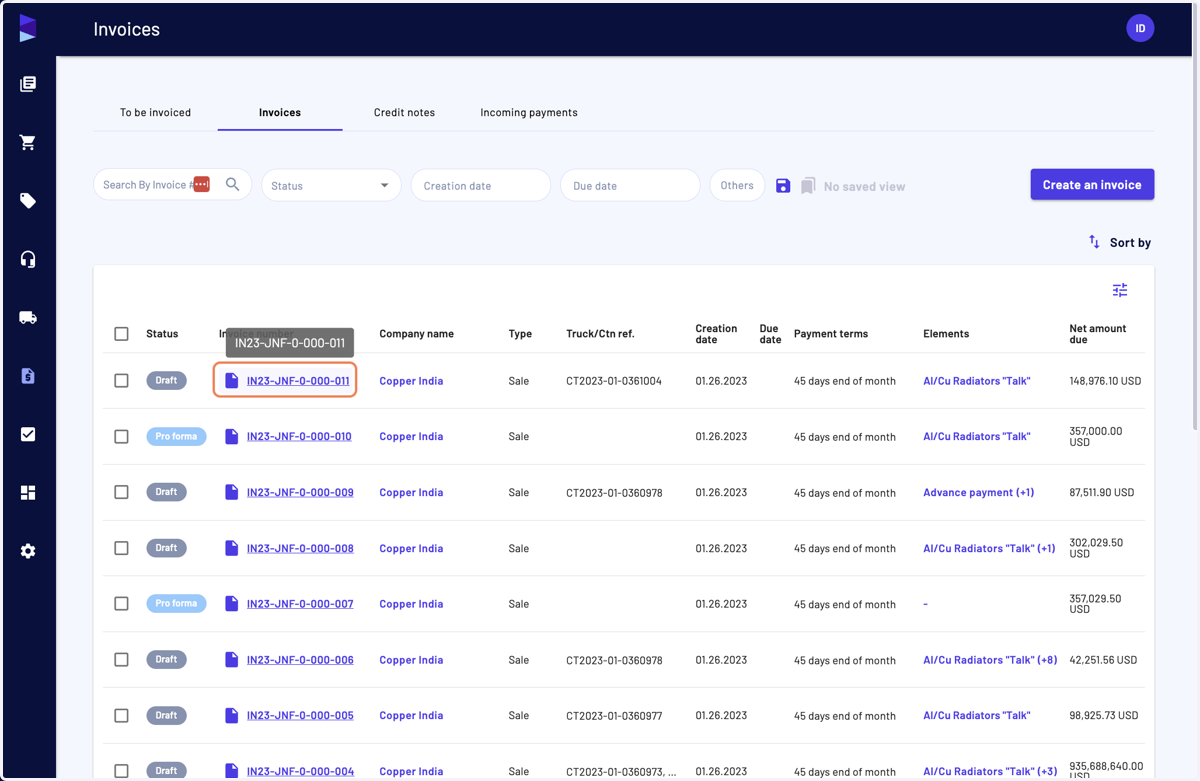
I can generate a commercial invoice while switching volume unit
Jules AI
1. Go to Jules AI
2. Go in your selected sale and in the "Containers" tab
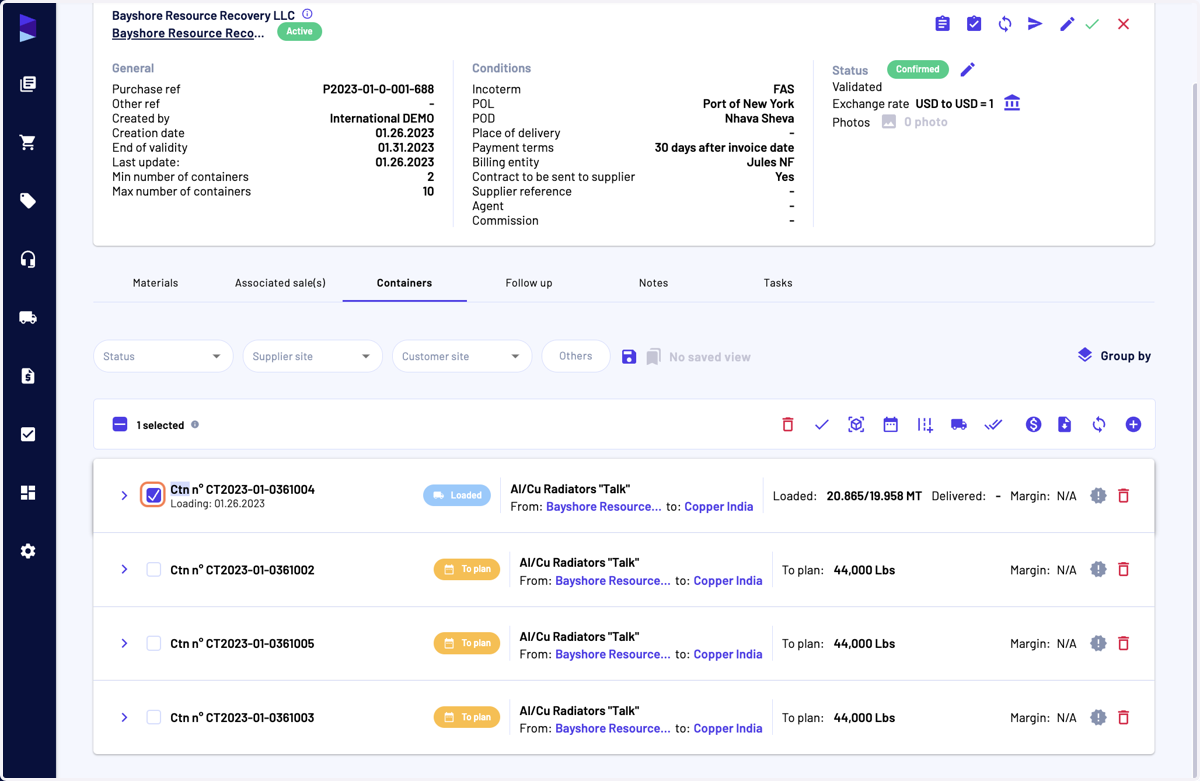
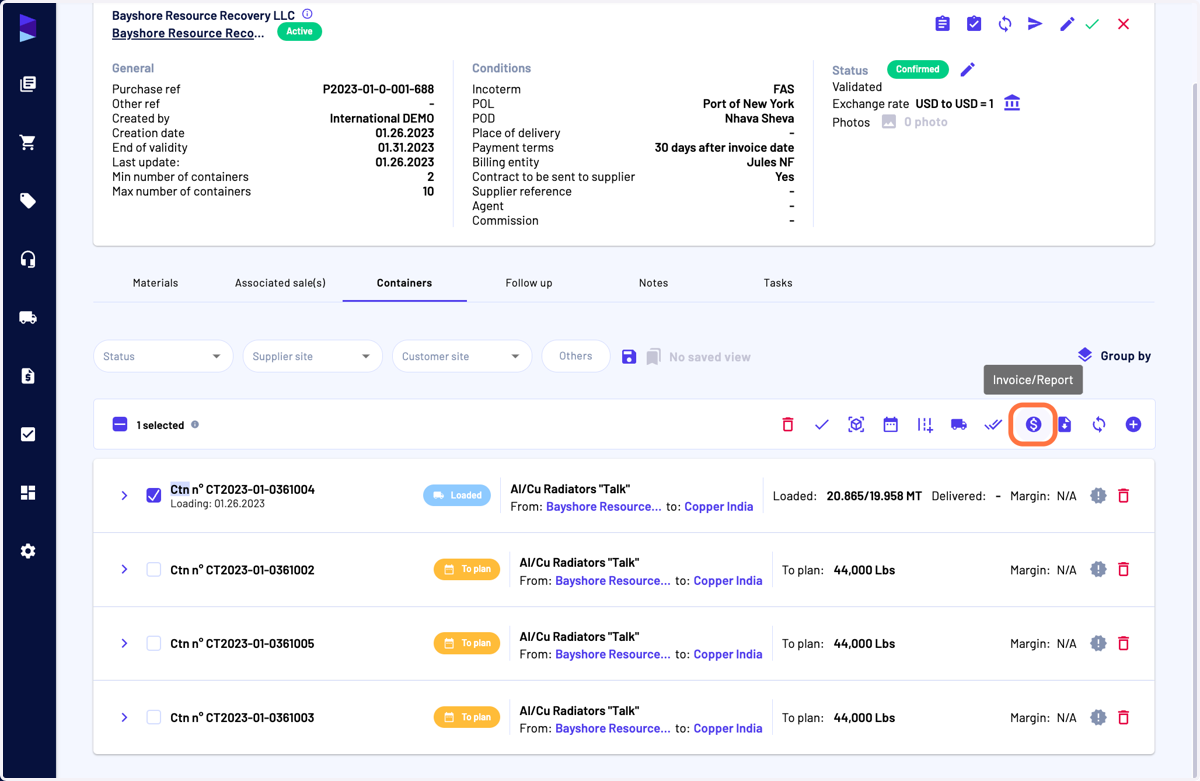
3. After having selected the containers, click on "Invoice/Report"
This action can also be done from the "Trucks/Containers" page or in the "Shipment" page (in the drawer, "Containers" tab) after having selected containers
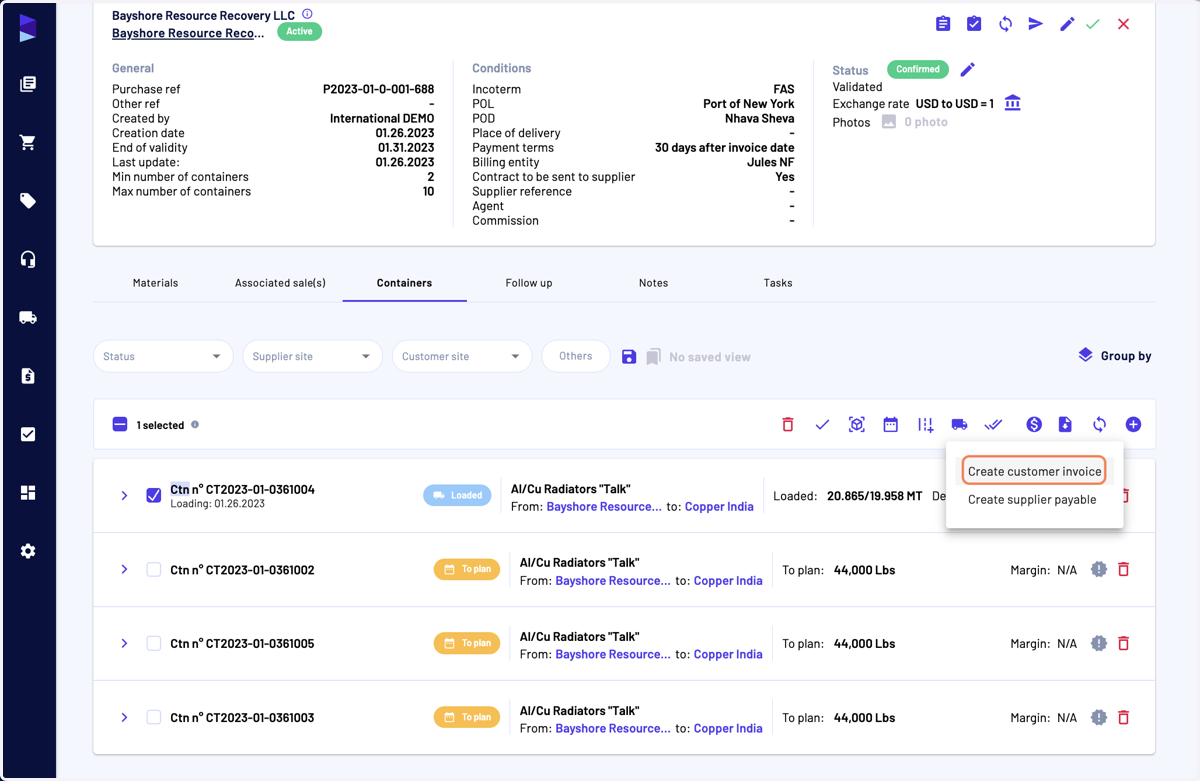
4. Click on "Create customer invoice"
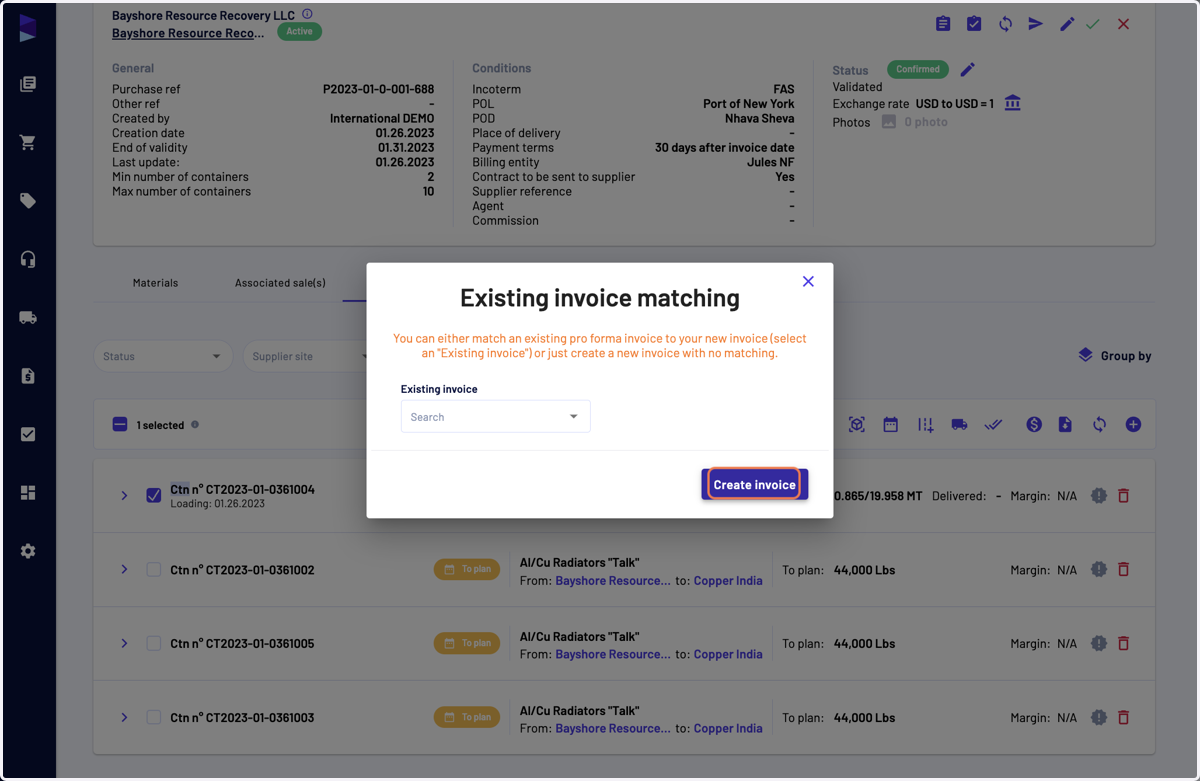
5. In the modale, in you select if you want to attach this commercial invoice to an existing invoice, for instance a Pro forma invoice. In our case, we will not do it
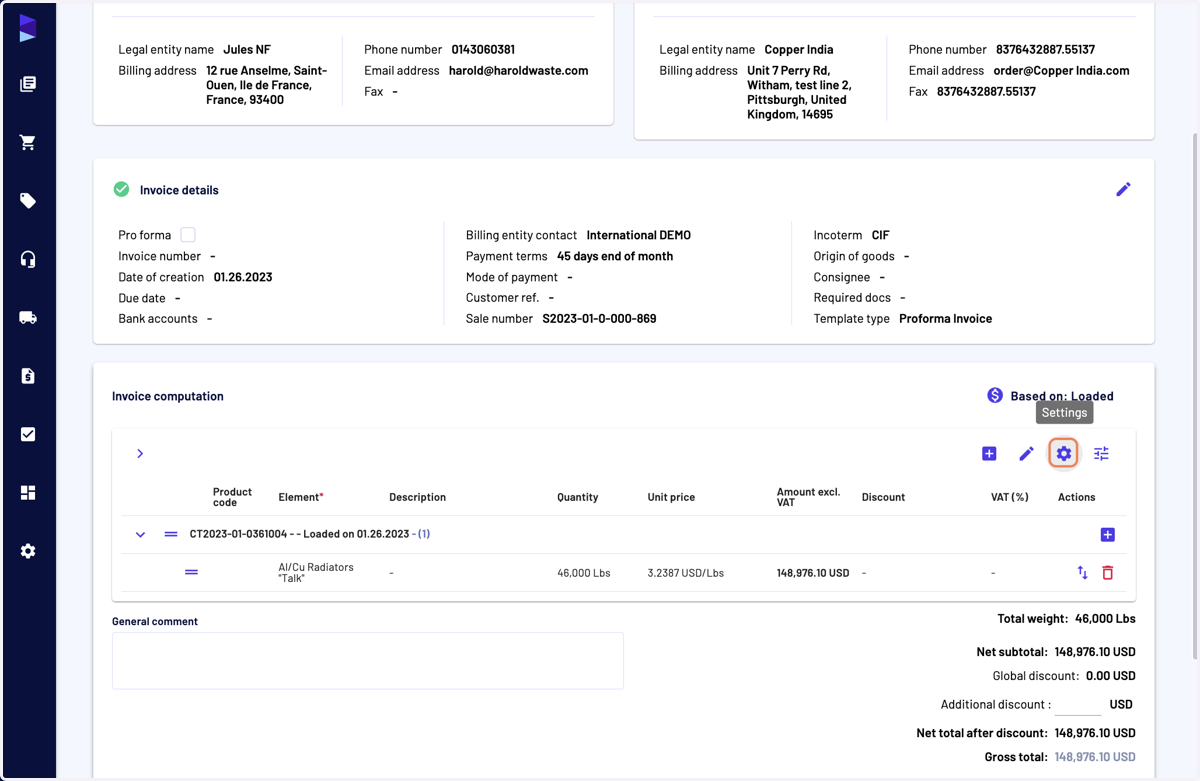
6. In the invoice computation category, click on "Settings"
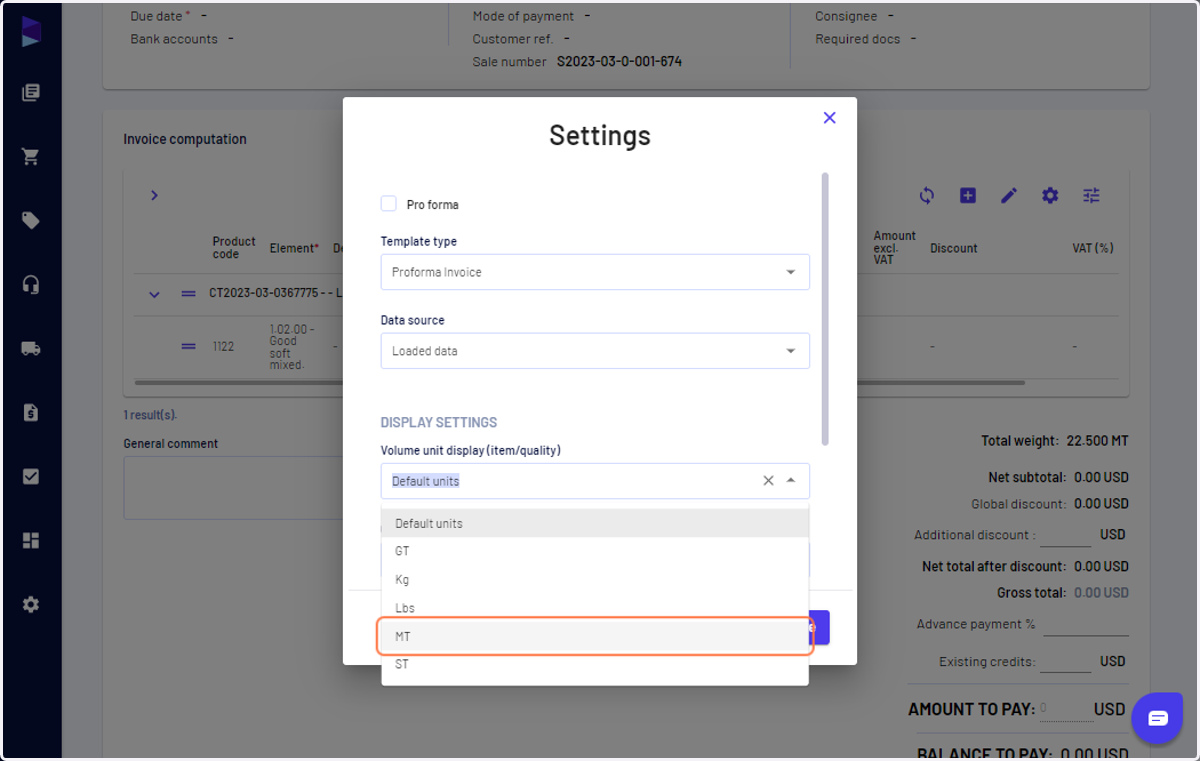
7. Here you can select the unit
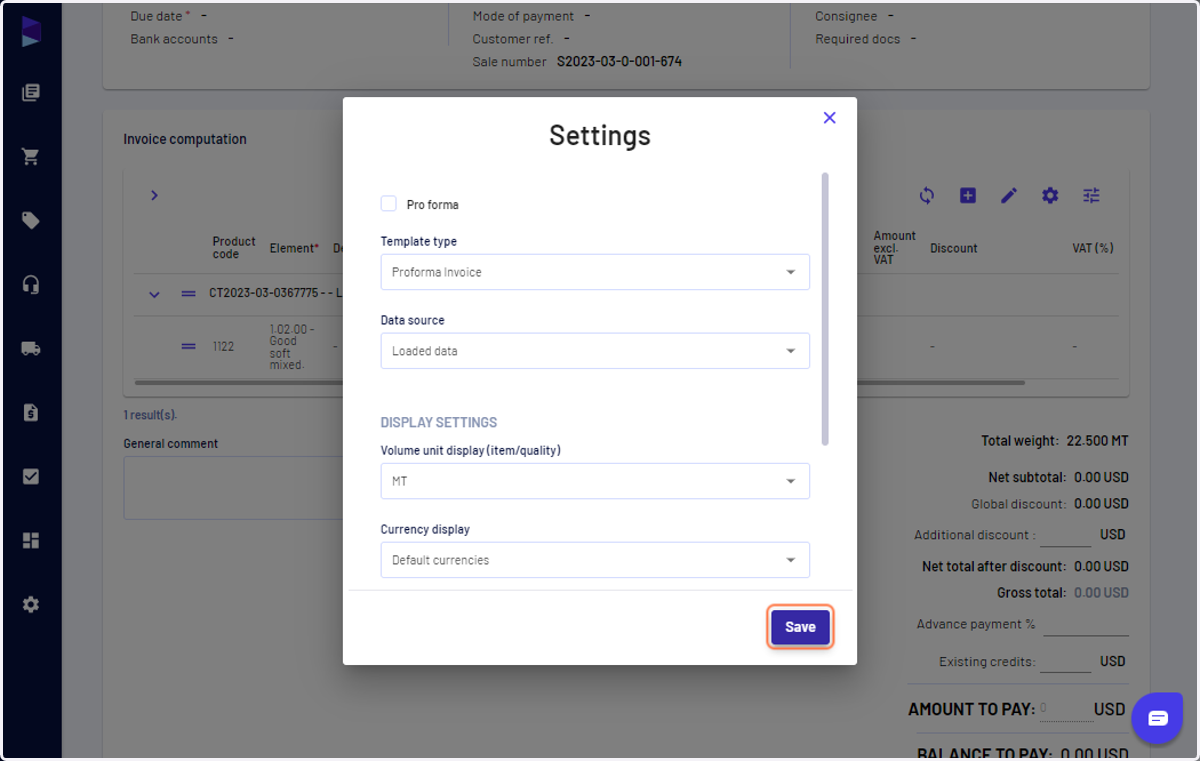
8. Click on "Save"
You can also choose invoice template, default currency and data source in this menu
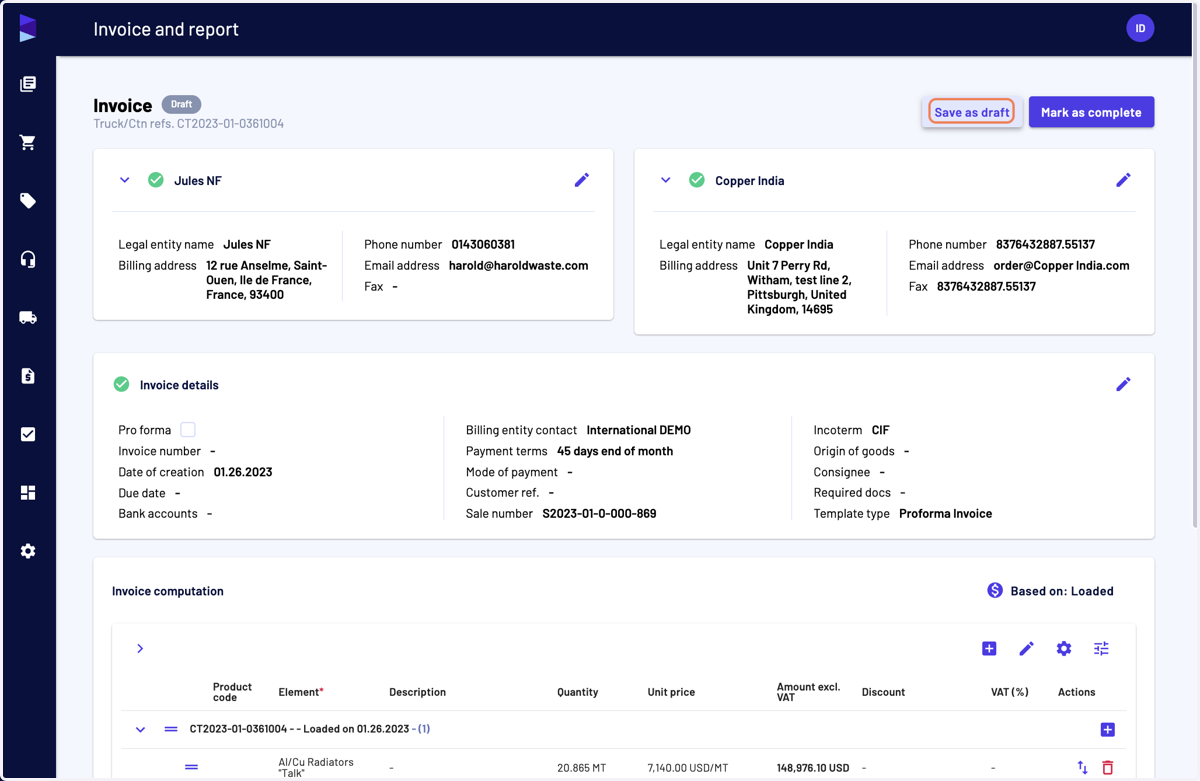
9. Once your invoice is ready, click on "Save as draft" if you want to make further changes or on "Mark as complete" if you won't
10. Then you can download the invoice by clicking on its number