Managing Customer Password Policies | GT_GEN_010
In this tutorial, we'll take a look at how you can set up various password policies on your Infigo storefront. This includes the ability to set an automatic expiry, along with the requirement of different types of characters in any generated password.
In addition, we'll see how to set any customers password as expired, forcing them to reset it upon next login.
1. Begin by navigating to Customer Settings
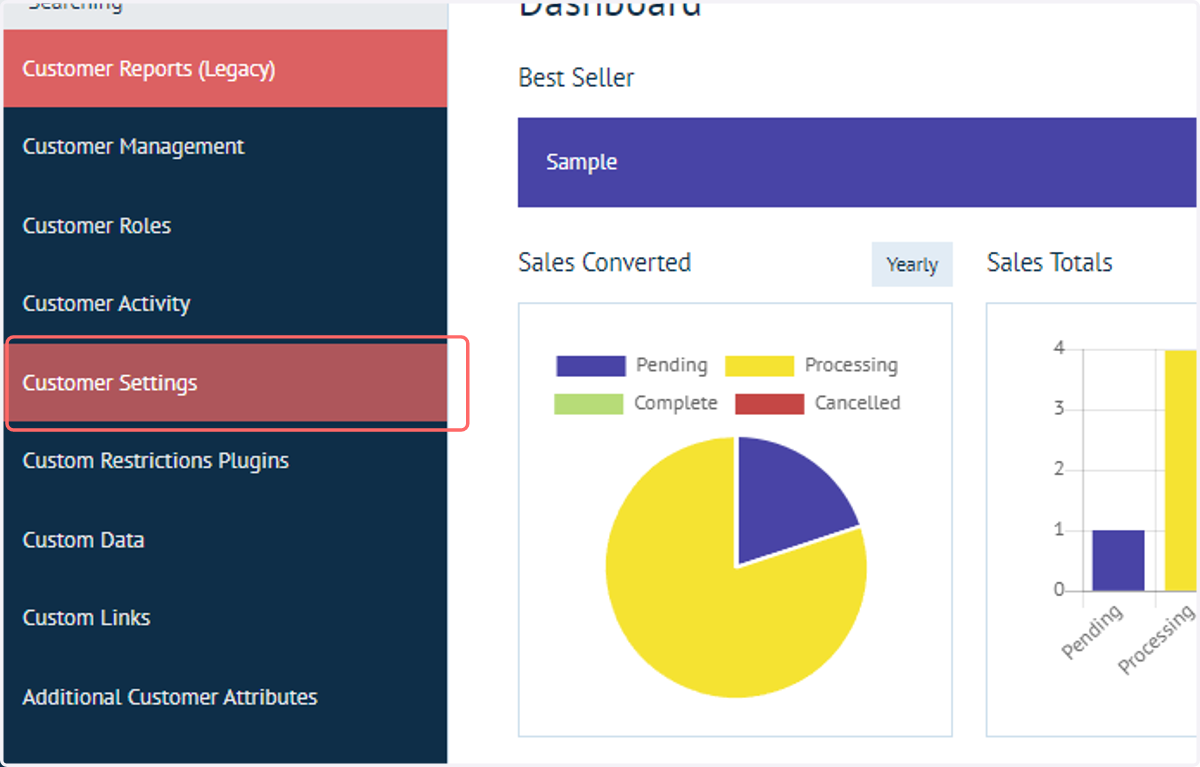
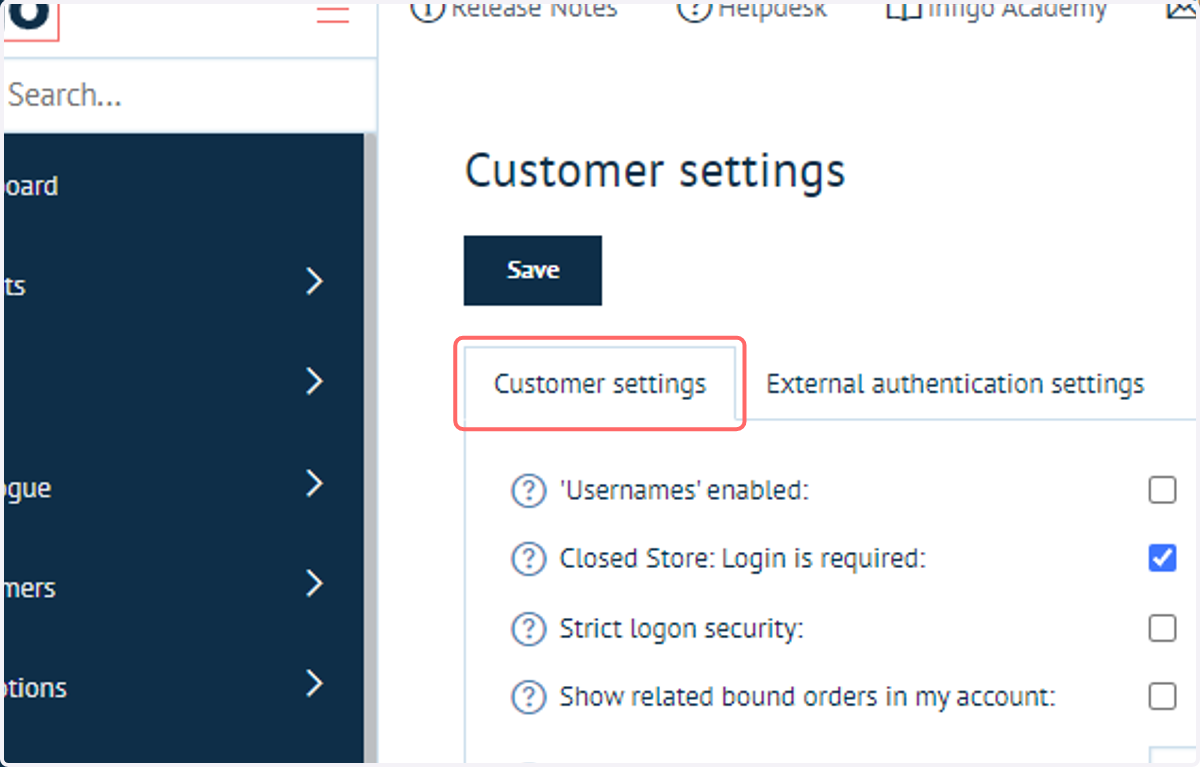
2. Click on Customer settings
3. Scroll to Password settings section
This section contains all of the primary password policy capabilities of your Infigo platform.
Most of these settings are related to controlling the length of and the type of characters required in your customer passwords.
There are some additional capabilities as well.
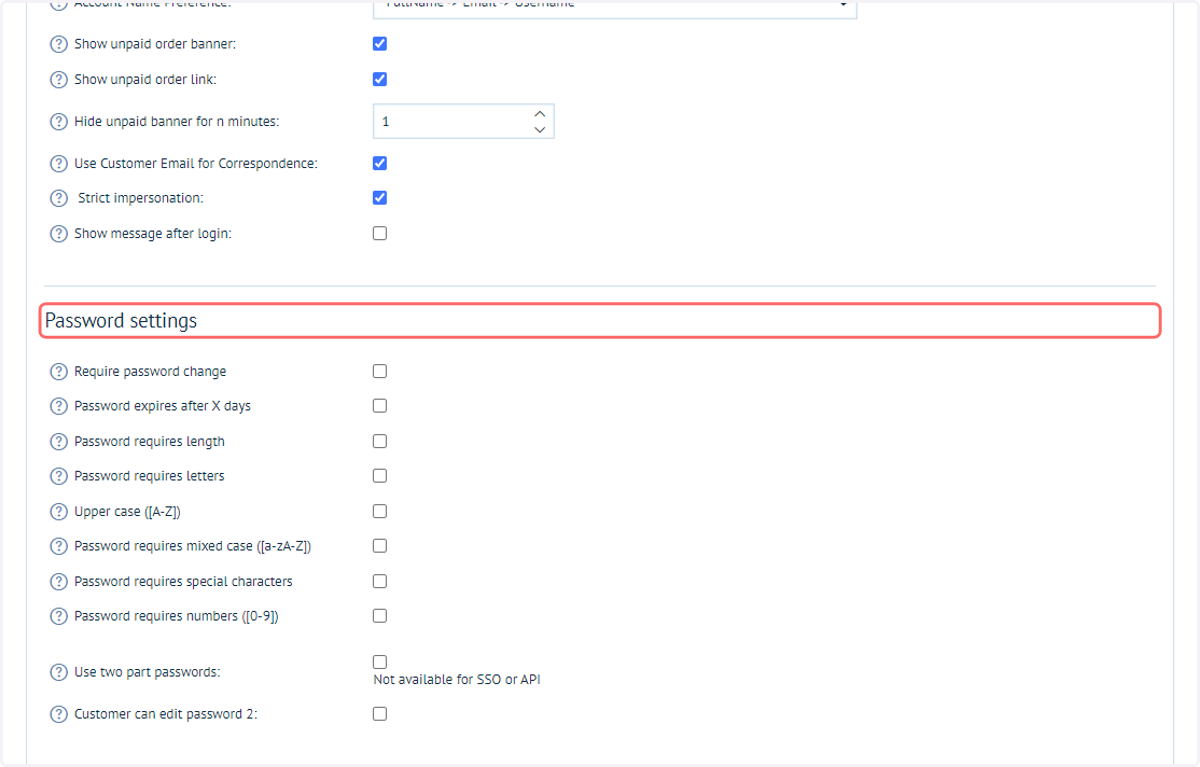
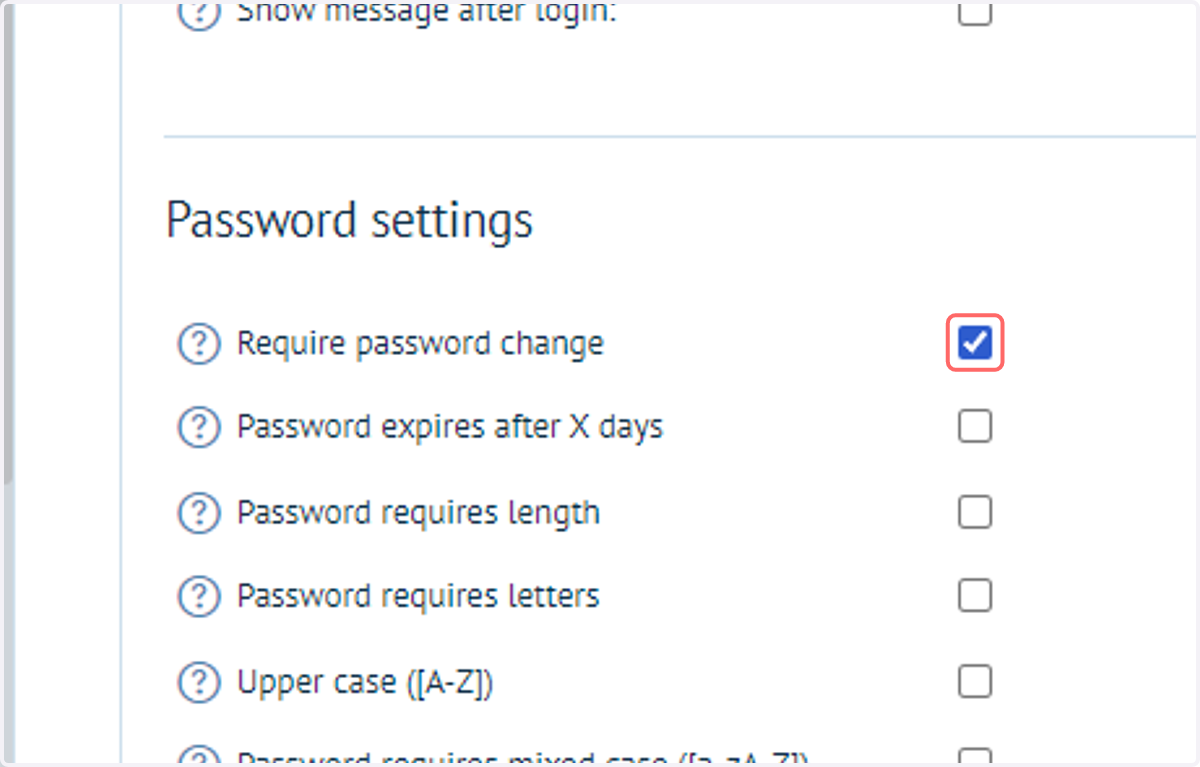
4. Check Require password change
When enabled, customers created via admin, API, or CSV must change their password upon first login. This does not apply to customers who register via a registration form.
This setting is enabled by default for new storefronts.
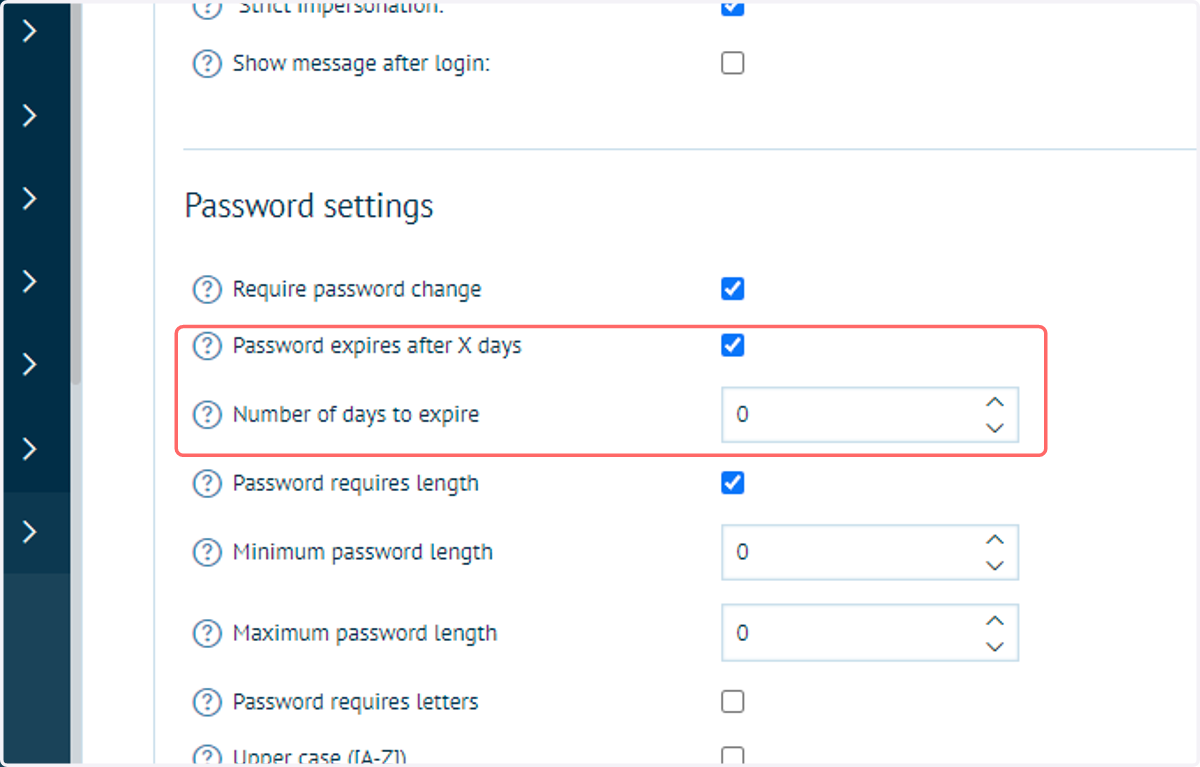
5. Check Password expires after X days
This setting (and the following setting requesting a number of days) allows an admin to force a password reset after a specific number of days.
When attempting to log in after expiry, a customer will be prompted to reset their password.
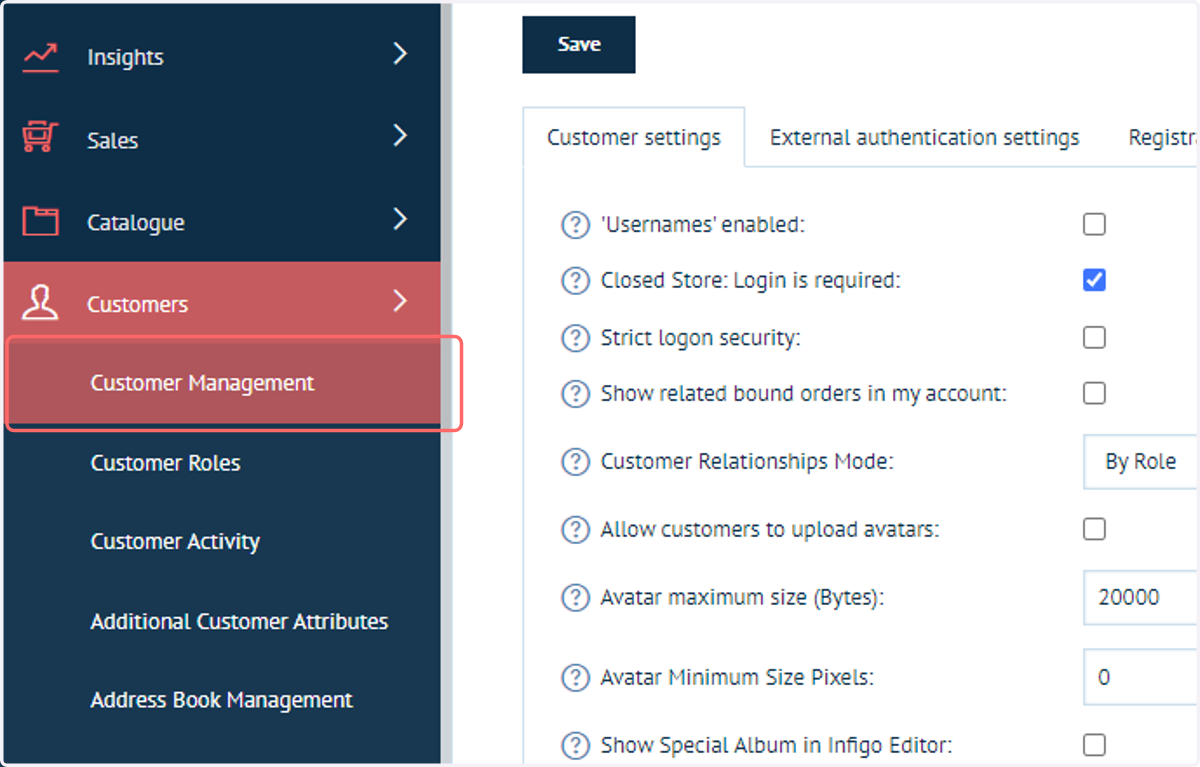
6. Next, navigate to Customer Management
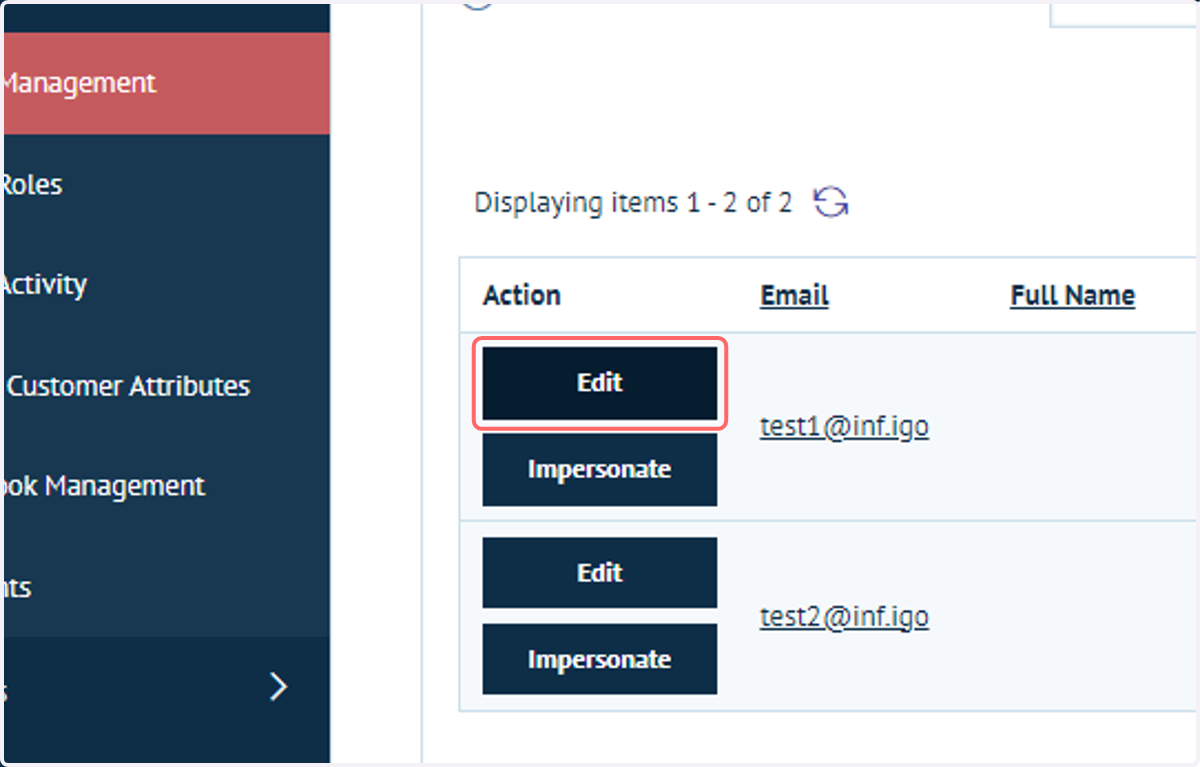
7. Click on Edit next to any customer account
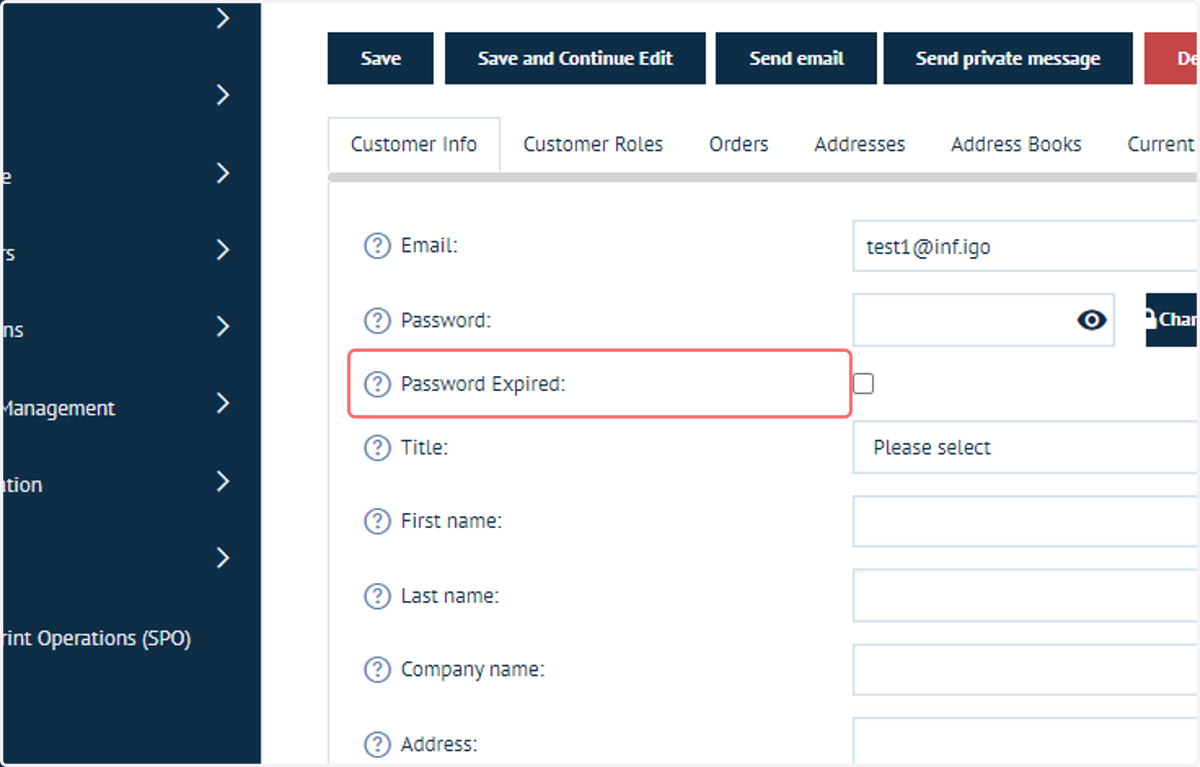
8. Passwords can be updated from this screen
New passwords can either be manually entered, or can be automatically formulated using the Generate button.
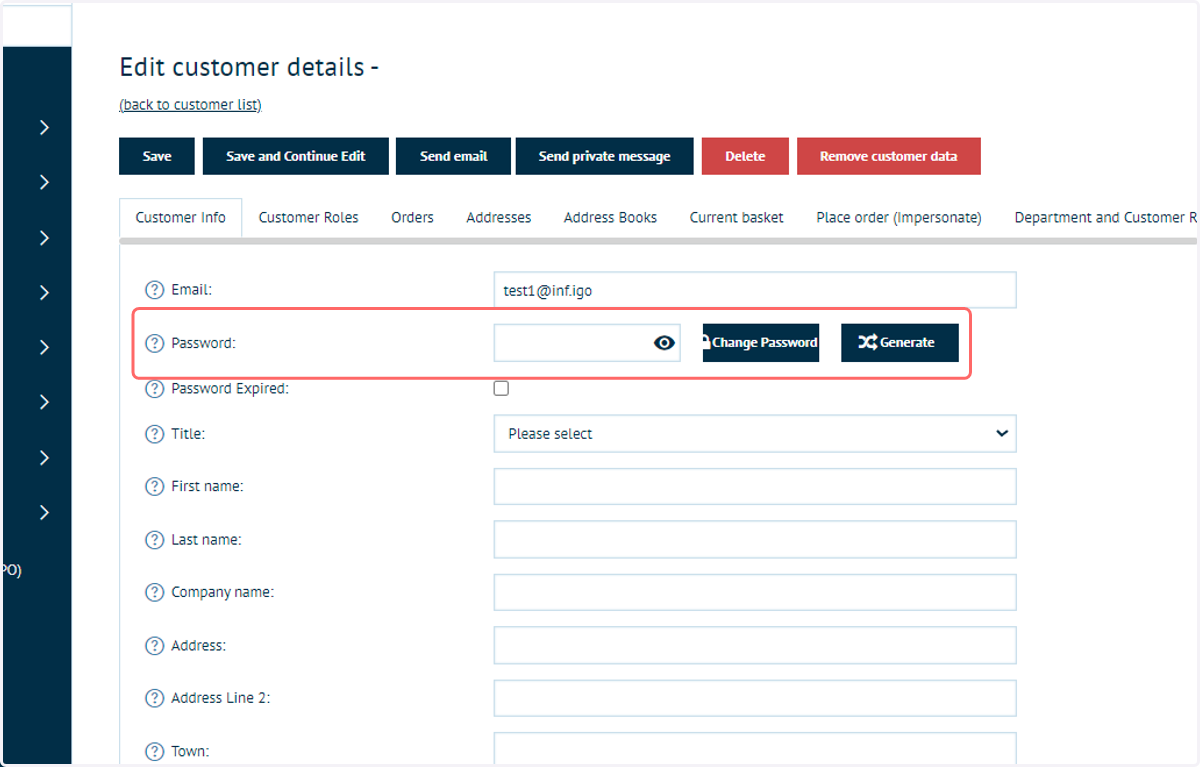
9. A password can also be set to be expired, meaning the customer will need to reset it upon next login.