5. Log into your HBA account if you are not already logged in. Then click on your name in the top right hand corner to be taken to YOUR profile.
6. Click on My Reports
7. Click on the settings icon
8. Click on Impersonation
9. Paste the Web Login Name into the field by pressing Control+V
10. Click on Impersonate
11. Now you should be logged in as the person you are trying to update. Click on Profile
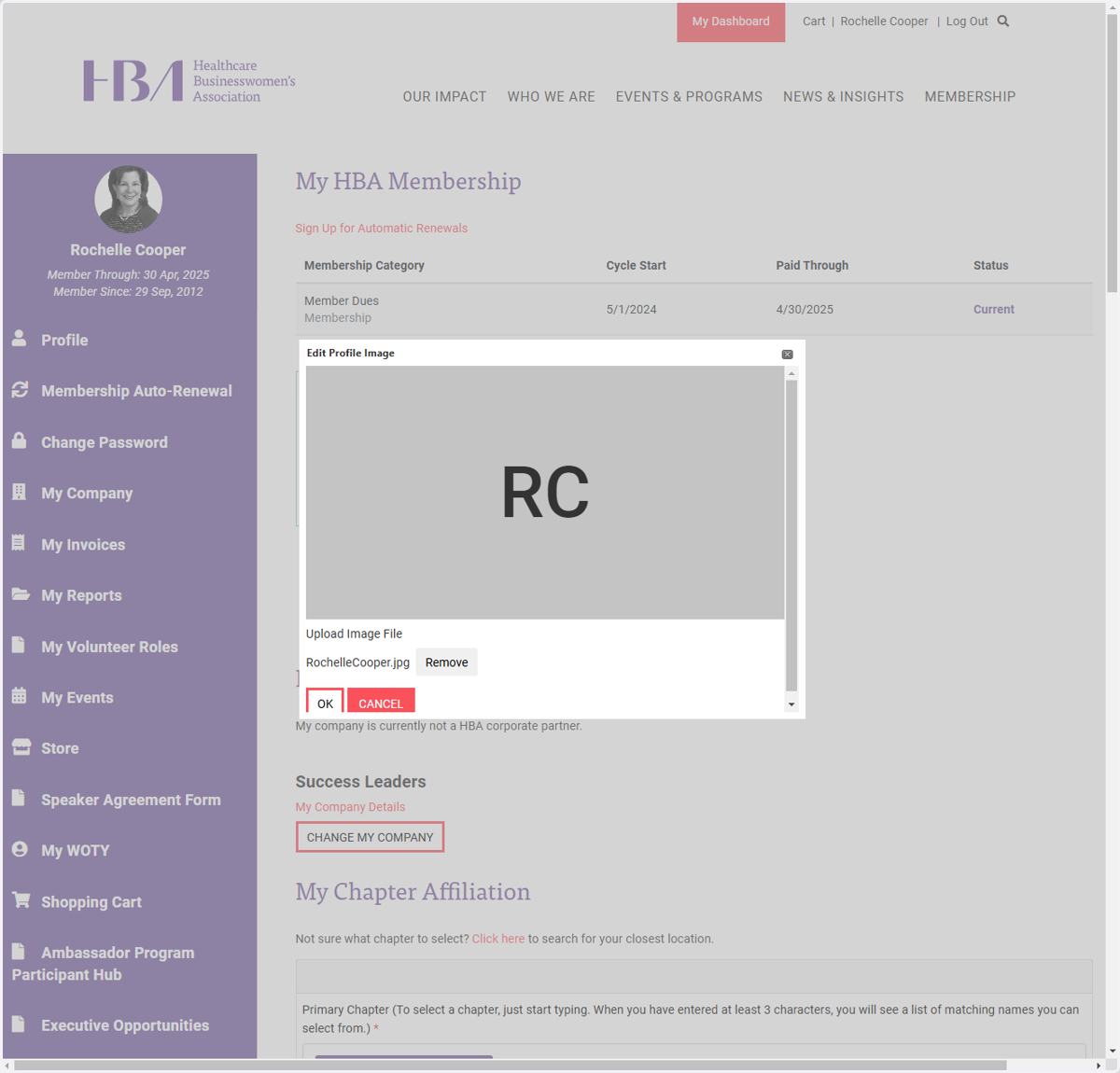
12. Click on the pencil icon next to profile image currently showing
13. Click Remove
14. Select Browse and select the file image you want to insert
15. Click on OK
16. Click on Profile, and make sure the image is appearing correctly. You may need to repeat steps 12-15 (as the system sometimes doesn't save the change)
17. Once everything is correct, you can simply click on Log Out