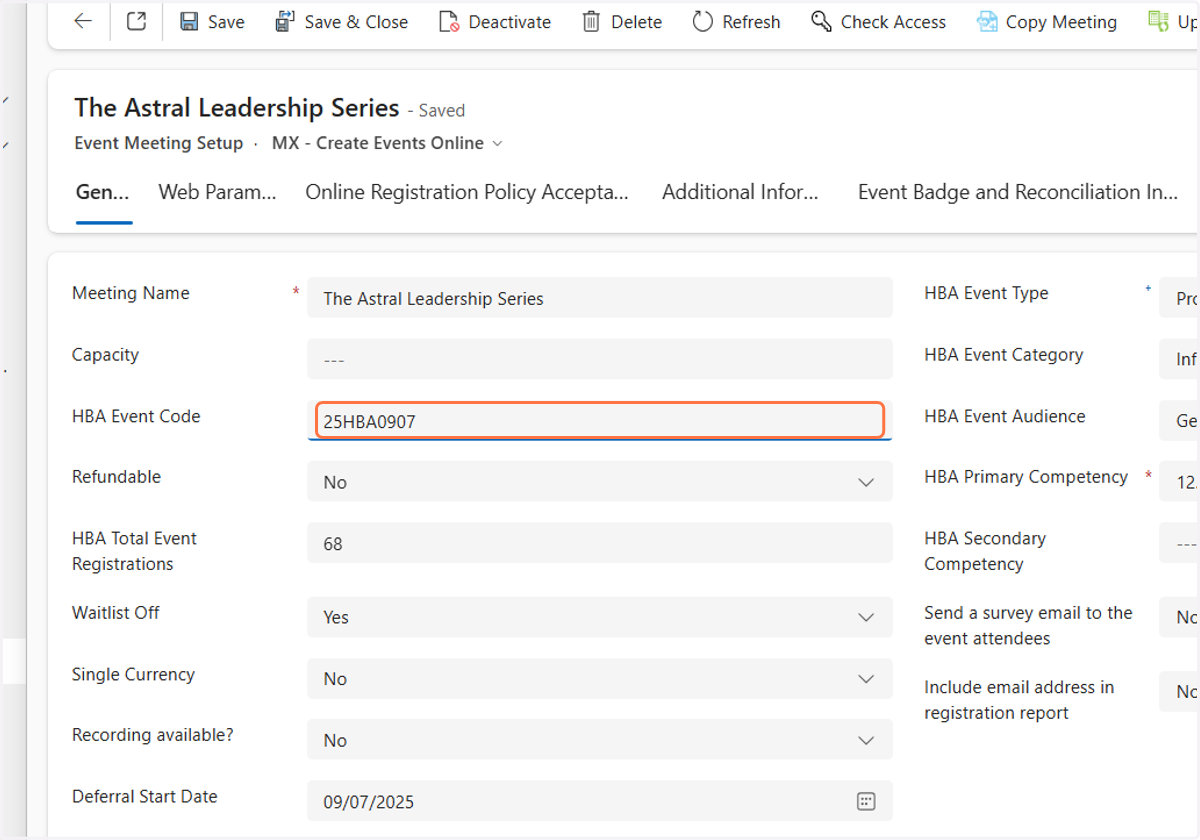
Events - How to find the Meeting ID or HBA Event Code
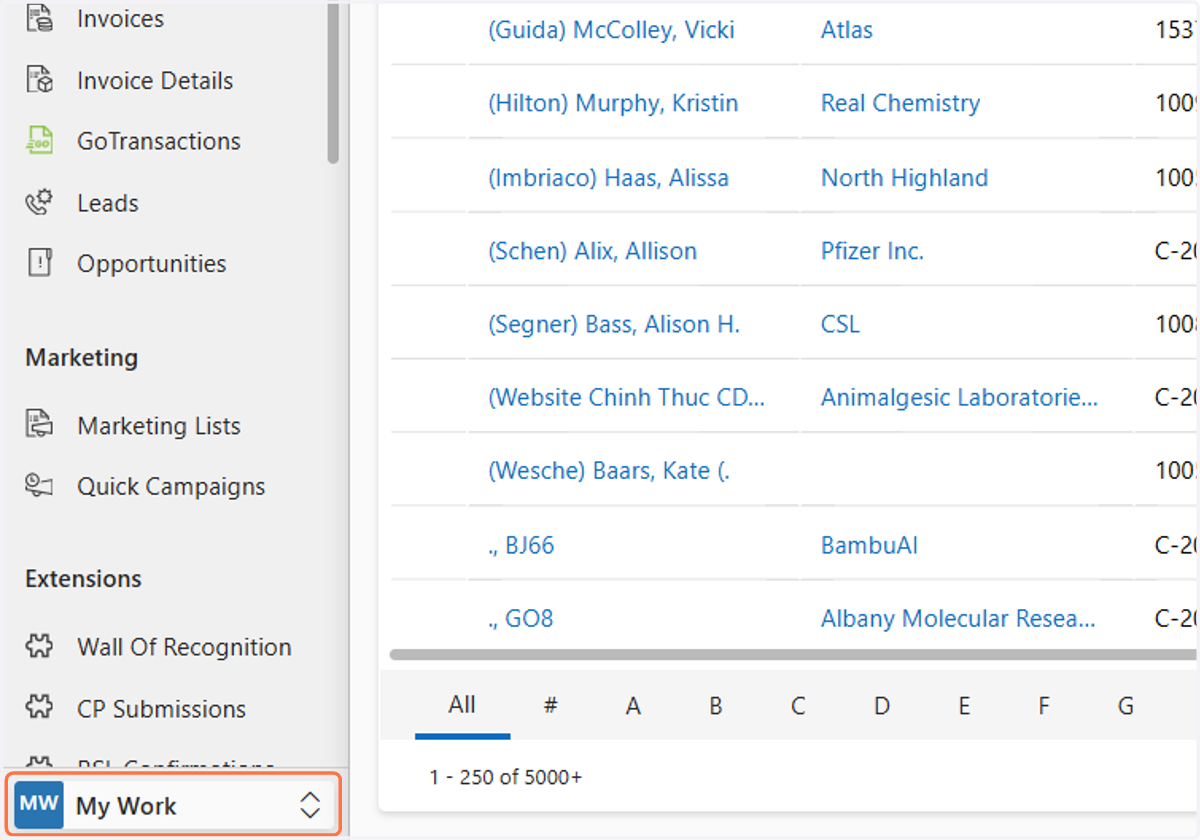
1. Click on My Work
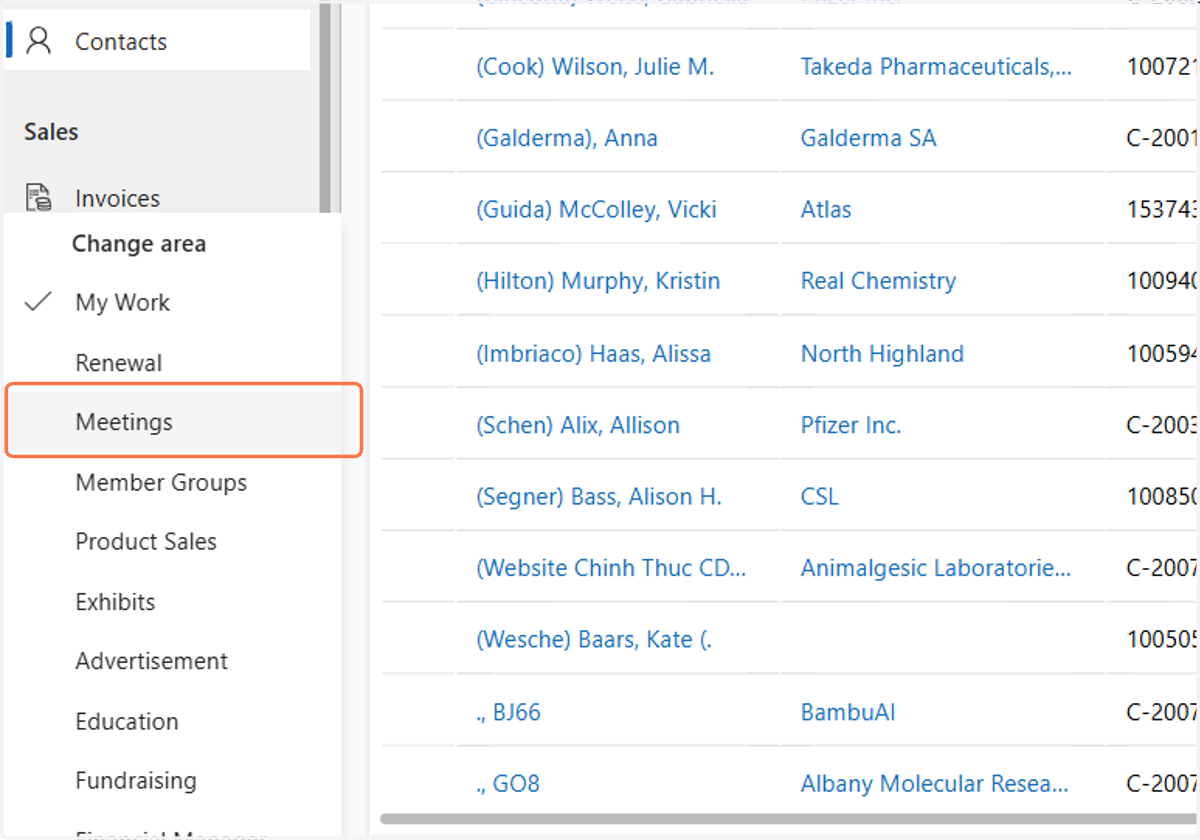
2. Click on Meetings
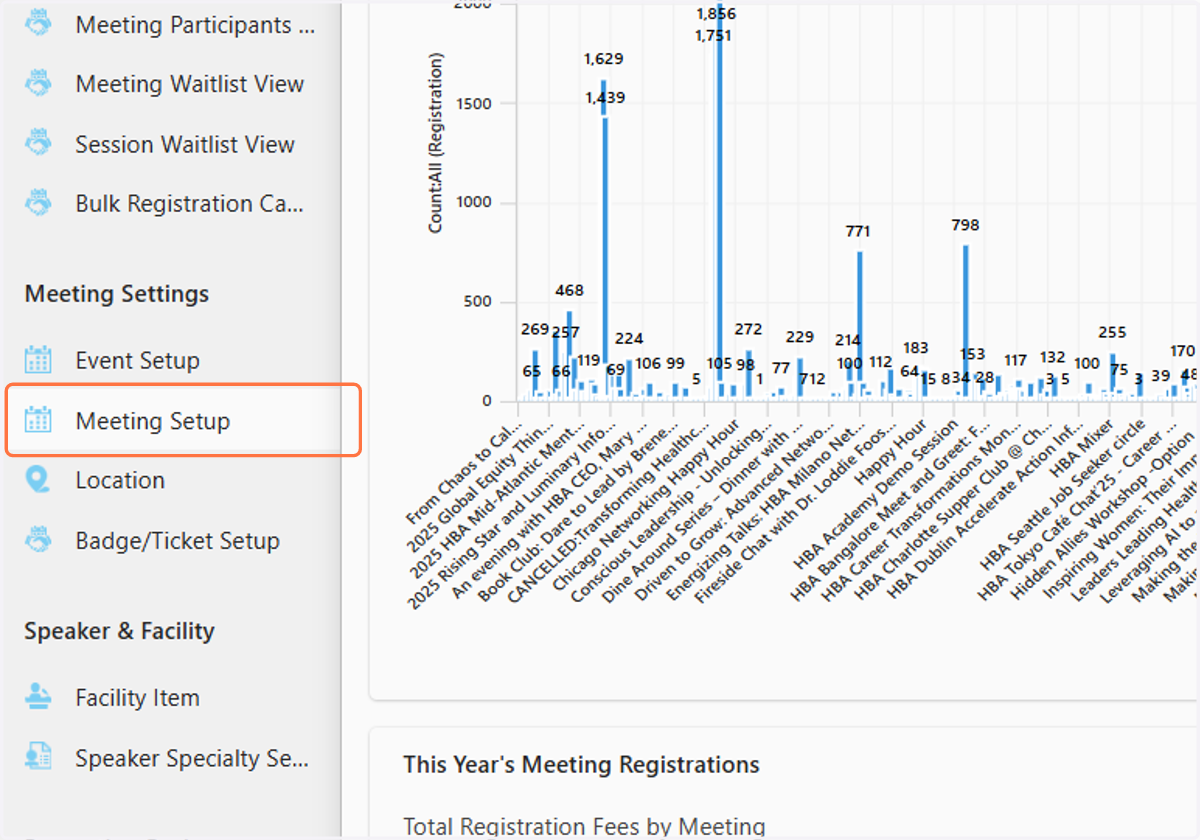
3. Click on Meeting Settings
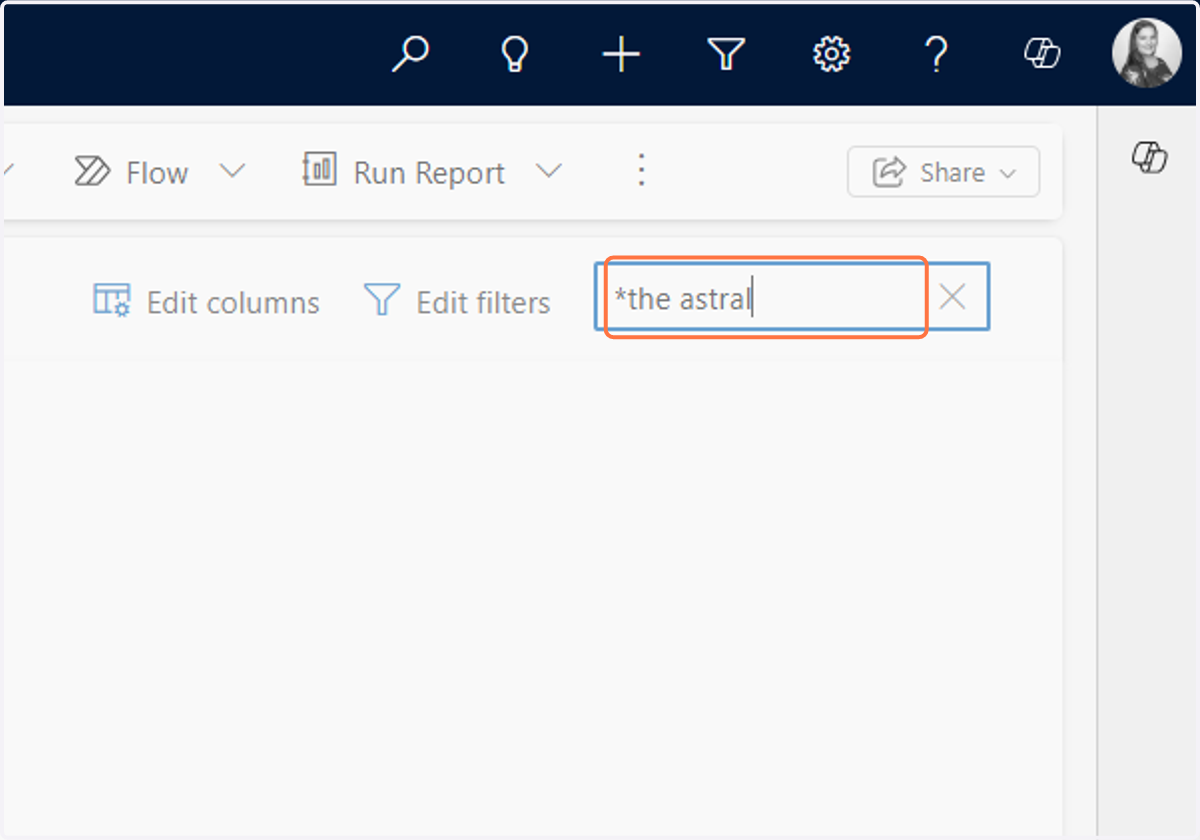
4. In the search bar type the name of the event. In this example we used "*the astral"
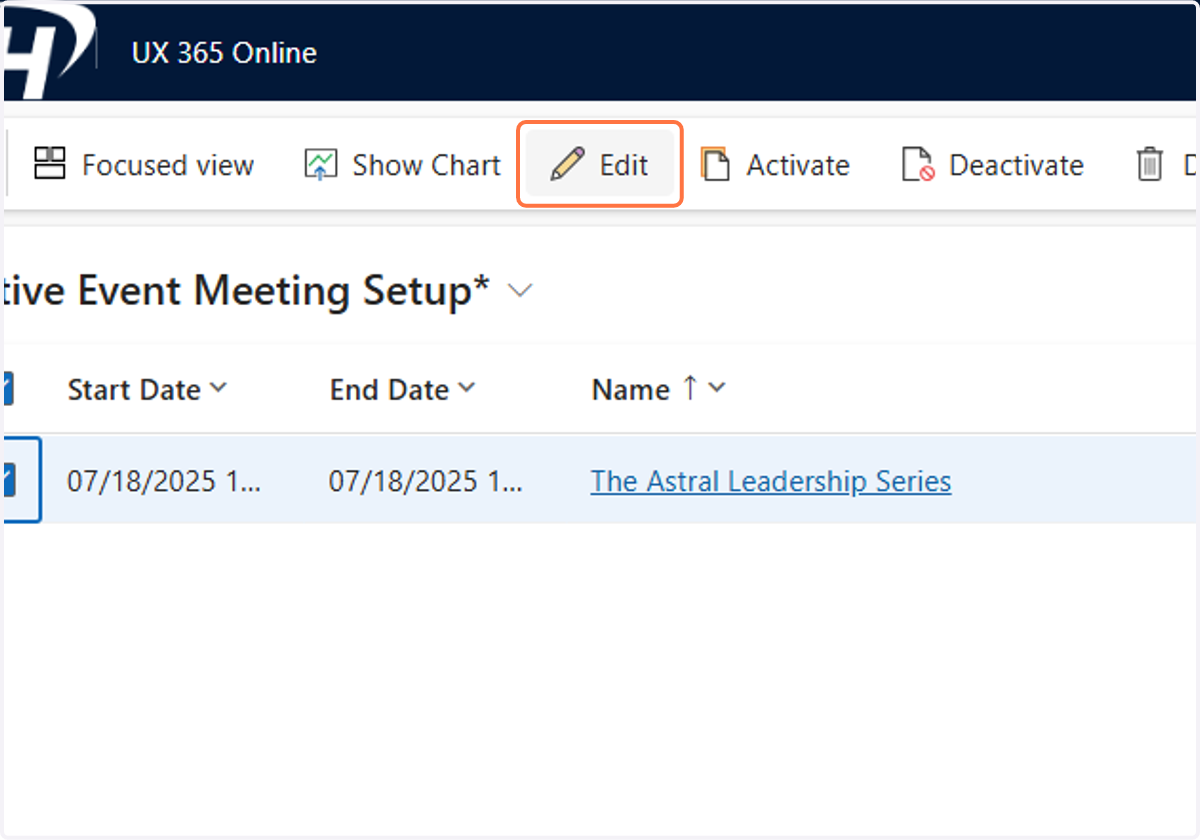
5. Click on the event and then click Edit
6. You can find the HBA Event Code in the HBA Event Code field