How to view Multiple Files Progress Report
Elitesuiteke
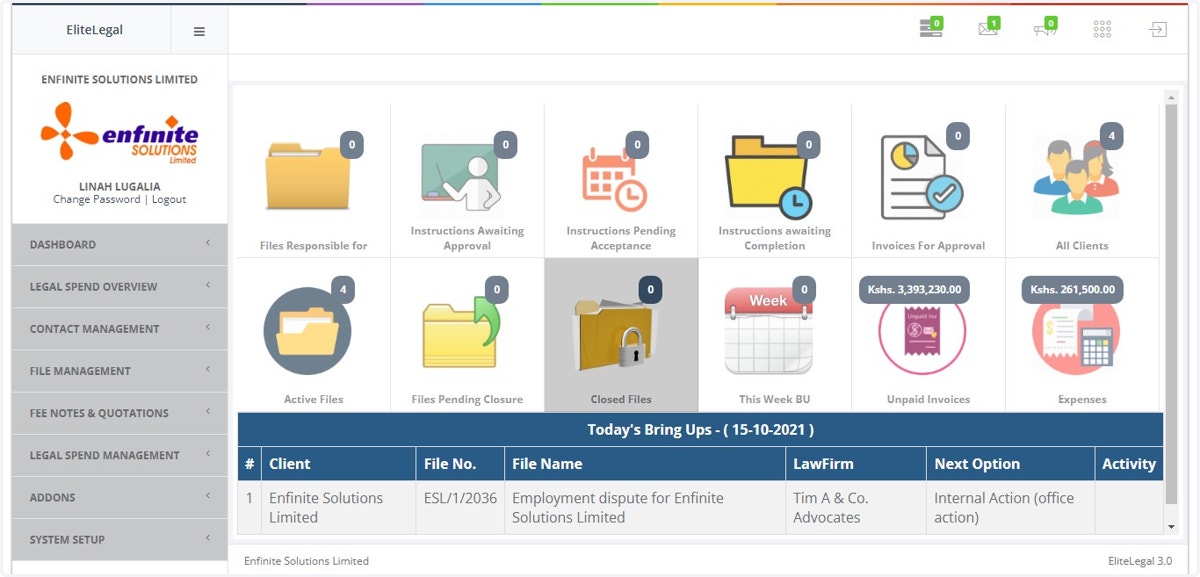
1. Log into the system
2. Go to File Management module
3. Click on File Status Reports link
4. Click on Multiple Files Progress Report option
5. Fill in the details in the pop out form
I.e. as shown below choose the client, responsible Legal Officer, select the status(opened, in progress, dormant) and Progress Date. Once done click on the Search button to view the report.