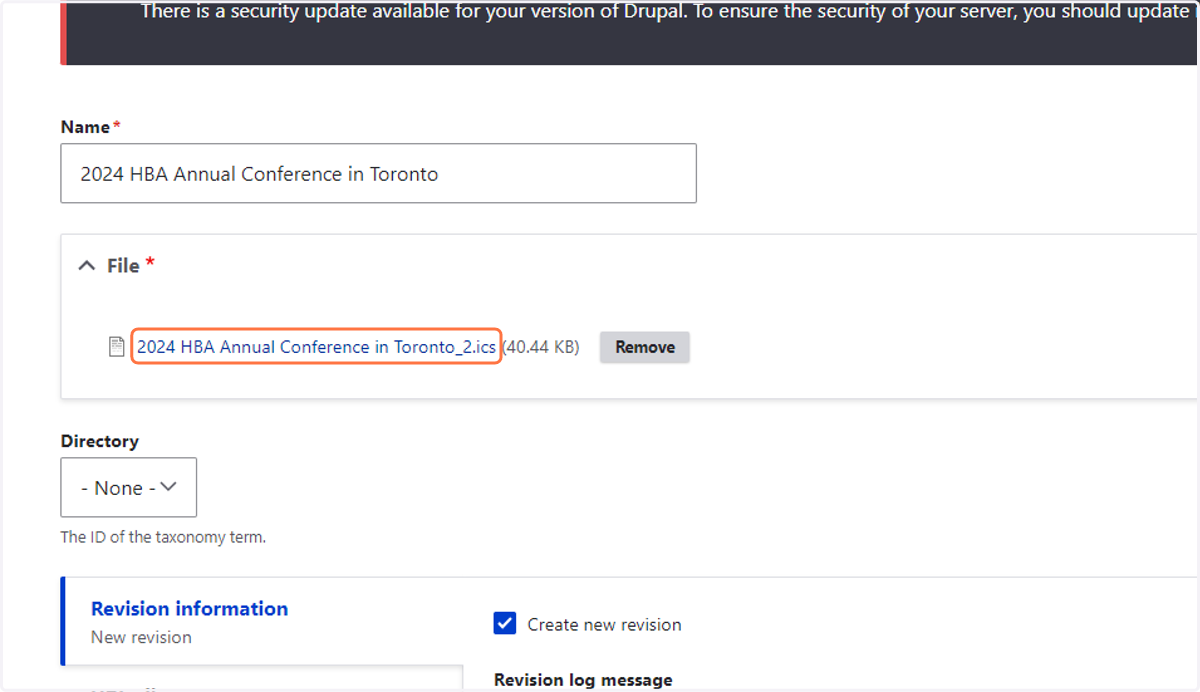
Creating an Add to Calendar Link for an Event
1. Create an Outlook Calendar Appointment with the details of the event.
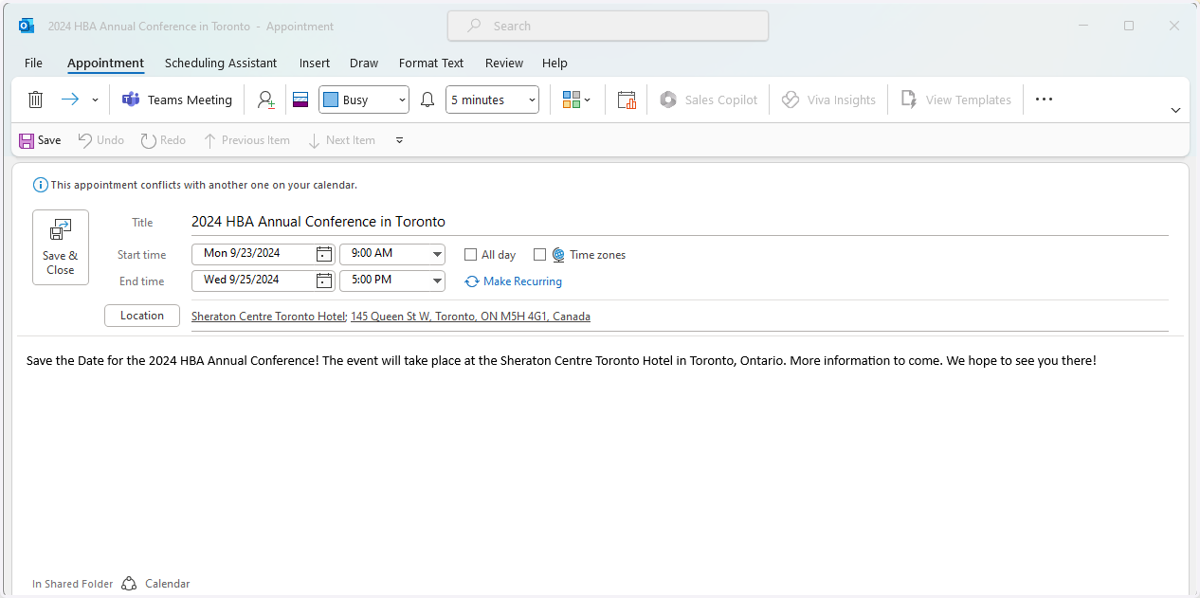
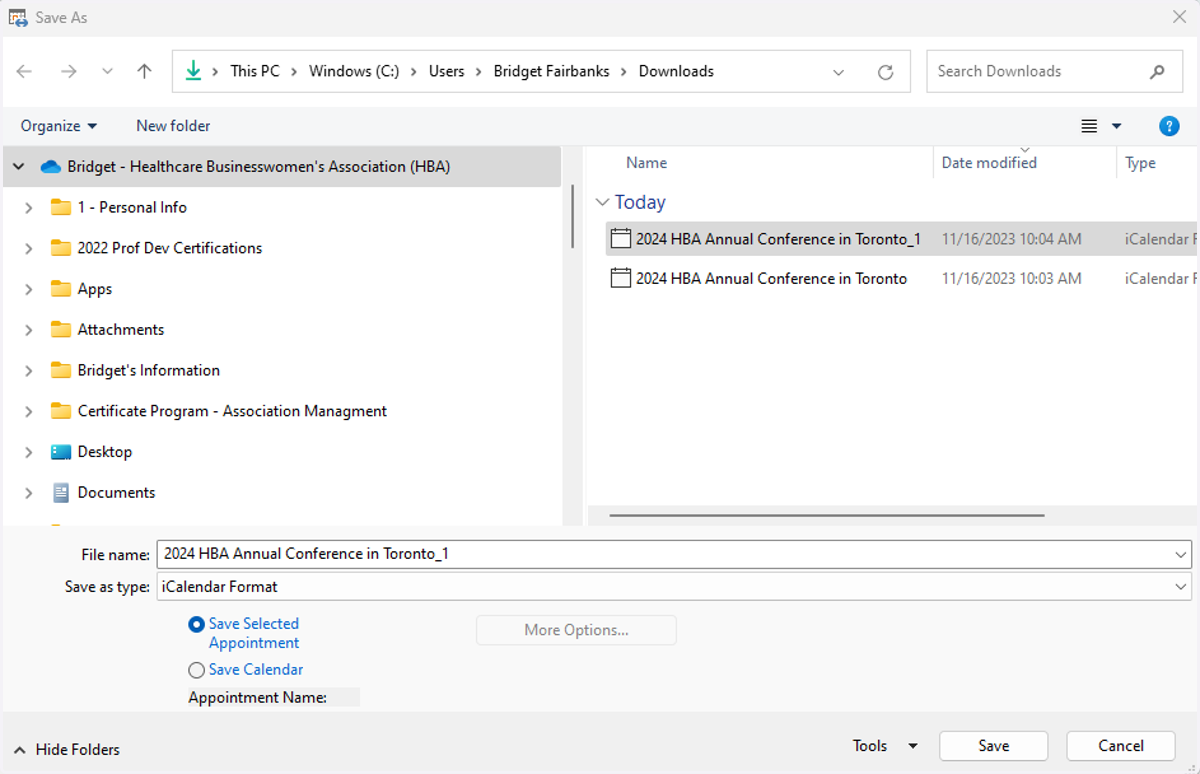
2. When complete, click on "File" then "Save As" and input a File Name and Save as type: iCalendar Format.
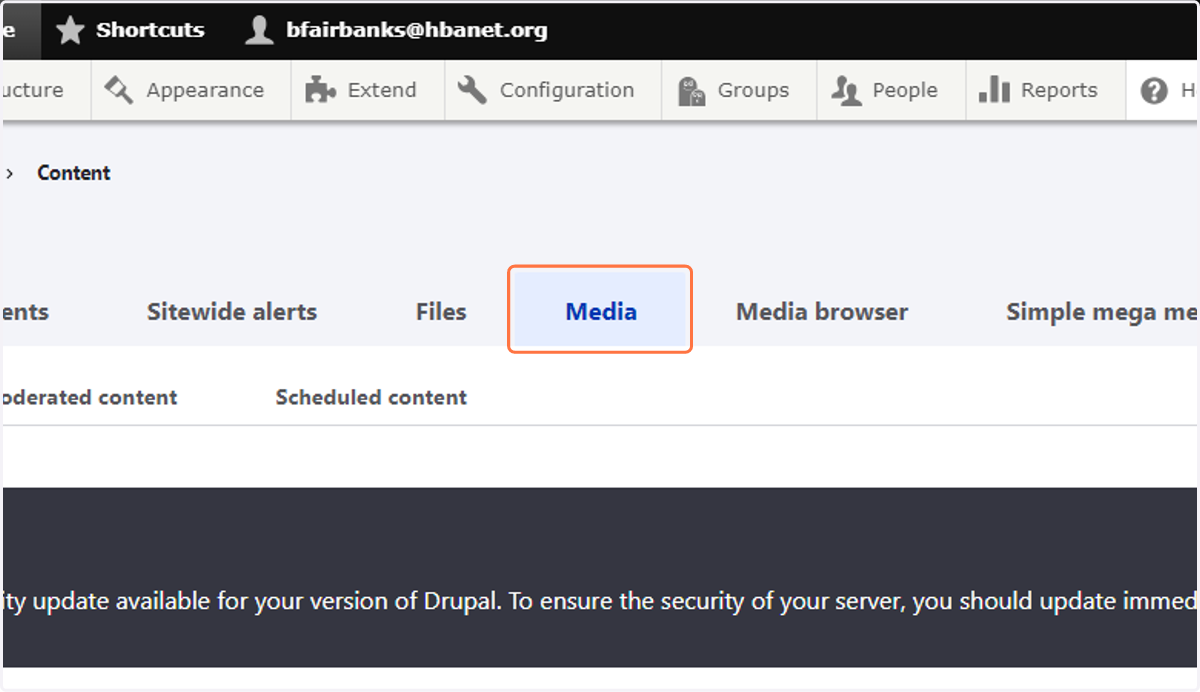
3. Click on Content
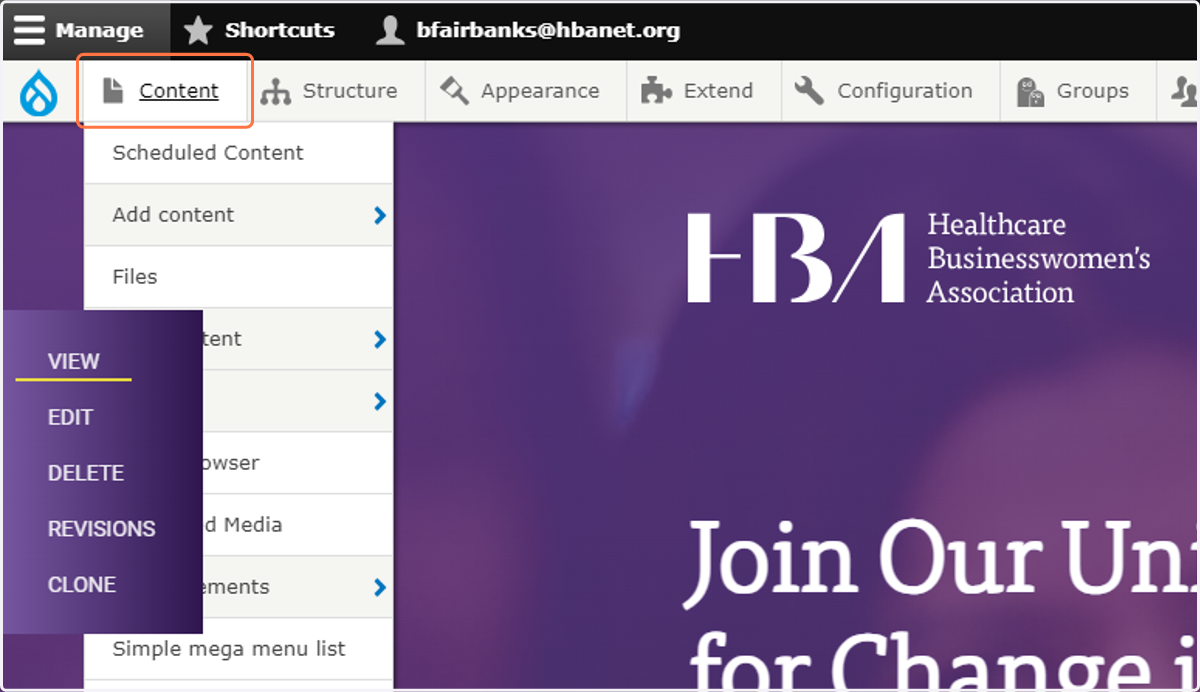
4. Click on Media
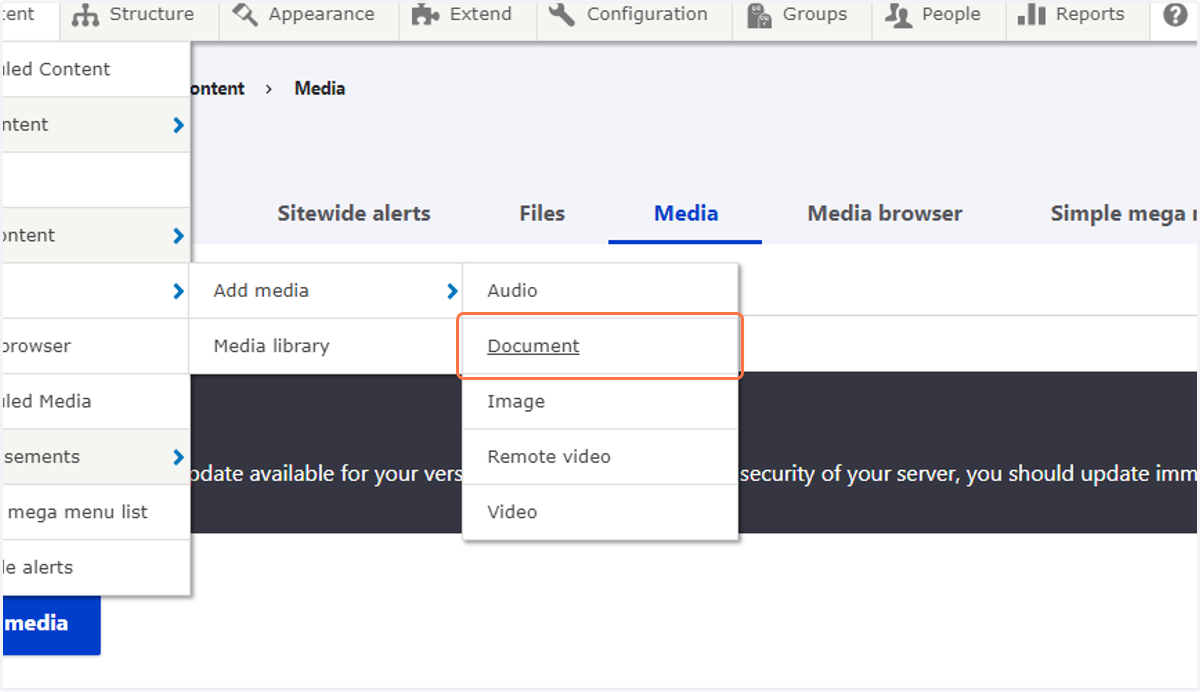
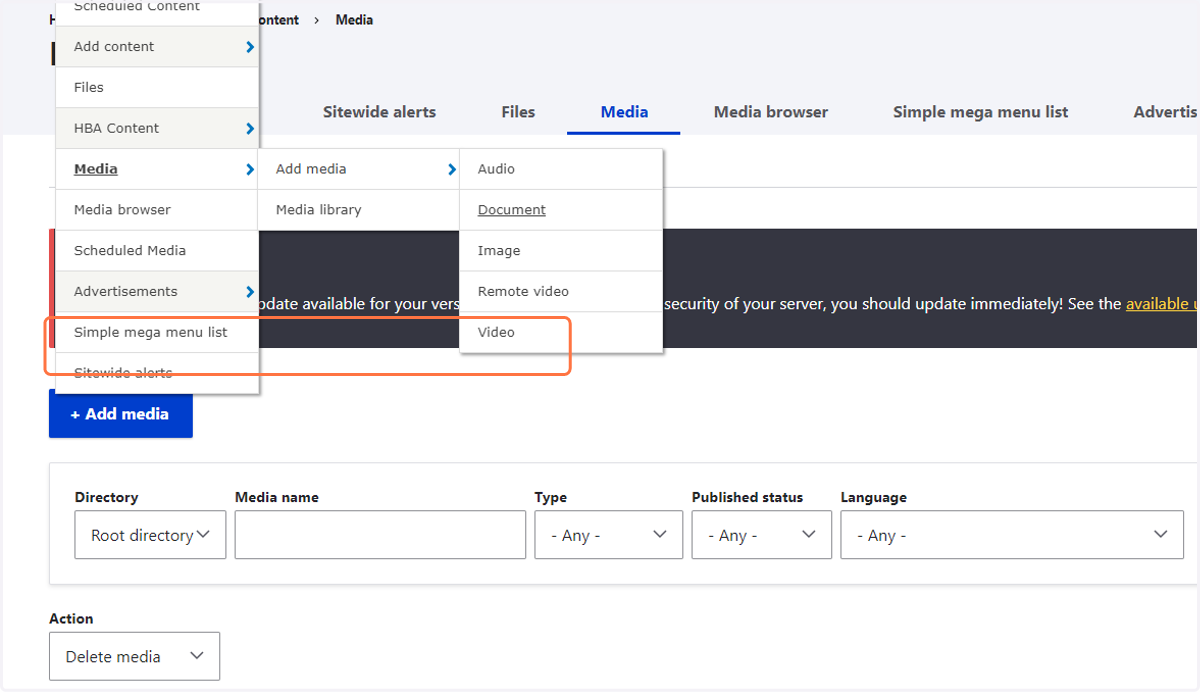
5. Click on Document
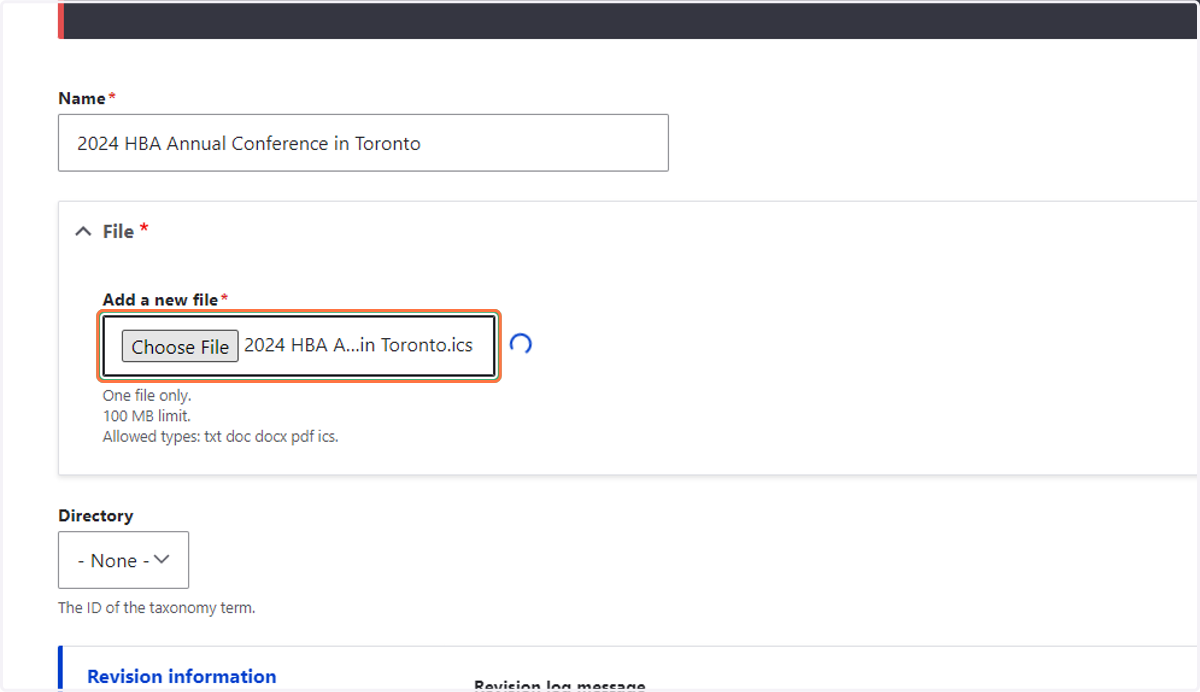
6. Type "2024 HBA Annual Conference in Toronto"
7. Select "2024 HBA Annual Conference in Toronto.ics" from file upload menu
8. Click on op
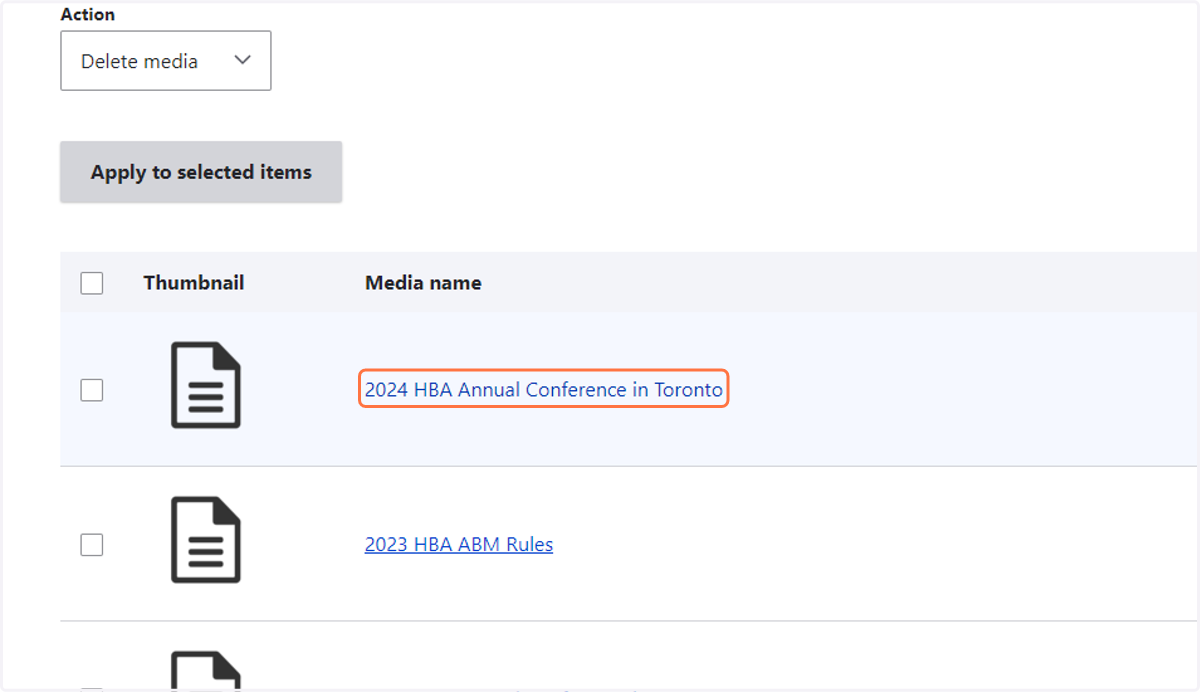
9. Click on 2024 HBA Annual Conference in Toronto
10. Right click on 2024 HBA Annual Conference in Toronto_2.ics