How To: Security Risk Assessment
In this chapter we will discuss how to complete a Security Risk Assessment. This initial audit is a crucial starting point for the rest of your HIPAA compliance plan.
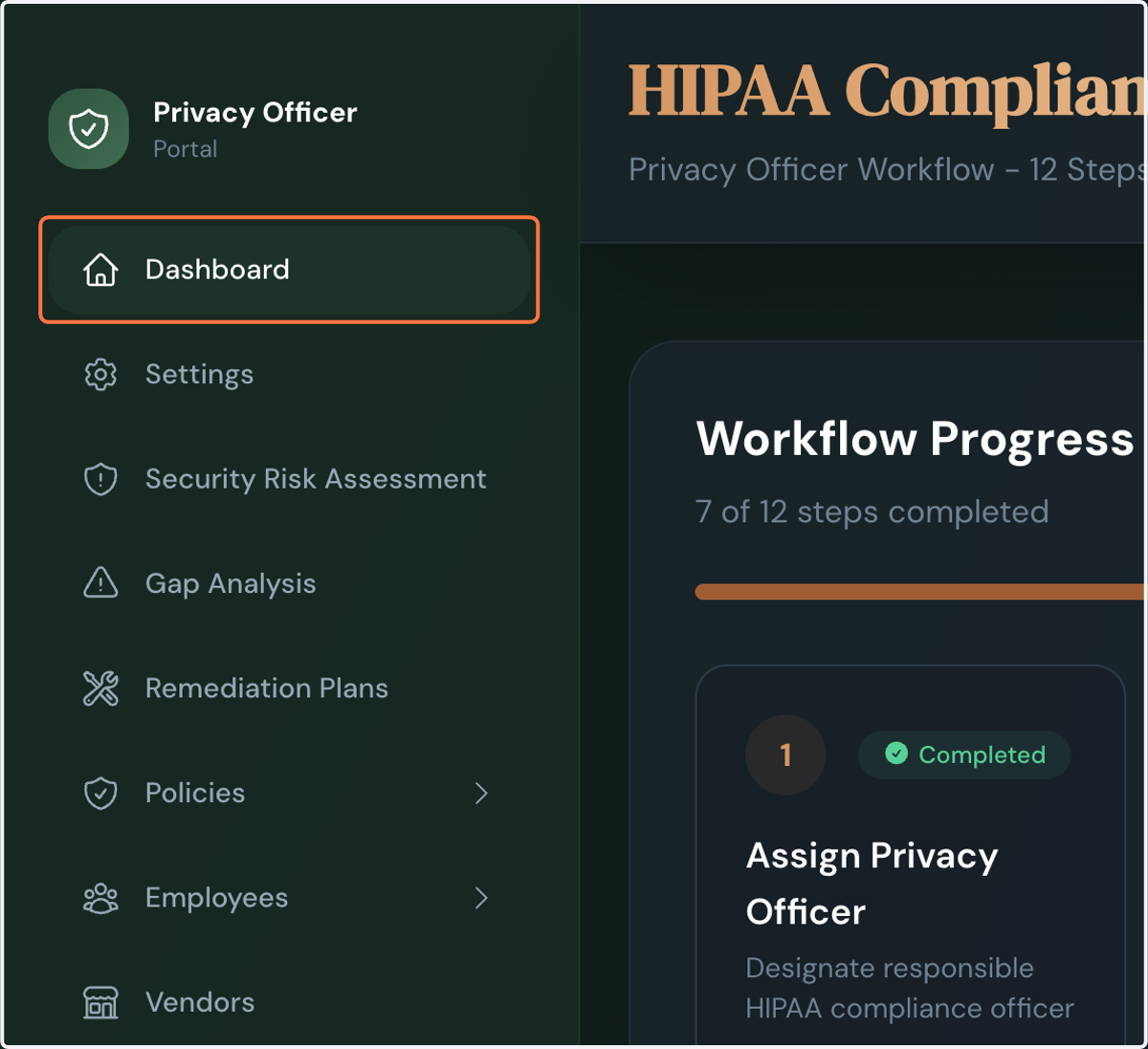
1. Click on Dashboard
Click on Dashboard to return to the screen containing the option for Security Risk Assessment.
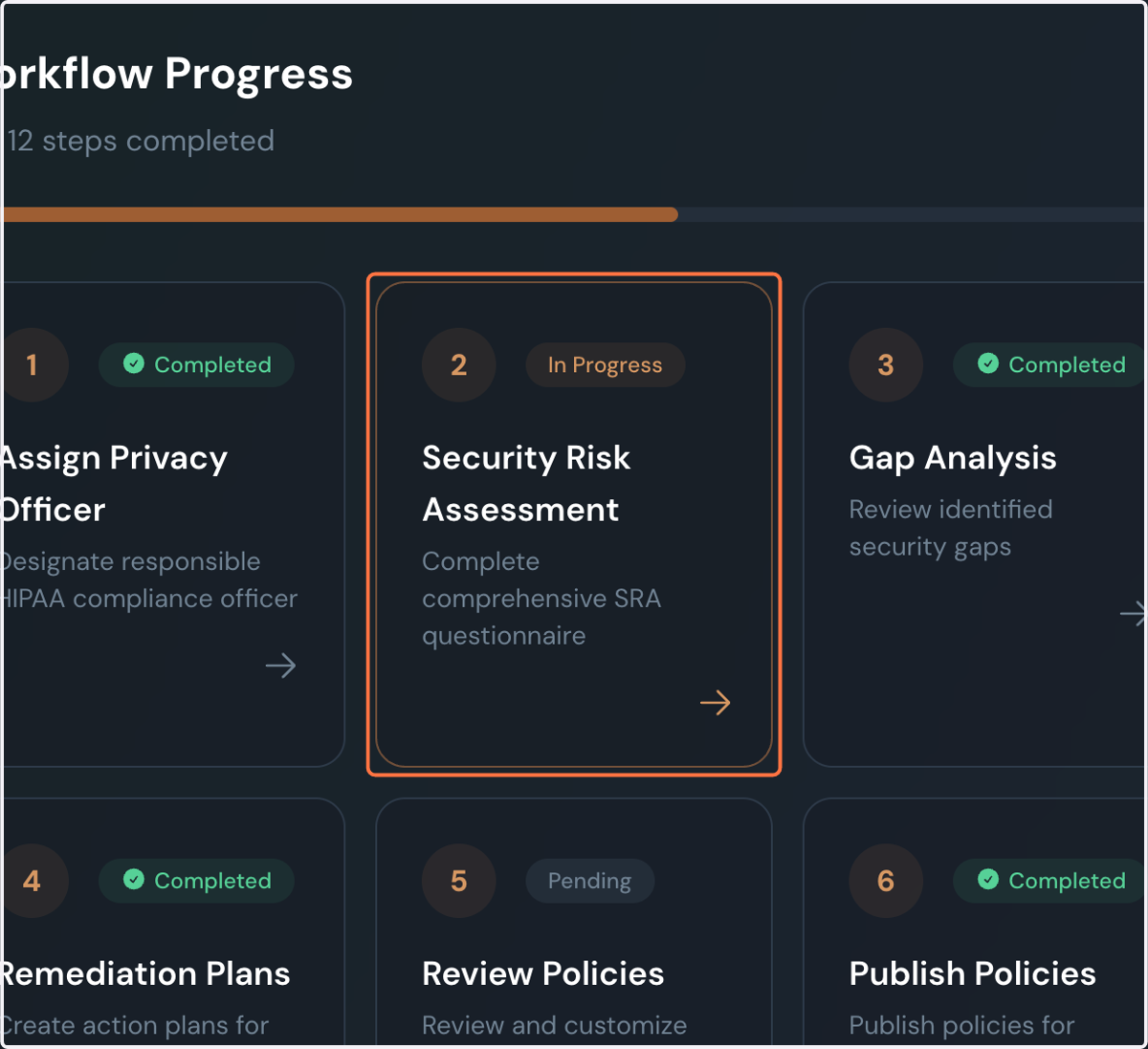
2. Click the box for Security Risk Assessment
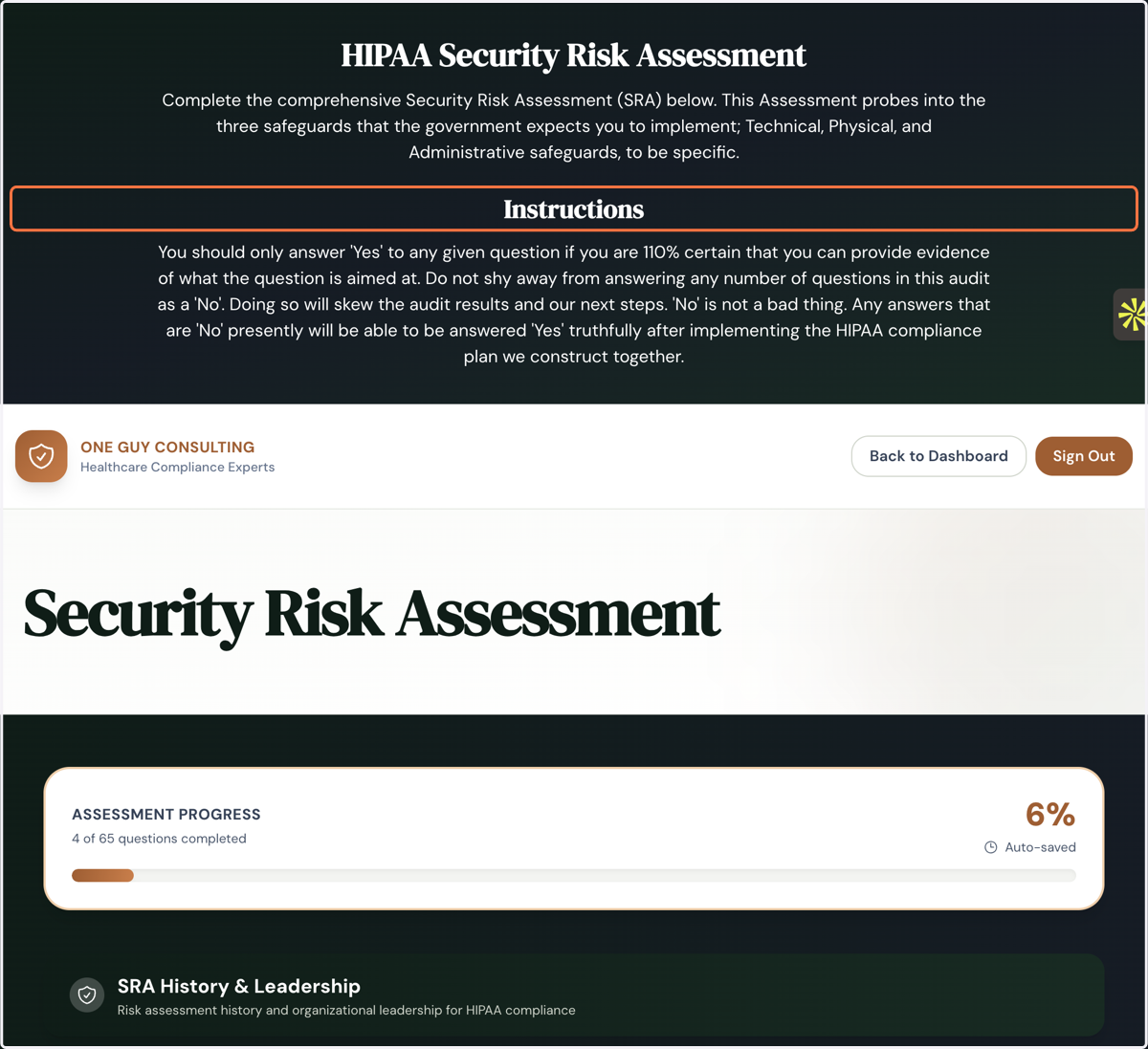
3. Instructions
You should only answer 'Yes' to any given question if you are 110% certain that you can provide evidence of what the question is aimed at. Do not shy away from answering any number of questions in this audit as a 'No'. Doing so will skew the audit results and our next steps. 'No' is not a bad thing. Any answers that are 'No' presently will be able to be answered 'Yes' truthfully after implementing the HIPAA compliance plan we construct together.
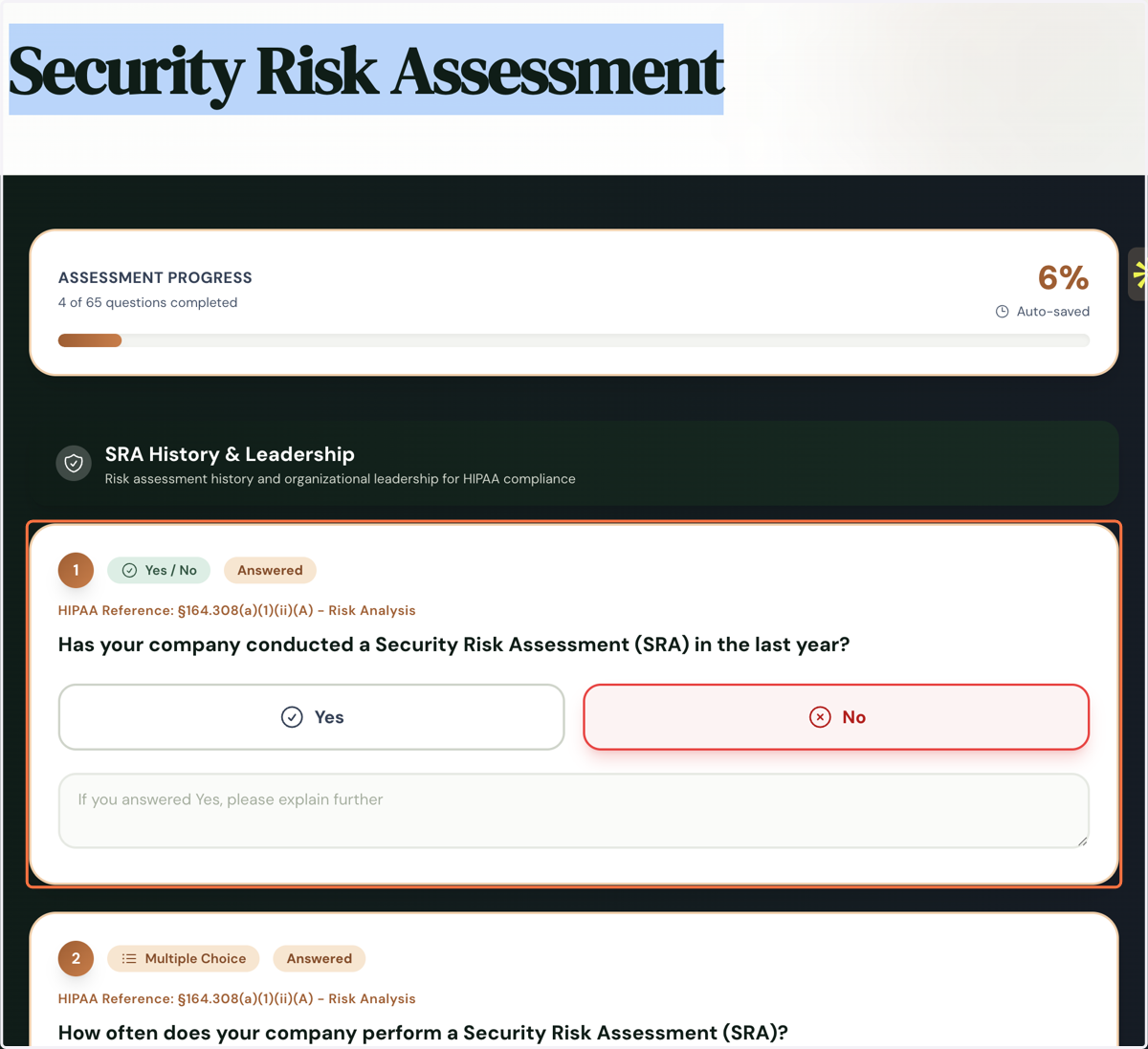
4. "Have I done an SRA in the last year?"
Since I'm not sure, I'm going to go ahead and select 'No'.
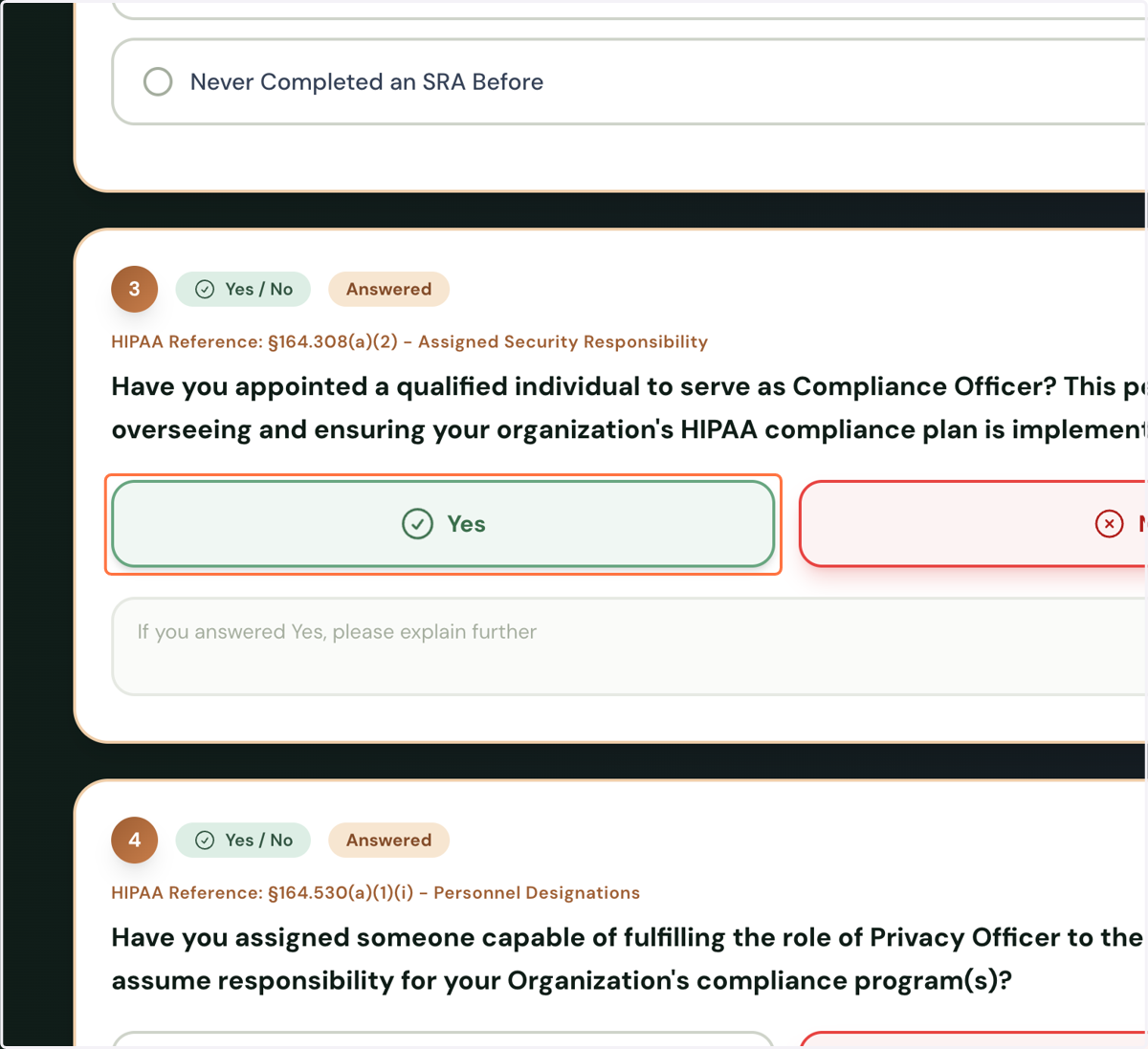
5. Since I know who my Privacy Officer is..
I am able to answer this question as a 'Yes'. In the open text field below, enter something like, "Privacy Officer is named Mike Smith."
6. Click on Complete Assessment
After answering the final question this button for 'Complete Assessment' will show up. Click when done to complete the assessment.
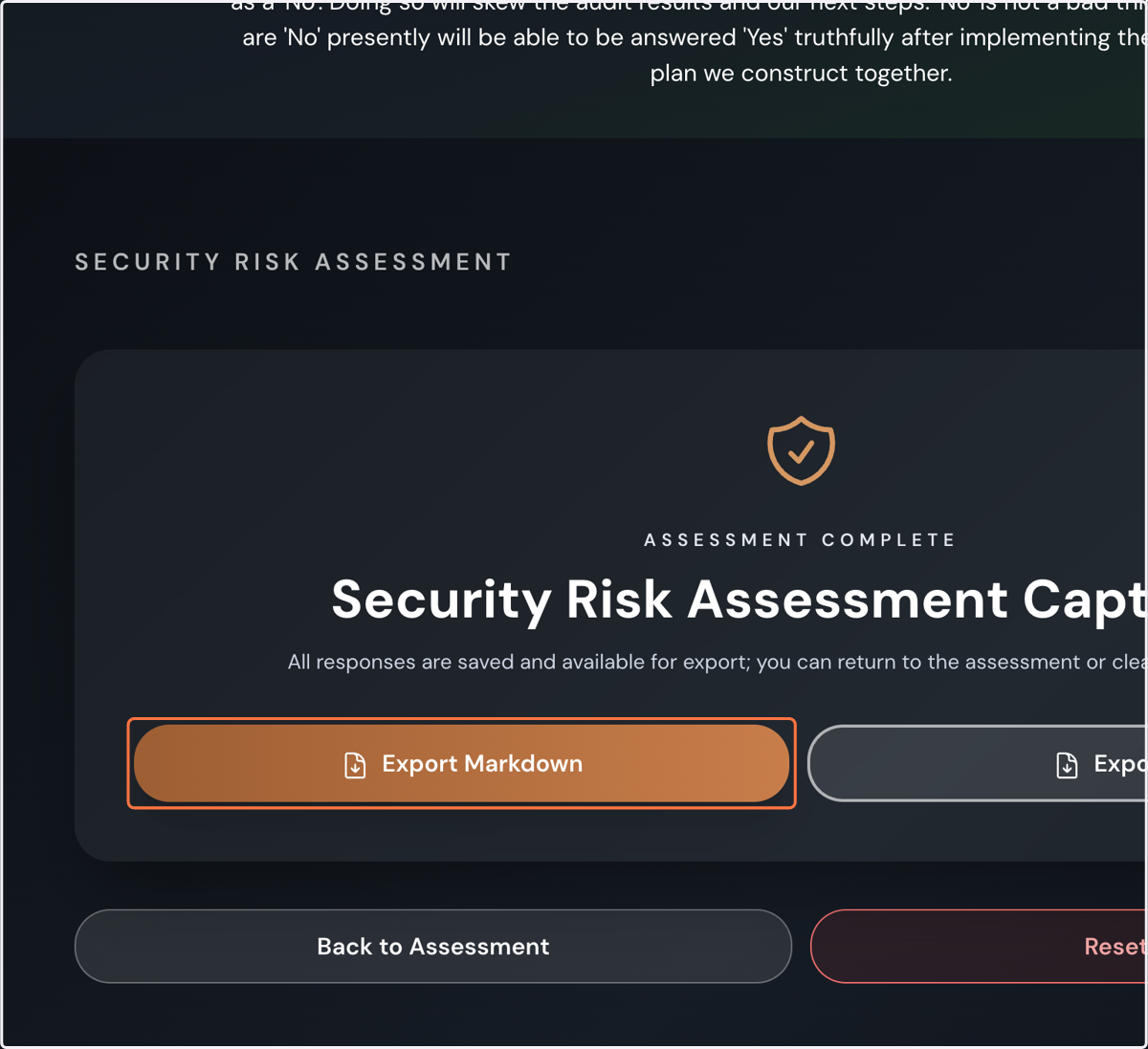
7. Security Risk Assessment Captured
This screen indicates you have completed your Security Risk assessment.
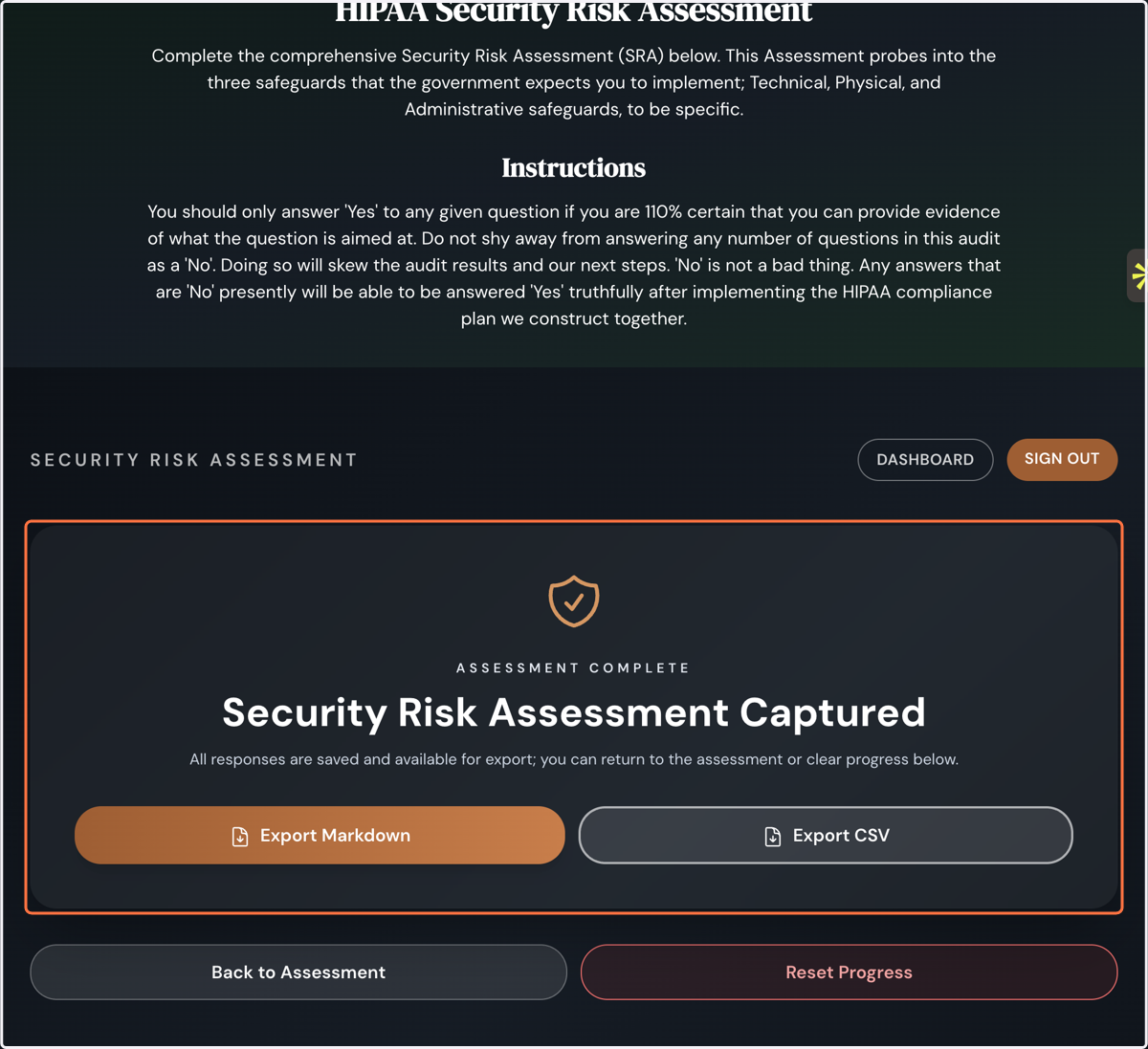
8. Click on Export Markdown..
.. To download your SRA results in Markdown format
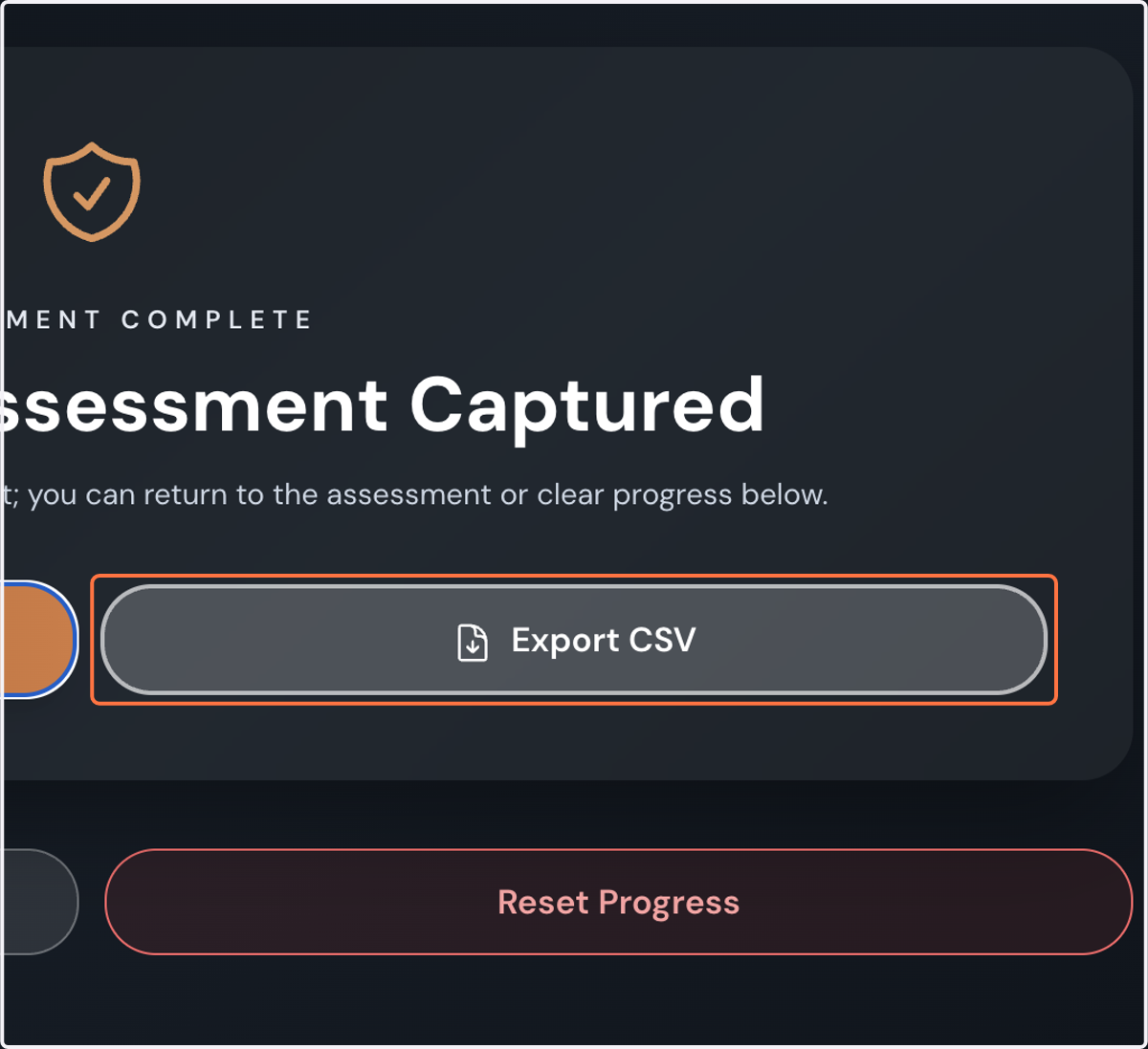
9. Click on Export CSV
.. To download your SRA results in a .CSV format