How to use the latest Content Templates in Infigo
This quick guide will show you how to utilise the latest iteration of the default Content Templates within Infigo.
We do not force these to be used on your site by default. Instead, users will need to re-save the locations utilising the Content Templates. For example, the editable content blocks or content pages.
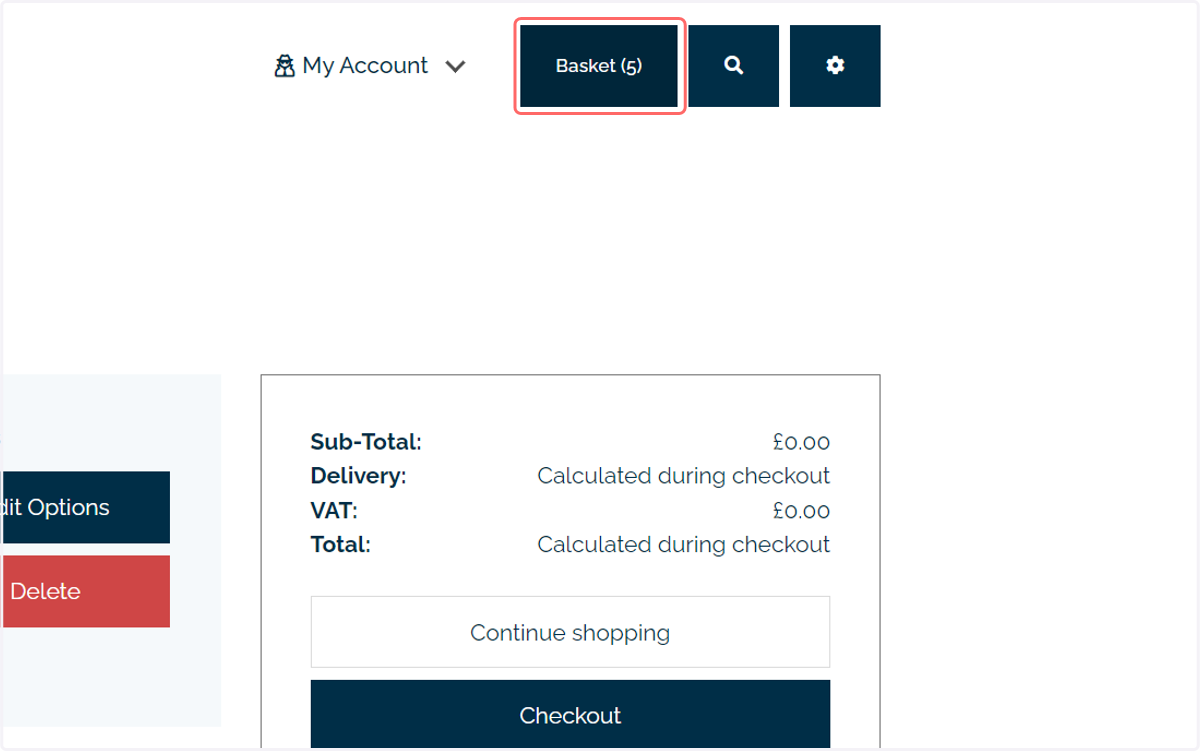
In our example, we will take a look at updating our site header to use the latest Content Template version. This updated version grants the ability to see the quantity of items in the basket on the basket button.
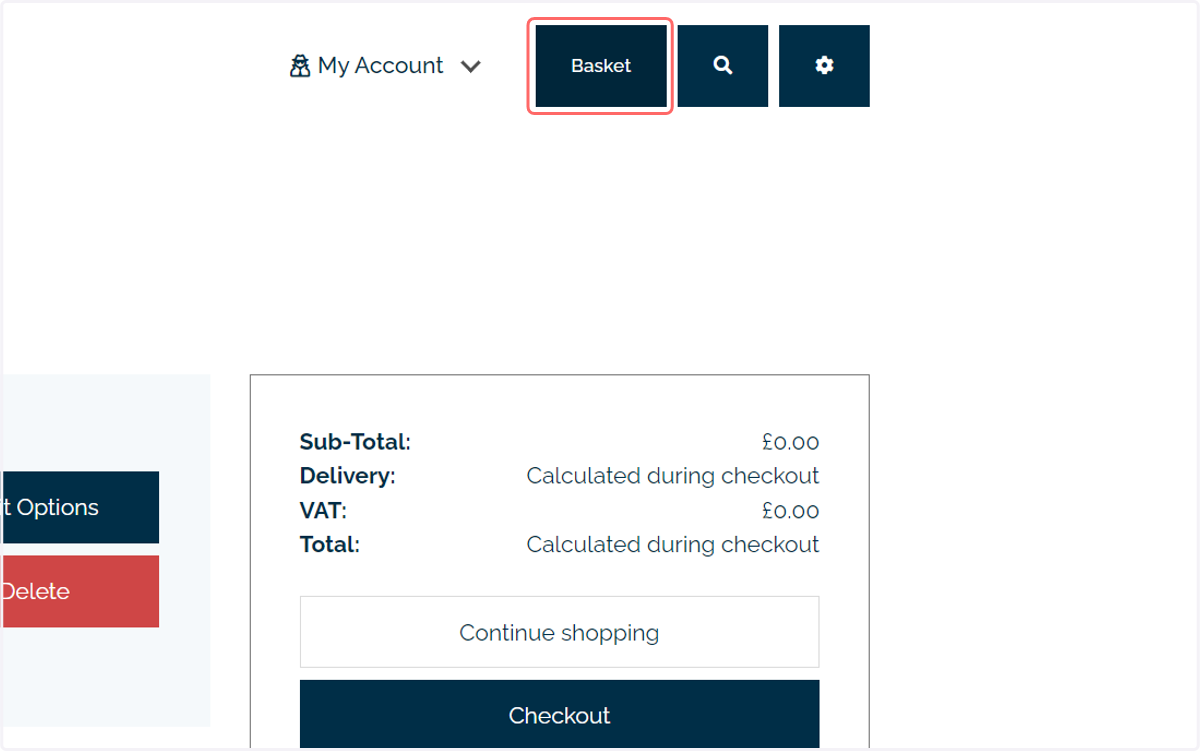
1. Our initial configuration is using the older Content Template format, with no basket quantity shown
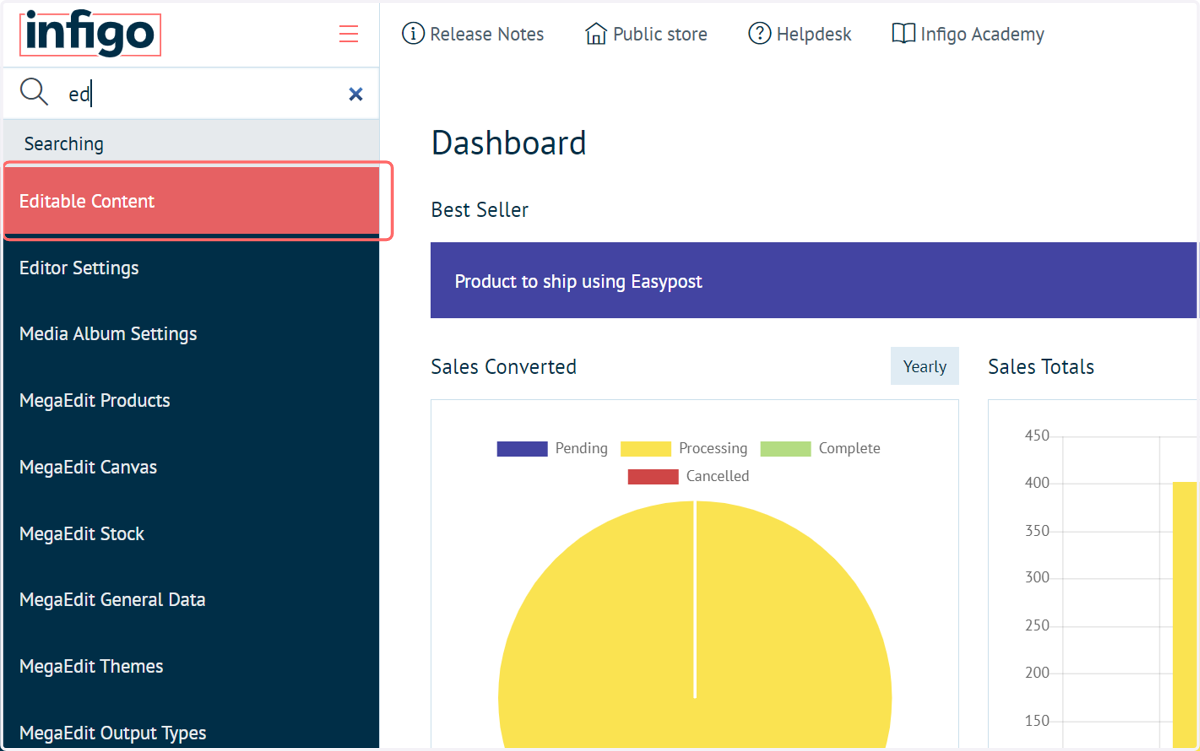
2. Navigate to the Editable Content area
To get the updated version, we must navigate to where the Content Template is being used.
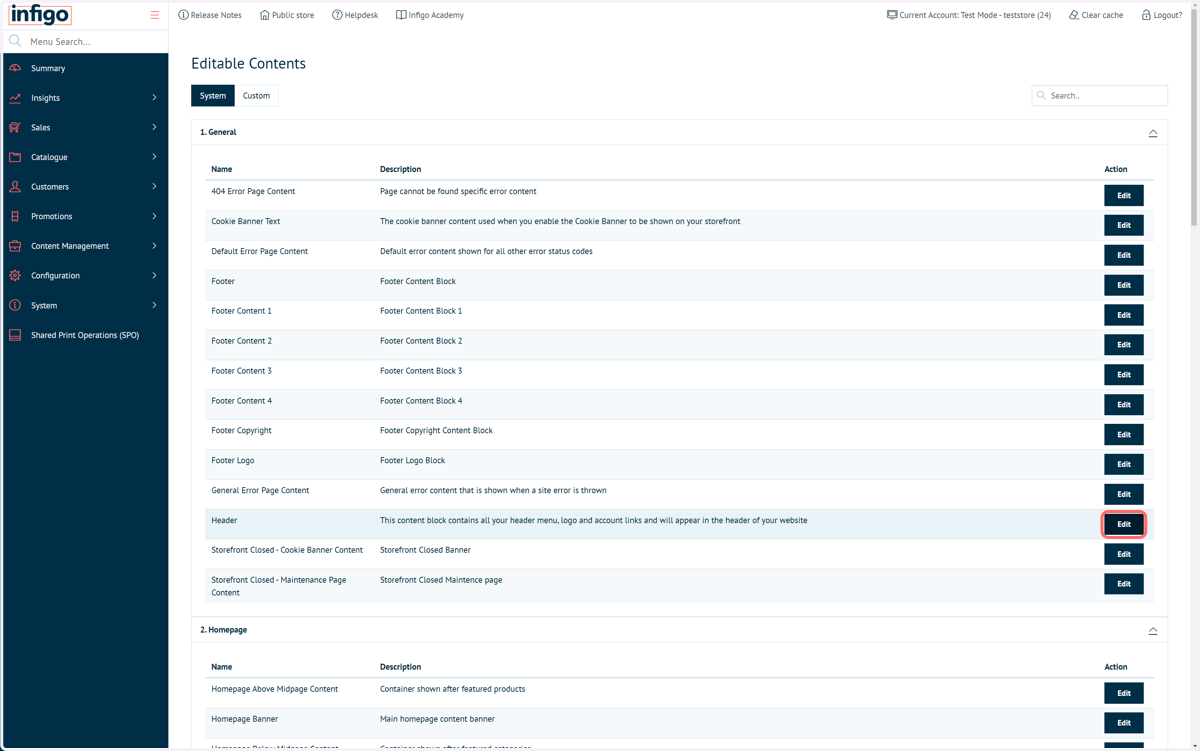
3. Click on Edit next to the Header section
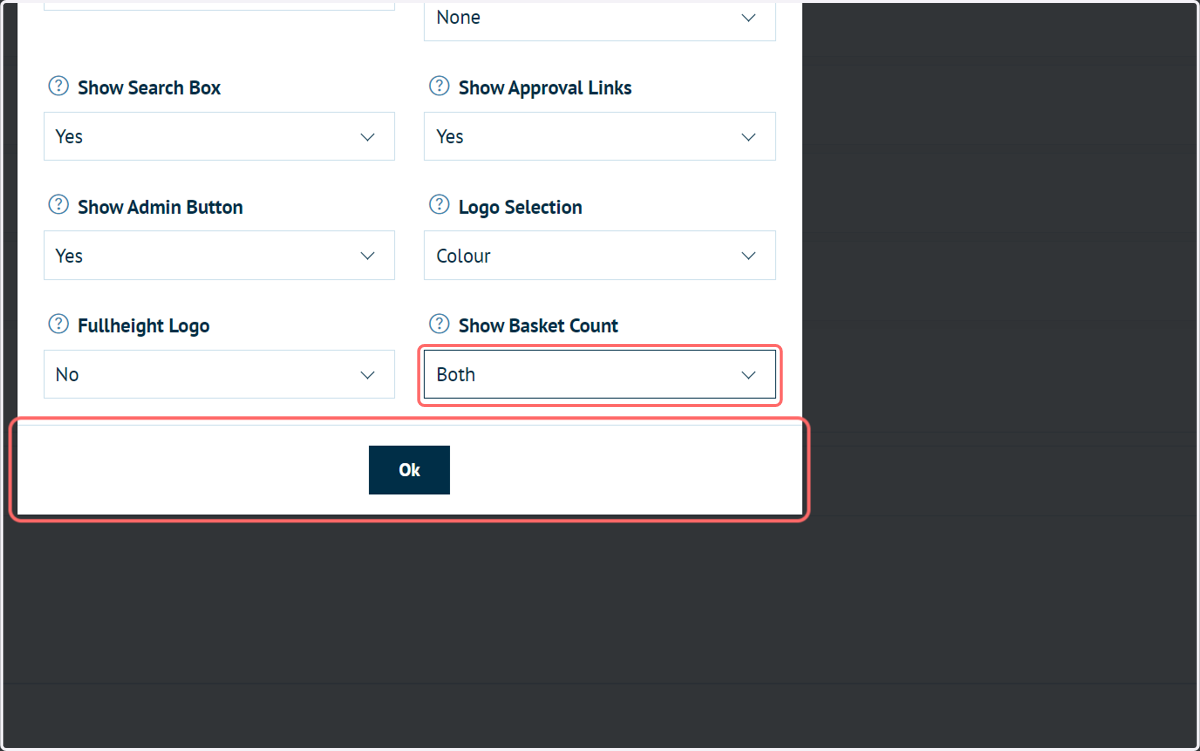
4. Some templates may have new configuration options
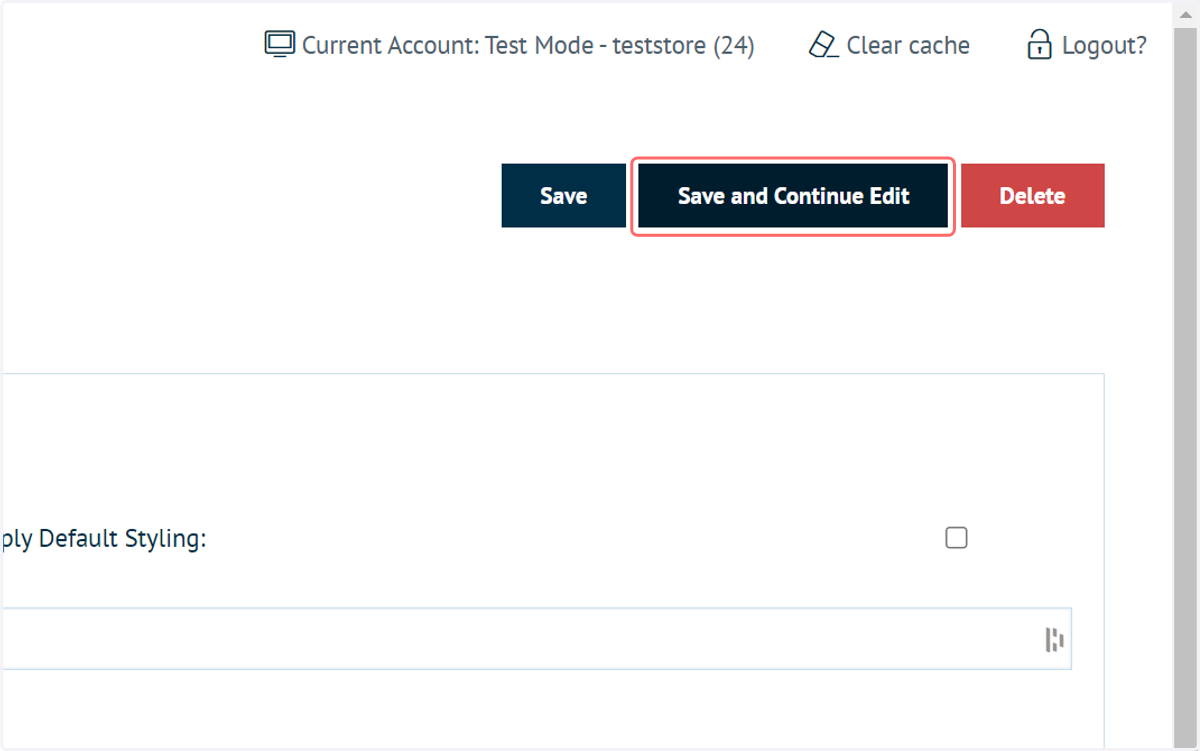
5. Click on Save and Continue Edit
Re-saving your content will automatically ensure that the latest Content Template format is being used.
6. In our example, we can see the updates are now being utilised on our storefront