How to Order an International Day Pass with a Cancellation date. Via Unified Search
Mobile Lifecycle Dashboard
1. Type in service number to have International Day Pass added into Unified Search bar
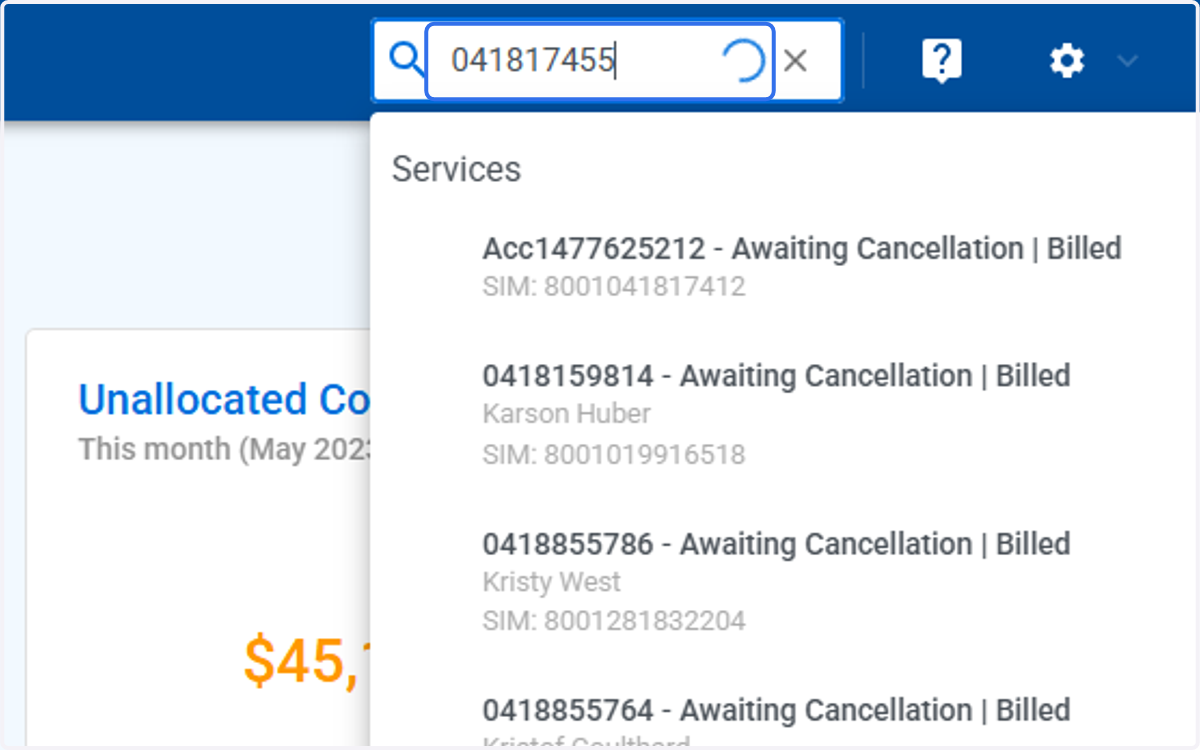
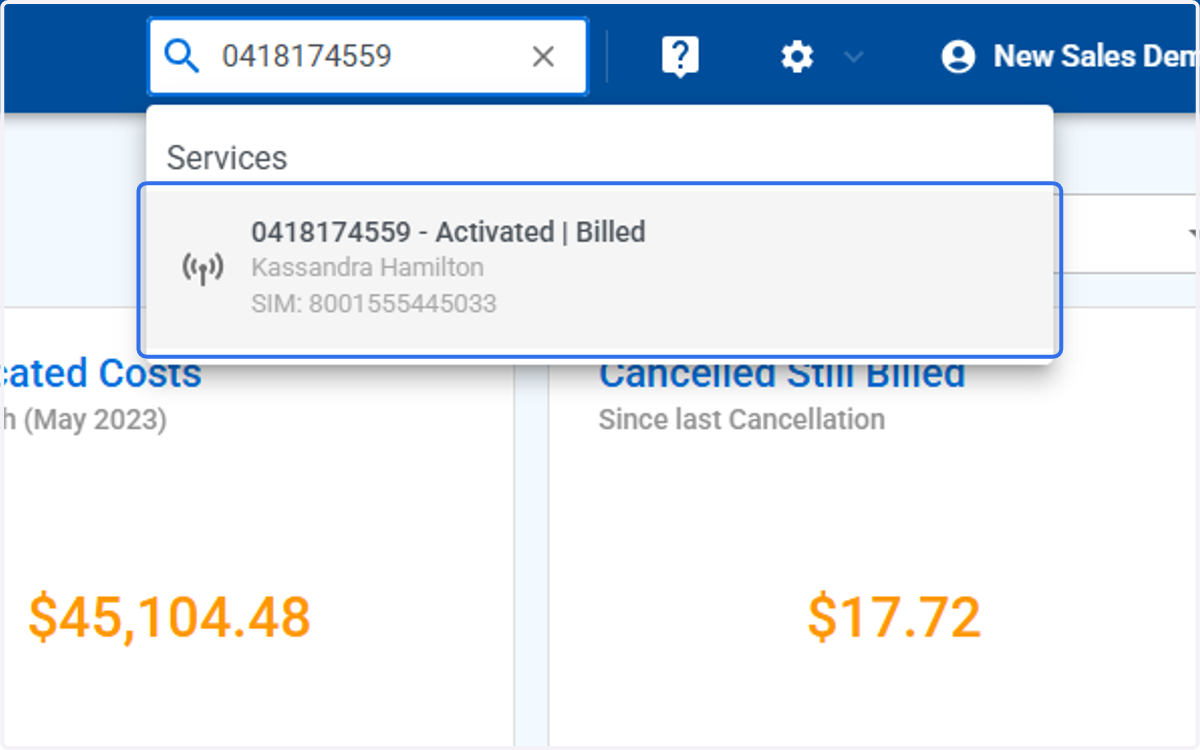
2. Click on the number in the box
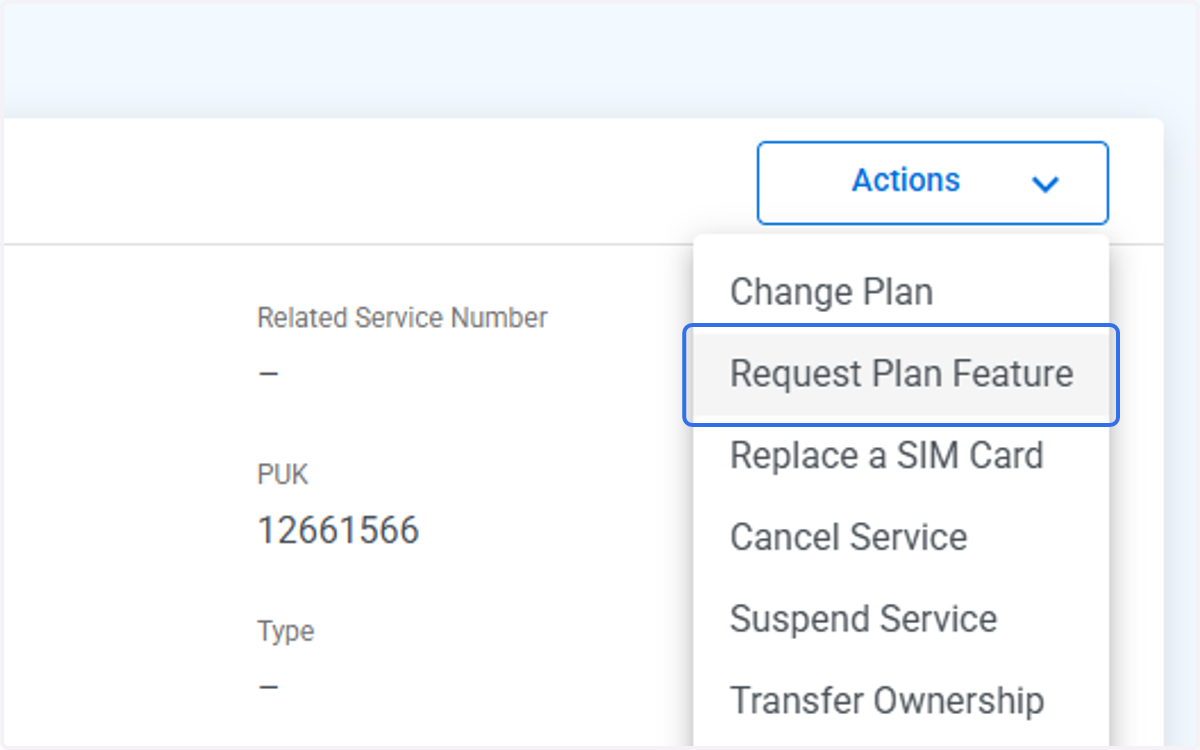
3. Click on Actions
4. Click on Request Plan Feature
5. Click on Next
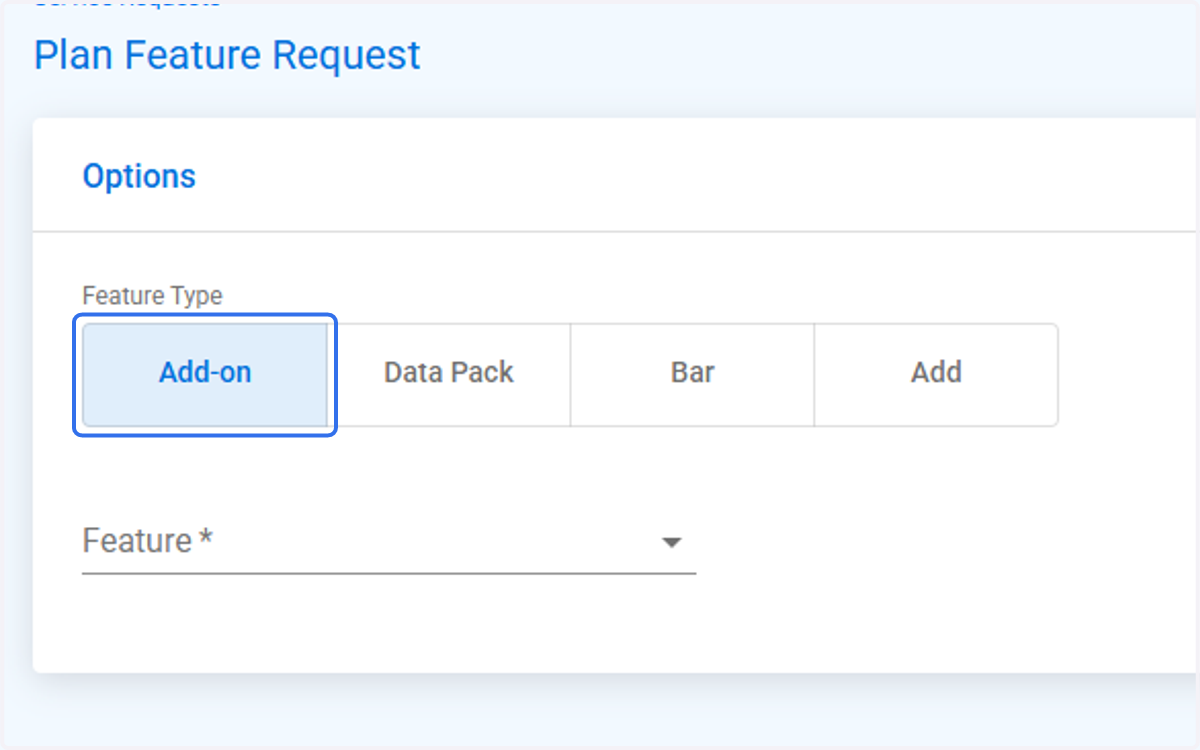
6. Click on Add-on
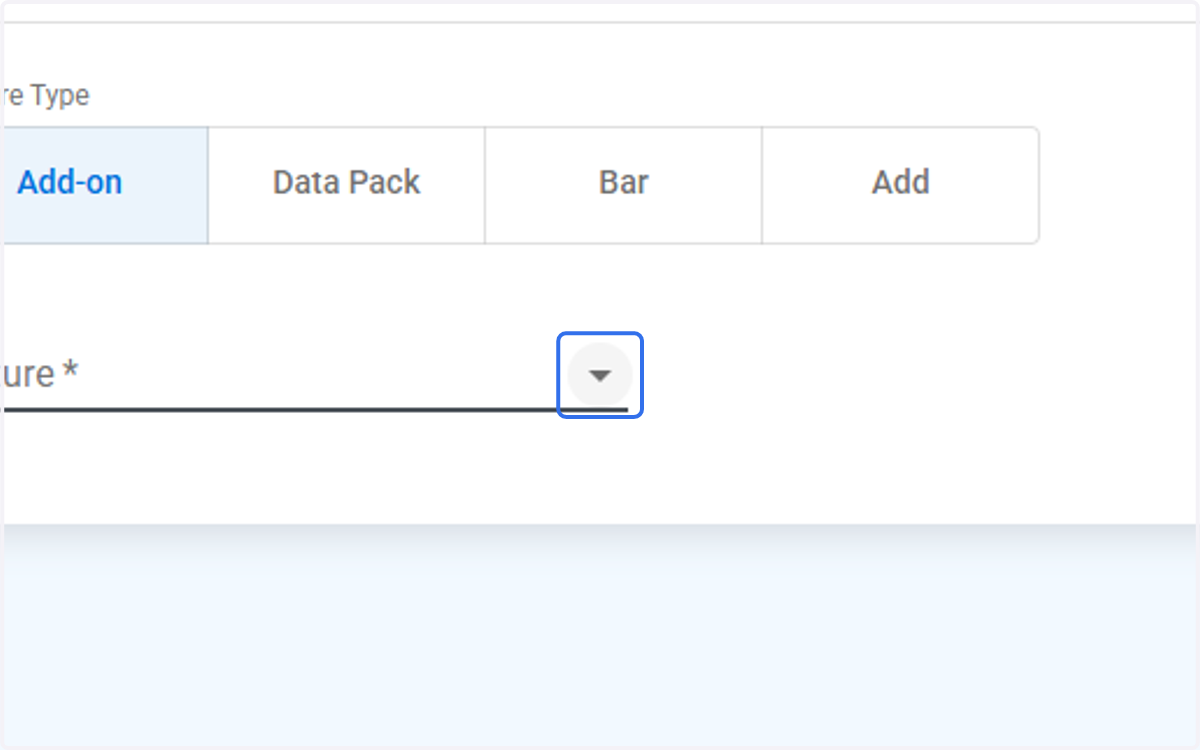
7. Click on the Drop Down arrow
8. Click on IR Day Pass 10 ($10.00 per day) or other options if need for a longer period of time. Or dedicated NZ (New Zealand) option if require
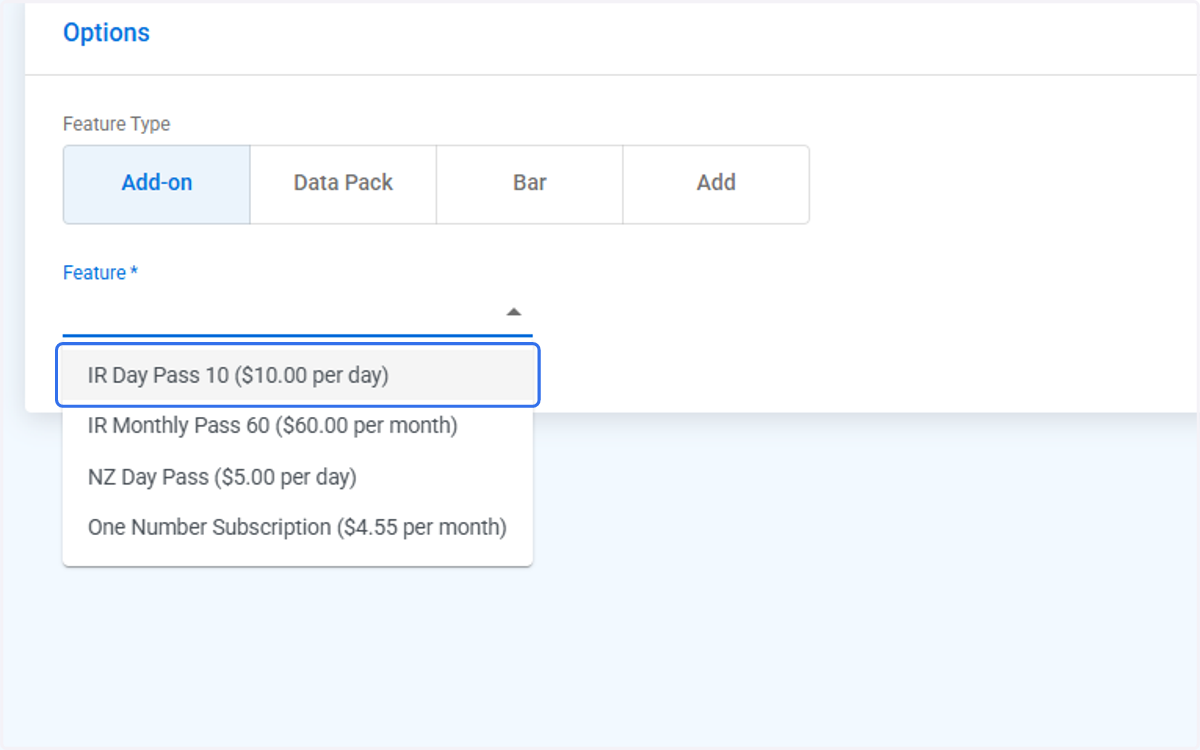
9. Click on Choose date
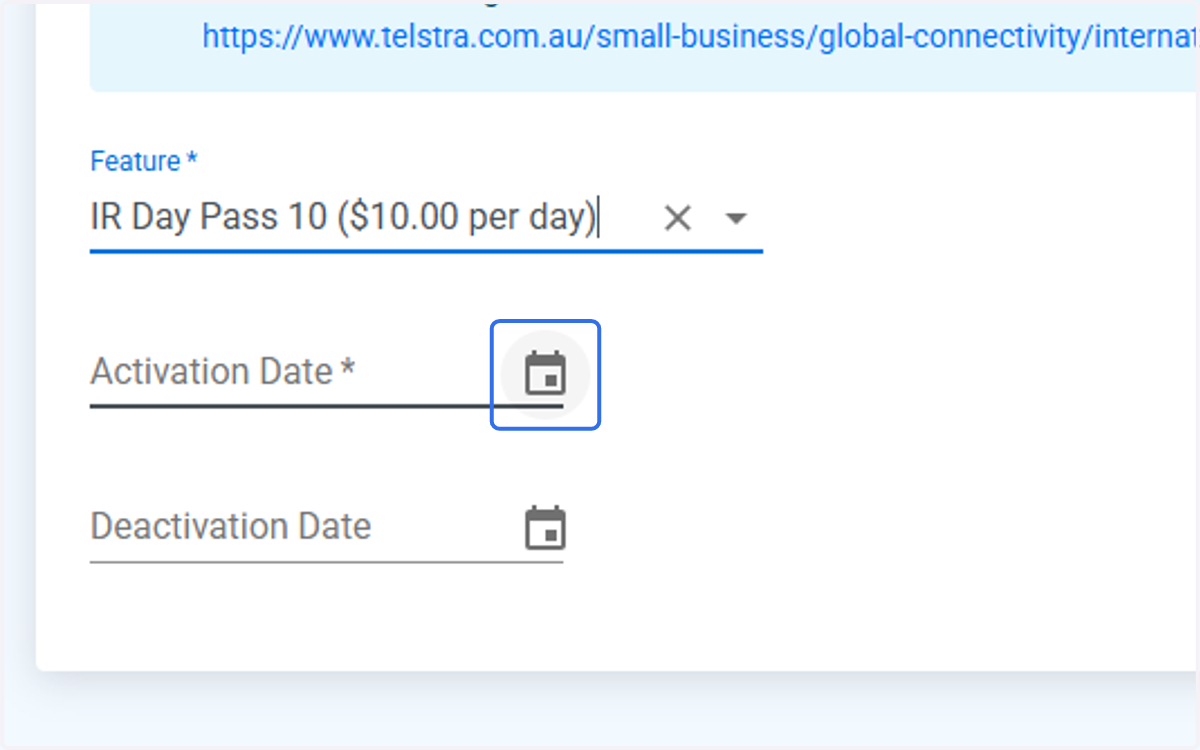
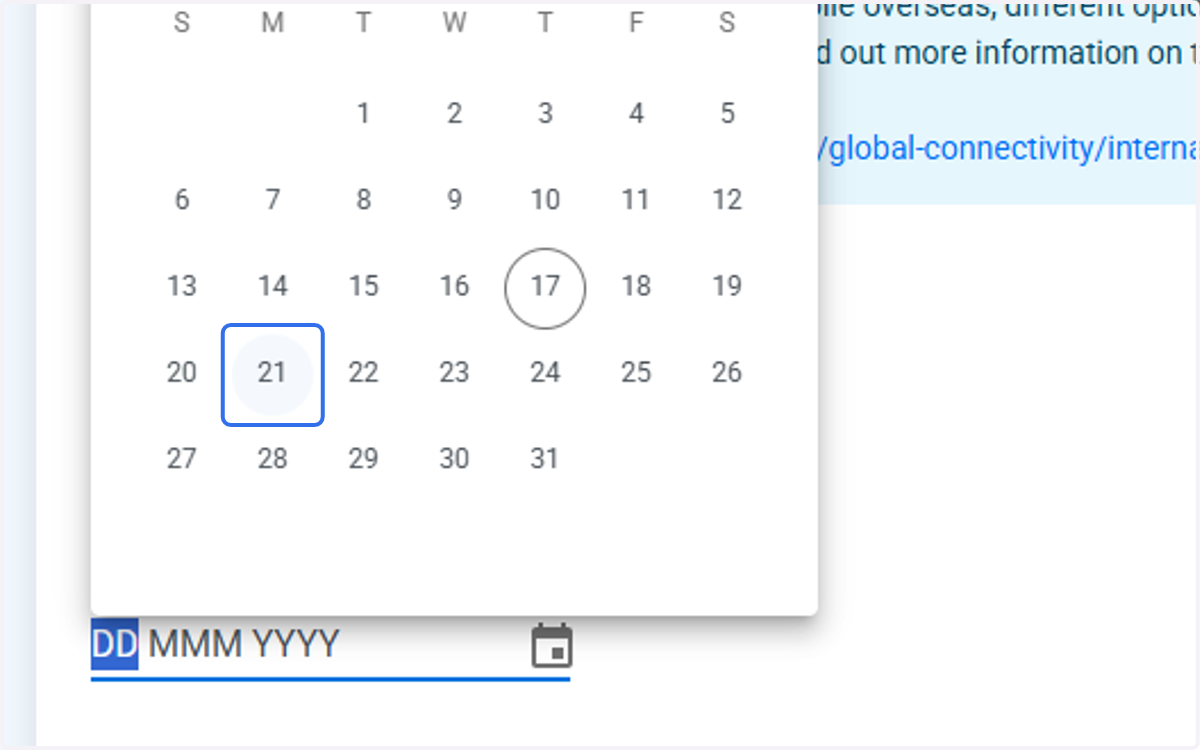
10. Select the start, next business day. Not same day and not weekends
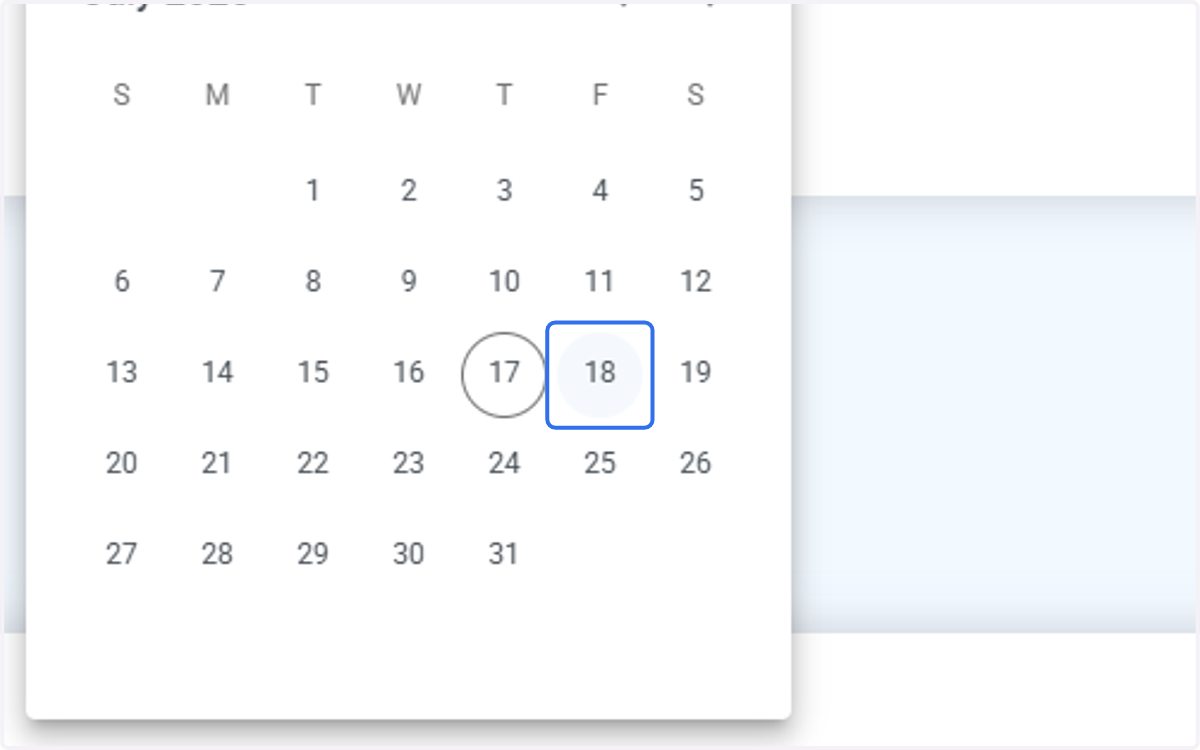
11. Click on Choose date for Deactivation Date.
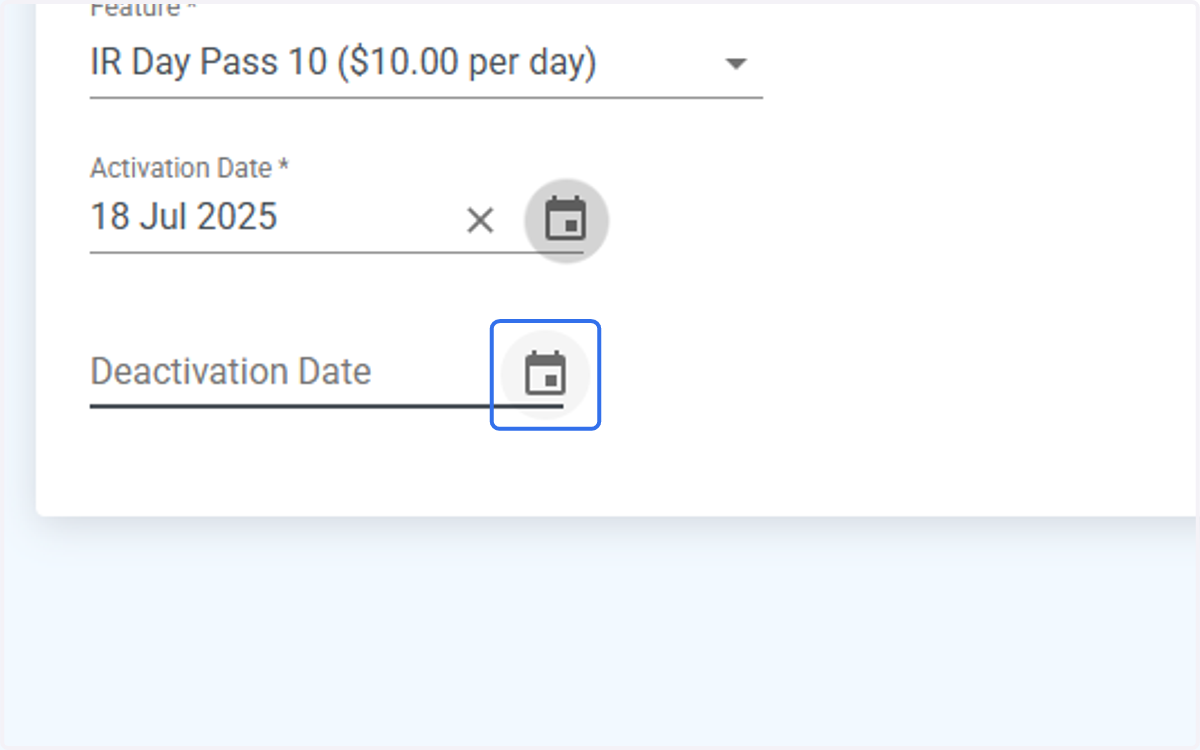
12. Select Date for IR Day Pass to be deactivated, not on weekends or Public Holidays
13. Click on Submit Order. Order will go to your MSP for processing
14. Click on Okay