How to Access Passwords on KeeWeb
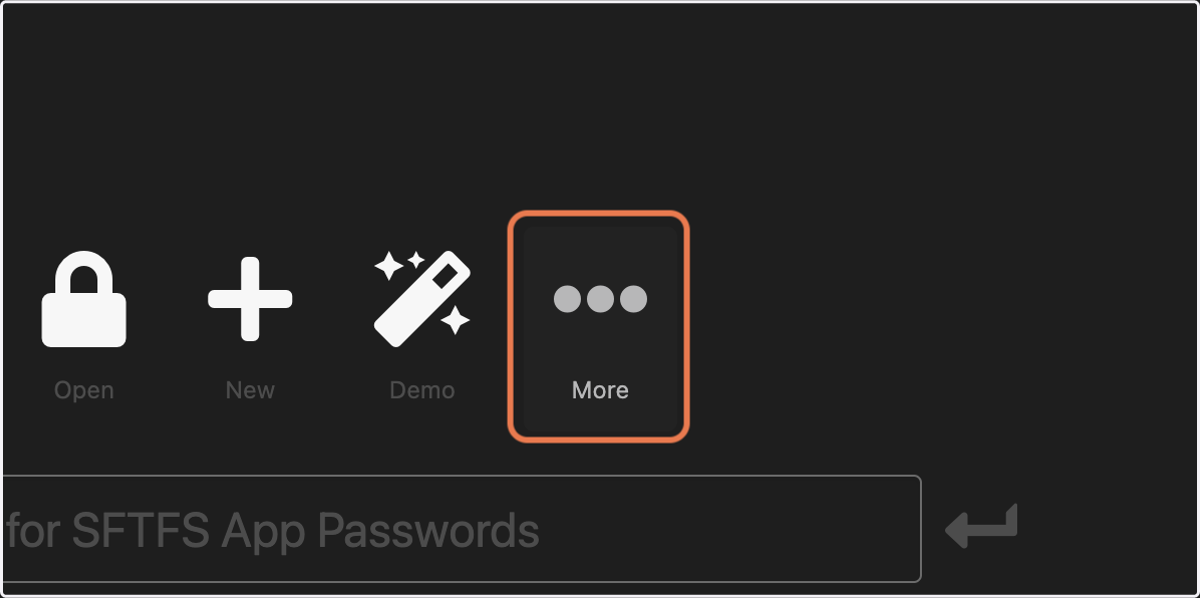
2. Click on More
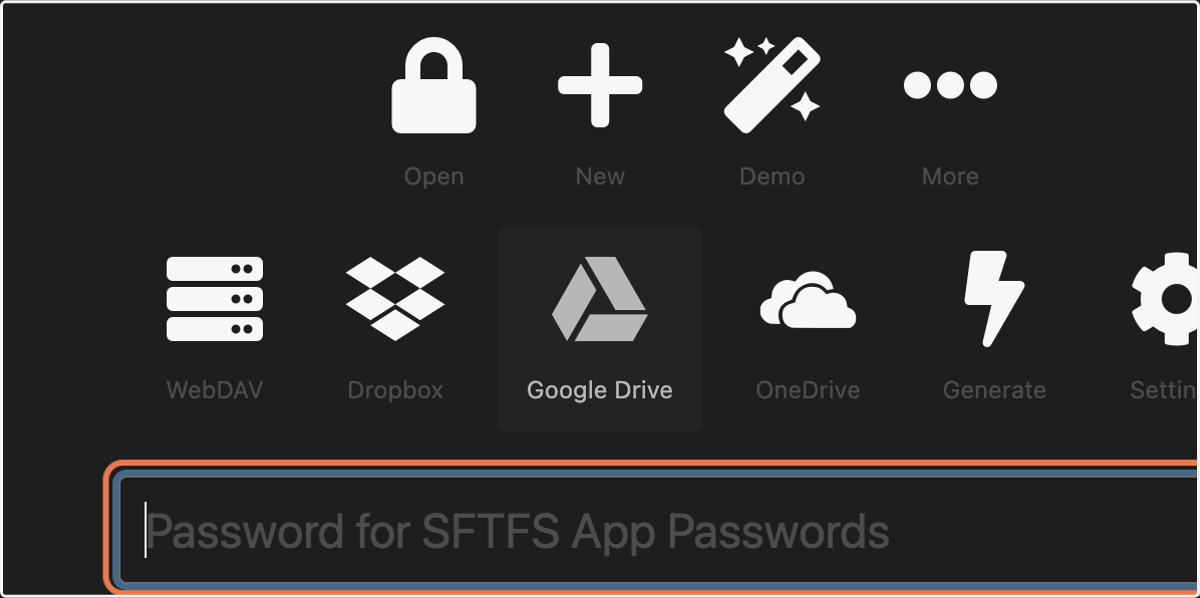
3. Click on Google Drive
4. Click on SFTFS
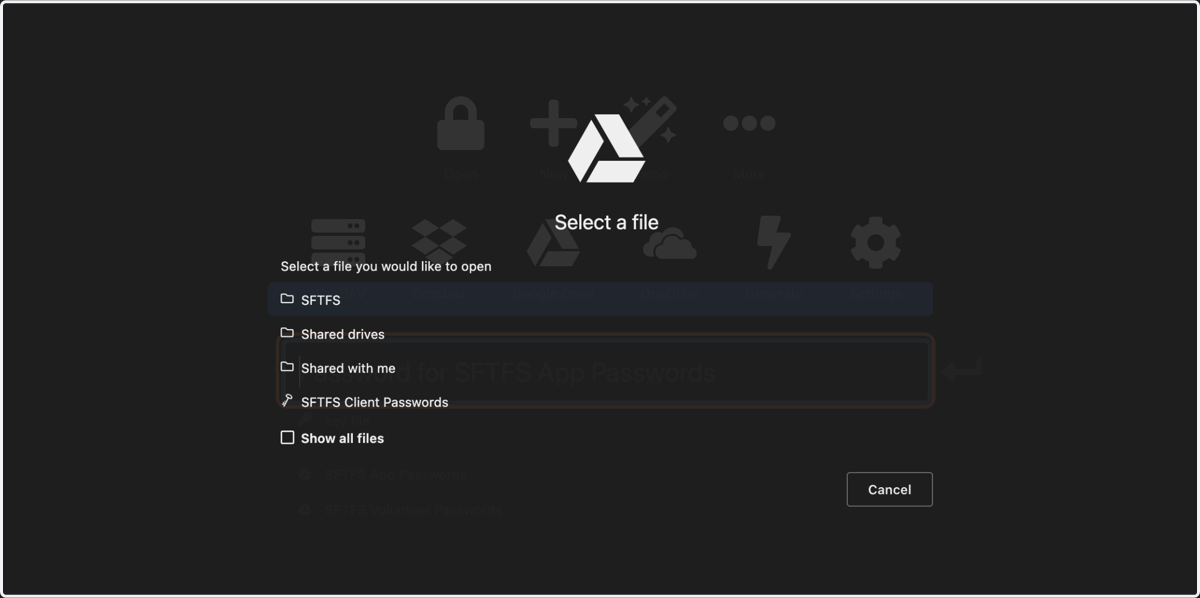
5. Click on SFTFS App Passwords
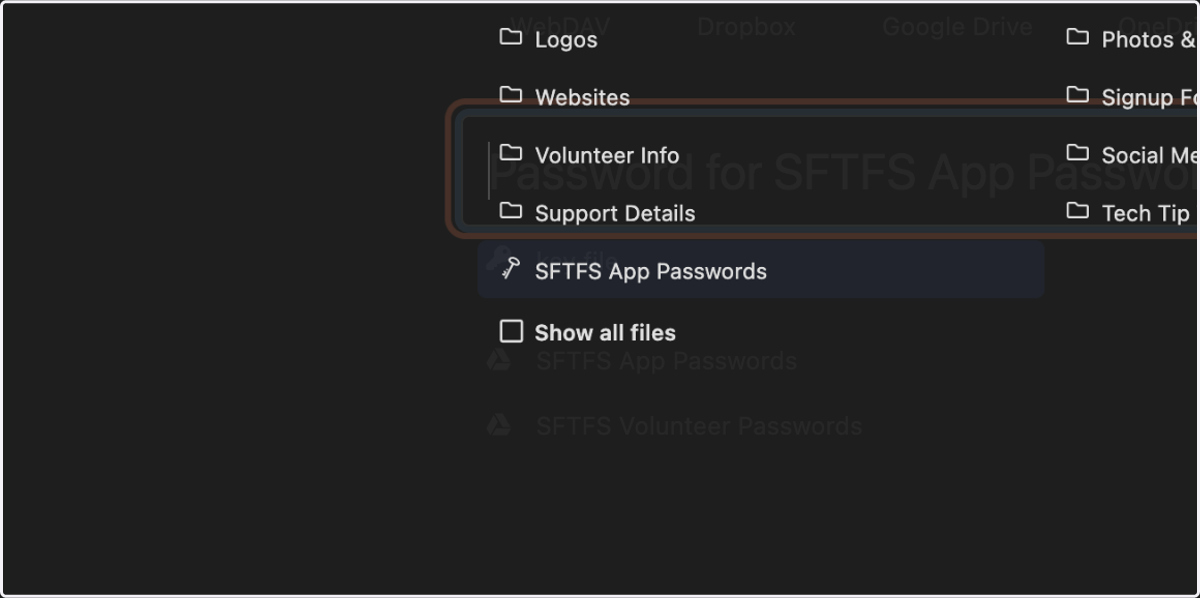
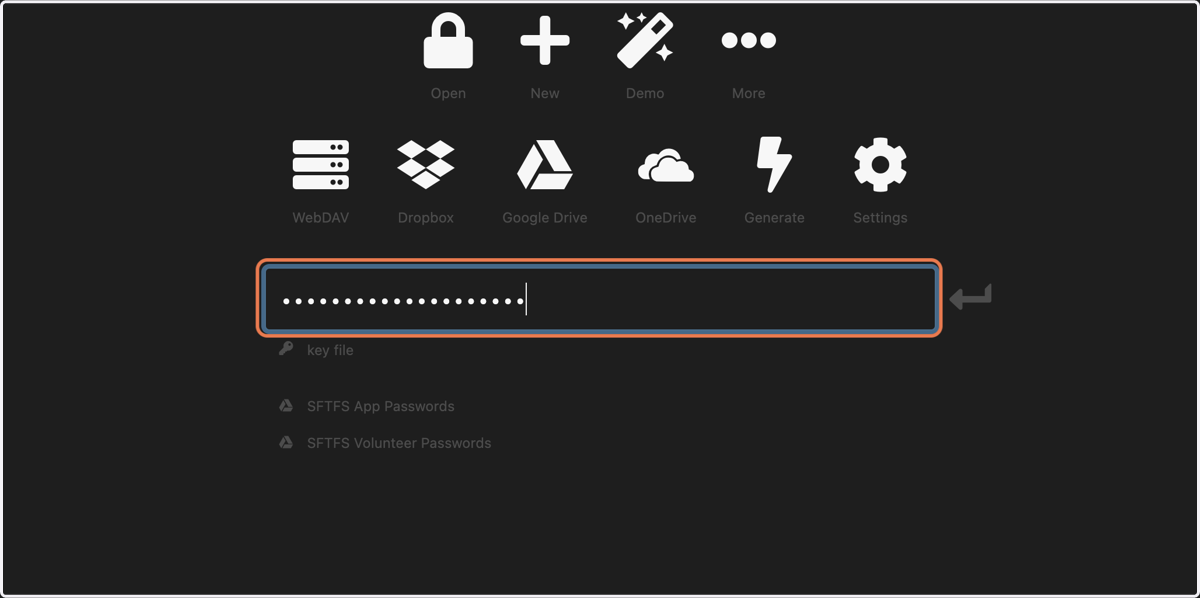
6. Enter the secure master password
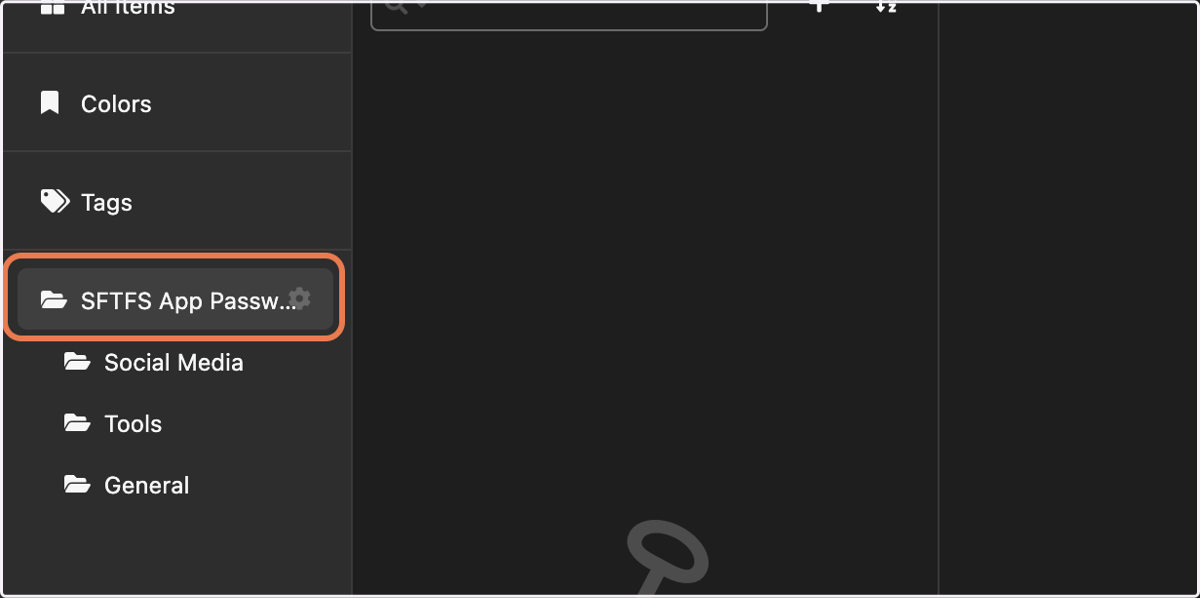
7. Click on the headings under SFTFS App Passwords
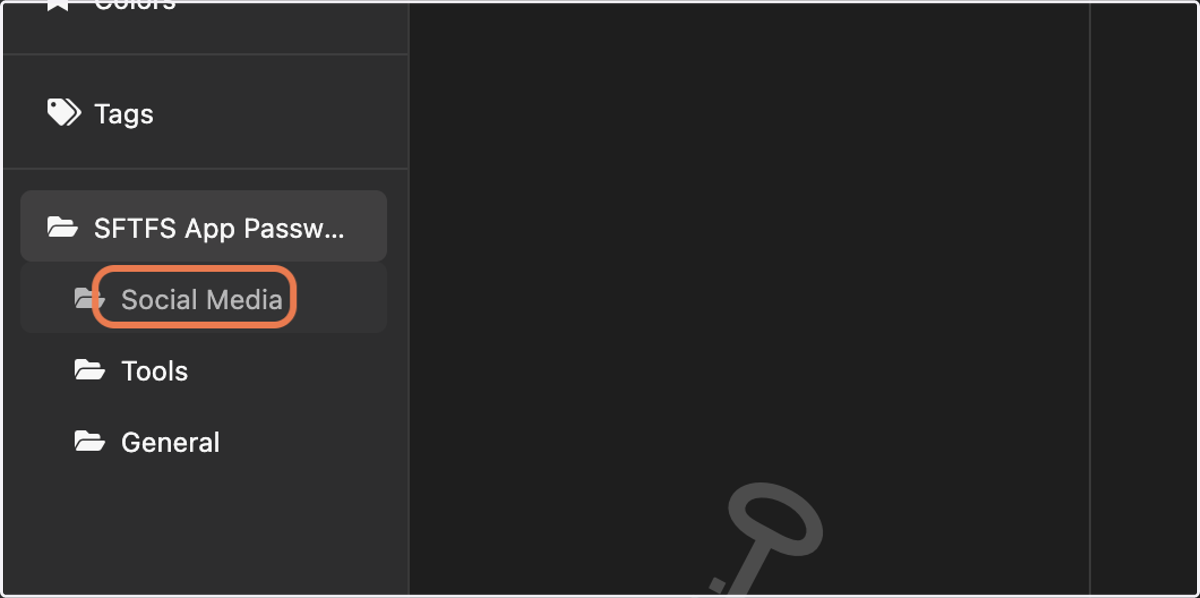
8. Click on Social Media
9. ...or Tools
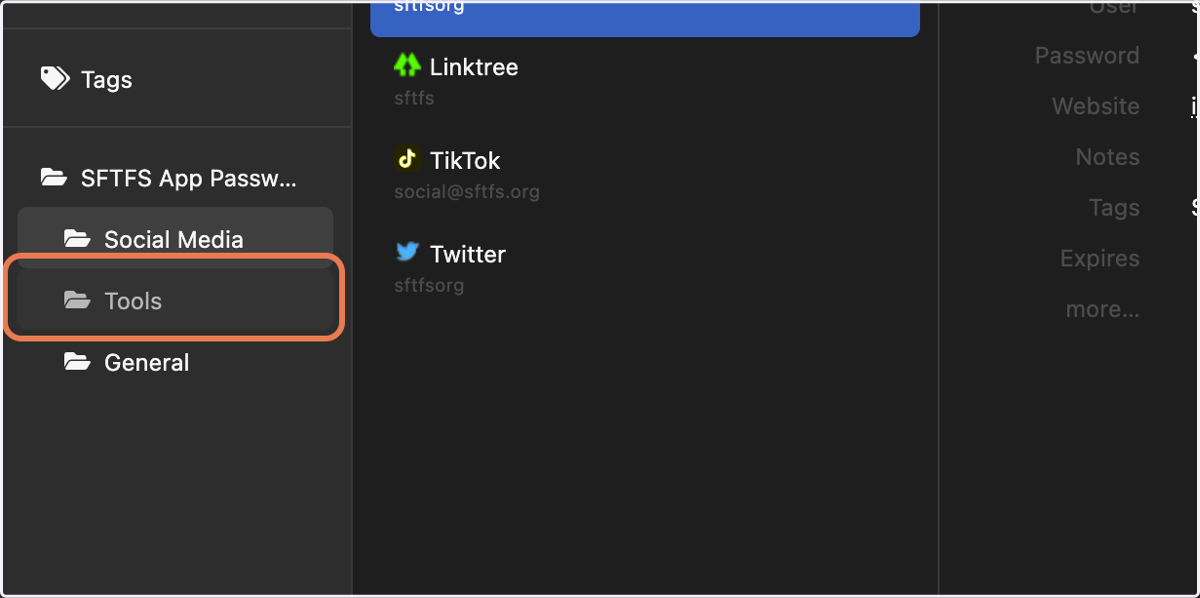
10. ...or General
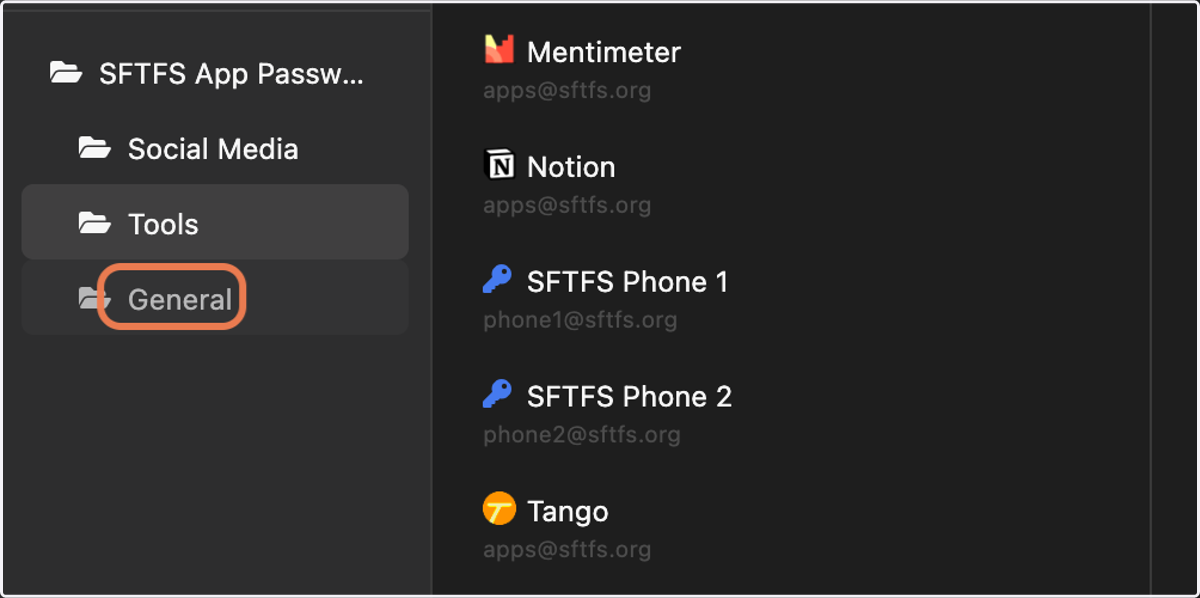
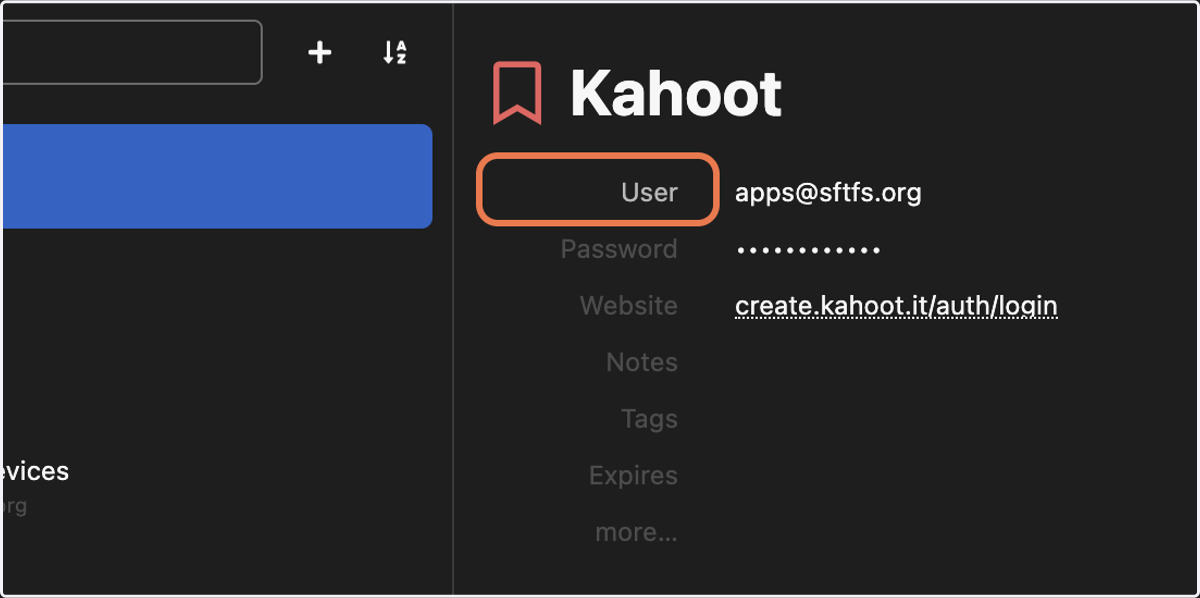
11. Here, you will see the username, password, and website associated with each account
12. Click on User to copy the username/email
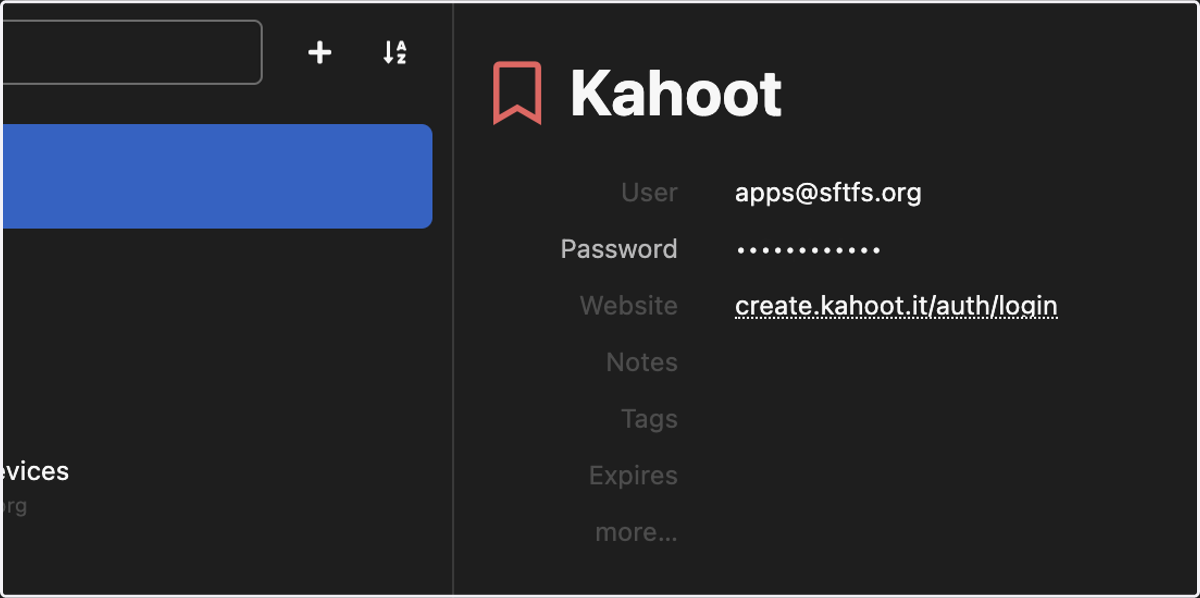
13. Click on Password to copy the password, or click the dots to reveal the password
14. Click on Website to copy the website...
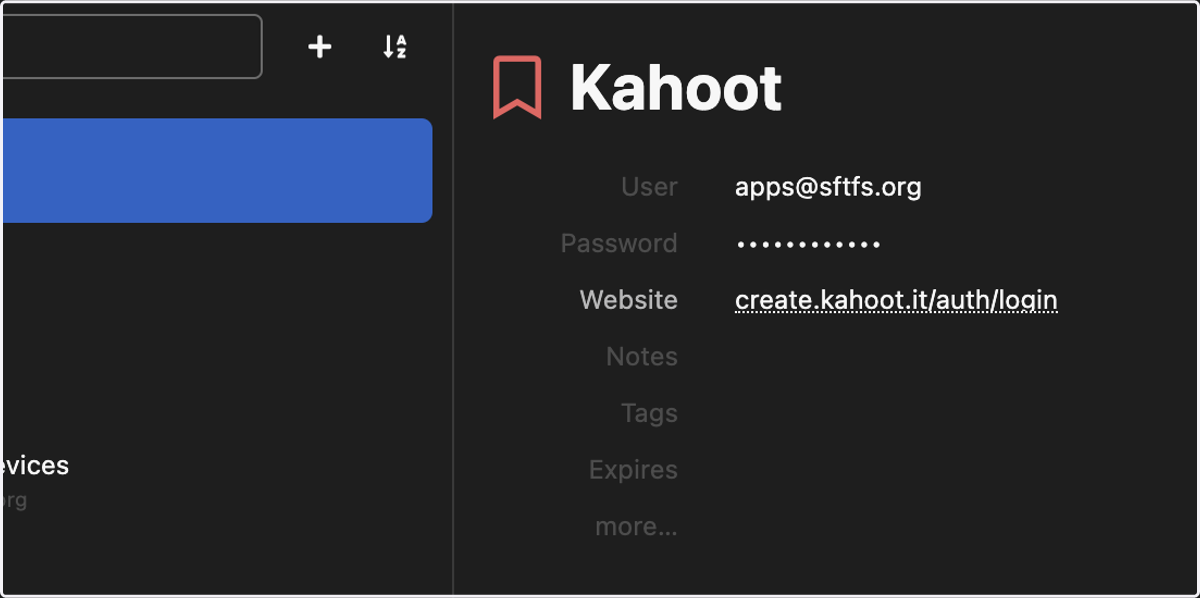
15. ...or just click on the website link to open
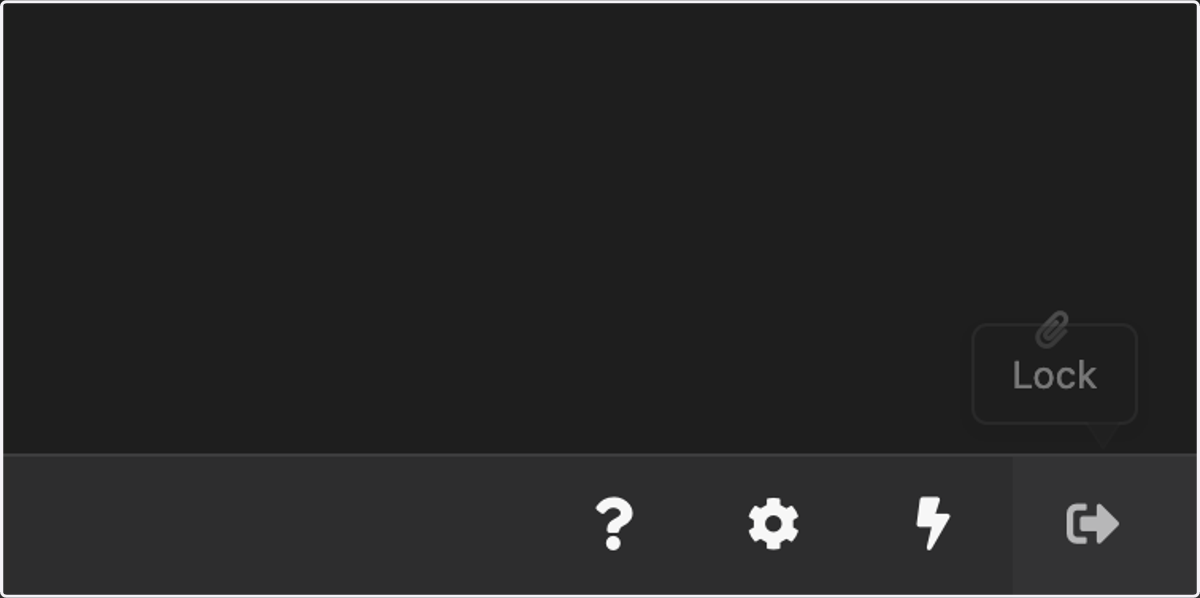
17. To exit KeeWeb, click Lock or simply close the tab