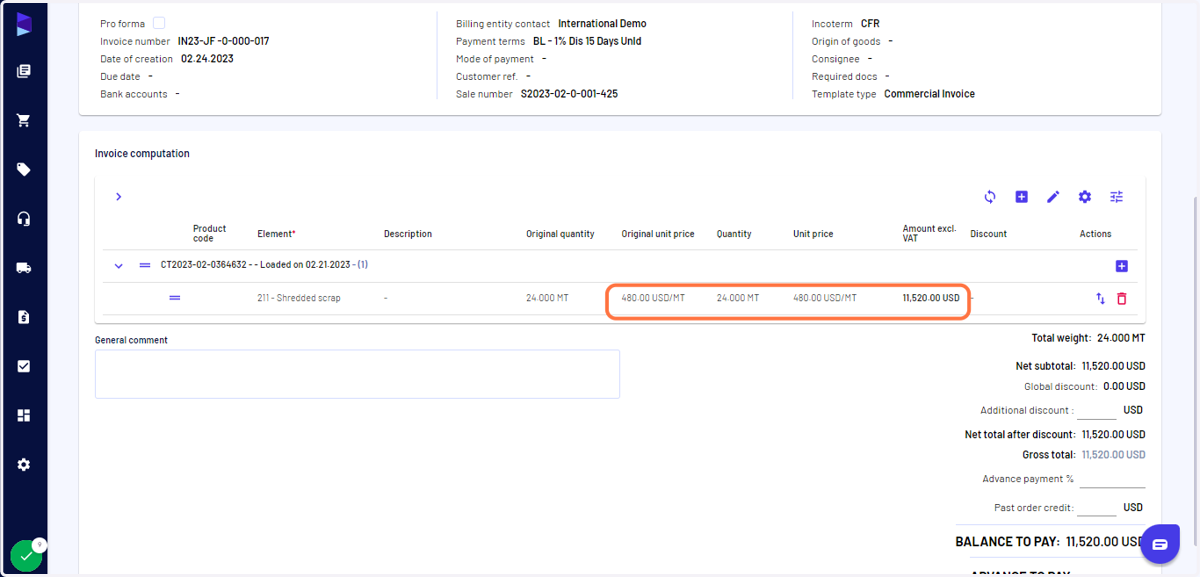
I can refresh prices and values when generating invoices or payables
Haroldwaste
1. Go to Jules AI
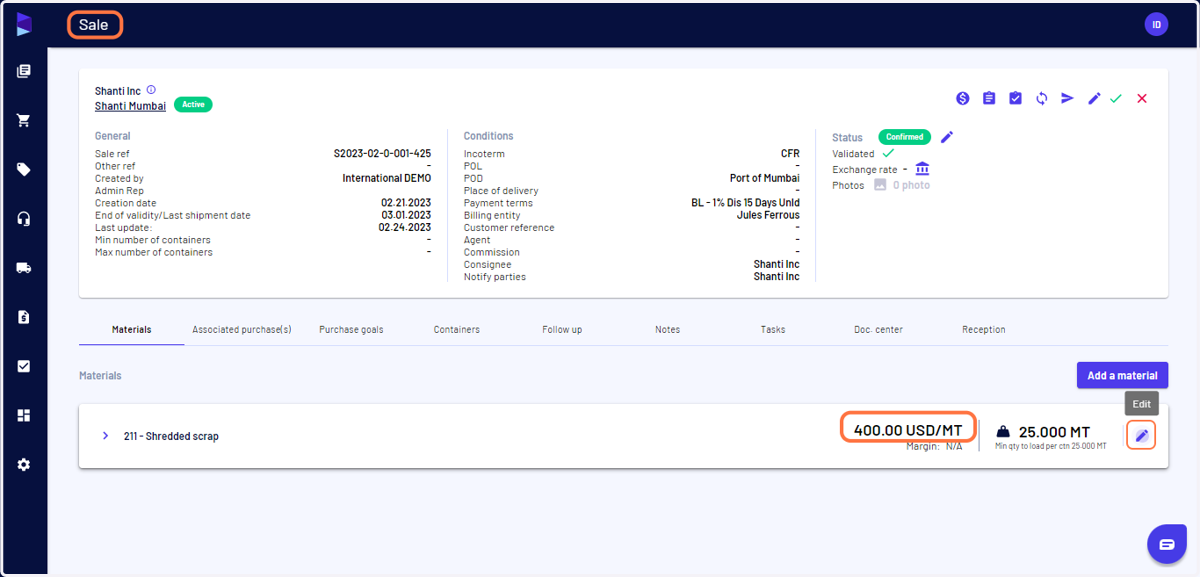
2. Go to sales view and click on "Edit" to edit the price
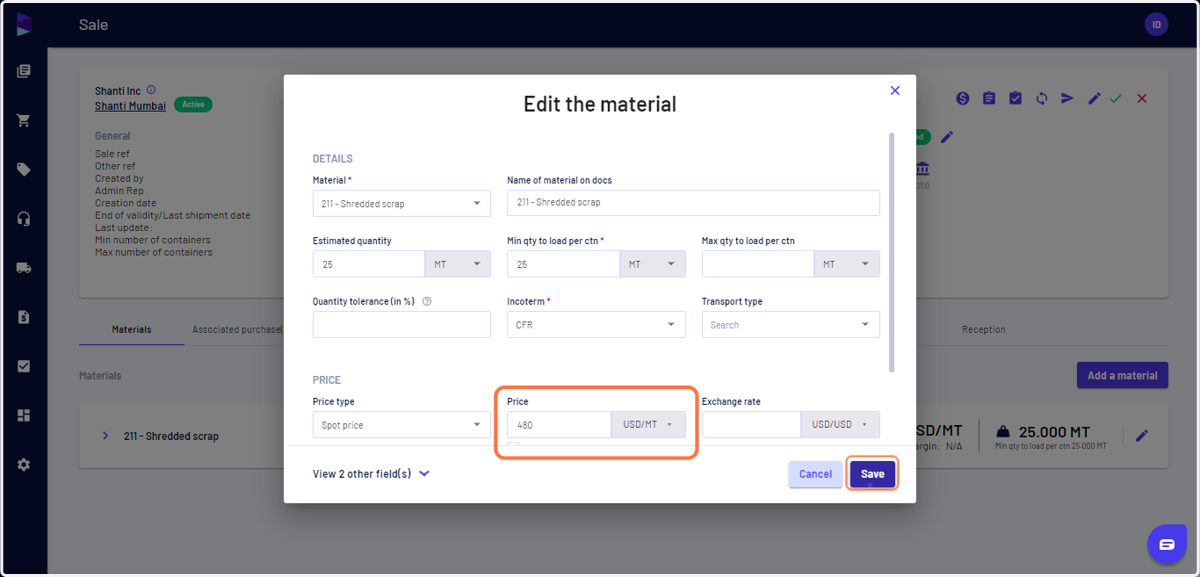
3. Edit the price and click "Save"
This applies also when editing the values in the Loading or in the Delivery stage ("Invoicing info" stage)
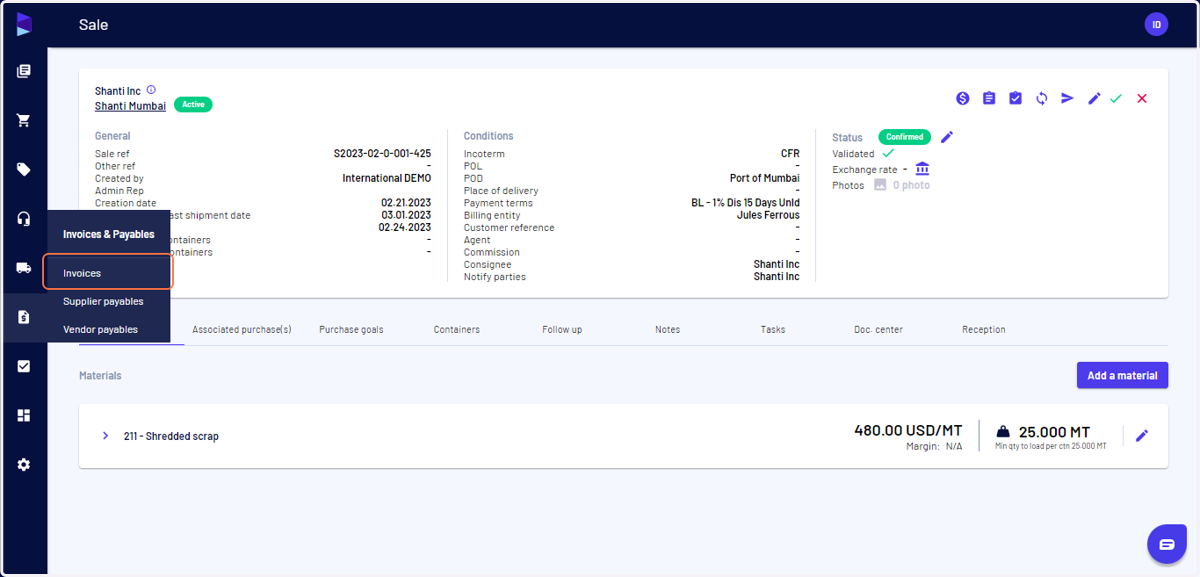
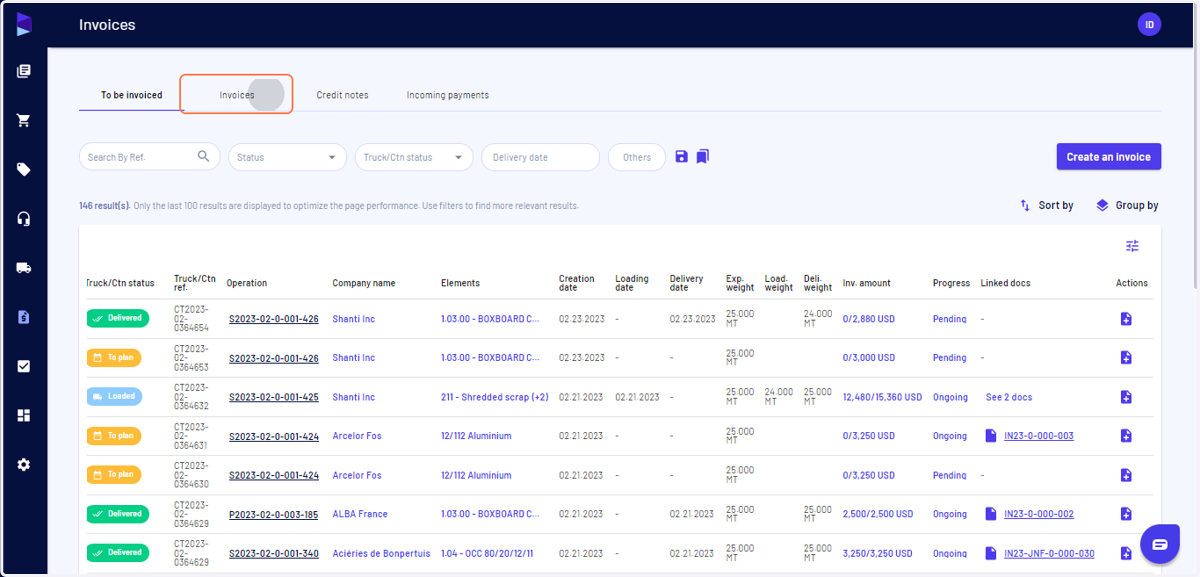
4. Go to "Invoices & Payables" and click on "Invoices"
5. Go to the "Invoices" tab
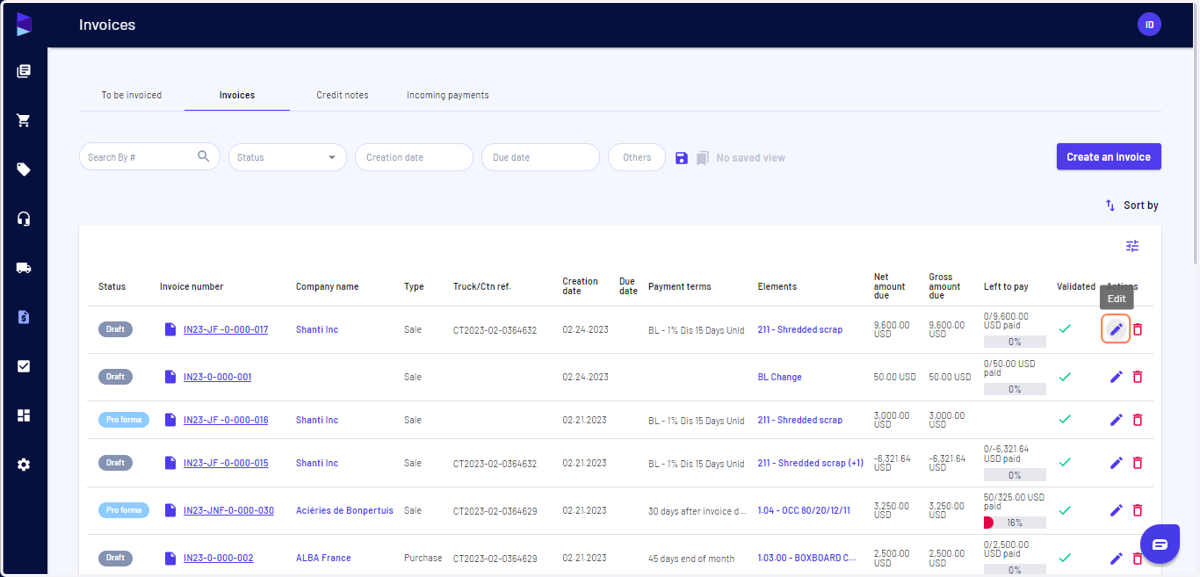
6. Search for the invoice and click "Edit"
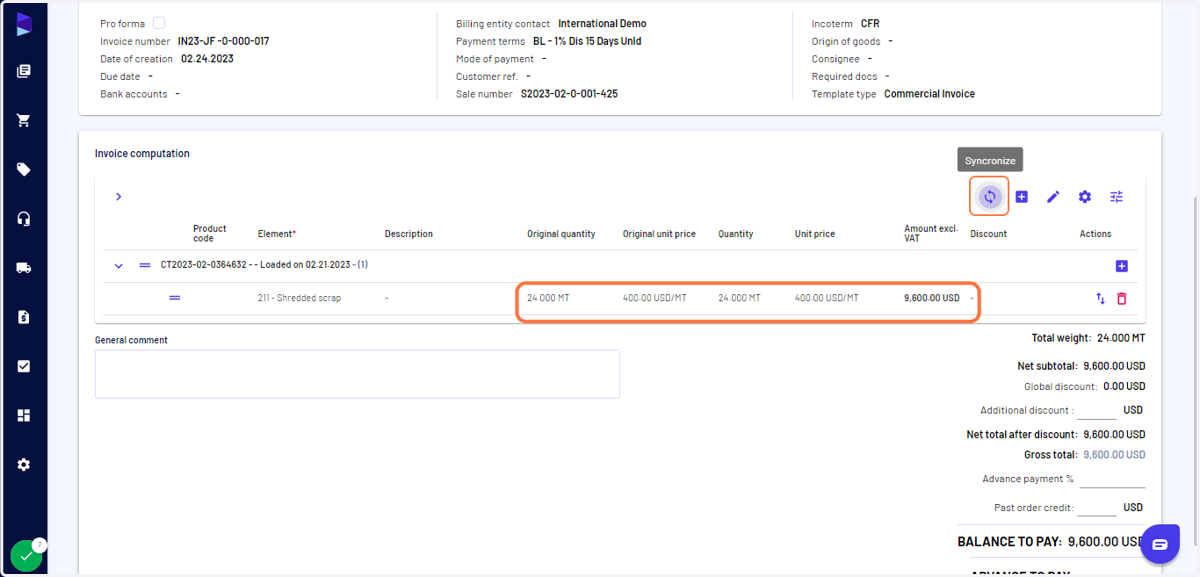
7. Scroll down and click on "Synchronize"
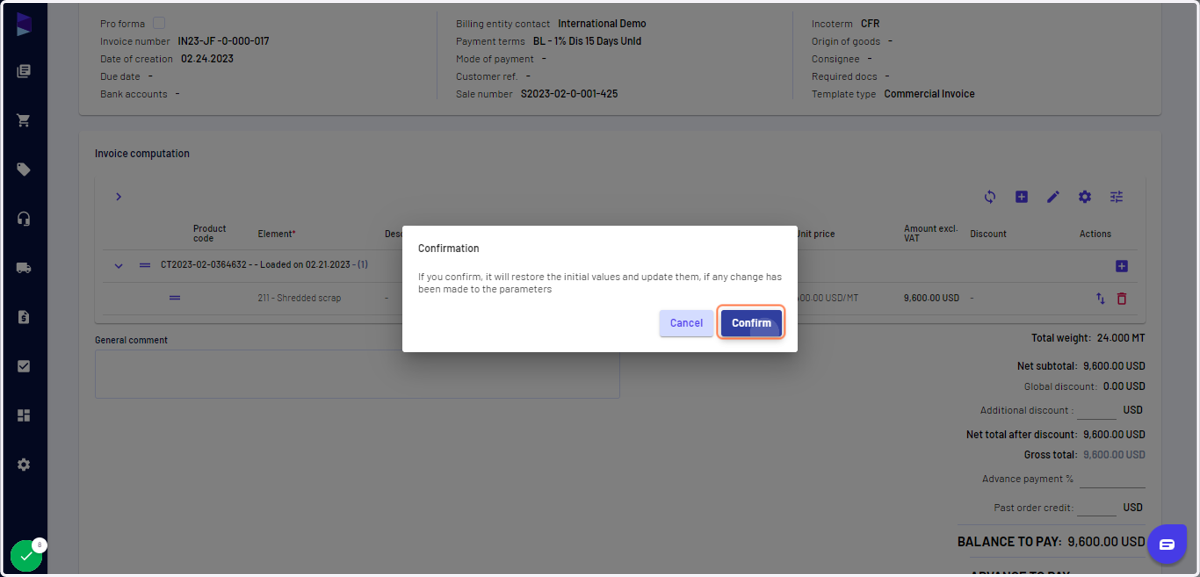
8. Click on "Confirm"
9. The price is refreshed here, click on save as draft and download the invoice
This applies as well for supplier payables or vendor payables