Reinstate Your Scentsy Account With Becky Joyce Superstar Director Essex UK
Sign in - Scentsy Dashboard https://workstation.scentsy.com/Home/Index
If you cannot remember your Consultant ID please email accountservices@scentsy.com with your email and postal addresses. Click "I forgot my password" if you know your Consultant ID but have forgotten your password.
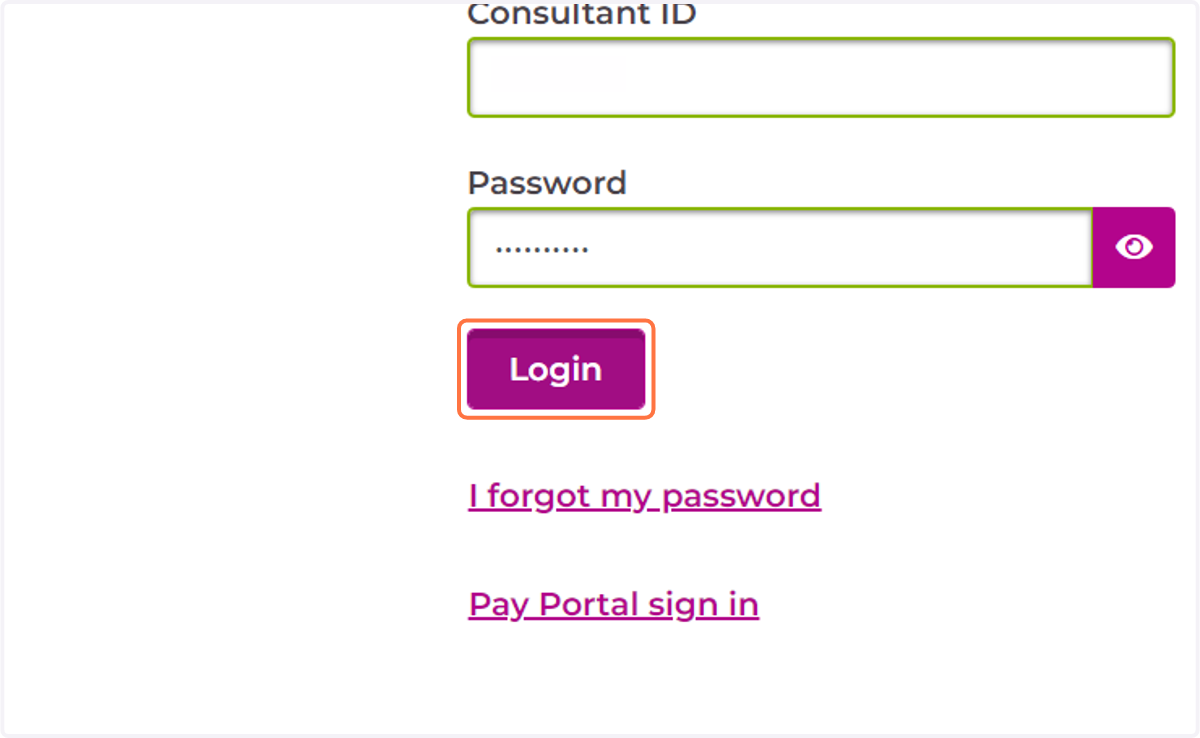
1. Enter your Consultant ID and password on your workstation and login
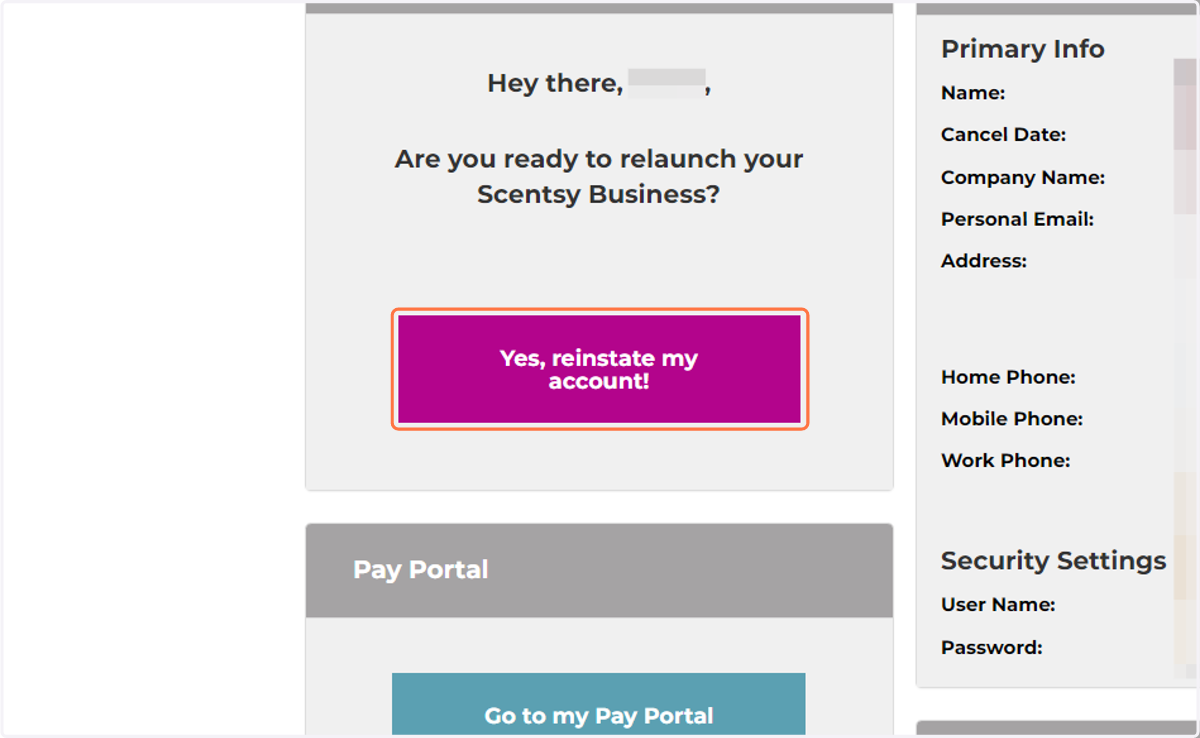
2. Once signed into the workstation click on yes, reinstate my account!
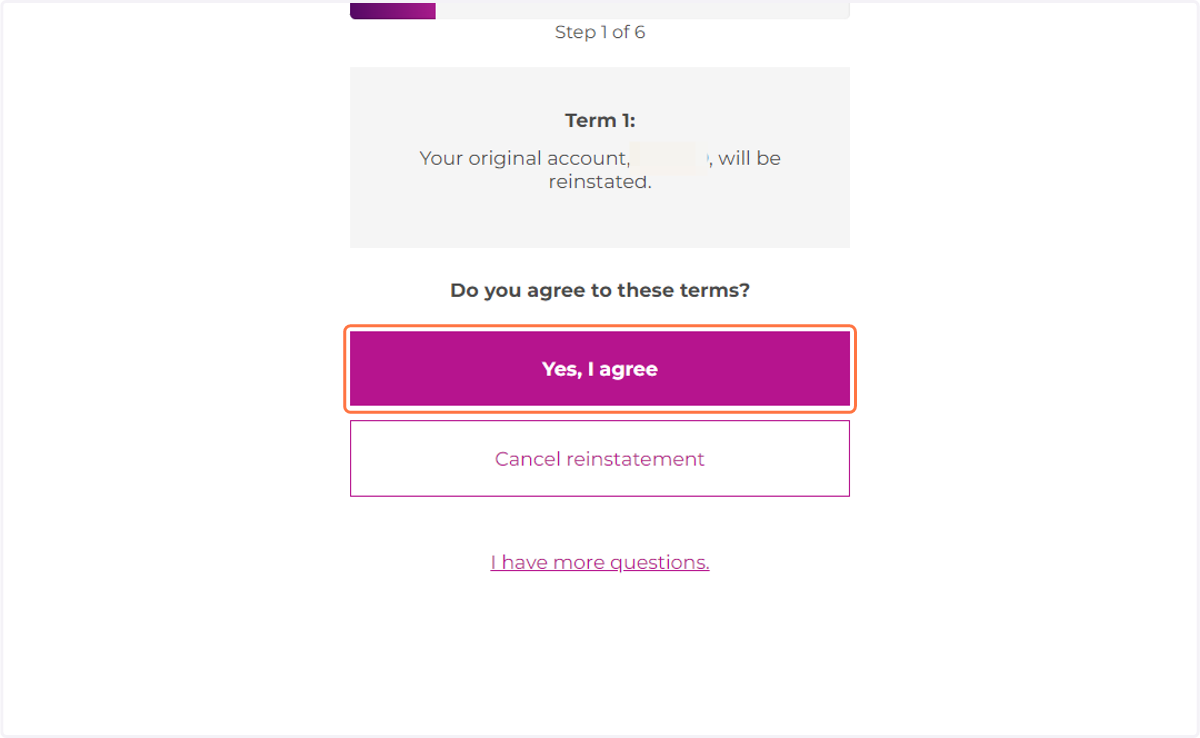
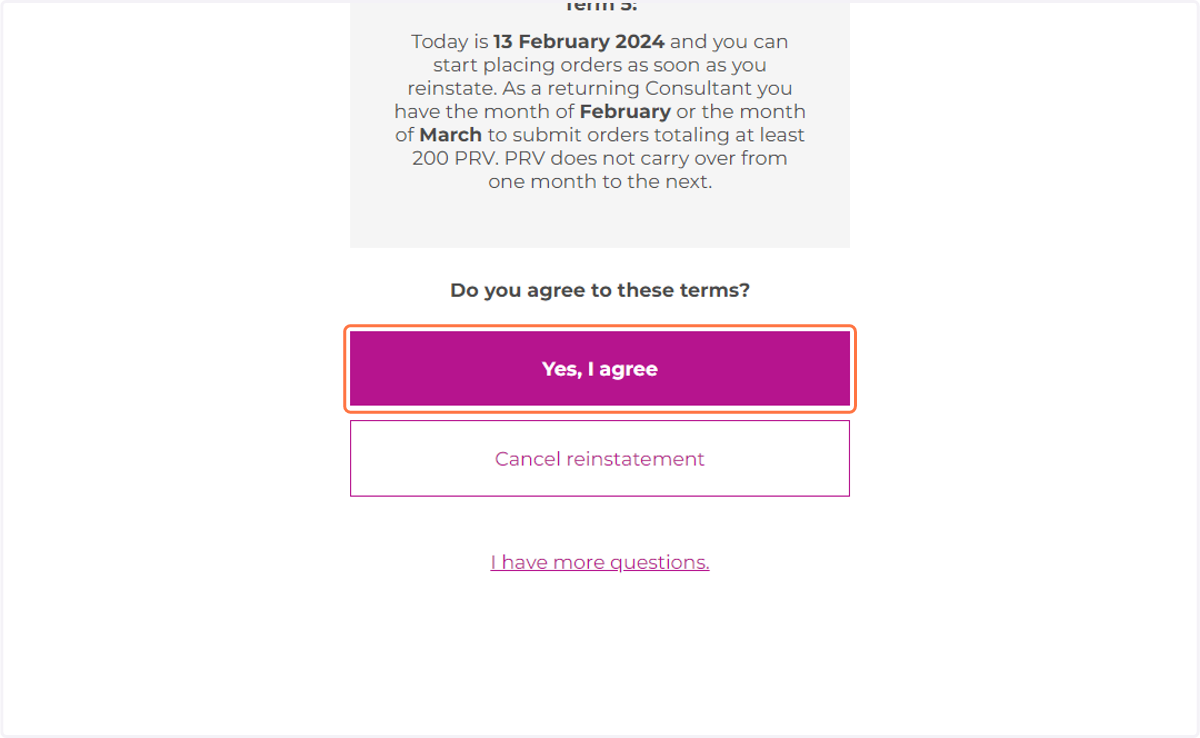
3. Click on Yes, I agree
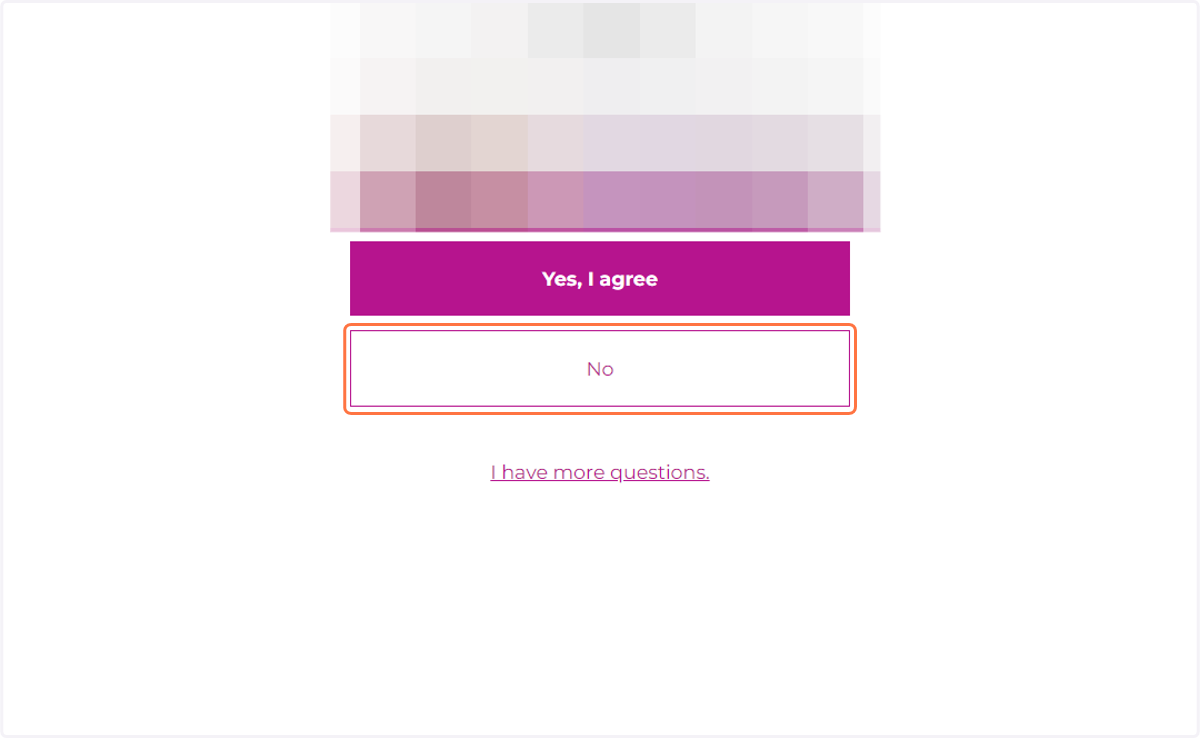
4. Click on No to change sponsor if you wish to sign under Becky Joyce Superstar Director.
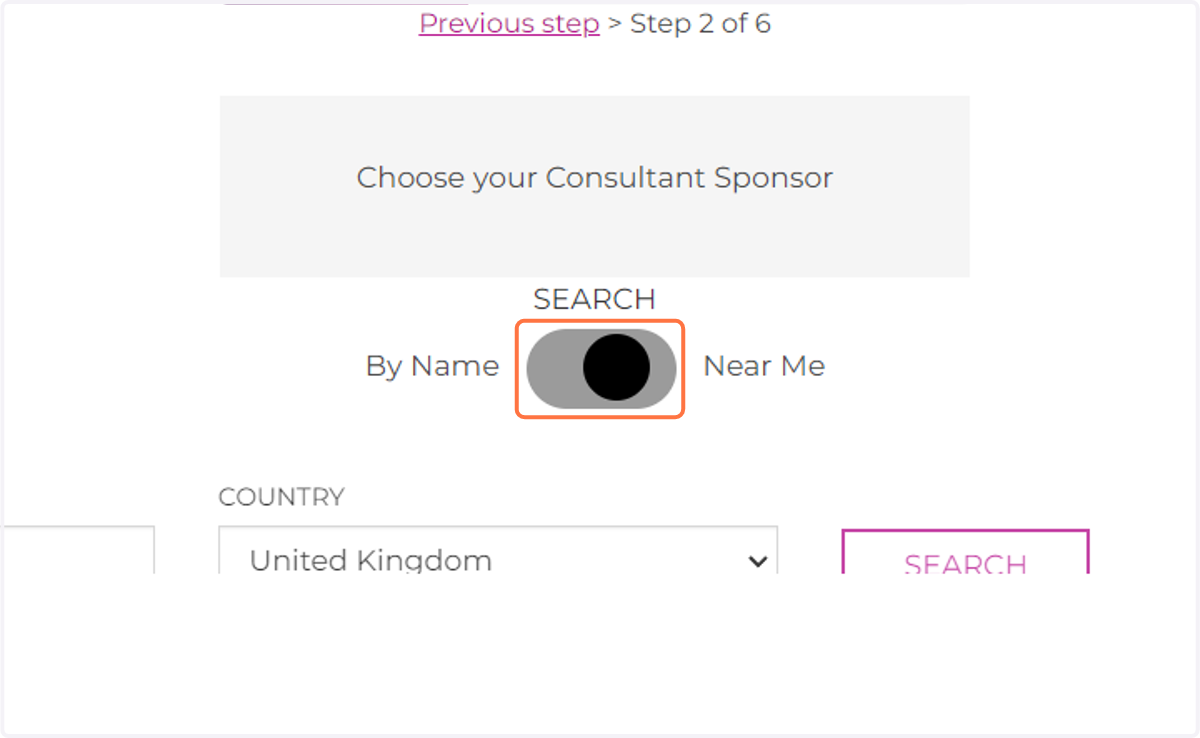
5. Move search-selector to "By Name"
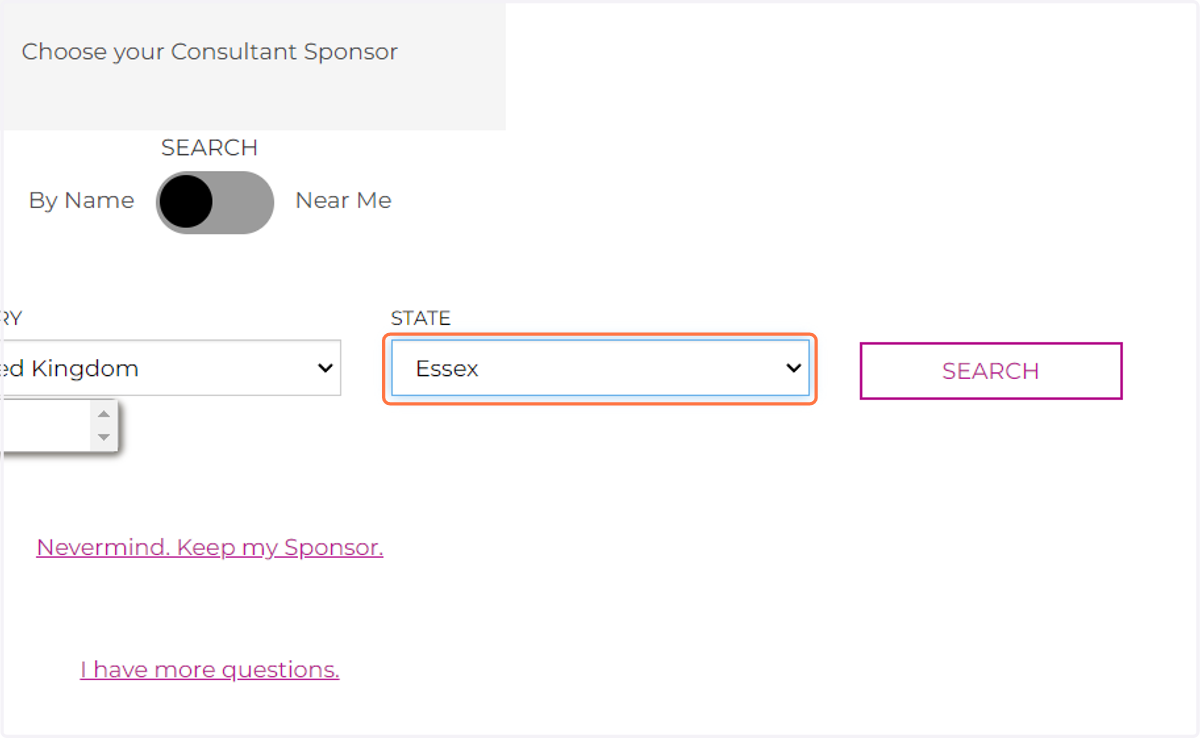
6. Type "Becky Joyce" under name then select United Kingdom and Essex in Country and State
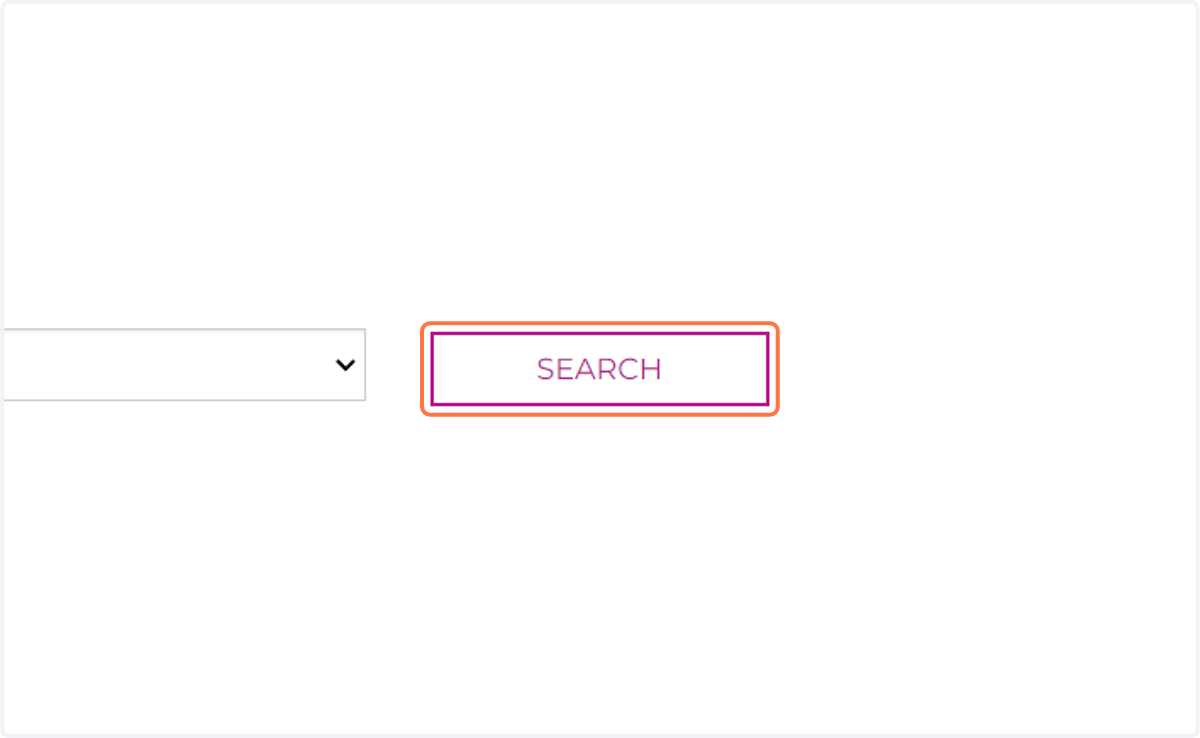
7. Click on SEARCH
8. Click on Make Rebecca my Sponsor
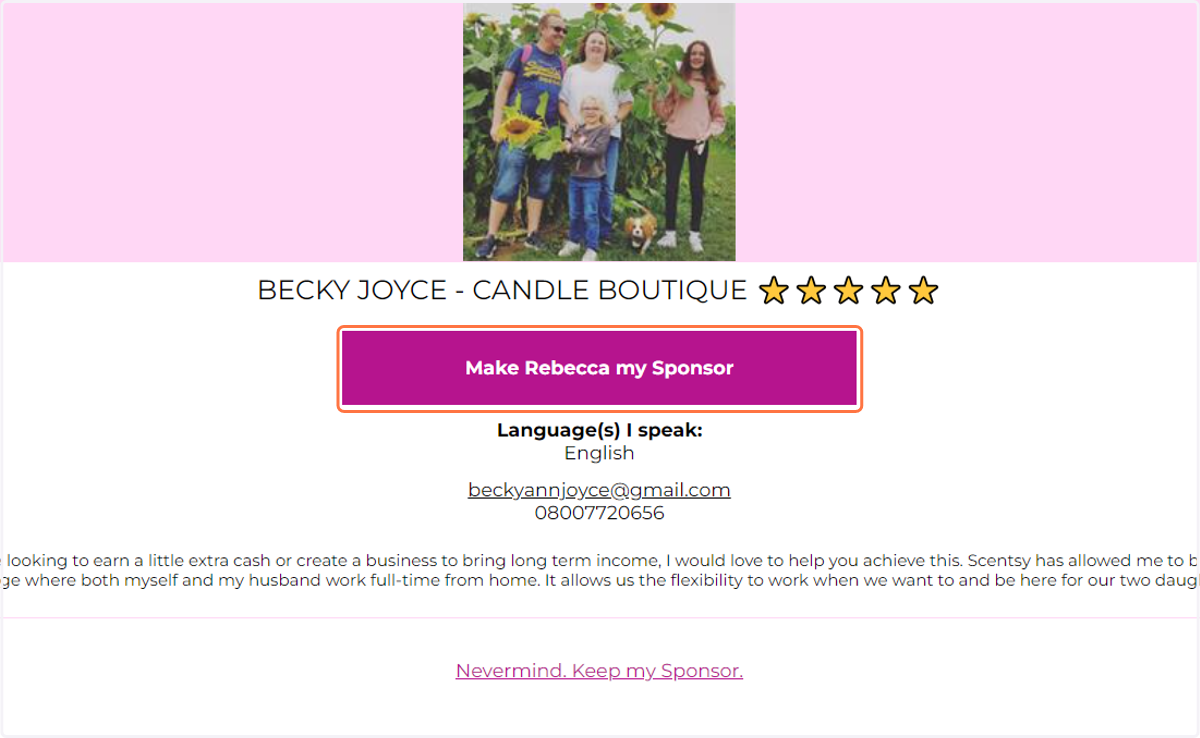
9. Click on Yes, I agree
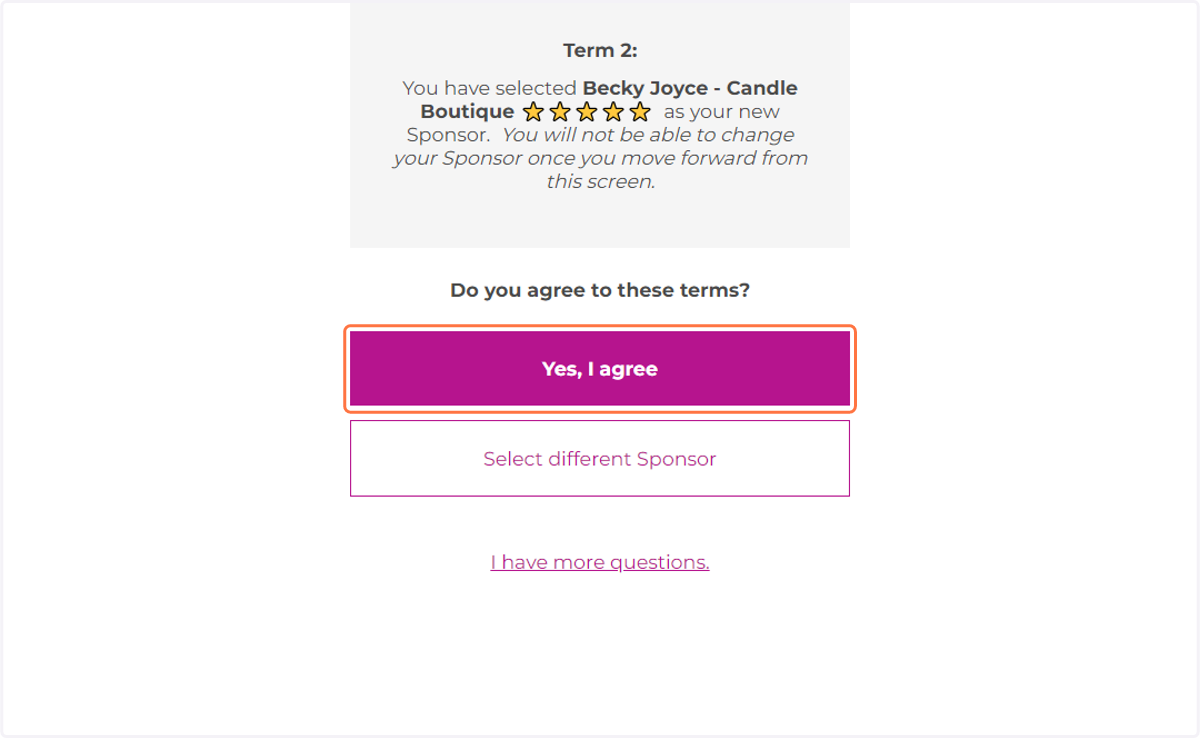
10. Click on Yes, I agree
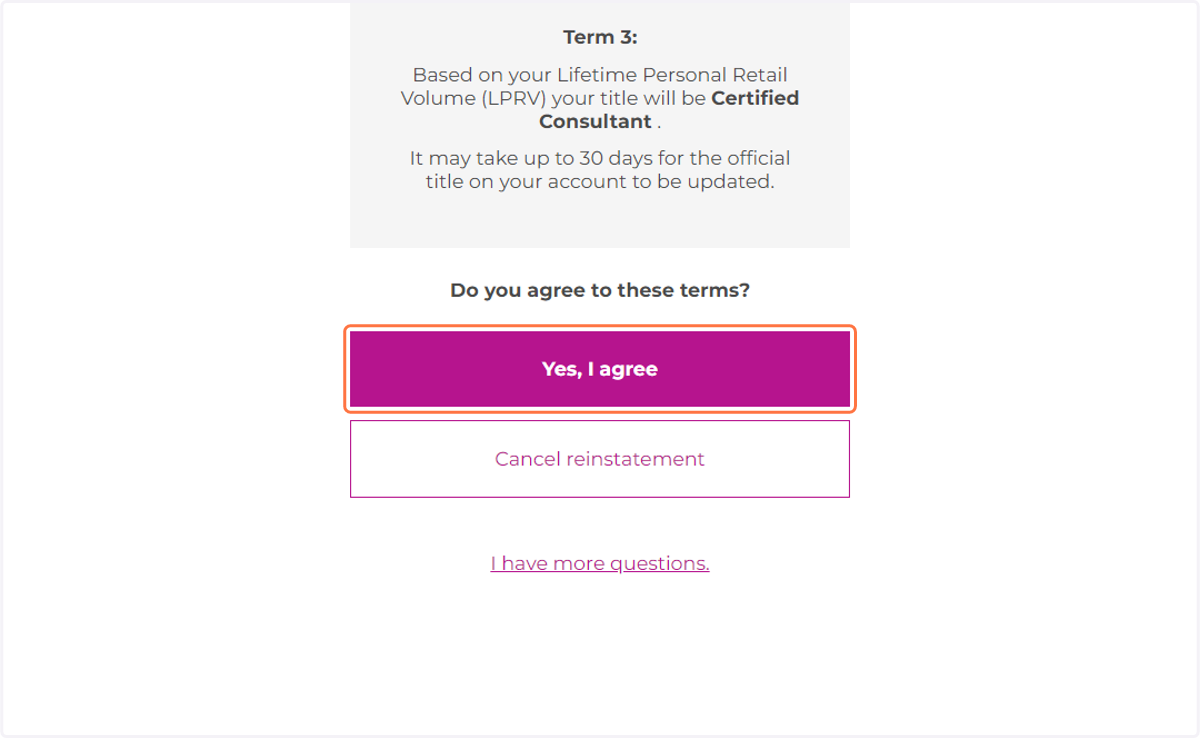
11. Click on Yes, I agree
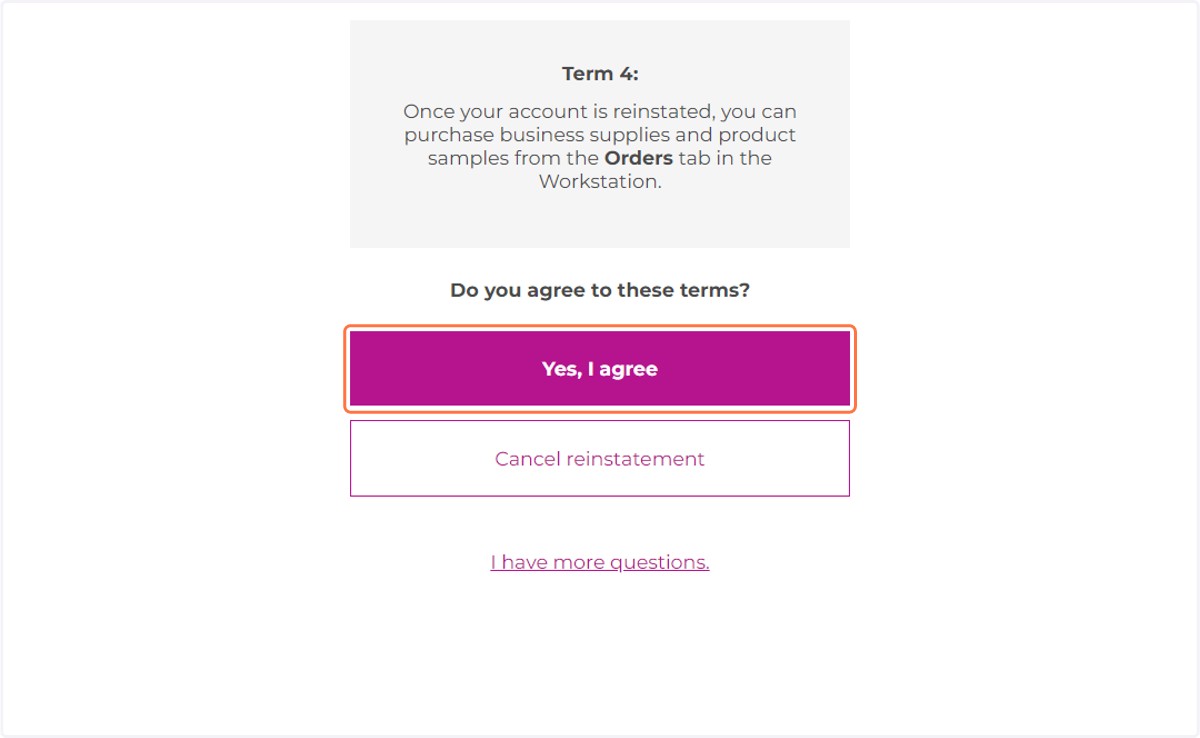
12. Click on Yes, I agree
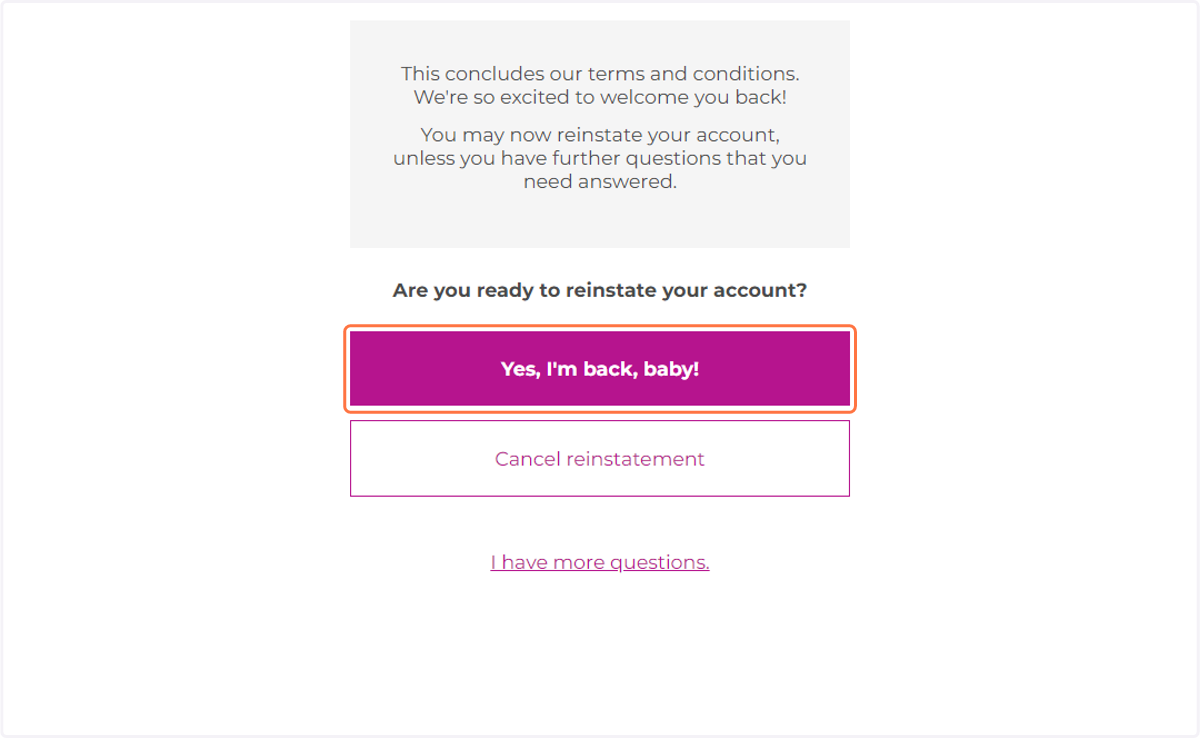
13. Click on Yes, I'm back, baby!
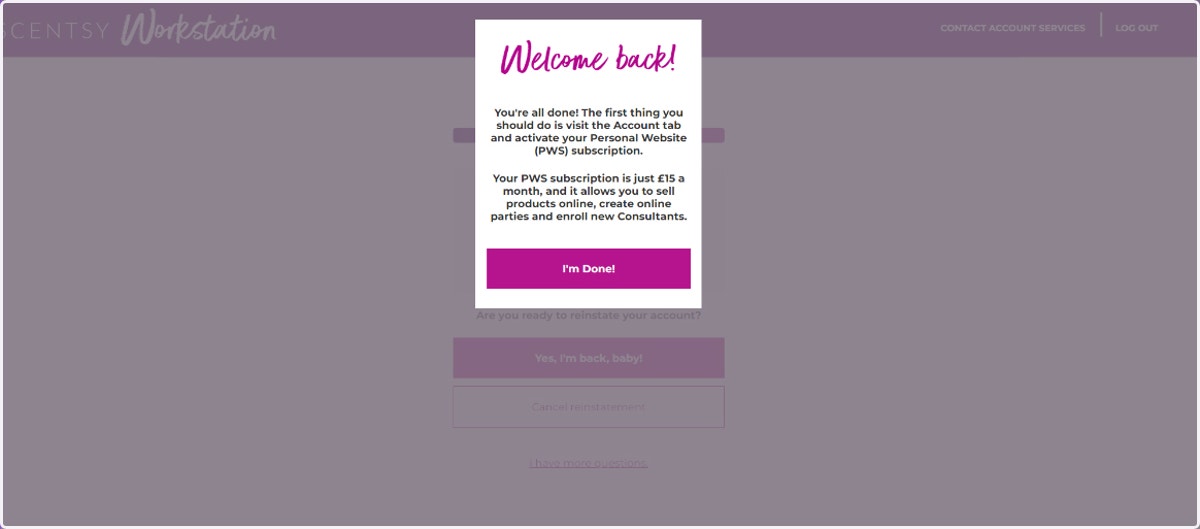
14. Welcome Back to Scentsy and thank you for choosing Becky Joyce as your new sponsor. An email will be sent from Becky inviting you to her team pages, resources which will offer help and support.