Delivery Restrictions
Infigo have introduced a new feature called "Shipping Restrictions" (or "Delivery Restrictions" based on region) which can be found under Configuration > Shipping > Shipping Restrictions
This feature allows you to control which countries are allowed to use certain shipping methods under the "Country Restrictions" tab. It also allows you to create Shipping Restrictions, calculating the amount of time shipping/delivery will take from the completion of production.
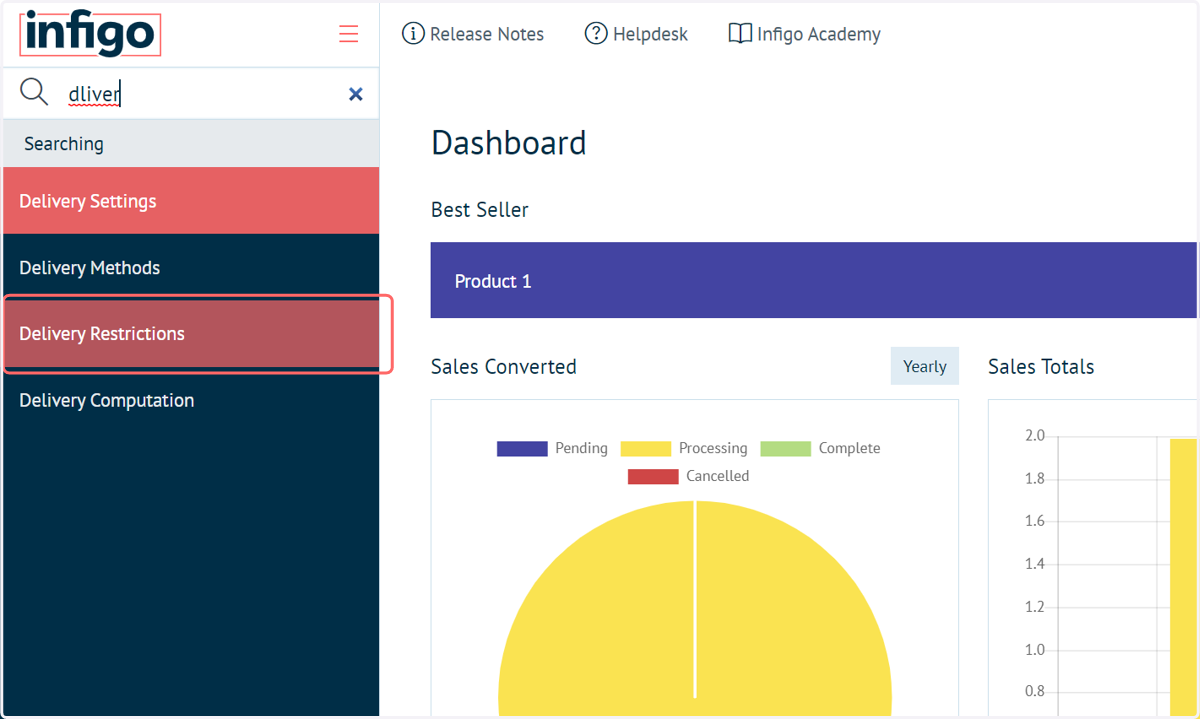
1. Navigate to Delivery Restrictions
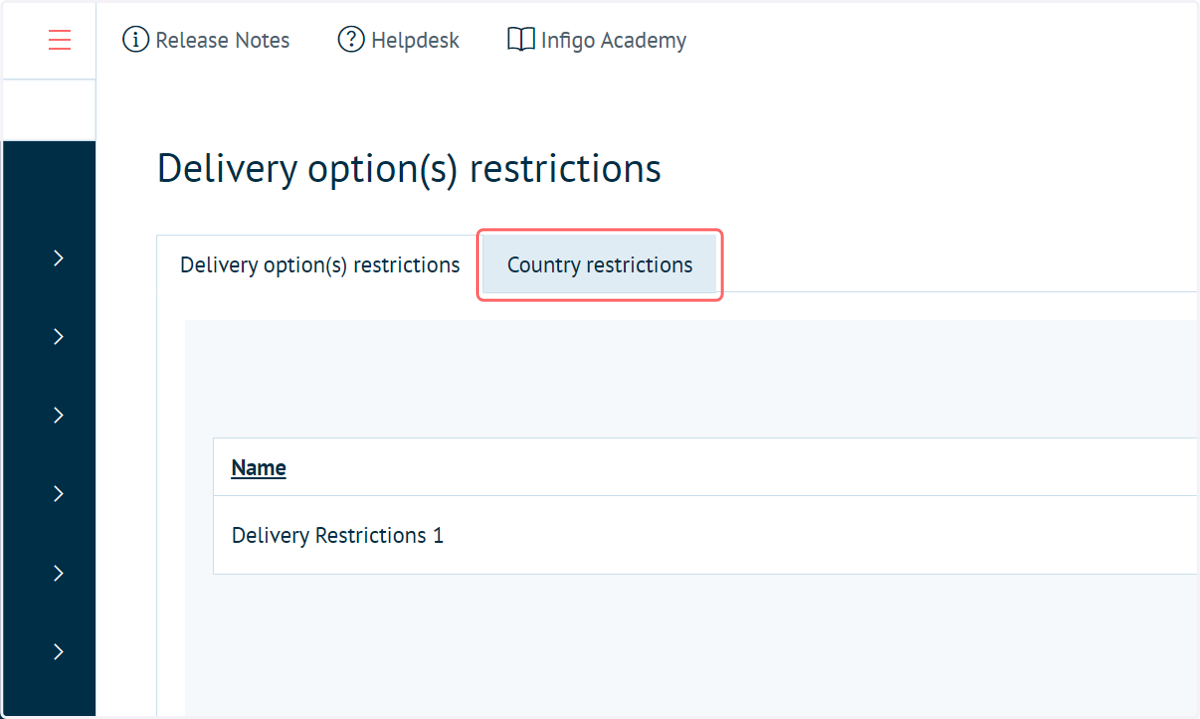
2. Click on Country restrictions
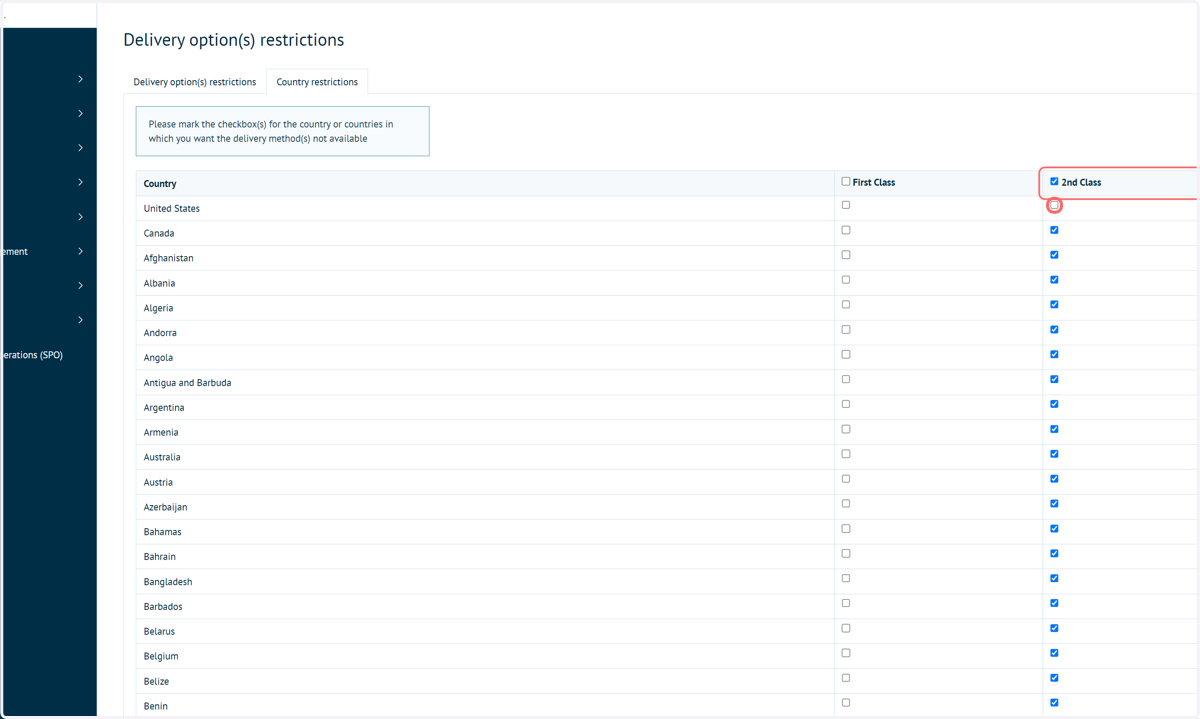
3. Specify country level restrictions
Mark the checkbox(s) for the country or countries in which you want the delivery method(s) not available.
Here, for example, we have defined that only users located in the United States can use the 2nd Class delivery method.
4. Click on Save
5. Click on Add new record on the Delivery option(s) restrictions tab
You create Shipping Restrictions in much the same way you create Production Restrictions (Add new record -> Name -> Insert), and the configuration is practically the same, except there is no tiered offset option, and the allocated calendar will affect delivery days, not execution days.
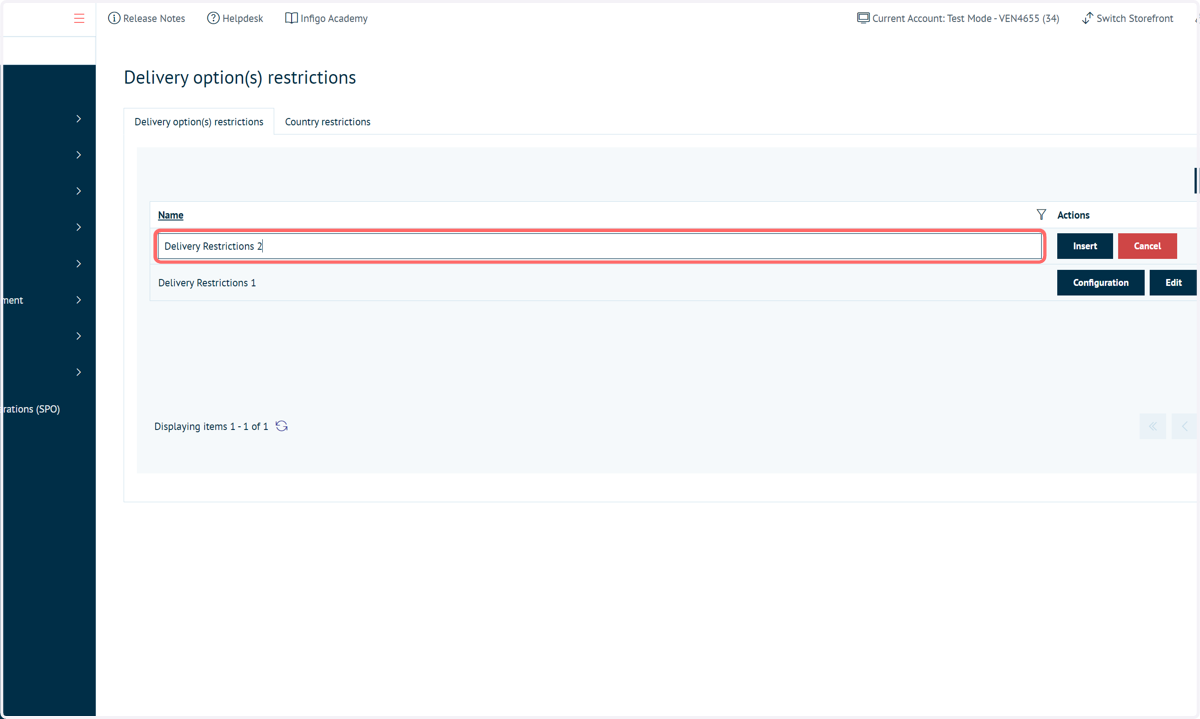
6. Type a delivery restriction name
7. Click on Insert
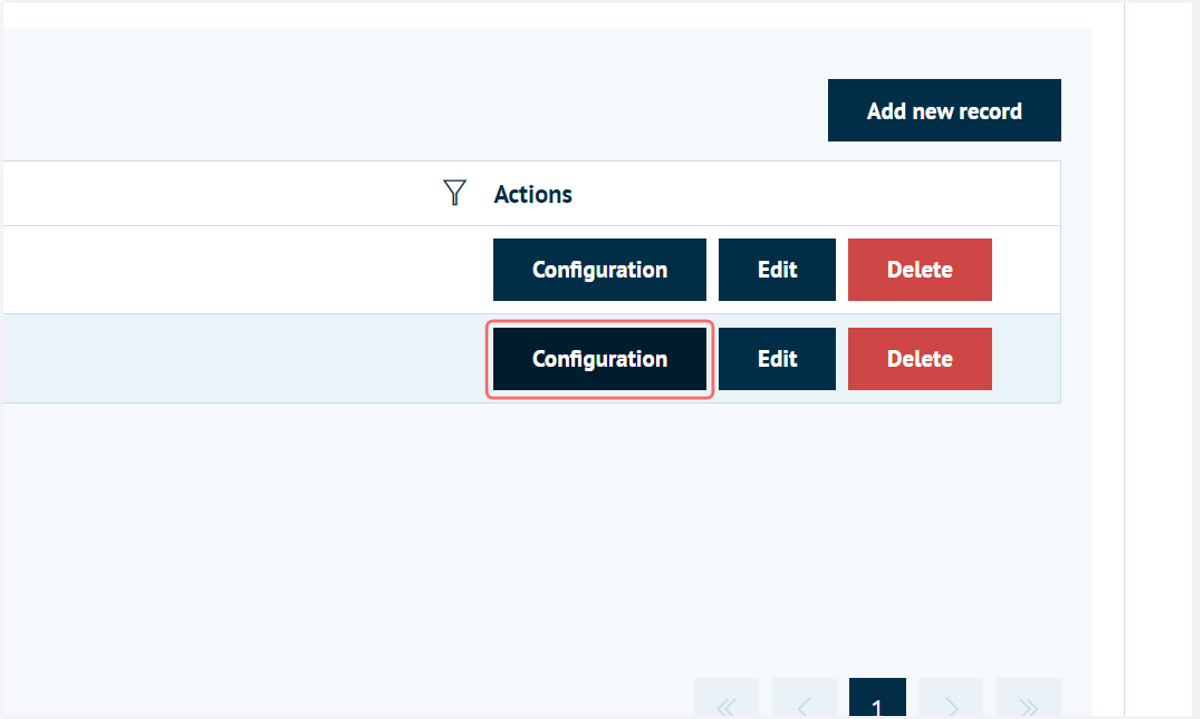
8. Click on Configuration
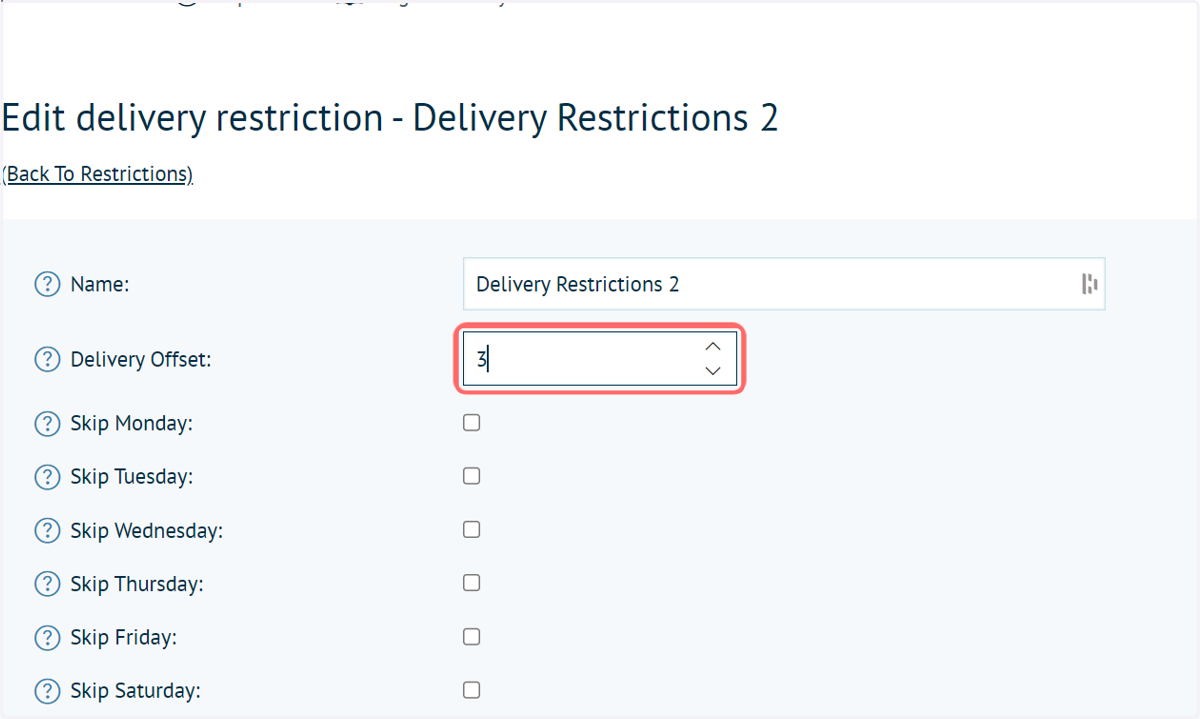
9. Input a delivery offset
This is a value (in days) required for shipping / delivery.
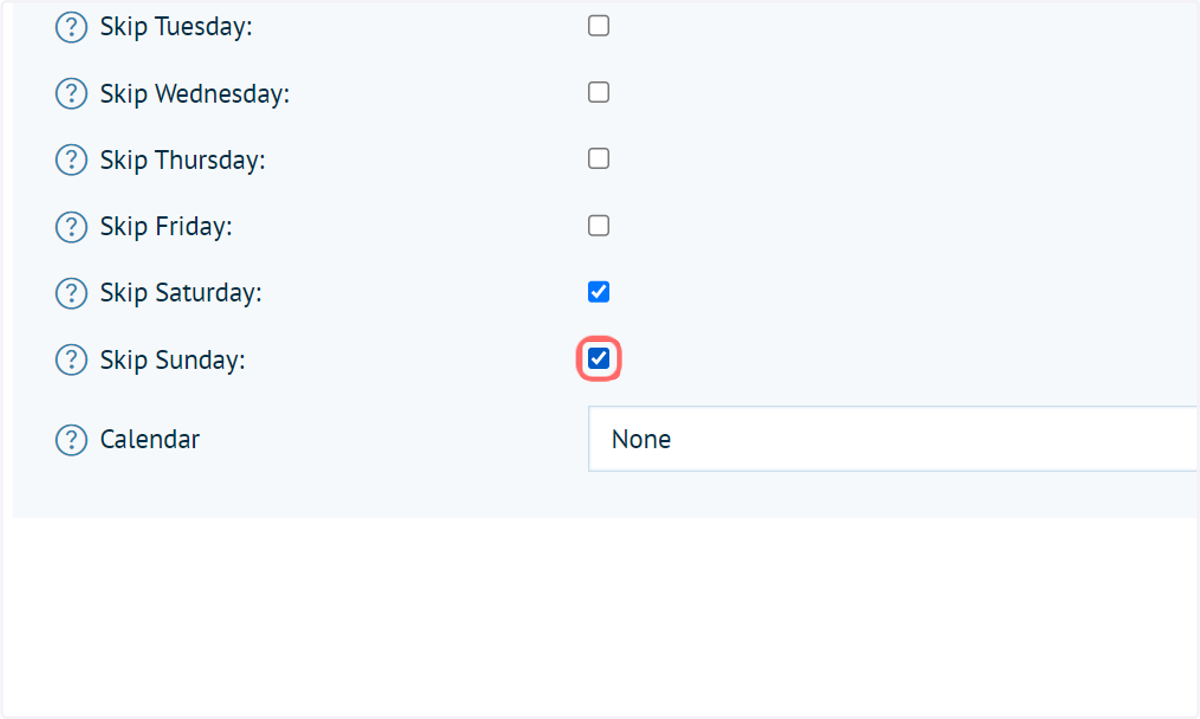
10. Define days to skip
These days are not included in your delivery offset. For example, if delivery is not possible over the weekend then Saturday and Sunday can be skipped and the delivery offset will be paused. The delivery offset will then resume on Monday.
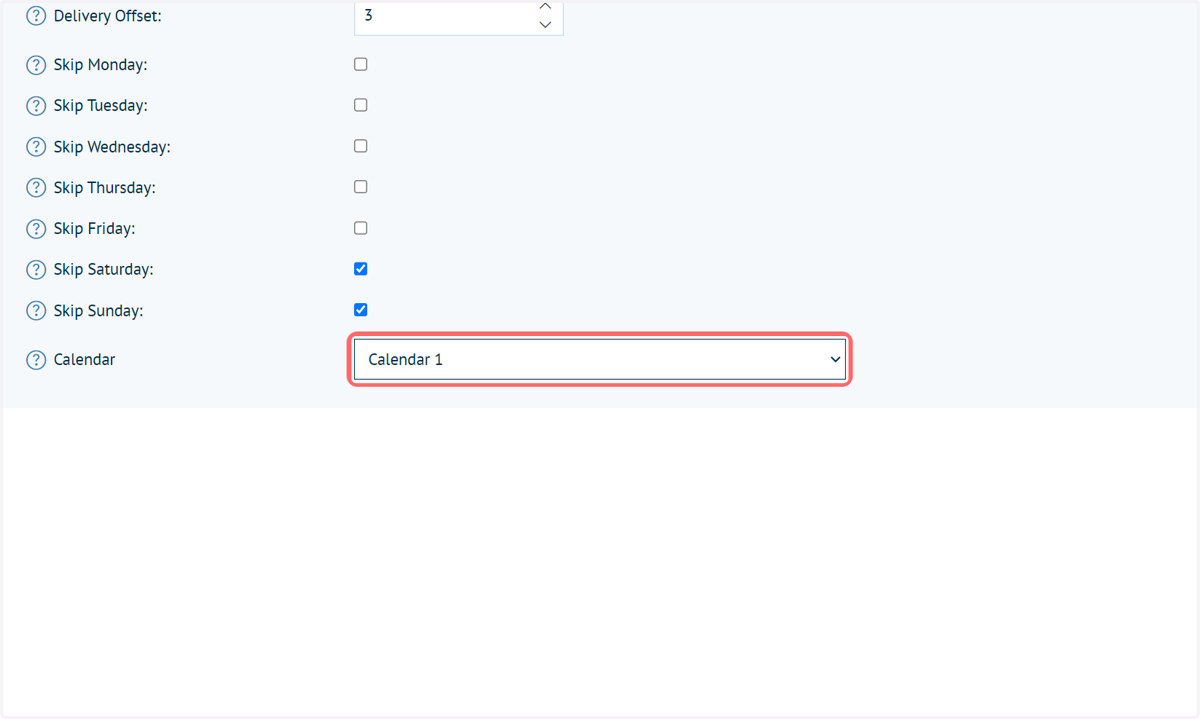
11. Select a defined calendar (if necessary)
Calendars (covered in a different tutorial) can be used to specify additional specific days where delivery is not possible. This could be, for example, public holidays.
12. Click on Save