How to Complete E-Learning
How to complete e-learning lessons on DisasterSchool.com
Disasterschool
1. Go to DisasterSchool.com | Disaster Worker & Homeowner Readiness Training
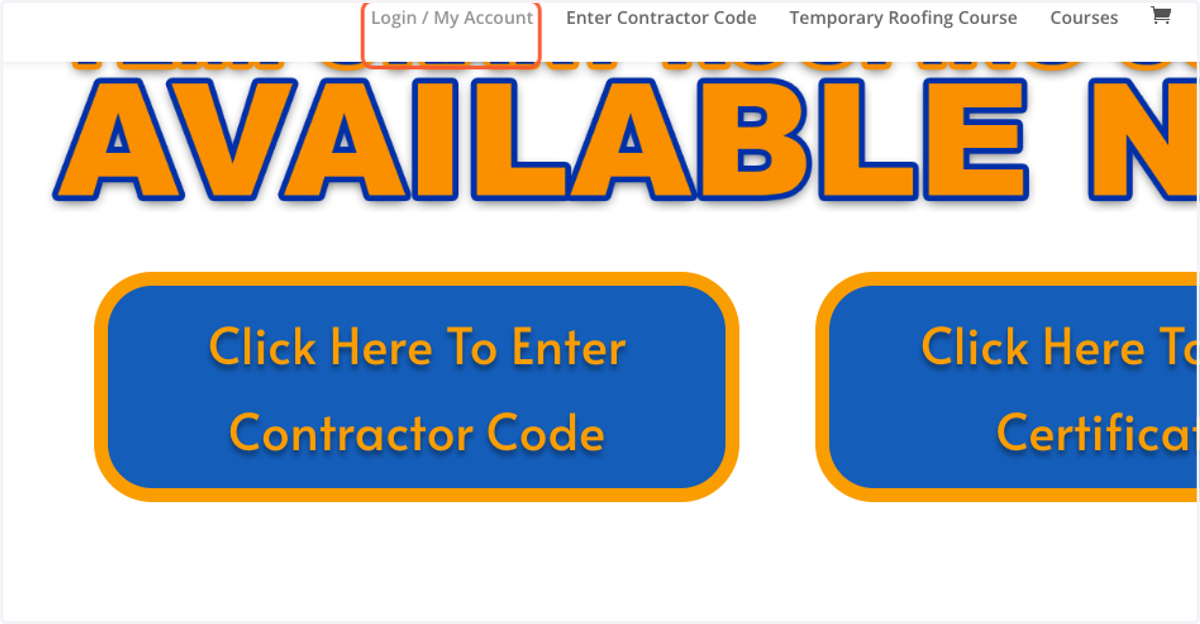
2. Click on Login / My Account
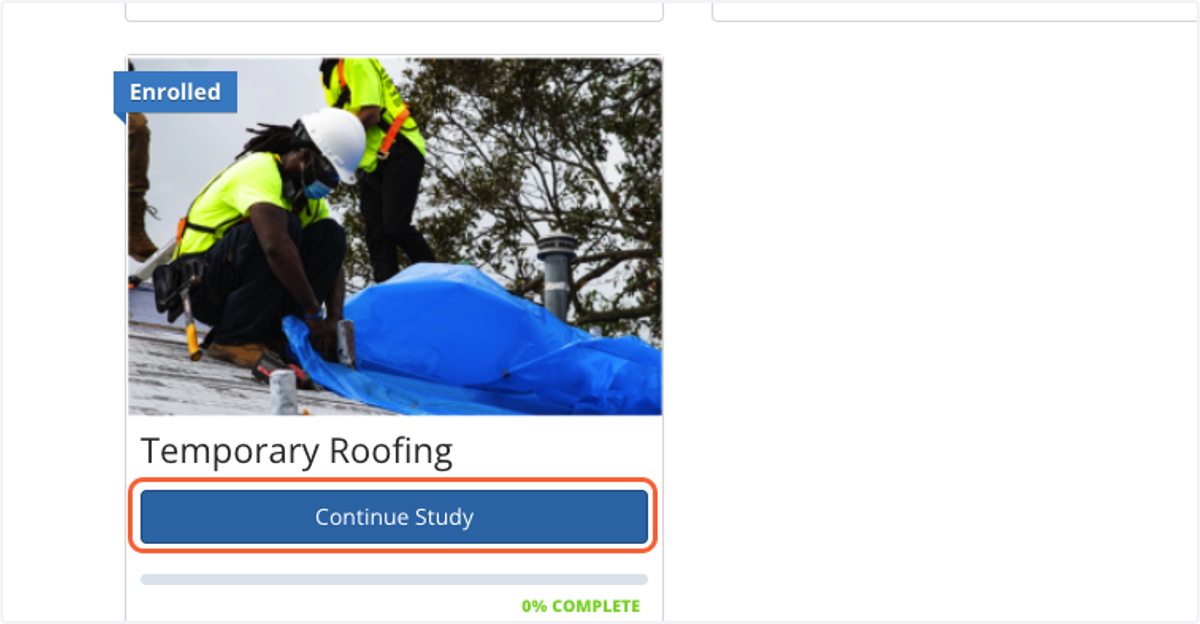
3. Choose Course & Click Continue Study
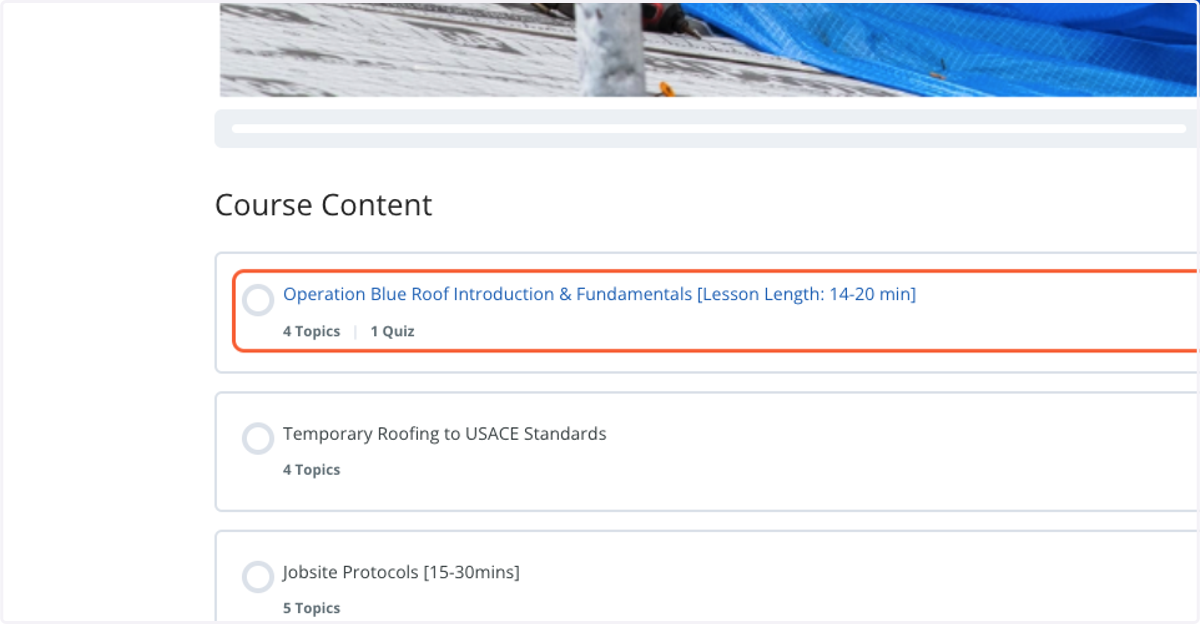
4. Choose the Lesson You'd like to Access
5. Click into the first topic in the lesson to begin
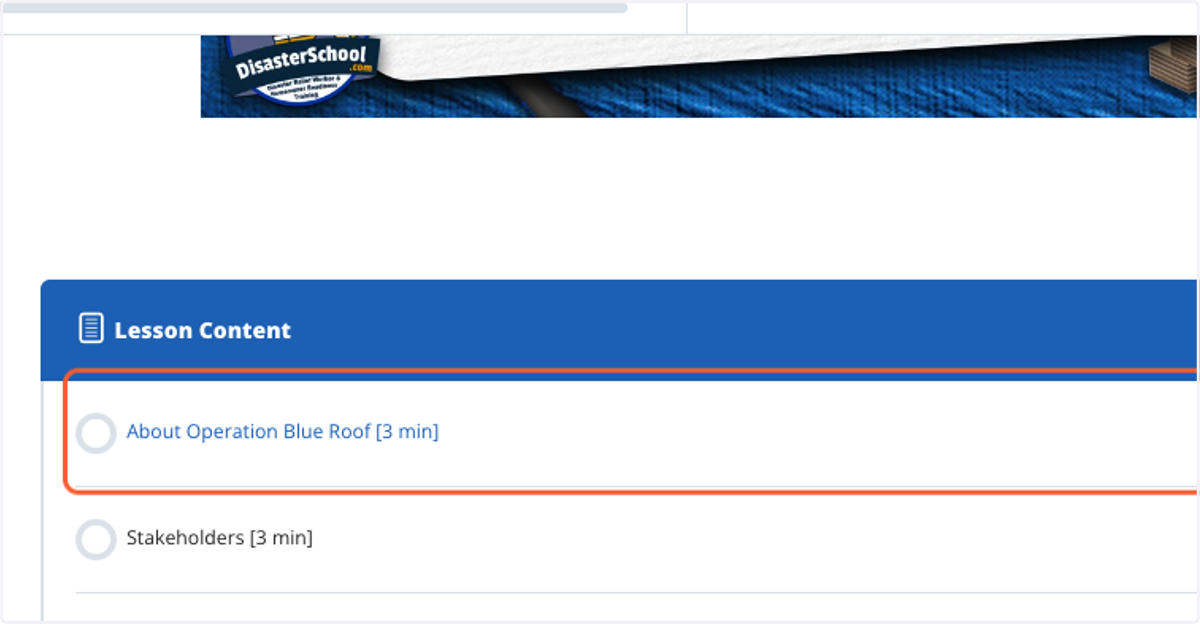
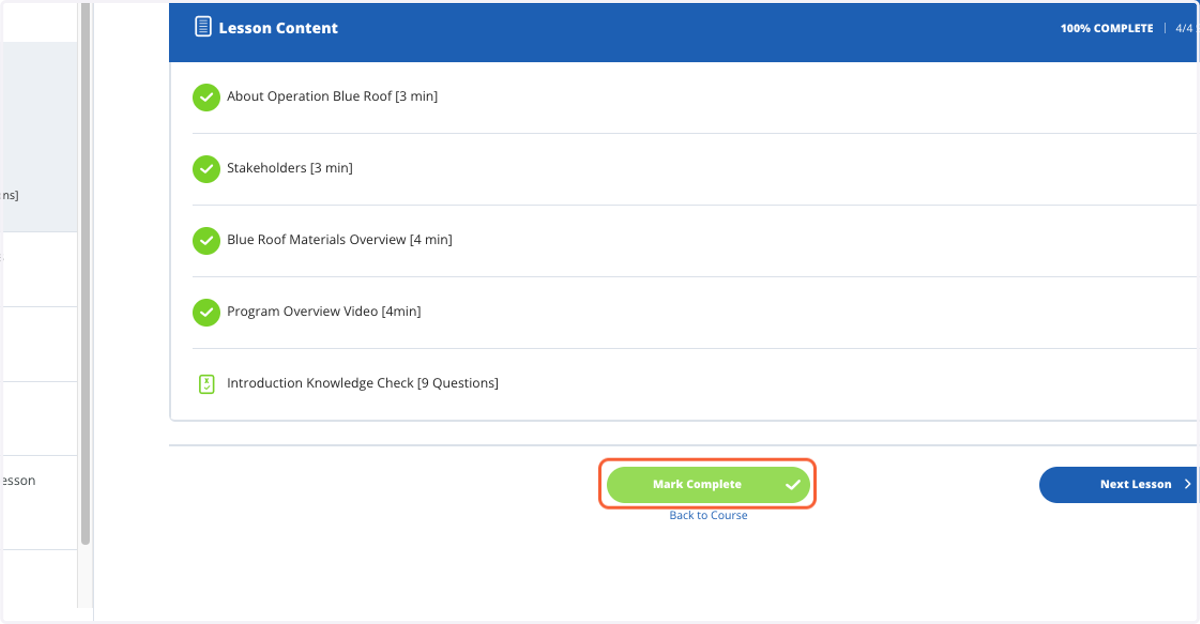
6. Take your time and read the material, once you are done click the MARK COMPLETE on the bottom.
You MUST Mark each topic & lesson as complete to complete the course & move onto the next topic.
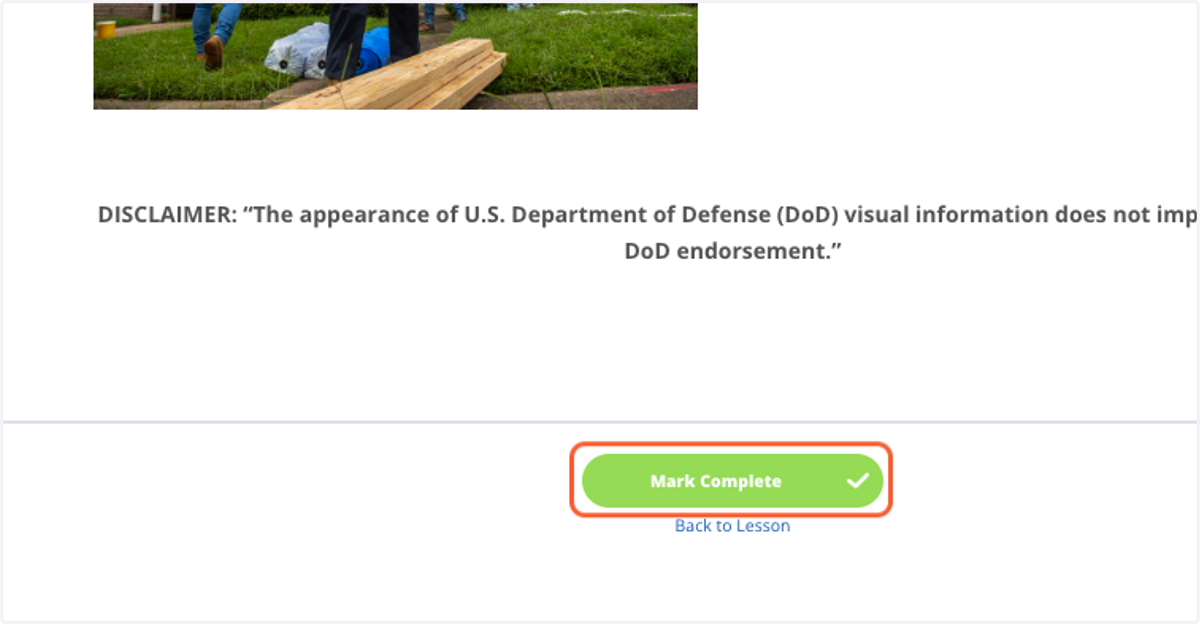
7. After completing all topics, mark the lesson complete to move on
You MUST Mark each topic & lesson as complete to complete the course & move onto the next topic.