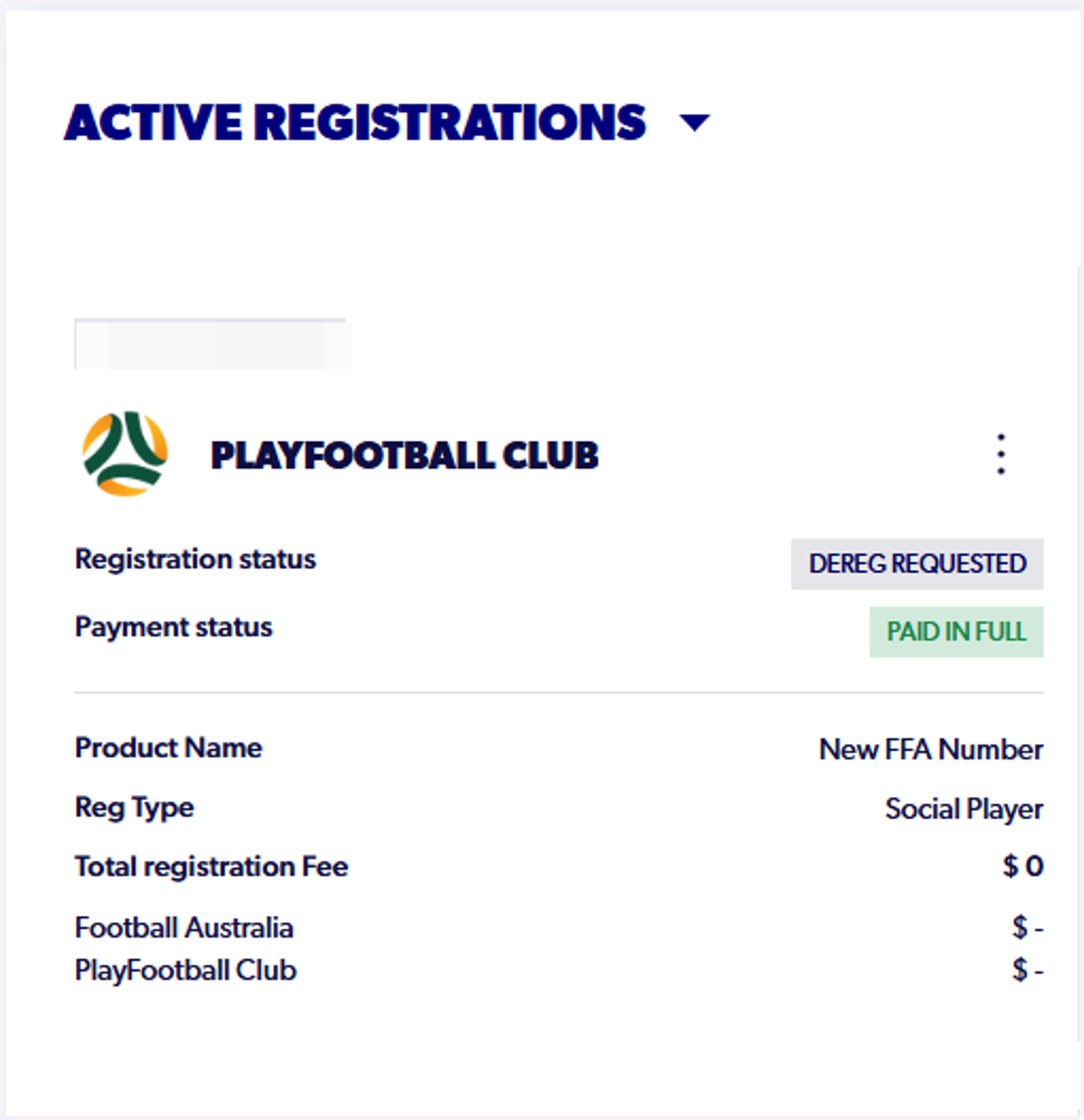
How to Submit a De-registration and Refund Request.
Start on playootball.com.au
1. Start on playfootball.com.au
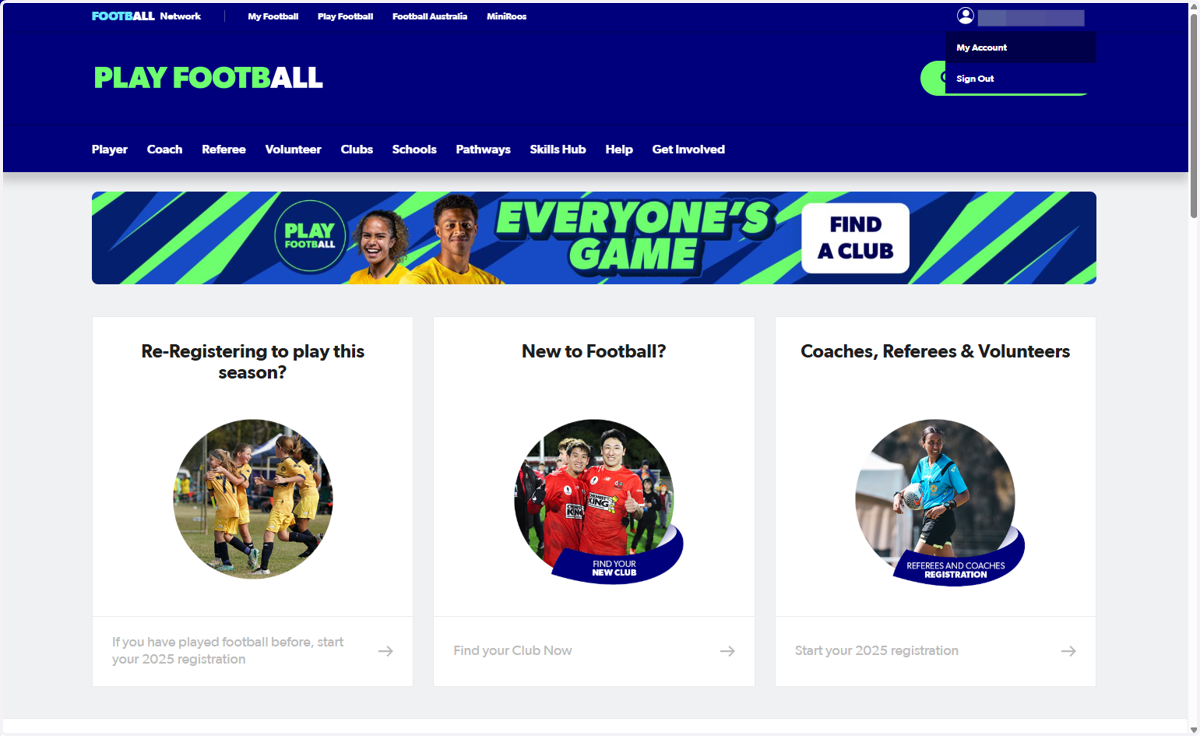
2. Click on My Account on the top right-hand side
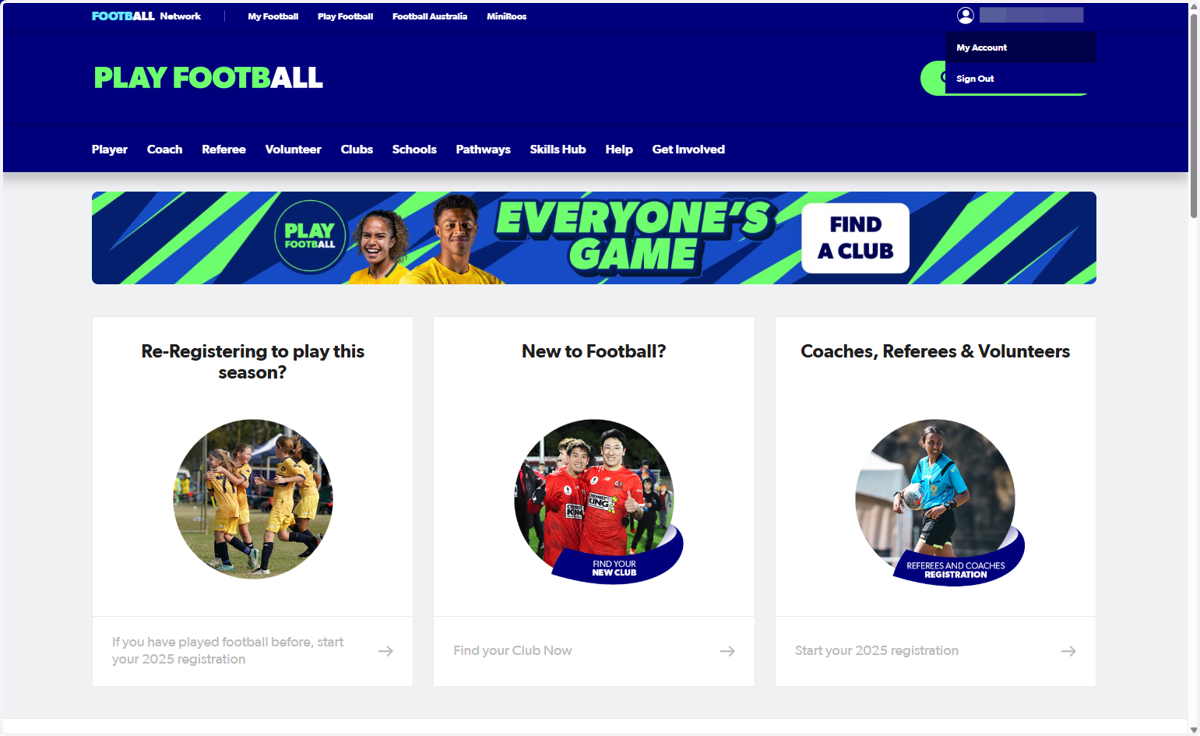
Football Account
3. Click on MANAGE MY REGISTRATIONS
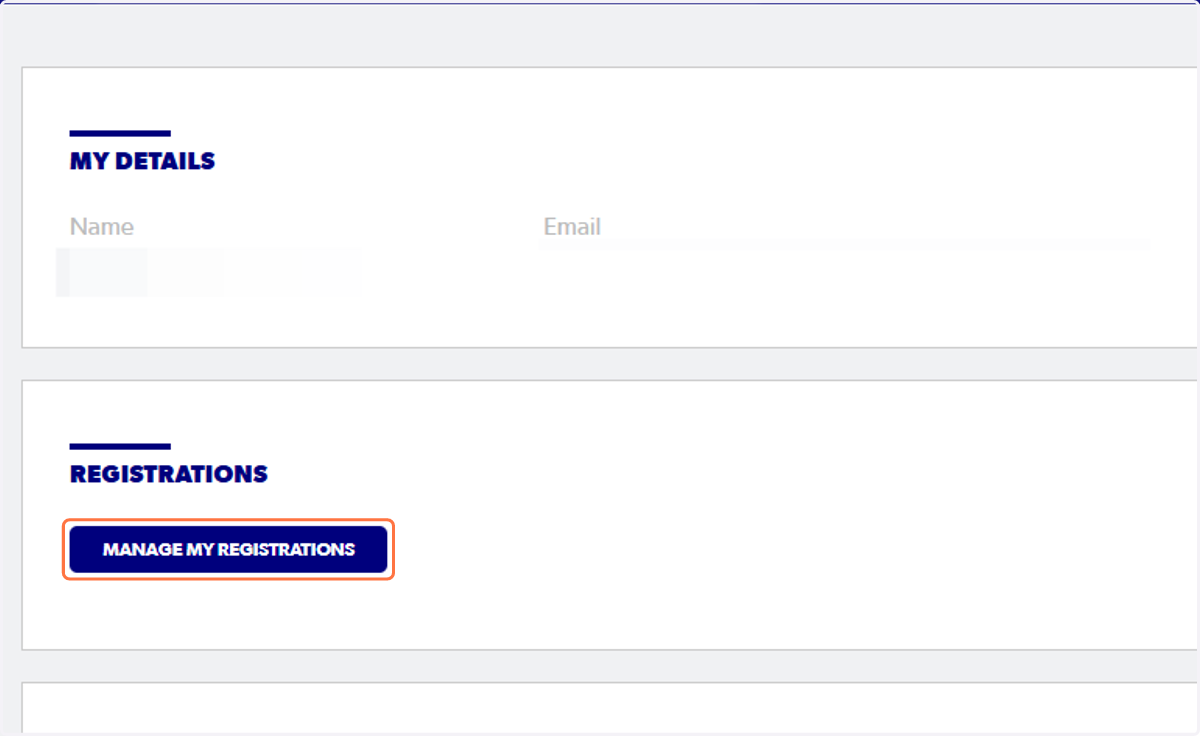
Football Australia
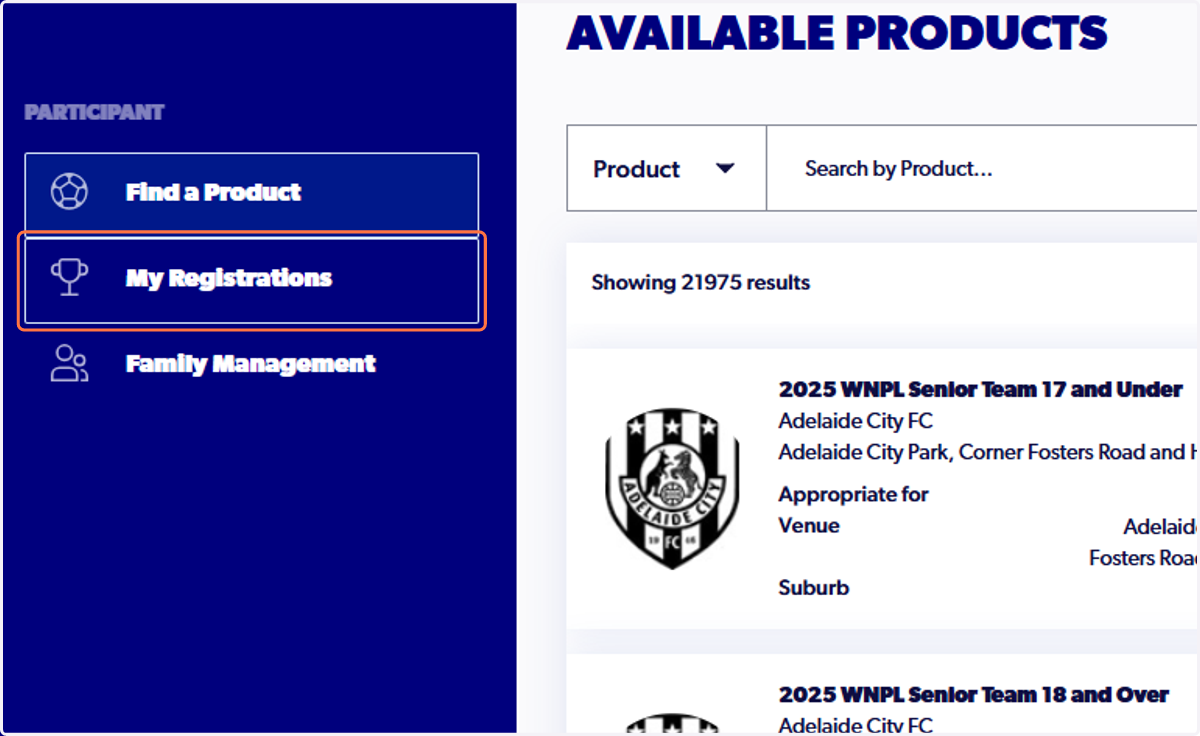
4. Click on My Registrations
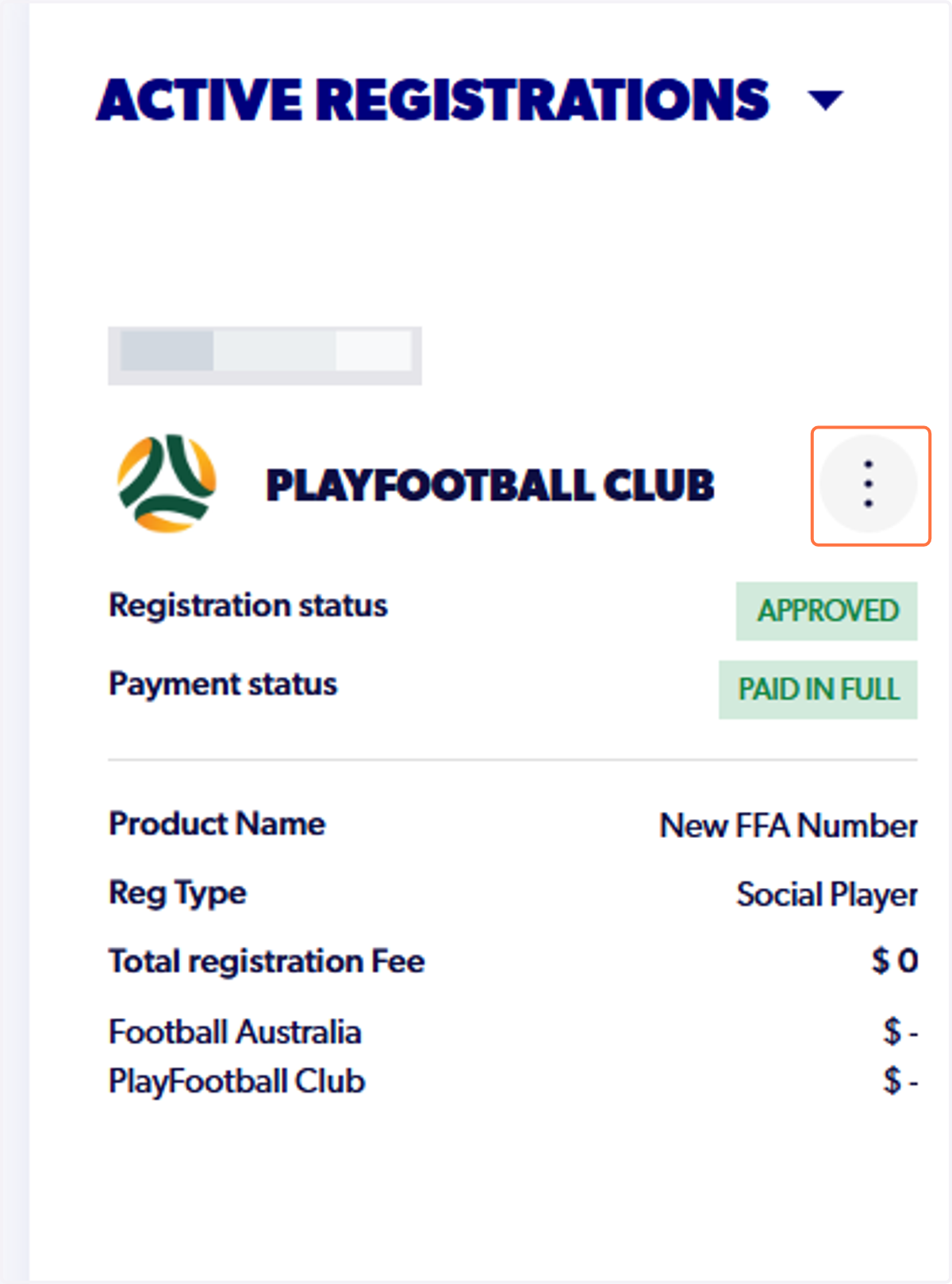
5. Click on the three dots on the right hand side of your registration
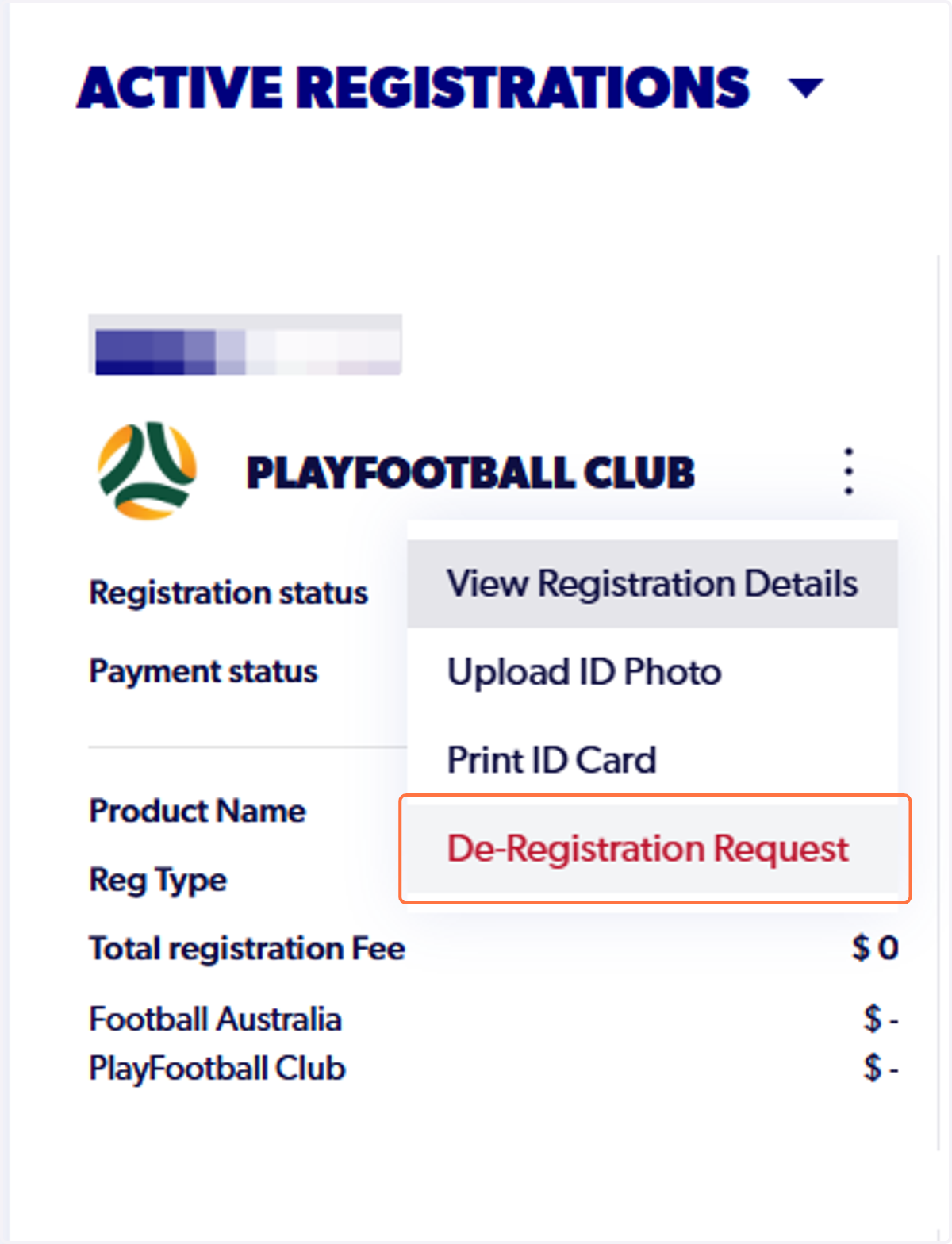
6. Click on De-Registration Request
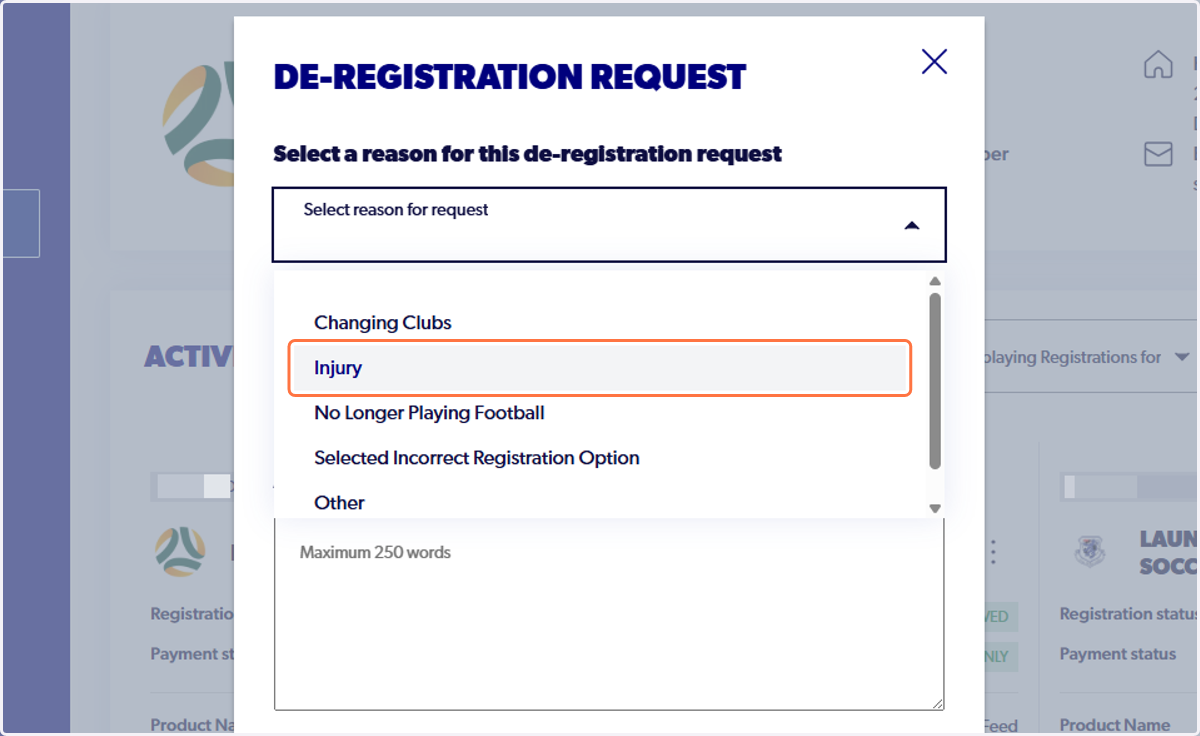
7. Select a reason for request
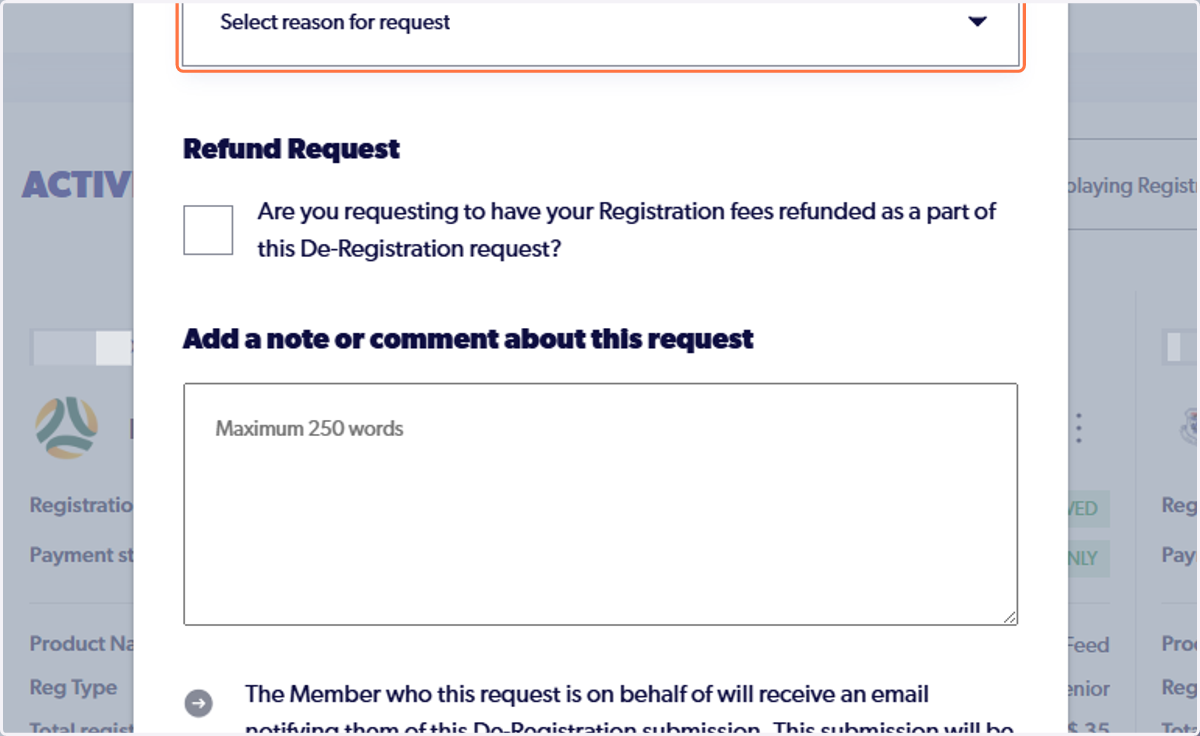
8. Click a reason
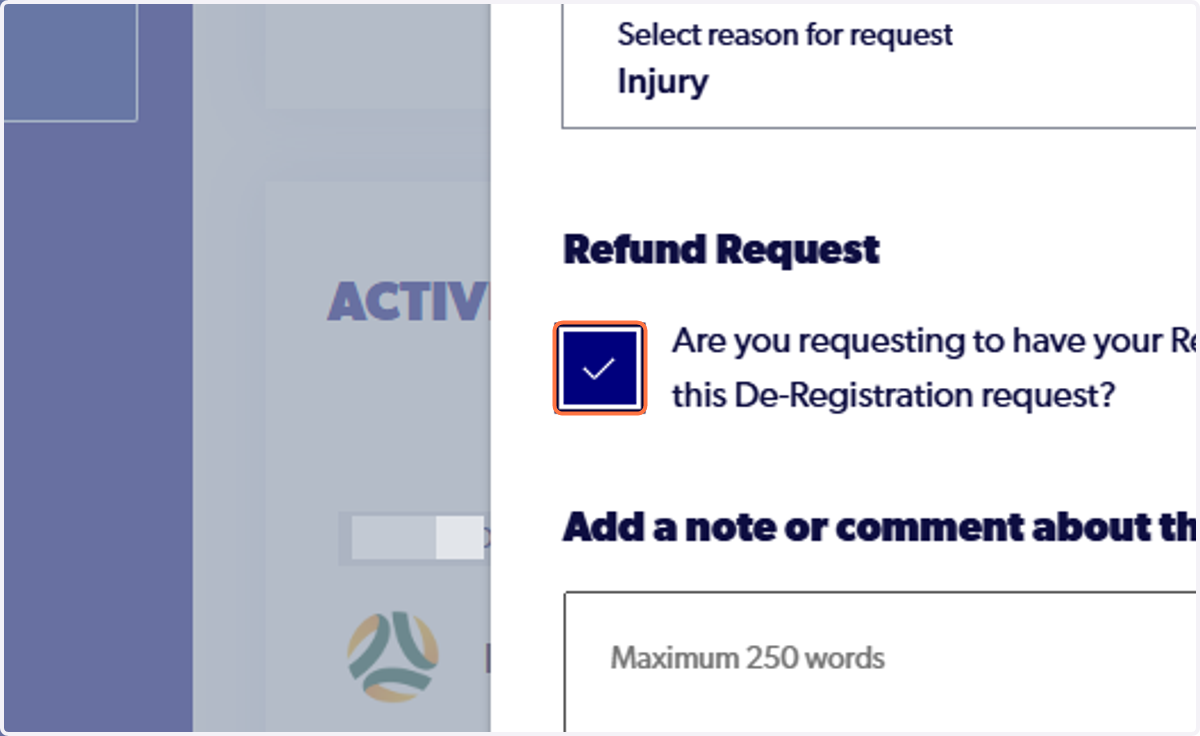
9. Tick the Refund Request box
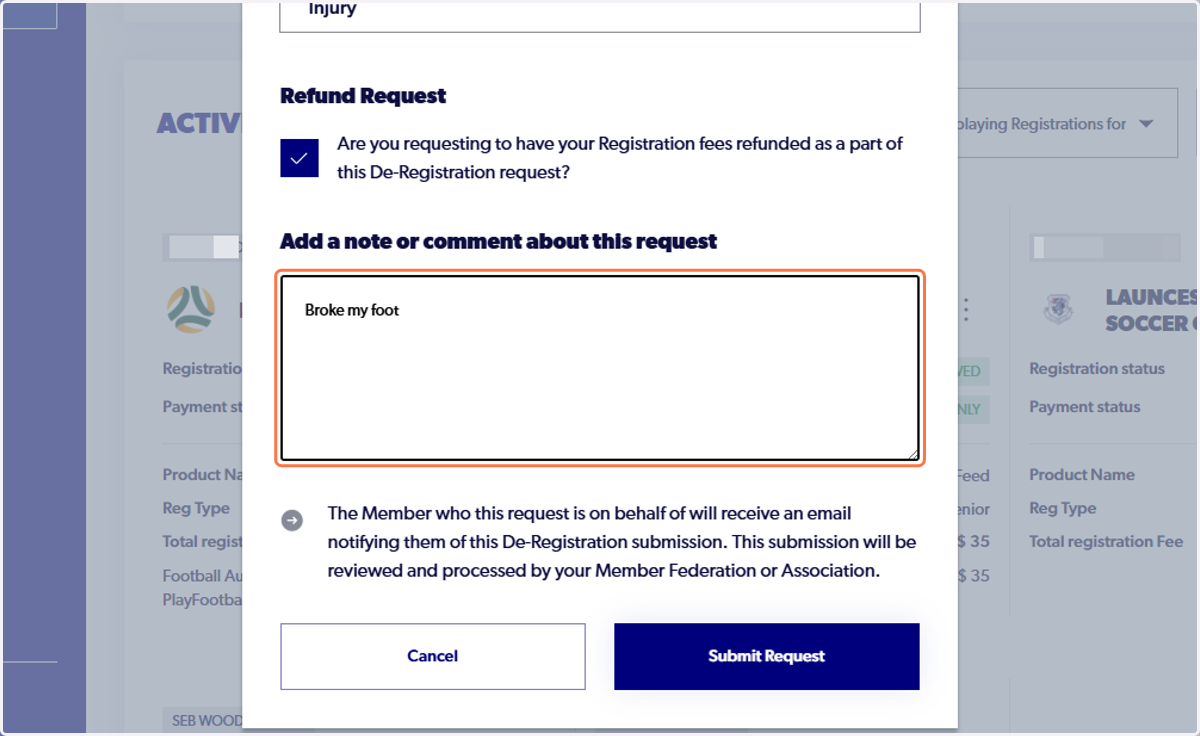
10. Add a note or comment about this request
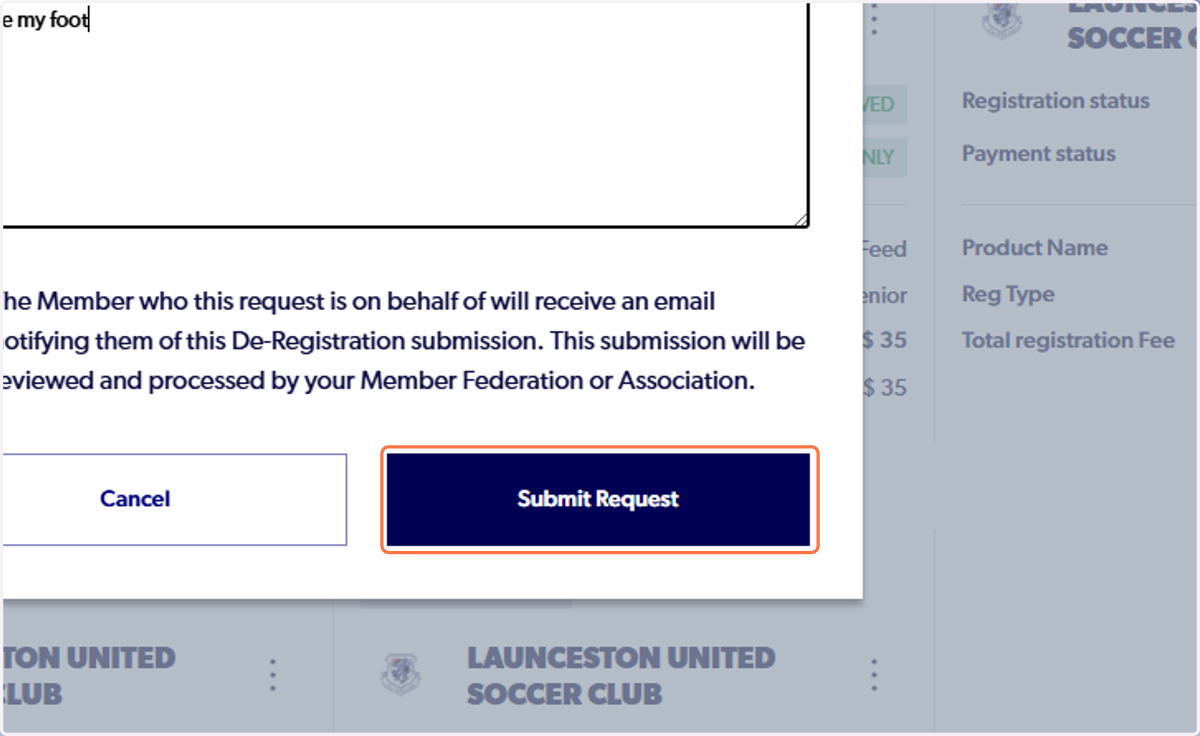
11. Click on Submit Request
12. The selected registration will come up under My Registrations with 'Dereg Requested'
Your Club, Association and Member Federation will have to action the request.