Turning On Schedule Publishing

Advantage CSP

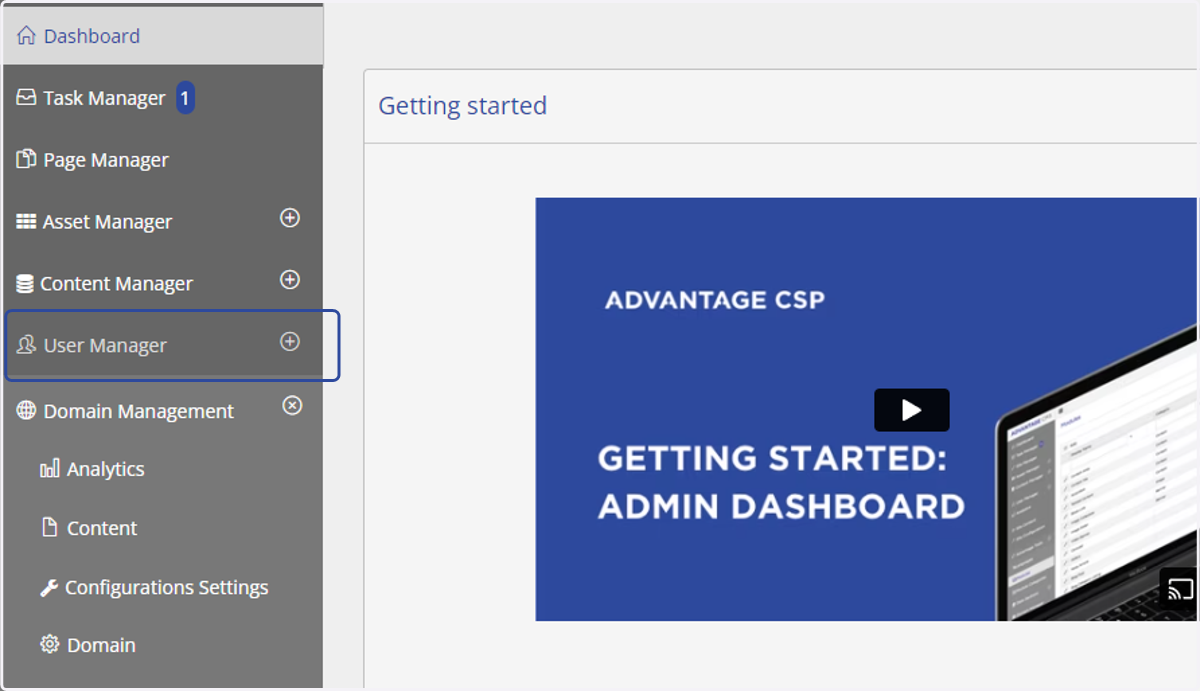
  1. 1. Click on User Manager

    Click on User Manager
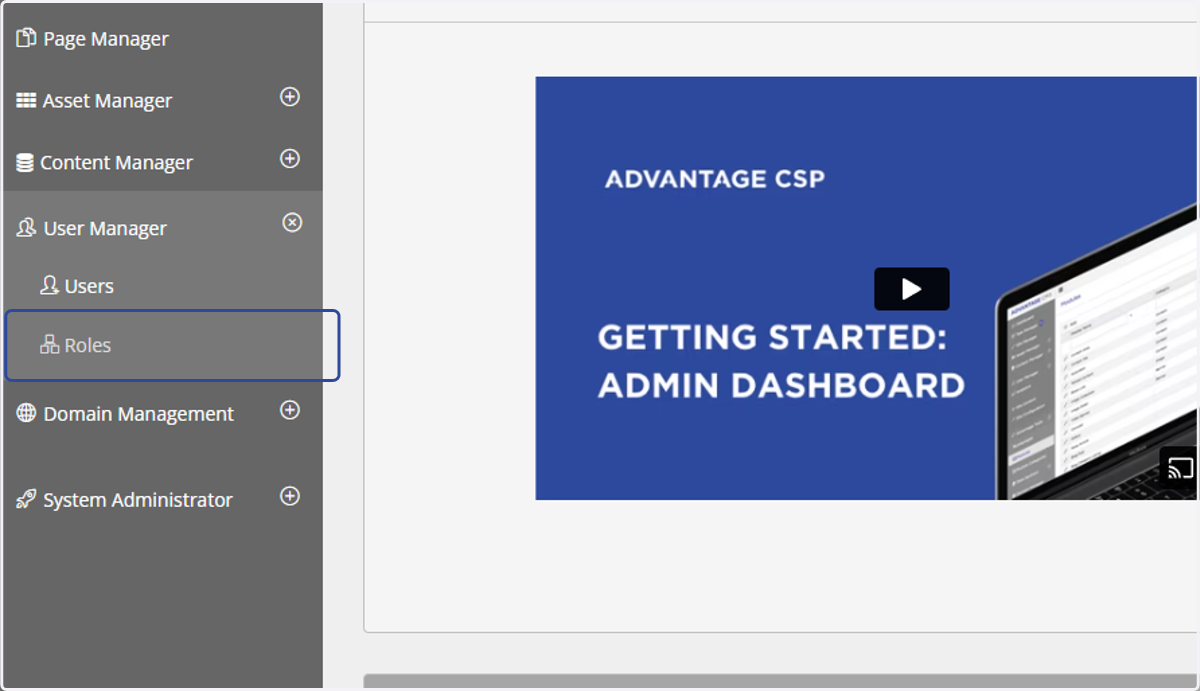
  2. 2. Click on Roles

    Click on Roles
  3. 3. Click the Icon to load editing screens
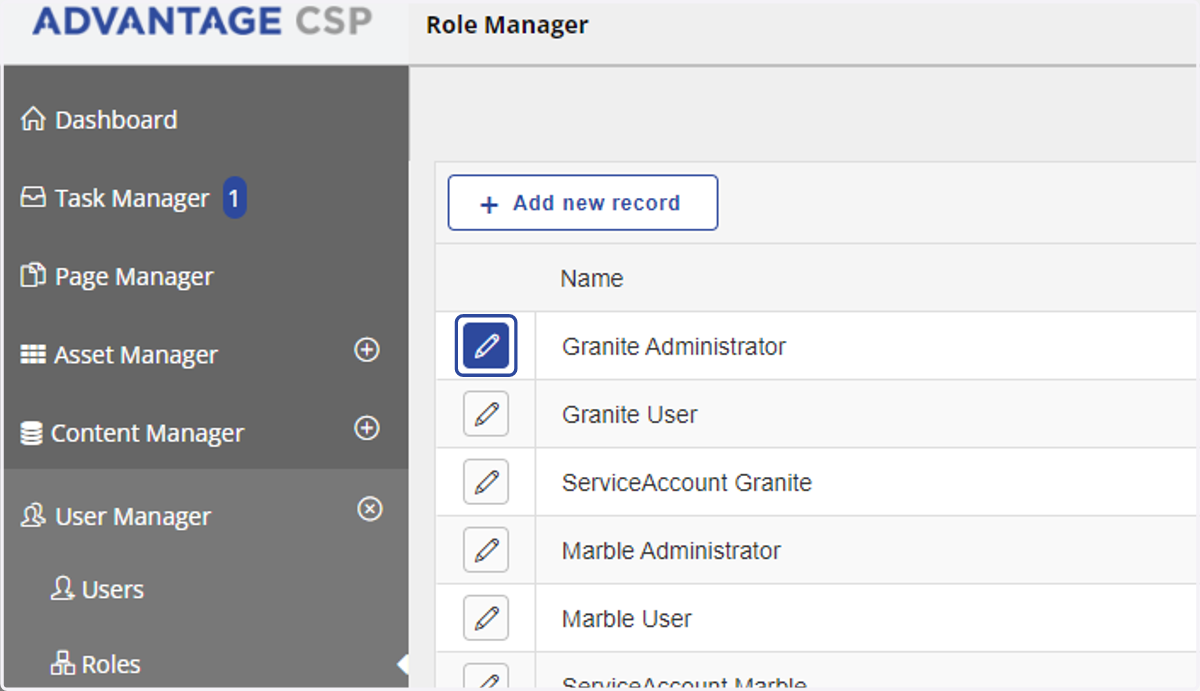
    Click the Icon to load editing screens
  4. 4. Click on Type of Content Tool or Control Grouping to modify
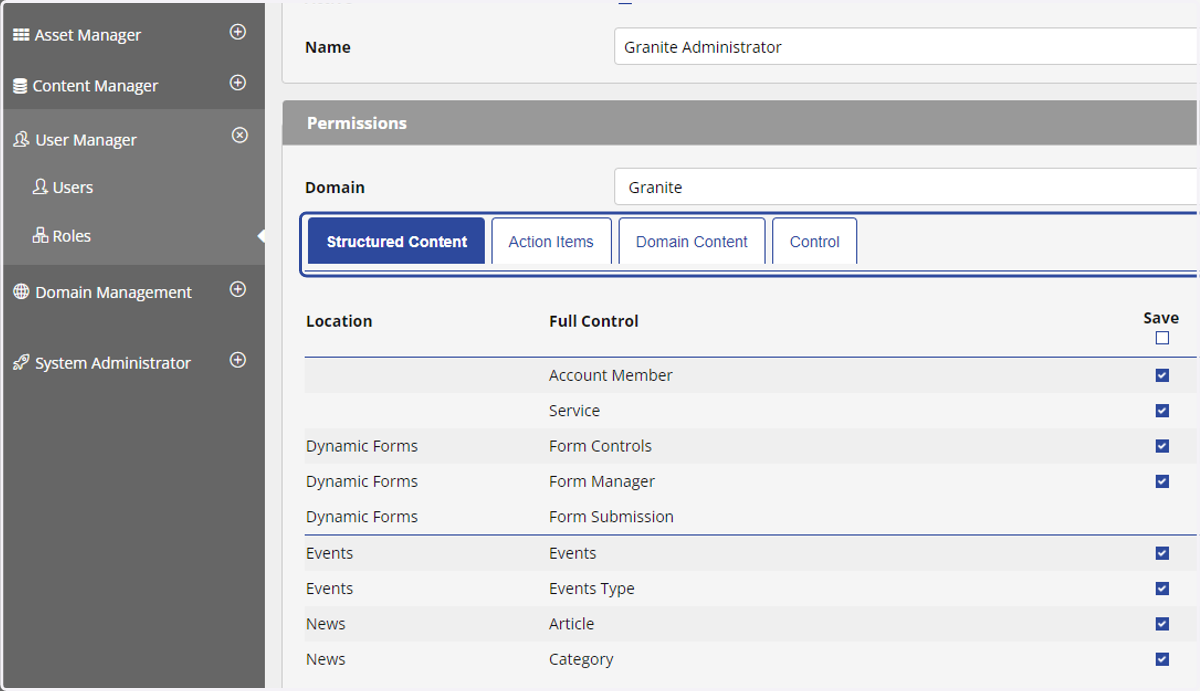
    Click on Type of Content Tool or Control Grouping to modify
  5. 5. Click on Schedule to turn on scheduling for all items within the selected tab
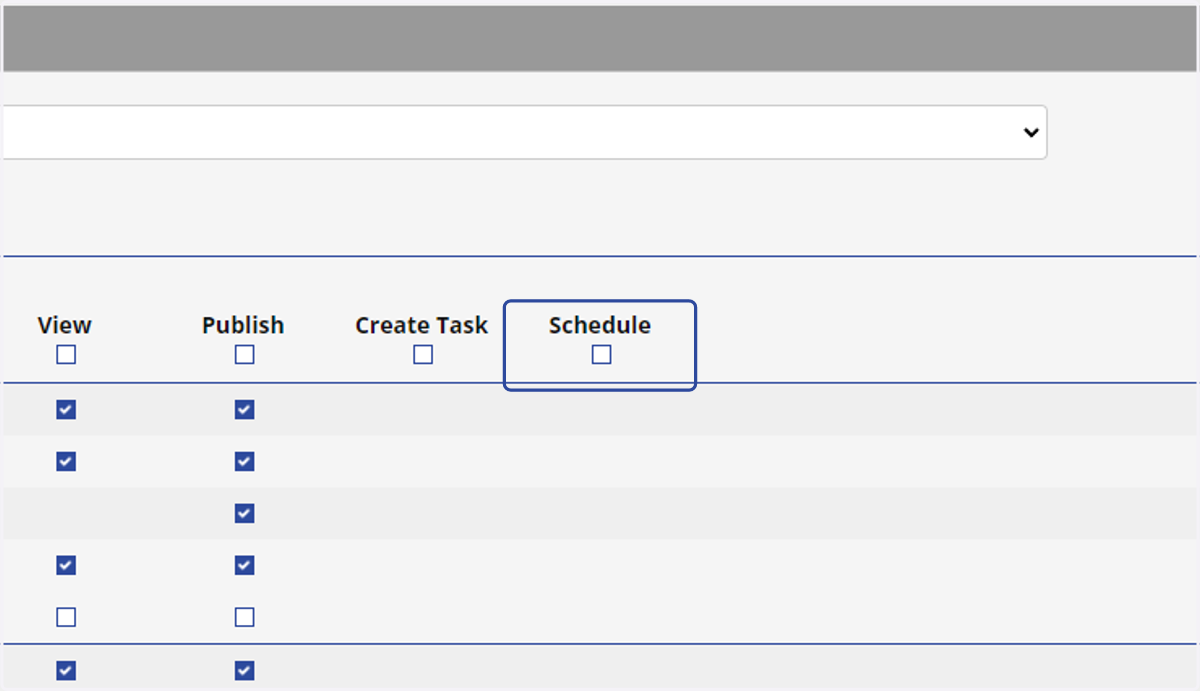
    Click on Schedule to turn on scheduling for all items within the selected tab
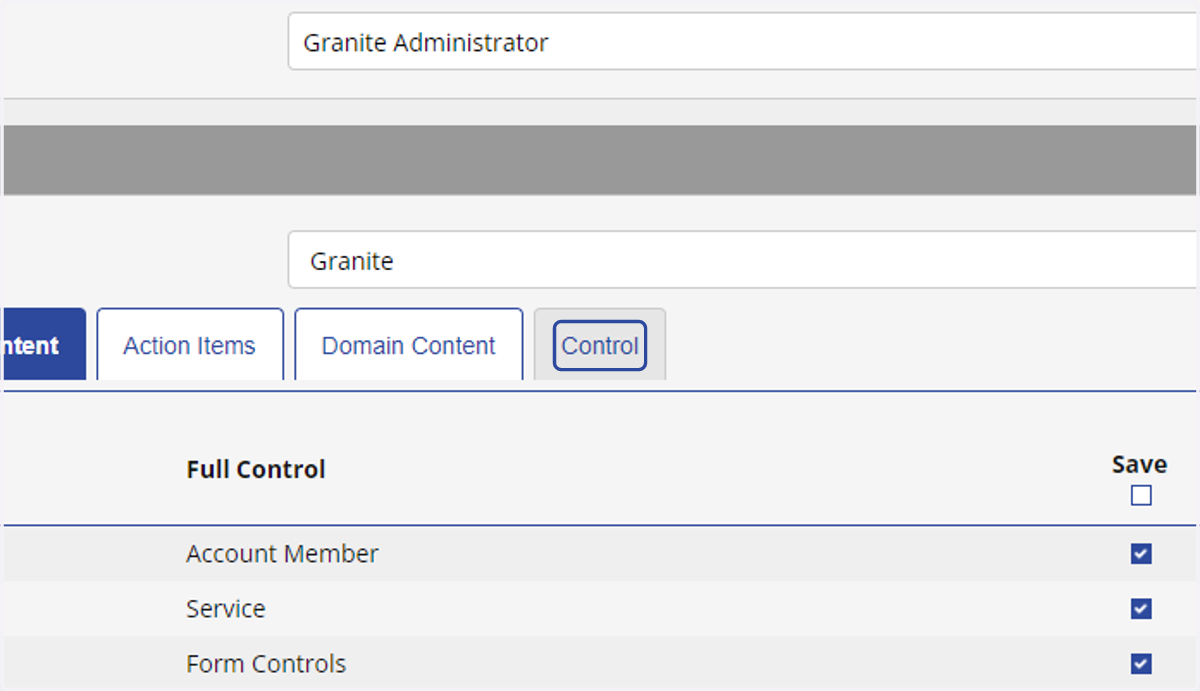
  6. 6. Click on Control for example

    Click on Control for example
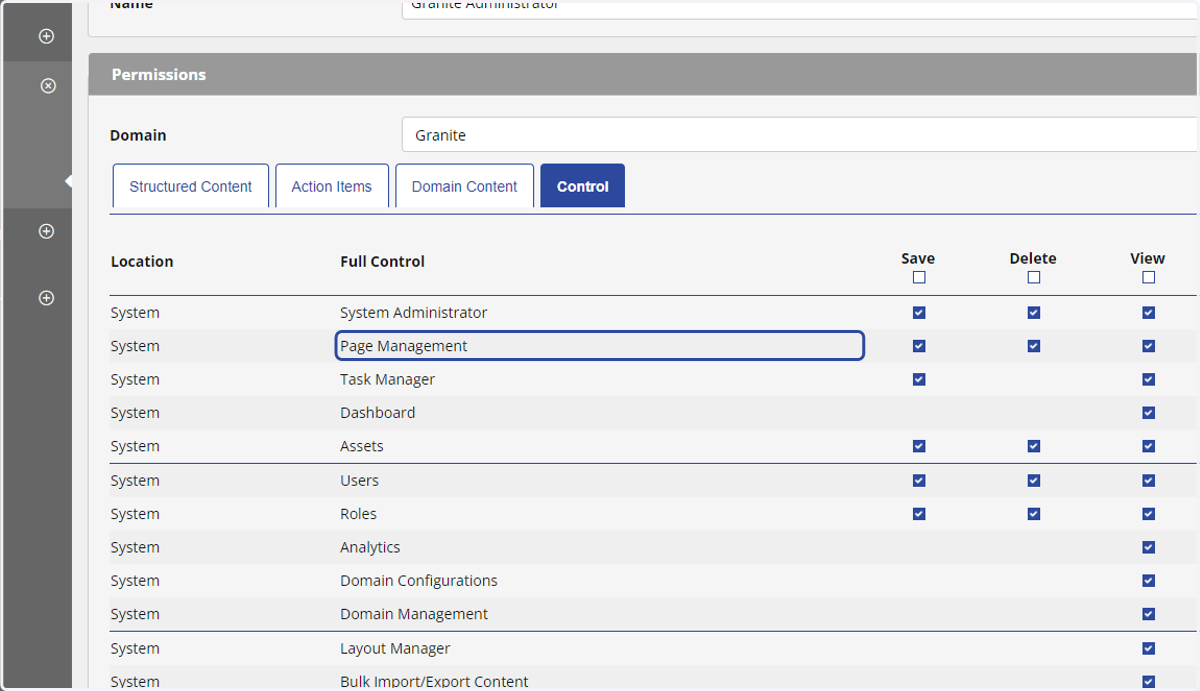
  7. 7. Click on Page Management

    Click on Page Management
  8. 8. Check permissions on the page manager for single tool activation
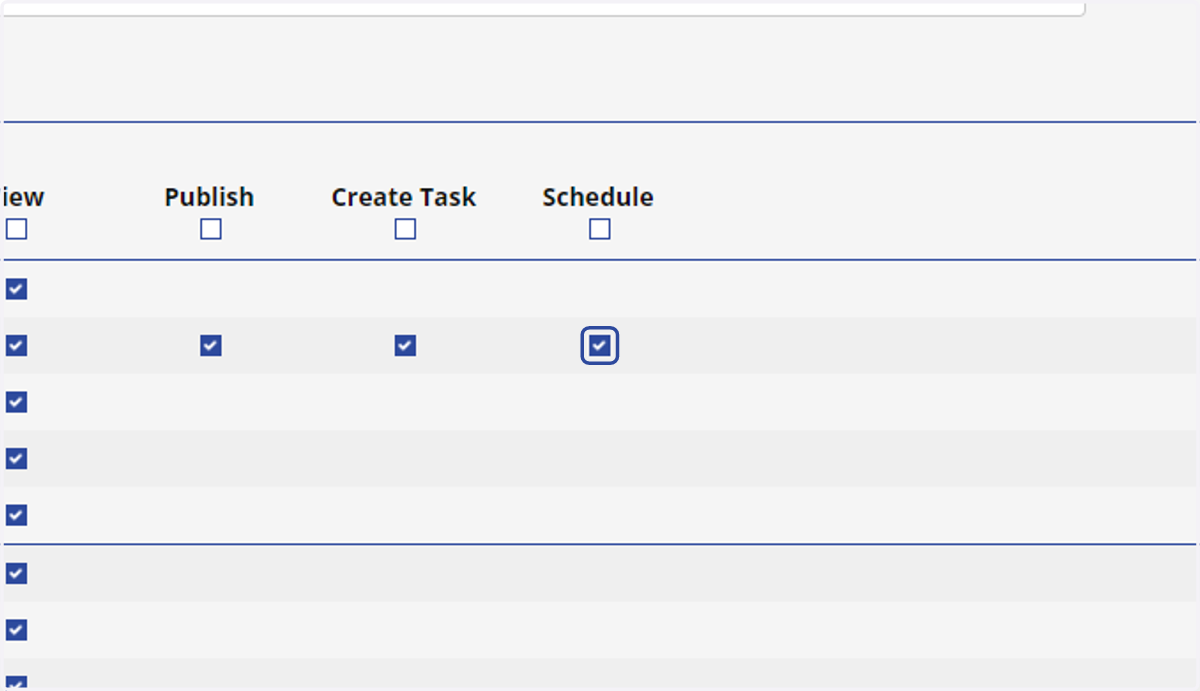
    Check permissions on the page manager for single tool activation
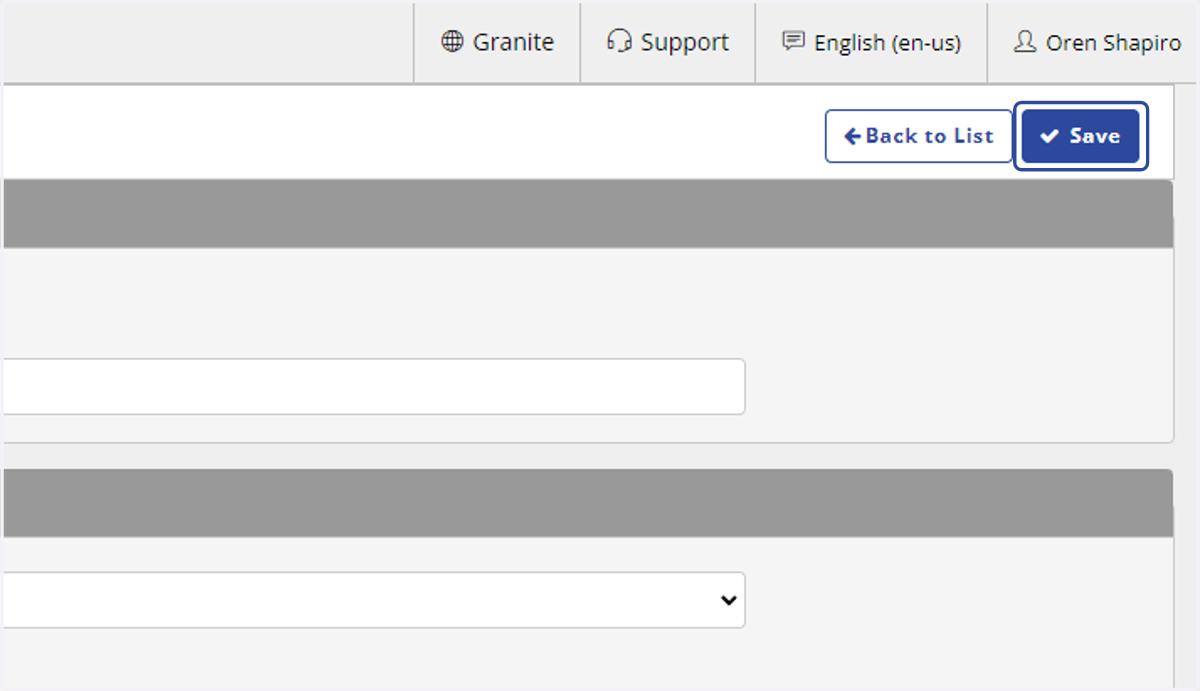
  9. 9. Click on Save

    Click on Save