I can create an incoming payment and assign it to an invoice
1. Go to Jules AI
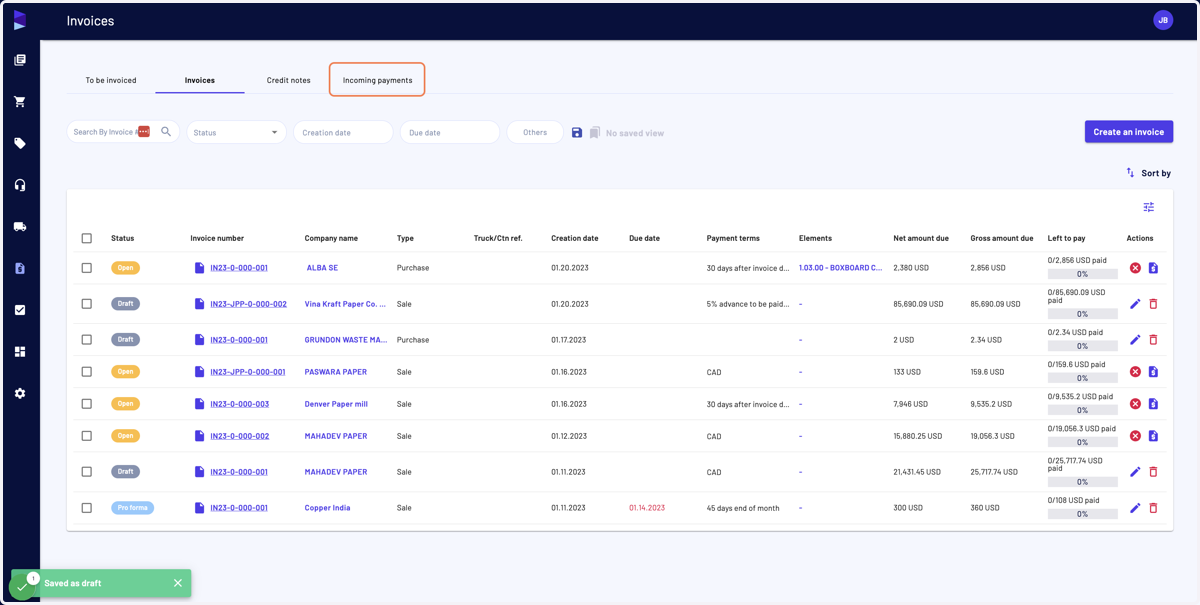
2. In the "Invoice" menu, click on "Incoming payments"
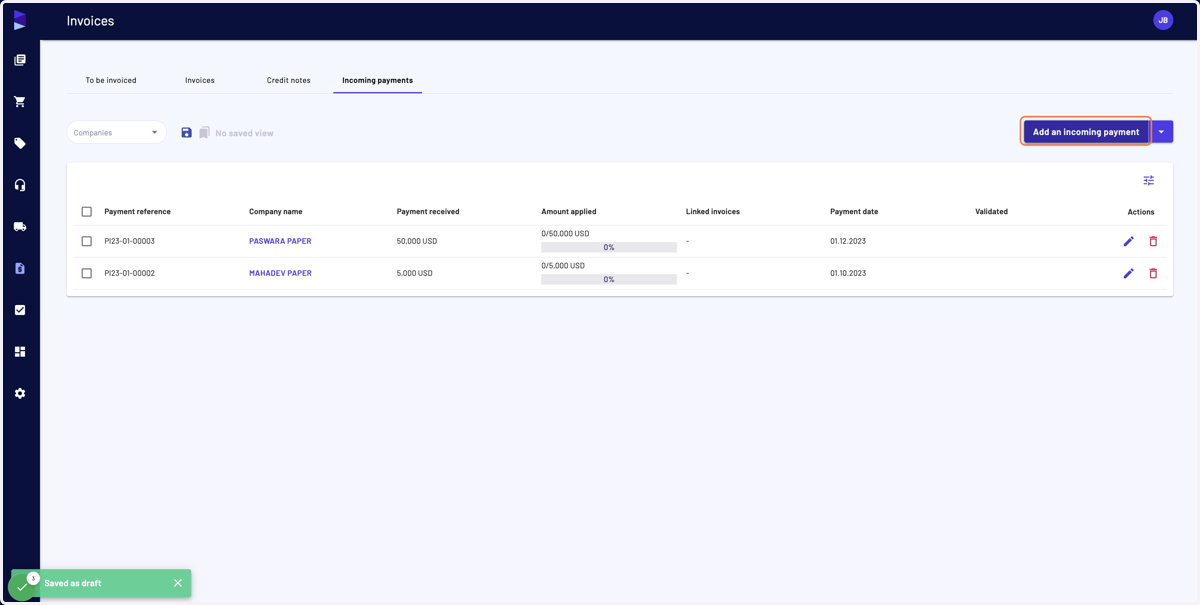
3. And then on "Add an incoming payment"
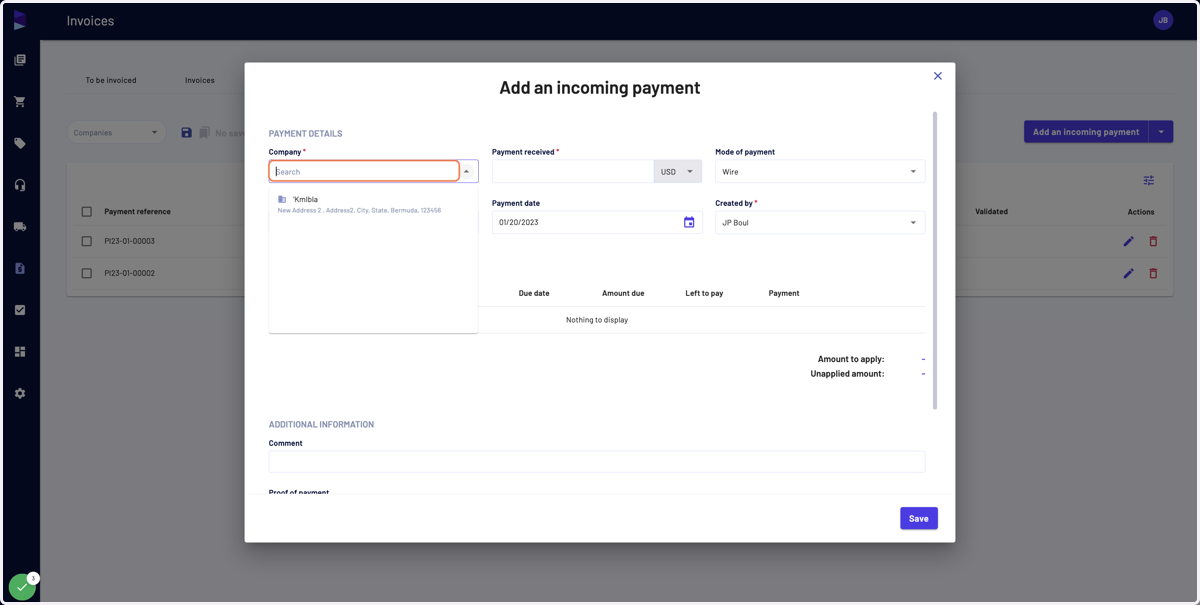
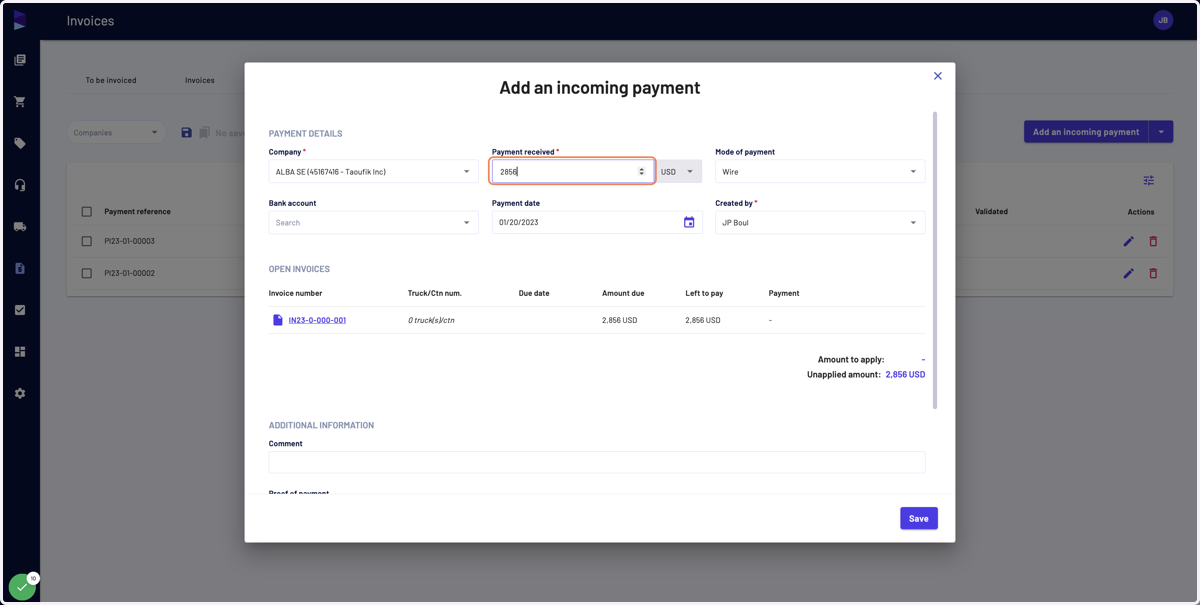
4. Select the company that made the payment
5. Enter the payment you want to apply
6. Then apply the amount for the respective open invoice we display
Comments:
1) You cannot apply an amount greater than the amount "Left to pay"
2) If you apply an amount lower than the amount paid, it will generate an "Unapplied amount" that can be used later on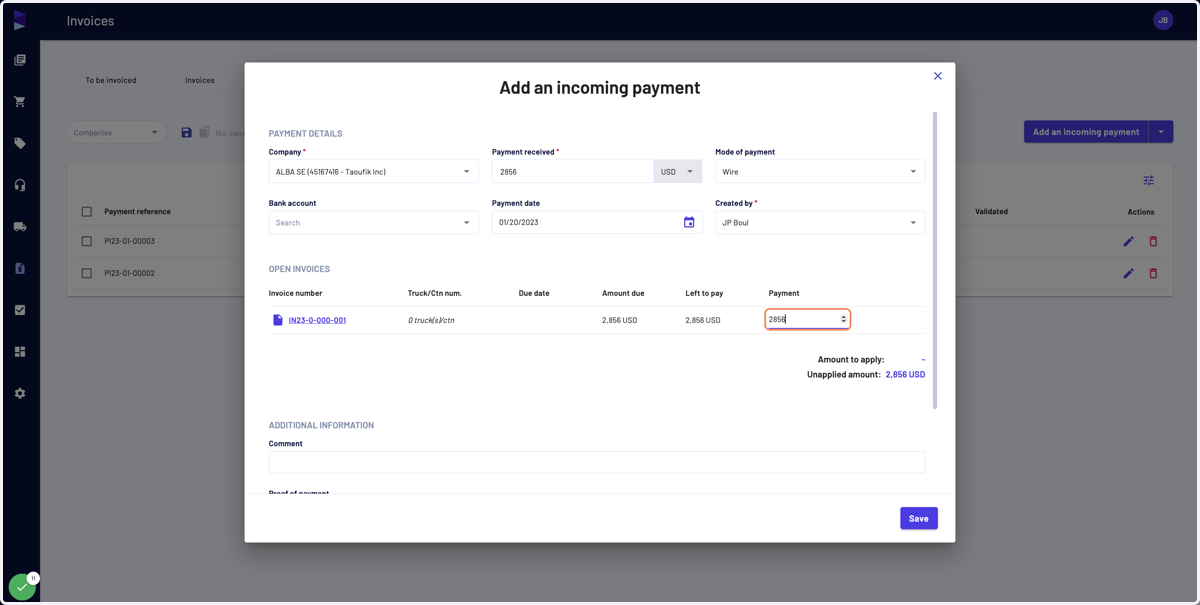
7. You can enter a comment
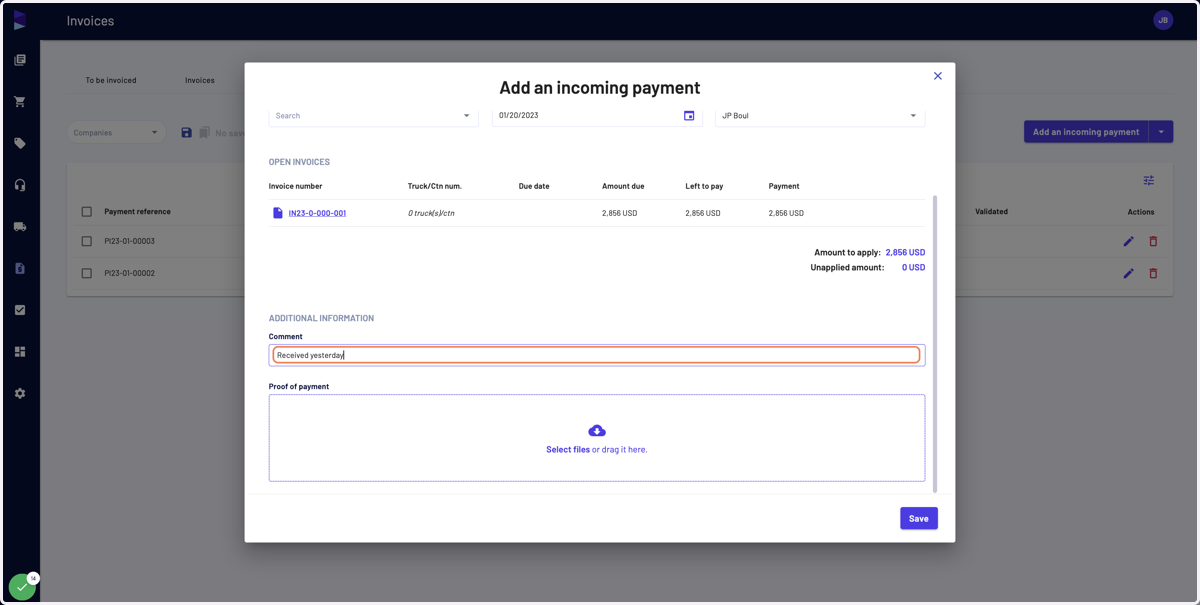
8. And attach a document, such as a proof of payment
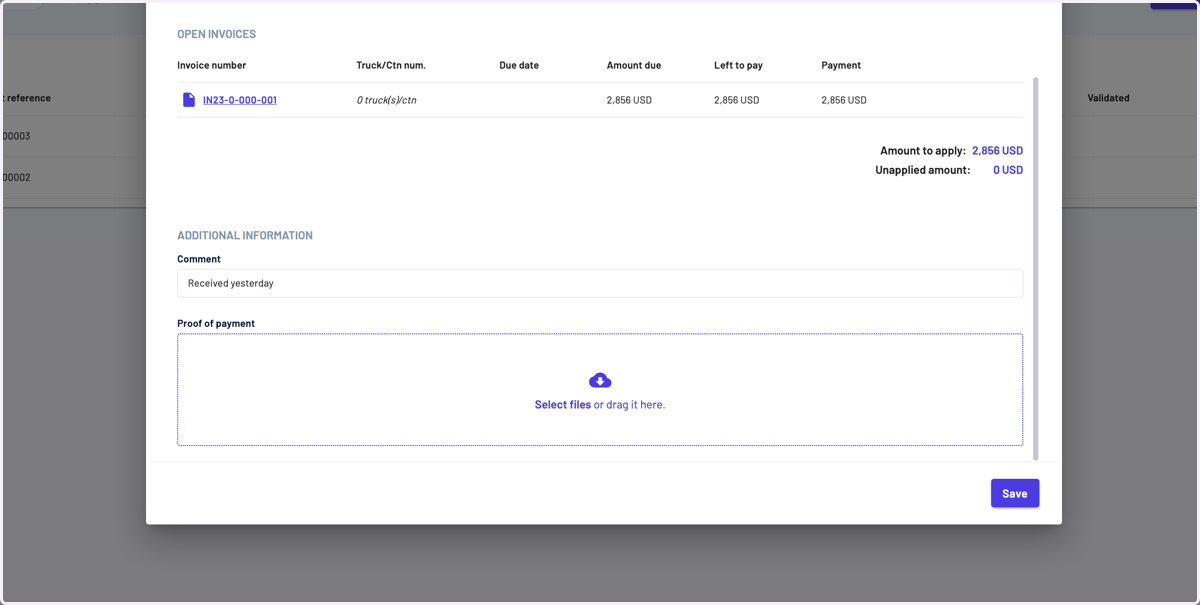
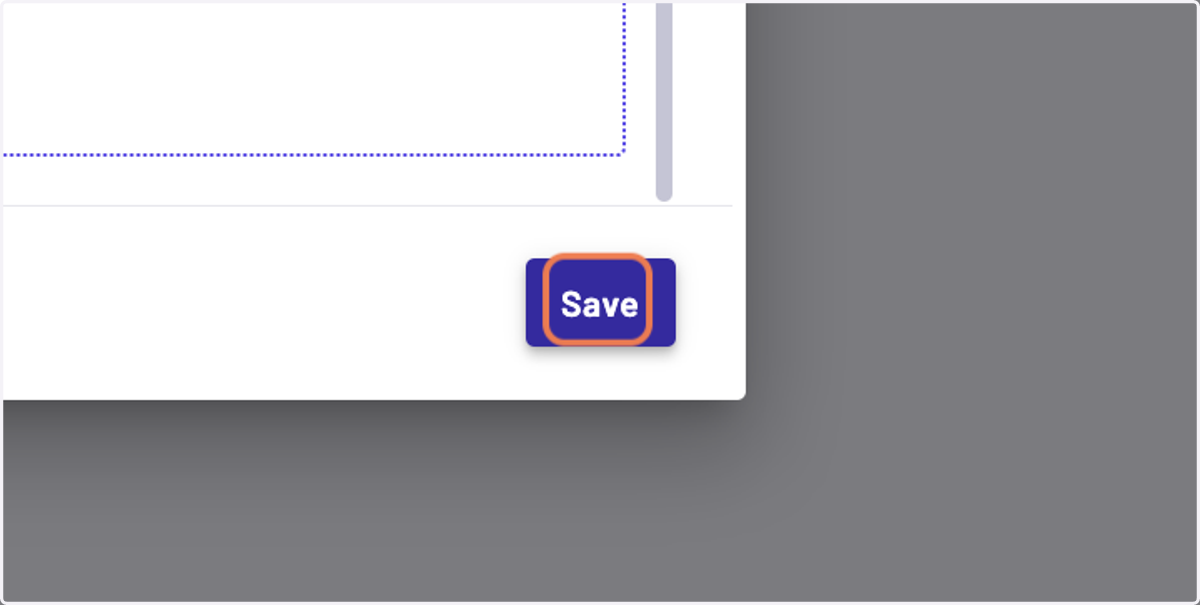
9. Then click on "Save"